Most people trying to generate uncensored character art with FLUX.3 Max hit the same wall: the platform blocks it before it even renders. The image disappears, a safety warning appears, or the output gets softened so aggressively it looks like a different prompt entirely. If you have been chasing realistic, unrestricted character art and keep running into that wall, this article breaks down what actually works, which platforms support it, and which models on PicassoIA give you the cleanest results with zero content walls.
What FLUX.3 Max Actually Does
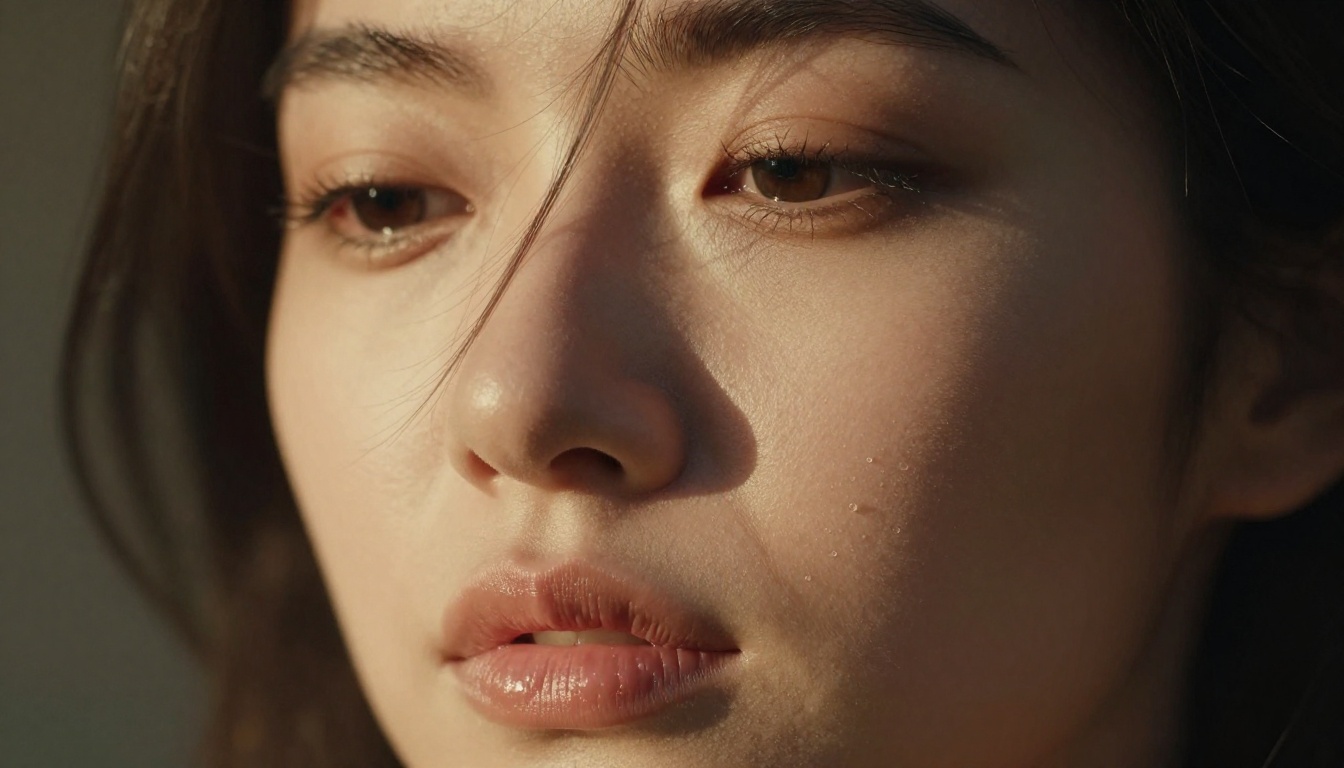
FLUX.3 Max is Black Forest Labs' highest-output text-to-image architecture. It sits above FLUX.1 Schnell and FLUX.1 Dev in the model family, prioritizing output fidelity and prompt adherence over generation speed. The results are photorealistic character renders with accurate anatomy, natural skin texture, and lighting that rivals high-end photography.
How It Differs from Earlier FLUX Versions
The FLUX family has a clear hierarchy. FLUX.1 Schnell is fast but produces softer, less detailed outputs. FLUX.1 Dev adds better prompt following. FLUX.3 Max pushes both qualities further: tighter prompt adherence, more accurate facial anatomy, and finer texture detail in skin, hair, and fabric.
For uncensored character art specifically, this matters because:
- Better anatomy accuracy means fewer distorted limbs and facial inconsistencies
- Higher fidelity textures produce more convincing skin and material rendering
- Stronger prompt adherence means the model follows your composition and pose instructions more closely
The trade-off is that FLUX.3 Max is heavier computationally, so it generates more slowly than Schnell. On a platform like PicassoIA, the difference is a few extra seconds, which is negligible for the output quality you get.
The Uncensored Promise vs. Reality
Here is where things get complicated. FLUX.3 Max the model, running on Black Forest Labs' own infrastructure, supports adult content. But the model you access through a platform is only as permissive as that platform allows. Most mainstream platforms apply content filters on top of the model, which means the exact same prompt can succeed on one platform and get blocked on another.
💡 The platform, not the model, determines whether your uncensored character art actually renders. Choosing the right platform matters as much as choosing the right model.
This is why searching for "FLUX.3 Max for uncensored character art" often leads to frustration. The model can do it. The platform hosting it often cannot.
The Content Filter Problem
Major AI image platforms apply safety classifiers at two levels: the prompt level and the output level. A prompt classifier scans your text before generation and blocks anything flagged. An output classifier analyzes the generated image and either rejects it or blurs flagged regions.
FLUX.3 Max running on Replicate with a standard API setup has configurable safety settings. But consumer-facing platforms almost always lock those settings on. The result is that you are running a capable model through a filter that neutralizes its unrestricted capabilities.
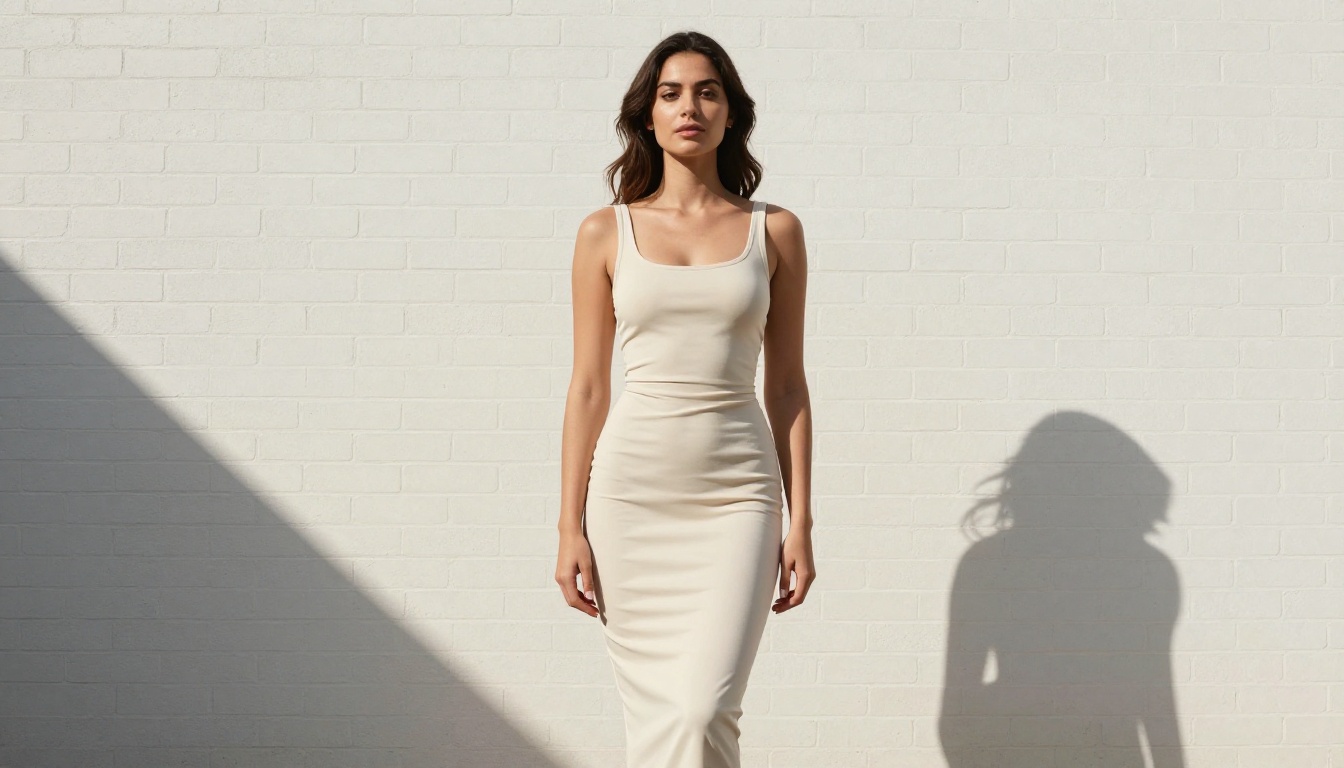
Prompt engineering workarounds, such as replacing direct words with coded alternatives or using abstract language, work inconsistently. They may get one generation through, then fail on the next. If your creative workflow depends on consistent unrestricted output, you need a platform with filters intentionally removed, not workarounds.
What "Unrestricted" Really Means
There is a spectrum here. At one end: fully explicit, pornographic content. At the other: tasteful artistic nudity, glamour photography, bikini-style images. Most artists working in character art for games, illustration, and digital media are operating in the middle of that spectrum.
A well-built NSFW AI platform should handle:
- Suggestive and glamour-style compositions
- Artistic implied nudity (classical art standards)
- Explicit adult content for mature creative projects
PicassoIA handles all three. Its models run with content filters intentionally off for users who select them, making it a reliable destination for anyone doing unrestricted AI character work.
Best Models for Uncensored Character Art on PicassoIA
PicassoIA hosts over 90 text-to-image models. Not all of them support adult content. The ones below do, and they are ranked by how consistently they produce usable unrestricted character art.
Seedream 4.5: The Top Pick
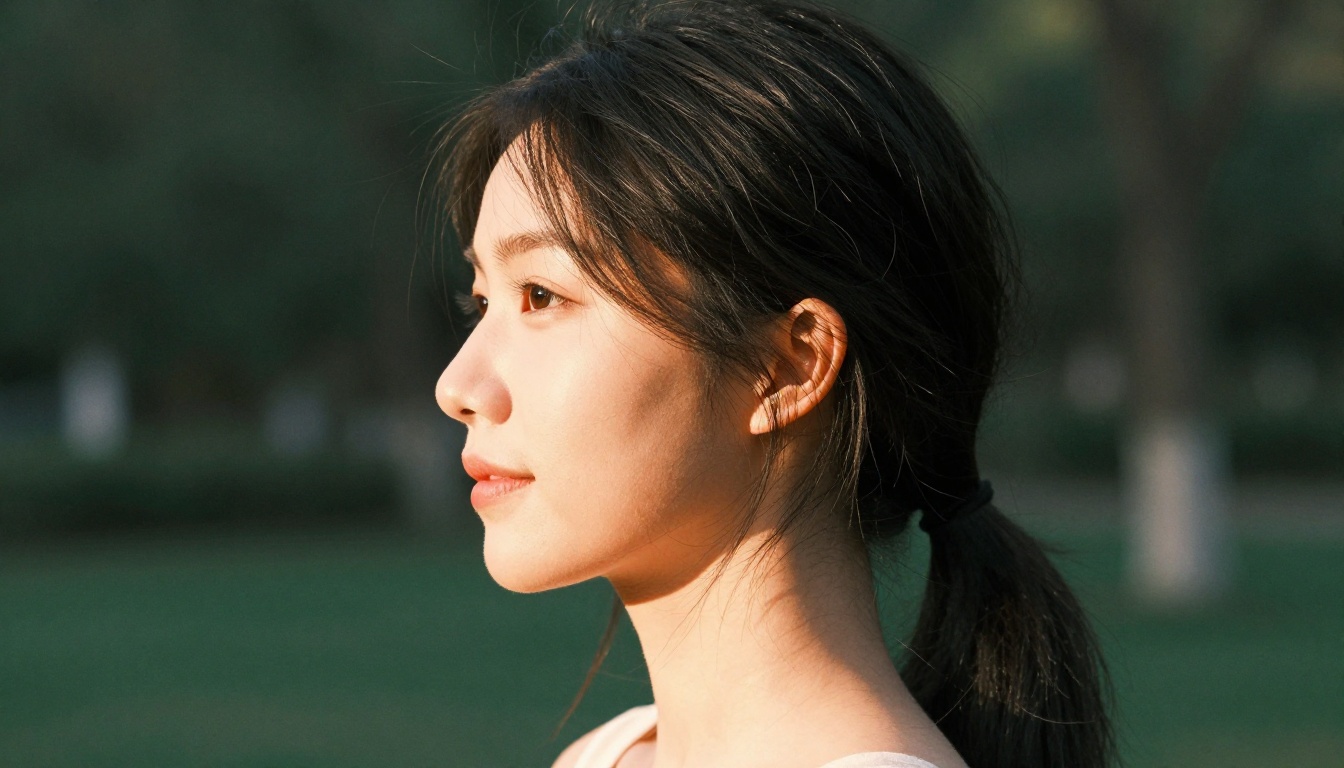
Seedream 4.5 is the strongest all-around model for NSFW character art on PicassoIA right now. It accepts adult content directly, supports image editing within the same interface, and generates in under 3 seconds. The output quality is comparable to top-tier FLUX models for portrait and full-body character work.
What sets it apart:
- Sub-3-second generation even on complex character prompts
- Dual-mode operation: text-to-image and image editing in one model
- No content wall: adult prompts render without soft-blocking or modification
- High anatomical accuracy for realistic character art
💡 Note: The newer Seedream 5 Lite does not support NSFW content. If you want uncensored output, stick with Seedream 4.5.
PicassoIA Image Editor Pro: Unlimited at No Extra Cost
PicassoIA Image Editor Pro is an image-to-image model. Its biggest advantage is not just the output quality (though that is strong): it is that Elite and Infinite plan subscribers get unlimited generations.
To put that in concrete terms: generating 1,000 character images with a per-credit model like Nano Banana 2 would cost around $100. With PicassoIA Image Editor Pro on an Elite or Infinite plan, those 1,000 generations cost nothing extra. For artists working in volume, such as character sheet generation, game asset creation, or variation testing, this changes the economics entirely.
It also accepts NSFW content and returns results in under one second. There is a free trial with 3 generations and no credit card required.
Six More Models Worth Testing
| Model | Best For | Speed | NSFW |
|---|
| Qwen Image 2 | Detailed realism, editing | Fast | Yes |
| Grok Imagine Image | Glamour and bikini conversion | Fast | Yes |
| Recraft V4 | Text-to-image realism | Medium | Yes |
| P-Image | Speed-focused NSFW generation | Under 1s | Yes |
| prunaai-wan-2.2-image | Realistic characters from text | Fast | Yes |
| P-Video | Animating character images | Fast | Yes |
The full catalog, including newer additions, is at picassoia.com/en/all-models.
Prompt Structures That Actually Work
Building a Strong Character Prompt
The difference between a flat, generic character render and a photorealistic one that looks like it came from a professional photographer is almost entirely in the prompt structure. FLUX.3 Max and similar high-fidelity models respond to specific visual information, not vague descriptions.
A working character prompt follows this structure:
Subject + Pose → Environment/Background → Lighting Conditions → Camera Lens and Angle → Texture and Atmosphere Details
Here is a concrete example:
"Young woman, standing with weight on left hip, wearing white linen blouse open at the collar, brick wall alley background with warm afternoon light from camera-right, 85mm f/1.8 lens, close-medium shot, skin texture showing natural pores, fabric weave visible, Kodak Portra 400 film grain, photorealistic"
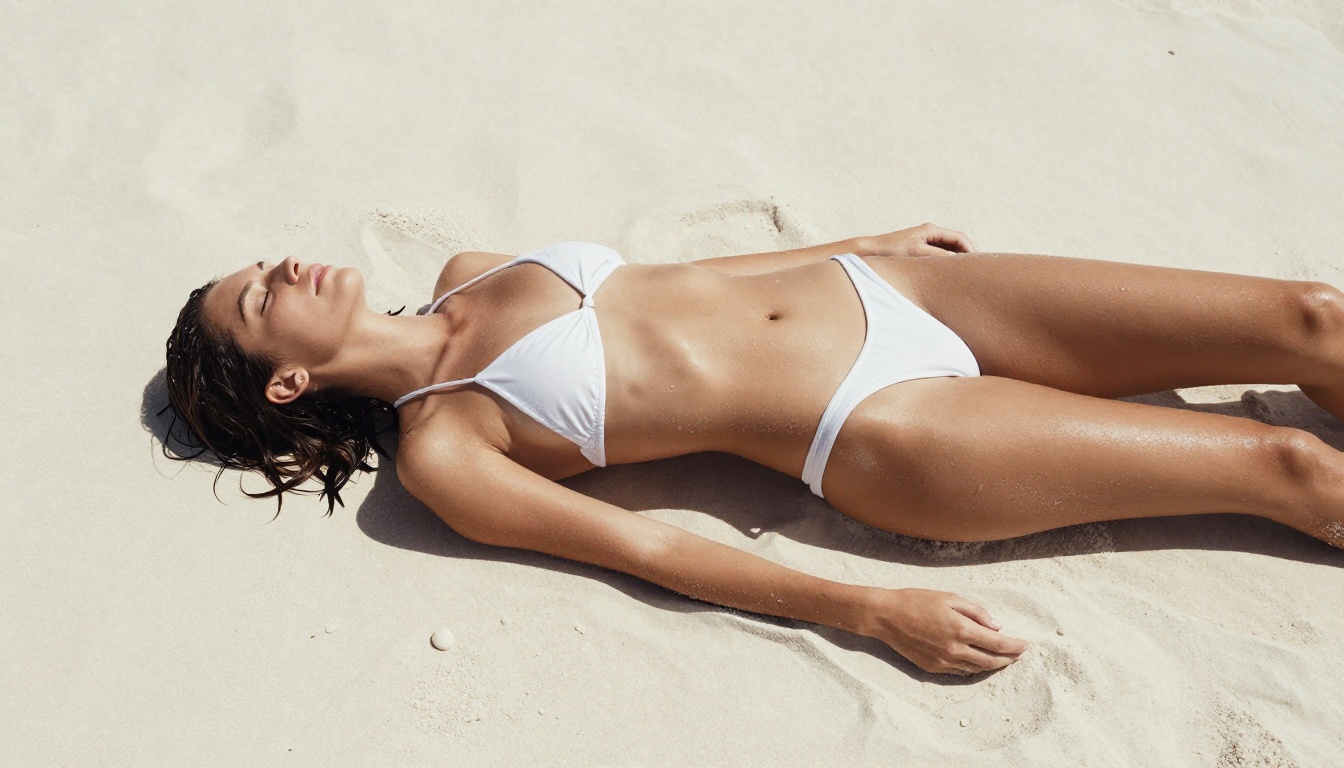
What makes this work:
- Specific lens (85mm f/1.8) tells the model what depth of field and compression to apply
- Named film stock (Kodak Portra 400) pulls in specific color science and grain characteristics
- Texture specifics (natural pores, fabric weave) signal that you want photorealism, not a polished render
- Lighting direction (warm afternoon light from camera-right) produces realistic shadow direction
3 Mistakes That Kill Your Output
1. Over-relying on style words instead of technical descriptors
"Beautiful realistic woman" produces average output. "85mm f/1.4, golden hour backlight, skin texture, Kodak Portra 400" produces photorealism. Replace adjectives with photographic specifics.
2. Ignoring negative prompts
Most platforms let you specify what to exclude. Use them: "painting, illustration, cartoon, watermark, text, blurry, soft focus, digital art" tells the model what artifacts to avoid.
3. Prompting explicit content on platforms that block it
If the platform has filters on, explicit prompts will fail or produce degraded output. On PicassoIA with models like Seedream 4.5, this is not an issue. On other platforms, you will hit the wall regardless of how you phrase it.
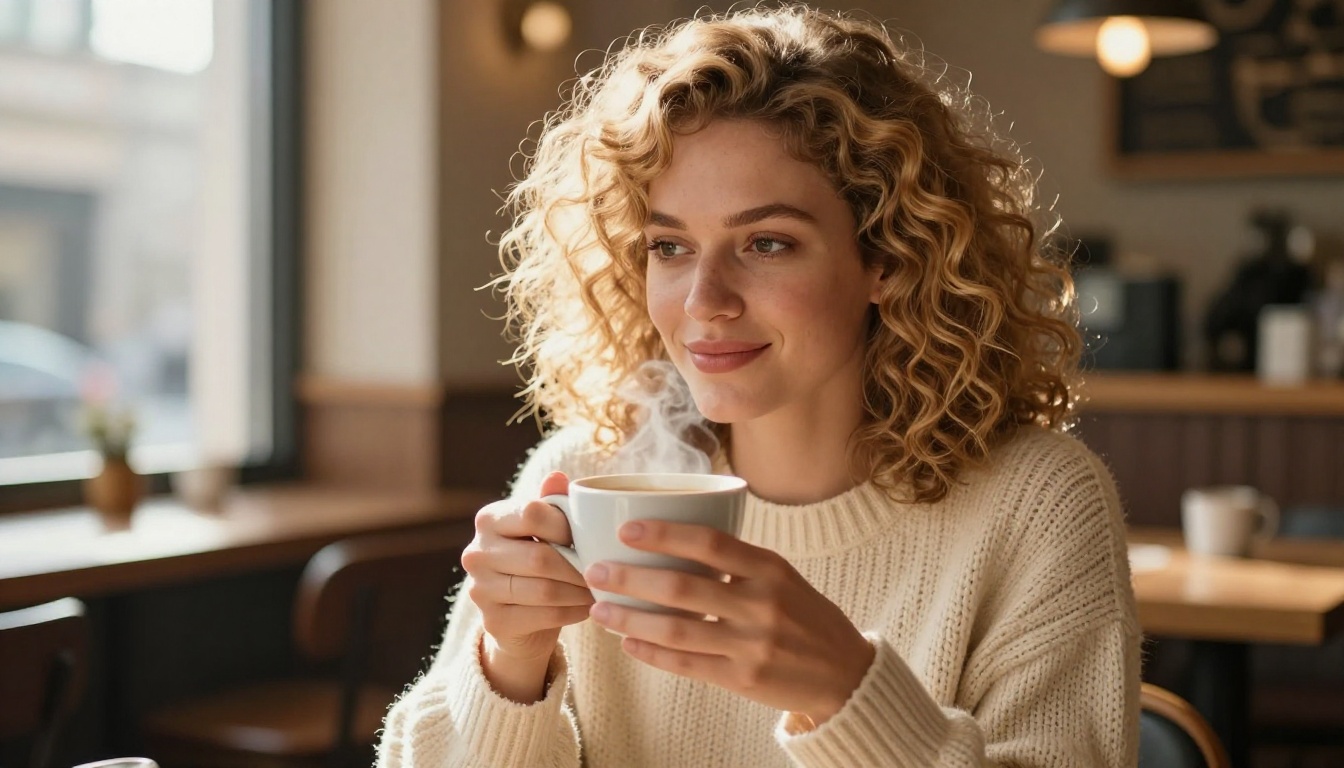
Styles That Work Best
Not every character art style benefits equally from FLUX.3 Max's capabilities. These are the styles that produce the strongest results with high-fidelity uncensored models.
Portraiture and Glamour
Portrait and glamour work is where FLUX.3 Max and models like Seedream 4.5 really show what they can do. The high-fidelity output produces:
- Accurate facial anatomy without the distortions common in lower-tier models
- Natural skin rendering with pores, subtle tone variations, and realistic sheen
- Correct hair physics at realistic lengths and textures
- Believable lighting interaction across different materials (skin, fabric, jewelry)
For glamour-style work, prompts focusing on natural photography aesthetics work better than abstract fashion language. Think: photographer's studio, natural light, editorial beauty shoot rather than magazine cover or fashion editorial.
💡 For best glamour results on PicassoIA, use Seedream 4.5 as your base model, then refine with PicassoIA Image Editor Pro for targeted adjustments without re-generating from scratch.
Fantasy and Stylized Characters
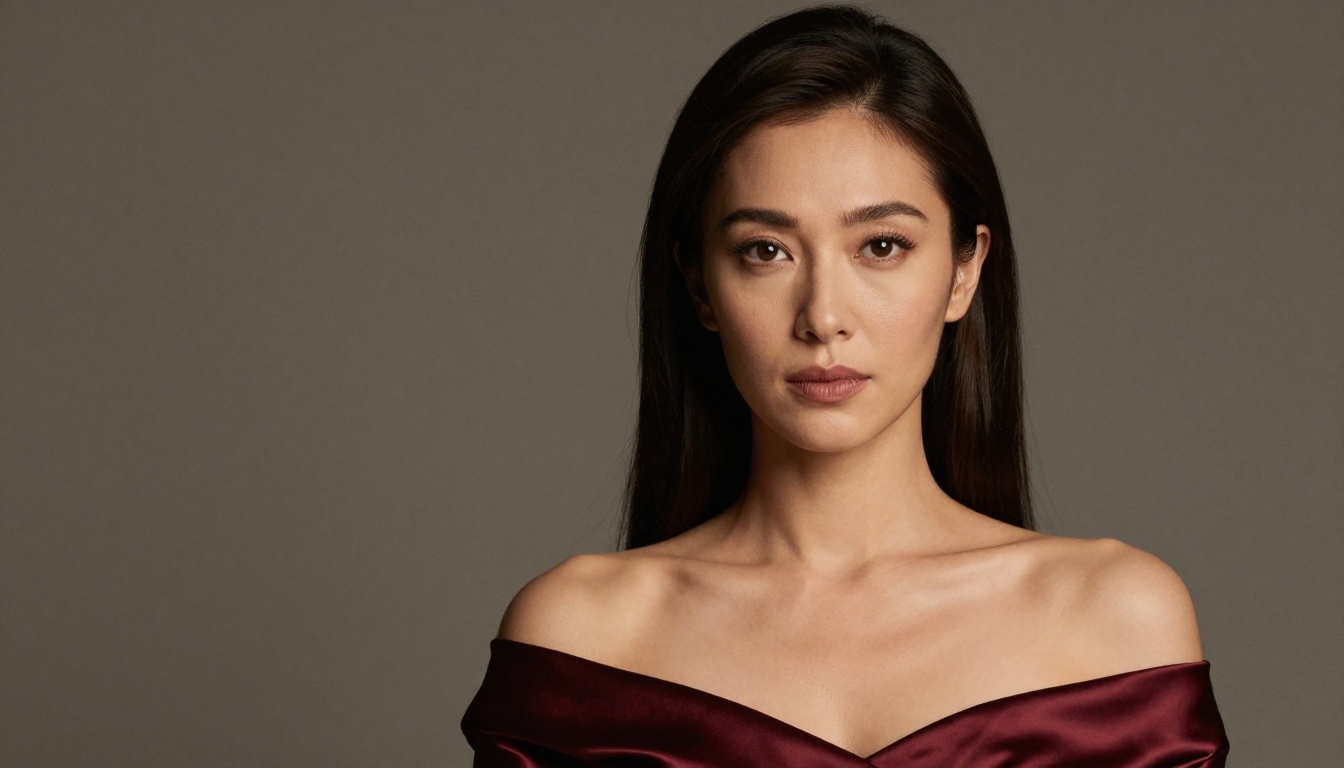
Fantasy character work sits in an interesting middle ground. You want a character that reads as fantastical but still looks physically real. The approach that works:
- Root the character in photorealism first: start with realistic skin, hair, and anatomy
- Add fantastical elements through environment and props: background, lighting, costume details
- Avoid "fantasy art" or "digital painting" style words: these push the model toward illustration rather than photorealism
- Use cinematic photography language: "cinematic lighting, 85mm lens, film grain" keeps the output looking photographic even with a fantasy subject
For character design reference work specifically, Grok Imagine Image and Recraft V4 are worth testing alongside Seedream 4.5. Each has slightly different output characteristics that suit different character archetypes.
How to Use Seedream 4.5 on PicassoIA
Since PicassoIA hosts this model and it is the top recommendation for uncensored character art, here is how to get the best results from it.
Step-by-Step Setup
- Go to Seedream 4.5 on PicassoIA and open the generator
- Set your resolution: Seedream 4.5 supports 1K, 2K, and 4K output. For character art you will use for print or high-res display, choose 4K. For iteration and testing, 2K is faster
- Set your aspect ratio: 16:9 for widescreen compositions, 9:16 for portrait-mode character sheets, 1:1 for social posts
- Write your prompt using the structure above: Subject, Environment, Lighting, Lens, Texture
- Add negative prompts if the interface supports it: "illustration, cartoon, painting, watermark, text"
- Generate and iterate: Seedream 4.5 returns results in under 3 seconds, so you can iterate quickly without losing time
Parameter Tips for Best Results
- Seed: Once you get a good base output, lock the seed and make small prompt adjustments to refine without losing the composition
- Max images: Set to 3-5 when working through variations on a character concept. The model generates a set of related images in one session
- Image input: Use the reference image feature to maintain character consistency across multiple generations. Upload an initial portrait, then describe the variation you want
💡 Free trial: PicassoIA offers 3 free generations on Seedream 4.5 with no credit card required. Test the model on your specific use case before committing to a plan.
Character Consistency Across a Set
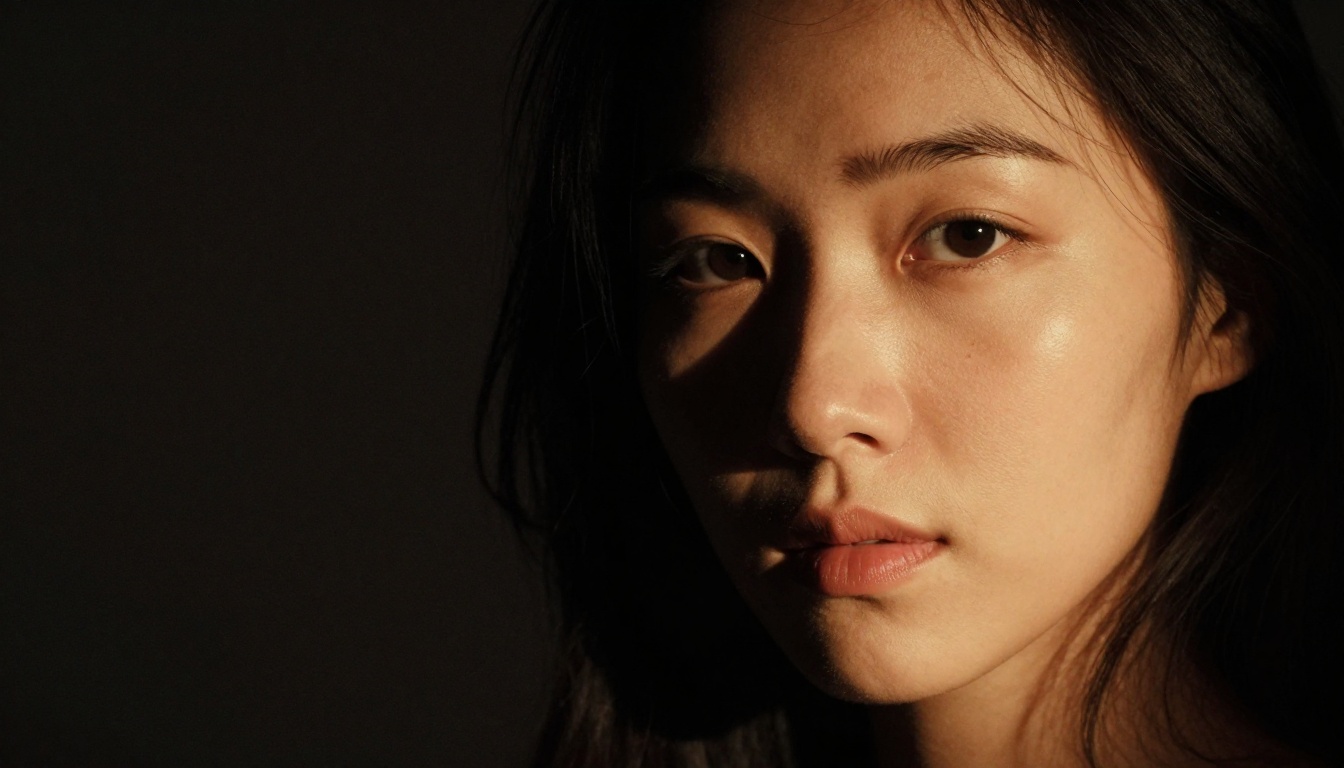
One of the bigger challenges in AI character art is maintaining consistency across multiple images. You want the same character in different poses, angles, and lighting setups. Here is how to approach it on PicassoIA:
Method 1: Seed locking
Generate your base character with a locked seed. Make pose and environment changes while keeping the core character description identical. The seed keeps the underlying character attributes stable while the new prompt elements shift the composition.
Method 2: Image-to-image refinement
Use your best text-to-image output as the reference image for PicassoIA Image Editor Pro. From there, write editing instructions: "Change background to beach at sunset" or "Adjust lighting to dramatic studio three-point setup." The model applies your instruction while preserving the character's visual identity.
Method 3: Detailed character anchors
In every prompt for the same character, include the same specific descriptors: "auburn hair with natural wave, green eyes, slight freckles across nose bridge, warm skin tone." These anchors pull the model toward consistency even without seed locking.
Choosing Between FLUX.3 Max and PicassoIA's Native Models
If you came to this article specifically because you want FLUX.3 Max output, here is the honest breakdown. FLUX.3 Max is a strong model. But for uncensored character art on a platform that actually allows it, Seedream 4.5 produces comparable or better results in practice, with the added advantage of running on a platform where the filters are intentionally off.
The real question is not which model has the highest benchmark score. It is which model produces the output you need on a platform where that output is actually allowed. That is where PicassoIA wins for this use case.
| Factor | FLUX.3 Max on most platforms | Seedream 4.5 on PicassoIA |
|---|
| Uncensored support | Often blocked by platform | Yes, fully supported |
| Generation speed | 5-15 seconds typical | Under 3 seconds |
| Anatomy accuracy | Very high | Very high |
| Unlimited generations | No | Yes (Elite/Infinite plans) |
| Free trial | Varies by platform | 3 generations, no card needed |
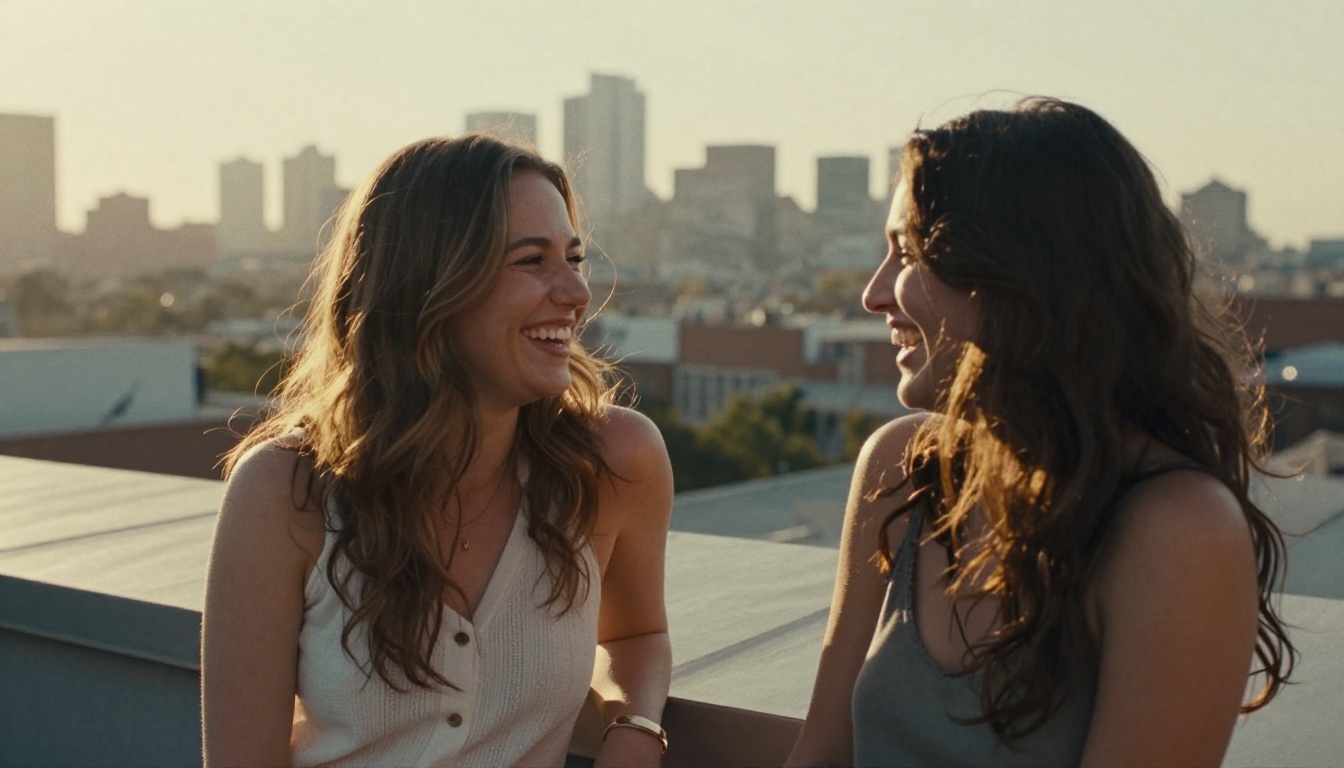
Start Generating Your Own Character Art
If you have been hitting walls on other platforms, the straightforward solution is switching to one built for unrestricted creative work. PicassoIA's character art models, particularly Seedream 4.5 and PicassoIA Image Editor Pro, are the fastest path from prompt to photorealistic uncensored character art without fighting safety classifiers at every step.
Start with the free trial (3 generations, no credit card), build your prompt using the structure in this article, and see what the models can actually do when the filters are not in the way.
The full catalog of NSFW-capable models, including video generation options like PicassoIA Video and Grok Imagine Video, is at picassoia.com/en/all-models.


