Two tools define the current state of AI image generation, and they operate on completely different philosophies. FLUX.2 Max from Black Forest Labs pushes photorealism to 4 megapixels with reference image support and precision prompt following. Midjourney v7 leans into stylized artistic output, cinematic mood, and community-driven aesthetics. If you need to choose one for serious creative work in 2027, this breakdown goes through every dimension that matters, so you spend more time creating and less time second-guessing your toolset.
Two Very Different Bets
What FLUX.2 Max Brings
FLUX.2 Max is the latest flagship from Black Forest Labs, the team behind the FLUX architecture that reset expectations for open-weight image models. It generates images up to 4 megapixels in a single pass, accepts up to eight reference images to steer composition and style, and outputs in WebP, JPEG, or PNG at quality levels you set manually. The core design priority is fidelity: what you describe shows up in the image.
If your prompt says "matte walnut desk, ceramic mug, morning light from the left," the model places those elements precisely where you described them. This level of prompt adherence is rare. Most text-to-image generators interpret prompts loosely, filling gaps with their own aesthetic preferences. FLUX.2 Max treats your description as a technical brief and executes it.
On PicassoIA, FLUX.2 Max runs without credit caps, at resolutions from 0.5 MP up to 4 MP, across ten aspect ratio presets from 1:1 to 9:16. A reproducible seed system lets you lock a composition and iterate on your prompt without losing the base result.
What Midjourney v7 Does
Midjourney v7 operates as a closed, subscription-only service accessed through Discord or its web interface. The model excels at atmospheric, painterly output that has become synonymous with "AI art" in popular culture. Its training emphasizes visual drama: rich gradients, stylized lighting, and characteristic sharpness in fine details like hair and fabric that reads more as illustration than photograph. Version 7 brought improved face coherence, stronger text rendering, and more consistent image prompting compared to earlier releases.
The tradeoff is a black box experience. Resolution in megapixels is not directly controllable, format options are limited, and the model adds stylistic decisions you did not request. For many creators, those additions are exactly what makes the tool compelling.
Image Quality Side by Side
Photorealism and Detail
FLUX.2 Max wins on straight photorealism. At 4MP with natural lighting prompts, it produces images that pass casual inspection as real photographs. Skin texture, fabric weave, reflections in glass, and environmental grain all render at a level that general image generators do not reach. Spatial consistency is strong: objects stay in their prompted positions, proportions remain accurate, and shadows fall where physics requires.
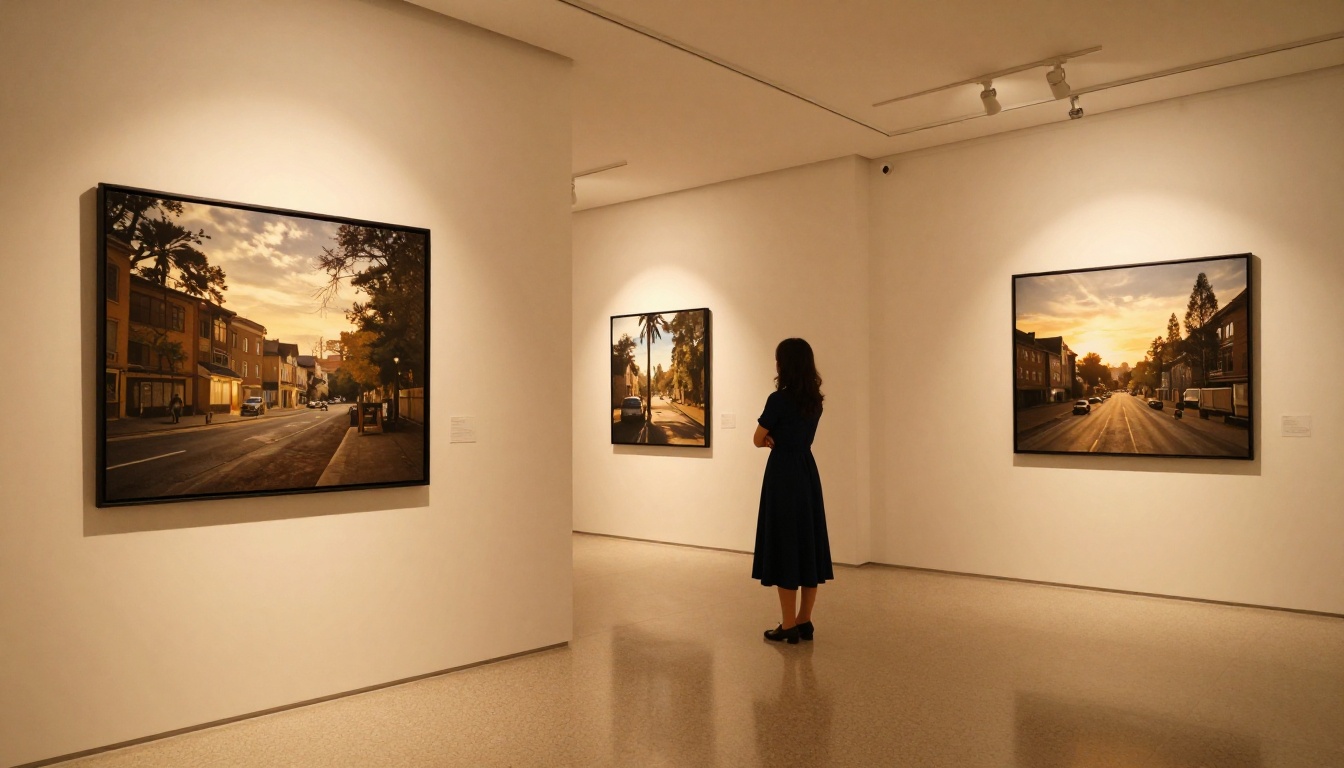
Midjourney v7 is sharp in a different sense. Hair strands, fabric folds, and facial features resolve at impressive detail, but the output reads as a high-quality illustration rather than a document of real light on real surfaces. That quality is exactly what many designers and social media creators want. For commercial photography mockups, e-commerce product shots, or editorial content that must read as real photography, FLUX.2 Max holds the advantage.
💡 Tip: At 2MP, FLUX.2 Max runs significantly faster and still produces publish-quality images for most web and social use cases. Reserve 4MP for print or large-format digital assets where every pixel matters.
Color and Tone Accuracy
FLUX.2 Max follows your color descriptions literally. Specify "warm tungsten fill from the left" and you get exactly that light quality. Midjourney v7 interprets color with its own aesthetic sensibility: prompts describing neutral, muted tones often come back with elevated saturation or added dramatic mood. This makes Midjourney images consistently striking on first viewing, but harder to control when you have a specific brand palette or reference shoot to match.
For brand-consistent batch production, FLUX.2 Max's color fidelity is not just a quality difference. It is a workflow requirement.
Prompt Accuracy
How FLUX.2 Max Reads Your Words
FLUX.2 Max was built with prompt adherence as a primary training metric. In practice, this means:
- Complex multi-element compositions stay organized across the full frame
- Background and negative space elements get rendered rather than ignored
- Lighting direction specified in the prompt reflects accurately in cast shadows
- Text within images reproduces with fewer errors than competing models at equivalent resolution
- Spatial relationships between objects follow your description, not a generic default
FLUX Pro, the lighter sibling available on PicassoIA, includes a guidance slider that controls how literally the model follows your prompt versus how much creative latitude it applies. FLUX.2 Max takes that same precision architecture further with higher resolution output and multi-reference input support.
How Midjourney v7 Interprets Prompts
Midjourney v7 uses your prompt as a starting point, then applies its own aesthetic logic on top. Short, atmospheric prompts ("misty mountain at dawn, dramatic light") produce stunning results with minimal effort. Highly technical prompts specifying exact camera lenses, lighting setups, and spatial arrangements often produce something in the ballpark but with unasked-for additions.
This is intentional product design. Midjourney's user base wants the model to make elevated visual decisions for them, and it does that consistently. If your workflow depends on predictable, specification-accurate output across a large batch of images, that behavior creates friction.
Resolution and Output Options
FLUX.2 Max Up to 4MP
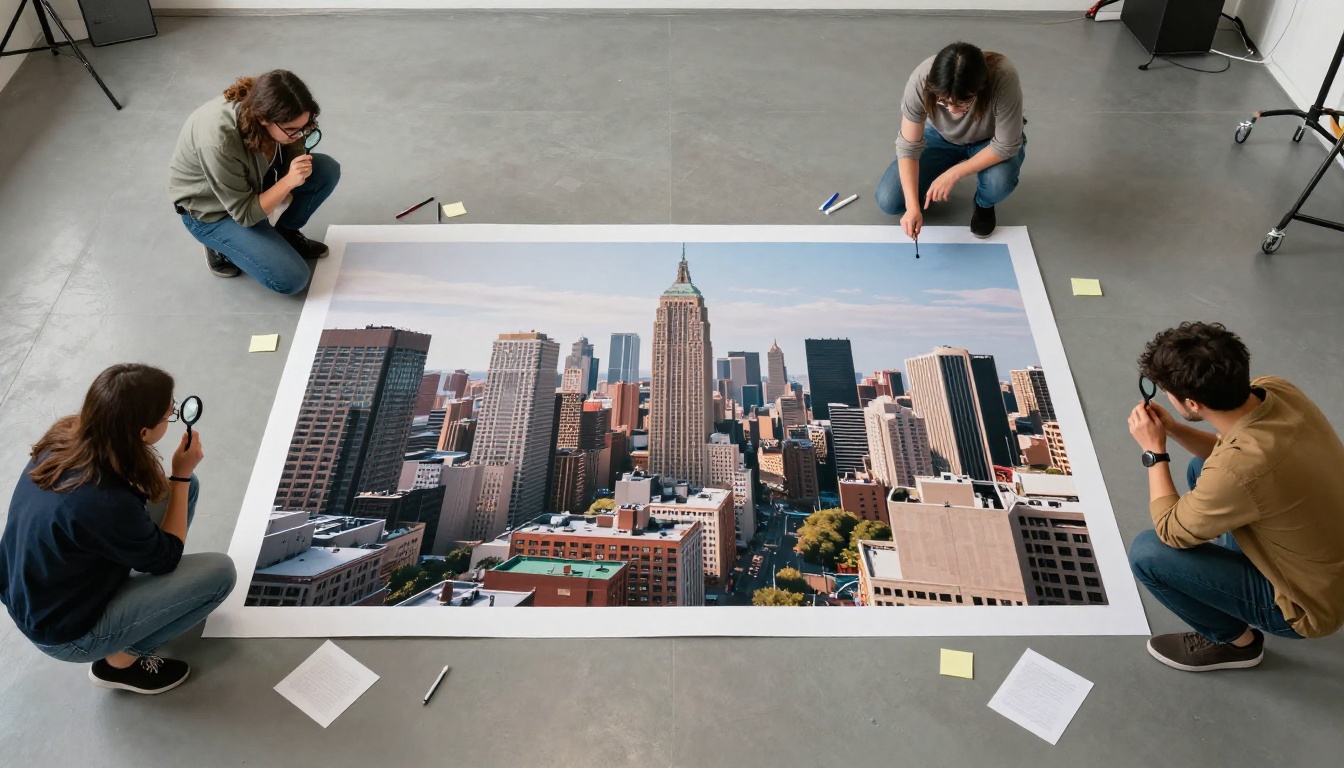
The resolution ceiling matters for real production work. Most AI image generators cap at 1 megapixel, which is sufficient for social media but falls short for professional publishing, print, and high-DPI display use.
| Use Case | Minimum Resolution | FLUX.2 Max |
|---|
| Instagram post (1080px) | ~0.35 MP | Any setting |
| Magazine full-page print | ~2 MP | 2MP or 4MP |
| Billboard mockup | ~4 MP | 4MP |
| Web article banner | ~0.5 MP | Any setting |
| High-DPI retina display | ~2 MP | 2MP |
At 4MP on PicassoIA, FLUX.2 Max delivers images up to 2048x2048 in standard aspect ratios, with larger dimensions available in custom mode. The model also accepts reference images to automatically match resolution from your source file, so you can generate new images that fit your existing asset library dimensions without manual resizing steps.
Midjourney's Format Limits
Midjourney v7 defaults to approximately 1MP output and upscales through a post-processing step. The upscaler adds convincing detail, but the base generation quality sets the ceiling for what upscaling can produce. Format options are limited to PNG and JPEG without a manual quality slider. Reproducibility requires the --seed parameter in the Discord interface, which adds friction compared to PicassoIA's dedicated seed input field.
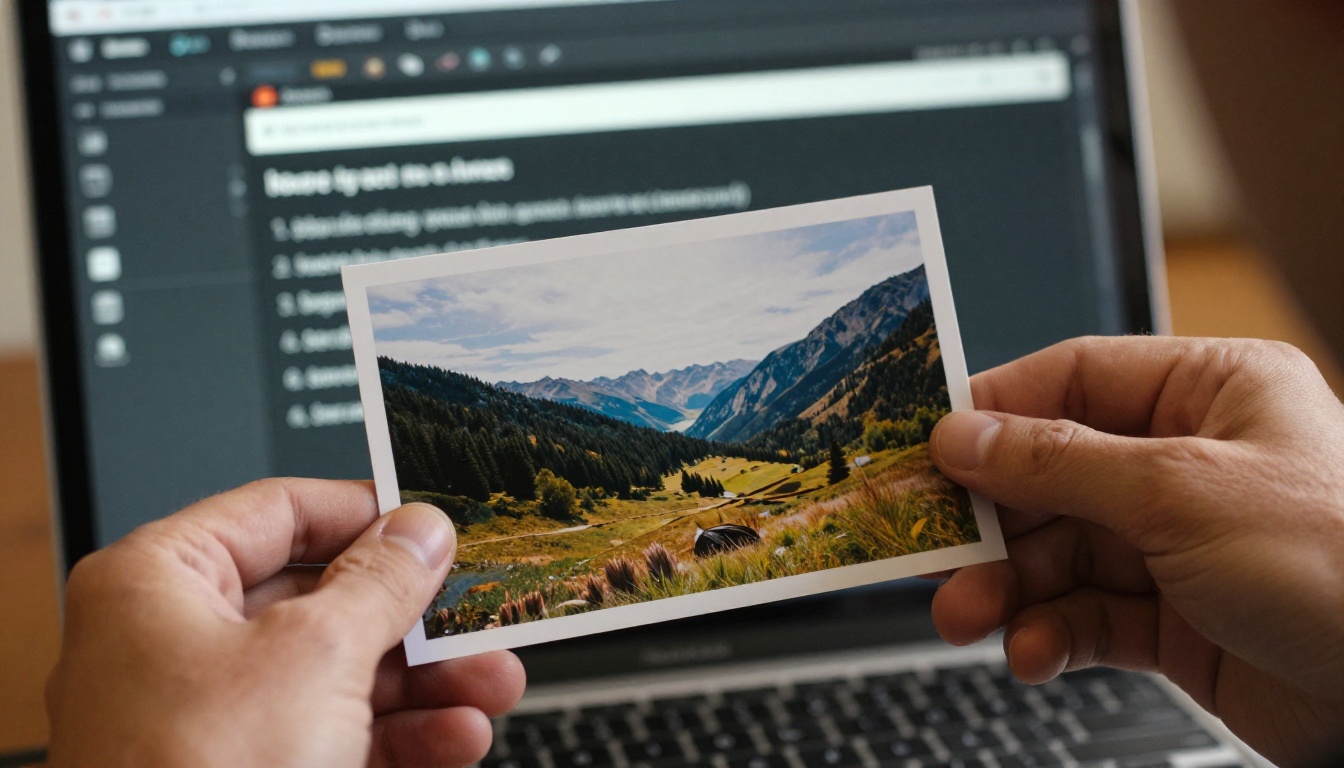
💡 Tip: FLUX Schnell on PicassoIA generates images in under 5 seconds using the same Black Forest Labs architecture. Use it for rapid ideation, then switch to FLUX.2 Max for your final production run.
Speed and Workflow
Generation Time
FLUX Schnell sets the fastest end of the Black Forest Labs family at under 5 seconds per image. FLUX.2 Max takes longer at full 4MP resolution, typically 30-60 seconds, which reflects the output complexity. Midjourney v7 averages 20-60 seconds depending on server load and the active queue, with no reliable way to predict wait times at peak hours.
For unattended batch generation, predictability matters more than raw speed. FLUX.2 Max on PicassoIA runs deterministically without queue surprises, shared infrastructure throttling, or server timeouts during high-traffic periods. Midjourney's shared model means generation times vary significantly depending on how many users are running jobs simultaneously.
Reference Image Support
FLUX.2 Max accepts up to eight reference images and uses them to steer output composition, style, or subject matter. You can feed your client's existing brand photography into the model and generate new images that match the established visual language without re-describing every element in text across a batch of hundreds of images.
FLUX Kontext Max extends this capability further, letting you edit specific elements of an already-generated image using a plain-language text instruction: swap a background, rewrite visible text in a label or sign, change a product's color, add or remove objects, all without a design application or manual masking work.
Midjourney v7 added image prompting capability in recent versions, but the reference image's influence is less direct. The model blends visual elements from your reference into its own aesthetic rather than faithfully preserving specific qualities from your source material.
Using FLUX.2 Max on PicassoIA
Since FLUX.2 Max is live on PicassoIA with no credit caps or subscription required, here is the fastest path to production-quality output from your first session.
Step 1: Write a Specific Prompt
The more specific your prompt, the better the result. FLUX.2 Max does not need vague descriptions to produce good output. It rewards precision. Describe the subject, environment, lighting direction, and camera angle together:
"Female photographer in her 30s, cream linen shirt, standing in a sunlit studio, south window light, 85mm depth of field, warm neutral background, photorealistic, 8K"
Avoid output style labels like "digital art," "cinematic render," or "AI aesthetic." FLUX.2 Max defaults to photorealism when you describe real-world elements with physical accuracy. The more your prompt reads like a photography brief, the more the output resembles a real photograph.
Step 2: Set Resolution and Aspect Ratio
For most web content, 1MP at 16:9 gives you fast generation and publish-ready files. For print or large-format work, move to 2MP or 4MP. Use the match_input_image option when you have a reference photo whose dimensions you want to replicate automatically. A safety tolerance slider from 1 to 5 lets you adjust content permissiveness for your project requirements, with the default of 2 suitable for general commercial work.
Step 3: Lock a Seed for Iteration
Set a seed value before you start iterating on your prompt. This locks the compositional randomness so each change you make to the text shows up in isolation, without a full re-roll of the image structure. When you have the composition where you want it, increment the seed slightly to get fresh variations within the same basic frame without starting over.
💡 Tip: After finalizing your FLUX.2 Max generation, use FLUX Kontext Max for targeted post-generation edits: swap a background element, rewrite text visible within the image, or change a single object, all with a plain-language instruction and no external editor required.
Which One Fits Your Work
When FLUX.2 Max Wins
FLUX.2 Max is the right choice when:
- You need photographs, not illustrations. Product shots, editorial images, and any content required to read as real photography belongs here.
- You batch large volumes. No credit caps on PicassoIA, no queue variability, and predictable generation times make batch workflows viable at any scale.
- Brand consistency matters. Reference image inputs keep your output on-brand without rewriting the same style description for every image in a batch.
- Resolution is a production constraint. 4MP output opens print, billboard, and high-DPI display use cases that 1MP generators cannot handle.
- You edit after generation. The full FLUX ecosystem on PicassoIA (FLUX Pro, FLUX Schnell, FLUX Kontext Max) creates a complete generate-then-edit workflow in one platform.
When Midjourney v7 Wins
Midjourney v7 is the better choice when:
- Artistic atmosphere is the goal. Concept art, moodboards, and visual storytelling where mood and impression beat specification accuracy.
- Short, evocative prompts are your style. Midjourney elevates minimal descriptions into visually impressive outputs through its own interpretation logic.
- Community and visual inspiration matter. Midjourney's public feed remains a strong resource for finding new visual directions and prompt ideas.
- You do not need commercial precision. If you are not matching a specific visual standard and just want a striking image quickly, Midjourney's output quality is reliably high.
The Real Difference
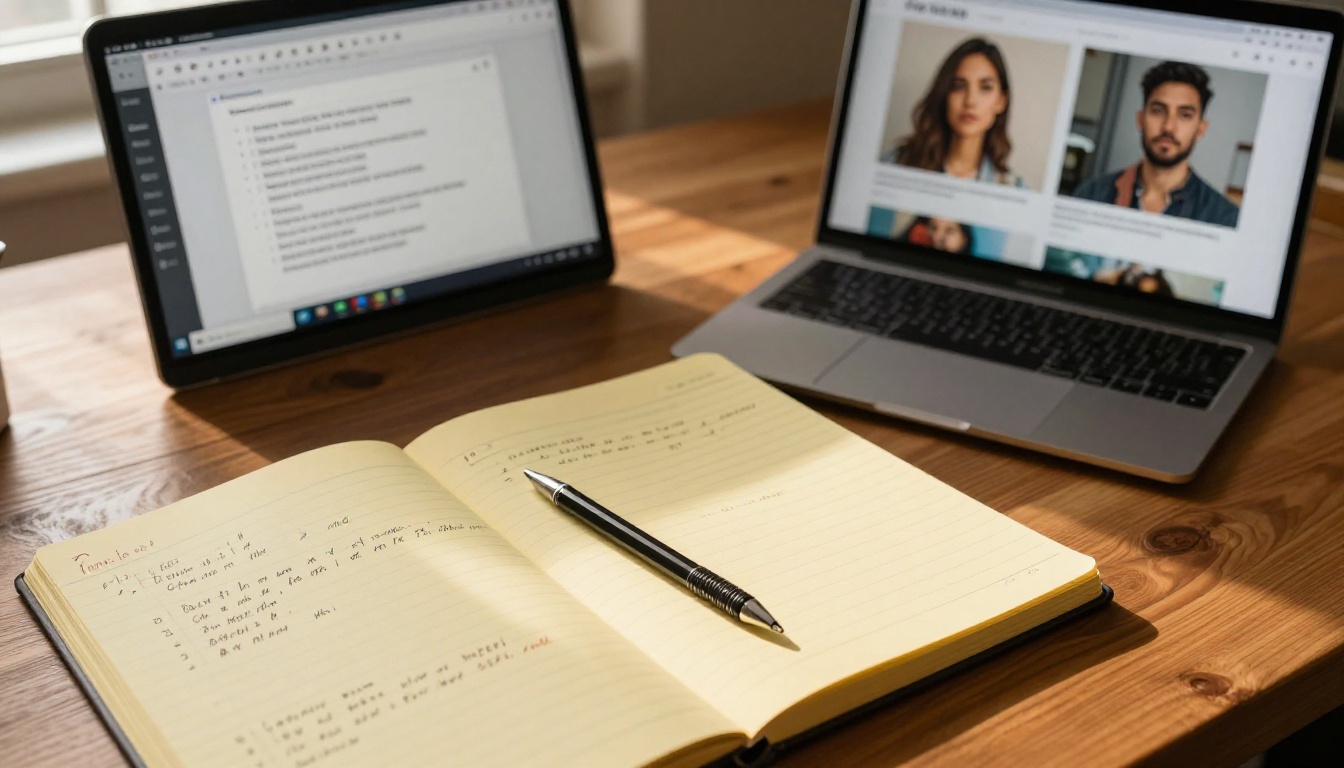
The clearest framing: FLUX.2 Max is a precision instrument and Midjourney v7 is a creative collaborator.
FLUX.2 Max does exactly what you instruct. The prompt is the brief, and the model executes it. That makes it reliable for professional production at scale but demands that you write detailed, accurate prompts to get the best results. The output quality ceiling is higher, but the floor depends on the quality of your input description.
Midjourney v7 fills gaps with its own aesthetic decisions. That produces impressive results from minimal inputs but makes exact replication or brand-standard matching difficult. It is better suited to visual direction-finding than repeatable production work.
For creators who work in both modes, running FLUX.2 Max on PicassoIA alongside Midjourney is a practical dual-workflow approach. Use Midjourney to find a visual direction you like, then replicate and refine it with FLUX.2 Max for the final production assets that ship to clients or go live on your platforms.
The FLUX family on PicassoIA also spans multiple use cases within a single workflow. FLUX Schnell handles ideation at speed. FLUX Pro adds precision guidance control for the creative middle phase. FLUX.2 Max produces the final high-resolution asset. FLUX Kontext Max handles post-generation edits. That is a complete production pipeline in four models on one platform, at no subscription cost.
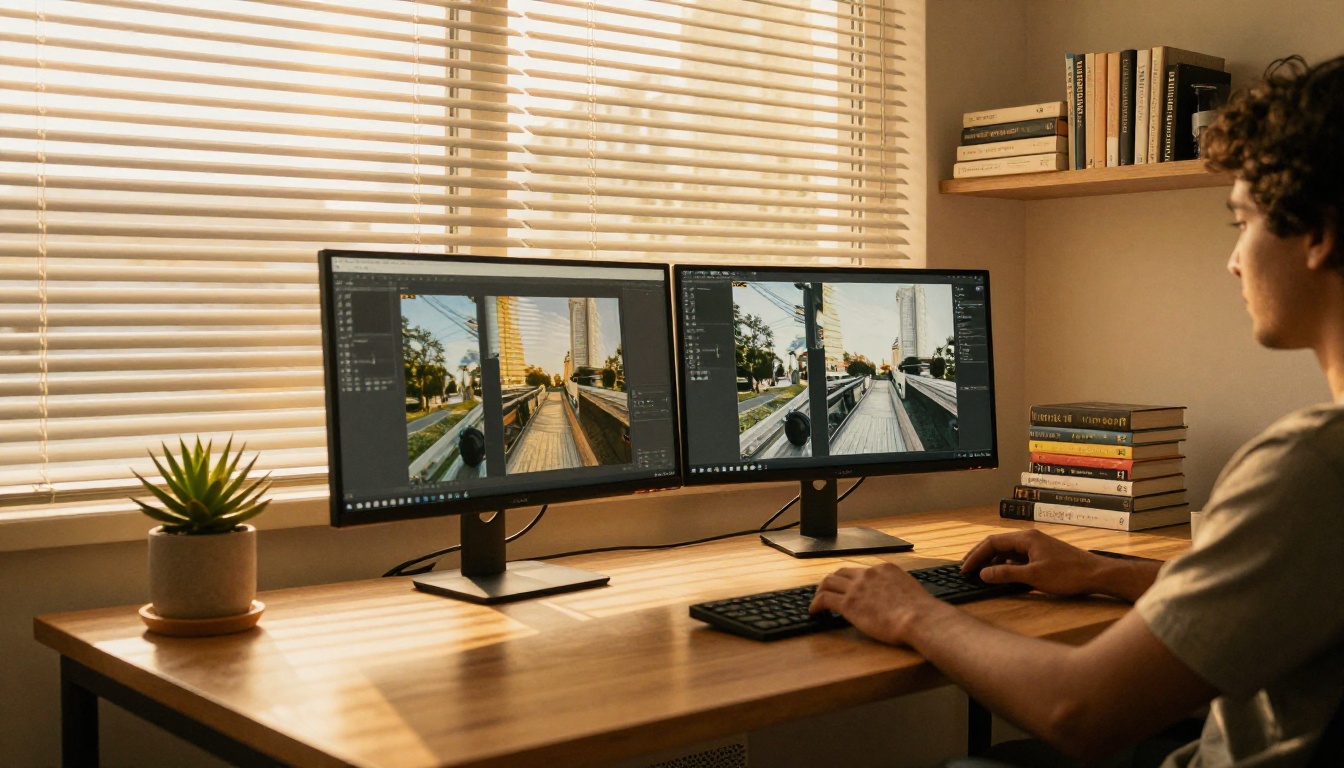
What to Do Right Now
Both tools have earned their reputations, but if you are picking one starting point for consistent, high-resolution, commercially usable output, FLUX.2 Max on PicassoIA is where to begin. No subscription gates, no usage caps, and a full 4MP output ceiling that handles every production scenario you will encounter in 2027.
Write your first prompt on PicassoIA right now. Set the resolution to 1MP, describe a specific scene with lighting direction and camera angle, and run the generation. Lock the seed. Iterate on the prompt phrasing while the composition stays stable. Within ten minutes you will have a working picture of what FLUX.2 Max does for your specific type of work, at zero cost.
When you are ready to see the full range of what the platform offers, browse all available models at picassoia.com/en/all-models. The text-to-image category alone spans over 90 models, from photorealistic output to stylized aesthetics and ControlNet-based pose and structure control for more technical creative needs. The right tool for your workflow is in there. Start with FLUX.2 Max and build your process from there.