You downloaded Fooocus, typed a prompt, waited two minutes, and got a pitch black square. Or maybe you got a flat, plastic-looking portrait that looks nothing like the glamour photos you saw online. Both problems are common, and both are fixable. This article walks through how Fooocus NSFW images actually work: the free settings worth changing, prompt formulas that produce suggestive, magazine-style results, the checkpoints people use, and the online alternatives that skip the install entirely.
A quick note on scope. Everything here is about non-explicit, adult glamour content: boudoir, swimwear, lingerie editorials, artistic and tasteful imagery of adults. That is where Fooocus and every tool below perform best anyway.
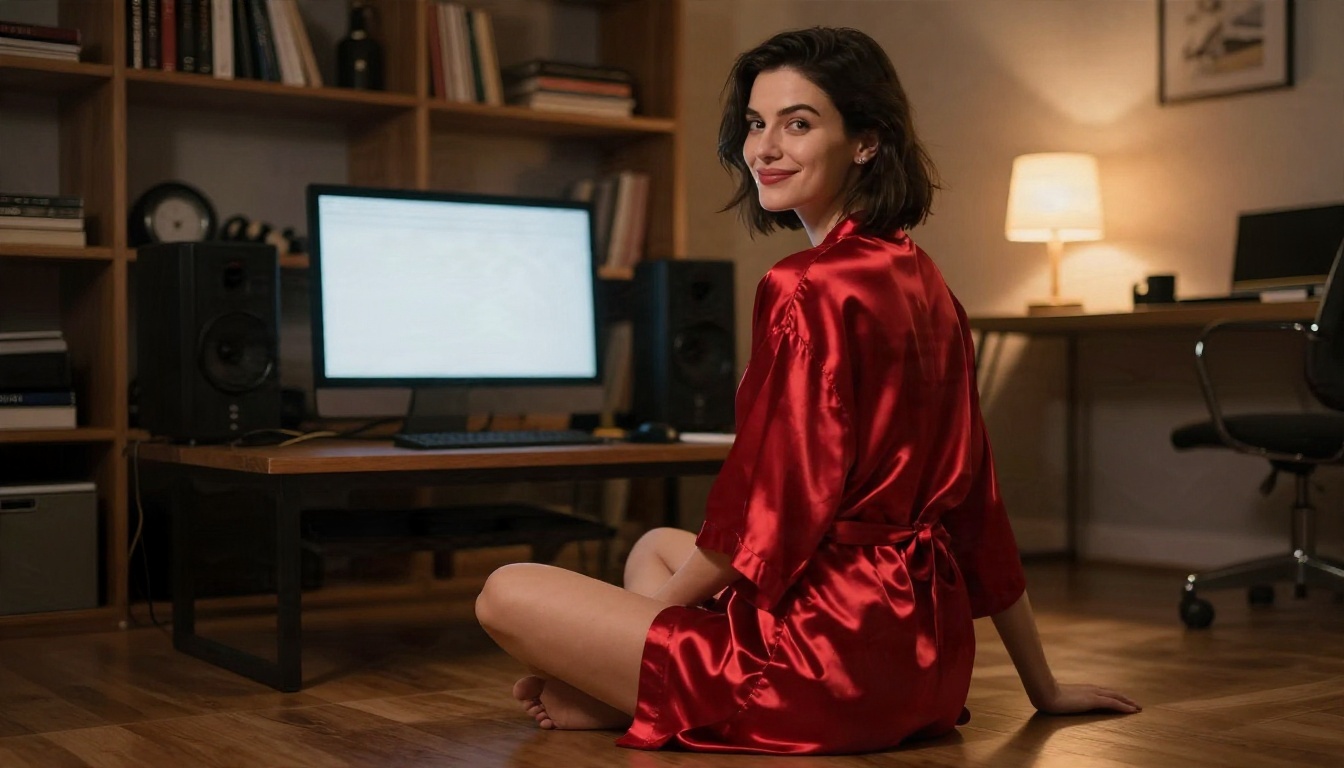
What Fooocus Does Well
Fooocus is a free, open source image generator built by the developer behind ControlNet. It runs on your own computer, uses a Stable Diffusion XL base, and hides most of the complicated knobs behind a simple prompt box. You type, you press Generate, and it handles prompt expansion, sampler choice and resolution for you.
Why People Pick It
- It costs nothing. No credits, no subscription, no watermark.
- It runs offline. Your prompts and outputs stay on your machine.
- The defaults are good. A built-in prompt expansion step quietly rewrites short prompts into richer ones.
- Inpainting is built in. You can paint over a hand, a face or a strap and regenerate only that area.
- No checkpoint hunting at first. The default model works on the first launch.
Where It Falls Short
Fooocus is also in a limited maintenance state. The project mostly receives bug fixes now, not new features. Community reports from early 2026 mention that some newer NVIDIA driver and CUDA combinations break the install until you pin a compatible PyTorch build. And the hardware bar is real: you want an NVIDIA card with at least around 4 GB of VRAM for it to be tolerable, and more for quality mode.
💡 Reality check: If your GPU is older or you use a laptop with integrated graphics, a single image can take several minutes. That is exactly where online tools make more sense.
Free Settings That Work
Fooocus gives you three main places to adjust results: the performance mode, the style list, and the settings tab with guidance and sharpness. For glamour and boudoir portraits, a few choices matter far more than the rest.
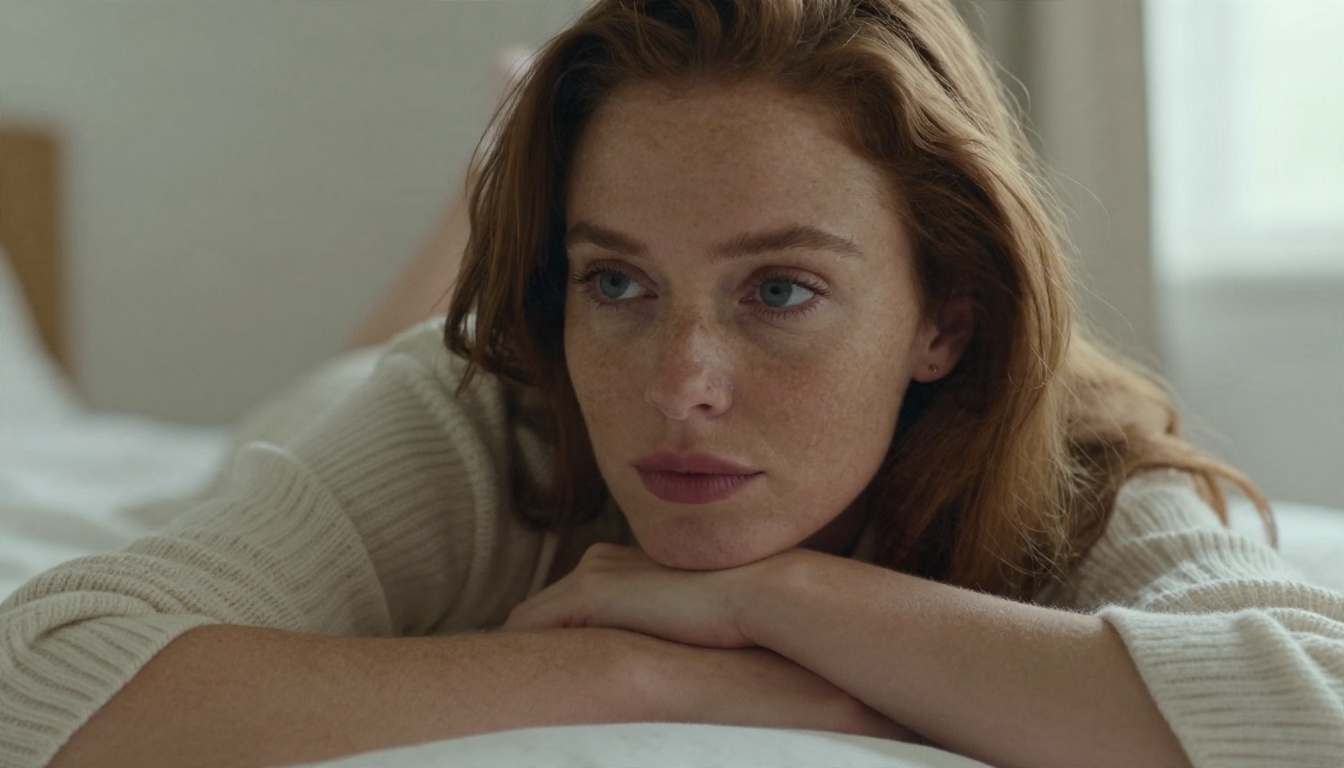
Performance and Resolution
| Setting | Recommended value | Why it helps |
|---|
| Performance | Quality for finals, Speed for drafts | Quality uses more steps, so skin and fabric look cleaner |
| Aspect ratio | 896×1152 for portraits, 1152×896 for scenes | These are native SDXL-friendly sizes, fewer anatomy glitches |
| Image number | 2 to 4 per batch | Enough variety without burning time |
| Guidance scale | 4 to 5 | Higher values make skin look burnt and over-contrasted |
| Sharpness | 2 (default) to 3 | More than that creates crunchy pores |
Run a few drafts in Speed mode first. Once a composition looks right, copy the seed, switch to Quality, and regenerate the same idea at higher fidelity.
Style Choices
Fooocus ships with a stack of named styles. For photographic glamour, keep it small:
- Fooocus V2 for the automatic prompt expansion.
- Fooocus Photograph for natural color and lens-like depth.
- Fooocus Sharp only if the image looks soft.
Piling on ten styles at once usually makes everything look like the same airbrushed stock photo.
The Black Out NSFW Option
This is the setting behind most "my image is black" complaints. Fooocus includes a Black Out NSFW checkbox that replaces flagged outputs with a black image. According to community write-ups of the current official source, it is off by default, and older tutorials that tell you to edit the safety checker file are outdated. If you get black squares, check two places:
- The checkbox in the settings tab.
- The
default_black_out_nsfw value in your config file, in case a preset or an earlier edit switched it on.
💡 Tip: Fooocus-based API services also expose a safety checker flag that returns a per-image NSFW flag. If you use a hosted version, the filter behavior is the host's decision, not yours.
Prompts That Deliver
Fooocus rewards short, concrete prompts. Long walls of comma-separated tags tend to fight the built-in expansion. Think like a photographer writing a shot list: subject, wardrobe, setting, light, lens.
A Prompt Formula
[Adult subject and age range] + [wardrobe] + [pose or action] + [location] + [light direction] + [lens and film look]
Example prompts to paste and adjust:
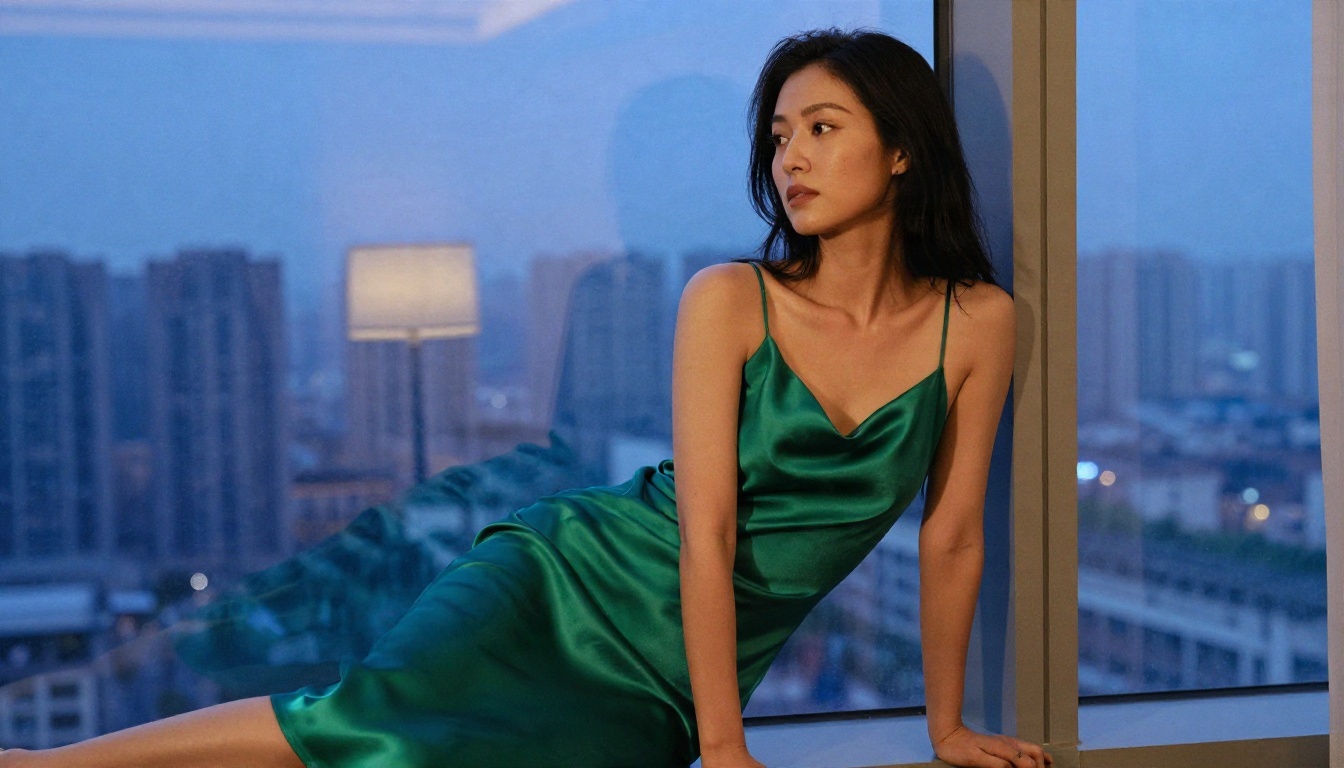
- Adult woman in her late twenties, black silk slip dress, leaning against a hotel window at dusk, warm lamp light from the left, 85mm lens, shallow depth of field, Kodak Portra 400 grain, natural skin texture.
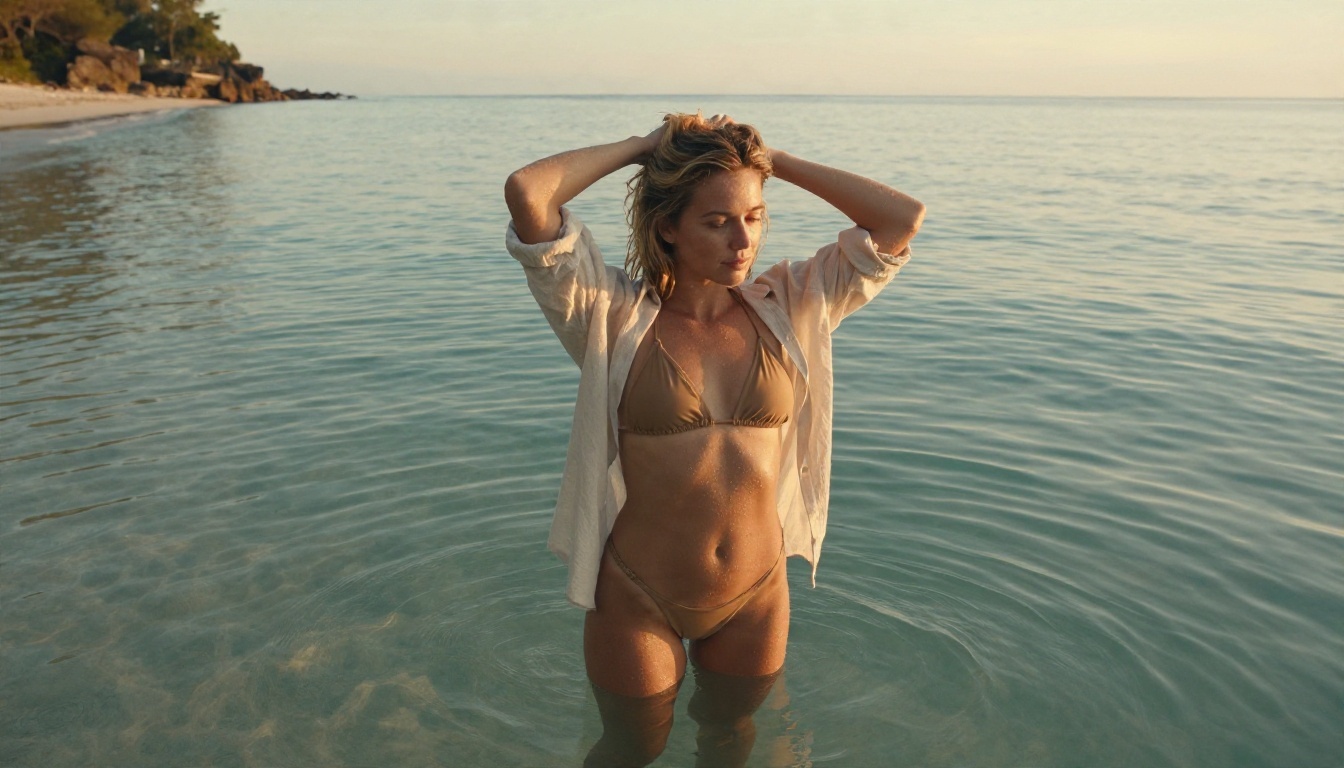
- Adult woman, tan bikini and open linen shirt, standing in shallow turquoise water, golden hour backlight, 50mm lens, wet skin, film photograph.
- Adult woman in a white cotton shirt and lace shorts, sitting on a sunlit loft sofa, soft window light, 35mm lens, candid editorial look.
State an adult age explicitly. It keeps results consistent and is the right default for any content like this.
Negative Prompt Basics
Fooocus has a negative prompt field. Short and practical works best:
plastic skin, airbrushed, extra fingers, deformed hands, blurry, cartoon, illustration, text, watermark, oversaturated
Skip long negative lists copied from forums. Many of them were written for older models and now do more harm than good.
Three Fast Fixes for Plastic Skin
- Lower guidance from 7 to 4.
- Add "natural skin pores, film grain, soft window light" to the positive prompt.
- Remove styles that smooth detail, then regenerate in Quality mode.
Models and Checkpoints
Out of the box, Fooocus uses a Juggernaut XL fine-tune as its default checkpoint, which is already a strong photorealistic base. Most people never need to change it. When they do, they swap in another SDXL-family checkpoint by dropping the file in the checkpoints folder and refreshing the list.
Choosing a Checkpoint
| Goal | What to look for | Watch out for |
|---|
| Natural skin and daylight scenes | Photographic fine-tunes of the XL architecture | Over-sharpened pores |
| Studio glamour | Models trained on editorial and fashion data | Repeated faces |
| Fast drafts | Lightning or turbo-distilled variants | Lower detail in fabric |
Stay inside the same architecture family as your base model. A checkpoint built for an older architecture will either not load or produce muddy output.
Inpainting Without a Mess
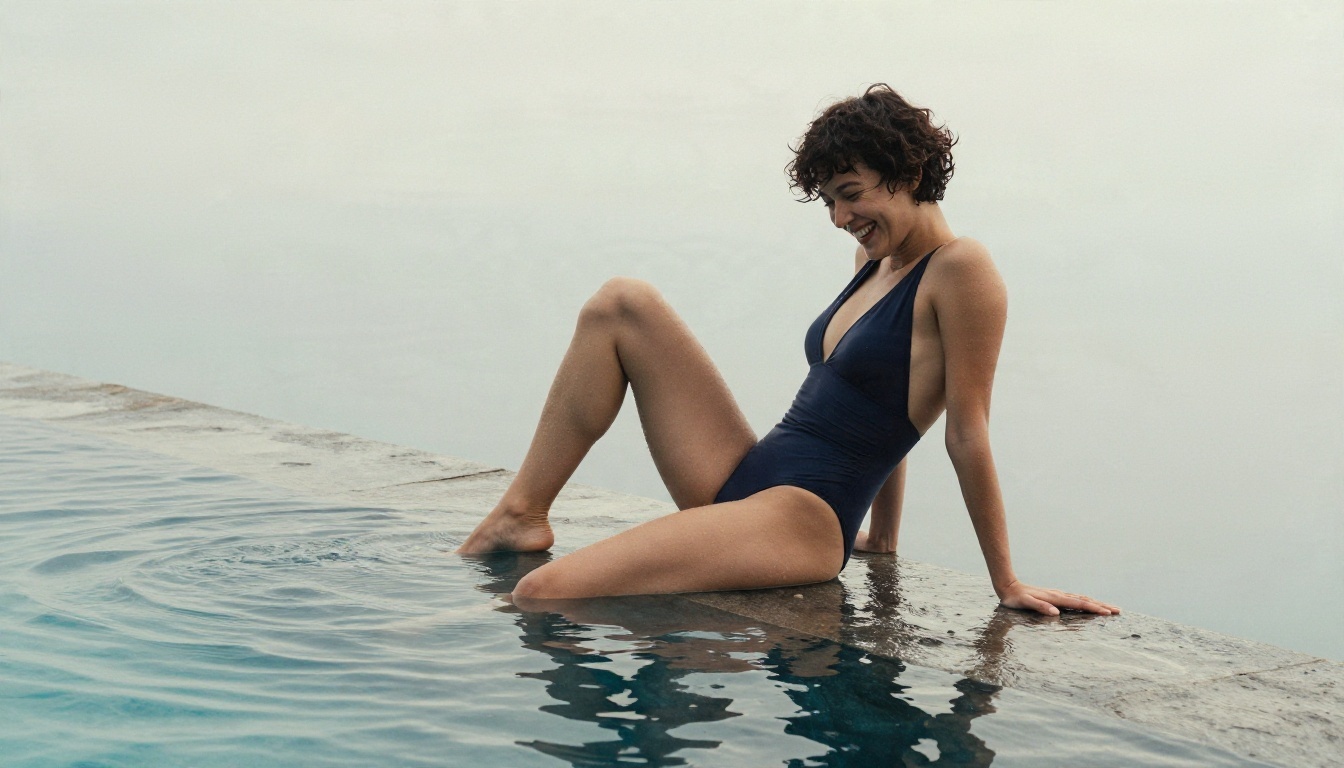
Fooocus uses its own inpainting patch rather than the standard SDXL inpaint method. The first time you use it, the app downloads a patch file of roughly 1.28 GB, so do not panic if the first inpaint takes a while. The engine version option in hosted versions lists v1, v2.5 and v2.6, with v2.6 as the default.
For clean inpainting results:
- Mask slightly beyond the flaw, not exactly on it.
- Describe only what should appear inside the mask.
- Use a lower denoising strength when you want to keep the original lighting.
- Fix hands and straps in separate passes.
Why Fooocus Fails Sometimes
Most failures fall into a short list. Here is the quick troubleshooting table.

Common Problems and Fixes
| Symptom | Likely cause | Fix |
|---|
| Black image | Black Out NSFW is enabled | Uncheck it and check the config value |
| Install crashes on launch | Driver and PyTorch mismatch | Install a PyTorch build that matches your CUDA version |
| Out of memory error | Not enough VRAM | Lower resolution, close other apps, use Speed mode |
| Same face every time | Fixed seed or narrow prompt | Randomize the seed, vary age, hair and setting |
| Weird hands | Common SDXL weakness | Inpaint hands separately |
When to Stop Fighting It
If you spend more time repairing your install than generating images, that is a signal. A hosted tool gives you the same photographic look without drivers, checkpoints or patch downloads.
Online Alternatives That Work
Fooocus itself is not on PicassoIA, and it is a local app rather than a hosted model. If what you want is the same type of result without installing anything, these models are on PicassoIA and are the ones to try, in this order.
Seedream 4.5 First
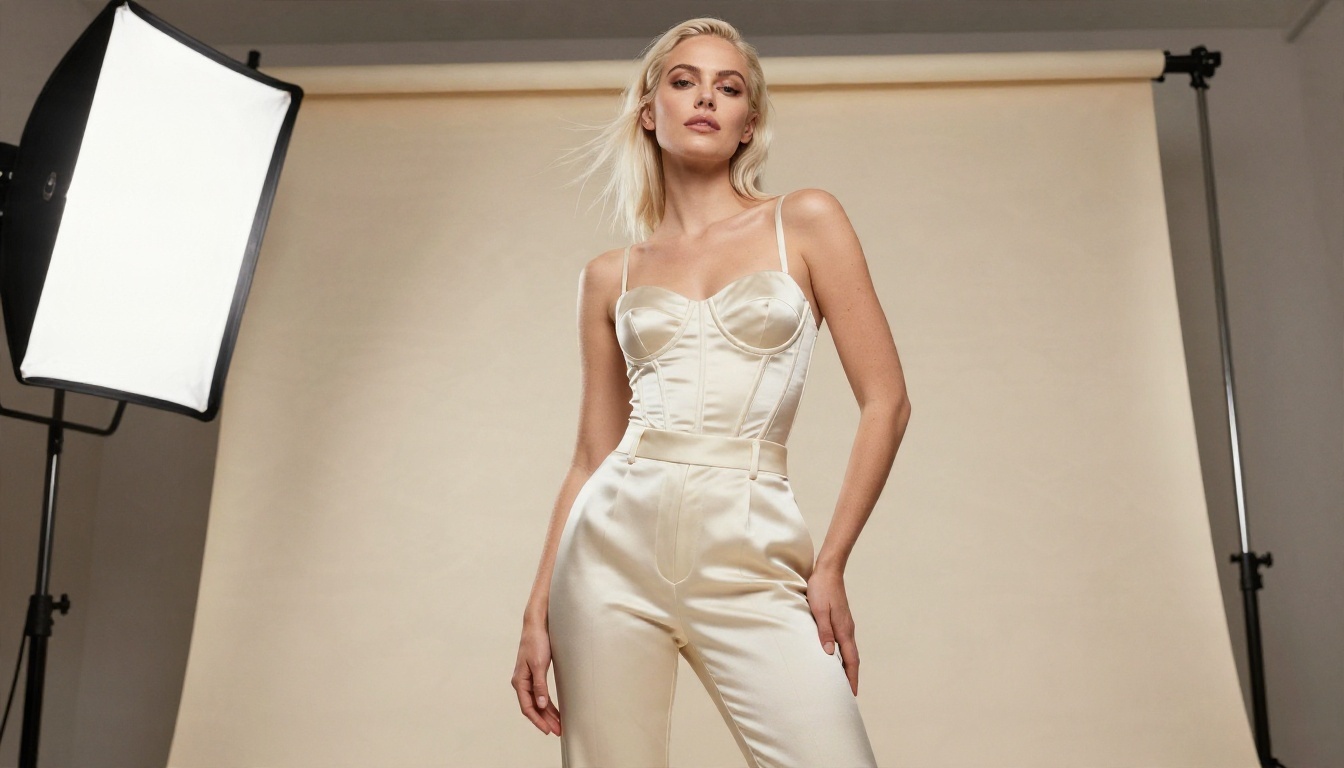
Seedream 4.5 is the strongest starting point for photorealistic glamour. It handles skin texture, fabric and lighting directions very well, outputs high resolution images, and follows detailed prompts closely. It is also fast: seconds per image, not minutes, and with no VRAM to worry about.
PicassoIA Image Editor Pro
The PicassoIA Image Editor Pro offers unlimited generations, which makes it the best option when you want to iterate dozens of times on a pose or outfit. It also covers editing: change a wardrobe color, fix a background, or adjust a pose on an image you already have. That replaces the inpainting workflow in Fooocus with a simpler one.
Realistic Vision and SDXL Options
If you liked the XL look of Fooocus and want something similar online:
Side by Side
| Feature | Fooocus (local) | Seedream 4.5 | Image Editor Pro |
|---|
| Install needed | Yes | No | No |
| Hardware needed | NVIDIA GPU | None | None |
| Speed | Minutes on modest GPUs | Seconds | Seconds |
| Cost | Free, but you pay in setup | Pay as you go | Unlimited generations |
| Editing | Inpaint tab | Prompt-based | Built-in editing |
| Content limits | Your own choice | Suggestive, non-explicit | Suggestive, non-explicit |
How to Get Similar Results on PicassoIA
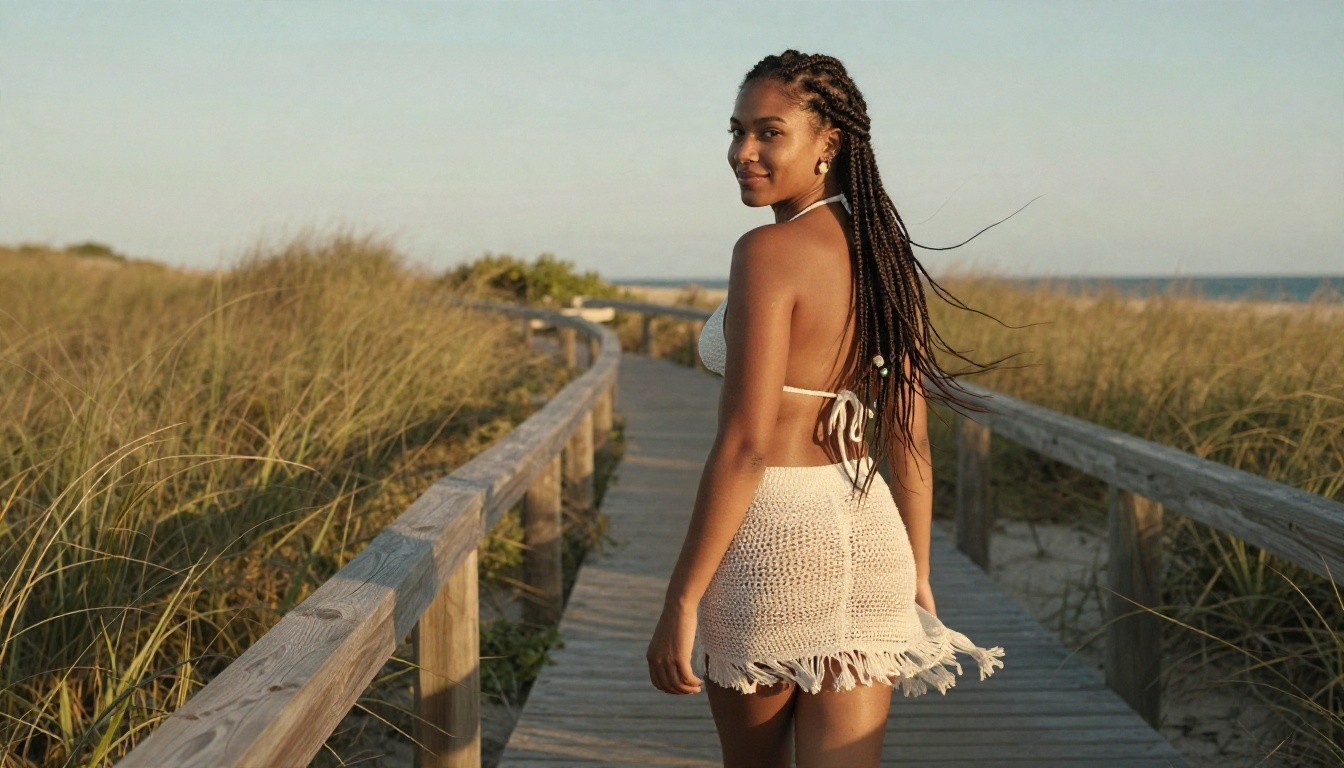
The easiest route is Seedream 4.5. It reproduces the "Fooocus photograph" look with a single prompt.
Step by Step
- Open the Seedream 4.5 page.
- Paste a prompt built with the formula above: adult subject, wardrobe, pose, location, light, lens.
- Choose a 16:9 ratio for scenes or a portrait ratio for single subject shots.
- Generate. Pick the strongest result.
- Send the favorite to the PicassoIA Image Editor Pro to change a detail, such as hair color or background, with a plain sentence.
- Repeat with small prompt changes until you have a set.
Parameter Tips
- Be specific about light. "Soft window light from the left" beats "good lighting".
- Name a lens. "85mm f/1.8" nudges depth of field and proportions.
- Mention film grain. "Kodak Portra 400" gives natural color without a plastic finish.
- Keep prompts under about 80 words. Longer prompts rarely add detail.
- Change one thing per run so you know what caused the difference.
💡 Tip: Write the prompt in plain sentences, not tag lists. Seedream 4.5 reads natural language very well, which is the opposite of how older SDXL tag-style prompts worked.
Prompt Conversion Table
| Fooocus prompt habit | Better version for online models |
|---|
| masterpiece, best quality, 8k, ultra detailed | Raw photograph, natural skin texture, fine film grain |
| woman, sexy, bikini | Adult woman in her late twenties, tan bikini, beach at golden hour |
| long negative list | Short negative list or none |
| many styles stacked | One clear photographic direction |
Start Creating Your Own
Fooocus is still a fine free option if you own the hardware and enjoy tinkering. The settings above, Quality mode for finals, guidance near 4, one or two photographic styles, a short negative prompt and Black Out NSFW switched off, will get you most of the way to good glamour images.
But if you would rather skip drivers, patches and checkpoints, open Seedream 4.5 and the PicassoIA Image Editor Pro on Picasso IA. Write a prompt with the formula from this article, generate a few options, then refine the best one with a plain sentence. You get uncensored-feeling freedom within suggestive, non-explicit boundaries, fast results, and unlimited generations with Image Editor Pro.
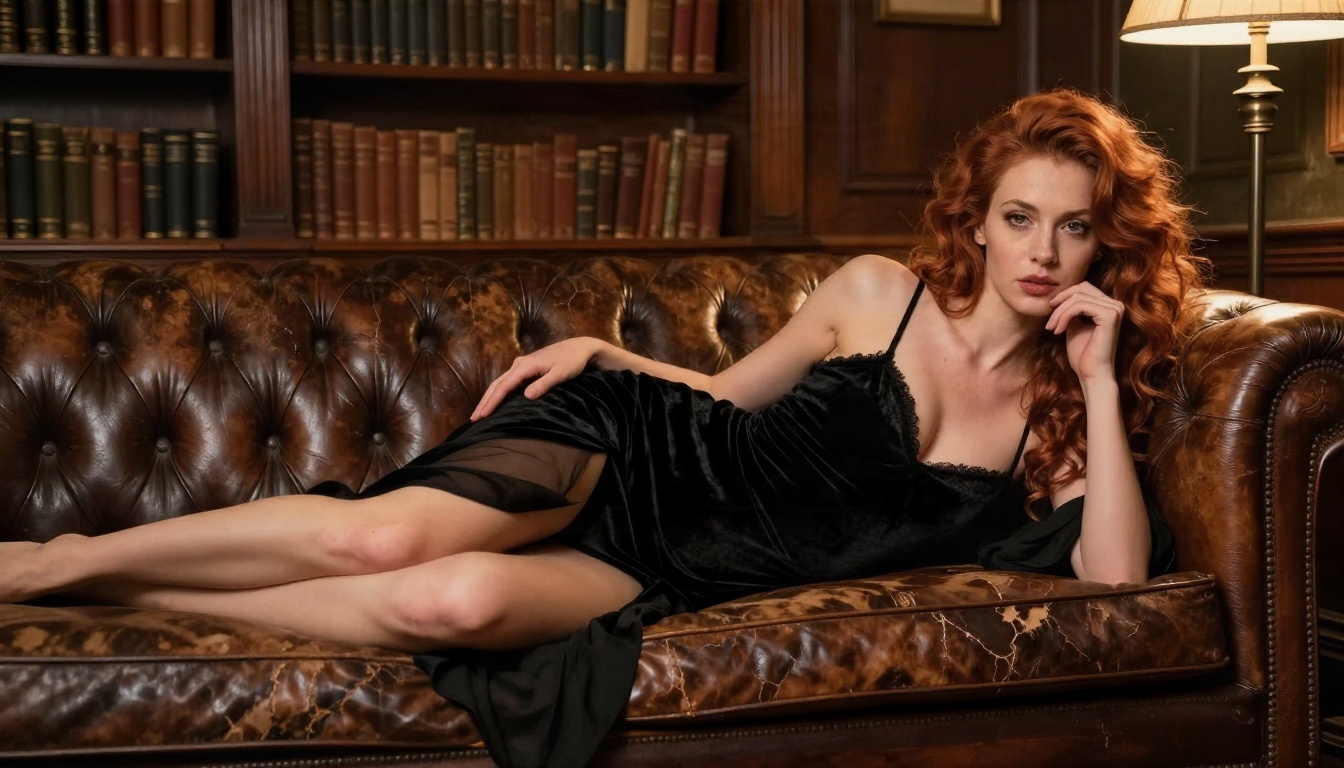
Want to compare more models? Browse the full list at picassoia.com/en/all-models, pick two or three, run the same prompt through each, and keep the look you like best. Your next set of images is one prompt away.


