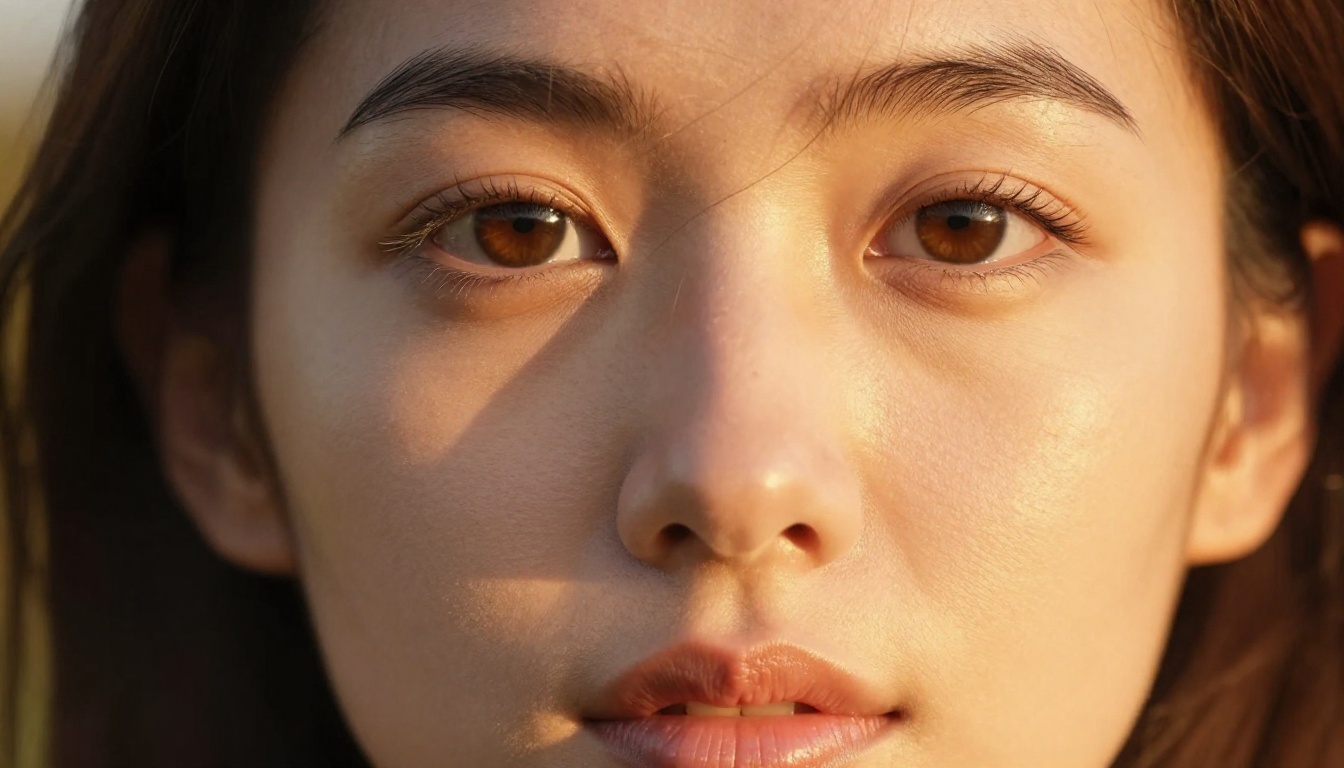
Free Adult AI Art Generator No Restrictions: Best Platforms That Actually Work
Tired of censored AI art tools that reject every creative prompt? This piece breaks down the top free adult AI art generators with no restrictions, from platforms that allow adult content to the specific models that produce photorealistic results, which ones give unlimited generations, and how to prompt them for stunning output.
The irony of modern AI art platforms is this: they promise limitless creativity while simultaneously restricting exactly the content that a large portion of their users actually want. Prompt a mainstream tool for anything remotely suggestive and you hit a wall, a blurring filter, a refusal, or worse, a ban. But the real platforms built for adult AI art work differently. This piece maps out exactly where to go, which models to use, and how to get the most out of a free adult AI art generator with no restrictions.
Why Most AI Art Tools Block Everything
The Filter Problem Nobody Talks About
The biggest AI image platforms, Midjourney, Adobe Firefly, DALL-E, run on infrastructure shared with enterprise customers. A corporate client using the same API does not want adult content appearing in their outputs. So every platform running on shared, brand-safe infrastructure ends up applying the same conservative filters regardless of what their actual users actually want to create.
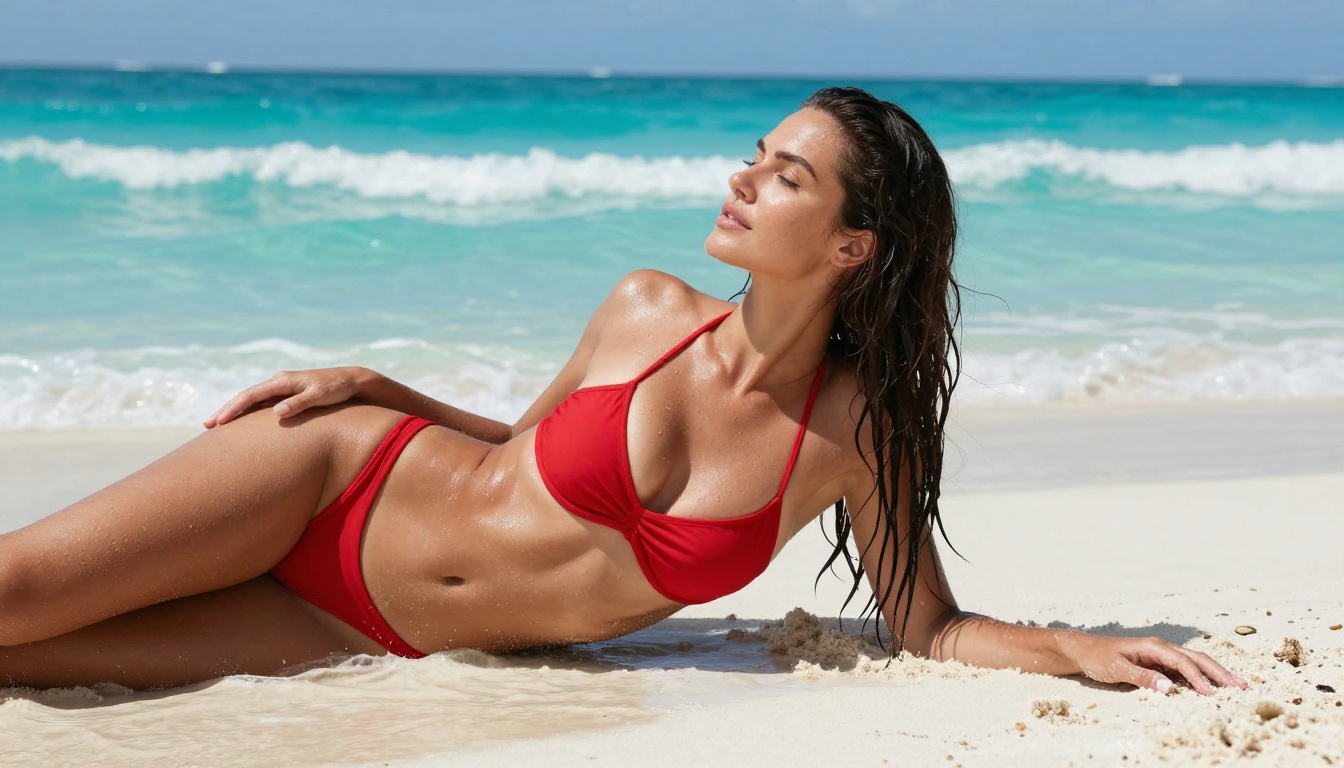
The result is a patchwork of arbitrary rules that block perfectly artistic content: a bikini on a beach, a figure study, a romance novel composition. These are not pornographic images. They are the kind of images you would find in mainstream advertising and on magazine stands worldwide.
What "No Restrictions" Actually Means
A truly unrestricted adult AI art generator operates on infrastructure where the model is not constrained by safety classifiers trained to block adult content. These platforms typically run open-source models that were trained without NSFW filters, or they run NSFW-capable model versions that mainstream platforms deliberately exclude.
The important distinction: "no restrictions" for a legitimate adult AI platform does not mean "anything goes." Good platforms still block genuinely illegal content. The "no restrictions" refers specifically to consensual adult content between adult-presenting subjects, which is exactly what most users are after.
💡 The real insight: The platform matters more than the model. The same Stable Diffusion checkpoint will produce NSFW results on one platform and refuse on another, purely because of how the platform wraps and calls the model.
Seedream 4.5 Leads the Pack
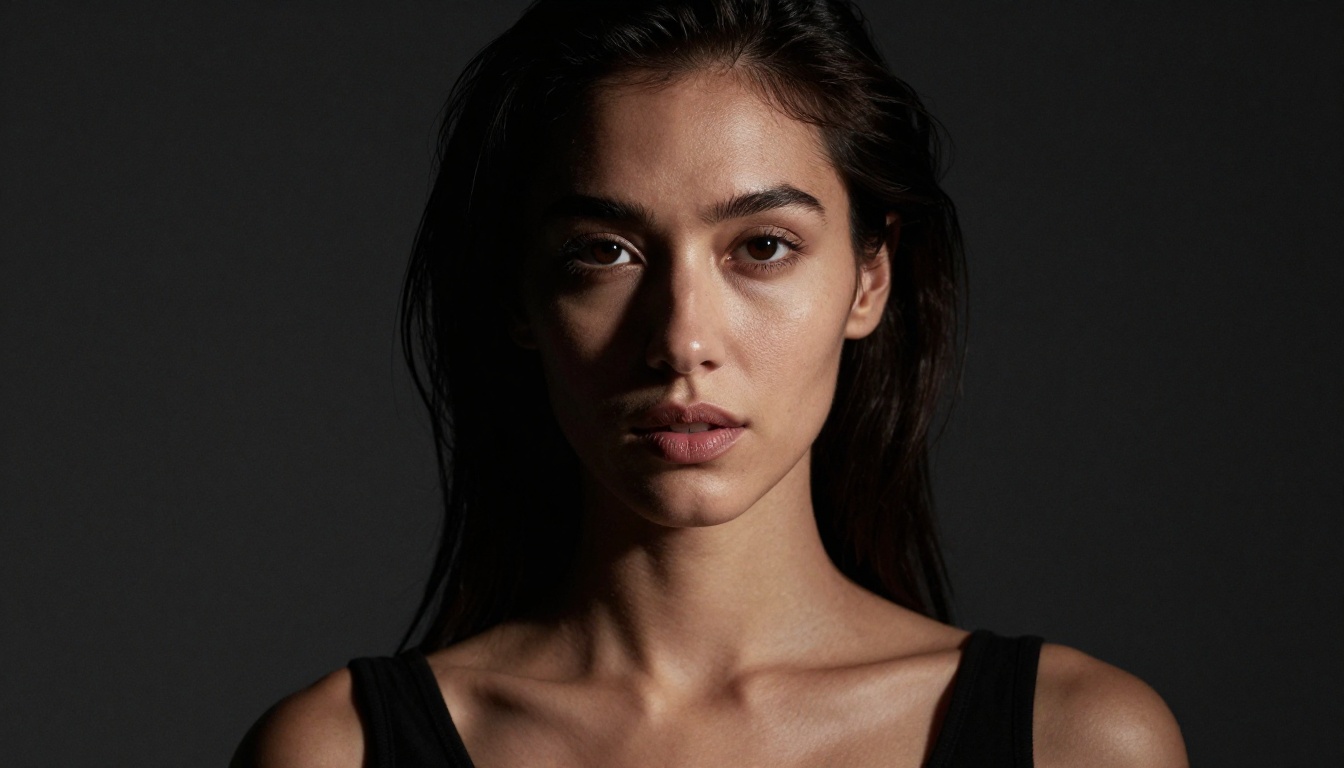
If you only try one model, make it Seedream 4.5. ByteDance's flagship image generation model delivers 4K-quality photorealistic output with a level of anatomical accuracy and skin texture that puts older Stable Diffusion-based models to shame. The model handles lighting, fabric physics, and facial detail at a level that previously required significant post-processing work.
Why It Beats the Competition
Most NSFW-capable models were trained on filtered or partially filtered datasets, which creates consistent artifacts: weird hands, flat skin texture, odd proportions at body edges. Seedream 4.5 was trained on a dramatically larger and higher-quality dataset with consistent quality control, which shows immediately in the output.
Feature
Seedream 4.5
Older SD Models
Flux Dev
Skin Texture Realism
Excellent
Moderate
Good
Anatomical Accuracy
Excellent
Variable
Very Good
Prompt Following
Very High
Medium
High
Speed
Fast
Moderate
Slow
4K Output
Yes
No
Partial
The difference is visible from the first generation. Skin tones render with natural subsurface scattering. Hair shows individual strand separation. Fabric drapes with realistic physics rather than a painted-on texture.
Prompting Seedream 4.5 for Best Results
Seedream 4.5 responds exceptionally well to photographic framing language. Think in terms of camera settings rather than artistic descriptions:
What works: "85mm portrait, f/1.8 depth of field, golden hour side lighting, Kodak Portra 400, visible skin texture, natural pores"
What does not work: "ultra HD beautiful woman epic quality best quality masterpiece" (these tokens are noise to modern models)
The model is particularly responsive to lighting direction. Specify where the light comes from: "volumetric window light from camera left," "overhead rim light," "golden hour backlight." This specificity produces dramatically better results than generic quality modifiers.
How to Use Seedream 4.5 on PicassoIA
Seedream 4.5 is available directly through PicassoIA's model catalog. Here is the workflow that produces the best adult art results:
Set your aspect ratio to 16:9 for landscape editorial shots or 9:16 for full-body portrait compositions
Write a prompt that opens with subject description, then environment, then lighting, then camera specs
Use the negative prompt field to add: "cartoon, illustration, 3D render, CGI, anime, painting, digital art, artificial, fake skin"
Start at the default quality setting and increase only if you need specific detail refinement
The output quality at standard settings already exceeds what most users expect from a free platform.
PicassoIA Image Editor Pro: Unlimited Generations
The second tool that belongs in every adult AI art creator's workflow is PicassoIA Image Editor Pro. Where most platforms meter usage with daily limits or credit systems, this model offers unlimited generations, which fundamentally changes how you can approach creative work.
Why Unlimited Access Changes Everything
When generating adult art without restrictions, the creative process is iterative by nature. You are refining composition, adjusting lighting language in the prompt, experimenting with different poses and environments. With metered platforms you are always conscious of credit consumption, which creates a creative brake. With unlimited access, you iterate freely until the output is exactly what you envisioned.
The practical impact: users on unlimited platforms produce dramatically better final outputs because they actually go through the refinement process rather than accepting a mediocre first-pass result.
💡 Pro workflow: Use PicassoIA Image Editor Pro for rapid iteration on composition and concept. Once you have a result you like, switch to Seedream 4.5 for the final high-resolution version.
Best Settings for Adult Art in Image Editor Pro
The model responds well to these parameter combinations:
Artistic portraits: Use the "realistic photography" preset, combined with explicit lighting descriptions
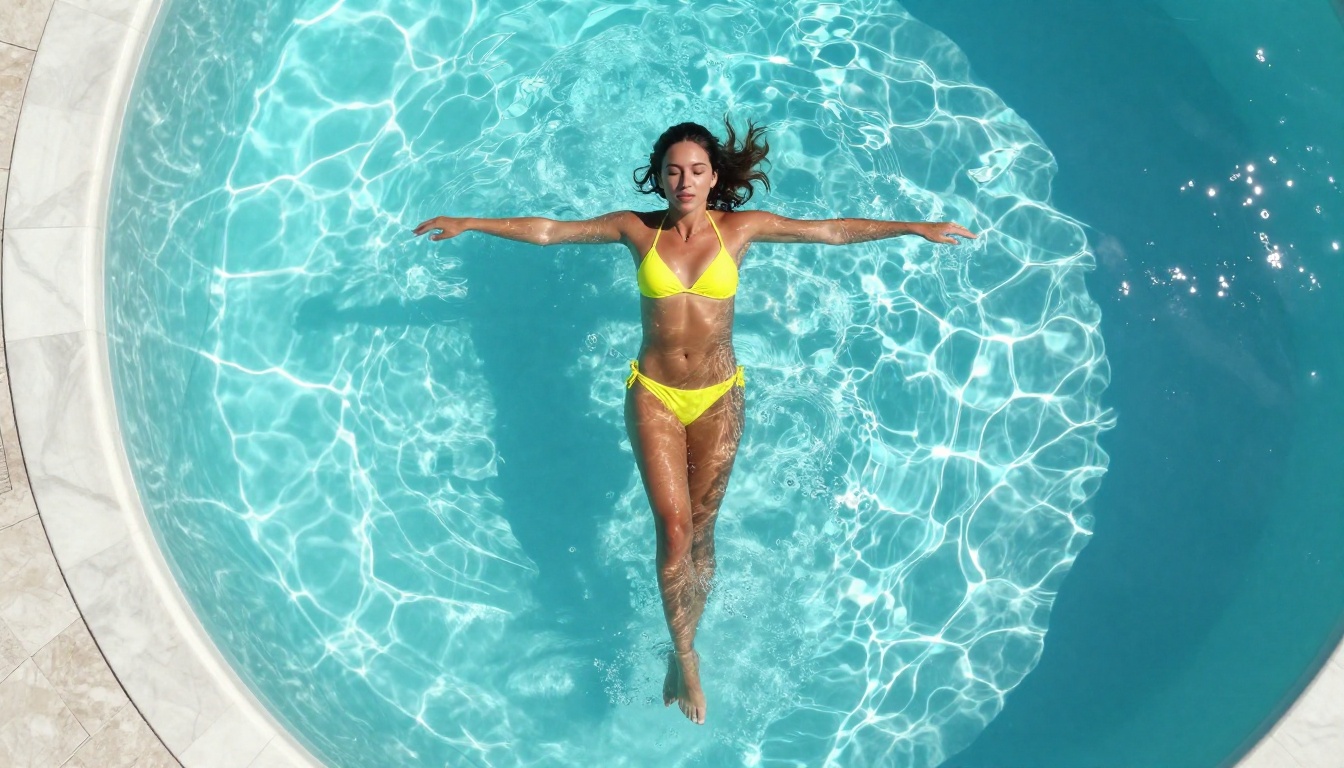
Beach and lifestyle content: Emphasize environment before subject. "Tropical beach at golden hour, turquoise water, white sand" before describing the subject gives the model proper environmental context
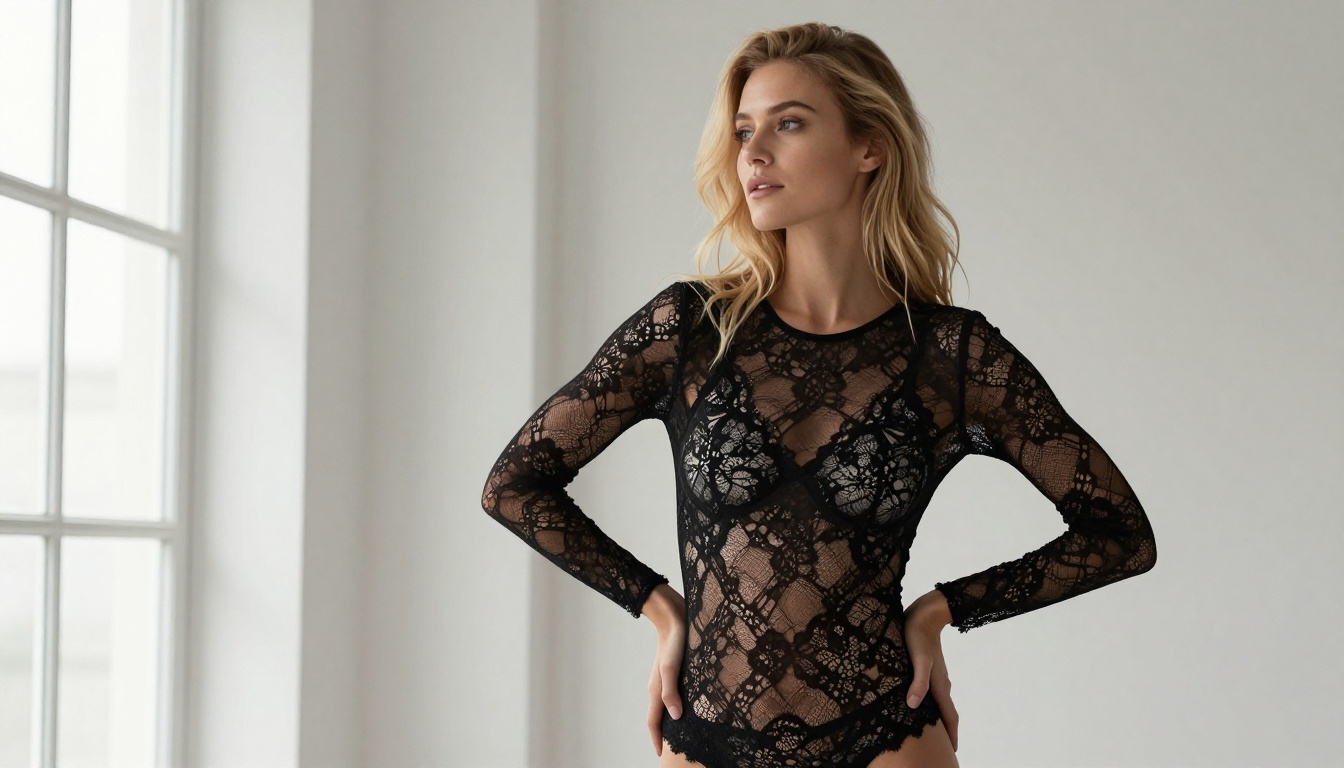
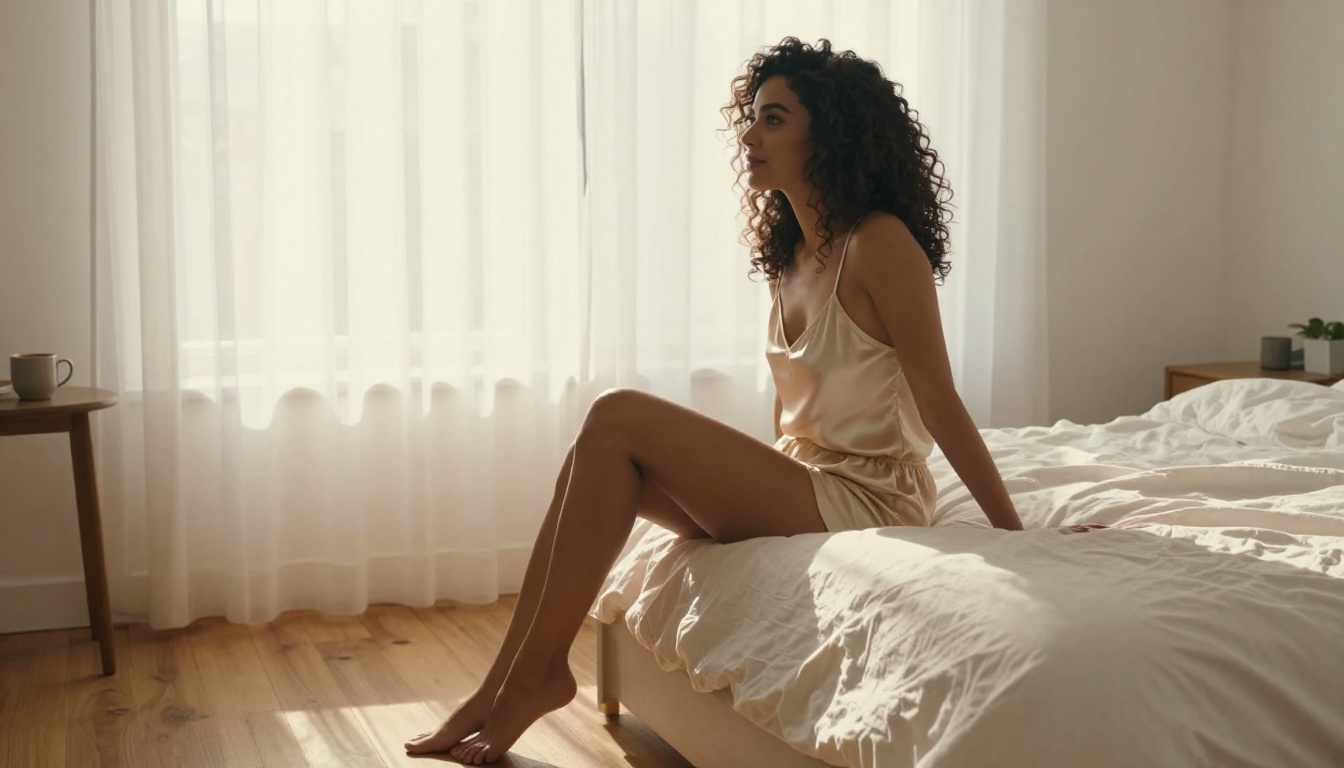
Intimate editorial: Soft window light descriptions work best. "Soft north-facing window light, diffused, no harsh shadows, bedroom environment" sets the mood before the subject
More Models Worth Knowing
PicassoIA offers a broad catalog of text-to-image models that handle adult content with varying strengths. Here are the ones that consistently deliver.
Flux Dev and Flux Pro for Photorealism
Flux Dev from Black Forest Labs represents one of the most significant advances in photorealistic AI generation in recent years. Its training approach produces outputs with a distinctly photographic quality that is difficult to distinguish from real photography in many conditions.
Flux Pro takes this further with greater detail and higher resolution, making it the choice when you need publication-quality results. The tradeoff is generation speed, which is slower than Seedream 4.5, but for a final hero image the quality difference justifies the wait.
Realistic Vision v5.1 for Authentic Skin
Realistic Vision v5.1 has been a community favorite for NSFW photorealism for good reason. It was specifically fine-tuned with an emphasis on authentic human skin rendering, which translates to natural pore texture, realistic subsurface scattering, and believable lighting response across different skin tones.
Where Flux models can occasionally trend toward over-sharpened, almost hyperreal outputs, Realistic Vision v5.1 maintains a more organic, film-photography aesthetic that reads as genuinely photographed rather than AI-generated.
SDXL for Versatility
SDXL earns its place in this list through sheer versatility. The base model supports a vast ecosystem of LoRAs (fine-tune adapters) that let you push it toward specific aesthetics: fashion editorial, artistic nude, glamour photography. If you know what aesthetic you are aiming for and can find the right LoRA, SDXL delivers extremely consistent results.
Dreamshaper XL Turbo for Speed
When you need rapid iteration, Dreamshaper XL Turbo delivers full-quality outputs in a fraction of the time of standard models. The speed makes it ideal for concept testing before committing to a longer generation on a premium model.
How to Write Prompts That Actually Work
Most people approach adult AI art prompting wrong. They write vague, quality-stacking prompts full of tokens like "ultra realistic, best quality, masterpiece" that modern models largely ignore. Here is what actually works.
The Anatomy of a High-Quality Adult Art Prompt
Structure your prompt in four layers:
Subject + Pose: Describe who and how they are positioned. Be specific: "Woman in her late 20s, seated on a wooden stool, leaning slightly forward, elbows on knees" is better than "sexy woman sitting."
Environment + Context: Where is this happening and what is the setting doing to the mood? "Minimalist white studio with large north-facing window" tells the model about lighting before you even mention lighting.
Lighting: This is the most important variable after subject description. "Volumetric afternoon light from camera left, creating a gradient of warm light to cool shadow across the face" dramatically improves output.
Technical/Camera: "85mm f/1.8, shallow depth of field, Kodak Portra 400 film simulation, natural grain in shadows." This language is baked into training data from photography tutorials and creates strongly photographic outputs.
Negative Prompts That Remove Common Artifacts
Good negative prompting is as important as the positive prompt. Start every session with this baseline:
cartoon, 3D render, illustration, anime, painting, CGI, digital art, artificial, plastic skin, flat lighting, overexposed, blurry, low quality, bad anatomy, extra limbs, watermark, text overlay
For adult content specifically, these negatives help avoid the cheap aesthetic that defines low-quality AI adult art:
airbrushed, plastic skin, fake looking, overly smooth, uniform lighting, portrait studio background, oversaturated, HDR, too sharp
Style Modifiers That Boost Realism
These phrases reliably improve output quality across most photorealistic models:
natural skin texture, visible pores
subsurface skin scattering
film grain, subtle noise
natural imperfections
authentic body proportions
caught in natural light
candid editorial photography
💡 The counterintuitive rule: Adding "imperfections" to your prompt often makes images look more realistic, not less. Perfect, unblemished skin reads as artificial to the trained eye and immediately signals "AI-generated."
Free vs. Paid: The Real Breakdown
Understanding the actual difference between free and paid tiers helps you decide where to invest time and budget.
Capability
Free Tier
Paid Tier
Base image quality
High
Highest
Resolution
Up to 1024px
Up to 4K
Generation speed
Standard
Priority queue
NSFW access
Platform-dependent
Usually unrestricted
Daily limit
20-50 images
Unlimited
Model selection
Limited
Full catalog
The honest assessment: for most users creating adult AI art for the first time, the free tier on a platform like PicassoIA delivers more than enough quality to produce impressive results. The paid upgrade makes sense when you are generating at volume, need 4K resolution for professional use, or want priority access during peak hours.
When the Free Tier Is Enough
For personal creative projects, reference image generation, and experimenting with the medium, free access handles the work well. Seedream 4.5 at its base settings already produces outputs that compete with paid tiers on lesser platforms.
The place where free tiers fall short is sustained high-volume work: generating dozens of variations in a single session, or iterating rapidly on a complex composition. For that level of production, the unlimited access of PicassoIA Image Editor Pro becomes essential.
Common Mistakes That Ruin Results
Even with the right platform and model, these mistakes consistently produce disappointing outputs.
Over-specifying facial features: "Blue eyes, blonde hair, high cheekbones, full lips, button nose" pushes models into a generic attractive-person template. Let the model have creative latitude on faces while specifying lighting and expression instead.
Ignoring the environment: Adult AI art that looks cheap almost always has a generic, featureless background. A specific environment raises the entire image quality because it gives the lighting something to bounce off and context to exist within.
Stacking quality tokens: "Best quality, ultra HD, masterpiece, 8K" stacked on each other add minimal value and consume token budget that could describe actual visual specifics instead.
Skipping negative prompts: Spending 30 seconds writing a solid negative prompt saves multiple generation cycles on cleanup. The models respond strongly to what you explicitly exclude.
One-shot mentality: The users who get great results generate three to five variations per concept, not one. The randomness in diffusion models means that even a perfect prompt produces a range of outputs from mediocre to excellent.
Pushing Results Further with Editing Tools
Getting a good generation is step one. Getting a great final image often requires one additional pass through editing.
PicassoIA's inpainting capability lets you fix specific areas without regenerating the whole image. Generate a strong composition, then use inpainting to refine details like a hand, a face at distance, or fabric that did not render correctly. This workflow produces results that are dramatically more consistent than hoping a full regeneration fixes a specific problem.
Super resolution tools let you take a 1024px output and scale it to 4K without typical upscaling artifacts. For adult AI art intended for digital display or professional use, this step takes a good result to a genuinely impressive one that holds up at full size.
Face and body editing tools on the platform also let you replace specific elements, extend an image's canvas with outpainting, or restore details that came out blurry. The full editing suite means your first-pass generation does not need to be perfect, just directionally right.
Finding the Right Model for Your Style
PicassoIA's catalog has 91 text-to-image models at time of writing. That breadth means there is almost certainly a model optimized for your specific aesthetic. The path through the catalog that works best:
Start with Seedream 4.5 for maximum photorealism and 4K output
💡 Quality benchmark: A well-prompted Seedream 4.5 image should pass the "would a stranger know this was AI?" test at first glance. If it does not, the issue is almost always in the prompt, not the model.
Try It on PicassoIA Right Now
The barrier to entry for high-quality adult AI art has never been lower. A decade ago, creating photorealistic digital images at this level required professional 3D software, rendering infrastructure, and years of technical training. Today, Seedream 4.5 produces that level of work in seconds from a text description, for free, with no restrictions on the content you create.
The platforms that actually respect adult creators have made this genuinely accessible. PicassoIA's catalog gives you models from cutting-edge open-source and commercial providers running on infrastructure that does not apply conservative filters designed for corporate clients.
The next step is simple: open Seedream 4.5 and write your first photographic-style prompt. Use the four-layer structure: subject, environment, lighting, camera. Generate, refine, iterate without a credit counter telling you to stop. When you are ready to push volume, PicassoIA Image Editor Pro removes the generation limit entirely.
The full range of what is possible, including 91 image generation models, video generation, face editing, super resolution, and more, is waiting at picassoia.com/en/all-models. Start creating and see what the right tools actually produce.