Free Adult AI Image Tools You Can Use Today (Without Paying a Cent)
The adult AI image space is packed with powerful free tools in 2027. From Flux Dev to RealVisXL, Stable Diffusion 3.5 to Proteus, this breakdown identifies which models produce stunning, photorealistic adult visuals and how to get the most from each platform's free tier today.
The landscape of adult AI image generation has shifted dramatically over the past two years. What used to cost significant money or require a local GPU setup can now happen in a browser, for free, with results that are genuinely stunning. Whether you want glamorous beach aesthetics, elegant boudoir art, or suggestive portraits, the free tiers available today are not watered-down versions of premium tools. Many of them run on the same underlying models as the paid tiers, just with daily generation limits you can work around with a little planning.
This breakdown runs through the actual tools worth your time right now, what each does well, and how to get the best results without spending a dollar.
What You Can Actually Create
Before getting into specific models, it's worth setting expectations, because they're honestly higher than most people assume.
Today's top open-source and free-tier models can produce:
Photorealistic glamour photography indistinguishable from professional shoots
Boudoir and implied nudity with artistic lighting and natural skin texture
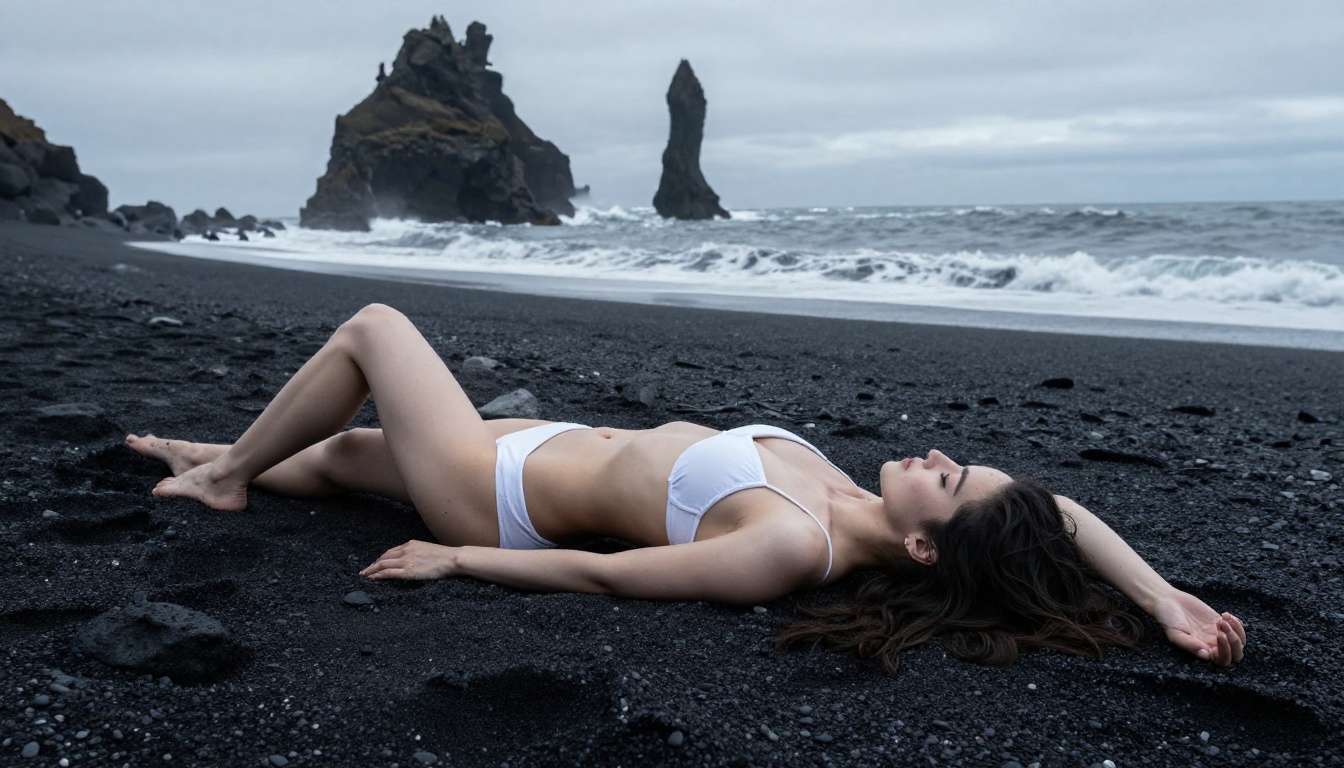
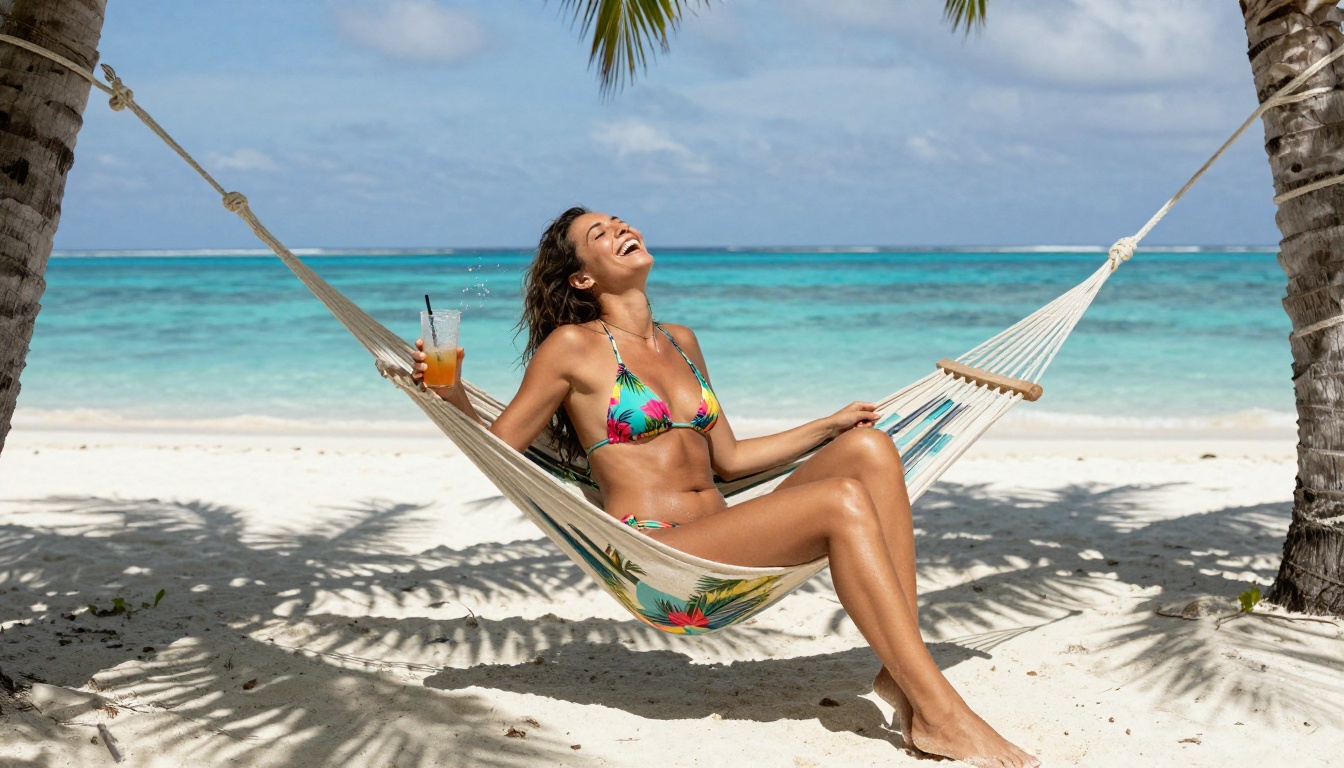
Swimwear and beach aesthetics with accurate water, light, and environment rendering
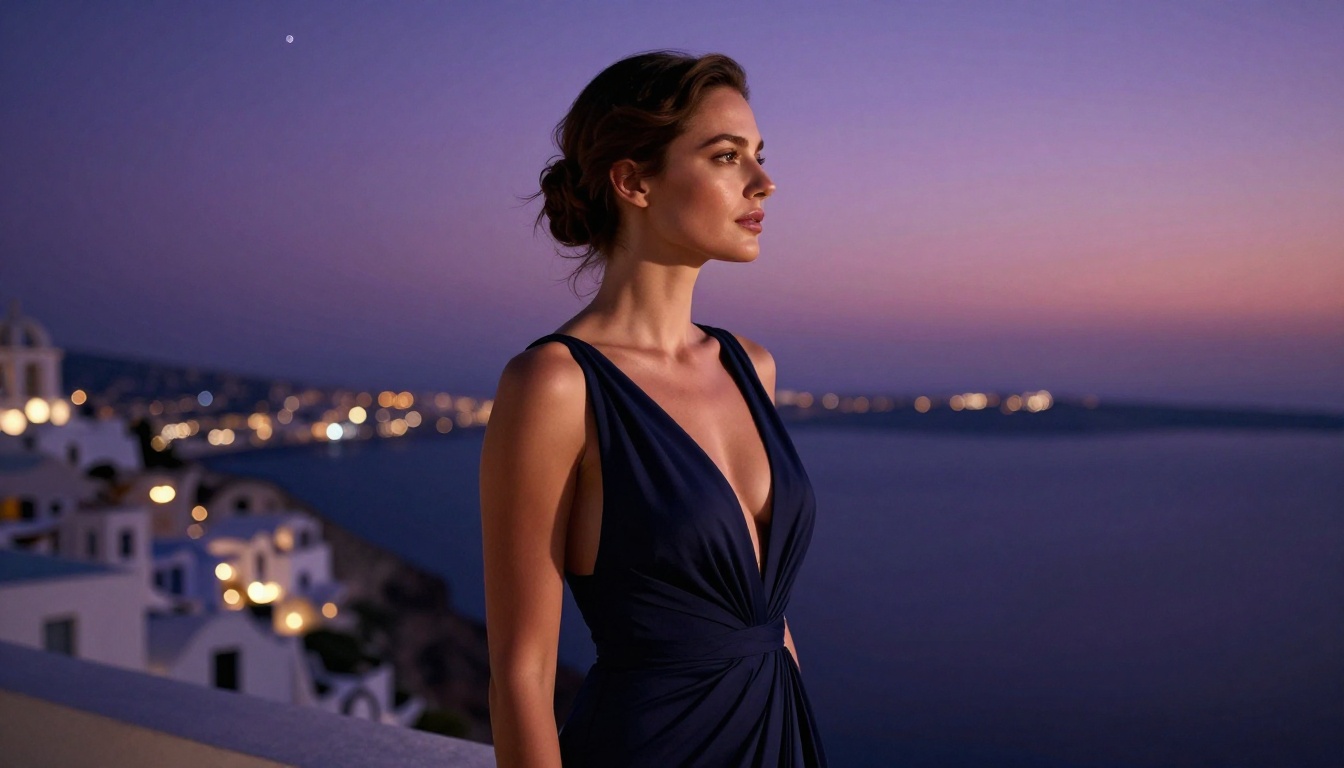
Fashion and editorial-style portraits with cinematic depth of field
Suggestive but tasteful intimate scenes with full control over mood and atmosphere
The quality ceiling has risen so fast that the question is no longer can AI generate this, but which model does it best for your specific use case.
The Free vs. Paid Reality
Most platforms operate on a freemium model. You get a set number of free generations per day or month. The critical thing to know: the free tier usually runs the same model as the paid tier. The only difference is volume and sometimes queue priority.
Platform Type
Free Limit
Paid Advantage
Web platform (queue-based)
10-50 images/day
Faster queue, more daily gens
Open model hosting
Varies by model
Commercial license
Local installation
Unlimited
No API cost, full control
💡 Tip: If you hit a daily limit, rotating between two or three platforms that run the same base model is a completely legitimate workflow.
The Flux Family: Free Tier Powerhouses
Flux from Black Forest Labs became the dominant open model for photorealistic image generation in 2024, and it has only gotten more capable since. Several variants are available for free use today.
Flux Dev and Flux Schnell
Flux Dev is the research variant of Flux 1.0. It's free to use for non-commercial work and produces exceptionally detailed outputs with strong prompt adherence. For adult content, Flux Dev handles skin texture, fabric physics, and lighting direction better than almost any model at this price point, which is free.
Flux Schnell is the speed-optimized sibling. It generates images in seconds rather than tens of seconds. Quality is slightly lower than Dev, but for rapid iteration where you're testing prompts before committing to a high-quality render, it's invaluable.
Flux 2.x: The Next Generation
The Flux 2 family pushed the benchmark further. Flux 2 Dev carries forward the non-commercial free tier with markedly improved anatomy rendering, which matters enormously for realistic adult content. Body proportions, hand rendering, and face consistency all improved significantly over Flux 1.
Flux 2 Pro and Flux 2 Max are premium-tier but worth mentioning because their free trial credits on various platforms let you test without committing. The quality jump between Dev and Max is visible: sharper microdetail in hair, more natural specular highlights on skin.
Flux Kontext for Editing Existing Images
If you have a base image you want to modify, Flux Kontext Pro and Flux Kontext Max allow text-based editing of existing photos. Change the outfit, adjust the lighting, swap backgrounds, all while keeping the subject consistent. This matters for adult content creation because maintaining character consistency across multiple images has historically been one of the hardest problems to solve.
Stable Diffusion Models That Still Deliver
The Stable Diffusion lineage from Stability AI remains one of the most permissive model families for adult content, and several variants are still genuinely competitive with newer models.
SDXL: The Community Workhorse
SDXL from Stability AI is arguably the most fine-tuned-upon model in existence. The open-weights release spawned thousands of community fine-tunes specifically optimized for photorealistic adult content. The base model itself is free and competent, but the real value comes from the ecosystem it enabled.
For speed, SDXL Lightning 4Step by ByteDance cuts generation time to fractions of a second with only minor quality reduction. Four-step diffusion for glamour shots is more than sufficient, letting you generate hundreds of variations quickly to find the exact composition you want.
Stable Diffusion 3.5 Family
The 3.5 release brought significant improvements in text rendering and photorealism. Stable Diffusion 3.5 Large handles complex lighting scenarios with impressive accuracy. SD 3.5 Large Turbo offers a speed-quality compromise similar to the Lightning variants, generating faster without sacrificing the core photorealism that makes these models useful for adult content.
SD 3.5 Medium sits between the two in both resource requirements and output quality. For users on lower-end cloud credits, it's the practical sweet spot.
Photorealistic Specialist Models
Some models were designed from the ground up specifically for maximum photorealism, and it shows.
RealVisXL and Realistic Vision
RealVisXL v3.0 Turbo is built on SDXL but fine-tuned specifically for photorealistic outputs. It renders skin texture with a level of micro-detail that base SDXL doesn't reach. Pores, fine hairs, natural imperfections: these are rendered as they would appear in high-end photography rather than as AI-smooth approximations.
Realistic Vision v5.1 follows the same philosophy. It's been one of the community's go-to photorealism models for years and continues to deliver consistent results for adult content, particularly for upper-body portraits and close-up detail shots.
DreamShaper XL Turbo and Proteus
DreamShaper XL Turbo occupies an interesting middle ground: photorealistic enough for glamour content but flexible enough for more stylized or artistic adult imagery. For creators who want results that feel like professional photography with a hint of artistic direction, DreamShaper delivers outputs that feel intentional rather than mechanical.
Proteus v0.3 was trained with a focus on aesthetics and compositional quality. Where many photorealistic models are optimized purely for realism, Proteus layers in better composition understanding: leading lines, rule of thirds, natural framing. Results tend to look like they were shot by a photographer with intention, not just a camera pointing at a subject.
How to Use These Models on PicassoIA
PicassoIA aggregates all of the above models and many more into a single interface, so you can switch between them without managing separate API keys, local installations, or platform accounts.
Step 1: Pick Your Starting Model
Navigate to the text-to-image collection. For photorealistic adult content, start with Flux Dev or RealVisXL v3.0 Turbo. Both are available on the free tier.
Step 2: Write a Structured Prompt
Good prompts for adult AI images follow a consistent structure:
Subject: Describe the person in detail (age range, hair, body language)
Clothing: Be specific, "wearing a minimal black bikini" not just "bikini"
Environment: Where are they? Beach, studio, bedroom, pool, terrace
Lighting: Direction and quality, "soft golden hour light from the left"
Camera Details: Focal length and aperture, "85mm f/1.8, shallow depth of field"
💡 Pro Tip: The more specific your lighting description, the better. "Rembrandt lighting from the upper right" produces dramatically different results than "studio lighting." Specificity signals photographic intent to the model.
Step 3: Use LoRA Fine-Tunes
p-image-lora supports LoRA adapters, letting you load fine-tuned weights for specific aesthetics, body types, or artistic styles on top of the base model. This is the standard method for getting character consistency across a series of images without switching to a full custom model.
Step 4: Iterate Fast, Then Commit
Use SANA Sprint or Flux Schnell to test 10-15 prompt variations quickly at lower quality settings. Once you find a composition and lighting setup that works, switch to Flux 2 Dev or Stable Diffusion 3.5 Large for the final high-quality render.
Speed vs. Quality: Direct Comparison
Different creators have different needs. Here's a direct comparison of the models covered:
Most people using free adult AI image tools get mediocre results because they write mediocre prompts. The model isn't the limiting factor. Here's what separates results that look like stock photos from results that look like editorial shoots.
Lighting Descriptions That Work
AI models trained on photography internalize photographic principles. When you describe lighting with precision, the model responds in kind:
"Soft diffused light from an overcast sky" produces even skin tones without harsh shadows
"Hard single-source light from camera left at 45 degrees" creates dramatic chiaroscuro
"Backlit by a setting sun creating rim lighting" adds depth and separation from background
"Upward fill light from below" creates an intimate, candlelit atmosphere
Negative Prompts Still Matter
Even on newer models with strong positive prompt adherence, negative prompts refine outputs:
Negative: cartoon, illustration, 3D render, CGI, plastic skin, overexposed, blurry, deformed hands, extra limbs, watermark, text
The "plastic skin" negative is particularly important for models that tend toward overly smooth, airbrushed skin outputs.
Composition Direction
Include explicit composition direction in your prompt: "Rule of thirds composition, subject positioned in left third of frame, environmental context in right two-thirds." Models respond well to explicit compositional language borrowed directly from photography.
💡 Aspect Ratio: Use 16:9 for environmental and scene shots. Switch to 2:3 or 9:16 for portrait and close-up work. Most platforms including PicassoIA let you select the ratio before generating.
Newer Models Worth Adding to Your Rotation
HiDream L1 and Seedream 4.5
The HiDream family, available as HiDream L1 Fast and HiDream L1 Dev, brings transformer-based image generation to open-weights. The L1 architecture handles fine-grained details, particularly in fabric and texture rendering, better than most diffusion-only models at equivalent compute.
ByteDance's Seedream 4.5 and Seedream 5 Lite prioritize color accuracy and tonal range over raw detail density. For beach and outdoor content where color fidelity matters, accurate water blues, natural skin tones, saturated sunsets, Seedream models produce results that feel almost HDR in their vibrancy.
Qwen Image 2 and Ideogram v3
Qwen Image 2 handles complex scene composition with multiple elements more coherently than many pure diffusion models. It's a solid choice when your prompt describes a specific environmental narrative or interaction rather than a simple portrait.
Ideogram v3 Quality remains the best at integrating legible styled text with photorealistic imagery. If your adult content workflow involves any text overlays, watermarks, or branded elements within the image itself, Ideogram's text rendering is in a class of its own.
Start Creating Right Now
The tools outlined here are accessible directly on PicassoIA's text-to-image collection, without needing separate accounts, API keys, or credit card information for the free tiers. You're one prompt away from a result that would have cost $50 and a two-hour wait at a professional studio three years ago.
The most valuable thing you'll build over time isn't just a collection of images. It's a library of prompts that reliably produce the style and quality you want, ready to spin up on any model, on any platform, whenever inspiration strikes.
The tools are free. The creative ceiling is yours to find.