Adult content creators face a problem that other AI users don't: the moment a prompt gets suggestive, most mainstream platforms block it. Credits spent, time wasted, and a content policy error message staring back at you. That cycle is both expensive and demoralizing.
The tools listed here work differently. They're free or have meaningful free tiers, they accept adult content without policy rejections, and several produce video in seconds rather than minutes. Every model below is live on PicassoIA right now.
Why Most Free AI Tools Block Adult Content
Mainstream AI platforms — Midjourney, DALL-E 3, Adobe Firefly — all operate safety filters at the model or API layer. The reason is straightforward: app store requirements, payment processor terms, and advertiser agreements make uncensored content a liability. These platforms aren't blocking adult content because they couldn't support it technically. They block it because their business model requires them to.
That creates a real gap. Adult content creators on OnlyFans, Fansly, and independent platforms need AI assistance just as much as any other creative professional. The demand is there. Finding tools that meet it is the challenge.
Some platforms have solved this by:
- Hosting open-weight models without wrapper restrictions
- Running community-trained models where adult content is supported by default
- Offering opt-in NSFW modes outside of standard content policies
PicassoIA sits in this category, with 90+ text-to-image models and 112+ text-to-video models, many with safety filters disabled by default or not present at all.
The Best Free AI Image Generators for Adult Content
Before generating video, you need a strong source image. For NSFW creation in particular, the quality of your starting frame determines everything. A flat or low-detail image produces equally flat video.
Seedream 4.5 — The Top Performer
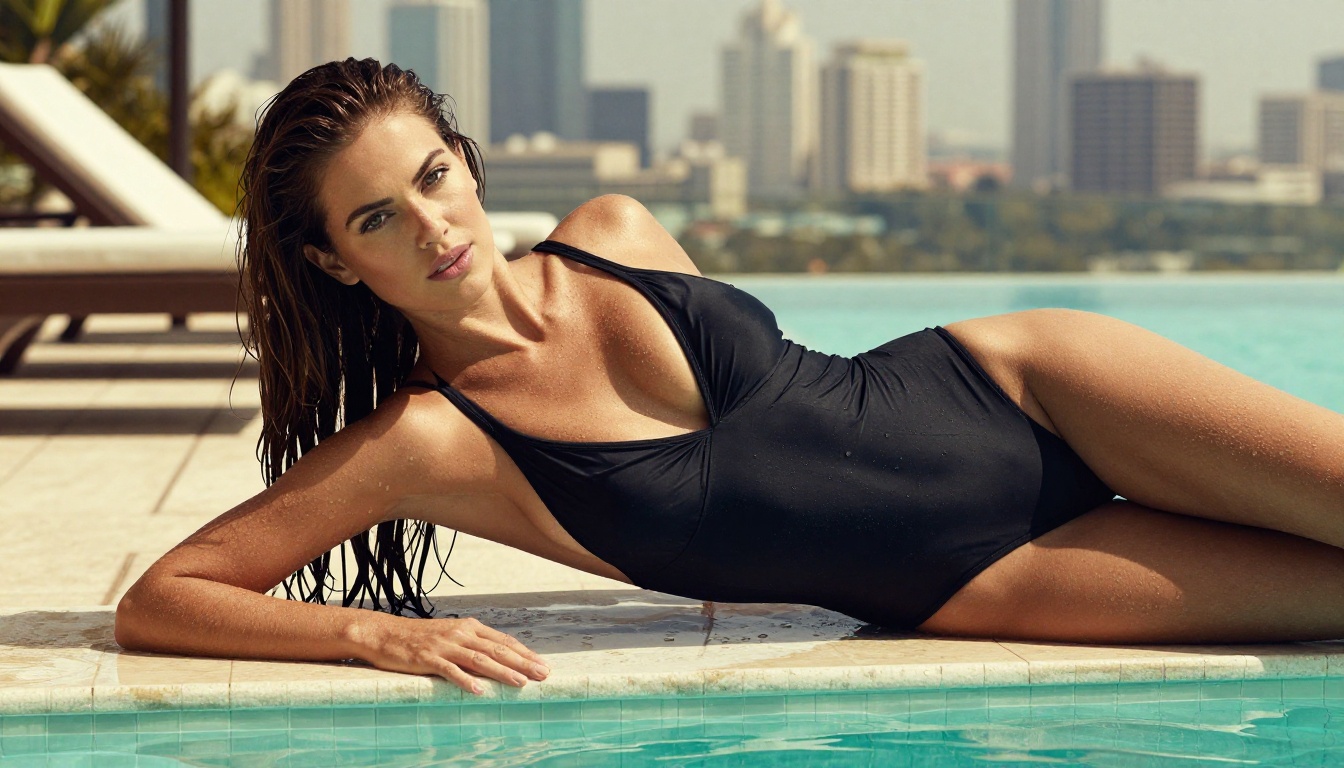
Seedream 4.5 is the strongest recommendation for adult image generation on PicassoIA. It accepts NSFW prompts, supports both text-to-image and image editing workflows, and returns results in under 3 seconds. The realism level — particularly on skin texture, fabric detail, and lighting — is significantly above what most free platforms offer.
One note: ByteDance also released Seedream 5 Lite, but that model blocks adult content. For NSFW work, always select Seedream 4.5 specifically.
What it offers:
- NSFW prompt support without policy errors
- Image editing mode — adjust poses, outfits, and lighting on existing photos
- Under 3 seconds per generation
- Exceptional skin texture and fabric realism
💡 Include lighting direction and camera lens details in your Seedream 4.5 prompts. "Soft rim lighting from the left, 85mm f/1.4 portrait lens" produces dramatically better skin rendering than a generic description.
PicassoIA Image Editor Pro — Unlimited Generations
PicassoIA Image Editor Pro is an img2img model with one defining feature: unlimited generations on Elite and Infinite plans. Need 1,000 images for a content batch? That's 1,000 images at no extra cost. Models like Nano Banana 2 would run around $100 for the same volume.
Additional advantages:
- Results in under 1 second
- Full NSFW support
- 3 free trial generations, no credit card required
This is the practical choice for high-volume production. Use Seedream 4.5 when realism in a single shot matters most. Switch to Image Editor Pro when you need to scale output.
Other NSFW-Compatible Image Models
Free AI Video Generators for Adult Content
Video generation for adult content is where the tool gap becomes most visible. Most mainstream platforms refuse even mild content in video mode. The tools below don't have that restriction.

PicassoIA Video — Unlimited Free Clips
PicassoIA Video is the strongest free option for adult video creation. The defining feature: unlimited video generation at up to 720p, 5 seconds per clip. No per-clip cost on eligible plans.
For creators building a content library, this changes the math. Testing different angles, expressions, and lighting scenarios doesn't cost anything. You iterate until the result is right, without worrying about credit consumption.
💡 PicassoIA Video at 720p/5s is well-suited for subscription teasers, social preview clips, and looping backgrounds.
P-Video — Safety Filter Off by Default
P-Video by PrunaAI is the most flexible adult content video tool on the platform. The safety filter is disabled by default — your prompt is submitted without a content check blocking it before generation. Specifications:
- Accepts text, image, or audio as input
- Up to 1080p resolution at 24 or 48 fps
- Duration from 1 to 10 seconds
- Seven aspect ratios
- Draft mode for instant low-resolution previews
The recommended workflow: generate a source image in Seedream 4.5, pass it to P-Video as the input image, describe the motion you want, run draft mode to verify the clip, then render the final version.

Grok Imagine Video — Longer Clips Without Watermarks
Grok Imagine Video generates clips up to 15 seconds — longer than most free tools. It accepts text, a reference image, or an existing video for re-editing (up to 8.7 seconds), and outputs at 720p or 480p with no watermarks.
The image-to-video mode auto-matches the proportions of your source image — no manual cropping required. Its companion model Grok Imagine Image is also NSFW-compatible, making the full Grok pipeline a natural workflow: Grok image generation into Grok video animation.
Wan 2.7 I2V — Free and Capable
Wan 2.7 I2V is a free-tier option that handles realistic subjects well. The transition from static image to motion is smooth, with minimal warping on skin and fabric.
For text-based starting points instead of an image: Wan 2.7 T2V generates from a text prompt directly.
Seedance 2.0 — Studio-Grade Output
Seedance 2.0 is the premium tier when output quality matters above all else. It includes built-in audio synchronized to the video — eliminating a separate audio-generation step. Face stability, camera movement smoothness, and fabric physics are noticeably better than free-tier models.
Seedance 1.5 Pro remains excellent for 1080p output at a lower credit cost.
How to Use PicassoIA Video for Adult Content
Step 1: Create Your Source Image
Start with Seedream 4.5. Write a detailed prompt that includes:
- Subject description with clothing, pose, and expression
- Lighting direction ("volumetric afternoon light from the right, rim light on left shoulder")
- Camera lens ("85mm f/1.4 portrait lens, shallow depth of field")
- Environment ("white linen sheets, soft window light" or "rooftop pool deck, summer afternoon")
- Photography style ("photorealistic RAW 8K, Kodak Portra 400 film grain")
Precision in the prompt produces precision in the image. Vague descriptions produce average results.
Step 2: Animate the Image
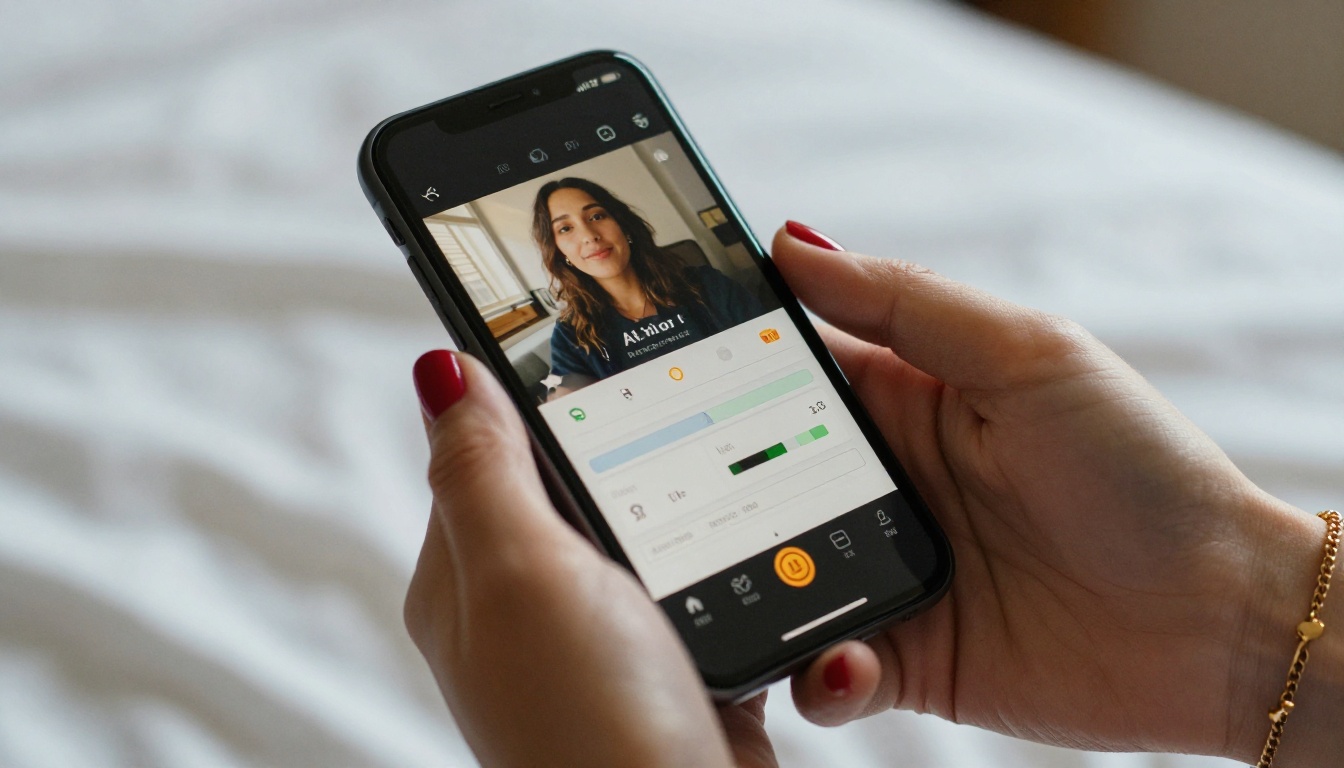
Take your generated image URL into PicassoIA Video or P-Video as the input source. Write the motion prompt describing:
- What the subject does ("she slowly turns her head toward camera, hair shifting with the motion")
- Camera movement ("slow dolly-in from medium to close-up")
- Lighting continuity ("warm window light from the left stays constant throughout")
Step 3: Verify with Draft Mode
On P-Video, always run draft mode before the final render. This produces a low-res preview instantly, letting you catch motion errors — wrong direction, face warping, unintended camera shifts — without spending render credits on a bad clip.
Step 4: Edit and Refine
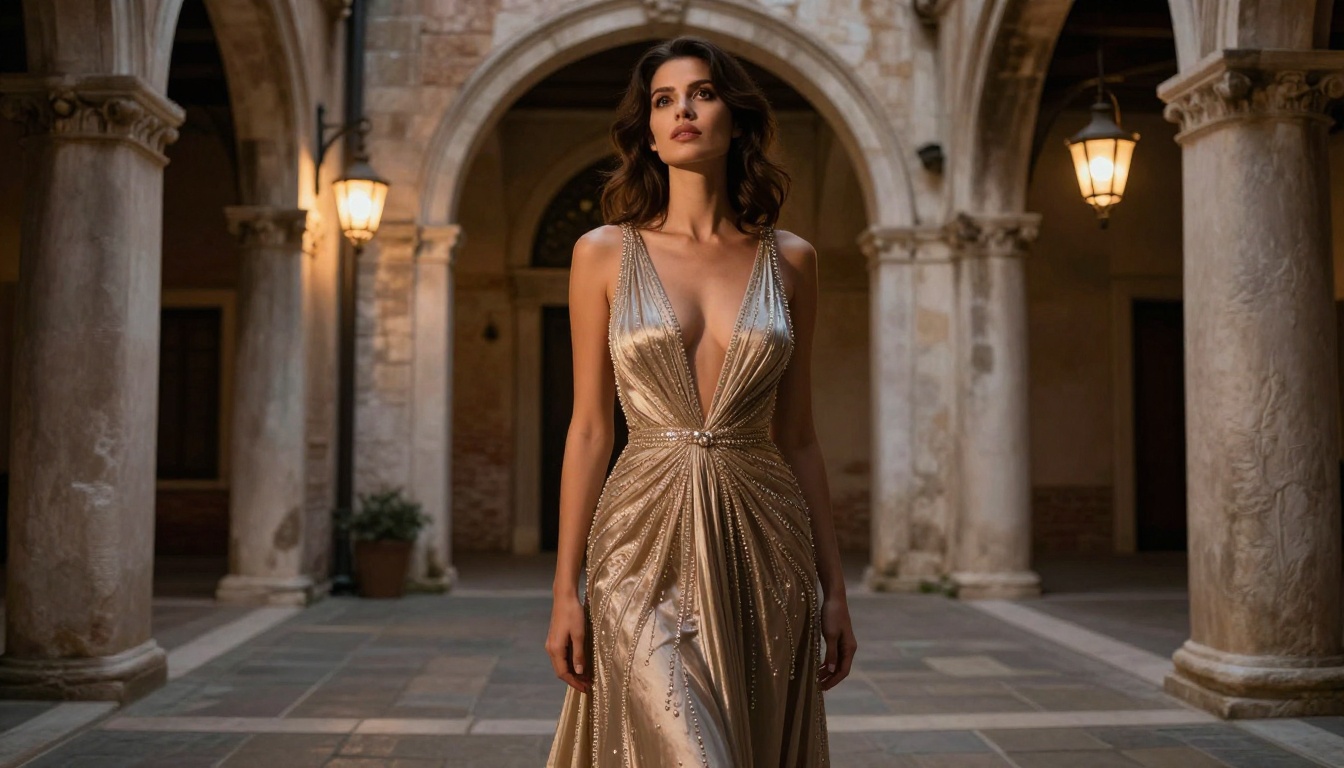
After generation, run your clip through editing tools to finalize it for distribution.
Free AI Video Editing Tools for Adult Content
Text-Based Video Editing
Wan 2.7 VideoEdit lets you describe changes in text and applies them to an existing video. Change lighting, remove objects, or shift the visual style without regenerating from scratch. This is the fastest revision workflow available.
Lucy Edit 2 and Gen 4 Aleph operate on the same principle. Kling o1 specializes in rewriting videos while keeping the original structure and timing intact.
Quality and Production Tools
💡 Background removal is especially useful for adult content creators who want to composite footage onto custom virtual settings or branded overlays without revealing their physical location.
LTX 2.3 Pro — For Final Deliverables
When output fidelity is the priority, LTX 2.3 Pro is the ceiling. It exports at up to 4K at 50fps, runs five modes from one interface (text-to-video, image-to-video, audio-to-video, retake, and extend), and includes camera-motion presets. The retake mode is particularly practical: replace a short bad segment without re-rendering the entire clip.
Prompt Tips That Actually Work
Most AI video failures trace back to vague prompts, not bad models. A few principles that consistently improve output:
Be specific about motion. "She moves" is useless to the model. "She slowly tilts her head to the right, lips parting slightly, hair falling across her shoulder" gives the model something to follow.
Describe camera separately from subject. When these instructions are mixed together, the model often prioritizes one over the other. "Slow dolly-in toward the subject's face" as a standalone motion direction works better than embedding it in the subject description.
Anchor your lighting. If the source image has window light from the left, include "maintain soft natural light from the left window throughout" in the video prompt. Models default to whatever lighting makes motion easiest to generate, which often shifts the mood of the original shot.
Start short, then extend. Generate a 3-second clip to verify motion direction and quality. Then use LTX 2.3 Pro's extend mode to append footage to a working clip.
The Full NSFW Model Lineup on PicassoIA
PicassoIA maintains 12+ models that accept adult content across image generation, editing, and video:
- Seedream 4.5 ⭐ — Top all-around NSFW model. Accepts adult content, supports image editing, delivers ultra-realistic results in under 3 seconds. (Seedream 5 Lite does not support NSFW.)
- PicassoIA Image Editor Pro — Img2img with unlimited generations on Elite/Infinite plans. Under 1 second per result. Free 3-generation trial, no credit card required.
- Qwen Image 2 — Open-source editing with very detailed realism.
- Grok Imagine Image — Realistic photo-to-outfit conversion.
- Recraft V4 — High-realism text-to-image generation.
- P-Image — NSFW image generation in under 1 second.
- PicassoIA Video — Unlimited free video generation, up to 720p and 5 seconds per clip.
- P-Video — Text, image, or audio to video at up to 1080p. Safety filter off by default.
- Grok Imagine Video — Clips up to 15 seconds. No watermarks.
- LTX 2.3 Pro — 4K/50fps with retake and extend editing for precise control.
Unlike mainstream AI platforms, PicassoIA doesn't restrict adult content at the model layer. Creators access the same high-performance models without content policy rejections.
👉 Browse the full catalog at picassoia.com/en/all-models
Try Generating Right Now
The fastest evaluation is to run a generation. Start with Seedream 4.5 for a source image — results arrive in under 3 seconds. Take that image into PicassoIA Video or P-Video, run a draft clip, and see the result. The full sequence takes under 5 minutes.
For creators working at volume, the unlimited generation tiers change how the economics work. There's no other platform where you can generate thousands of images and videos without per-generation costs at this quality level.
Start at picassoia.com/en/all-models — no credit card required for the first three generations.