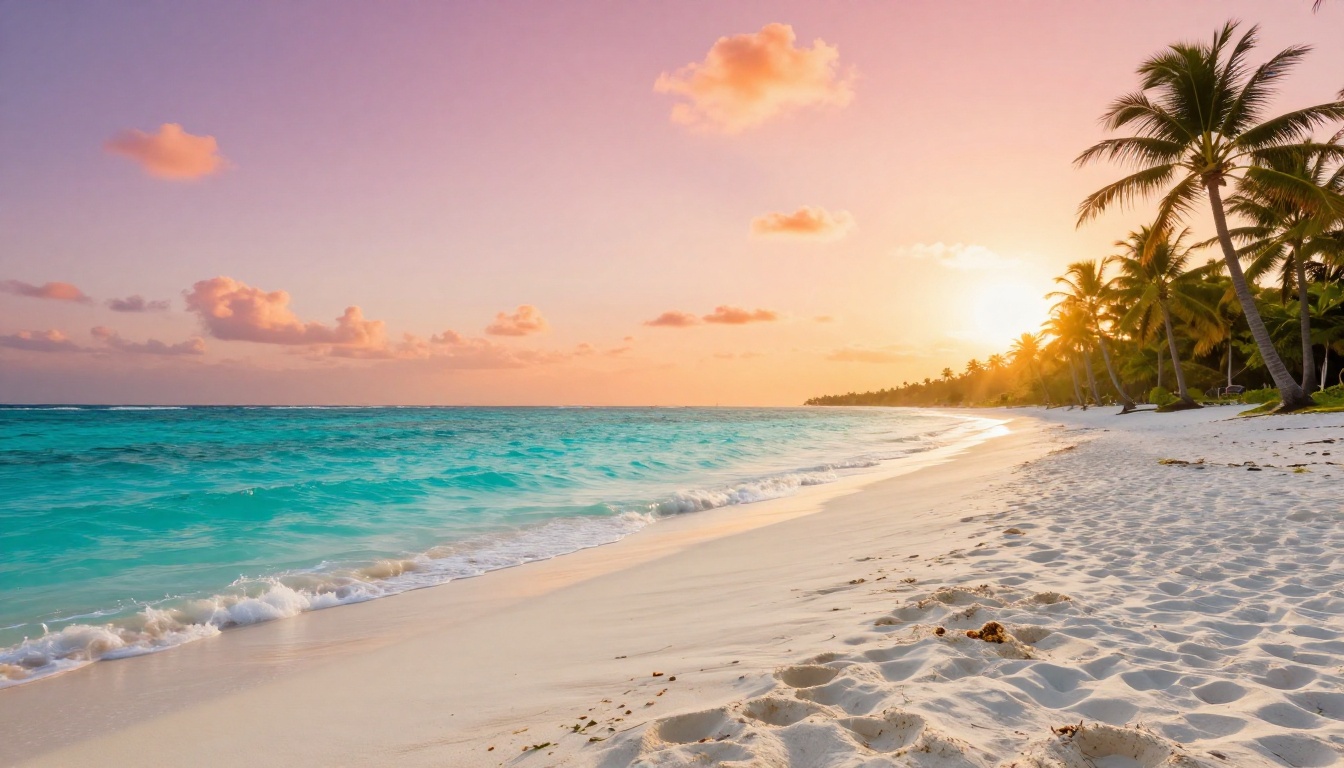
Nano Banana 2 is Google's lightweight AI image model, and it's free. That's the pitch. But "free AI art" means different things depending on who's selling it, so this article cuts through the noise and tells you exactly what you get when you use Nano Banana 2 Lite on PicassoIA, where it hits its ceiling, and which other free models you should have open in a second tab.
What Nano Banana 2 Actually Is
Google's Lightweight Image Architecture
Nano Banana 2 is part of Google's research into efficient text-to-image generation. The "Nano" label is deliberate: this is a smaller model, built to run fast with less computational overhead. It is not a scaled-down version of a premium model with features stripped away. It is an architecture designed from the ground up for speed and accessibility.
The practical effect is that Nano Banana 2 generates images in a fraction of the time it takes heavier models. Where something like Seedream 5 Pro or Krea 2 Large might take 15-30 seconds for a high-quality output, Nano Banana 2 returns results in 3-8 seconds consistently.
On PicassoIA, the version available on the free tier is Nano Banana 2 Lite, which is the standard accessible version of the model. You access it without a paid subscription, with daily free generation allowances like other free models on the platform.
What "Lite" Means in Practice
"Lite" here refers to the access tier, not a fundamentally different model variant. The core generation behavior of Nano Banana 2 Lite is the same as the standard model. What changes on the free tier are the output resolution ceiling and the number of generations you can run per day.
This matters because some platforms use "Lite" to signal a severely degraded version of their flagship model. That is not what is happening here. The images you generate on the free tier use the same model weights and produce the same stylistic output as paid access.

💡 Worth knowing: Nano Banana 2 Lite is not a crippled demo. It is the same model running under a daily free quota. The outputs are consistent with what paid access produces.
What You Get for Free
Free Generations Without a Credit Card
PicassoIA offers Nano Banana 2 Lite on a persistent free tier. No trial countdown, no credit card required to start. You create a PicassoIA account and access the model the same way as any other model on the platform.
The free generation quota gives you enough images per day to run real creative sessions. It is not a token handful that disappears after five test images. If you want to use this model as a daily tool for concept iteration, the free tier supports that use case.
Output Quality That Holds Up
The images Nano Banana 2 Lite produces are coherent, compositionally sound, and coloristically accurate from most prompts. Natural landscapes, urban scenes, architectural interiors, stylized subjects, and food photography all fall comfortably within what the model handles well.
Where quality starts to show its limits:
- Fine portrait detail: Skin texture, individual eyelashes, and hair strands at the micro level are softer compared to models like Ideogram v4 Quality
- Complex multi-subject scenes: More than two or three characters interacting in a scene can produce inconsistent positioning
- Precise text rendering: Text inside images is not Nano Banana 2's strong suit. For designs requiring legible text, Ideogram v4 Balanced is a more reliable choice
For social media content, blog illustrations, concept thumbnails, wallpapers, and personal creative projects, the quality is more than sufficient.

Prompt Response and Instruction Following
Nano Banana 2 Lite follows clear, descriptive prompts reliably. Its instruction-following is stronger on concrete visual descriptions than abstract or emotional language.
Prompts that work well:
- Specific subjects with defined actions
- Named settings with architectural or natural detail
- Clear lighting descriptions (morning, golden hour, overcast, studio lighting)
- One dominant style qualifier (photorealistic, cinematic, aerial, macro)
Prompts that underperform:
- Abstract emotional language without visual specifics
- Conflicting style terms in the same generation
- Prompts exceeding 100 words with many competing instructions
The sweet spot for Nano Banana 2 Lite is 40-70 words with clear hierarchy: what you are generating, where, how it is lit, and what visual feel you want. Keep it focused and front-loaded with the most critical elements.
The Real Limits of the Free Tier
Daily Generation Caps
The free tier is not unlimited. PicassoIA sets daily generation limits on free model access, and Nano Banana 2 Lite falls within those limits. The specific numbers can change based on platform policy, so checking the model page directly gives you the current quota.
What matters: the cap is daily, not lifetime. Your quota resets each day, so a session that uses up your free generations today does not lock you out permanently. This makes Nano Banana 2 viable as a regular tool within structured daily creative workflows.
Resolution and Output Size
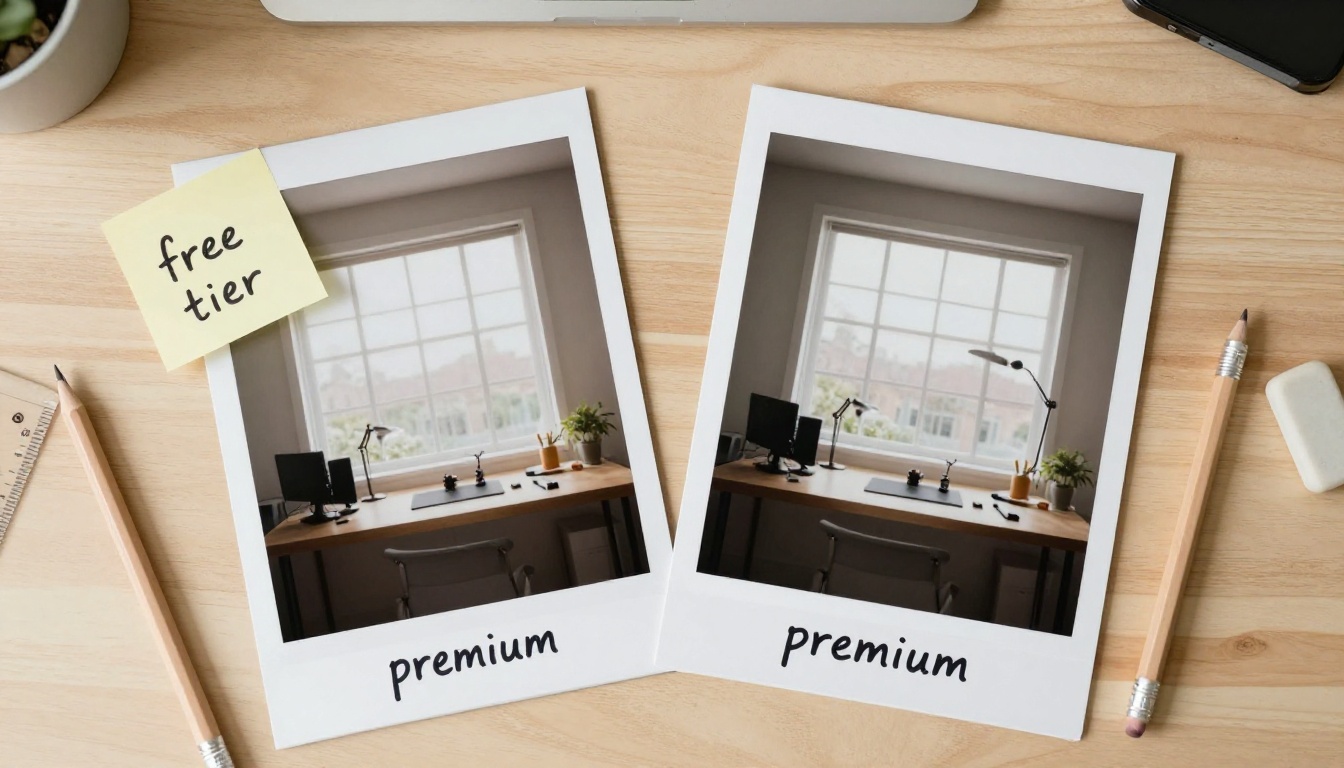
Free tier outputs from Nano Banana 2 Lite are at standard resolution, not the high-resolution outputs available with premium access. For web use and digital display, this is rarely a problem. For print work, it can be a limiting factor.
The practical solution is PicassoIA's super-resolution section. Models like Clarity Pro Upscaler and Real ESRGAN take a standard-resolution Nano Banana 2 output and scale it up with added detail, recovering most of the resolution disadvantage without requiring a premium subscription.

Queue Times at Peak Hours
Free tier generations can take longer during peak platform usage windows. The 3-8 second generation time is standard during off-peak periods. During high-traffic windows, expect occasional queue waits before generation starts.
This is platform behavior, not a model limitation. Generating during off-peak hours or considering a PicassoIA subscription resolves it when fast turnaround is critical.
💡 Timing tip: Early morning or late evening typically sees faster free tier generation times. Plan batch iterations for those windows to maximize throughput within your daily quota.
How Nano Banana 2 Compares
Against Other Fast Free Models
Speed and free access together are a rare combination in AI image generation. Here's where Nano Banana 2 Lite sits among the fast free models on PicassoIA:
No model in this table wins every column. Nano Banana 2 Lite's advantage is clear: speed plus free access. If either of those requirements is relaxed, other models close the quality gap significantly.

Where Nano Banana 2 Actually Wins
There are specific tasks where Nano Banana 2 Lite is the right choice, not a compromise:
Rapid ideation sessions: Generate 15-20 concept variations in under 10 minutes. At this volume, speed is the primary value and Nano Banana 2 delivers it consistently.
Prompt refinement: Test your prompt across multiple variations before committing it to a slower, higher-quality model. The fast feedback loop lets you identify exactly what wording produces the image you want, saving time and credits on premium models.
Reference image generation: Create visual references for design briefs, mood boards, or client presentations. The quality is sufficient for this purpose, and the speed means you can tailor each reference specifically rather than reusing generic stock images.
Daily creative practice: As a habit of generating images for personal projects or skill-building, Nano Banana 2 Lite's free daily quota supports consistent practice without cost pressure.
How to Use Nano Banana 2 Lite on PicassoIA
Step-by-Step
Using Nano Banana 2 Lite on PicassoIA requires no technical setup:
- Open Nano Banana 2 Lite on PicassoIA
- Sign in or create a free account (under one minute)
- Write your prompt in the input field
- Select any available settings such as aspect ratio
- Click Generate
- Your image appears within seconds
- Download, share, or pass it directly to an upscaler from the platform
Total time from prompt to downloadable image is typically under 15 seconds, including UI interaction.
Getting Consistent Results
Consistency is the main technical challenge with any fast generation model. Two identical prompts can produce noticeably different images. To tighten that variance:
Lock your seed: If the platform exposes a seed parameter, fixing it and making small prompt adjustments lets you iterate on the same base composition instead of getting random variation each time.
Specify composition explicitly: Phrases like "centered subject", "low angle shot", "close-up portrait", or "wide establishing shot" give the model clear compositional direction beyond pure subject description.
Front-load your style: Put style descriptors near the beginning of your prompt, not at the end. "Cinematic photography of a woman walking through a rainy street at night" outperforms "A woman walking through a rainy street at night, cinematic photography."
💡 Prompt structure that works: Lead with style, then subject, then environment, then lighting. This ordering consistently produces stronger Nano Banana 2 Lite results than any other arrangement.

Lighting Is the Biggest Quality Lever
Of all the prompt elements you can specify, lighting has the most direct impact on perceived image quality in Nano Banana 2 outputs. A well-lit prompt with a mediocre subject description still produces a visually appealing image. A flat, unspecified lighting prompt with a detailed subject often produces a dull result.
Lighting terms that work well with this model:
- Volumetric morning light from the left
- Soft overcast diffused light
- Golden hour backlight with lens flare
- Studio three-point lighting
- Single window light, side-lit
Adding one specific lighting phrase to any prompt reliably improves the output.
Upscaling Your Best Outputs
Why This Step Changes Everything
The resolution limit on free Nano Banana 2 generations becomes a minor issue once you add upscaling to the workflow. PicassoIA's super-resolution models are built specifically for AI-generated image enhancement, and they integrate directly with whatever you generate on the platform.
The workflow is simple: generate fast, select the best, upscale the keepers. This approach means you run 20 variations rapidly to find the composition you want, then upscale only the 2-3 that actually work. Your time goes toward deciding, not waiting.
Best Upscalers for Nano Banana 2 Outputs
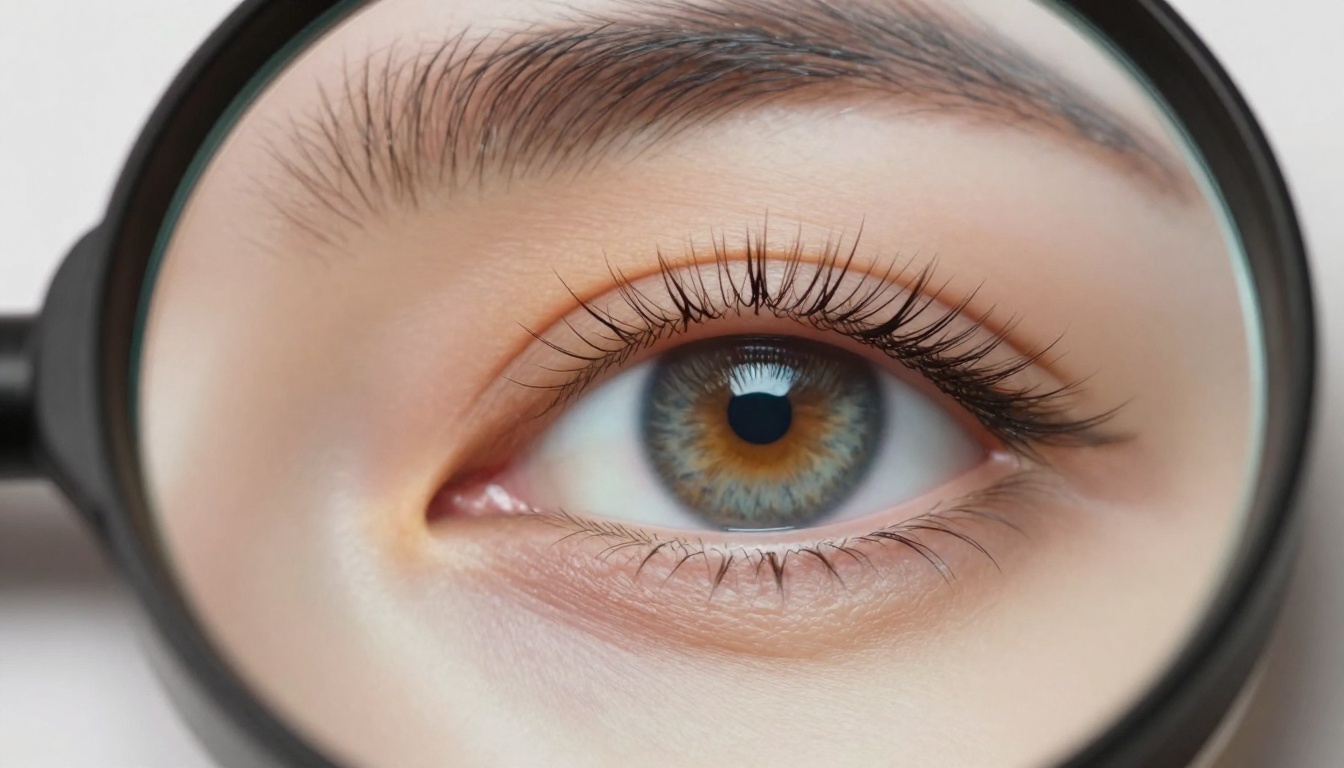
For most outputs from Nano Banana 2 Lite, Real ESRGAN handles the upscale cleanly without over-sharpening or adding artifacts. For portrait-heavy outputs, Crystal Upscaler adds the facial detail the base model leaves soft.
The Time Math
Generating 20 images with Nano Banana 2, selecting 3, and upscaling those 3 takes about 5-8 minutes total. Running 20 images through a slower high-quality model with upscaling takes 30-40 minutes for the same end result. The Nano Banana 2 approach produces comparable final outputs in a fraction of the time.
For creators working under time pressure, that difference is not a preference. It is a workflow decision with measurable impact.
When to Move Beyond Nano Banana 2
Jobs That Need More
Some creative tasks genuinely require capabilities that Nano Banana 2 Lite does not offer at the free tier:
Commercial-grade product photography: If accuracy and maximum resolution matter for brand assets, GPT Image 2 or Recraft v4.1 Pro are better starting points for final deliverables.
Text-in-image requirements: Nano Banana 2 handles text inconsistently. Ideogram v4 Quality is purpose-built for this use case and far more reliable on legible, well-placed text rendering.
Unlimited daily generation volume: If your work requires generating hundreds of images daily without quota limits, PicassoIA Image and PicassoIA Image Editor Pro offer unlimited generation within a PicassoIA subscription, removing the daily cap entirely.
Mixing Models by Task
The most effective approach to free AI art on PicassoIA uses multiple models in sequence based on the task requirements rather than forcing one model to do everything:
This approach costs nothing on a day of exploration and produces results ranging from usable to impressive depending on which task you are optimizing for.
Try It Yourself
The free tier of Nano Banana 2 Lite on PicassoIA is one of the more honest examples of free AI art available right now. The speed is real, the quality is adequate to genuinely good depending on the prompt, and the daily quota supports actual creative work rather than just a fleeting test.
Start with a simple prompt, see what comes back in under 10 seconds, and then try the same concept at different levels of specificity. The gap between a vague prompt and a precise one is where most of the quality difference lives with this model.

After your first few generations, run one through the upscaler and compare the result. That two-step workflow, fast generation followed by selective upscaling, is how experienced users extract the most value from the free tier.
PicassoIA has over 200 text-to-image models available alongside the full suite of upscalers, image editors, and specialty tools. Once you have tried Nano Banana 2 Lite, comparing a few other free models on the same prompt takes five minutes and shows you exactly where the quality differences appear. The complete model library is at picassoia.com/en/all-models.