Most "free AI girlfriend" apps work the same way. You get ten warm messages, one blurry selfie, and then a paywall appears right when the conversation gets good. If you searched for a free AI girlfriend with image generation, you probably want something simpler: a companion who remembers your day, talks like a real person, and sends photos that actually look like photographs. This article shows how to get that online, how to dodge the usual caps, and how to build the whole thing yourself from a chat model plus a realistic image generator.
What an AI Girlfriend Actually Is
An AI girlfriend is a fictional character that you talk to through a chat window. Behind the screen, two separate systems do the work. One writes the replies. The other draws the pictures. Once you see that split, the whole category gets easier to judge.
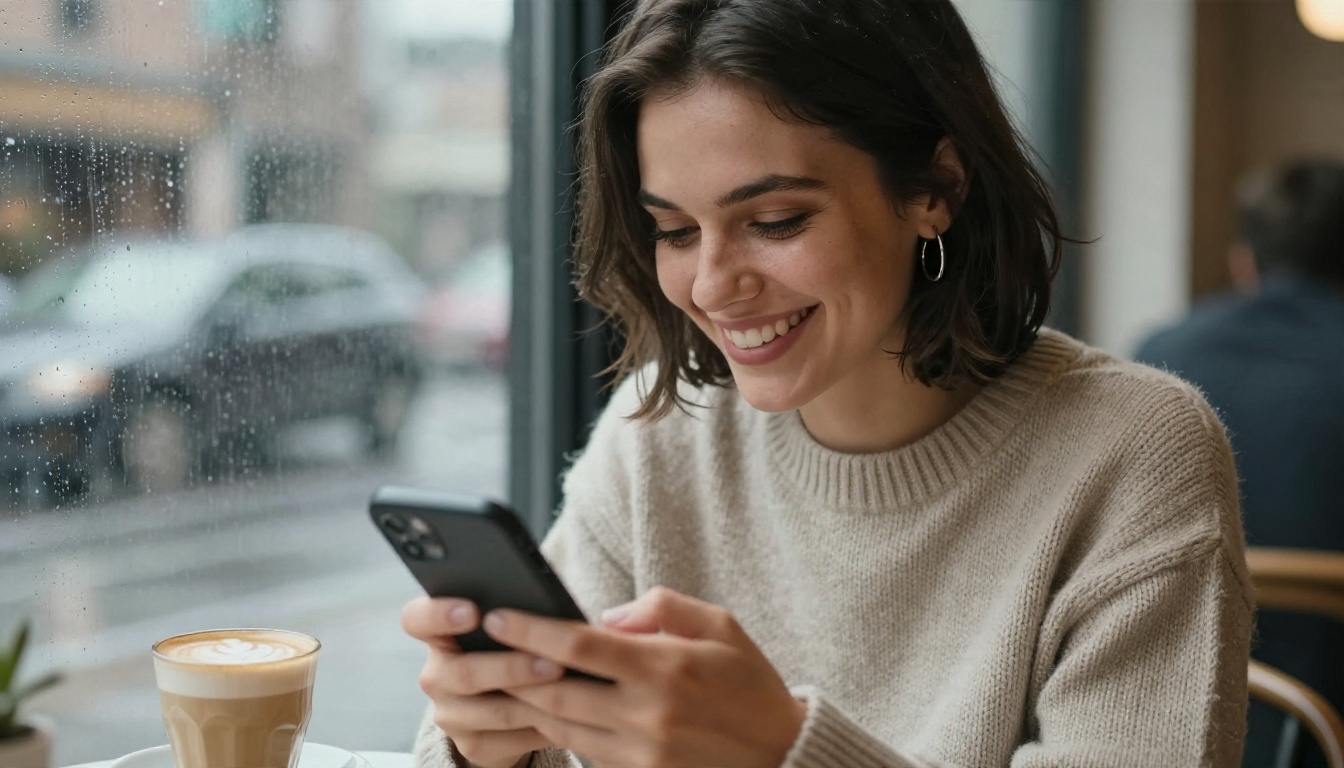
Chat Brain Plus Photo Engine
The chat brain is a large language model. It handles personality, memory, humor, flirting and tone. The photo engine is a text-to-image model. It turns a written description of a scene into a picture. Most commercial apps hide both behind one app icon, which is why quality swings so wildly from one app to the next. A great writer paired with a weak image model gives you charming conversations and plastic-looking selfies. The reverse gives you stunning photos and a companion who talks like a customer support script.
Why "Free" and "No Limits" Rarely Match
Running a chat model and an image model costs real money for every message and every picture. That is why free tiers almost always come with one or more of these catches:
- A daily message cap that resets at midnight
- A tiny photo allowance, often two or three images per week
- Watermarks or heavy blur on generated pictures
- Memory that resets so she forgets your name after a day
- Prompts that get quietly filtered into bland results
💡 Reality check: "Unlimited" in an app's marketing usually means "unlimited until we notice you using it a lot." Building your own pairing gives you far more control over what you get and what you pay.
Free Online Options Compared
You have three realistic routes. Here is how they stack up for someone who wants both conversation and photos.
| Route | Chat quality | Photo quality | Limits | Best for |
|---|
| Chat-only companion apps | Good to great | None or very basic | Message caps | Pure conversation |
| All-in-one companion apps | Medium | Medium, often stylized | Photo and message caps | Casual, quick use |
| Your own pairing (LLM plus image model) | Excellent | Excellent, photorealistic | Few, depends on the tools | Control and realism |
Chat-Only Apps
These are the simplest. You open the app, you talk. The downside is that you never see her. If imagination is enough for you, this route is fine, but you will miss the visual side that made you search for image generation in the first place.
Built-In Photo Apps
All-in-one apps promise photos on demand. In practice the pictures often come out stylized, with the same face drifting between shots and hands that look wrong. Free tiers also restrict the number of images, so you spend your allowance in an afternoon.
Build Your Own Combo
This is where things get interesting. You pick a strong chat model, write a short character sheet, and pair it with a photorealistic image generator. You decide how she looks, how she speaks and how often she "sends" a picture. The next sections walk through each piece.

Pick the Chat Brain
The conversation is what keeps you coming back, so spend a little time here. PicassoIA lists many large language models, and several are well suited to warm, natural dialogue.
Models Good at Natural Tone
Not every language model sounds human. Some are tuned for code and data, and they answer like a manual. These are better fits for relaxed conversation:
- Claude Sonnet 5 writes with a thoughtful, emotionally aware voice and holds a character well across long chats.
- GPT 5.6 Luna is built for fast replies, which makes the chat feel like texting rather than waiting.
- Gemini 3.5 Flash is quick and handles chat plus image understanding in one place.
- Qwen3.7-Plus can read pictures too, so you can show her a photo and have her react to it.
- Kimi K2.6 is a solid pick when you want long, detailed back and forth.
💡 Tip: Try the same opening message on two or three models. The difference in warmth and humor shows up in about thirty seconds.
Write a Character Sheet
A character sheet is a short block of text you paste at the start of every session. It gives the model a stable personality, so she does not turn generic after a dozen replies. Include:
- Name and age (an adult, always)
- Personality in five words, for example: playful, curious, warm, a little sarcastic, loyal
- Backstory in two sentences: where she lives, what she does for work
- Speech style: short texts, uses humor, rarely uses emojis
- Boundaries: what she will and will not talk about
- Memory notes: your name, your job, your running jokes
A sheet of 150 to 250 words works better than a wall of text. Update the memory notes every few days and paste the new version in. That one habit does more for the "she remembers me" feeling than any paid upgrade.
Generate Her Photos
Now the visual half. Photorealism is what separates a convincing companion from a cartoon avatar. You want skin with pores, light that behaves like real light, and fabrics that wrinkle the way real fabrics do.
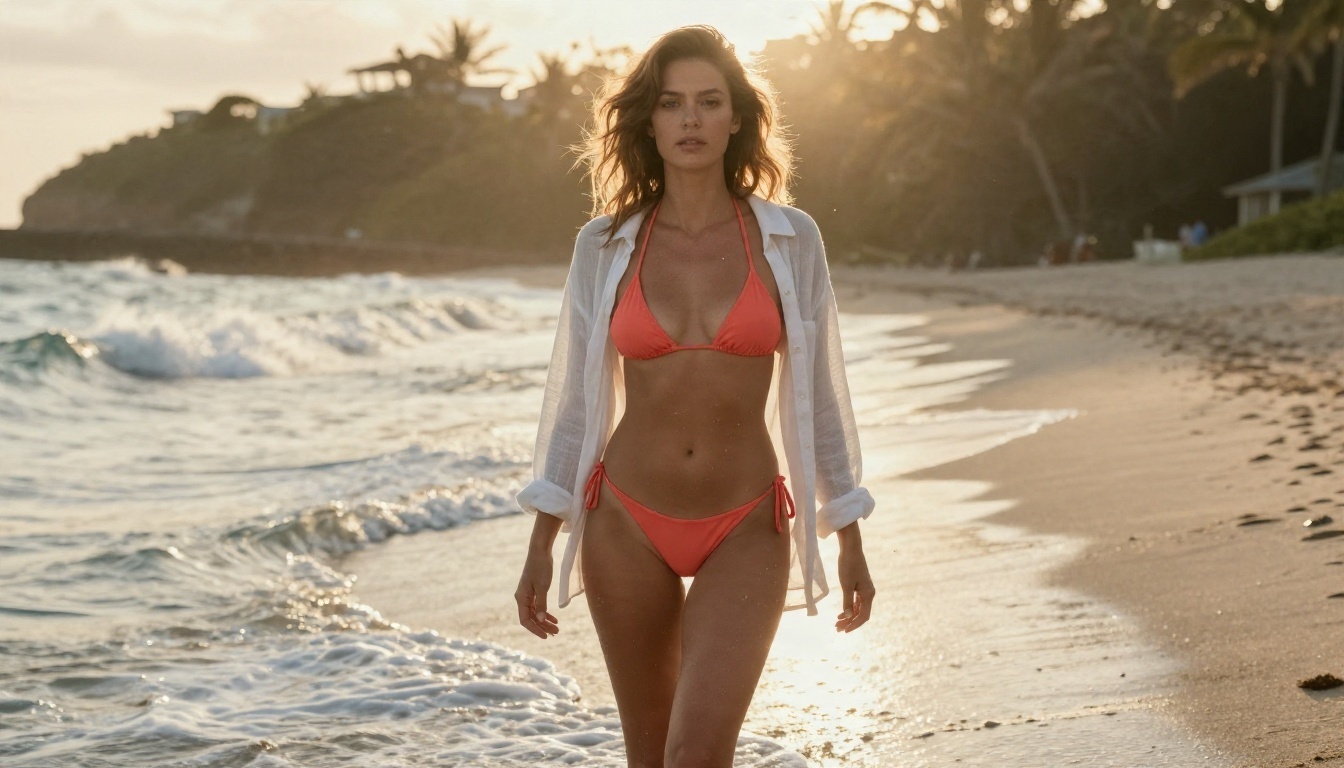
Why Seedream 4.5 Leads
For this kind of work, Seedream 4.5 is the model to start with. It produces sharp, high-resolution images with believable skin, natural lighting and good handling of swimwear, evening wear and glamour scenes. It follows long, detailed prompts closely, which matters when you want her hair color, outfit and setting to match what you wrote. Results stay suggestive and tasteful: think beach editorial and evening glamour, not explicit content.
Image Editor Pro for Unlimited Edits
PicassoIA Image Editor Pro is the second tool to keep open. It is built for unlimited generations, so you can keep refining without watching a counter. Use it to change an outfit, shift the background from a cafe to a beach, fix a hand, or adjust the lighting on a shot you already like. For the "no limits" part of your search, this is the piece that does the most work.
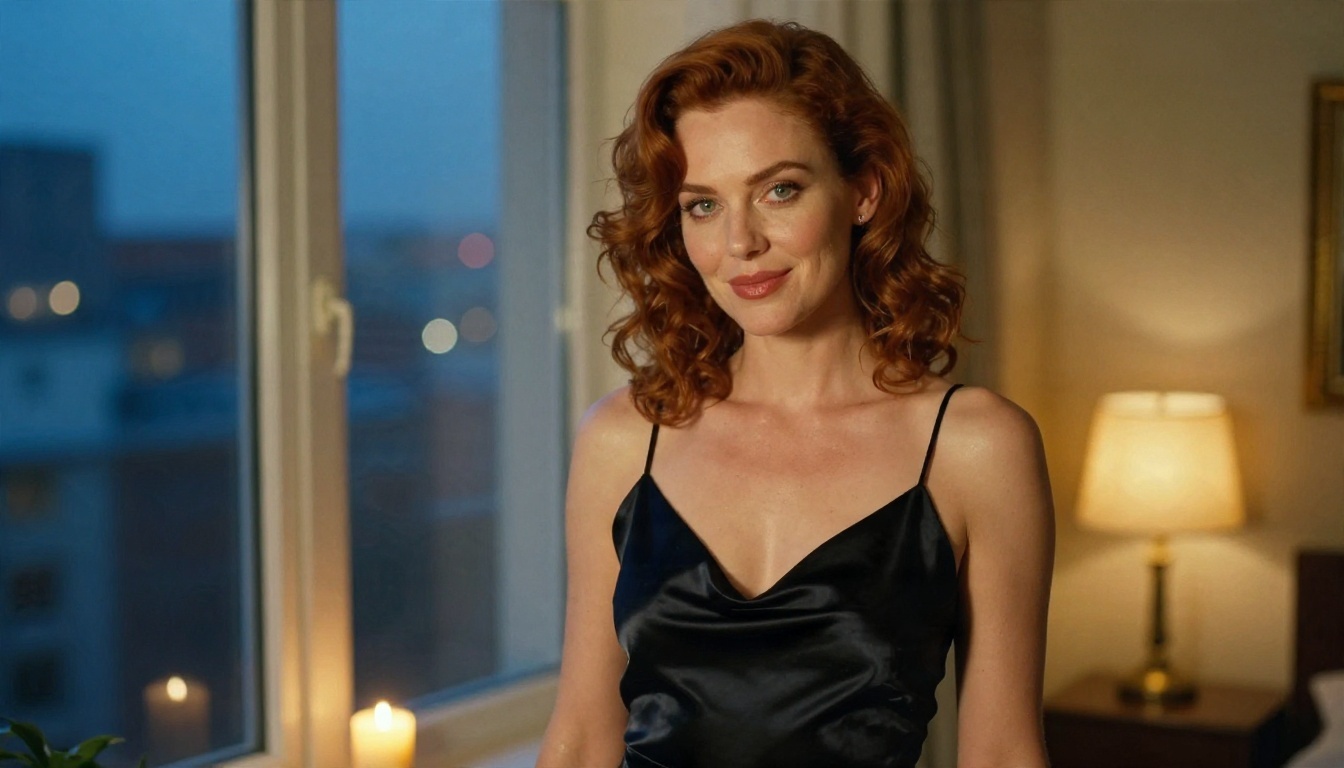
Keep Her Face Consistent
Face drift is the number one complaint about AI companions. One image she has green eyes, the next they are brown. Four habits fix most of it:
- Reuse a fixed description block. Write a 40-word paragraph for her face and hair, and paste it into every prompt without changing a word.
- Start from one reference image. Pick your favorite result and use an editor, such as Image Editor Pro or Nano Banana Pro, to alter outfit and scene while keeping the face.
- Change one thing at a time. Swap the setting or the outfit, not both.
- Save your best prompts. Keep a note with the exact wording that produced her best results.
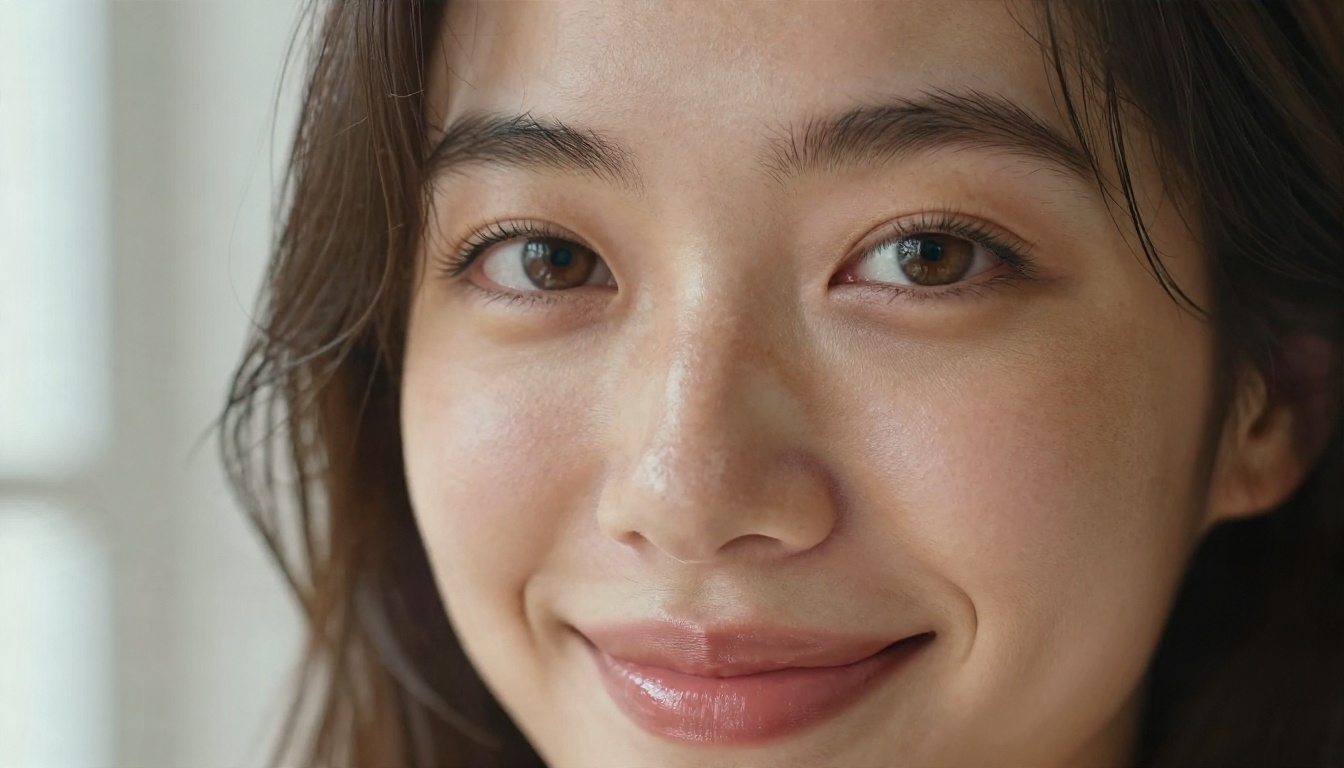
How to Use Seedream 4.5 on PicassoIA
Here is the quick workflow for producing a "photo she sends you." It takes about two minutes per image.
- Open the model page. Go to Seedream 4.5 on PicassoIA.
- Paste your face block first. Start the prompt with her fixed description: age, hair, eyes, freckles, skin tone.
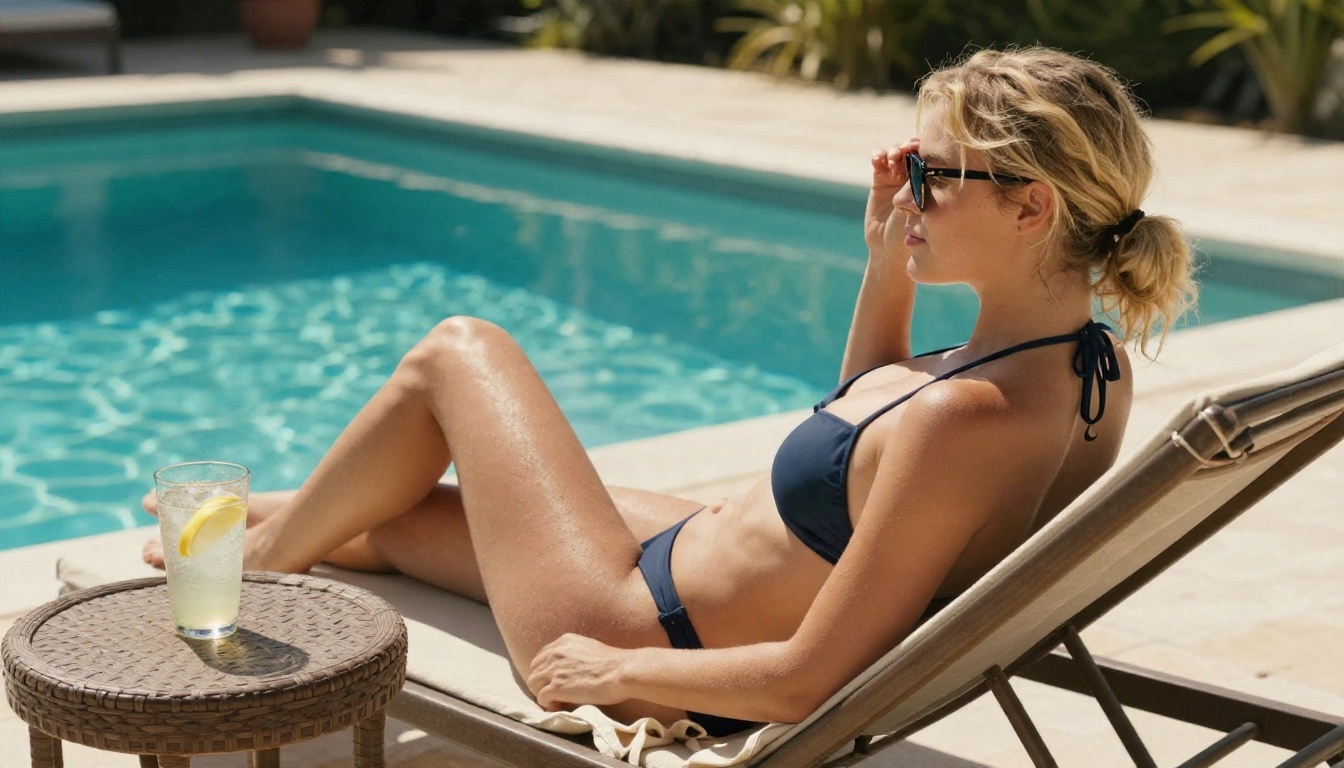
- Add the scene. Where is she, what is she wearing, what is she doing? Be specific: "sitting on a poolside lounger, navy halter bikini top, cotton sarong."
- Add light and lens. Phrases like "warm light from the left," "85mm lens, shallow depth of field" and "Kodak Portra 400 film grain" push the result toward a real photograph.
- Choose 16:9 for scenes, 9:16 for phone selfies. Match the format to how you plan to view it.
- Generate, then refine. If the hands or the background look off, send the image to Image Editor Pro for a quick fix instead of starting over.
💡 Parameter tip: Keep prompts between 50 and 90 words. Shorter prompts give the model too much freedom, and her face will drift. Much longer prompts start to contradict themselves.
Prompt Recipes That Work
The best companion photos feel like moments from a real day, not studio shoots. Use this table as a starting point and swap in your own character block.
| Moment | What to include | Lighting and lens |
|---|
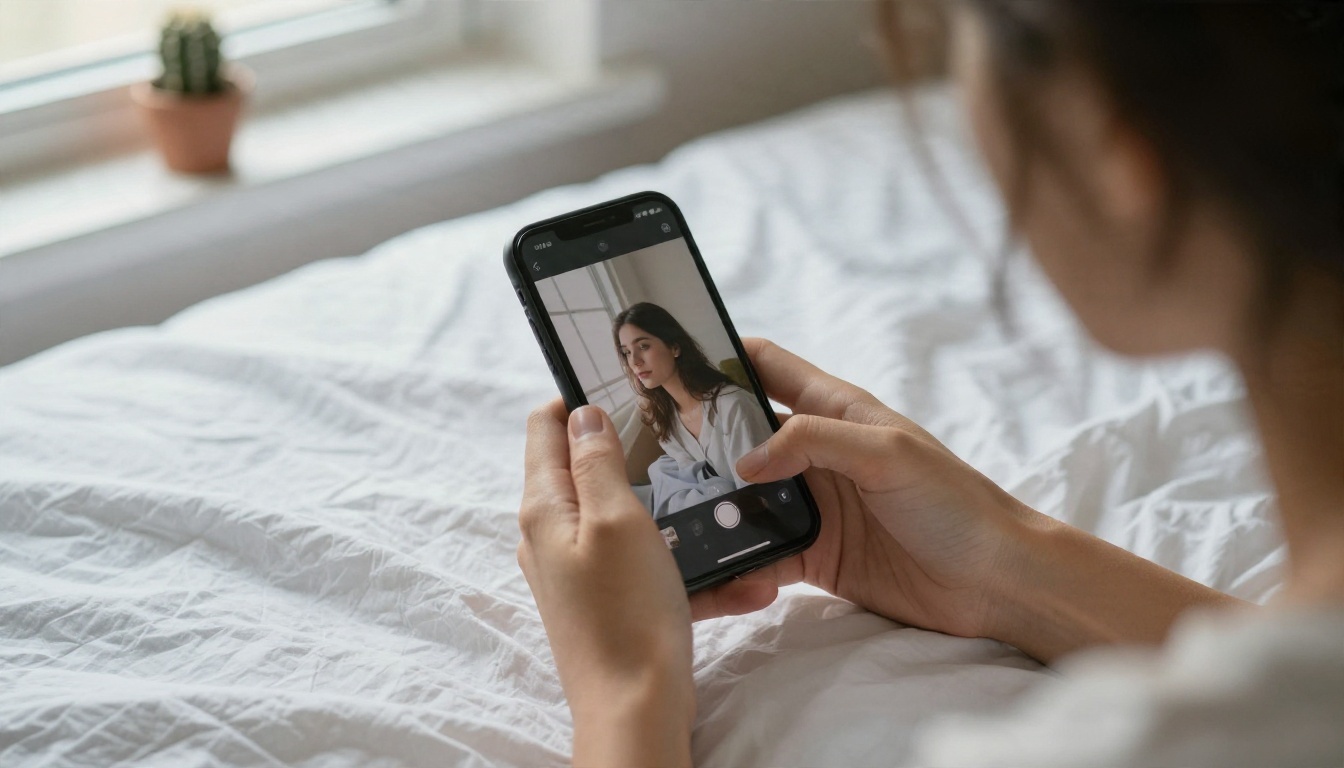
| Good morning selfie | Messy hair, oversized tee, bed with white sheets | Soft window light, 35mm, f/2 |
| Cafe date | Knit sweater, latte, rain on the window | Overcast daylight, 50mm, f/1.8 |
| Beach day | Bikini with open linen shirt, wet sand, sea foam | Golden hour backlight, 35mm |
| Night out | Satin slip dress, city lights, candlelit room | Warm lamp light, 85mm, f/1.4 |
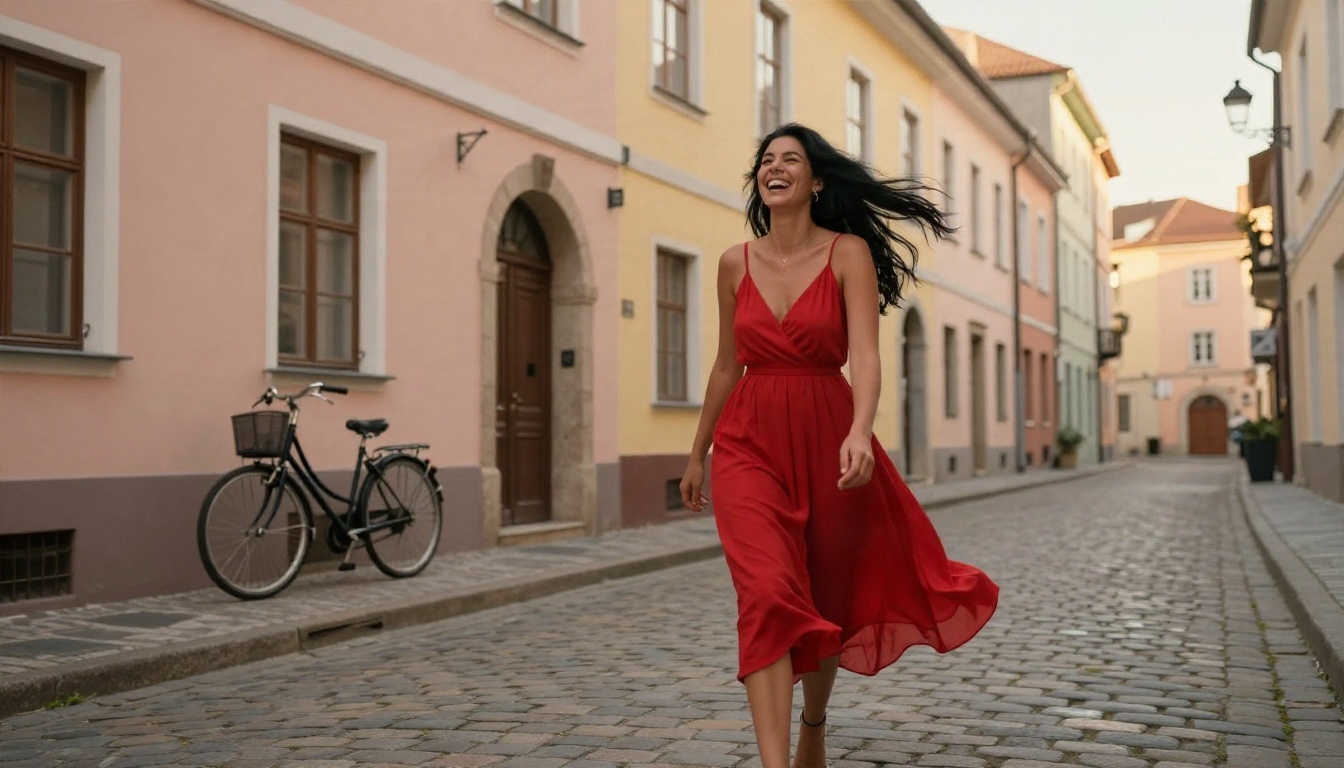
| Travel photo | Sundress, cobblestones, pastel buildings | Late-afternoon sun, 24mm |
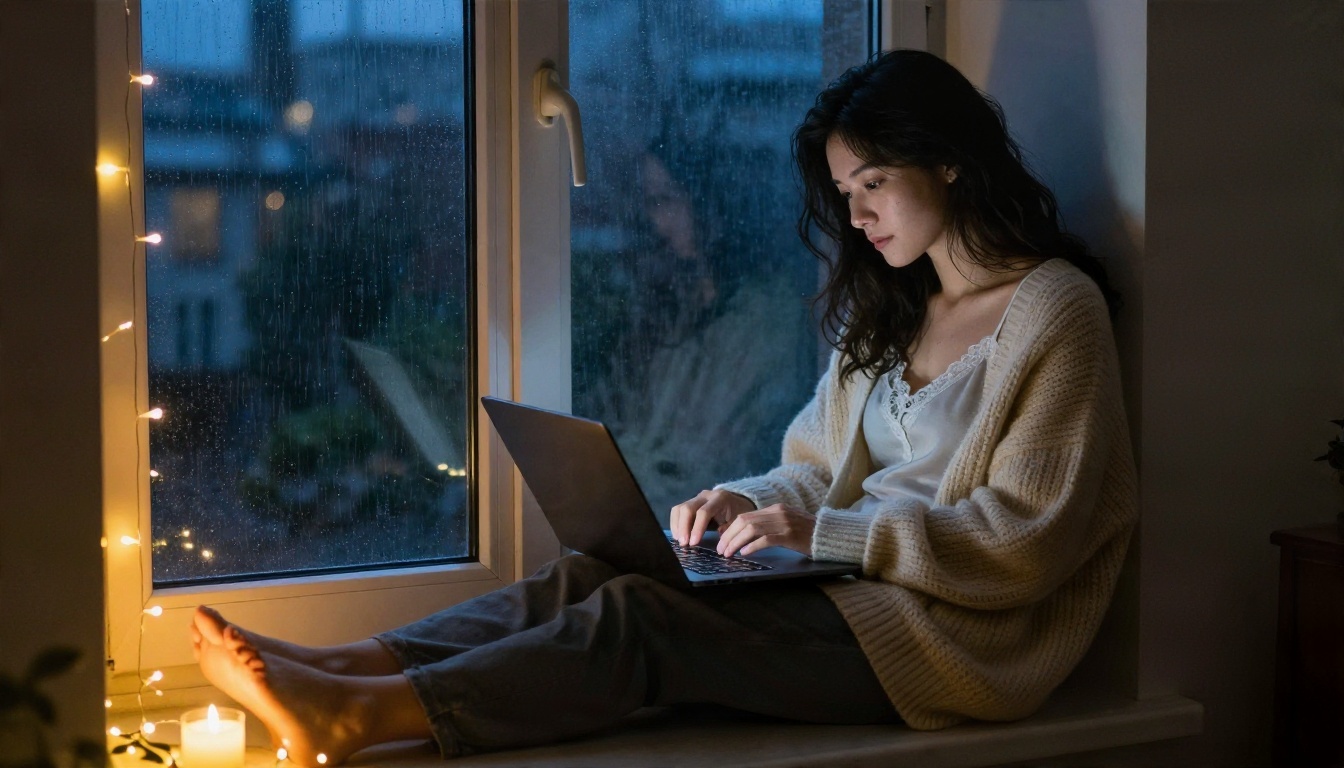
| Late-night chat | Cardigan, fairy lights, laptop on her knees | Warm lamp plus cool window light |
Make It Feel Like a Real Text
A photo works best when the chat sets it up. Ask her, in character, what she is doing, then turn her answer into the next image prompt. If she says she is at a rooftop bar, that sentence becomes the scene line. The picture then matches the conversation, and the whole thing feels connected rather than random.
Build a Photo Series
Plan a week of "days" for her: Monday cafe, Wednesday gym, Friday dinner, Sunday beach. Generate three or four images per day with the same face block. You end up with a believable gallery that you can scroll through, and it keeps the character feeling alive.
Other Image Models Worth Trying
Seedream 4.5 and Image Editor Pro are the main pair, but a few others add variety:
For the full catalog, browse picassoia.com/en/all-models.
Privacy, Age and Reality Checks
A companion is meant to be fun, and it stays fun when you set a few ground rules at the start.
Adults and Fictional Characters Only
Always create a character who is clearly an adult, and keep her fictional. Do not generate pictures that copy a real person's face, whether that is a celebrity, a coworker or an ex. Using someone's likeness without their consent can hurt them and may break the law where you live. Keep content suggestive and tasteful: glamour, swimwear and romantic scenes are fine, but explicit material is out of bounds.
Protect Your Data
Companion chats get personal fast. Before you type anything sensitive into any service:
- Skip your full name, address, workplace and financial details
- Check whether the service stores or trains on your conversations
- Use a separate email address for companion accounts
- Delete old chats if you do not want them kept
Keep It Healthy
An AI companion can be comforting, especially during a lonely stretch. It can also crowd out real relationships if you let it. A simple test: after a chat, do you feel better and ready to face your day, or more withdrawn? If it is the second one, shorten your sessions and reach out to a friend. The character is a tool and a source of entertainment, not a replacement for people.
Common Mistakes to Avoid
Most disappointing companion setups share the same few problems:
- Skipping the character sheet. Without it, her personality wanders after a few messages.
- Changing the face description every time. That is the main cause of face drift.
- Writing vague image prompts. "Pretty girl on a beach" gives you stock-photo sameness. Details give you realism.
- Burning through a free allowance on retries. Use an editor to fix small flaws instead of regenerating the entire picture.
- Treating one tool as the answer. A good chat model and a good image model, used together, beat any single all-in-one app.
Make Your First Companion Today
You do not need a subscription to start. Pick a chat model such as Claude Sonnet 5 or GPT 5.6 Luna, write a 200-word character sheet, then open Seedream 4.5 and generate her first portrait. When you want to change an outfit or fix a detail, take it into PicassoIA Image Editor Pro, where you can keep generating without a counter.
Start with one photo: a morning selfie, a cafe date or a beach walk. Run the same prompt twice and tweak a single detail, and you will see how much control you really have. When you are ready for more styles and tools, browse everything on picassoia.com/en/all-models and build the companion you actually want to talk to.


