Something genuinely interesting happened when Google dropped Nano Banana 2 into the text-to-image space. The model pairs Google's Gemini multimodal backbone with a surprisingly fast diffusion process, and the output quality at zero cost is hard to argue with. Whether you're a content creator running on a tight budget, a social media manager who needs visuals fast, or someone who just wants to play with photorealistic AI image generation without committing to a paid plan, Nano Banana 2 is worth a serious look.
This isn't a surface-level overview. We're going deep into what the model actually does, how it performs against real prompts, where it falls short, and exactly how to use it on PicassoIA right now, for free.
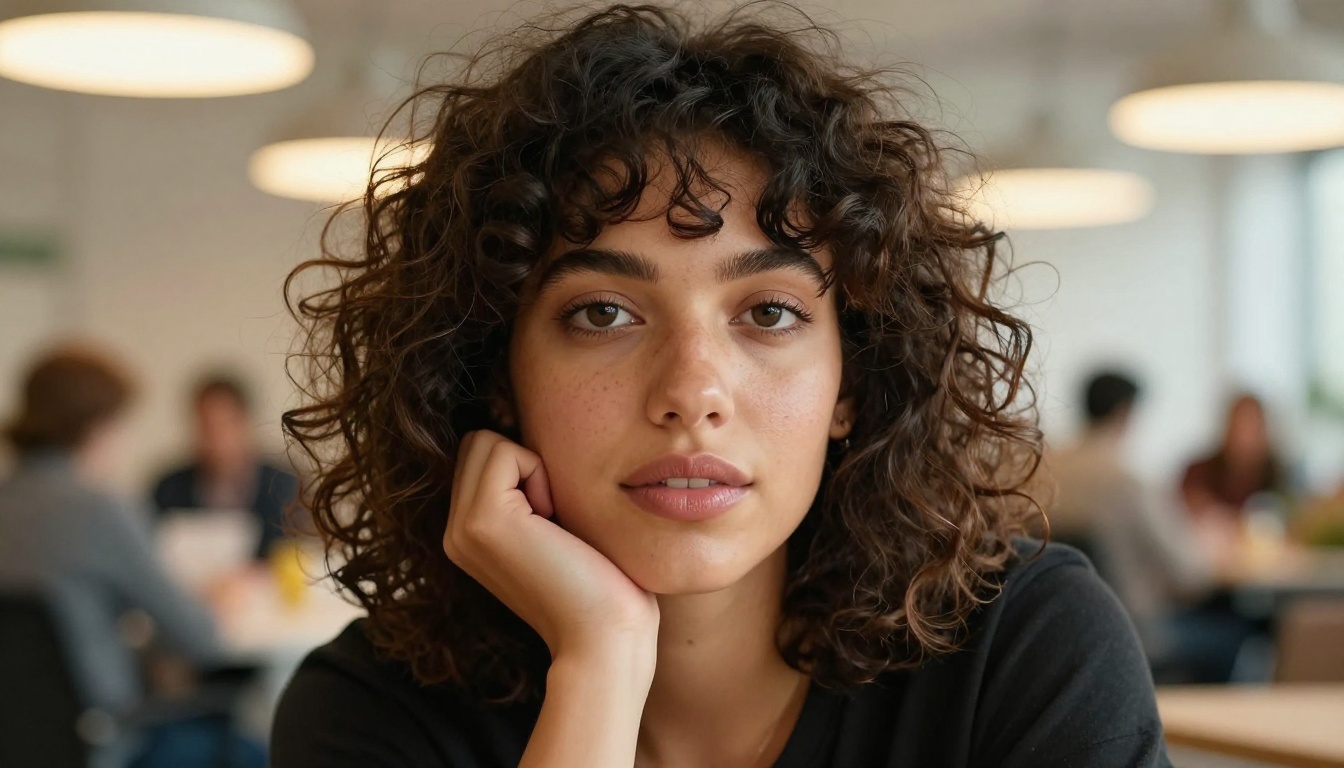
What Nano Banana 2 Actually Is
Nano Banana 2 is a text-to-image model developed by Google, sitting in the same family as Nano Banana and Nano Banana Pro. What separates it from generic open-source diffusion models is its tight integration with Google's Gemini multimodal intelligence layer, which shapes how the model reads, interprets, and executes prompts.
The name might sound informal, but the technical pedigree behind it is serious. Google has been building image generation capabilities into its Gemini ecosystem for some time, and Nano Banana 2 represents one of the most accessible entry points into that ecosystem, specifically because it runs free.
Gemini's Role in the Process
The Gemini backbone does something most image generation models don't do well on their own: it actually reasons about your prompt before generating. Standard diffusion models tokenize text and match visual patterns. Nano Banana 2 uses Gemini's language processing to interpret meaning, context, and intent before the image synthesis begins.
This means your prompts don't need to be hyper-specific keyword chains. You can write naturally, and the model fills in reasonable visual logic. Describe a "woman reading on a rainy Sunday morning" and the model infers soft diffused light, interior warmth, and a relaxed atmosphere without being told explicitly.
Tip: Because Nano Banana 2 reasons about context, adding scene mood descriptors ("golden afternoon," "overcast winter light," "humid tropical afternoon") produces noticeably more cohesive results than just stacking subject-and-style keywords.
Version 2 vs. the Original
The original Nano Banana was already a capable model, but version 2 brings meaningful improvements in three areas:
| Feature | Nano Banana 1 | Nano Banana 2 |
|---|
| Prompt interpretation | Keyword-driven | Context-aware via Gemini |
| Skin and texture detail | Moderate | High fidelity |
| Generation speed | ~8-12 seconds | ~4-7 seconds |
| Background coherence | Occasional artifacts | Substantially cleaner |
| Free access | Yes | Yes |
Speed alone justifies the upgrade for most users. Cutting generation time roughly in half while also improving output quality is not a common combination in this space.

Why the Free Tier Exists
A reasonable question: why does Google offer a model this capable at no cost?
The answer ties to the broader Gemini strategy. Google is competing aggressively for developer and creator adoption. Offering Nano Banana 2 on a free tier drives usage data, product familiarity, and eventual conversion to paid Google Cloud or Workspace products. It's the same logic behind Gmail, Docs, and Maps being free.
For users, this dynamic is purely beneficial. You get production-quality image generation without handing over a credit card.
What "Free" Covers
On platforms like PicassoIA, free access to Nano Banana 2 typically includes:
- Standard 16:9, 1:1, and 9:16 aspect ratio outputs
- Resolutions suitable for social media and web use
- Basic prompt input without complex parameter controls
- A daily or session-based generation limit (varies by platform)
Where the Limits Show Up
Free doesn't mean unlimited. You'll typically hit rate caps if you're generating at high volume. For one-off personal projects, blog illustration, or concept testing, the free tier is more than sufficient. For production pipelines generating hundreds of images per day, paid tiers of Nano Banana Pro or Imagen 4 become the practical choice.
Worth noting: The difference between free and paid here is volume, not quality. The same model, the same outputs. Just rate-limited.

Output Quality: What to Expect
Let's be direct about what Nano Banana 2 actually produces, rather than speaking in generalities.
Photorealism That Holds Up
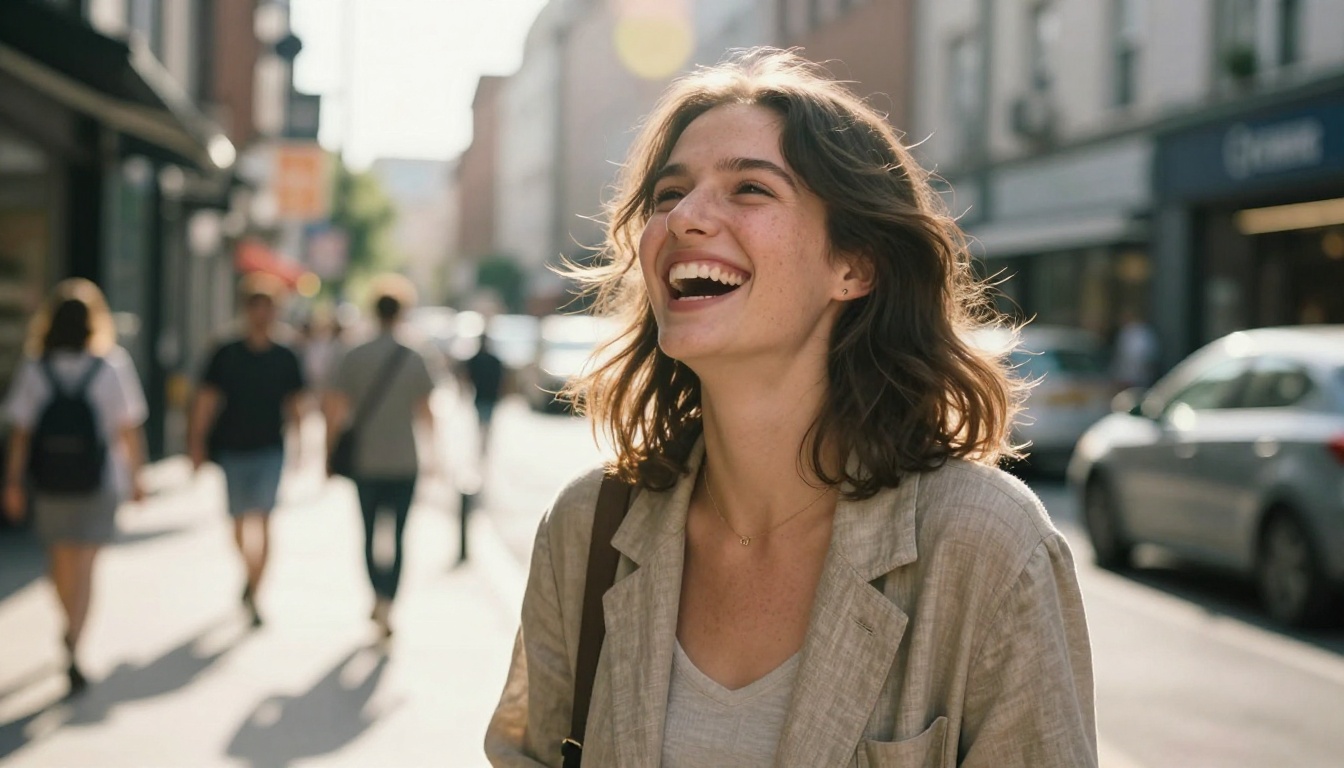
For photorealistic content, Nano Banana 2 performs well above average for a free model. Skin texture, hair detail, fabric folds, and natural lighting all render with genuine fidelity. The model avoids the uncanny valley effect that still plagues many open-source alternatives, particularly around hands and eyes.
Comparing outputs side by side with paid competitors, Nano Banana 2 holds its own in:
- Portrait photography style images
- Architecture and interior compositions
- Product-style flat lay shots
- Landscape and nature photography
Where it shows slight cracks is in complex multi-subject compositions (three or more people interacting in detailed environments) and precise text rendering within images. Both are challenging for nearly every model in this category, so this is less a flaw and more a current limitation of the technology as a whole.
Prompt Sensitivity
Nano Banana 2 responds well to natural language, but it's still sensitive to how you structure requests. Vague prompts produce generic results. Specific prompts produce specific results. The Gemini layer helps with interpretation, but it's not magic.
What works well:
- Clear subject descriptions ("young woman with auburn hair, white linen dress")
- Environmental context ("sitting in a Parisian café at dusk")
- Lighting specifics ("warm backlighting through frosted glass window")
- Mood or atmosphere ("relaxed, intimate, slightly nostalgic")
What produces weaker results:
- Abstract instructions without visual anchors ("something creative and interesting")
- Contradictory style cues ("hyperrealistic cartoon illustration")
- Overloaded prompts that try to describe too many elements at once
Where It Struggles
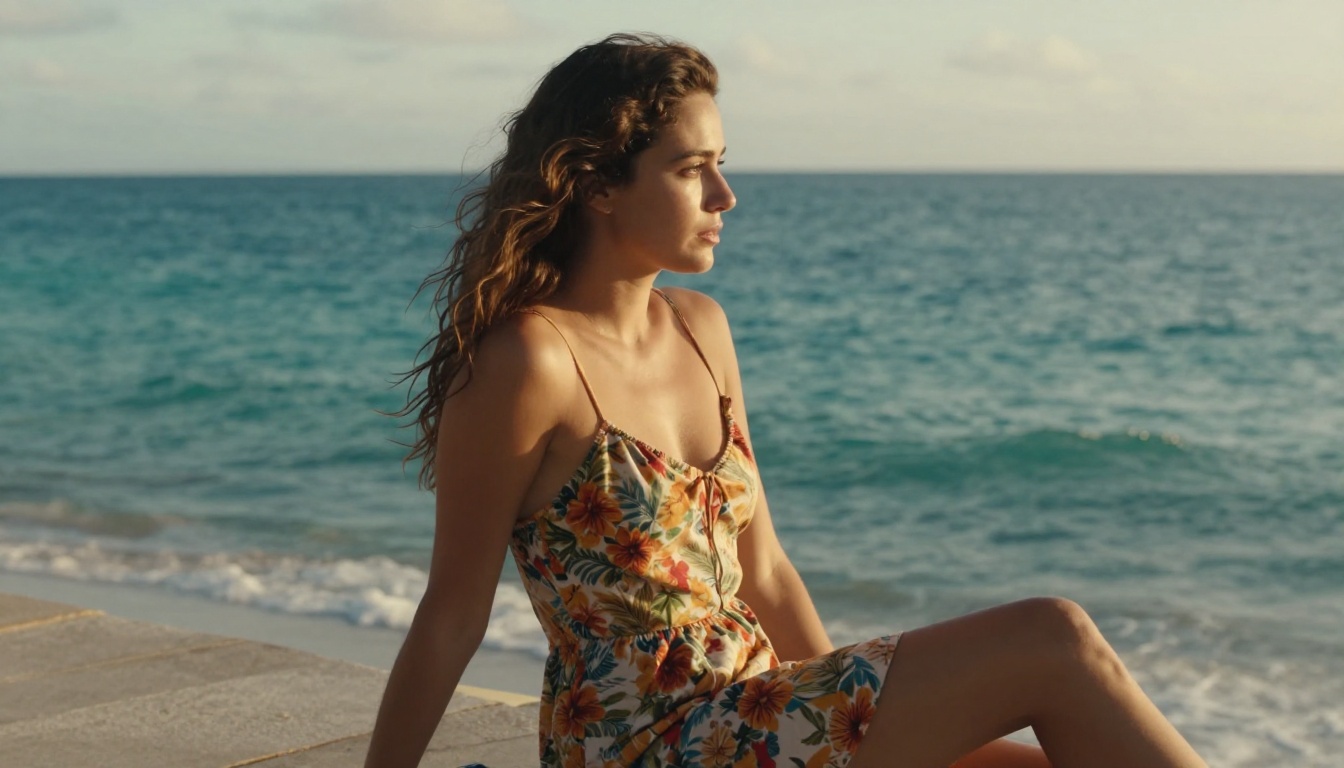
No honest assessment skips the weak points. Nano Banana 2 occasionally:
- Generates blurred or distorted text within images
- Has trouble with symmetrical architectural details in wide shots
- Can produce slightly flat backgrounds in scenes where depth cues are minimal
- Sometimes over-smooths skin texture in extreme close-up portraits built from very short prompts
These are all fixable at the prompt level with additional specifics. Adding lighting direction, camera lens type, and texture descriptors almost always improves results noticeably.
How to Use Nano Banana 2 on PicassoIA
PicassoIA is the platform that brings Nano Banana 2 together with over 90 other text-to-image models in one place. Here's exactly how to use it.
Step 1: Open the Model Page
Go directly to the Nano Banana 2 model page on PicassoIA. No account required to start generating, though creating a free account saves your generation history.
Step 2: Write Your Prompt
Type your description in the prompt field. Natural language works well here. You don't need to memorize special syntax. A prompt like:
"Close-up portrait of a woman with brown eyes and freckles, sitting near a window, soft overcast light, 85mm lens depth of field, photorealistic"
...will produce a noticeably better result than:
"beautiful woman photorealistic 8K ultra HD"
The more specific the scene, the more specific the output.
Step 3: Choose Your Aspect Ratio
For most social media use, 16:9 (landscape) or 1:1 (square) covers the majority of cases. Portrait content for Stories or Reels? Go 9:16. Select this before hitting generate.
Step 4: Generate and Iterate
Hit generate and wait 4-7 seconds. If the result isn't quite right, don't just regenerate with the same prompt. Adjust one specific element. Change the lighting description. Narrow the subject. Add a texture detail. Each adjustment builds your intuition for what the model responds to.
Step 5: Download or Refine
Once you have an output you're satisfied with, download it directly or use PicassoIA's built-in tools. If you want to refine the image further, the platform also offers Super Resolution for upscaling and inpainting tools to fix specific areas without regenerating the whole image.
Tip: If Nano Banana 2 produces a great composition but the background is slightly off, use PicassoIA's inpainting feature to fix just that region. No need to start over from scratch.

Nano Banana 2 vs. The Competition
Where does Nano Banana 2 actually sit in the landscape of free and paid text-to-image models?
vs. Imagen 3 and Imagen 4
Imagen 3 and Imagen 4 are Google's flagship image generation models, sitting above Nano Banana 2 in the product hierarchy. The differences are real but nuanced:
| Nano Banana 2 | Imagen 3 | Imagen 4 |
|---|
| Cost | Free | Paid | Paid |
| Resolution ceiling | High | Very High | Ultra High |
| Prompt following | Strong | Very Strong | Excellent |
| Speed | Fast | Moderate | Moderate |
| Best for | Social media, blogging | Commercial production | Print, premium campaigns |
For most everyday content creation, Nano Banana 2 at zero cost genuinely rivals Imagen 3 at its paid tier for standard-resolution use cases. The gap widens at extreme resolutions and in highly complex multi-subject scenes.
vs. Flux 2 Pro
Flux 2 Pro by Black Forest Labs is one of the strongest paid alternatives available on PicassoIA. It consistently delivers high photorealism and excellent prompt adherence. But it costs credits.
For free-tier users, Nano Banana 2 is the natural comparison point. In side-by-side testing for portrait and lifestyle photography content, the quality gap between the two is surprisingly small. Flux 2 Pro edges ahead in complex scene coherence and fine architectural detail. Nano Banana 2 wins on accessibility and speed.
vs. GPT Image 1.5
GPT Image 1.5 from OpenAI is another strong competitor with excellent instruction-following capabilities, particularly for structured compositions and product-style imagery. It handles text within images better than most. But again, it runs on paid credits.
The comparison essentially becomes: do you want the best possible output regardless of cost, or do you want excellent free output with minor trade-offs? For casual to semi-professional use, Nano Banana 2 answers that question clearly.
Prompt Patterns That Actually Work
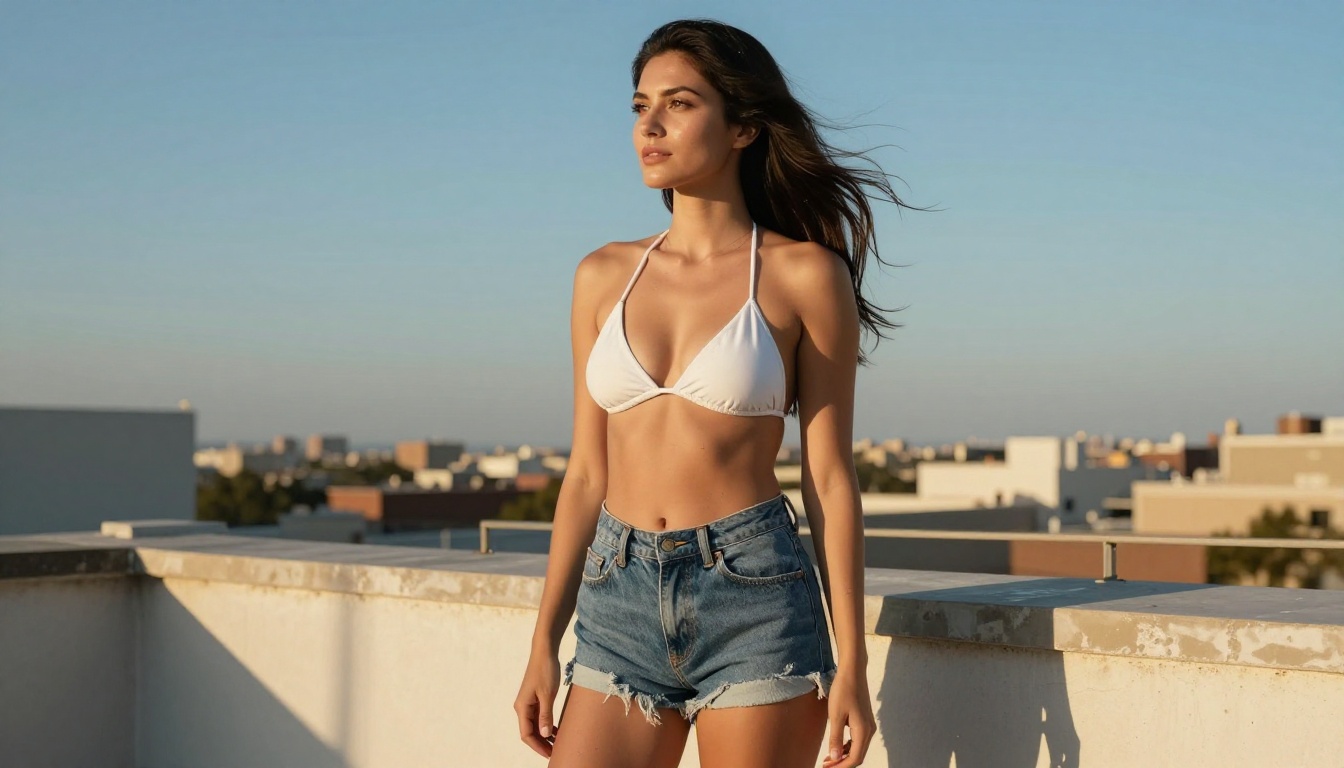
After generating with Nano Banana 2 extensively, patterns emerge around what consistently produces strong outputs.
The Core Prompt Formula
A reliable structure looks like this:
[Subject] + [Action or Pose] + [Environment] + [Lighting] + [Camera Lens] + [Atmosphere]
Example:
"Young woman in a white linen shirt, seated at a café table with a ceramic espresso cup, soft morning diffused light from a nearby window, 85mm f/1.8 bokeh background, warm and unhurried atmosphere"
This covers every visual layer the model needs to render a coherent scene. The more you fill in each element, the less the model interpolates with generic defaults.
Lighting Is the Most Important Variable
Of all the prompt elements, lighting descriptions produce the biggest quality jump. Compare:
- Without lighting: "Woman sitting in a park" — generic daytime output
- With lighting: "Woman sitting in a park during golden hour, low raking sun from the left creating long warm shadows across the grass" — cinematic, specific, atmospheric
Adding lighting direction ("from the left," "overhead," "backlighting"), quality ("soft diffused," "hard directional," "rim light"), and color temperature ("warm amber," "cool blue-white," "neutral overcast") consistently elevates results across every subject type.
What to Avoid
| Avoid | Better Alternative |
|---|
| "ultra realistic 8K HD" alone | Describe the specific scene in detail |
| Contradictory styles | Pick one aesthetic direction and commit |
| Listing too many subjects | Focus on one main subject per image |
| Abstract mood words without visual anchors | "Melancholy" becomes "overcast sky, empty street, fallen leaves" |
Other Free Models Worth Testing
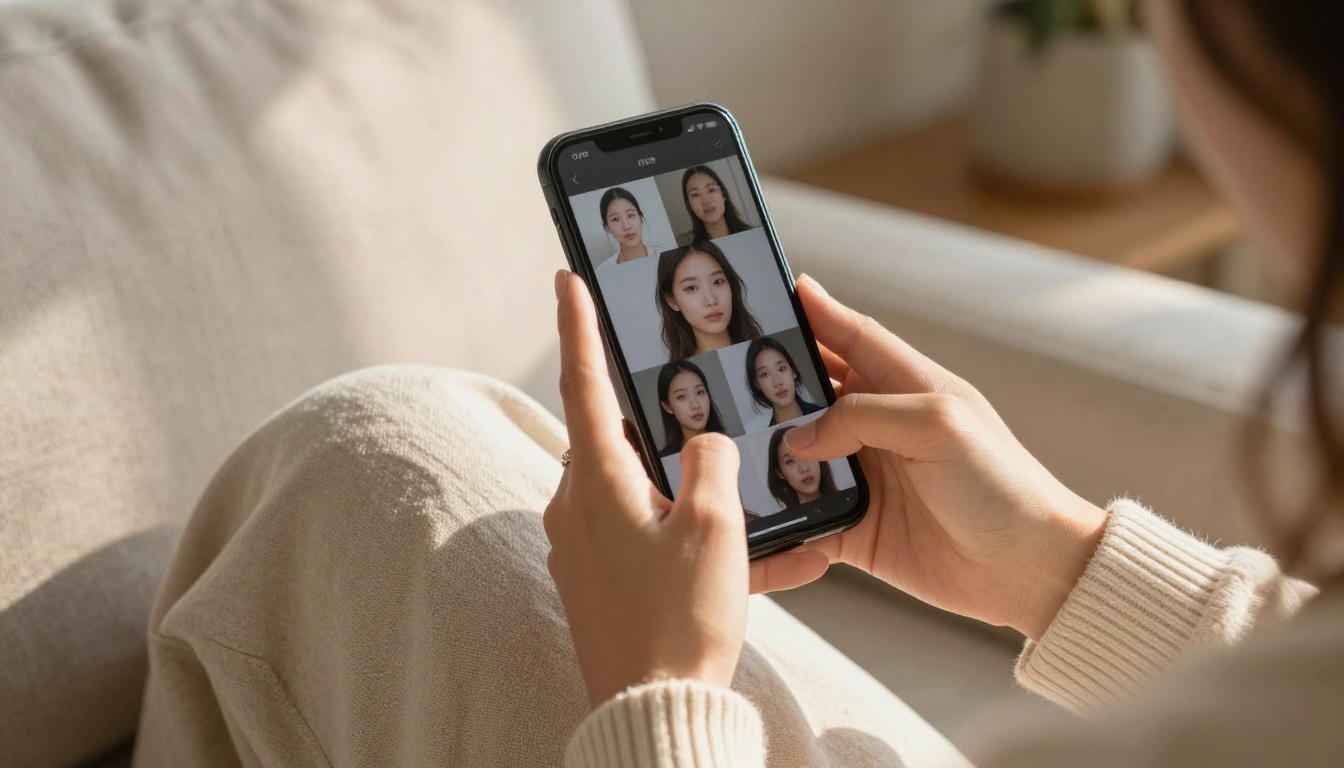
If Nano Banana 2 doesn't hit exactly what you're after, PicassoIA has a solid roster of other free or low-cost options worth comparing.
Flux Dev from Black Forest Labs is a strong open-weight model with excellent stylistic range. Stable Diffusion 3.5 Large Turbo from Stability AI delivers fast results with good aesthetic control. For portrait-heavy work, Realistic Vision v5.1 remains a reliable and detailed option.
The practical approach: generate the same prompt across two or three models and compare results. Different models respond differently to the same language. Finding which one best matches your typical prompt style takes maybe ten minutes of testing and saves a lot of frustration later.
Tip: PicassoIA lets you run multiple models side by side. Use this to calibrate your prompt style against different architectures before committing to one for a project.
What the Gemini Layer Means for Prompt Writing
One practical implication of the Gemini backbone in Nano Banana 2 that doesn't get discussed enough: the model is good at inferring relationships between prompt elements.
Most diffusion models treat prompts as a bag of words, weighted by position and frequency. Gemini's language processing carries forward meaning and context through the whole description. If you mention "winter morning" early in a prompt, the rest of the scene gets interpreted with that context in mind, even for details you didn't explicitly state. Snow implies cold implies layered clothing. The model fills in those inferences automatically.
This is why writing prompts more like captions and less like keyword lists works better with Nano Banana 2 than with many other models. You're not trying to trigger pattern matches. You're describing a scene, and the model renders it.
Gemini Also Helps with Content Filtering
Because the Gemini layer processes semantic intent rather than just pattern-matching tokens, Nano Banana 2 handles content moderation more intelligently than many alternatives. It blocks genuinely problematic content while being permissive with artistic, suggestive, and glamour-style prompts that fall within tasteful boundaries.
This is meaningful for creators working in beauty, fashion, and lifestyle niches where the line between suggestive and explicit matters. The model reads context rather than just scanning for flagged words, which means fewer false positives on legitimate creative prompts.
Create Your Own Images Right Now
There's no better way to see what Nano Banana 2 actually produces than generating with it yourself. The model is available free on PicassoIA, alongside Nano Banana Pro, Imagen 3, Imagen 4, Flux 2 Pro, GPT Image 1.5, and over 90 other text-to-image models, all in one place.
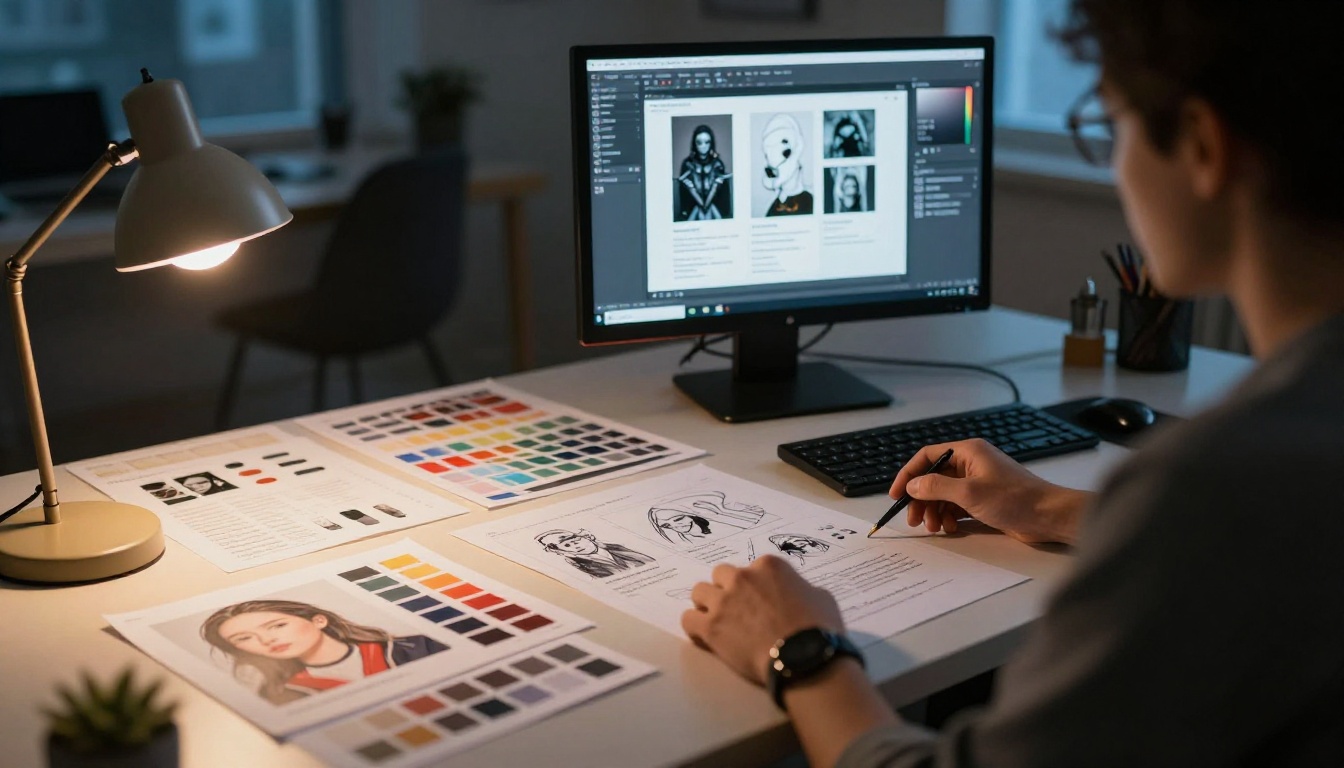
Start with a prompt you care about. Something specific to your niche, your project, your creative vision. Compare results across a couple of models. Adjust the lighting descriptor and see how the output shifts. Within thirty minutes you'll have a clear intuition for what this model does well and where to push it harder.
PicassoIA also gives you access to the full creative pipeline: Super Resolution to upscale your best outputs, inpainting to fix specific regions, and background removal for clean product-style isolations. Everything you need to take a generated image from raw output to polished asset, without switching tools.
Free AI image generation has never been this capable. Nano Banana 2 is a serious reason to start today.


