If you have spent any time searching for free AI tools that make uncensored content, you already know the frustration. Promising platforms with impressive galleries, then a safety filter that refuses anything remotely suggestive. The result is a sea of blocky, watered-down images that feel nothing like the creative freedom AI should offer.
The good news: there are platforms and models that actually work without wrapping every generation in a content wall. This article cuts straight to what performs, what to avoid, and which free tools give you real creative range starting today.
The vast majority of free AI image generators ship with strict content policies baked directly into their models. This is not just about platform rules. Many of the models themselves are trained with safety constraints that make generating anything beyond fully clothed, PG-rated imagery structurally impossible, regardless of what prompts you try.
The Default Safe Mode Problem
Tools like DALL-E 3 via ChatGPT and Midjourney on their default plans run every generation through a content classifier before producing the image. If the classifier scores the request above a threshold, the generation is blocked entirely, often without a clear explanation. This happens even with artistic or abstract prompts that do not request anything explicit.
The classification systems are not precise. They catch false positives constantly, blocking swimwear, medical imagery, and classical art references. For anyone creating adult-oriented content, even at the tasteful end of the spectrum, this makes these tools effectively unusable.
What Platforms Actually Restrict
The restrictions vary significantly by platform and model:
| Platform / Model | NSFW Allowed | Free Tier | Notes |
|---|
| Seedream 4.5 | Yes (suggestive) | Yes | Best starting point |
| PicassoIA Image Editor Pro | Yes (suggestive) | Unlimited | Best for volume |
| DALL-E 3 via ChatGPT | No | Limited | Hard block |
| Midjourney | Partial (paid only) | No | Requires subscription |
| Stable Diffusion 3 | Model-dependent | Yes | Depends on hosting |
| Flux Schnell LoRA | Yes | Yes | Fast and permissive |
Understanding this table before you spend hours trying to coax output from a model that cannot deliver is worth a moment of your time.
Seedream 4.5 — Where to Start for Uncensored AI Art
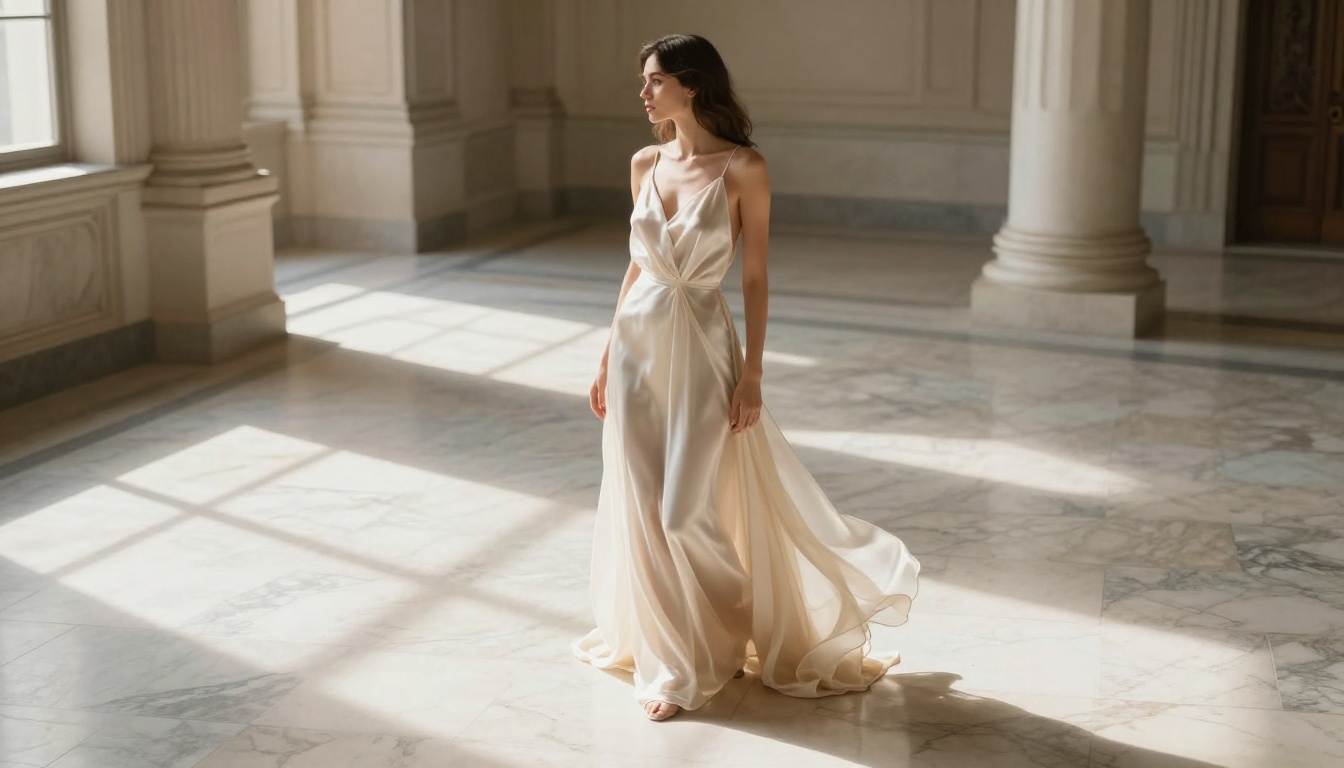
Seedream 4.5 is the first model you should run when looking for free AI tools that make uncensored content. Built by ByteDance and available on PicassoIA, it produces 4K-resolution imagery with photorealistic skin tones, accurate anatomy, and a natural photographic quality that most competitors cannot match at this price point (free).
How Seedream 4.5 Handles NSFW Content
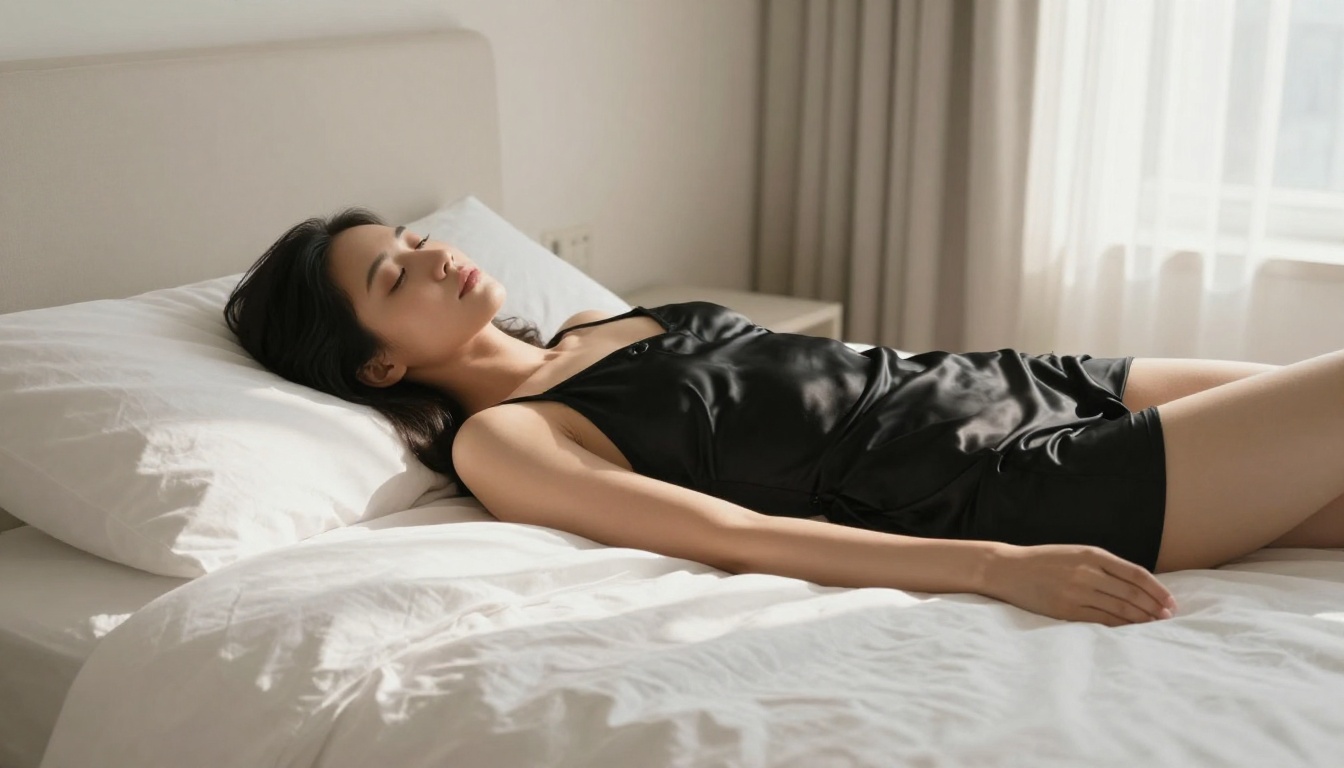
Seedream 4.5 is one of the few frontier models that allows suggestive and glamour content without hard filters. It handles fashion, lingerie, artistic nudity (implied), and boudoir-style prompts with consistency. The outputs avoid the plastic, uncanny valley quality common in other models, delivering the kind of natural photography aesthetic that makes AI art actually worth publishing.
💡 Tip: For best results with Seedream 4.5, describe the lighting source, camera lens, and mood explicitly. "Warm afternoon light, 85mm f/1.4, intimate boudoir" beats "sexy photo" every time.
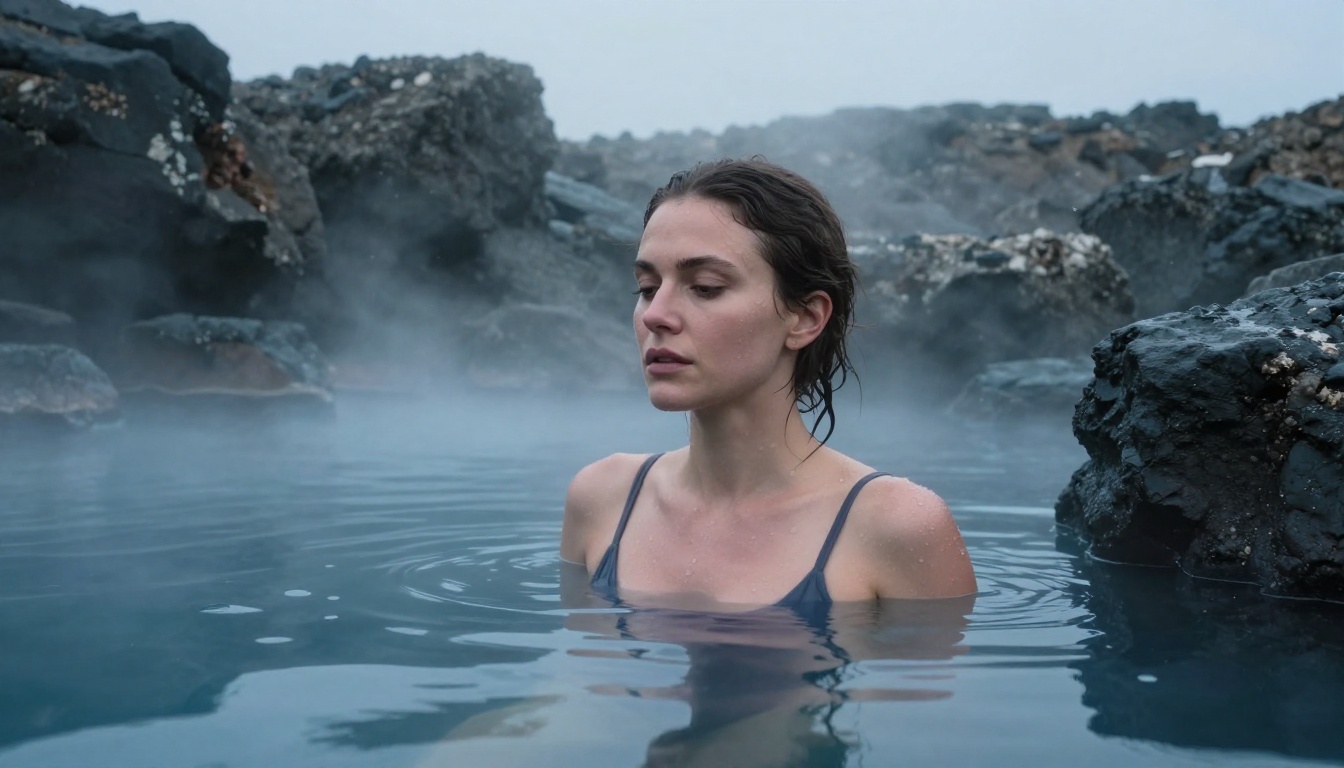
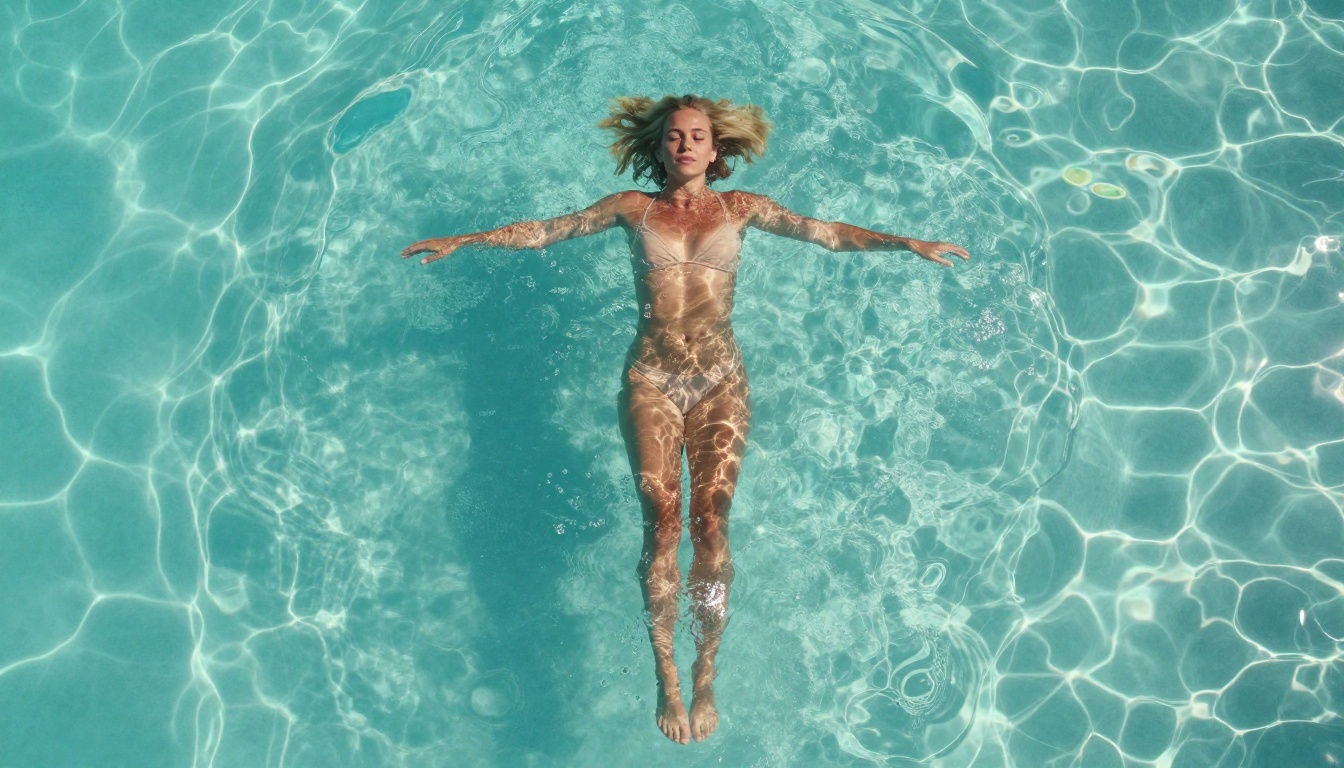
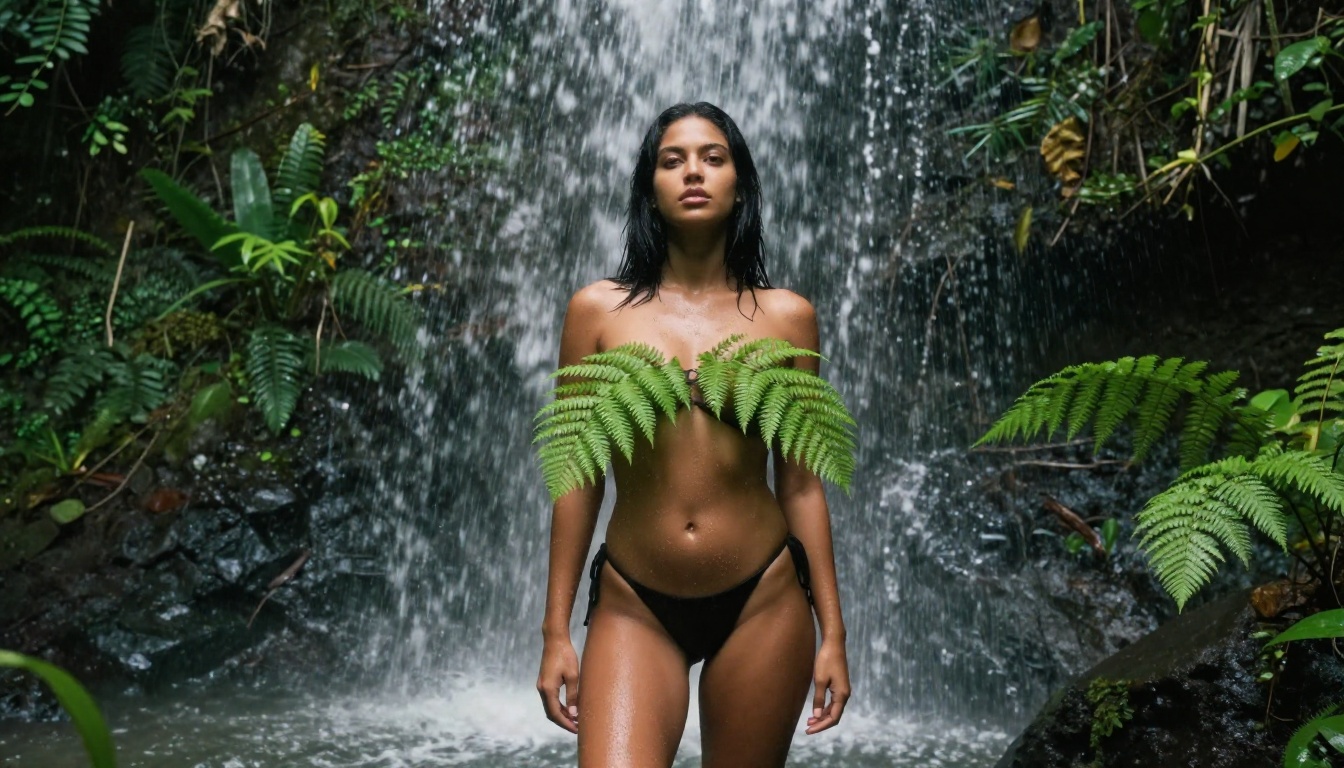
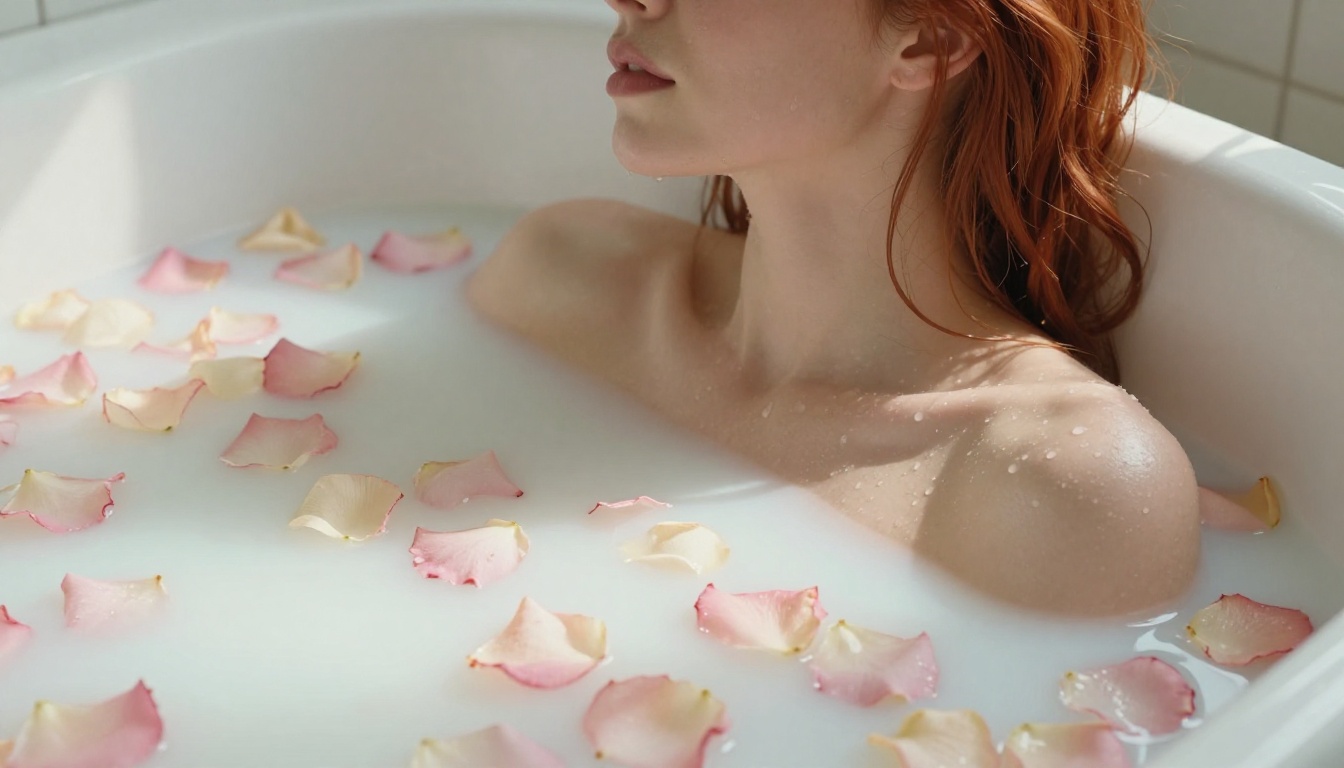
The model processes complex scenes well, including water, transparent fabrics, and challenging lighting conditions like backlighting. When you need a specific photographic look, Seedream 4.5 is the tool that actually delivers it.
Getting the Best Results from Seedream 4.5
The model responds well to detailed prompts that describe the physical environment, the lighting direction, and the camera specifications. Think less like writing a caption and more like directing a photography shoot.
Elements that consistently improve output quality:
- Camera angle: "Low-angle shot from knee height" vs. just "full body"
- Lens specs: "85mm f/1.4" creates bokeh; "24mm f/5.6" keeps full-scene sharpness
- Light source: "Volumetric morning light from the left window" vs. "natural lighting"
- Film stock reference: "Kodak Portra 400 grain" adds warmth and realism
- Negative constraints: "no text, no watermarks, no CGI" keeps output clean
PicassoIA Image Editor Pro — Unlimited and Unrestricted
If Seedream 4.5 is your starting model, PicassoIA Image Editor Pro is where you go when you need volume. This is the platform's flagship unlimited generator, meaning no daily cap, no credit system, no waiting for a quota to reset at midnight.
Why Unlimited Actually Matters Here
Every other free AI tool eventually hits you with a generation limit. Ten images a day. Twenty credits. A waiting list to even access the model. When you are refining a specific aesthetic, iterating through prompt variations, or building a content library, these caps make the tools impractical.
PicassoIA Image Editor Pro removes that constraint entirely. You generate as many images as you need in a session, which means actual creative workflow instead of budgeting every single attempt.
💡 For content creators: Unlimited generation matters most during the iteration phase. Getting from a rough concept to a finished, publication-ready image typically takes 8 to 15 generations. A 10-image daily cap makes that process span multiple days for a single piece.
What You Can Do with the Editor
Beyond simple text-to-image, PicassoIA Image Editor Pro includes inpainting and outpainting capabilities. This means:
- Inpainting: Select a specific area of an existing image and regenerate only that region. Fix a problematic hand, improve a face, adjust fabric placement.
- Outpainting: Extend the canvas beyond the original frame. A portrait becomes a three-quarter shot; a three-quarter shot becomes a full-body image.
- Object replacement: Swap specific elements within a scene without affecting the rest of the composition.
These editing tools make it a full post-generation workflow, not just an image generator.
Top Free Models for Uncensored Content in 2027
PicassoIA hosts over 90 text-to-image models. Several stand out specifically for creative freedom and photorealistic NSFW output.
The Models That Actually Deliver
Flux Fast generates images in seconds and handles suggestive prompts with minimal friction. It runs on a pruned version of the Flux architecture, which trades some fine detail for speed while maintaining permissive content handling. For rapid prototyping, it is the fastest option available.
Flux Schnell LoRA is the version of Flux Schnell with LoRA support, allowing custom style fine-tuning. This means you can load community-trained LoRAs that push the model toward specific aesthetics, body types, or artistic styles. This is where the Flux family becomes significantly more powerful for uncensored output.
Wan 2.7 Image Pro produces 4K-resolution output with strong anatomical accuracy. It handles challenging poses, complex fabric interactions, and skin tones across all ethnicities with notably fewer artifacts than older models.
Dreamina 3.1 creates cinematic-quality images at 4MP resolution. ByteDance's second major model alongside Seedream 4.5, it skews toward a slightly more stylized look while maintaining photorealistic quality.
Hunyuan Image 3 from Tencent is one of the sharpest models on the platform. It handles fine detail in hair, skin, and complex textures extremely well, with crisp 2K output that holds up at high magnification.
Phoenix 1.0 from LeonardoAI outputs images up to 5MP, making it the highest native resolution option in this category. When print-quality output matters, Phoenix 1.0 is the model to use.
Model Comparison Table
| Model | Resolution | Speed | NSFW Tolerance | Best For |
|---|
| Seedream 4.5 | 4K | Medium | High | Starting point, quality |
| PicassoIA Image Editor Pro | Variable | Fast | High | Volume, editing workflow |
| Flux Fast | 1K-2K | Very Fast | High | Rapid iteration |
| Flux Schnell LoRA | 1K-2K | Fast | High | Custom styles |
| Wan 2.7 Image Pro | 4K | Medium | High | Accuracy, diversity |
| Dreamina 3.1 | 4MP | Medium | Medium-High | Cinematic look |
| Hunyuan Image 3 | 2K | Medium | Medium-High | Fine detail |
| Phoenix 1.0 | 5MP | Slow | Medium-High | Print quality |
How to Create Uncensored AI Images on PicassoIA
Getting from zero to a finished uncensored AI image on PicassoIA takes three steps. The process is faster than most tools because there is no filter to work around.
Step 1: Choose Your Model
Start at picassoia.com/en/all-models and filter by the text-to-image category. For uncensored content, the fastest path is:
- Seedream 4.5 if you want the best quality with a single model
- PicassoIA Image Editor Pro if you need unlimited generations for iteration
- Flux Fast if you need speed above all else
Step 2: Write Prompts That Work
The biggest difference between disappointing and exceptional output comes from prompt structure. Follow this formula:
Subject + action or pose + environment + lighting + camera + style
A weak prompt: "beautiful woman on the beach"
A strong prompt: "Young woman with sun-kissed skin standing at the ocean shoreline at golden hour, wearing a white bikini, low-angle shot from knee height, warm backlit rim light creating a halo silhouette, 35mm f/2.8, Kodak Portra 400 film grain, photorealistic 8K, no text"
The difference in output quality is significant. Every added detail narrows the probability space and pushes the model toward the specific image you have in mind.
💡 For NSFW prompts specifically: Describe the aesthetic and atmosphere rather than explicit actions. "Intimate boudoir, sheer fabric catching candlelight, tasteful artistic nudity" produces far better results than direct descriptions because it triggers the model's photographic training data rather than its literal text interpretation.
Step 3: Refine and Upscale
Once you have a base image you like, use the inpainting feature in PicassoIA Image Editor Pro to fix any areas that need work, whether that is a hand, a face, or a fabric fold. Then run the result through a super-resolution model to bring it to 4K or higher.
PicassoIA's Qwen Image Edit Plus LoRA Upscale adds resolution while preserving or improving detail. For maximum output quality, this upscaling step is worth running on any image you plan to publish.
Free vs. Paid: What the Numbers Say
The honest answer is that PicassoIA's free tier covers a substantial amount of what most creators need. Here is what actually differs.
What Free Access Covers
On PicassoIA's free tier, you get:
- Access to the full model library including Seedream 4.5, Flux Fast, Dreamina 3.1, and over 185 text-to-image models
- Basic generation at standard resolution
- Access to image editing tools including the PicassoIA Image Editor Pro interface
- The ability to browse and run community models
For someone starting out or building a portfolio, this is a workable setup. The main constraint is generation speed during peak hours, when free tier requests can queue behind paid users.
When More Generations Are Worth It
The case for upgrading becomes clear in three situations:
-
You need consistent high-volume output: Running a content pipeline for OnlyFans, Patreon, or a blog means generating dozens of images daily. Free tiers with caps make this impractical.
-
You need priority queue access: Free tier requests wait behind paid requests during high-traffic periods. At peak hours, this can mean waiting minutes per image instead of seconds.
-
You need 4K output consistently: Some models on PicassoIA default to lower resolutions on free tier and require an upgrade to access the maximum output quality.
More Than Images: Video, Audio, and Beyond
Uncensored content creation with AI has expanded well beyond static images. PicassoIA's platform includes a full suite of media production tools that work alongside the image generators.
Text-to-video models on the platform produce 5-second to 30-second clips from a text prompt or a source image. The same permissive content policies that apply to image generation extend to video, making it one of the few platforms where you can produce NSFW video content with AI without platform blocks.
Face Swap AI allows you to replace the face in any generated image with a reference face, maintaining the original body, pose, and lighting. This is particularly useful for creating consistent character appearances across a content series.
AI Video Upscaler takes lower-resolution base footage and brings it to a publishable standard with sharper detail and improved frame stability.
AI Music Generation rounds out the production suite. Background music, atmospheric soundscapes, or specific genre tracks generated from text prompts add production value to video content without licensing concerns.
The combination of all these tools in one platform, with consistent content policies across all of them, is what makes PicassoIA the most practical option for creators working in this space.
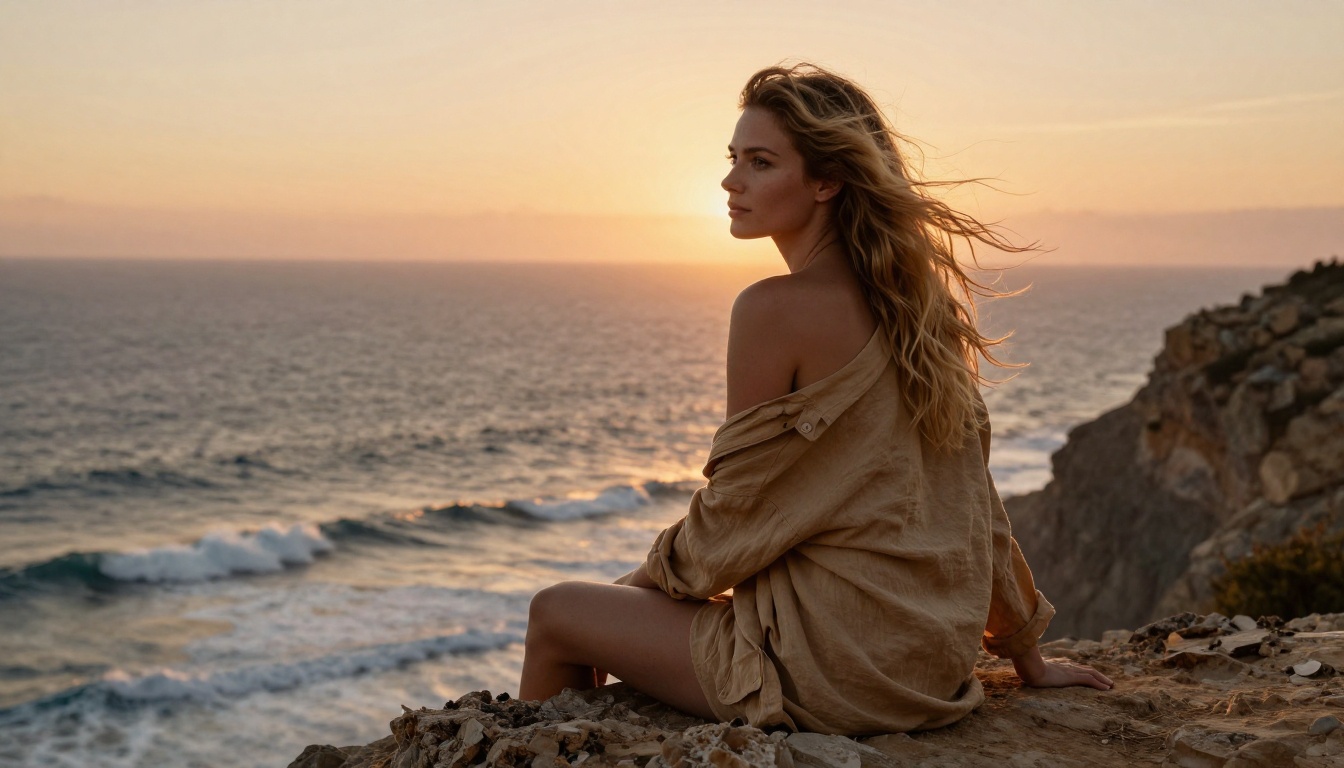
💡 Image-to-video tip: The best source images for video generation are ones with clear subject separation from background and lighting that suggests motion direction (hair catching wind, water at the frame edge). Static, symmetrically lit portraits produce less convincing motion than images with inherent visual energy.
Your Turn: Make Something Worth Sharing
The tools described here are not hypothetical. They are running now, available on free accounts, and producing photorealistic uncensored imagery at a quality level that was not possible even eighteen months ago.
The fastest way to see what the platform actually delivers is to run your first generation. Head to picassoia.com/en/all-models, open Seedream 4.5, and write a detailed photographic prompt for the image you have been trying to create. If you want volume and iteration without hitting a daily cap, switch to PicassoIA Image Editor Pro and stay there.
The creative freedom these tools offer is real. It just requires choosing the right models and writing prompts that actually communicate what you want. Everything in this article is available to you right now, without a paid subscription to get started.