If you've spent any time searching for a free AI video generator that actually delivers cinematic results without a 10-minute wait, Seedance 2.0 Fast by ByteDance is the model you need to know. It strips away the rendering overhead of heavier video models while keeping the motion quality high enough to produce content you'd actually want to publish. No subscriptions, no watermarks on the free tier, and no complicated setup — just a text prompt and results within seconds.
What Seedance 2.0 Fast Actually Does
Seedance 2.0 Fast is a text-to-video and image-to-video AI model developed by ByteDance — the company behind TikTok and CapCut. The model is specifically optimized for speed, targeting creators who need rapid iteration and multiple output attempts without waiting several minutes per generation.
It produces videos at high visual fidelity with smooth, realistic motion, convincing camera movement simulation, and built-in audio synthesis. This combination makes it a legitimate alternative to much heavier models that demand either paid compute credits or long queue times.
Speed Without Sacrificing Quality
The "Fast" designation is not just marketing. Compared to the standard Seedance 2.0 model, the fast variant cuts generation time by a significant margin, often delivering a finished clip in under 30 seconds depending on server load. For a content creator doing multiple rounds of prompt iteration, this time difference compounds quickly.
The trade-off is minimal. The fast model outputs slightly shorter clips by default and may have marginally less fine detail in complex scenes — but for social media, YouTube Shorts, presentations, or rapid prototyping, the output quality is more than sufficient. Most users report that the quality difference between the fast and full versions is nearly invisible at 1080p or smaller display sizes.
Native Audio Built Right In
One of the features that separates Seedance 2.0 Fast from most other free AI video tools is its native audio generation. The model doesn't just produce silent video clips and leave you to add sound separately. It generates ambient audio, sound effects, and sometimes even background music that matches the visual content.
If your prompt describes a busy city street, you'll hear traffic and footsteps. A forest scene produces wind and rustling leaves. This level of audio-video cohesion was previously only available in premium-tier models, and having it in a fast, free tool is genuinely useful for content creators who publish directly from generation.
Seedance 2.0 Fast vs. The Competition
There are dozens of text-to-video models available online in 2027. Understanding where Seedance 2.0 Fast sits relative to the alternatives helps you make smarter creative decisions.

Against Kling v3
Kling v3 is widely considered one of the best AI video models available today for cinematic output. Its motion physics, character consistency, and camera movement simulation are top-tier. However, Kling v3 is a heavier model with longer generation times, and free-tier access often comes with significant queue waits.
Seedance 2.0 Fast wins on accessibility and speed. For quick iterations, social content, or situations where you need 10 outputs to find the right one, the fast turnaround is a practical advantage. For a hero video for a major campaign, Kling v3 might justify the wait.
Against LTX-2.3-Fast
LTX-2.3-Fast from Lightricks is another speed-optimized video model. It excels at stylized and aesthetic outputs and handles artistic prompts well. Seedance 2.0 Fast tends to perform better for realistic scenarios — real-world settings, natural motion, and scenes with people or animals behaving naturally.
| Feature | Seedance 2.0 Fast | Kling v3 | LTX-2.3-Fast |
|---|
| Generation Speed | Very Fast | Slow | Fast |
| Native Audio | Yes | No | No |
| Realistic Motion | Excellent | Excellent | Good |
| Free Tier Access | Yes | Limited | Yes |
| Best For | Speed + Realism | Cinematic Quality | Aesthetic Style |
💡 Tip: Use Seedance 2.0 Fast for ideation rounds, then switch to a heavier model like Kling v3 for your final output if you need the absolute highest quality.
The Real Strengths of This Model
Beyond speed and audio, Seedance 2.0 Fast has a few specific qualities that make it stand out in day-to-day use.
Prompt Responsiveness
Many fast video models struggle to accurately translate complex prompts into the right visual output. Seedance 2.0 Fast has notably strong prompt adherence — meaning that specific camera angles, subject actions, and scene descriptions in your text prompt tend to appear in the output. Descriptive prompts like "slow pan across a sunlit wheat field at dawn with a lone figure walking away from camera" actually produce results close to that description rather than generic landscape footage.
This is a bigger deal than it sounds. Prompt responsiveness directly affects how many regeneration attempts you need to get usable output, which affects how "free" the free tier actually is in practice.
Frame Consistency That Holds Up
A persistent problem with AI video models is frame-to-frame consistency — when subjects, lighting, or background elements shift or flicker between frames. Seedance 2.0 Fast performs well here, especially for static or slow-moving scenes. Faces and objects maintain their appearance across the clip length, and lighting conditions stay consistent throughout. For talking head content, product showcases, or any video where visual continuity matters, this stability is critical.
How to Use Seedance 2.0 Fast on PicassoIA
The model is available directly through PicassoIA with no setup required. Here is the exact process to generate your first video.
Step 1: Open the Model
Go to Seedance 2.0 Fast on PicassoIA. You'll see the generation interface with a prompt input field and parameter controls below it. No account creation is required to try the free tier.
Step 2: Write Your Prompt
Type your video description in the text field. Be specific. The model responds to detailed descriptions, so include:
- Subject: who or what is in the video
- Action: what they're doing or how they're moving
- Environment: where the scene takes place
- Lighting: time of day, light quality
- Camera direction: angle, movement, distance
Example prompt: "A middle-aged man in a gray suit walking purposefully down a glass-walled office corridor, morning light from the left creating long shadows, medium tracking shot following behind at shoulder height, natural documentary feel."
Step 3: Adjust the Settings
The model offers a few key parameters:
- Duration: 5 or 10 seconds (10s requires more compute and may use credits)
- Aspect Ratio: 16:9 for landscape, 9:16 for vertical/social
- Resolution: up to 1080p depending on tier
- Audio: toggle native audio generation on or off
For most use cases, leave audio on, set ratio to 16:9, and start with 5 seconds to test your prompt before committing to a longer clip.
Step 4: Generate and Download
Click generate and wait for the output. With Seedance 2.0 Fast, this typically takes 20-45 seconds. Once complete, preview the clip and download in MP4 format. If the output isn't quite right, adjust specific elements of your prompt — don't rewrite it entirely. Small, targeted changes tend to produce the biggest improvements.

Best Prompts for Seedance 2.0 Fast
Getting good results from any AI video tool comes down to prompt quality. Here are five prompt structures that consistently work well with this model.
5 Prompt Formulas That Work
1. Nature Cinematic
"Aerial slow glide over an autumn forest canopy at sunrise, orange and red leaves catching low directional light, morning mist visible in the valleys below, 4K documentary drone footage feel."
2. Urban Street Scene
"A quiet rain-wet city street at night, neon reflections in puddles, a single pedestrian with an umbrella walking away from camera, tracking shot at street level, cinematic warm-cold color contrast."
3. Product Lifestyle
"Close-up of a pair of hands pouring hot coffee from a glass carafe into a ceramic mug on a white marble kitchen counter, morning light from the left, steam rising, slow motion, commercial photography feel."
4. Travel Content
"Low-angle wide shot of a woman in a floral dress standing at the edge of a Mediterranean cliff overlooking a turquoise sea, hair moving naturally in the breeze, golden hour light, slow push-in from behind."
5. Corporate Scenario
"A professional business meeting in a glass-walled conference room, five people seated around a table with laptops and notebooks, animated discussion, camera slowly orbiting from outside the glass, natural office lighting."
💡 Tip: Always include a camera movement in your prompt ("slow pan," "tracking shot," "push-in," "dolly back"). This activates the model's camera simulation system and produces far more cinematic results than static descriptions alone.

Other ByteDance Models Worth Trying
ByteDance has built a solid lineup of video generation models across different capability levels. If you want to go beyond the fast version, the platform offers several options within the same model family.
Seedance 2.0 Full Version
Seedance 2.0 is the standard (non-fast) version of the same model. It takes longer to generate but produces slightly more detailed output, particularly for complex scenes with multiple moving elements. If you've found a prompt that works well in the fast version and want a final quality version, running it through the standard model is the natural next step.
Seedance 1 Pro Fast
Seedance 1 Pro Fast is the predecessor model in the family. It's still a capable AI video generator and in some cases handles specific styles — particularly character-based or animated prompts — differently from the 2.0 version. Worth testing if 2.0 Fast isn't giving you the result you want for a specific prompt type.
Seedance 1.5 Pro
Seedance 1.5 Pro sits between the original 1.0 and 2.0 in the evolution of the model. Some creators find its output style for portrait-oriented content particularly effective, making it a niche but useful option in the ByteDance lineup.
Beyond the Seedance family, the platform hosts an extensive library of video generation models for different creative needs.
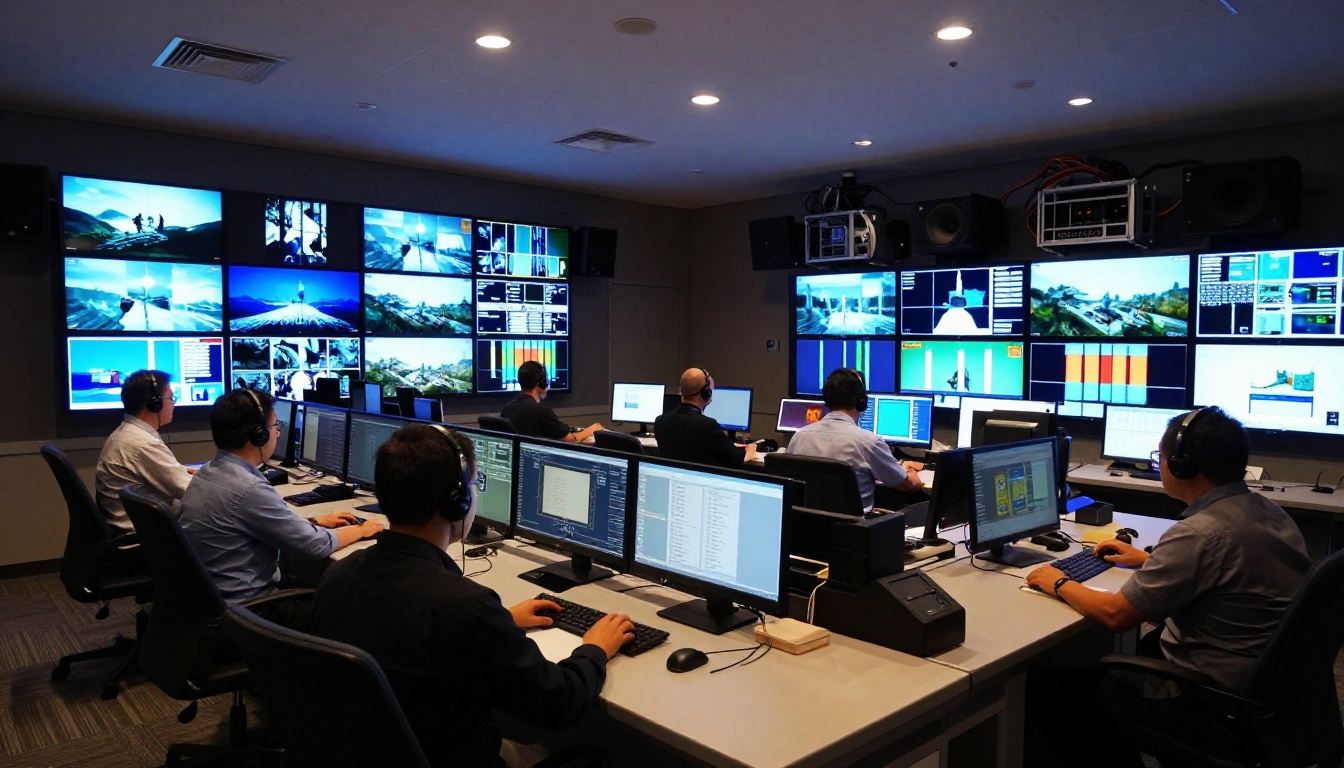
For cinematic prestige-level output, Veo 3 from Google is worth examining. It's one of the most technically impressive video models available and handles complex physics simulation and realistic human motion exceptionally well.
If you need video generation with start and end frame control — where you specify the opening and closing images and the model fills the motion between them — Vidu Q3 Pro offers this capability directly on the platform.
For image-to-video workflows where you start with a static photo and want to animate it, Hailuo 2.3 Fast from Minimax is a fast, reliable option. Upload an image, write a motion description, and the model brings it to life.
For content requiring precise motion with audio context, LTX-2.3-Pro from Lightricks handles complex prompt-driven motion and audio-to-video animation workflows particularly well.
💡 Platform tip: The video section also includes AI video enhancement tools for upscaling, stabilizing, and restoring existing footage — useful if you want to take your AI-generated clips and push them to higher resolution before publishing.

Create Your First Video Right Now
The best way to understand what Seedance 2.0 Fast can do is to run a prompt yourself. Pick any of the five prompt formulas from earlier in this article, paste it in, and see what comes back in under a minute.
The free tier gives you enough generations to genuinely evaluate the model — and because the speed is so high, you can iterate several times within a single session without burning through credits. Test a nature scene, then a product shot, then an urban sequence. The model handles all three in meaningfully different ways, and you'll quickly develop an intuition for how it interprets your language.
For creators who want to build a video content workflow without paying expensive subscription fees or waiting in long queues, this model represents one of the most practical entry points available right now. The combination of speed, native audio, and prompt responsiveness covers the needs of the majority of video content use cases — from social posts to pitch decks to creative experiments.
Take it for a spin: open the Seedance 2.0 Fast model, write something specific, and see what your words can produce in motion. The generation takes less time than reading this sentence twice.


