Typing a sentence and watching it become a moving, five second clip used to sound like science fiction. In 2027 it is a Tuesday afternoon habit. The real question is no longer whether a model can turn words into footage, it is finding one that lets you do it often enough, fast enough, and freely enough to build a real routine around.
That last word, free, is where most tools quietly fail you. They hand over a few credits, you burn through them in an hour of testing, and the meter stops you exactly when a clip was getting good. So we pulled together the ten strongest text to video AI models you can run without a credit card, ranked them by output quality, speed, audio, and real daily limits, and put the one with no meter at all in first place.
What Free Actually Buys You
Free AI video generators come in two very different shapes, and the difference decides how much you can really make.
The first shape is a free trial wearing a disguise: a handful of credits, a watermark, and a paywall the second you find your rhythm. The second shape is genuinely free generation, where short clips cost nothing and you can render the same idea ten times until one lands. Every pick below leans toward that second shape, and the model in first place lives there permanently.
Credits Versus Unlimited
A credit pack feels fine until you do the math. Most prompts need five to ten takes before one is worth posting. If a single render costs one credit, a finished clip quietly costs you eight. Free, unlimited drafting deletes that tax, which is why it shapes this whole ranking.
What Text to Video Means
Text to video AI does what the name says: you describe a shot in plain language and the model renders it as footage. No timeline, no camera, no crew. Most of these models also accept a starting image, so you can animate a photo instead of describing one from nothing. Here is a five second clip generated from a single sentence of direction:
The Top 10 at a Glance
Resolution and audio are only part of the story. The order below weighs how freely you can actually generate, because a brilliant model you can touch three times a day loses to a good one you can run all afternoon.
The 10 Best Free AI Video Generators
1. Picasso IA Video: Unlimited and Free
Picasso IA Video takes the top spot for one structural reason: the meter never starts. Every clip is a clean five seconds at 24 frames per second with synchronized audio, rendered in seconds from either a text prompt or an image, with no credit balance attached. You choose 480p for the fastest render or 720p when you want it sharper, set the aspect ratio to 16:9, 9:16, or 1:1, and lock a seed when a take works so you can reproduce it later.
That fixed five second format is the trade that keeps it free and fast, and it happens to match exactly how social clips, ad concepts, and animated storyboards are already shaped. Because generating costs nothing, you stop rationing ideas and start drafting the way professionals storyboard: ten takes, pick one, move on.
Here is a clip built the unlimited way, from one still image and a single line of direction:
💡 Tip: when a clip is close but not perfect, keep the seed and change one detail in the prompt. You branch a variation instead of rolling the dice from scratch.
Picasso IA also keeps more than a hundred other video models in the same place, so the free model doubles as a drafting layer before you ever spend on a premium render like Veo 3.1 or Sora 2.
2. Sora 2 Pro: Synced Audio Standout
Sora 2 Pro is OpenAI's heavyweight, and its trick is rendering picture and sound together so dialogue lands in sync on the first try. You get clips of four, eight, or twelve seconds at up to 1024p, portrait or landscape, with watermark free output and the option to anchor the first frame to a reference image. It works best as a finishing tool rather than a drafting one, so drafting free first and spending here second is the sensible order. The lighter Sora 2 tier is a gentler place to begin.
3. Veo 3.1: Peak Photorealism
Veo 3.1 is still the realism benchmark. Physics rarely break, prompt adherence is unusually tight, and its context aware audio arrives synced to the action at a full 1080p. Reference image support keeps a subject consistent across takes, and start and end frame interpolation gives you smooth, deliberate transitions between two keyframes. When turnaround matters more than maximum fidelity, Veo 3.1 Fast trims the wait.
4. Kling v3: Multi Shot Stories
Kuaishou's Kling v3 thinks in scenes, not single shots. Its standout feature is multi shot scripting: you lay out up to six scenes, each with its own prompt and duration, and the model stitches a coherent 1080p sequence with native audio. Up to seven reference images hold characters and objects steady from shot to shot. The earlier Kling v2.6 is still a strong, lighter option in the same family.
5. Seedance 2.0: Consistency Champion
ByteDance's Seedance 2.0 sits near the top of blind preference tests this year, and its calling card is keeping the same character recognizable across shots. Audio is generated in the same pass, dialogue, sound effects, and music together, and it accepts a rich set of references: up to nine images, three videos, and three audio clips for style and lip sync control. A faster Seedance 2.0 Fast variant trades a little polish for speed.

6. Wan 2.7: Open Weights Power
Alibaba's Wan 2.7 pushes 1080p clips as long as fifteen seconds with synchronized audio, and because its weights are open you can self host it if you have the GPU and the patience. Most people will use the hosted version, where automatic prompt expansion fills in detail from a short description and a negative prompt steers unwanted elements away. The matching Wan 2.7 I2V model animates an existing image beautifully.
7. LTX 2.3 Pro: 4K and Editing Modes
Lightricks built LTX 2.3 Pro for people who want to finish, not just generate. It reaches 4K at 50 frames per second and bundles five modes in one place: text to video, image to video, audio to video, retake, and extend. You can render a six to ten second cinematic shot with a camera move applied, redo only the segment that misfired, and stretch it to length without starting over. The lighter LTX 2.3 Fast is the quick draft sibling, and it is the engine behind the moving clips in this article.

8. Runway Gen 4.5: Director's Toolkit
Gen 4.5 is Runway's answer for people who think in shots. Motion is sharp and artifact free, prompt fidelity is tight, and you get six aspect ratios from vertical 9:16 to cinematic 21:9 plus seed based reproducibility. Clips run five or ten seconds, with optional image to video to anchor the opening frame. It outputs silent footage you score afterward, the one tax for all that control.
9. Hailuo 2.3: Expressive Human Motion
MiniMax's Hailuo 2.3 is the one to beat for faces and gestures. Human motion stays believable across the whole clip, expressions read as real, and output reaches a full 1080p ready for a serious edit. You can generate from a prompt or pin a portrait as the first frame to control how the shot opens. The Hailuo 2.3 Fast variant is one of the quickest image to video options anywhere.
10. Vidu Q3 Pro: Longer Clips With Sound
Vidu Q3 Pro closes the list with range. It handles text to video, image to video, and start to end frame pairs, renders up to 1080p with synchronized dialogue and effects, and stretches clips to sixteen seconds, longer than almost anything else here. Five aspect ratios and seed control make it a tidy fit for product walkthroughs and vertical social cuts alike. The Q3 Turbo sibling trades a little quality for a faster turnaround.
Make Your First Clip in a Minute
Because Picasso IA Video is free and unlimited, it is the natural place to start. Here is the whole routine.
Write a Clear Prompt
Describe the shot in order: what the camera sees first, what moves, where the light comes from. "A golden hour beach, gentle waves rolling in, a lone surfer wading out with a board" beats "cool surf video" every time. Cinematic, specific language gives the model something solid to hold onto.
Pick Ratio and Resolution
Set 16:9 for landscape, 9:16 for reels and shorts, 1:1 for feed posts. Choose 480p while you iterate fast and 720p for the take you intend to publish. Leave the seed empty for fresh variations, or lock it once a clip works.
Animate a Photo Instead
Drop in an image and it becomes the opening frame, so a product shot or an illustration starts moving without a word of description. This image to video path is where still catalogs and brand photos come alive. Here is a street scene that began as a single frame:
Pick the Right Model for the Job
For Daily Social Clips
Volume wins, and five second clips are the native shape of short form feeds. Draft unlimited on Picasso IA Video in 9:16, then reach for Pixverse v5.6 when you want a stylized one off.
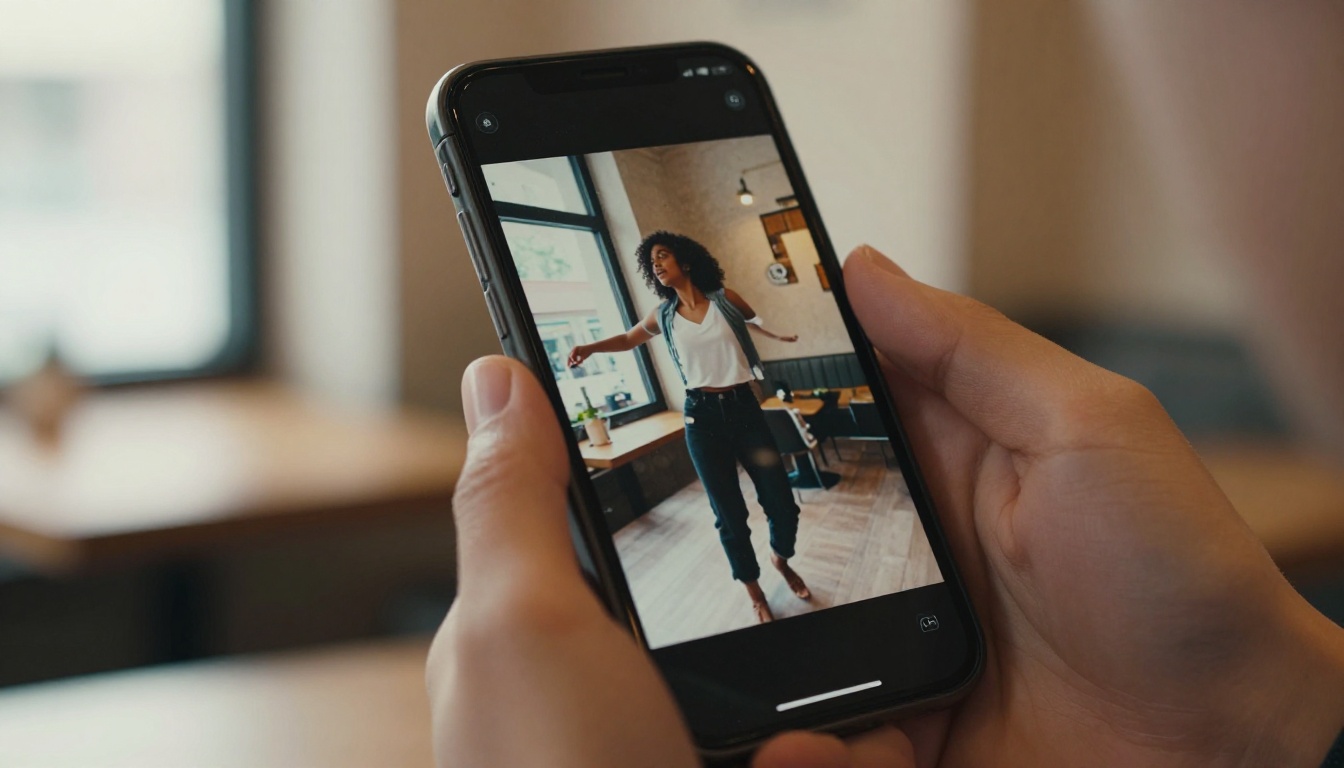
For Cinematic Shots
When a clip has to look like cinema, draft free first, then finish on Veo 3.1 for realism, Kling v3 for human motion, or Gen 4.5 for camera control, depending on what the shot needs most.

For Animating Photos
Image to video is where product shots and illustrations earn their keep. Wan 2.7 I2V and Hailuo 2.3 Fast are superb, and Picasso IA Video takes an input image as the opening frame at no cost, as many times as you like.
Common Questions
Is It Really Free?
On Picasso IA Video, yes, with no credit balance and no daily cap. Clips are fixed at five seconds, which is the trade that keeps the queue moving for everyone. Several other models here offer free runs too, usually metered by credits once you pass a daily allowance.
Do These Add Sound?
Picasso IA Video, Sora 2 Pro, Veo 3.1, Kling v3, Seedance 2.0, Wan 2.7, LTX 2.3 Pro, and Vidu Q3 Pro all render synchronized audio in the same step. Runway Gen 4.5 and Hailuo 2.3 output silent footage you score afterward.
Can I Make Vertical Video?
Every model here supports 9:16 in some form. On Picasso IA Video you set the aspect ratio per clip, 16:9, 9:16, or 1:1, so the same idea fits a widescreen banner or a phone screen without cropping.
Does It Work Online With No Install?
Yes. Every generator on this list runs in the browser, so an AI video generator free online is the literal workflow: open the page, type a prompt, hit generate. There is nothing to download and nothing to set up.

Your Turn to Hit Generate
Rankings only take you so far. The fastest way to feel what free, unlimited text to video AI is worth is to type one sentence and watch it move five seconds later. Open Picasso IA Video, describe a shot you have always wanted to film, and render it as many times as it takes to love the result. It costs nothing, it takes seconds, and the rest of the hundred plus model catalog is one click away the moment a concept earns it.


