Seedance 2.0 put ByteDance on the map in the AI video space. It generates video with native audio, fluid motion, and a level of realism that caught a lot of people off guard. But there is a problem: the full version is not free, and its availability on most platforms comes with credits, paywalls, or content restrictions that make it frustrating to use for adult-oriented creative projects. The good news is that 2025 and 2026 have given us a wave of free and near-free alternatives that are genuinely worth your time.
This is not a list of half-baked open-source experiments. These are production-ready models you can run right now, all accessible through PicassoIA without signing up for five different accounts or burning through API credits. Whether you want cinematic glamour shots, slow-motion atmospherics, or character animation that holds up frame to frame, at least one of these will fit what you are trying to do.
Why Seedance 2.0 Became the Standard
Seedance 2.0 arrived with a set of features that felt like a leap forward. Native audio generation meant you no longer had to sync sound in post. The motion quality was smooth even with complex body movements. And the text-following was accurate enough that prompt-to-video actually resembled what you asked for.
What It Does Better Than Most
The biggest win with Seedance 2.0 is temporal consistency. Characters stay consistent across frames, which matters a lot when you are making videos featuring specific subjects or scenes with movement. Face retention and body coherence are noticeably better than older models. Its fast variant, Seedance 2.0 Fast, delivers nearly the same output at higher speed, which makes iteration significantly faster when you are working through multiple concept variations.
The model also handles motion physics well. Clothing moves with the body, hair responds to implied environmental conditions, and secondary motion (like fabric trailing behind a walking subject) tends to look natural rather than disconnected. That level of coherence was not common before Seedance arrived.
Where It Falls Short
Cost is the main barrier. Free tiers on most platforms give you a handful of generations before hitting a wall. Beyond that, content filters on ByteDance's official infrastructure are strict. For adult creative use cases, that means even tasteful, non-explicit prompts get flagged. The Seedance 2.0 model itself is capable, but the access layer makes it difficult to work with freely.
There is also the issue of queue times on peak hours, and the fact that the most interesting features (longer clips, higher resolution, audio generation) are gated behind paid tiers. If your project requires volume, the cost adds up fast.
5 Free Alternatives That Actually Deliver
These models are either fully free, have a meaningful free tier, or are available without strict content restrictions on platforms like PicassoIA. Each has its own strengths, and none of them require you to hand over a credit card just to see what they can do.
Kling v3 Video
Kling v3 from Kwaivgi is arguably the closest competitor to Seedance 2.0 in terms of overall output quality. The motion is smooth and naturalistic, especially for human subjects. It handles nuanced prompts well and produces consistent results across a range of styles. The Kling v3 Omni Video variant accepts both text and image inputs, giving you more control over the starting point of your video.
What sets Kling apart for adult creative content is its relatively open content policy when accessed through the right platform. Motion handling of human figures is clean without the jitter or artifact drift that plagues some competitors. Camera movement behavior is particularly strong: pans, slow zooms, and subject-tracking all tend to look intentional rather than mechanical.
Pro tip: Feed Kling v3 a high-quality still image as your base for best results. The image-to-video path gives you more consistency than text-to-video alone, especially for specific subject appearances.
Wan 2.6 Text-to-Video
The Wan series from wan-video has been iterating fast, and Wan 2.6 T2V is where the quality really clicks. It is open-weight, which means it runs without the usage restrictions of proprietary cloud models. For adult creative content, this is a significant advantage. You are not dealing with a corporate content filter sitting between you and the output.
The Wan 2.6 I2V variant adds image-to-video support with strong subject retention. If you generate a still image first using PicassoIA's text-to-image tools, you can animate it directly with Wan 2.6 I2V for a controlled, consistent result. Earlier versions like Wan 2.5 T2V are also available if you want to compare generation styles across versions.
Wan 2.6 strengths:
- Open-weight model with no cloud-side content filters
- Strong prompt adherence for detailed, nuanced descriptions
- Good at body motion and natural environmental movement (water, fabric, hair)
- Available in both fast and standard speed variants for different iteration needs
Hailuo 2.3 by MiniMax
Hailuo 2.3 surprises people who have not tried it recently. MiniMax has made significant jumps in realism, particularly around facial expressions and the way lighting interacts with skin texture. The video output tends to look cinematic at shorter clip lengths (around 6 seconds), which is ideal for glamour and adult creative work where atmosphere matters more than duration.
For speed without sacrificing much quality, Hailuo 2.3 Fast cuts generation time noticeably while keeping the overall aesthetic intact. When you are running through many variations to find the right motion or mood, the fast version makes that iteration loop much less painful.
Tip: Hailuo 2.3 responds well to lighting-specific prompts. If you write "warm candlelight from the right side, casting soft shadows across the cheekbone," the model tends to honor it closely, giving you a lot of atmospheric control over the final output.
LTX-2.3-Pro by Lightricks
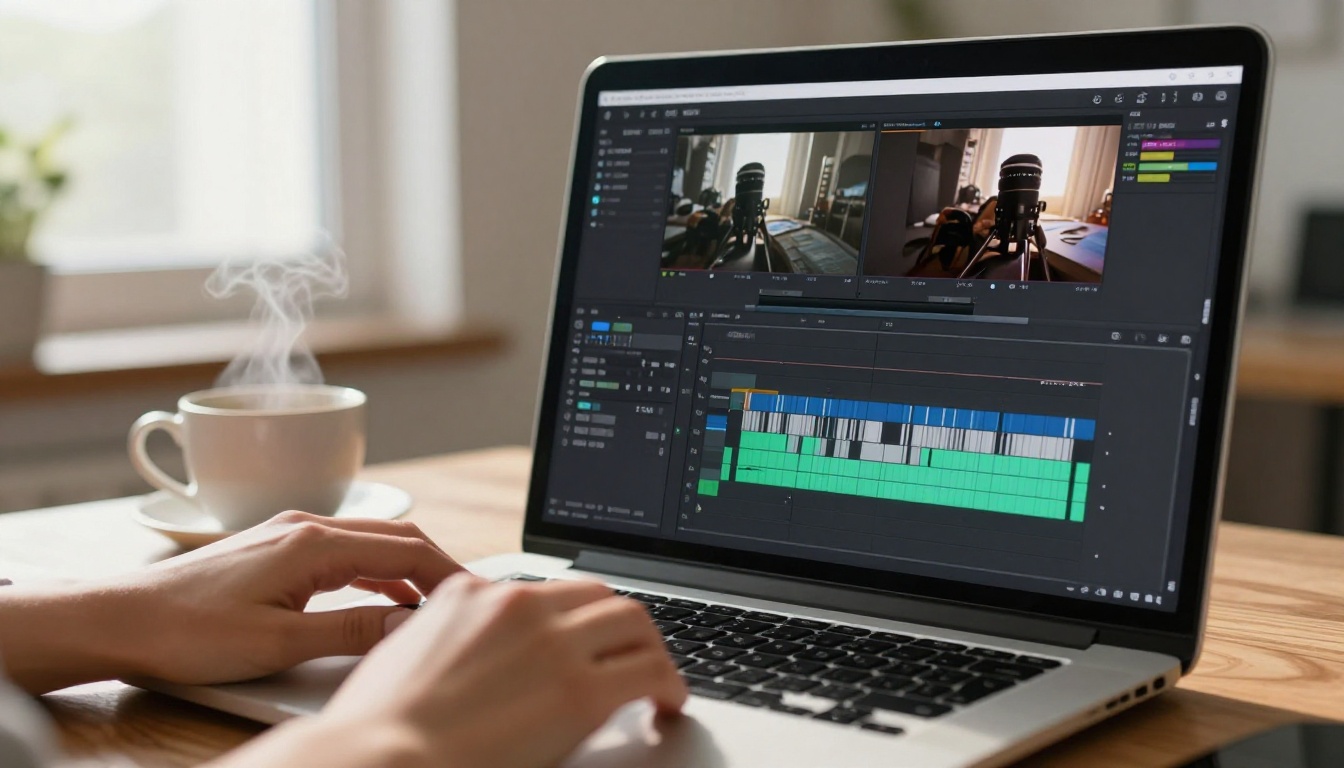
Lightricks built LTX-2.3-Pro with a focus on speed and real-time feedback. It generates clean, smooth videos with surprisingly good temporal coherence for the generation time. For creators who want to iterate fast and produce volume, this is the model to reach for first.
The LTX-2 Distilled version is even faster and completely free on many platforms, making it a solid starting point if you are new to AI video generation and want to test concepts before committing to a longer generation run with a higher-quality model. The distilled version trades some fine detail for speed, but for concept testing and mood development it is more than sufficient.
Best use cases for LTX:
- Fast concept validation before high-quality generation
- Creating multiple variations of a scene quickly
- Pairing with Lightricks Audio to Video for audio-synced clips
- Building a storyboard-style workflow before final renders
PixVerse v5.6
PixVerse v5.6 has become a go-to for vibrant, high-contrast video output. It handles stylized subjects and dynamic camera movements better than most, and its visual fidelity at the right prompt quality is genuinely impressive. The model seems particularly well-tuned for human subjects in dynamic environments: walking, turning, posing, and transitioning between positions all look controlled.
Where PixVerse stands out is its handling of camera-as-character movement. You get smooth cinematic pans, zooms, and subject-following behavior that feels intentional rather than random. For glamour or artistic adult content where the camera work carries as much weight as the subject, PixVerse v5.6 is worth putting ahead of slower, more "realistic" models that do not handle camera motion as fluidly.
Side-by-Side Feature Breakdown
Note: Content flexibility refers to how the model behaves for suggestive or mature-themed prompts when accessed through open platforms. Always check platform-specific policies before generating.

How to Use Kling v3 on PicassoIA
Since Kling v3 consistently comes out on top in quality comparisons, here is a step-by-step process for getting the best results directly on PicassoIA.
Setting Up Your Prompt
Start by being specific. Kling v3 rewards detail. Instead of writing "woman at the beach," write "a woman with long dark wavy hair standing in shallow ocean water at sunset, wearing a black bikini, warm golden light from the right, slow camera pull-back, soft wave motion around her ankles." The specificity around lighting direction, subject appearance, and camera behavior brings the output far closer to your actual intent.
Prompt structure that works well:
- Subject description: appearance, clothing, and body position
- Environment: setting details, foreground and background elements
- Lighting: direction, quality, color temperature
- Camera: movement type and angle (slow zoom, low angle, static wide shot)
- Atmosphere: mood keywords, time of day, weather
This layered structure gives the model all the parameters it needs to make deliberate choices rather than random ones. The difference in output quality between a flat prompt and a structured one is dramatic.
Adjusting for Best Output
When you access Kling v3 through PicassoIA, you can typically control duration and quality settings. For adult glamour content, shorter clips (5-8 seconds) at maximum quality tend to outperform longer clips at reduced quality. Temporal coherence holds up better within shorter windows, so your subject stays consistent throughout the full clip rather than drifting.
For image-to-video specifically, use Kling v3 Omni Video. Upload a strong base image first, then write a motion-focused prompt that describes only movement: "slow gentle hair movement, subtle breathing, soft breeze from the left, camera slowly zooms in from mid-shot to close-up." Keeping the motion prompt focused prevents the model from trying to change your subject's appearance.
What to Do with the Output
Raw AI video often benefits from small post-processing. Once you have your Kling output, consider running it through one of PicassoIA's AI enhance video tools to upscale resolution or smooth out any compression artifacts from the generation step. The result is a noticeably cleaner final product, especially when you plan to share or present the video at larger screen sizes where compression artifacts become visible.
3 Prompting Tricks That Make a Difference
Getting consistently good adult AI video output is partly model selection and partly how you write prompts. These three approaches work across most of the models listed above and will immediately improve your hit rate.
Be Specific About Movement
Motion is where most AI video models fall apart when given vague instructions. "She dances" produces random, often awkward results. "She slowly turns her head from left to right, hair sweeping across her shoulder, soft smile forming at the corner of her mouth" gives the model a clear physics and geometry target, and the output is far smoother.
For body movement, describe it in stages: starting position, the transition, and the ending position. This sequential structure helps the model interpolate frames cleanly rather than generating arbitrary motion to fill the duration. The difference is most noticeable in close-up shots where even small inconsistencies are obvious.
Use Image-to-Video When Possible
The image-to-video path gives you a fixed starting frame. That means the model does not have to make arbitrary decisions about what your subject looks like, because you already defined it in the image. Models like Wan 2.6 I2V, Kling v3 Omni Video, and Hailuo 2.3 Fast all support this workflow, and the quality jump over pure text-to-video is significant for character-focused content.
Generate your still image first using PicassoIA's text-to-image tools, get the appearance exactly right, then animate it. You get full control over how your subject looks before motion is introduced, which is the cleanest way to work.
Combine with Upscaling
Most free models generate at resolutions that look fine on smaller screens but show compression at larger sizes. Running your output through a super resolution tool adds real detail recovery without re-generating the whole clip. This is especially valuable for close-up shots where skin texture and hair detail matter. On PicassoIA, the super resolution tools can push your AI video output to a presentable quality level without any additional generation cost.

Free vs Paid: What You Actually Get
The honest breakdown: free tiers on most platforms limit you to a set number of generations per day or week, sometimes with watermarks, and usually at slightly lower resolution than paid output. For experimentation and personal use, this is absolutely fine. For high-volume or commercial work, you will eventually hit limits.
| Factor | Free Tier | Paid Tier |
|---|
| Daily generations | 5-20 | Unlimited or high cap |
| Resolution | 720p | Up to 1080p or higher |
| Watermark | Sometimes included | Usually removed |
| Queue priority | Standard | Fast track |
| Model access | Select models | All models |
| Clip length | Short (4-6 sec) | Longer options available |
The value proposition for free tools is strong if you are building a workflow rather than producing final deliverables. Use free tiers to test concepts and refine prompts, then run final versions at higher quality when you have credits or a subscription. PicassoIA's model catalog includes both free and premium options, so you can mix and match based on your current task.
Tip: LTX-2 Distilled is one of the genuinely free models with no strict daily generation caps on many platforms. It is worth having in your prompting workflow for rapid iteration before committing to a full-quality run.
Which One to Pick
The right choice depends on what you are making and what matters most to you. Here is the short version:
- For quality that matches Seedance 2.0: Start with Kling v3. It is the closest to a direct quality replacement in output fidelity and motion coherence.
- For maximum creative freedom: Wan 2.6 T2V or Wan 2.6 I2V give you open-weight access without cloud-side content filters. For adult creative work, this matters more than almost any other factor.
- For cinematic atmosphere in short clips: Hailuo 2.3 produces the most visually polished short clips of the group, with strong skin rendering and lighting response.
- For fast iteration without waiting: LTX-2.3-Pro or LTX-2 Distilled get you output quickly so you can tweak and re-run without staring at a progress bar.
- For cinematic camera movement: PixVerse v5.6 has the best built-in camera motion behavior of the group, making it ideal when the camera work is as important as the subject.
Do not overlook other strong options in the PicassoIA catalog either. HunyuanVideo by Tencent is a capable open-weight model worth testing, and P-Video from PrunaAI handles text, image, and audio inputs in a single generation flow. The catalog is wide enough that there is usually a model optimized for whatever specific output you need.
Start Creating
You now have five solid alternatives that cost nothing to try, cover different creative needs, and are all accessible through PicassoIA in one place. The barrier to producing high-quality AI video for adult creative projects has dropped substantially in the past year. Seedance 2.0 is impressive, but it is no longer the only serious option on the table, and for free adult content creation, it is arguably not even the best one.
PicassoIA brings all of these models together in one platform. You can move from Wan 2.6 I2V to Kling v3 to PixVerse v5.6 without leaving the platform, compare outputs side by side, and build a production workflow that uses the best tool for each specific task. When you need to upscale the output, the super resolution tools are right there. When you want to add audio, the text-to-speech and AI music generation models are a click away.
Pick one of the five alternatives above, write a detailed structured prompt, and run it. The first output will tell you more than any comparison article can. When you find the model that clicks with your creative style, you will have a repeatable, free workflow that holds up against anything Seedance 2.0 can do at its paywalled best.


