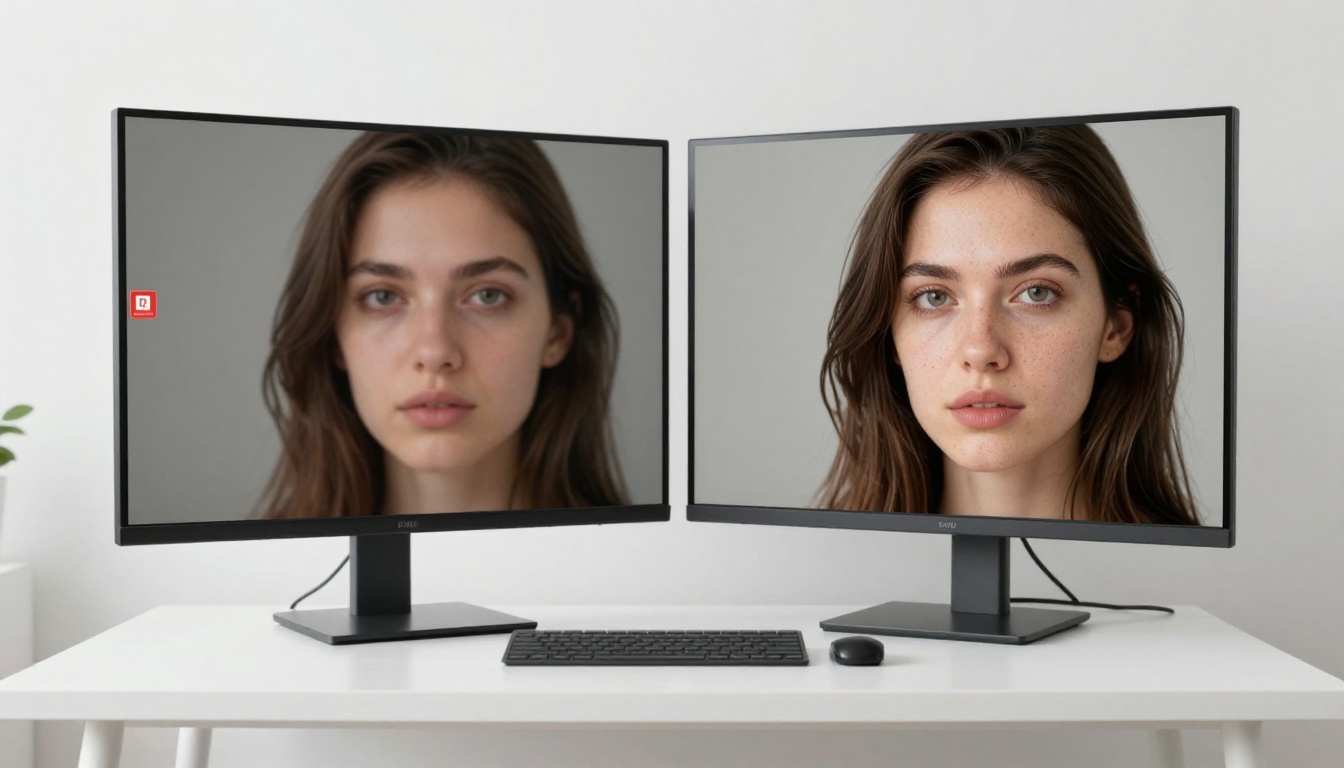
If you have ever tried to generate more than a handful of images on Leonardo AI, you know exactly how fast that free tier runs out. Tokens disappear. A message tells you to wait 24 hours, or you get pushed toward a paid plan before you have even figured out what style you want. For casual creators, that friction kills momentum. There is, however, a free Leonardo AI alternative with unlimited generations that gives you access to more than 90 models, from the latest FLUX variants to Google's Imagen 4, with no daily cap, no credit system, and no watermark stamped on your outputs.
Why Leonardo AI Hits a Wall
Leonardo AI is a polished platform. The interface is clean, the model selection is decent, and the inpainting tools work reasonably well. But the free tier is built around scarcity by design. You get a limited number of tokens per day, and those tokens deplete faster than most users expect, especially once you start experimenting with higher resolutions or longer inference steps.
The Credit System Problem
Every generation on Leonardo AI costs tokens. A single high-resolution image can cost between 4 and 16 tokens depending on the model and settings you choose. The free plan provides 150 tokens daily, which sounds generous until you realize that an afternoon of active experimentation burns through that allocation in under an hour.
The token system also creates a specific kind of creative paralysis. When every generation has a monetary cost attached to it, you second-guess your prompts. You stick to safer, more predictable options rather than iterating freely. Experimentation, which is exactly what you need when learning to prompt effectively, becomes a financially punished behavior. The feedback loop that makes you better at using AI image generators is the same feedback loop the token system penalizes.
What You Actually Get for Free
Here is an honest breakdown of what Leonardo AI's free tier includes versus what an unlimited alternative offers:
| Feature | Leonardo AI Free | Unlimited Alternative |
|---|
| Daily generations | ~150 tokens | Unlimited |
| Watermarks | Yes on some outputs | No |
| Model variety | Limited on free tier | 90+ models |
| Resolution options | Capped | Full range |
| Queue priority | Low | Standard |
| Commercial use | Restricted | Open |
| Inpainting access | Partial | Full |
| API access | Paid only | Available |
The table is unambiguous. If you need volume, iteration speed, or model variety without a monthly subscription, the alternative outperforms Leonardo AI on every measurable dimension.
90+ Models, Zero Daily Limits
The platform that consistently delivers on the promise of unlimited free generations is PicassoIA. It runs on Replicate's infrastructure, which means you get access to the same state-of-the-art models that professional studios use, presented in a clean interface without artificial generation caps.
The model library is where PicassoIA separates itself decisively from platforms like Leonardo AI. Rather than gatekeeping the best models behind premium tiers, every model in the collection is available from the moment you land on the platform. No account upgrade required. No token purchase to unlock a specific model. The collection is genuinely open.
FLUX: The New Industry Standard
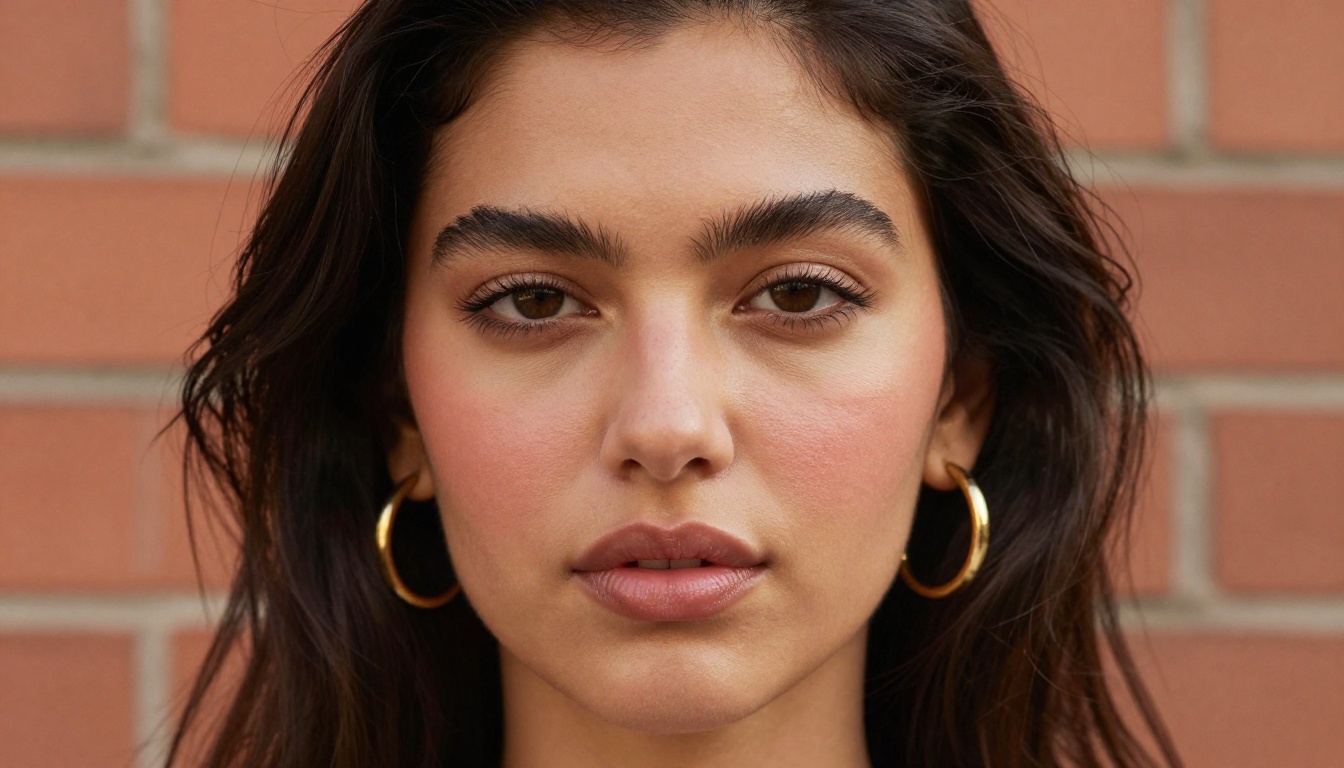
FLUX Dev from Black Forest Labs is the model that reshaped the AI image generation landscape when it launched. Its natural language comprehension is substantially better than earlier Stable Diffusion architectures, and its photorealistic output quality in complex scenes is remarkable enough that professional photographers and commercial studios now use it for concept visualization.
On PicassoIA, the full FLUX family is accessible without restriction:
- FLUX Dev: The core version. Excellent for detailed photorealistic images, complex multi-element scenes, and long descriptive prompts
- FLUX Schnell: Optimized for speed, produces results in seconds with minimal quality loss. Perfect for rapid iteration and prompt testing
- FLUX Pro: Maximum quality output for when the final image needs to be indistinguishable from a professional photograph
- FLUX 1.1 Pro Ultra: The highest resolution FLUX variant, producing images at resolutions up to 2048px with exceptional detail retention
- FLUX Kontext Dev: The context-aware editing variant that understands your existing image and applies targeted modifications without disrupting surrounding areas
- FLUX Kontext Pro: Professional-grade context-aware editing at full resolution, with stronger instruction following than the Dev variant
What makes FLUX different from earlier models: Older generators like SDXL required careful prompt engineering with specific trigger words, negative prompts, and style tokens. FLUX understands plain English descriptions with a level of accuracy that means your first attempt is far closer to your mental image than it would have been with previous architecture generations.
SDXL and Stable Diffusion Variants
The Stable Diffusion family remains highly relevant for specific creative use cases. SDXL produces images with a distinct aesthetic that many artists actively prefer for stylized and illustrative work. SDXL Lightning delivers that same aesthetic in four inference steps instead of the standard twenty-five, making it one of the fastest models in the collection for style-focused work.
Stable Diffusion 3.5 Large represents Stability AI's most significant architecture improvement in years, with substantially better text rendering within images and more accurate compositional control than earlier SD versions. For prompts that require specific spatial arrangements of elements, SD 3.5 Large handles complex multi-subject compositions more reliably than its predecessors.
Ideogram, Imagen 4, and Recraft
Several use cases demand models that go beyond the FLUX and Stable Diffusion families:
- Ideogram v3 Quality: Unmatched for images that require accurate text embedded in them, such as posters, product packaging mockups, signage, and typographic designs. Text rendering in AI images has historically been a weak point, and Ideogram v3 solves it convincingly
- Ideogram v3 Turbo: The speed-optimized variant of v3, useful for rapid text-in-image concepts before committing to the Quality render
- Google Imagen 4: Google's flagship model, exceptionally strong on photorealism and natural light simulation. Its training dataset and RLHF fine-tuning produce outputs with a naturalistic quality that is particularly evident in outdoor and environmental scenes
- Google Imagen 4 Ultra: The maximum-quality Imagen variant, producing outputs at the upper limit of what current models can achieve for photorealistic generation
- Recraft v4: Purpose-built for design work, brand assets, and images with precise compositional and color palette control. When you need an image that sits cleanly within a visual identity system, Recraft outperforms photorealism-focused models
- Playground v2.5: Known for its cinematic aesthetic quality. Particularly strong for portraits and lifestyle imagery where warmth and visual storytelling matter more than clinical accuracy
How to Generate Images for Free
The workflow on PicassoIA is immediate. You can produce your first image in under two minutes without creating an account or entering payment details.
Step 1: Pick Your Model
Navigate to the text-to-image collection. The choice of model should match your intended output:

Step 2: Write Your Prompt
The quality gap between a good prompt and a vague one is enormous, and it persists regardless of which model you use. These three elements consistently produce better outputs across all models in the collection:
Subject specificity: Instead of "a woman on a beach," write "a woman with wind-swept hair in a coral bikini standing at the shoreline at golden hour, water droplets on her shoulders." The second version gives the model specific visual information to work from.
Lighting description: Natural light, studio lighting, overcast diffused sky, golden hour backlight, split lighting with a key from the left. Lighting specification is the single biggest driver of photorealism in an AI-generated image. Models that understand lighting directions and quality produce dramatically more realistic outputs when you give them that information explicitly.
Camera language: Reference a focal length, aperture, and film stock. "Shot on a 85mm f/1.8, Canon R5, Kodak Portra 400 film emulation, slight grain" tells FLUX-family models to produce a photographic output rather than an illustrated one. This camera metadata functions as a style signal.
Prompting insight for FLUX: FLUX models respond exceptionally well to prompts that read like a photographer's brief rather than a creative writing description. Think in terms of what a photographer would tell their lighting assistant, not what a novelist would write describing the same scene. Technical specificity produces technical accuracy.
Step 3: Download Without Watermarks
Every image you generate downloads at full resolution without watermarks or branding overlays. There is no additional step, no premium tier required to access your own outputs. The file downloads immediately, ready for personal or commercial use.
Image Quality Comparison
Understanding where each model excels helps you choose the right tool for each job rather than defaulting to a single model for every prompt.
Realistic Photography
For photorealistic outputs, FLUX Pro and Google Imagen 4 Ultra are the top performers in the collection. Both handle complex lighting scenarios, accurate skin texture, realistic fabric behavior, and environmental detail at a level that is genuinely difficult to distinguish from an actual photograph when the prompt is well-written.
Portrait and Fashion
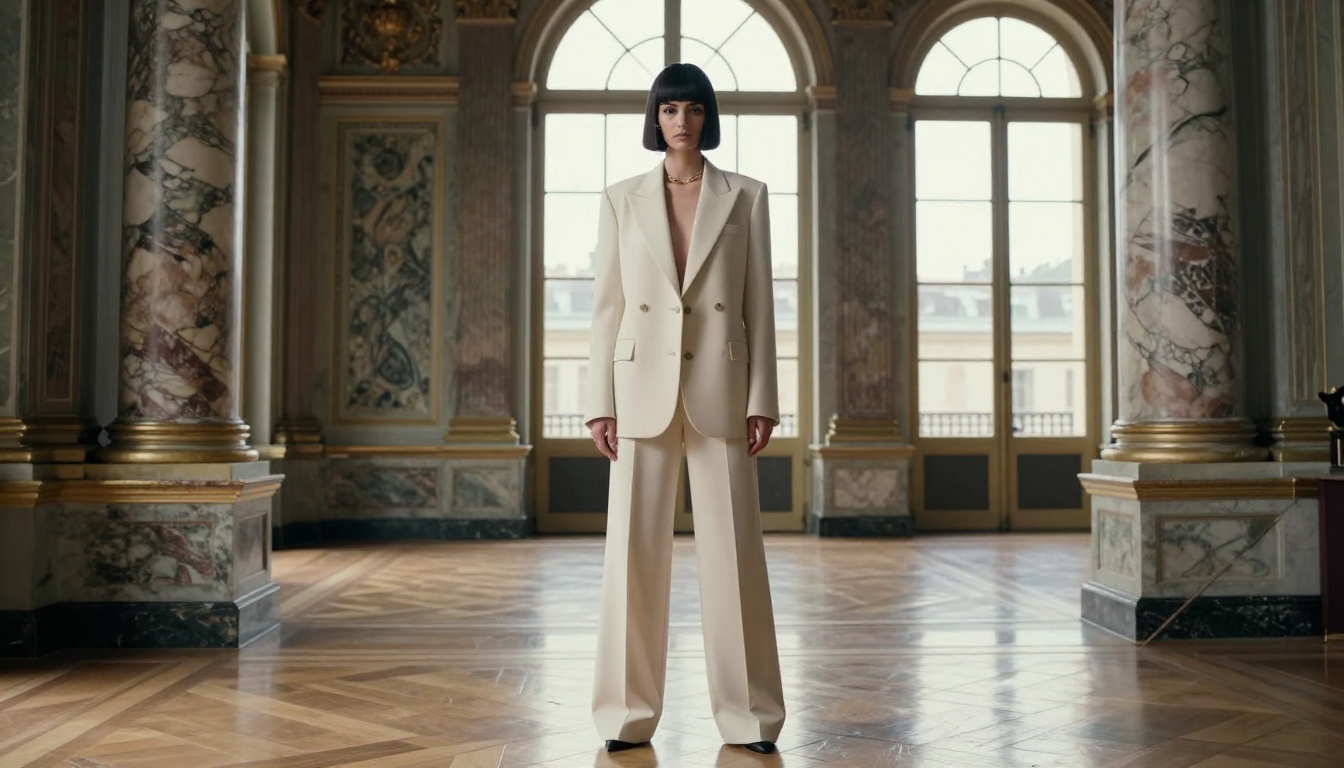
Portrait photography is where Playground v2.5 consistently earns praise from creators working in fashion and beauty. Its color science and skin tone rendering produce images with a cinematic warmth that FLUX's more clinically accurate rendering sometimes lacks. For editorial and lifestyle work where the image needs to feel emotionally warm rather than technically precise, Playground v2.5 remains one of the strongest options available.
FLUX Dev handles portrait work with exceptional accuracy on facial feature detail and structural coherence, making it the stronger choice when anatomical accuracy and facial feature precision matter more than stylistic mood.
Creative and Artistic Styles
Recraft v4 is purpose-built for design work. When you need images that sit cleanly within a brand identity system, with controlled color palettes, geometric compositions, and reproducible visual language, Recraft outperforms photorealism-focused models substantially. SDXL continues to serve artists who want a painterly or stylized aesthetic rather than photographic realism.

What separates a serious AI creation platform from a basic image generator is the toolset surrounding the core generation capability. PicassoIA offers a full suite of post-generation tools that extend what you can do with your outputs without switching to a different service.
Background Removal
After generating your image, removing the background is a common next step for product photography, social media assets, and graphic design work. The Remove Background tool handles this with edge detection that preserves fine hair, flyaway strands, and translucent areas that older mask-based methods would clip or flatten. The cutout quality is production-ready for most commercial applications.

Super Resolution Upscaling
Need to print your AI-generated image or use it at a larger size than the output resolution permits? The Clarity Pro Upscaler uses AI to add genuine detail during the upscale process rather than simply interpolating existing pixels. The result is images that hold clarity at 2x or 4x their original resolution. For portraits specifically, Crystal Upscaler is optimized for facial features and consistently produces sharper results on eyes, skin texture, and hair than general-purpose upscalers.
Inpainting and Targeted Editing
After generating an image, you will often want to modify a specific area without regenerating the entire composition. FLUX Fill Dev handles inpainting by analyzing the context surrounding any masked region and filling it with content that matches the style, lighting, and texture of the existing image. Change the color of a garment, replace a background element, or correct a detail that did not generate as intended, all without touching the rest of the image.
For outpainting, extending the canvas beyond the original frame, FLUX Fill Pro maintains remarkable consistency with the existing image content across the expanded area.
What Makes This Different
The obvious question is: why does unlimited free access work as a model? Why would a platform offer 90+ premium models without restricting daily output?
No Proprietary Credit Lock-In
Leonardo AI built its business around token consumption. Every generation depletes tokens, tokens run out, and users upgrade to refill. It is a classic freemium pattern designed around scarcity. PicassoIA operates on a fundamentally different economic model that does not depend on restricting your output volume to monetize.
Iteration Is the Feature
The philosophy behind unlimited generation is that value comes from what you create and what you learn in the process. A creator who iterates 200 times to refine a single image develops skills and produces better work than one who runs out of credits after 30 attempts and stops. Unlimited access makes the platform itself better, because better-skilled users produce more compelling outputs and share them more widely.
Commercial Use Without Strings
Images generated on the platform can be used commercially without additional licensing fees, usage reporting requirements, or retroactive rights claims. For freelancers, agencies, and creators building products around AI-generated visuals, that clean commercial use structure matters significantly. The image you generate is yours.
Start Creating Right Now
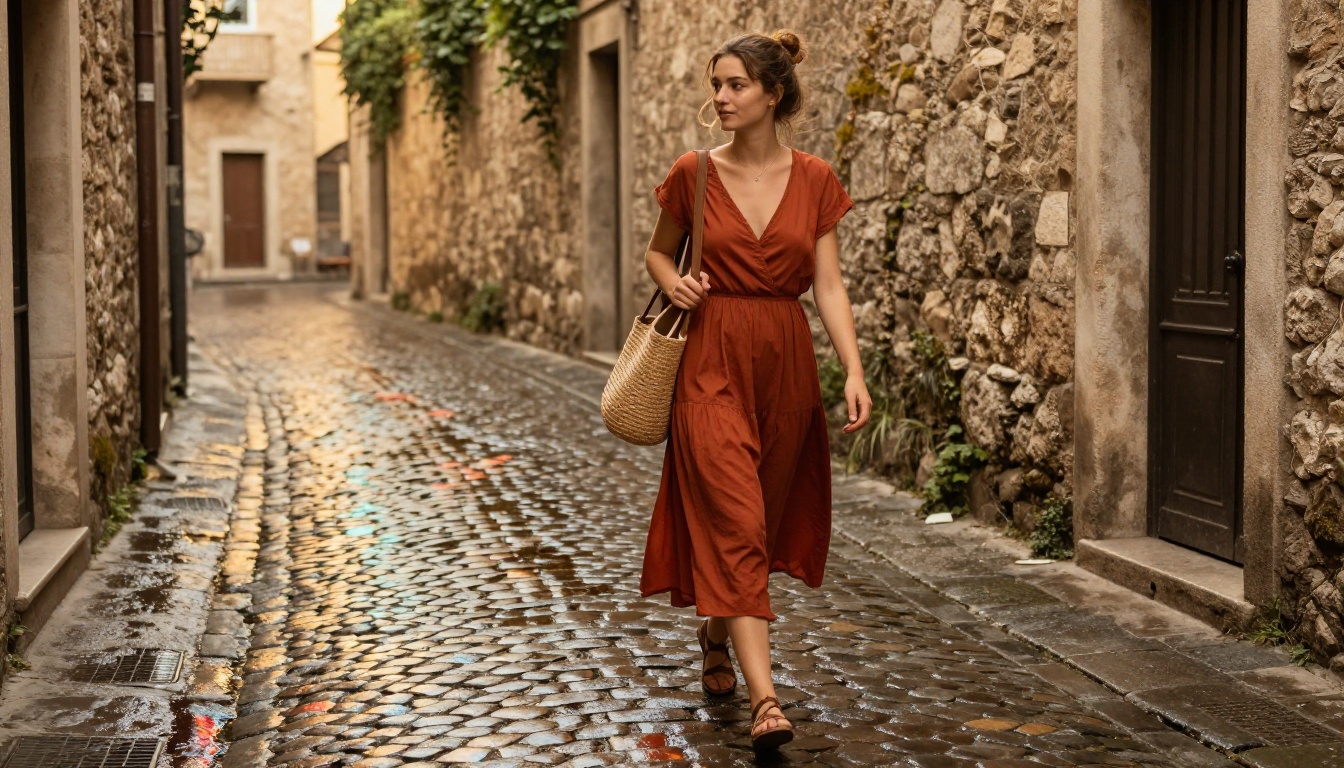
Every image in this article was generated using free AI tools with no generation caps. The portraits, the landscapes, the fashion editorials, none of them required a paid subscription, a token purchase, or a 24-hour waiting period to try again.
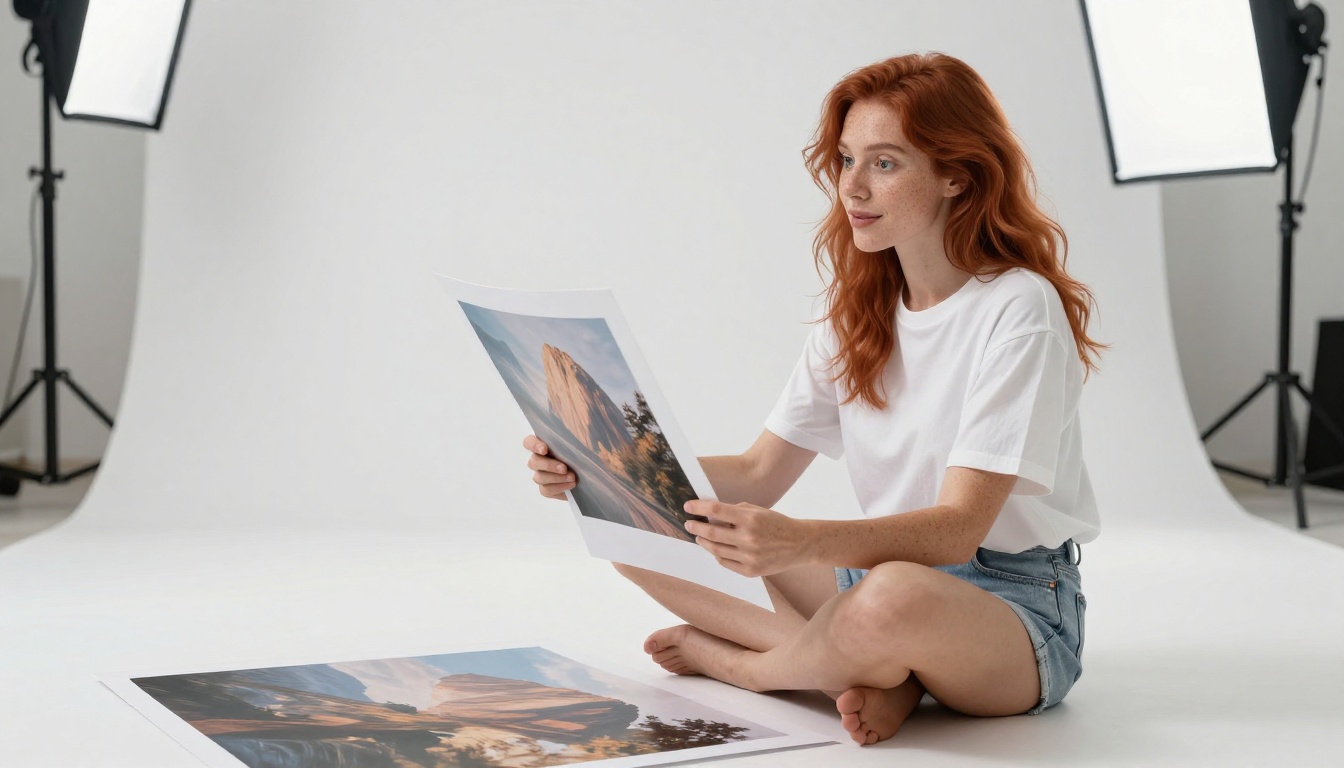
The difference between a creator who produces compelling AI images and one who does not usually comes down to iteration volume. The more you generate, the faster you develop the prompt intuition that separates generic outputs from remarkable ones. A credit system that limits you to 150 tokens per day slows that learning curve dramatically and caps the ceiling of what you can produce in a single session.
With FLUX Dev, FLUX Schnell, Ideogram v3, Google Imagen 4, Recraft v4, and more than 85 other models available, there is no reason to keep hitting daily generation walls. Pick a model, write a specific prompt, and start making images. There is no counter running down in the corner of the screen.


