If you've ever tried generating NSFW AI art online, you already know the frustration: you find a promising tool, spend time crafting the perfect prompt, hit generate, and the result comes back stamped with a giant logo or hidden behind a paywall that demands your email, phone number, and a blood oath. The good news is that the landscape has shifted dramatically. Several platforms now offer genuinely free, no-login, watermark-free AI art generation that doesn't treat you like a suspect for wanting creative freedom.
This breakdown covers everything you need to know, from the best models available right now to prompt-writing strategies that produce clean, photorealistic results on the first try.
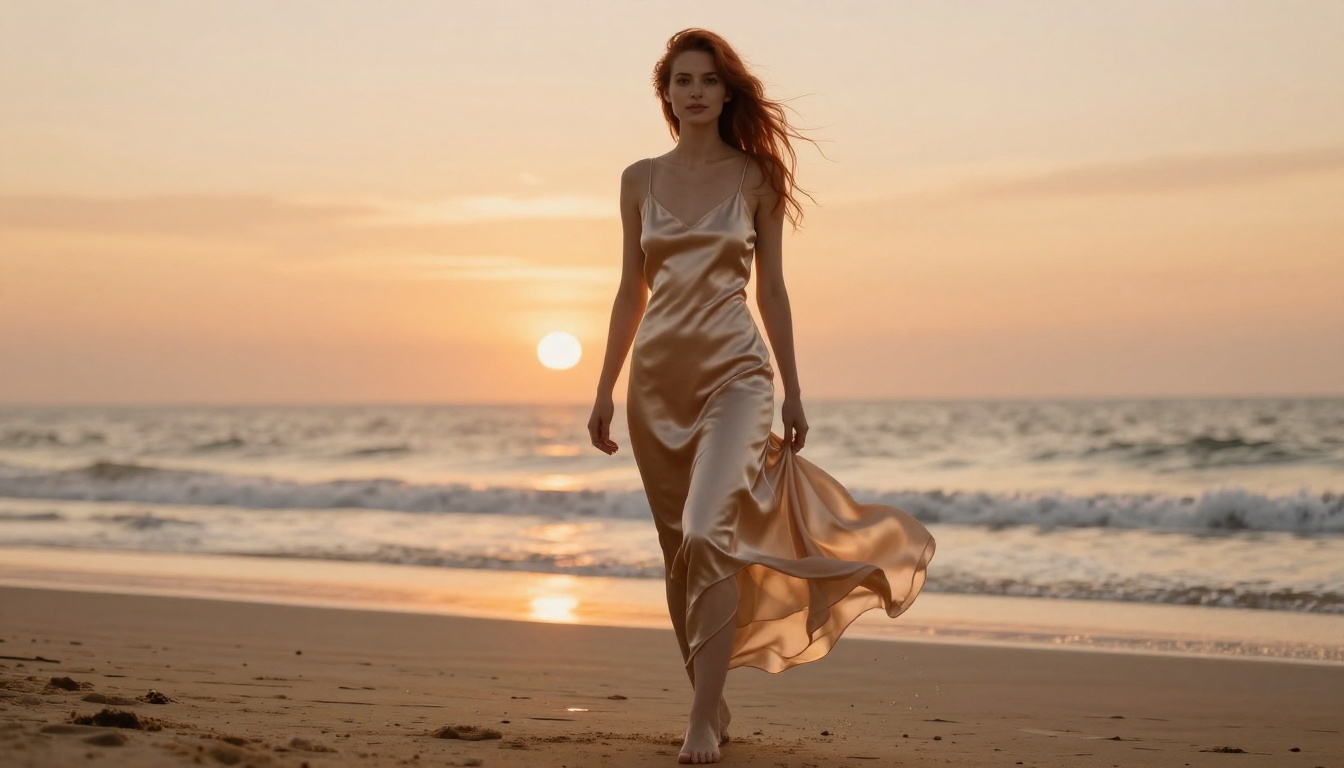
Why People Want Anonymous Generation
There's nothing mysterious about it. People create art for personal reasons, and those reasons don't need to be disclosed to a tech company's marketing database.
Privacy in Creative Work
When a platform requires login, you're not just creating an image. You're leaving a trail: your email, your IP, your prompt history, and depending on the terms, your generated images themselves become part of a training pipeline you never agreed to. For anyone creating mature, suggestive, or artistic content, that kind of data exposure is a real concern.
No-login tools strip away that layer entirely. You generate, you download, you're done. No profile, no history, no algorithm tracking what subjects you find interesting.
No Account Means No Risk
Beyond privacy, the friction of account creation discourages casual experimentation. Some of the best creative discoveries happen when you can just type something and see what happens without committing to a subscription or verifying an email. The absence of that barrier changes how you create: faster, more spontaneous, more willing to try something weird.
💡 Tip: Even platforms that offer free tiers with accounts usually provide some form of guest access. Always check the homepage for a "try without signing up" option before assuming you need to register.
The Watermark Problem
Watermarks are the most common way platforms extract value from free users. And they're not just cosmetic annoyances.
When Watermarks Ruin Everything
If you're generating images for personal use, creative projects, or as visual references, a watermark in the center of the image renders it essentially useless. Cropping only works if the watermark is in a corner. Inpainting over it requires a separate tool. And once you've jumped through those hoops, you've already spent more time removing the mark than it would have taken to find a platform that doesn't add one in the first place.
There's also a quality signal issue: watermarked outputs often come from downscaled, compressed versions of the real output. The full-resolution, clean image is only available to paying subscribers. What you see in the preview may look great, but what you download is a 512px version with a logo.
What Clean Output Actually Looks Like
A genuinely watermark-free platform delivers the same image you see in the preview, at full resolution, with no overlays. The output file should be a standard JPEG or PNG with no embedded text, no semi-transparent logos, and no metadata injecting a brand identifier. That's the baseline. Anything less is a compromise you should be aware of going in.
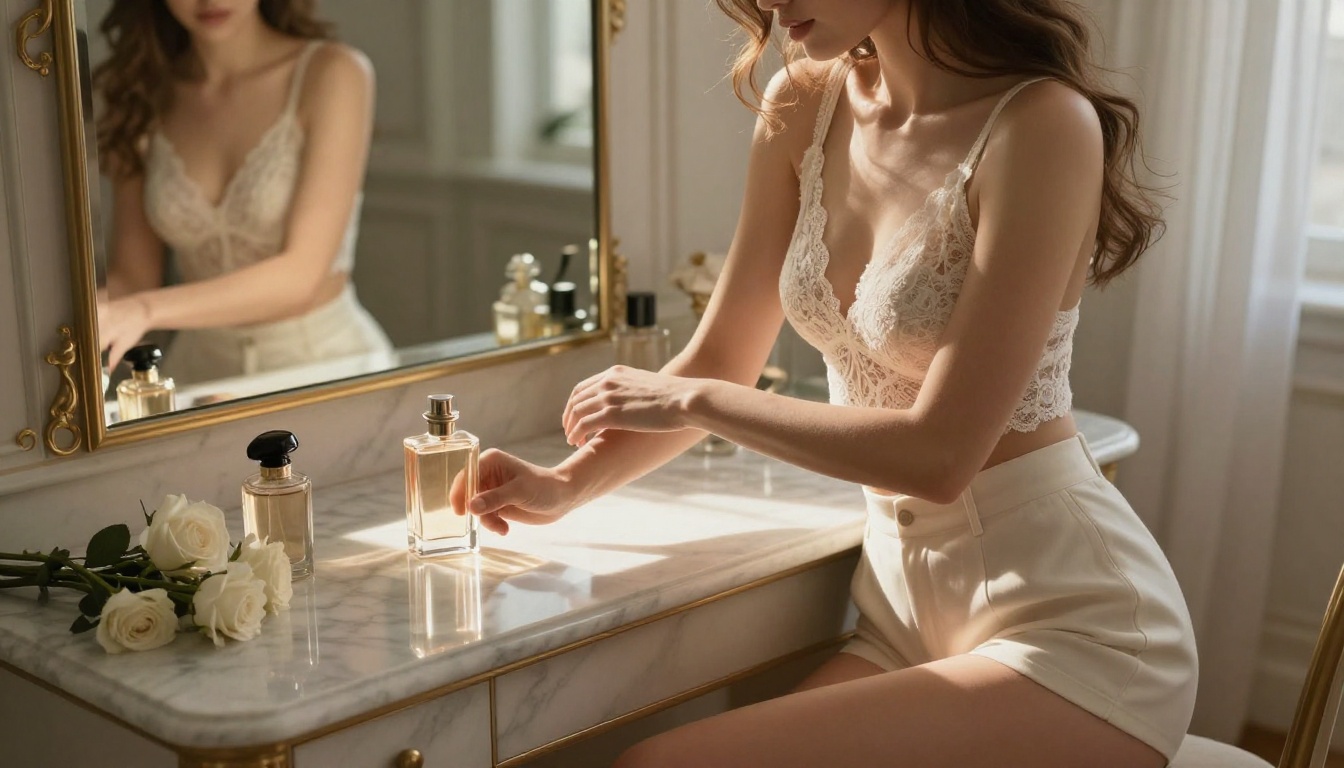
Best AI Models for NSFW Art Right Now
The quality gap between AI image models has narrowed significantly, but not all models handle human anatomy, skin texture, and suggestive composition equally well. These are the ones worth knowing.
Flux Dev: The Photorealism Standard
Flux Dev from Black Forest Labs has become the default recommendation for anyone who wants photorealistic human subjects. Its handling of skin tone gradients, natural lighting on curves, and fabric-against-skin texture is noticeably ahead of older architectures. It doesn't oversaturate, it doesn't default to a plastic-looking finish, and it handles complex lighting scenarios, like backlit subjects or dappled shade, without the muddy artifacts that plague older diffusion models.
For NSFW-adjacent content, Flux Dev's realism is both its strength and its limitation on stricter platforms. On platforms with appropriate content policies, it produces results that genuinely look like high-end photography.
Best for: Glamour, lifestyle, beach, boudoir-style photography aesthetics.
Flux 1.1 Pro: When Quality Has to Be Higher
Flux 1.1 Pro takes everything that works in Flux Dev and adds finer detail retention, better prompt adherence, and improved consistency across generations. If you're generating a series of images with the same subject or aesthetic, Pro maintains coherence better than the Dev variant.
Flux 1.1 Pro Ultra adds native 4MP output capability, which means you're getting genuinely print-ready resolution without needing a separate upscaler pass.
RealVisXL v3.0 Turbo: Speed Without Sacrifice
RealVisXL v3.0 Turbo is built specifically for photorealistic human generation and runs significantly faster than full inference models. The turbo designation isn't just marketing: generation times are cut roughly in half compared to standard SDXL-based models, while the output quality on human subjects remains consistently strong.
It's particularly good at portrait-distance shots, where you need accurate facial anatomy, natural eye clarity, and realistic hair rendering without spending credits on a full Flux inference.
Best for: Fast iteration, portrait work, when you want to test multiple prompt variations quickly.
Realistic Vision v5.1
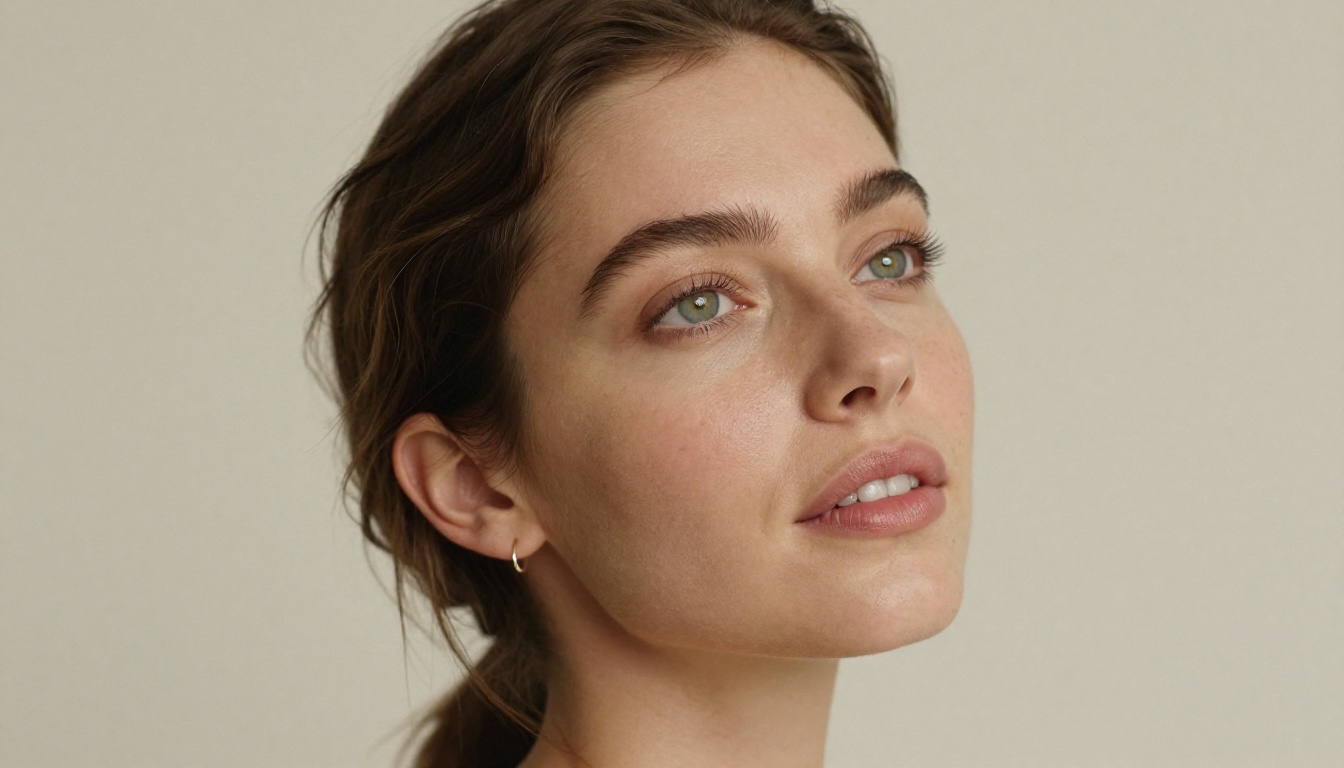
Realistic Vision v5.1 has been a community favorite for years, and for good reason. Its training data skews heavily toward real photography rather than illustrated or stylized sources, which gives it a distinctly analog quality. Images have the kind of grain, natural color cast, and slightly imperfect lighting that makes them feel like they came from a camera rather than a computer.
For anyone specifically looking for that film-photography aesthetic in their AI-generated work, Realistic Vision v5.1 remains one of the best options available.
Stable Diffusion 3.5 Large
Stable Diffusion 3.5 Large is Stability AI's most capable open-weight model. Because it's open-weight, it's available across a wide range of platforms, often with fewer content restrictions than proprietary models. The 3.5 architecture shows significant improvements in human anatomy accuracy over earlier SD versions, particularly in hand rendering and body proportion consistency.
Stable Diffusion 3.5 Large Turbo cuts generation time dramatically while preserving most of the quality, making it a strong choice for rapid creative iteration.
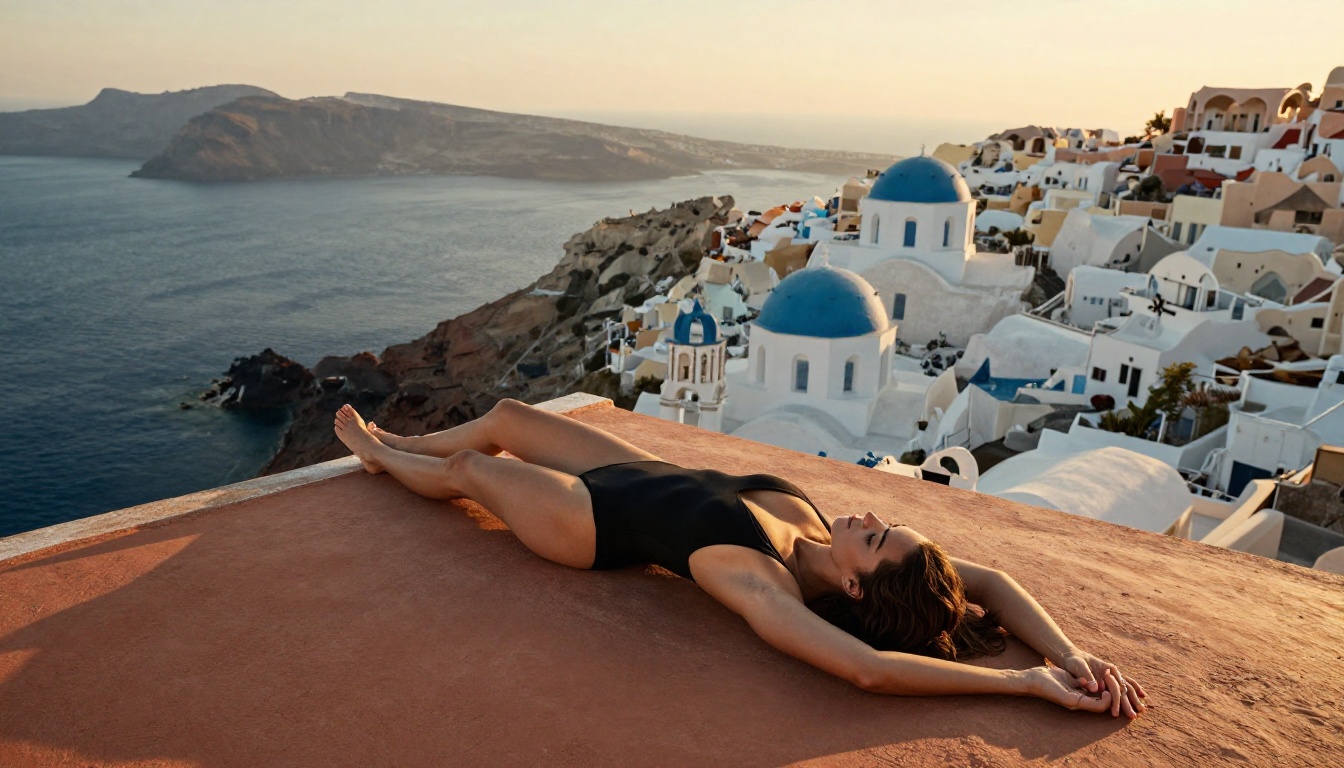
Writing Prompts That Actually Work
Bad prompts are the most common reason for disappointing results. Most people either write too little, or write vague style words that don't translate into actionable instructions for the model.
The Anatomy of a Strong Prompt
A well-structured prompt for photorealistic NSFW art follows a clear hierarchy:
- Subject description (who, physical appearance, clothing or lack thereof)
- Action or pose (what they're doing, their body language)
- Environment (where, what's in the background, surface textures)
- Lighting (direction, quality, color temperature)
- Camera specifics (lens focal length, aperture, angle)
- Film/texture details (grain, color profile, atmosphere)
Here's the difference in practice:
Weak prompt: "beautiful woman on a beach, sunset"
Strong prompt: "A slim brunette woman in a white bikini standing at the shoreline, waves breaking gently behind her, warm golden hour light from the right side casting long shadows across wet sand, 85mm f/1.8 lens, shallow depth of field, Kodak Portra 400 film grain, photorealistic RAW photography"
The second prompt gives the model a specific visual to construct. The first leaves too much to chance.
3 Mistakes Most People Make
1. Skipping lighting instructions. Lighting is the single biggest determinant of realism in AI photography. "Natural light" is better than nothing, but "late afternoon sun from the upper left, creating warm rim lighting along the jawline" tells the model exactly what to render.
2. Using style adjectives instead of specifics. "Gorgeous", "stunning", "beautiful" are nearly meaningless to a diffusion model. Replace them with technical descriptors: skin texture, hair detail, fabric behavior, depth of field.
3. Forgetting negative prompts. On platforms that support them, negative prompts dramatically improve output quality. Common additions: "watermark, text, blurry, oversaturated, plastic skin, cartoon, illustration, distorted hands".
💡 Tip: Save your best-performing prompts in a local document. Small variations in wording can produce dramatically different results. Keeping a prompt library lets you iterate without starting from scratch every time.
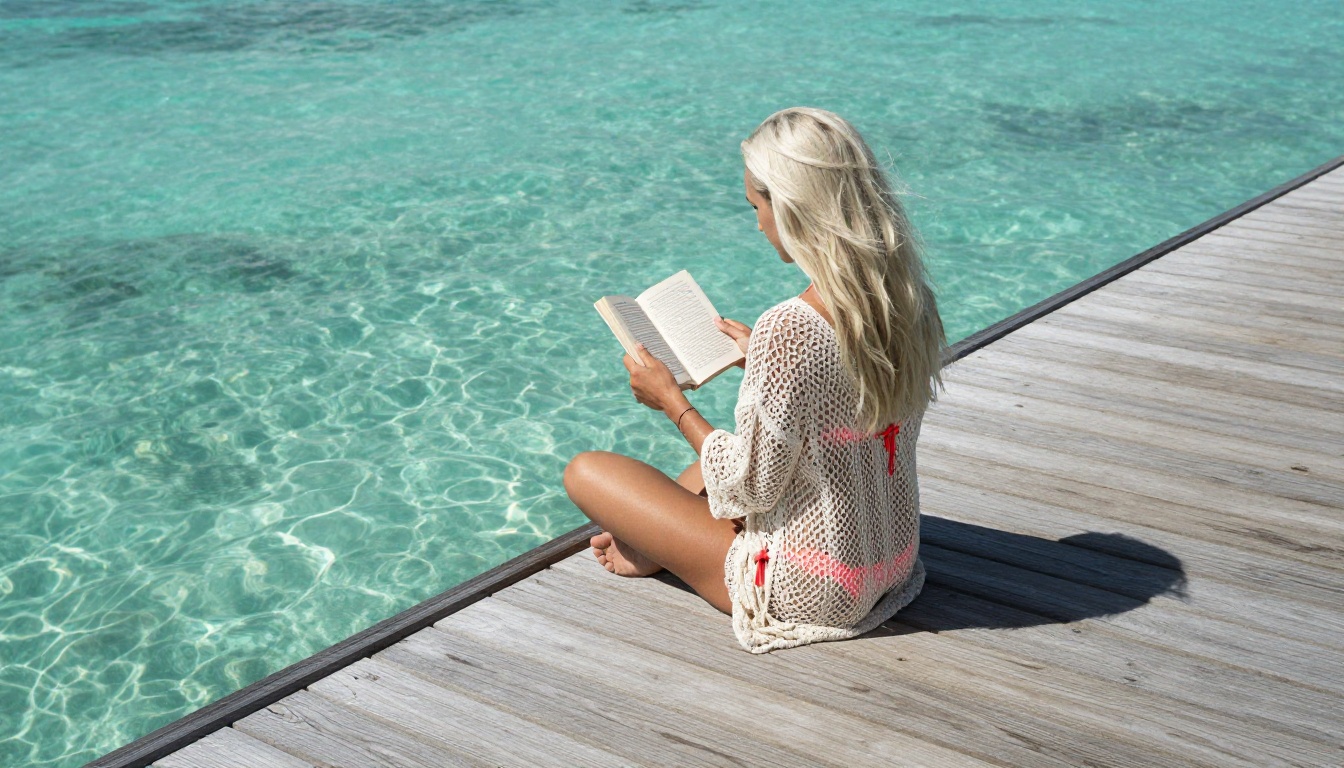
How to Use Flux Dev on PicassoIA
PicassoIA provides direct access to Flux Dev and the full family of Flux models without requiring you to set up any local environment or manage API keys.
Step-by-Step: Your First Generation
Step 1: Open the model page. Go to the Flux Dev page on PicassoIA. You'll see the prompt input field immediately, no account needed to start.
Step 2: Write your prompt. Follow the structure above: subject, pose, environment, lighting, camera, film. Aim for 50-100 words for best results with Flux Dev. Shorter prompts work but give the model more creative latitude, which isn't always what you want for photorealistic work.
Step 3: Set the aspect ratio. For portrait work, 9:16 gives you more vertical space. For landscape and lifestyle compositions, 16:9 is the right choice. For close-up portraits, 1:1 or 4:3 work well.
Step 4: Adjust inference steps if available. Higher step counts (28-40) generally produce cleaner, more detailed images. Turbo variants like Flux Schnell are optimized for 4-8 steps without significant quality loss.
Step 5: Generate and iterate. If the first result isn't right, don't start over entirely. Identify the specific element that's wrong (lighting, pose, background) and adjust just that part of the prompt. Small, targeted changes are more effective than rewriting from scratch.
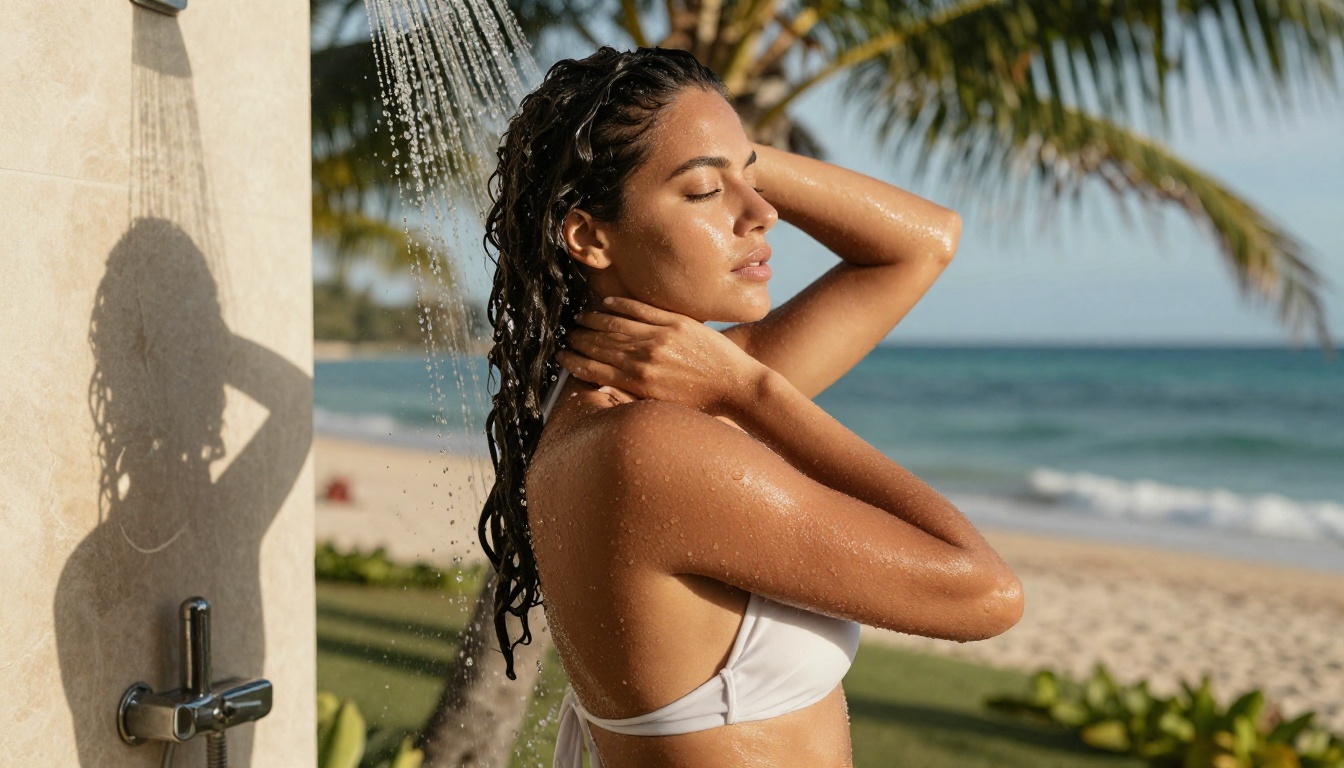
Free vs. Paid: The Real Difference
Knowing what you're actually getting in each tier prevents disappointment.
What Free Access Includes
Most platforms offering free NSFW AI art generation without login fall into one of two categories:
- Credit-based free tiers: You get a set number of generations per day or per session. Output quality is the same as paid tiers, but volume is limited.
- Unlimited free with watermarks: You generate freely but outputs are branded. This is the category to avoid if output quality matters.
- True free, no login, no watermark: Rare but available. Usually supported by a freemium model where power users upgrade for higher resolution, faster queues, or expanded features.
PicassoIA sits in the third category for several models, with free generation available across models like Flux Schnell and DreamShaper XL Turbo without requiring you to create an account.
When Upgrading Is Worth It
If you're generating more than a few images per day, or need consistent 4K resolution output, a paid tier eliminates queue times, expands daily limits, and often unlocks models like Flux 1.1 Pro Ultra that output native high-resolution images without needing a separate upscaling step.
For pure quality evaluation, Playground v2.5 is also worth testing as it has a strong aesthetic sensibility and handles composition well, particularly for glamour-style work.
| Tier | Resolution | Speed | Watermark | Account Required |
|---|
| Free, no login | Standard (512-1024px) | Slower queue | None | No |
| Free with account | Standard-High | Standard queue | None | Yes |
| Paid | Up to 4MP | Priority | None | Yes |
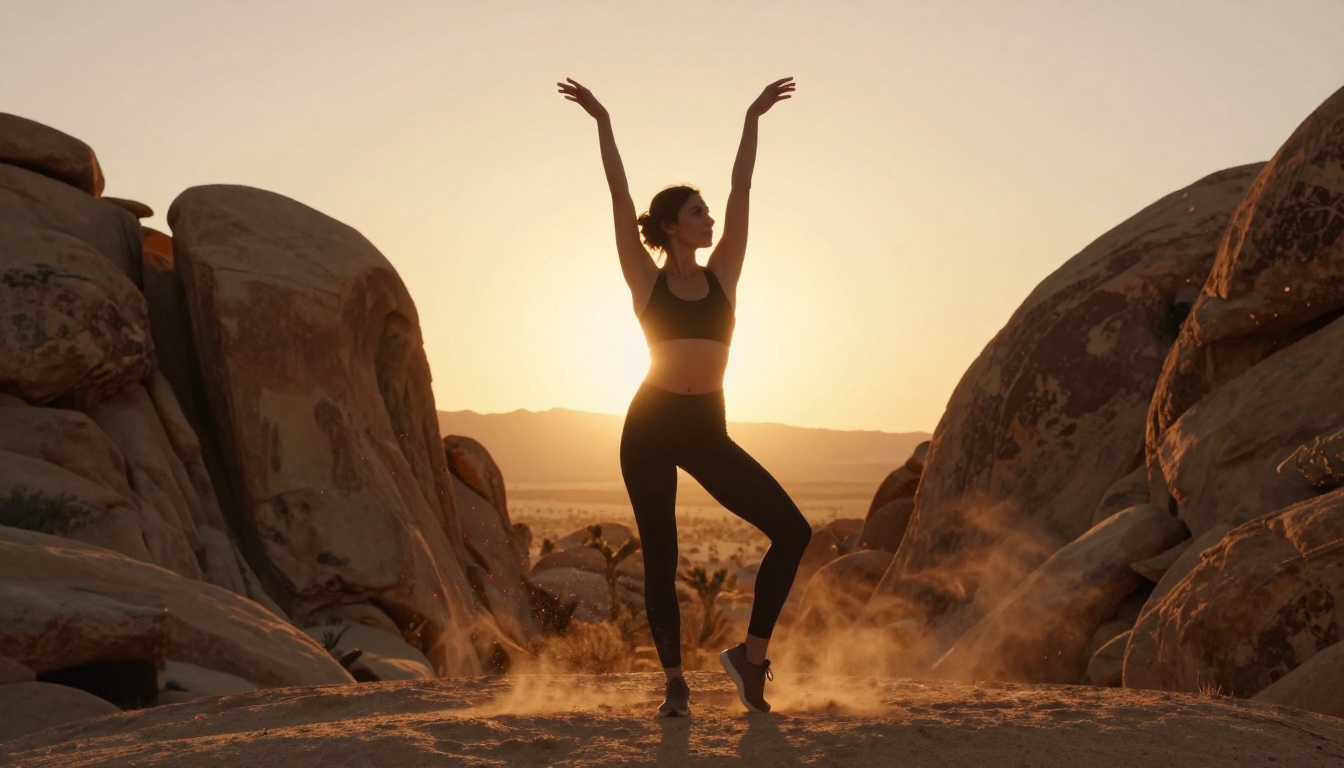
Output Quality and Resolution Options
The resolution question matters more than most people realize before they start printing or displaying images at full size.
Aspect Ratio Choices
For NSFW AI art, the aspect ratio choice directly affects composition. A 16:9 landscape ratio works well for full-body lifestyle shots and environmental scenes. For boudoir, intimate, or close-up work, 9:16 portrait orientation gives you vertical space that matches how we perceive standing human figures. Square 1:1 is ideal for headshots and face-focused portraits where you want symmetrical framing.
When using Flux 2 Pro or similar high-fidelity models, the aspect ratio also affects how much of the model's capacity is allocated to detail. A tall, narrow portrait gives more pixel density to face and body at the same generation resolution.
Super-Resolution Upscaling
If you generate at standard resolution and want to print or display at larger sizes, PicassoIA's Super Resolution models can upscale 2x-4x without the blurry interpolation artifacts you get from standard upscaling software. The AI upscalers reconstruct detail rather than just enlarging pixels, which makes a meaningful difference at 2x and above.
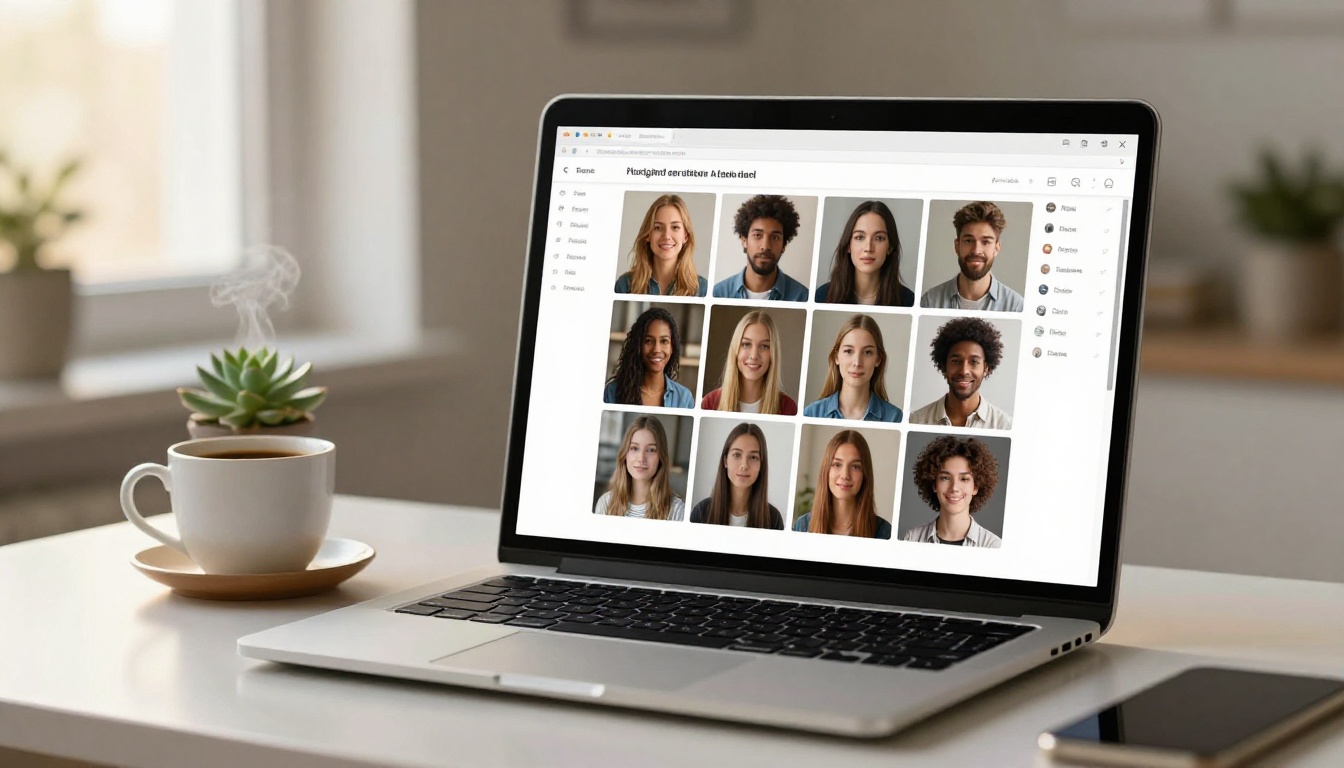
The Models Worth Bookmarking
Beyond the headliners, a few models are worth keeping in your regular rotation for specific use cases:
- SDXL: The baseline high-quality model that most other models build on. Versatile, widely supported, and consistently reliable for human subjects.
- Ideogram v2: Unusually strong at following compositional instructions, especially when you specify exact framing, poses, or environmental arrangements.
- Flux 2 Dev: The next generation of the Flux architecture, with improved coherence on complex scenes and better handling of multiple subjects in a single frame.
- Seedream 4.5: ByteDance's model shows strong aesthetic sensibility, particularly in atmospheric and moody compositions.
💡 Tip: When you find a model that works well for a specific type of image, note the exact model name. Models are regularly updated and version numbers matter. The same model at different versions can produce noticeably different results.
Start Creating Right Now
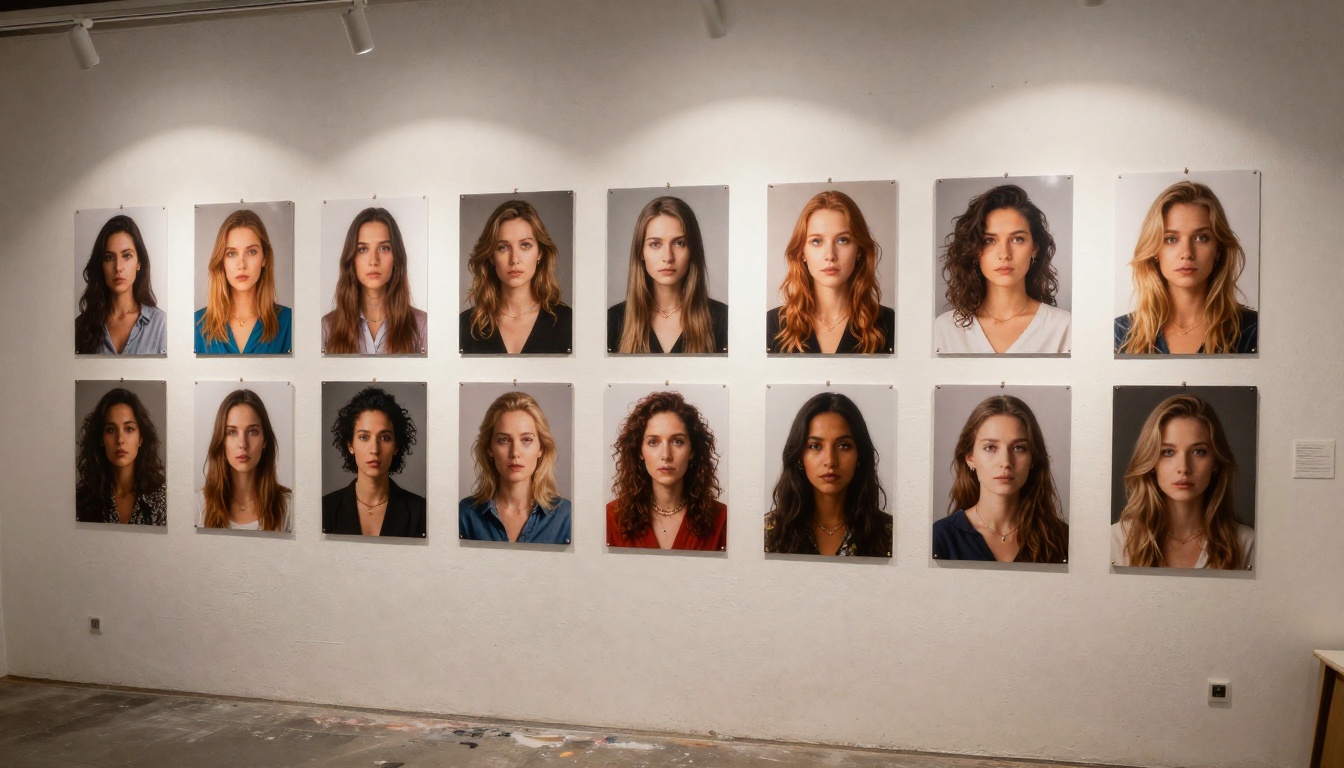
You don't need an account, a credit card, or a 30-minute onboarding process. PicassoIA gives you direct access to over 91 text-to-image models, including the full Flux family, Stable Diffusion 3.5, RealVisXL, and more. No login. No watermarks. No compromises on what you create.
The best way to get a feel for what's possible is to start with Flux Dev and run the same prompt through two or three different models side by side. The variation in output is educational on its own, and within a few sessions you'll have a strong sense of which model fits your creative direction.
Write a detailed prompt. Set your aspect ratio. Hit generate. That's all there is to it.
Whether you're after a photorealistic boudoir aesthetic, an outdoor lifestyle composition, or a close-up portrait with the texture and lighting of a $5,000 photography session, the tools to create it are already available, free, and waiting.


