Most people searching for free NSFW AI art without a login don't want a lecture about content policies. They want actual results: photorealistic images, no watermarks, no content filters blocking every prompt that goes beyond the bland. That expectation is completely reasonable, and the platforms that have figured this out are pulling significant traffic from mainstream tools that still treat adult content like contraband. This article covers exactly what works, why it works, and how to get the best output from each option available right now.
Why "No Login" Really Matters
Accounts Create Content Filters
Platform accounts are how mainstream AI companies enforce content moderation. When you register, you accept a terms of service agreement that specifically prohibits adult content. Your session is tied to your identity, prompts get logged and moderated, and in some cases accounts get flagged or suspended for NSFW requests, even when no explicit content is technically produced.
Tools that work without a login either don't track sessions at all, or they've made a deliberate business decision to allow adult content without the overhead of identity-based enforcement. The difference isn't just privacy. It's whether the AI even processes your prompt without stripping it of anything suggestive before the model ever sees it.
The phrase "no login required" has become shorthand for "this tool actually works for adult content." Not because login is inherently the problem, but because content restrictions and login requirements have been bundled together by most major platforms. They use registration as a control point, and that control point blocks what you're trying to create.
What "Free" Actually Means
Free AI art tools fall into roughly three categories. First: tools with genuinely free tiers, a limited number of daily generations, no credit card required, and output you actually own. Second: tools that advertise free access but deliver heavily watermarked or low-resolution output unless you pay. Third: open-weight models running on free community infrastructure, with no restrictions but also no guarantees on uptime or output consistency.
The best-case scenario is a platform that offers a real free trial with full-resolution, unwatermarked output, where the premium tier adds volume and features rather than basic quality. That's the standard to measure these tools against.
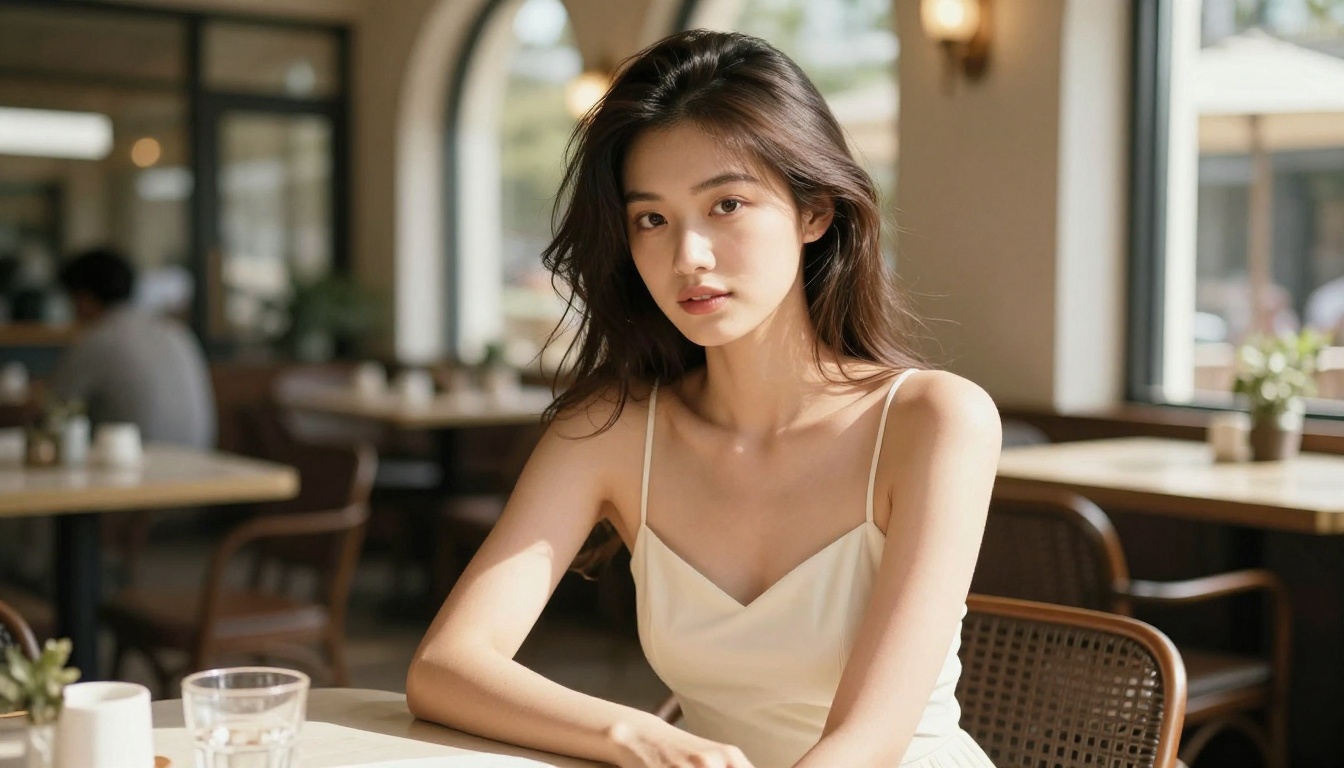
Seedream 4.5: Best NSFW Model Right Now
If you're going to test one model for free NSFW AI art, start with Seedream 4.5. It leads the list for several reasons, and speed alone doesn't cover it.
Realistic Results in Under 3 Seconds
Seedream 4.5 generates images in under 3 seconds on average. That matters more for NSFW content than for landscape photography, because iterating on human anatomy requires many attempts. A slight change in lighting direction, a different hair position, a more natural expression: each of these requires a new generation. At 30-60 seconds per generation (typical for slower models), an afternoon of creative work produces maybe 20 images. At under 3 seconds, you can run 100 or more iterations in the same time.
The output quality at that speed is what makes Seedream 4.5 exceptional. Human skin renders with visible pore texture and natural tonal variation. Hair strands behave like actual hair. Lighting from a described source illuminates the subject in a physically plausible way, with shadows falling in the correct direction. For NSFW content specifically, these details separate a usable image from one that looks like a wax figure under studio lights.
Image Editing Built Into the Same Model
A less-discussed feature of Seedream 4.5 is that it supports image editing, not just text-to-image generation. This means you can take a generated result and apply targeted modifications: change the expression, adjust the lighting, alter the clothing, or add environmental details without regenerating the entire image from scratch. For creators who invest time in getting a base composition right, this is a significant workflow advantage. You build on what's working rather than starting over.
Skip Seedream 5 Lite for NSFW
Worth being direct: Seedream 5 Lite does not accept NSFW content. Its filters are active. The newer model in the series does not replace Seedream 4.5 for adult content purposes. Use 4.5.
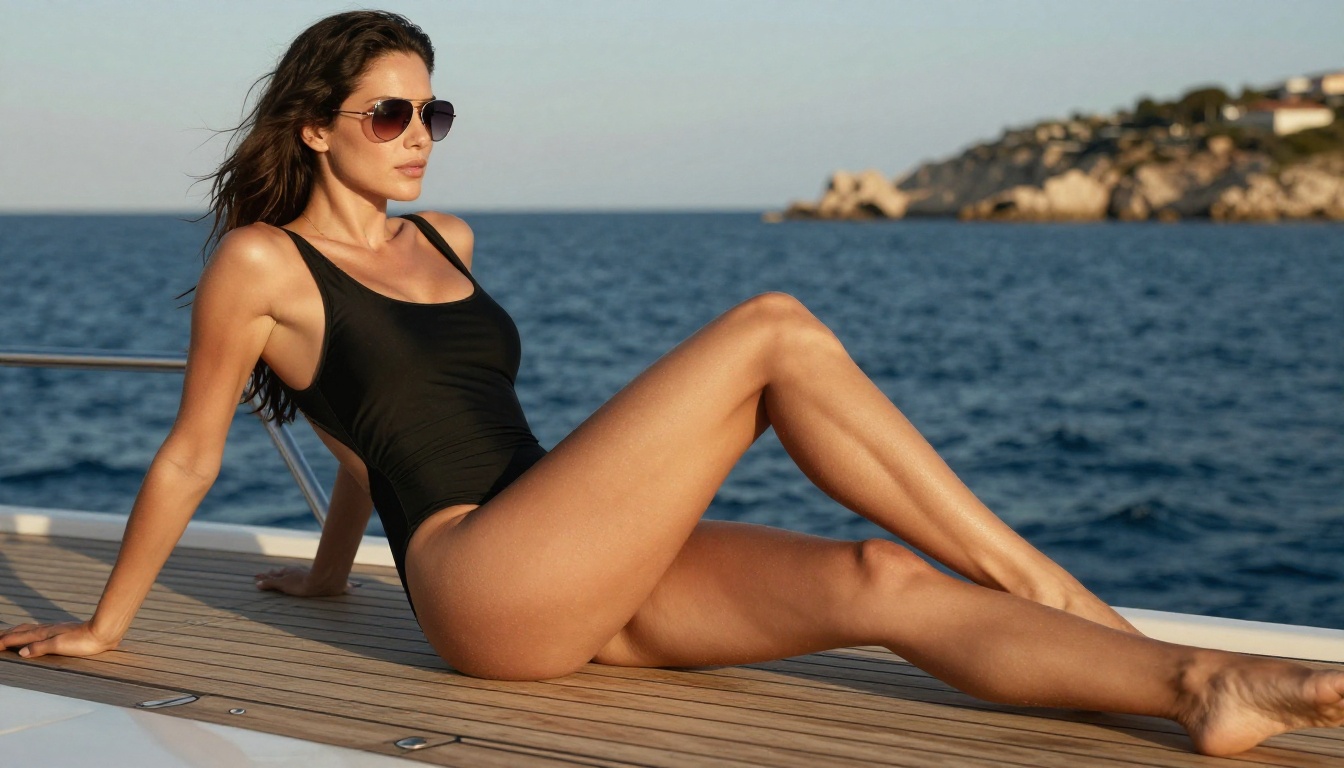
PicassoIA Image Editor Pro: The Unlimited Choice
PicassoIA Image Editor Pro takes a different approach. It's an image-to-image model, and its defining feature is that generations are unlimited on Elite and Infinite subscription plans.
The Real Cost Comparison
To understand why unlimited matters, compare it against a conventional credit-based model. Generating 1,000 images on a standard credit model would cost approximately $100 in credits. On PicassoIA Image Editor Pro with an Elite or Infinite plan, those same 1,000 images cost nothing extra above the subscription price. For creators who iterate heavily on NSFW content, test dozens of variations per character or scene, or produce content at commercial volume, the economics are completely different.
Unlimited generation changes the psychology of how you work too. When each generation costs money, you hesitate before running another attempt. You settle for "good enough" because the cost of trying again is real. When generations are effectively free, you run iterations until the result is actually what you wanted.
No Credit Card for the Trial
Image Editor Pro offers 3 free generations with no credit card required. That's enough to evaluate output quality on your own content before committing to any plan. Results arrive in under 1 second, so the entire trial takes about 3 seconds of actual generation time.
💡 Tip: For your free trial, use a clear, well-lit photograph as the source image. Image-to-image models work from the structure of the input, so a well-composed source gives the AI more to work with and produces noticeably better output than a low-quality input.
The Img2Img Workflow Advantage
Image-to-image generation handles certain NSFW scenarios better than text-to-image. Anatomy is anchored to the source image, so proportions remain consistent. Facial features preserve the identity of the source subject. Poses don't drift in physically implausible directions the way they sometimes do in pure text generation. For creators who want to reinterpret existing photography or refine already-generated images, the img2img approach through Image Editor Pro is the practical choice.
Top NSFW Models: Direct Comparison
Here's a complete ranked list of NSFW models available on PicassoIA, ordered by practical output quality and value:
| # | Model | Type | NSFW | Speed | Best Use Case |
|---|
| 1 | Seedream 4.5 | Text + Edit | ✅ | Under 3s | Best overall realism + editing |
| 2 | Image Editor Pro | Img2Img | ✅ | Under 1s | Unlimited volume at no extra cost |
| 3 | Qwen Image 2 | Text + Edit | ✅ | Fast | Open source, very detailed realism |
| 4 | Grok Imagine Image | Img2Img | ✅ | Fast | Realistic photo transformations |
| 5 | Recraft V4 | Text only | ✅ | Fast | Maximum text-to-image realism |
| 6 | P-Image | Text only | ✅ | Under 1s | Speed-first iteration and drafts |
| 7 | Wan 2.2 Image | Text only | ✅ | Fast | Realistic images without filters |
How to Use Seedream 4.5 on PicassoIA
This is the complete process for generating NSFW images with the top-ranked model.
Step 1: Open the model page
Go to picassoia.com/en/collection/text-to-image/bytedance-seedream-45. The interface loads without requiring an account to view it.
Step 2: Write a structured prompt
Effective Seedream 4.5 prompts follow a specific pattern: subject and pose first, then environment, then lighting conditions, then camera and lens details, then style modifiers. A concrete example:
"Woman in a black bikini lying on a sun lounger beside an infinity pool, afternoon Mediterranean light casting warm shadows across her back, 85mm f/1.8 Canon lens, Kodak Portra 400 film grain, photorealistic 8K RAW photography"
Compare this to a weak prompt: "woman in bikini at pool." The first prompt gives the model everything it needs to produce a specific, realistic result. The second produces something generic.
Step 3: Set style parameters
In the style selector, choose realistic or photography mode if the interface offers it. This keeps the output anchored in photorealism rather than drifting toward illustration or painterly styles.
Step 4: Review and use the editing mode
Once the image generates (typically under 3 seconds), evaluate it against your target. If the lighting is too flat, use the editing mode to add directional light. If the pose is slightly off, describe the specific adjustment in the edit prompt. If the background doesn't match your concept, correct it in editing rather than regenerating from scratch.
Step 5: Add negative prompts
Add exclusion terms to prevent the model from defaulting to unwanted aesthetics: "no cartoon, no illustration, no 3D render, no CGI, no digital art, no painting, no anime." For photorealism specifically, these exclusions prevent the model from producing stylized output even when the content is suggestive.
💡 Pro tip: Add "individual pore texture visible, natural skin, no skin smoothing, film grain" to every NSFW prompt. This prevents the plastic, overprocessed skin texture that makes AI-generated human images look obviously artificial.
Prompt Tips That Produce Real Results
Lighting Comes Before Everything Else
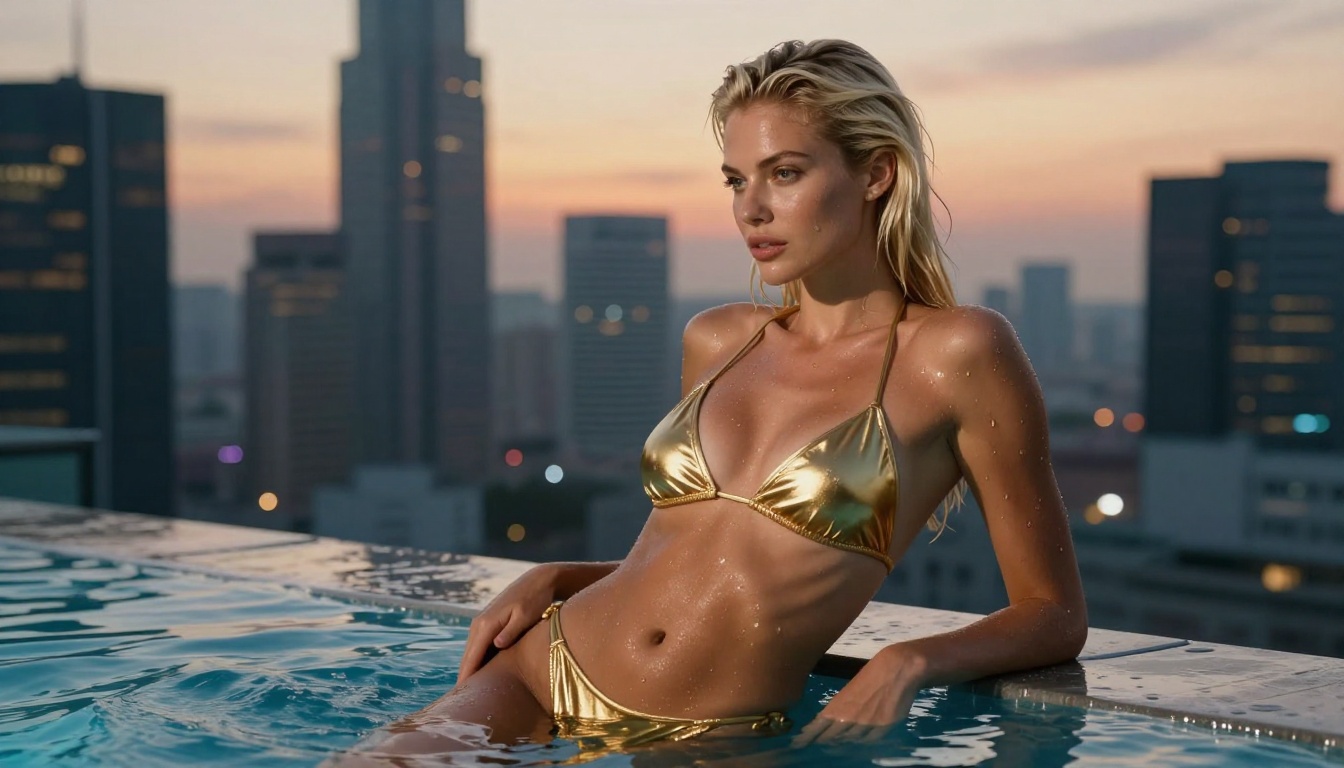
The single most effective prompt improvement for NSFW AI art is describing lighting before anything else. Most prompts describe clothing and pose, which are secondary. Lighting determines where shadows fall, what color temperature the scene has, how much contrast there is between subject and background, and what mood the image carries.
Specific lighting descriptions that work:
- "Volumetric morning light from the upper left, warm golden cast"
- "Diffused overcast daylight, even skin illumination, no harsh shadows"
- "Late afternoon golden hour, long shadows, warm amber and rose tones"
- "Soft fill light from the right with a slight rim light from behind"
Each of these gives the model a specific, reproducible lighting scenario rather than leaving it to make an arbitrary choice. The difference in output quality between a specific lighting description and no lighting description is immediately visible.
Lens Specs Change Composition
A specific lens focal length changes how the AI frames the image. The differences are significant and predictable:
- 85mm f/1.8: Flattering portrait compression, shallow background blur, slightly telephoto perspective
- 35mm f/2.0: Environmental context included, subject appears in relationship to surroundings
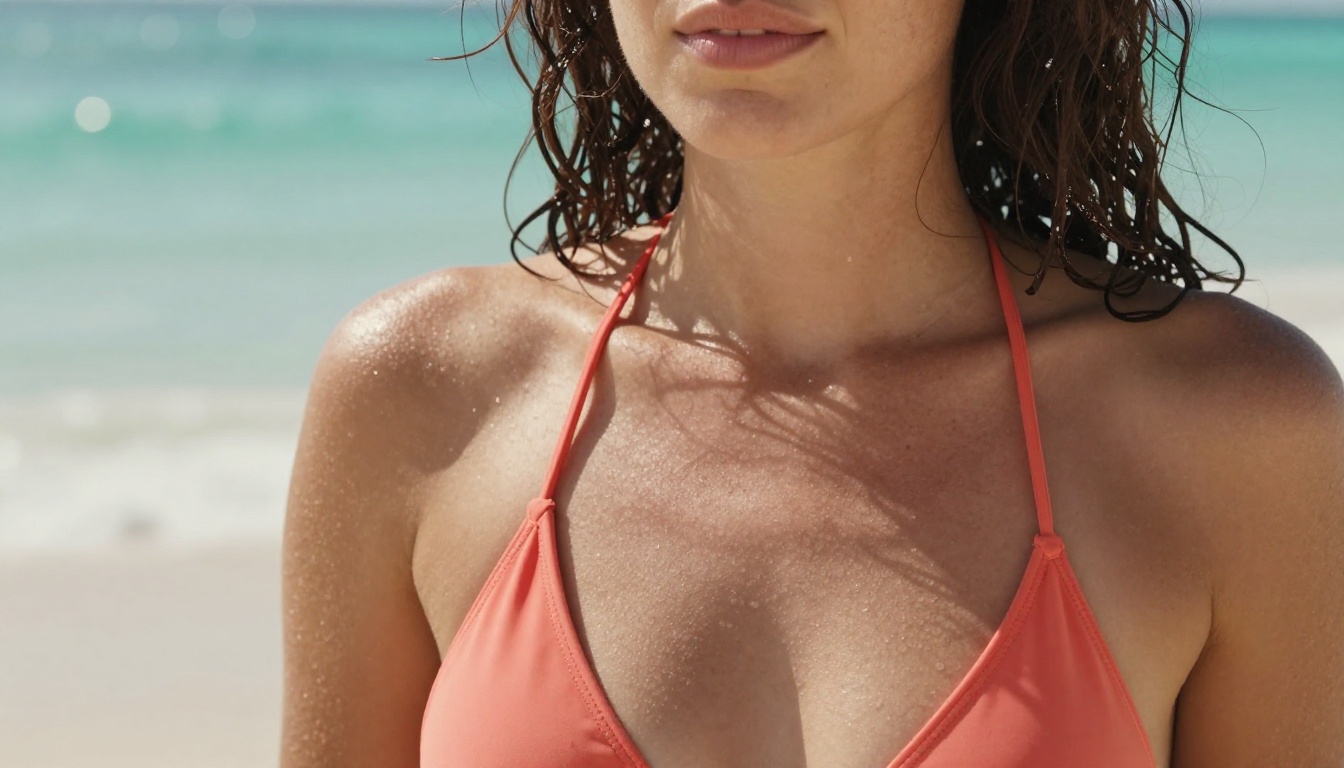
- 100mm macro: Extreme close-up detail, skin texture visible, ultra-shallow depth of field
- 24mm wide angle: Dramatic spatial relationships, good for environmental or action-oriented shots
Matching the lens choice to your creative intent is a free quality upgrade that most prompts skip entirely. It also signals to the model what kind of composition you want without having to describe it explicitly.
3 Common Mistakes in NSFW Prompts
1. Too vague on subject description. "Beautiful woman" is not a prompt. Describe specific features, pose details, and body position relative to the environment. The more specific you are, the less the model guesses.
2. No negative prompts. Leaving out exclusions allows the model to default to stylized, artificial-looking output. A short negative list like "no cartoon, no illustration, no CGI" is worth adding to every generation.
3. Ignoring the background. NSFW content exists in a setting. A well-described background (pool, bedroom, coastal landscape, apartment) grounds the image in reality and prevents the floating-figure effect common in underprompted generations. The background also affects the lighting, so describing it serves double duty.
The Other Models Worth Your Time
Qwen Image 2
Qwen Image 2 is open-source, which means its weights aren't locked behind proprietary filters. The model handles both text-to-image generation and image editing with detailed realism, particularly for human subjects. Its open-source nature means content restrictions are architectural choices that the platform hosting it can configure, rather than baked-in filters from the original developers. For creators who want an alternative to Seedream 4.5 with different stylistic tendencies, Qwen Image 2 is a strong second opinion.
Grok Imagine Image
Grok Imagine Image specializes in image-to-image transformation with a specific strength: realistic conversion of clothed images to bikini or swimwear. The transformation preserves the lighting, skin tone, and facial features of the source image while changing the clothing. The output looks like a photograph taken at the same location with different clothing, rather than a composited edit. For creators working from reference photographs, this is a highly practical capability that pure text-to-image models can't replicate with the same anatomical accuracy.
Recraft V4
Recraft V4 produces some of the most photorealistic text-to-image output available on any platform. It only works from text (no image input), but within that constraint, the output quality is exceptional. Fine detail on skin, hair, fabric, and environmental surfaces renders with a level of specificity that approaches what you'd expect from a professional photograph. For text-to-image at maximum quality, Recraft V4 is the choice.
P-Image
P-Image is the speed-focused option. Under 1 second per generation makes it the right tool for rapid iteration: testing 50 prompt variations to find the right composition, pose, or lighting scenario before committing to a longer render on a higher-quality model. The output isn't at Seedream 4.5's quality level, but for scouting compositions and prompt testing, the turnaround time is the priority. Use P-Image to find your concept, then finish on Seedream 4.5.
Wan 2.2 Image
Wan 2.2 Image generates highly realistic images from text descriptions without active content filtering. It's particularly effective for detailed human subjects where you need the model to follow complex descriptions without prompts getting silently modified or filtered before the model processes them.
PicassoIA's image generation models are the focus here, but the platform's broader capabilities are relevant for anyone building a creative workflow around NSFW content:
- Face Swap AI: Swap faces between generated images in seconds with realistic result preservation
- Super Resolution: Upscale images 2x to 4x without quality loss, producing print-quality or high-resolution output
- Background Removal: Clean backgrounds from generated images for compositing or isolation
- AI Image Restoration: Fix noise, blur, or compression artifacts in output or source images
- Outpainting: Expand generated images beyond their original borders, adding environmental context
- Inpainting: Fill or replace specific regions of an existing image with new content
For NSFW creators, the workflow combination looks like this: generate a base image with Seedream 4.5, refine specific elements with Image Editor Pro, clean up the background, and upscale to high resolution with Super Resolution. That's a complete production workflow inside a single platform, without having to move files between tools.
The platform also supports video generation for creators who want to take still images further. P-Video accepts text, images, or audio as input and generates clips up to 1080p with the safety filter off by default. PicassoIA Video offers unlimited video generation from text prompts at up to 720p. If you're producing image content now and considering video later, the infrastructure is already there.
Speed vs. Quality: Choosing the Right Model
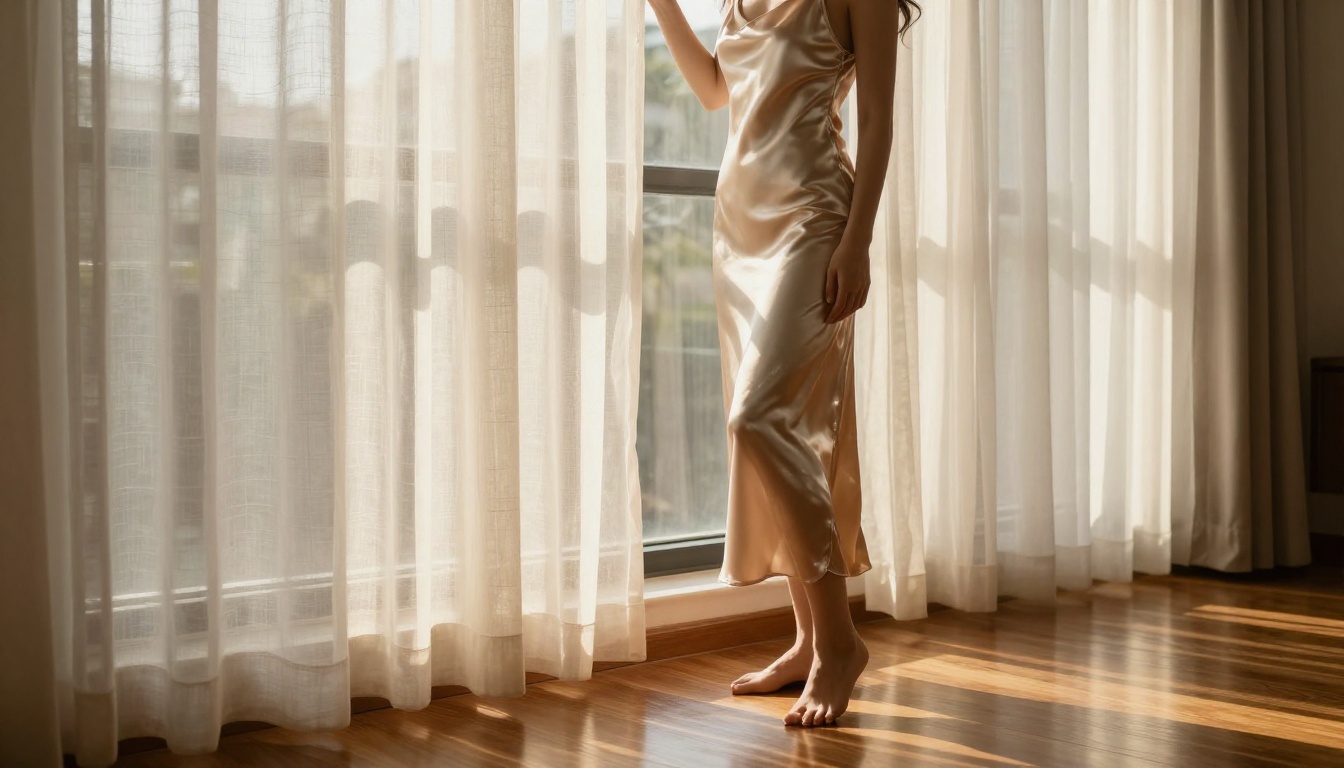
Different stages of the creative process need different tools. Using the right model for each stage is more efficient than defaulting to one model for everything:
| Stage | Best Model | Why |
|---|
| Prompt testing | P-Image | Under 1s, test 50+ variations fast |
| High-volume iteration | Image Editor Pro | Unlimited, under 1s, img2img |
| Final quality render | Seedream 4.5 | Best realism, editing, under 3s |
| Photo transformation | Grok Imagine Image | Realistic photo-to-swimwear |
| Maximum realism | Recraft V4 | Exceptional text-to-image detail |
| No proprietary filters | Qwen Image 2 | Open source, detailed and fast |
| No content filtering | Wan 2.2 Image | Highly realistic, unrestricted |
A practical workflow: use P-Image to test 20-30 prompt variations and find the composition you want. Switch to Seedream 4.5 for the final render. If you want to refine specific elements afterward, use Image Editor Pro. This three-step approach produces consistently better results than running everything on a single model.
Start Generating Without Restrictions
The practical entry point is the PicassoIA Image Editor Pro free trial: 3 generations, no credit card, results in under 1 second. That's enough to see whether the output matches what you're looking for before committing to anything. From there, Seedream 4.5 handles the widest range of NSFW prompts with the best photorealistic output currently available.
Both models are available without the content restrictions that make mainstream AI tools frustrating for adult content. The platform doesn't require an elaborate setup or a developer account. You open the model page, write a prompt, and generate.
What separates PicassoIA from most alternatives isn't just the model lineup. It's that the platform doesn't treat NSFW content as an afterthought or a policy exception. The models are configured for it, the speeds are optimized for iterative workflows, and the platform architecture (unlimited generations on higher tiers, no-credit-card free trials, fast turnaround across every model) reflects the actual needs of creators working in this space.
💡 First generation on any new model: use this base prompt structure and expand from there. "[Subject and pose], [environment and setting], [lighting direction and quality], [camera lens and settings], photorealistic, Kodak Portra 400 film grain, 8K RAW photography, no cartoon, no illustration, no CGI." The structure does more work than any single descriptive word.
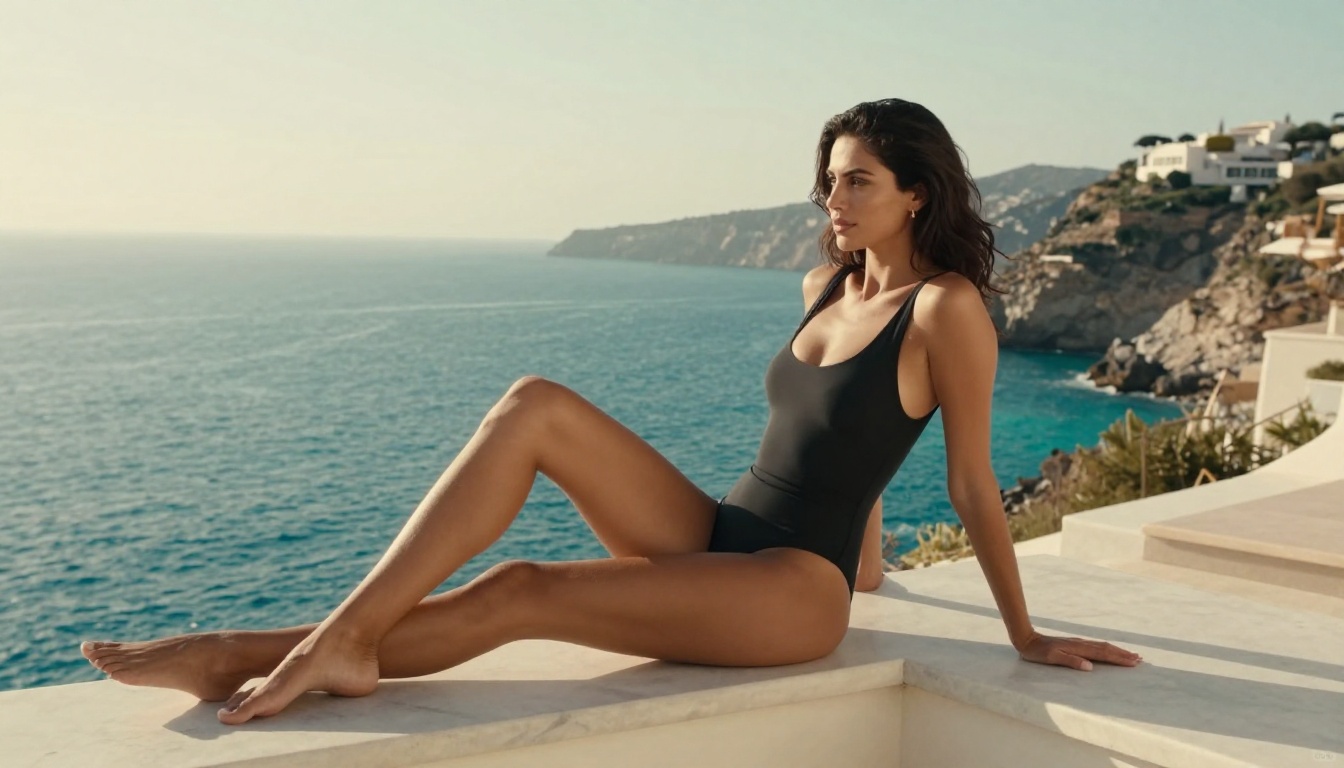
The full catalog of uncensored, high-performance NSFW models, including everything covered here plus video generation options, is available at picassoia.com/en/all-models. If you've been hitting content filters on other platforms, or waiting 60 seconds per generation on slower tools, the difference is something you notice on the first attempt.
👉 Browse the complete lineup of uncensored NSFW AI models and generate without restrictions at picassoia.com/en/all-models.


