Typing "free NSFW AI image editor" into a search bar usually gets you one of two things: a tool that blocks half your prompts the moment a swimsuit appears, or a sketchy site that wants your card details for "free" credits. Neither is useful when all you want is to edit an adult photo, change an outfit, fix the lighting, or push a glamour shot a little further without a lecture from a content filter.
This article sorts the noise out. You'll see what an AI image editor actually does, what "no sign up" costs you in practice, which editors on PicassoIA handle adult-oriented edits best, and a bank of copy-ready prompt examples that stay suggestive and tasteful rather than explicit. Everything here is about adults, consent, and photographic realism.
What a NSFW Image Editor Does

A NSFW AI image editor is a model that takes an existing picture plus a written instruction and returns a modified version. The "NSFW" part simply means the model does not refuse adult-oriented subjects such as swimwear, lingerie, boudoir styling, or implied artistic nudity. Mainstream editors tend to reject those requests or quietly water them down.
Editing vs. generating
Generating starts from nothing: you describe a scene and the model invents it. Editing starts from your photo and keeps the parts you want, such as the face, pose, and composition, while changing the rest. That difference matters for three reasons:
- Consistency. The person, framing, and mood stay the same across variations.
- Control. You change one thing at a time: outfit, light, location, color grade.
- Speed. A focused edit prompt of one or two sentences often beats a 200 word generation prompt.
Most adult content creators, boudoir photographers, and hobbyists end up using both. They generate a base image, then edit it until the details are right.
What "no sign up" really means
"No sign up" sounds ideal, and for a quick one-off test it can be. But here is what tends to come with it:
| Trade-off | Typical no sign up tool | Account-based editor |
|---|
| Daily limit | A handful of edits, then a wait | Much higher, sometimes unlimited |
| Output quality | Low resolution, compressed | Full resolution |
| Watermarks | Common | Rare |
| Prompt filtering | Often inconsistent | Clear and predictable |
| Edit history | Lost when you close the tab | Saved |
| Privacy | Unclear what happens to uploads | Defined account controls |
💡 Tip: If a site promises unlimited free adult edits with no account, no watermark, and no limits, read that as a warning. Somebody is paying for the GPU time, and it is usually your data or your attention.
A free account that gives you unlimited generations is a better deal than an anonymous tool that throttles you after three images. Check the current sign-in requirements on each model page, since they can change.
Best Free Options on PicassoIA
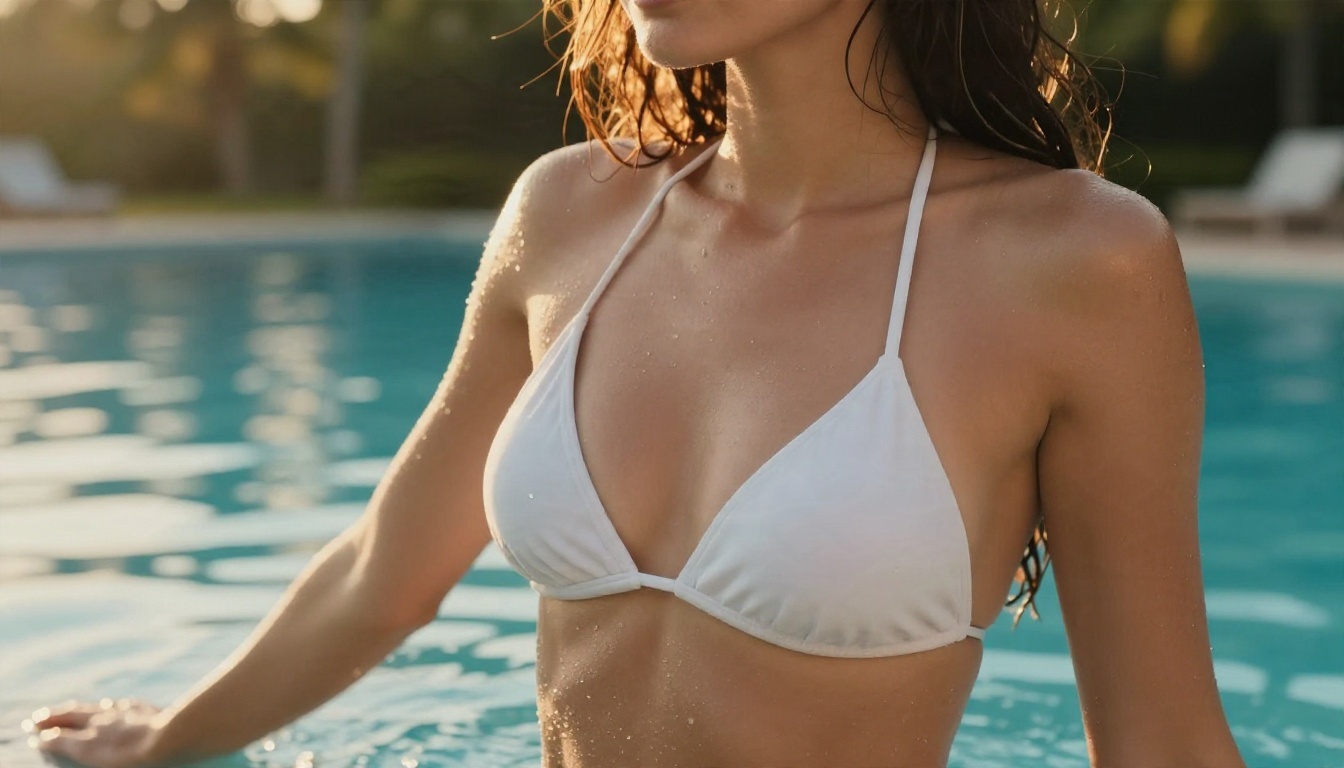
PicassoIA hosts dozens of image models, and a handful of them are well suited to adult-oriented editing and generation. Here is the order I would try them in.
Seedream 4.5 first
Seedream 4.5 is the strongest place to begin. It produces sharp, photographic skin texture, handles fabric and lighting convincingly, and follows long prompts closely. For swimwear, boudoir, and glamour scenes it tends to give anatomically believable results on the first or second try, which saves you many rerolls.
Use it when you want a high-quality base image or a heavy restyle of an existing photo. It outputs up to 4K, so even tight crops hold up.
PicassoIA Image Editor Pro
PicassoIA Image Editor Pro is the one built specifically for editing. You upload a photo, write what you want changed, and it returns the edit. Its biggest selling point is unlimited generations: you can iterate fifteen times on a single outfit swap without watching a counter drop.
It is also fast, and it does not treat a bikini or lingerie request as a policy violation. For the "change this one thing" workflow, this is the tool to keep open in a tab.
Other editors worth trying
Three more models are worth knowing, each with a slightly different strength:
- Flux Kontext Fast is quick and good at targeted edits such as changing clothing color, adjusting a background, or altering hair.
- Flux Kontext Dev LoRA gives you more stylistic control when you want a specific look applied to an existing photo.
- Nano Banana 2 is handy for fusing two images together and for conversational, step by step edits.
Quick comparison
If you want to see everything in one place, the full catalog lives at picassoia.com/en/all-models.
How to Use Image Editor Pro
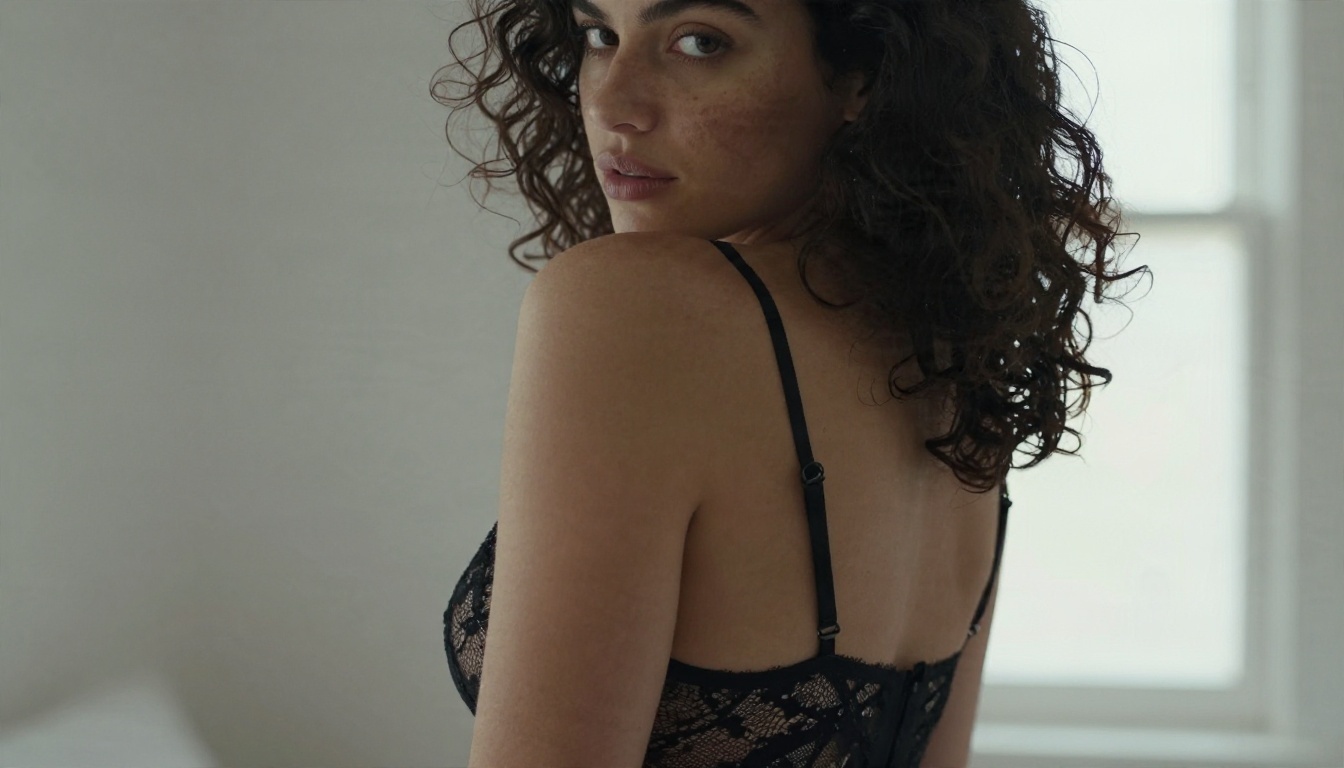
Here is the workflow I use for most adult-oriented edits with PicassoIA Image Editor Pro. It works the same way for any photo you own or have permission to edit.
Step by step
- Open the model page. Go to the Image Editor Pro page on PicassoIA.
- Upload your source photo. Pick a sharp, well lit image. Faces that are in focus and not heavily cropped give the model more to hold on to.
- Write one clear instruction. Say what to change and what to keep, for example: "Change the dress to a black lace bodysuit, keep the face, pose, and background exactly the same."
- Generate. Because generations are unlimited, run it several times and compare.
- Refine in small steps. If the outfit is right but the light is flat, send a second edit that only changes the lighting.
- Upscale if needed. For large prints or sharp crops, run your favorite result through a super resolution model.
Parameter tips
- Keep prompts short. One or two sentences usually beat a paragraph for edits.
- Name what stays. Phrases like "keep the same face and pose" reduce unwanted drift.
- One change per pass. Outfit first, then lighting, then background. Stacking all three tends to blur your intent.
- Use photographic words. "Soft window light from the left, 85mm lens, film grain" pushes the result toward realism instead of a plastic, airbrushed look.
- Save the winners. When an edit works, keep the exact wording. Prompts are reusable.
💡 Tip: For a base image that you plan to edit later, start in Seedream 4.5, then move the winner into Image Editor Pro for unlimited fine tuning.
Prompt Examples That Work
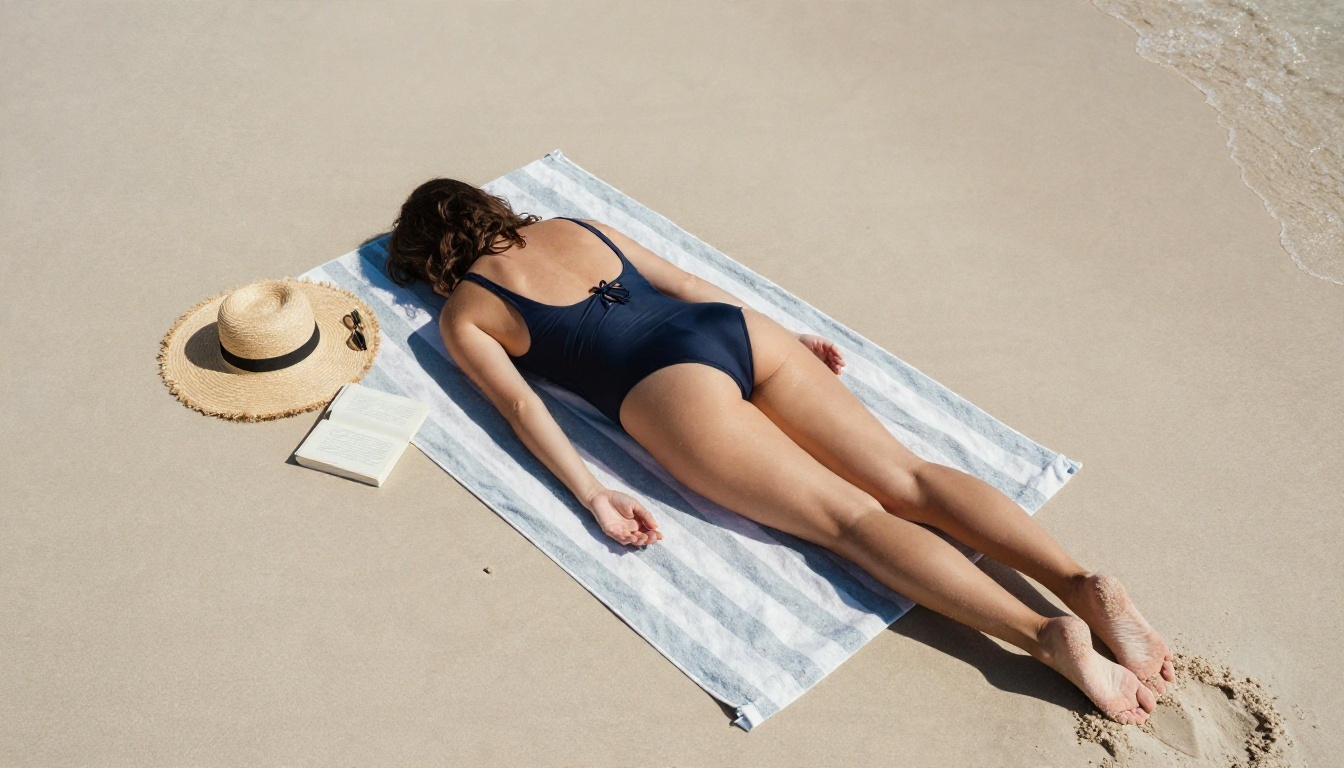
These prompts stay suggestive and tasteful. They are written for adult subjects and aim for editorial glamour, not explicit content. Copy them, then swap in your own details.
Outfit and swimwear swaps
Outfit changes are the most common request, and also the easiest to get right when you tell the model what to preserve.
- "Replace the sundress with a white string bikini. Keep her face, hair, pose, and the beach background unchanged."
- "Change the top to a cream lace bralette with high-waisted shorts. Keep the lighting and skin tone identical."
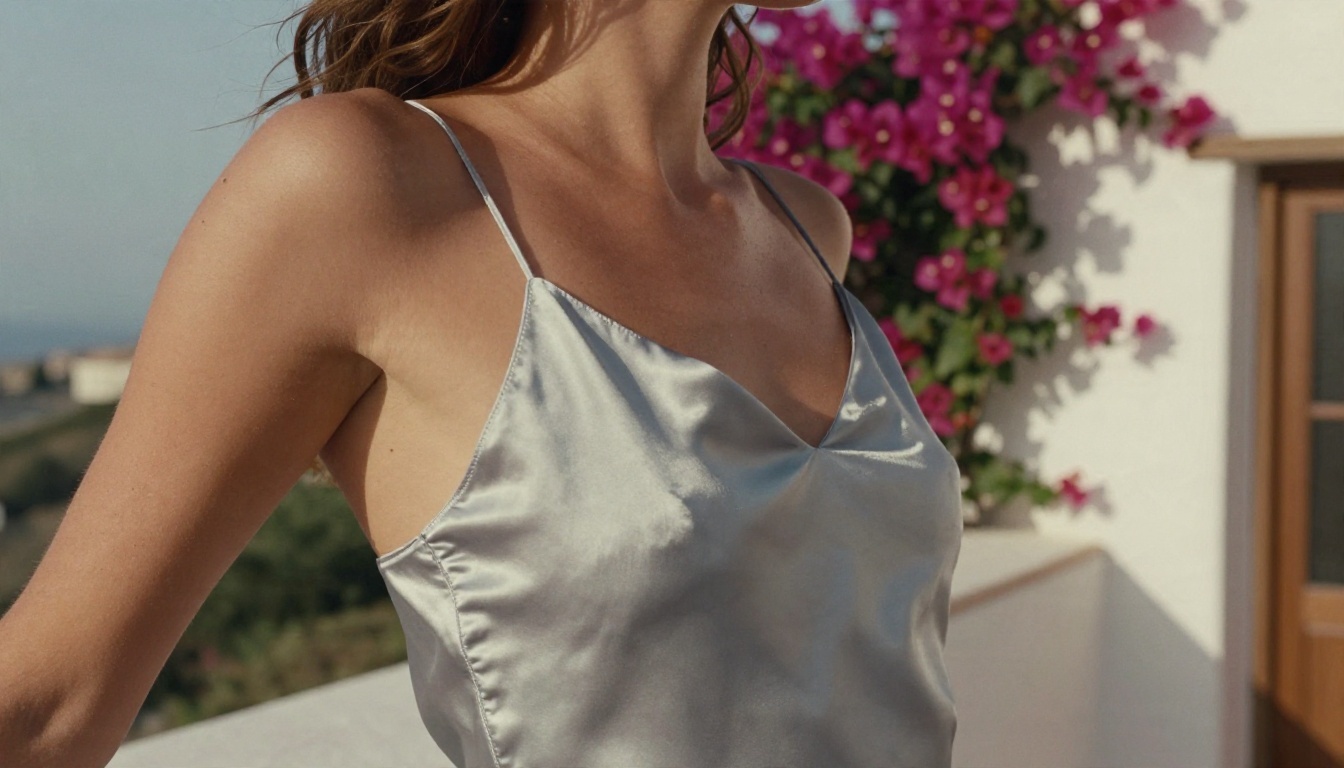
- "Swap the jacket for a black satin slip dress with thin straps. Keep the same expression and framing."
- "Dress her in a navy one-piece swimsuit with a deep neckline. Keep the towel, sand, and midday sun as they are."
💡 Tip: Name the fabric as well as the garment. "Satin," "lace," "velvet," and "knit" each give the model concrete texture to render, which makes the result feel photographed rather than pasted on.
Lighting and mood
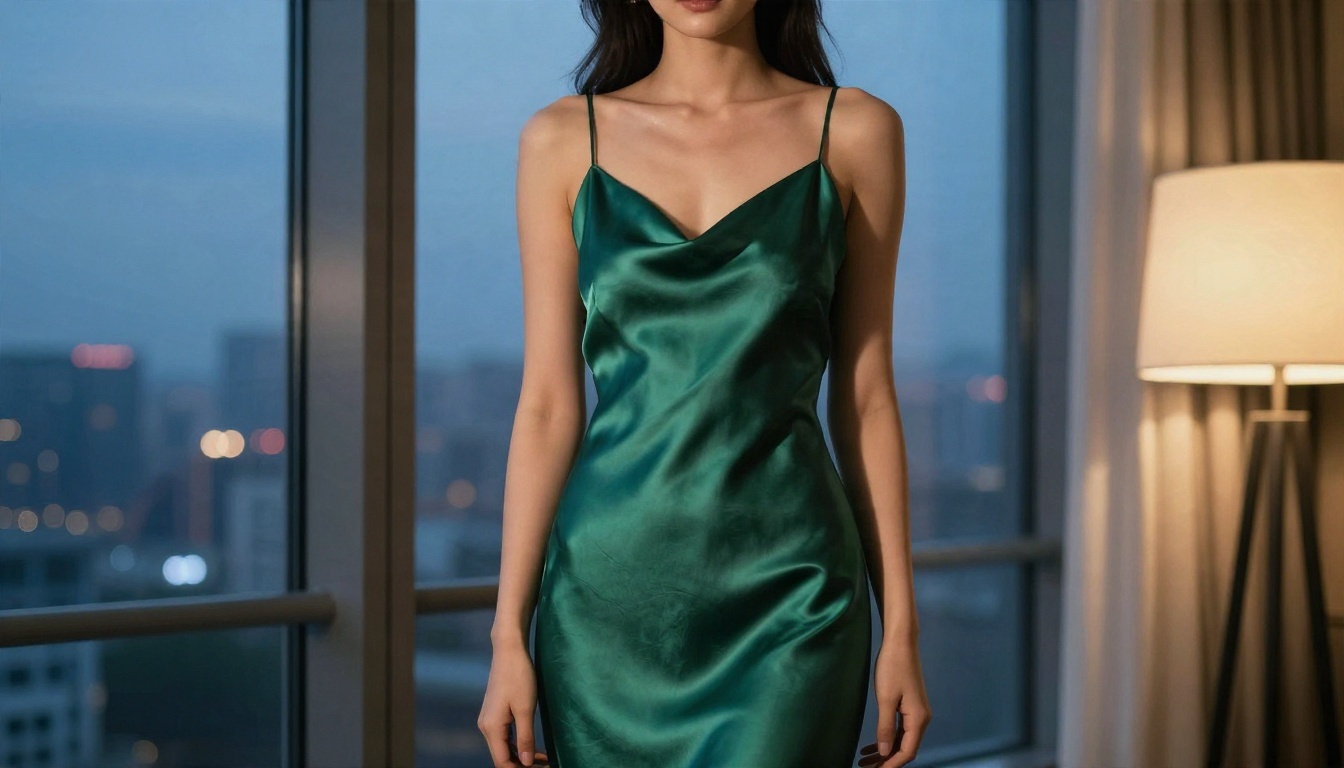
Light changes the feel of a picture more than almost any other edit. A few reliable instructions:
- "Relight the scene with soft golden hour backlight and a gentle rim on her hair. Keep everything else the same."
- "Make the lighting moody and low-key, one warm lamp from the right, deep shadows on the left side."
- "Switch to soft diffused window light from the left, like a boudoir session at 10 a.m."
- "Add warm 35mm film grain and slightly lifted shadows, Kodak Portra look, no heavy contrast."
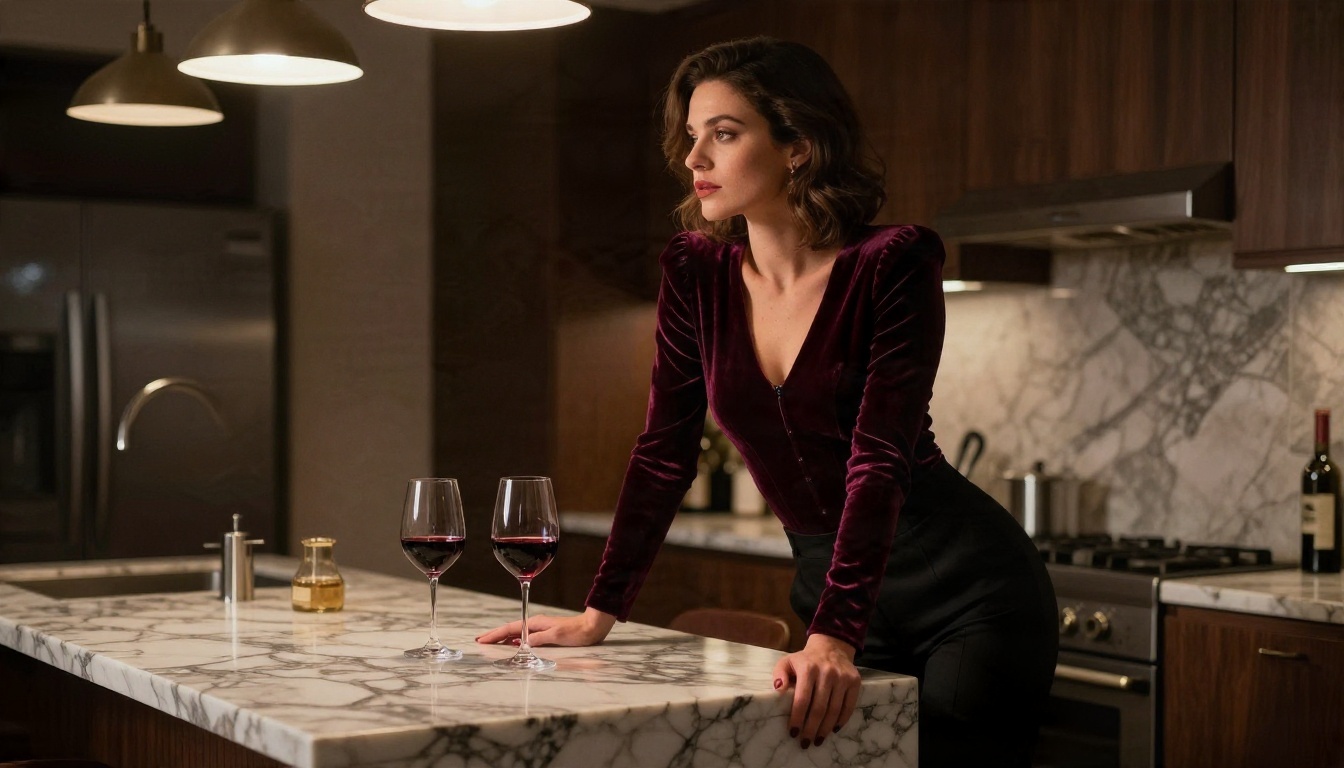
The emerald dress photo above shows the effect of mixing warm lamp light with cool dusk light: skin looks warm, fabric picks up a cool sheen, and the image gains depth without any extra elements.
Background and location
Moving the subject is where editors earn their keep. Compare these two approaches:
| Weak prompt | Strong prompt |
|---|
| "Put her at the beach." | "Place her on a wooden pier at dawn, soft pink and gold light, misty sea behind, keep her pose and outfit." |
| "Make the room nicer." | "Replace the background with a sunlit boutique hotel bedroom, white linen, sheer curtains, shallow depth of field." |
| "Different place." | "Move her to a Mediterranean villa balcony with whitewashed walls and bougainvillea, morning light from the left." |
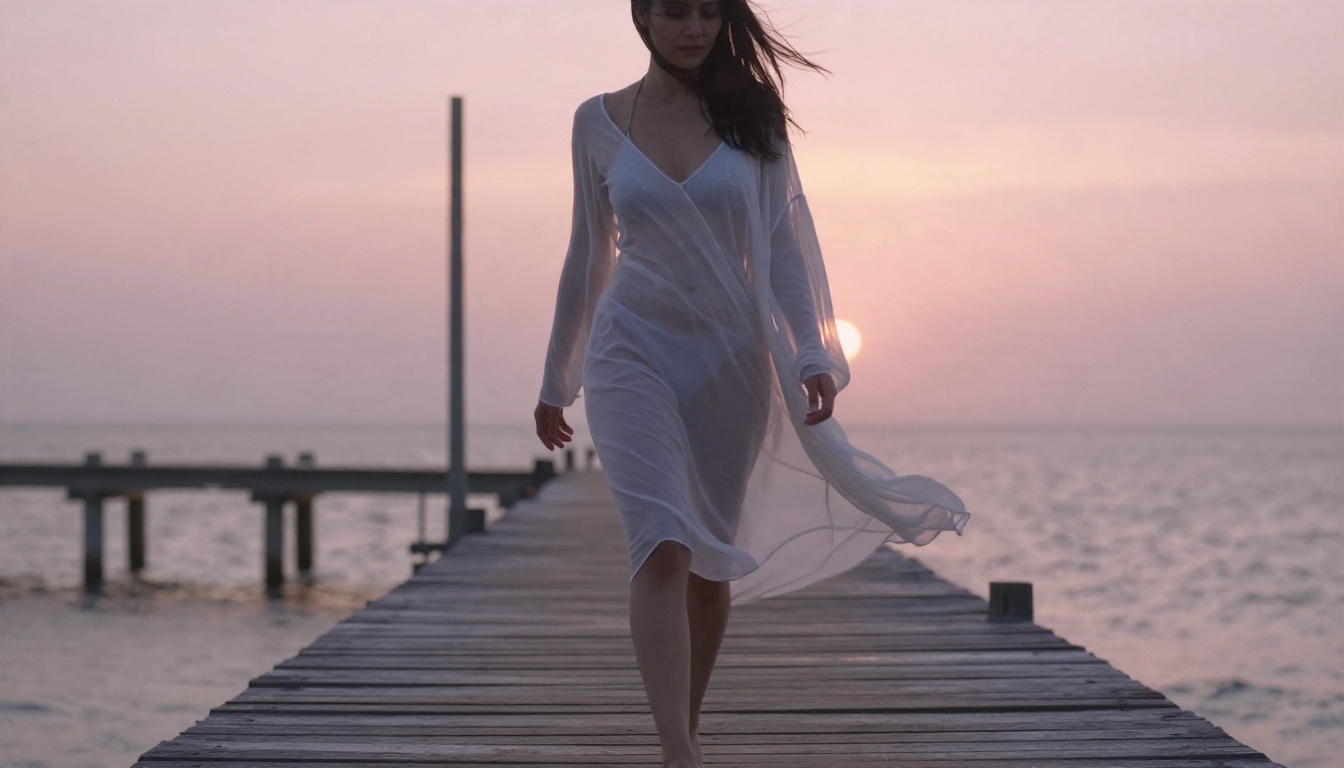
The pier shot above is the kind of result a strong location prompt produces: soft backlight, translucent fabric moving in the wind, and weathered wood that reads as real.
Fixing skin and details
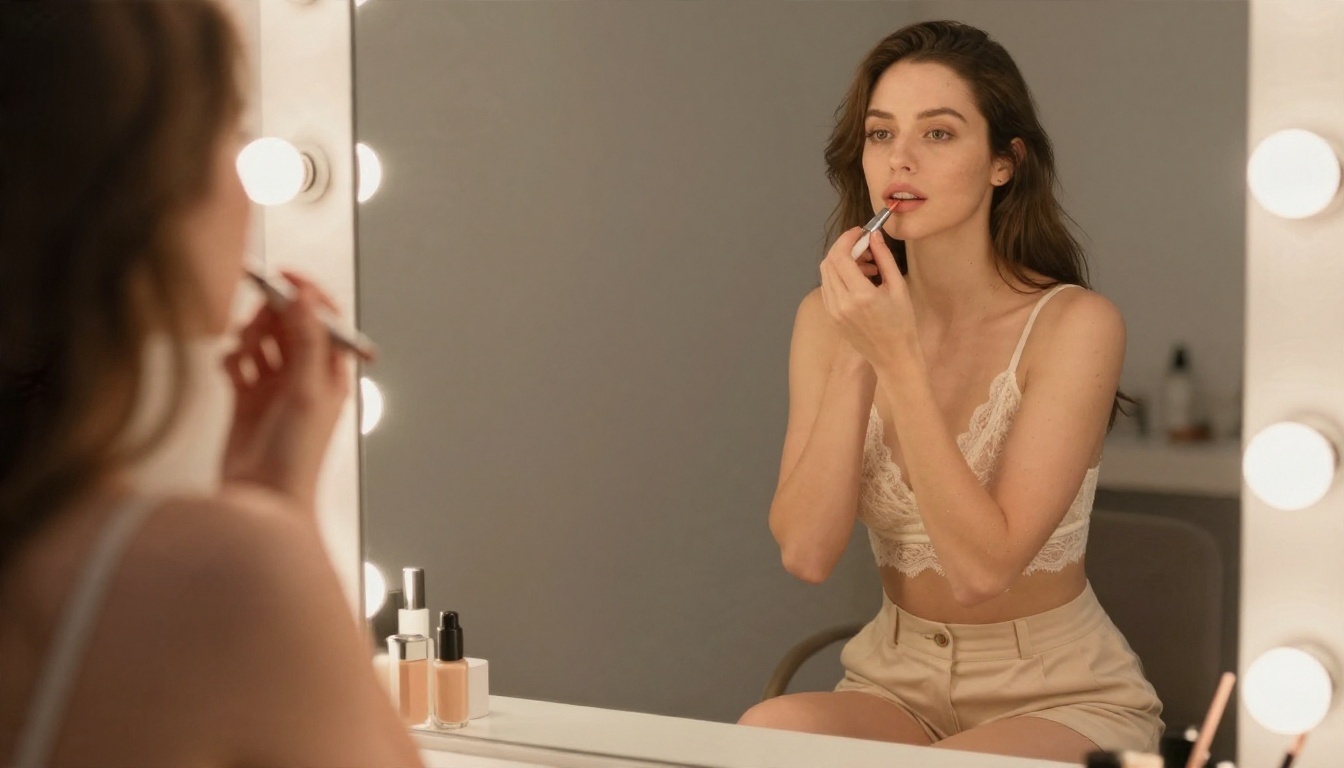
The most common complaint about AI images is the plastic look. You can correct it with edits like these:
- "Restore natural skin texture with visible pores and fine peach fuzz. Remove any airbrushed smoothing."
- "Fix the hands so each has five natural fingers. Keep everything else the same."
- "Sharpen the eyes and add a soft catchlight from the window. Keep the expression unchanged."
- "Reduce the shine on the forehead and shoulders, keep a natural satin sheen on the fabric."
If a face looks off or a background is noisy, a second pass at higher resolution with a super resolution model can recover detail without changing the composition.
Mistakes That Ruin Edits
After a lot of trial and error, these are the mistakes that waste the most time:
- Asking for five changes at once. The model tries to satisfy all of them and does none well. Split them into separate passes.
- Forgetting to say what stays. Without "keep the face and pose," you may get a slightly different person in every variation.
- Starting from a blurry source. Low resolution input produces mushy skin and warped hands. Use the sharpest photo you have.
- Using vague words. "Sexy," "hot," and "nice" give the model nothing to render. Describe the garment, the light, the lens, and the setting instead.
- Over-smoothing. If you ask for "flawless skin," you will get wax. Ask for natural texture.
- Skipping the retry. Generations vary. Run an edit three or four times before you rewrite the prompt.
- Ignoring the model fit. A model that is great at fusing images may not be the best at relighting. Switch tools when a result stalls.
💡 Tip: Keep a simple text file of prompts that worked, grouped by goal. After a week, you will have a personal library that cuts your editing time in half.
Safe and Responsible Use
An editor with relaxed filters still comes with rules you should follow yourself. A few are non-negotiable:
- Adults only. Never edit or generate images of anyone under 18, and never make a subject look younger than an adult.
- Consent matters. Only upload photos of yourself or of people who have clearly agreed to the edit. Do not alter pictures of coworkers, exes, strangers, or public figures.
- No impersonation. Do not present edited images as real photos of a real person without their agreement.
- Keep it non-explicit when you publish. Many platforms, ad networks, and payment processors restrict explicit material. Suggestive, tasteful imagery travels much farther.
- Protect your uploads. Use accounts with defined privacy controls instead of anonymous tools with unclear data handling.
These habits protect the people in your pictures and protect you if the images ever circulate.
Free access comes in different shapes, and it helps to know which kind you are dealing with:
| Type of "free" | What it means | Watch out for |
|---|
| Free trial credits | A set number of edits, then payment | Credits running out mid-project |
| Watermarked output | Free but branded | Unusable for portfolios |
| Daily cap | A few edits per day | Slow iteration |
| Unlimited generation | No counter on edits | Check current terms on the model page |
For iterative work, the last row is the one that matters. Editing is a loop of try, adjust, and try again. A tool that lets you run that loop freely produces better pictures than one that makes every attempt feel expensive. That is why unlimited editing in PicassoIA Image Editor Pro is the practical choice for most adult-oriented photo projects, with Seedream 4.5 as the model you reach for when you need a standout base image.
Try It Yourself
You do not need a big budget or a technical background to get glamour-grade edits. Pick one of your own photos, open PicassoIA Image Editor Pro, and try the first prompt from the outfit section. Then change the lighting. Then change the location. Three small edits in a row will show you more about what these models can do than any amount of reading.
If you want a fresh starting image, generate one in Seedream 4.5 and carry it over. For quick, targeted tweaks, try Flux Kontext Fast. When you want to blend two images, Nano Banana 2 is ready.
Ready to see what else is available? Browse the full model list at picassoia.com/en/all-models, pick an editor, and start making your own images today.


