The most popular AI image generators spend more time explaining what they won't create than showing you what they can. Restrictions, safety warnings, blurred previews, mandatory account creation, and then, after all that friction, a filtered image that looks nothing like the original prompt. If you've been searching for a free NSFW AI image generator that works on mobile, this breakdown covers exactly what delivers results and what doesn't.
The platforms and models listed here run directly in your mobile browser, accept adult prompts without blocking them, and return photorealistic results fast enough to make iteration feel natural, even on a cellular connection.
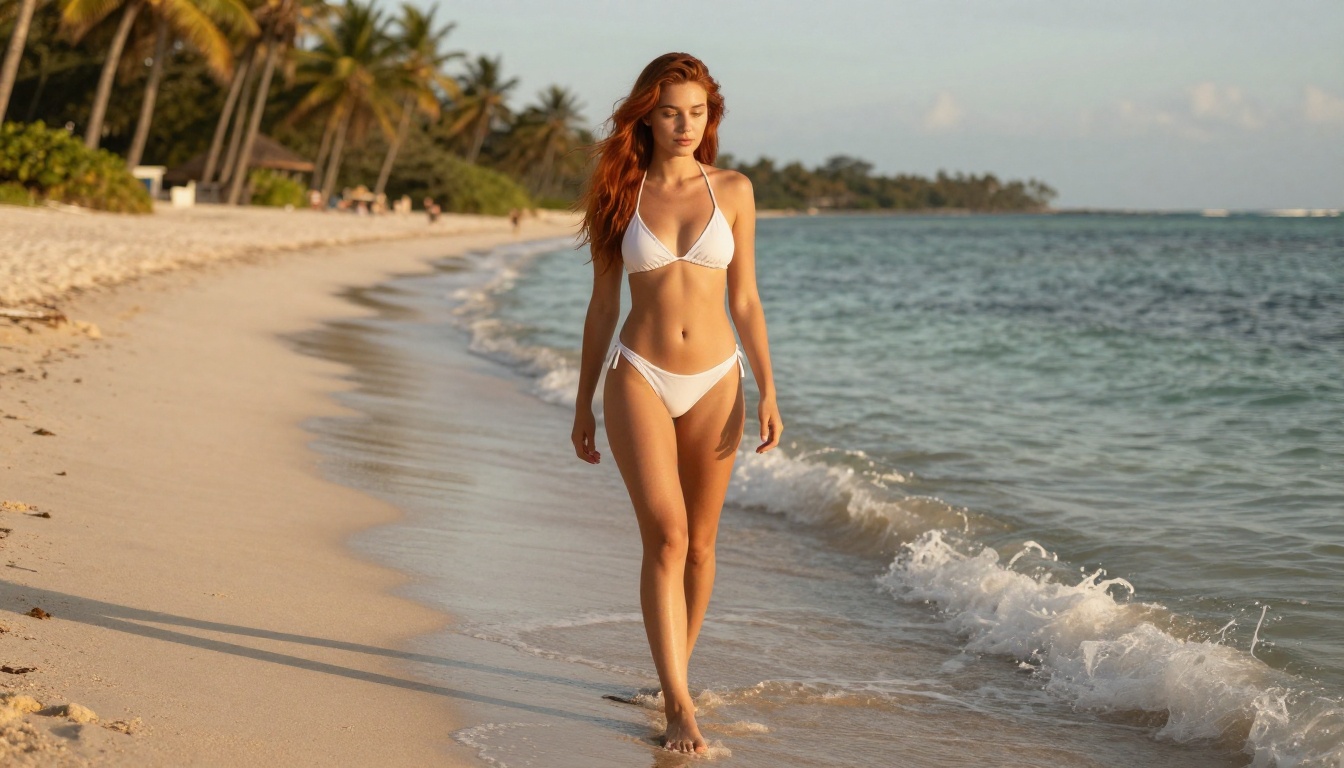
Why Mobile NSFW Generation Is Harder Than It Looks
Generating high-quality adult AI art on a phone isn't just a matter of finding any AI tool and opening it on Safari or Chrome. Most platforms fail in at least one of three specific ways.
The first failure is filtering at the prompt level. Many generators scan your text before sending it to the model. When they detect adult keywords, the request is blocked before generation even starts. You get a refusal message, not an image.
The second failure is mobile UI breakdown. Plenty of desktop-first generators technically load on phones, but their interfaces weren't designed for touchscreens. Sliders can't be dragged, dropdowns don't respond to taps, and the generate button ends up off-screen. You need to pinch-zoom and scroll horizontally just to submit a prompt.
The third failure is slow generation on mobile connections. A model that takes 15 seconds on fiber can take 45 seconds on a 4G network, making iteration painful. For NSFW content specifically, where users typically want to cycle through variations quickly, this kills the workflow.
The tools listed here avoid all three problems.
The Shift to Browser-Based Tools
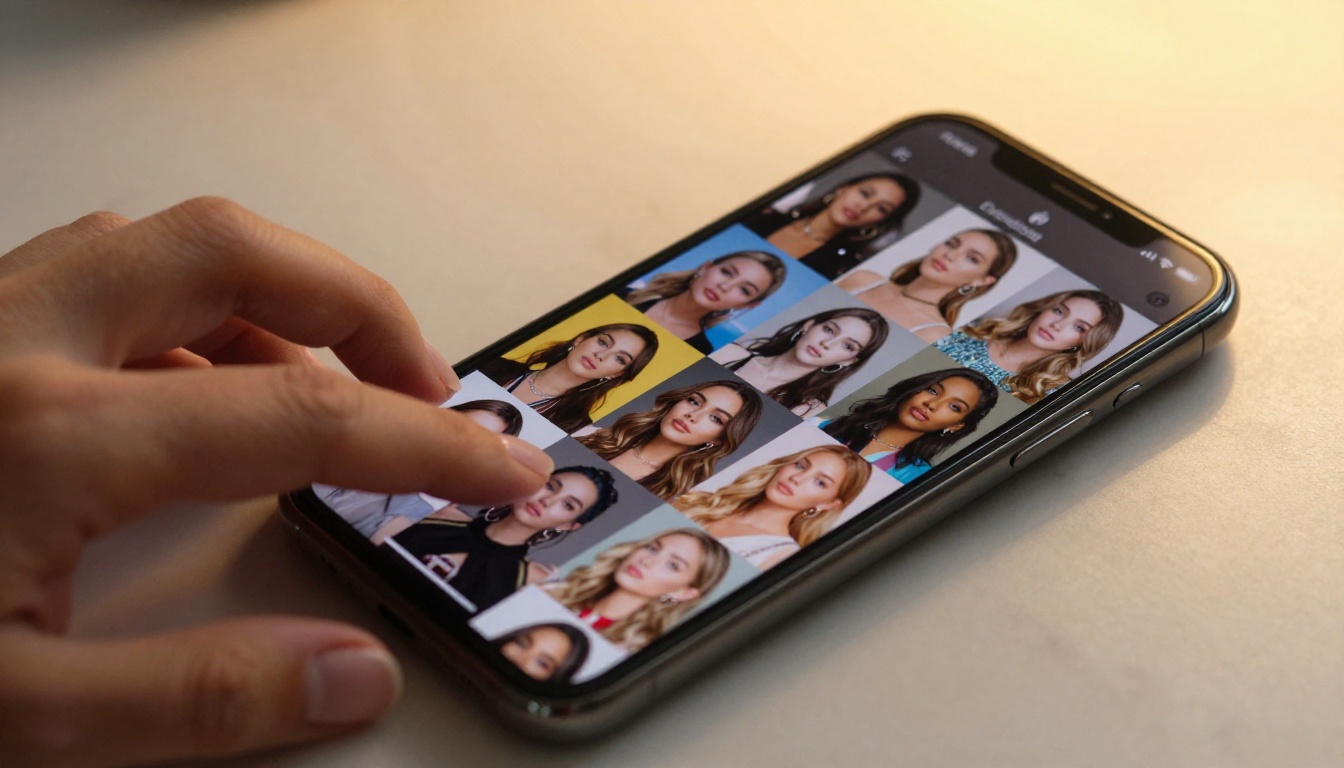
The biggest shift in mobile NSFW generation over the past two years has been the move away from installed apps toward pure browser-based platforms. App stores from both Apple and Google enforce strict content policies that prohibit adult content in downloadable applications. Web browsers have no such restriction.
This means the best tools aren't in any app store. They live at a URL, run in your mobile browser, and generate in the cloud. No device storage used. No special permissions requested. No risk of a future app update silently removing features you depend on.
💡 Tip: Bookmark your favorite generator directly on your phone's home screen using "Add to Home Screen" in Safari or Chrome. It behaves like a native app without going through any store review process.
What "Free" Actually Means Here
The word "free" is used loosely in AI marketing. For this article, free means you can generate at least a few images without entering a credit card number. Some platforms offer free trials. Some have a daily free tier with limited generations.
PicassoIA sits in an interesting position: it provides a free trial with no credit card required on several models, including 3 free generations on PicassoIA Image Editor Pro. Its paid tiers go further with genuinely unlimited generation on select models, which no credits-based tool can match for high-volume creators.
The Best Free NSFW AI Image Generators for Mobile
These models are ranked by NSFW performance, mobile usability, and generation speed. All run in a standard mobile browser without requiring any downloads.
Seedream 4.5: The Top NSFW Model
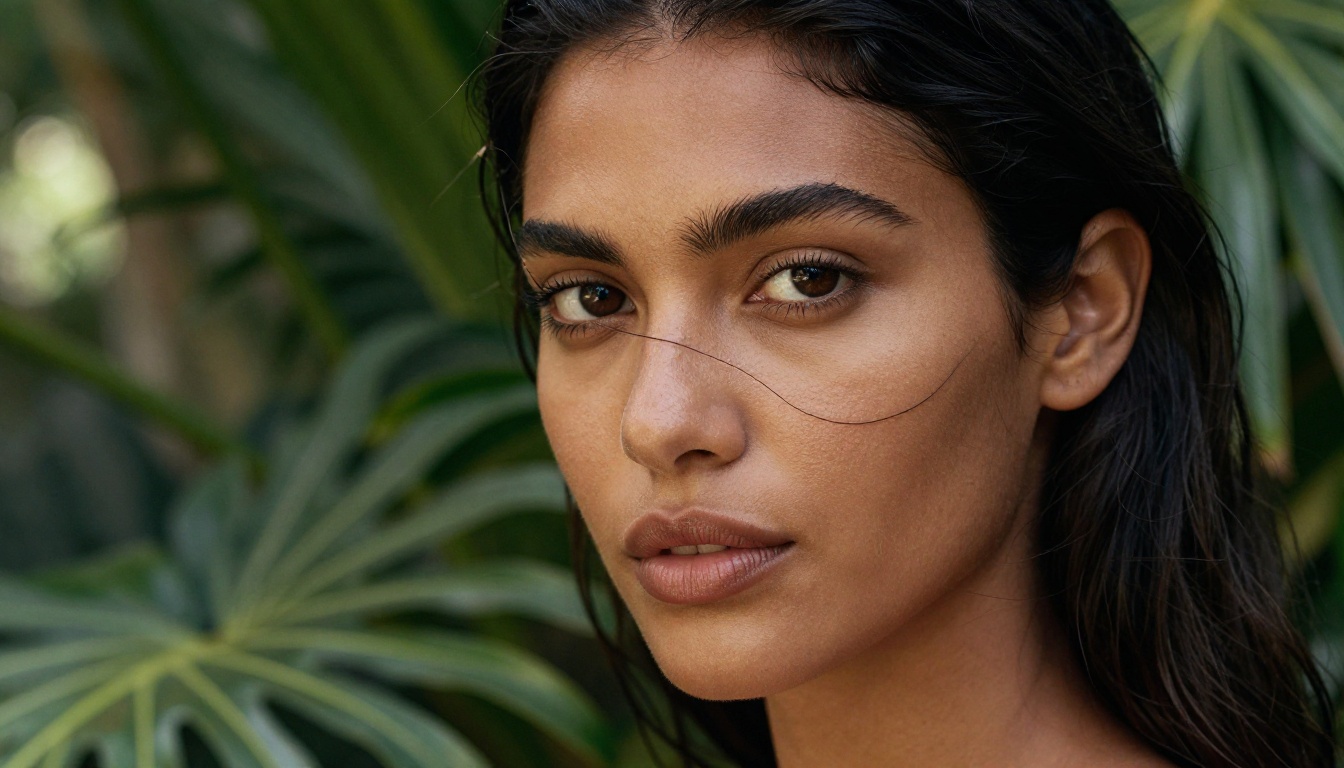
Seedream 4.5 is the first recommendation for mobile-optimized NSFW image generation. Built by ByteDance, it accepts adult content, supports image editing within the same interface, and generates results in under 3 seconds, fast enough to feel instant even on a 4G connection.
The image quality sets it apart from everything at this speed tier. Seedream 4.5 produces skin textures, lighting, and photographic realism that routinely outperform models at higher price points. At this combination of speed and quality, it's the obvious first choice.
There is an important naming trap to avoid: ByteDance also released Seedream 5 Lite, which is a newer version by name but does not support NSFW content. The two models are not interchangeable. For adult content generation, use Seedream 4.5 specifically.
Why it works on mobile:
PicassoIA Image Editor Pro: Unlimited and Under 1 Second
For creators who want to generate a high volume of images without watching a credit counter, PicassoIA Image Editor Pro is in a category of its own.
It's an image-to-image model: you provide a base image, and it transforms it according to your text prompt. Its defining advantage is unlimited generations included in Elite and Infinite subscription plans. To put that in perspective: generating 1,000 images on a credit-based model like Nano Banana 2 costs around $100 in credits. With Image Editor Pro on an Infinite plan, those same 1,000 images cost nothing extra.
It also accepts NSFW content and returns results in under 1 second, making it the fastest model on the platform. A free trial of 3 generations with no credit card is available to new users.
💡 Use case: Feed a photo as the base image, then use a text prompt to change the outfit, setting, or scenario. The model preserves the subject's core features while applying your changes, making it ideal for style iterations, outfit variations, and rapid creative exploration.
Qwen Image 2: Open-Source Realism
Qwen Image 2 is developed by Alibaba's Qwen team and published as open source. Its open-source nature means NSFW filtering is not hardcoded into the model, so it accepts adult prompts and generates with detailed photographic realism.
The model handles both text-to-image and image-to-image tasks. When Seedream 4.5 is at capacity or temporarily unavailable, Qwen Image 2 is the natural first alternative. It produces detailed, realistic results and responds quickly.
Grok Imagine Image: Image Transformation Specialist
Grok Imagine Image by xAI has a specific strength: it converts existing input images realistically, with particularly strong performance on swimwear and bikini transformations that maintain body proportions and lighting consistency with the original photo.
This makes it most useful for creators modifying existing photos rather than generating entirely from text. The output quality on image-to-image transformations is consistently high.
Recraft V4: Precision Text-to-Image
Recraft V4 delivers very realistic text-to-image results and supports NSFW content. It is text-to-image only (no image editing mode), but within that lane, the photographic output quality is consistently strong. It handles scene composition and lighting requests with accuracy.
P-Image by PrunaAI: Speed Record
P-Image generates NSFW text-to-image results in under 1 second. That generation speed is its primary advantage. For mobile users on slower connections who want to iterate through multiple variations quickly, nothing on the platform matches this pace. Photorealism sits slightly below Seedream 4.5, but for rapid iteration workflows, the speed difference is the priority.
Wan 2.2 Image by PrunaAI: Highly Realistic Text Descriptions
prunaai-wan-2.2-image generates highly realistic images directly from text descriptions without content filters. It's a strong option for detailed scene descriptions where photographic accuracy matters, and it handles complex environmental prompts well.
Model Comparison at a Glance
How to Use Seedream 4.5 on Your Phone
Since Seedream 4.5 leads the recommendations, here's a full walkthrough for first-time mobile users.
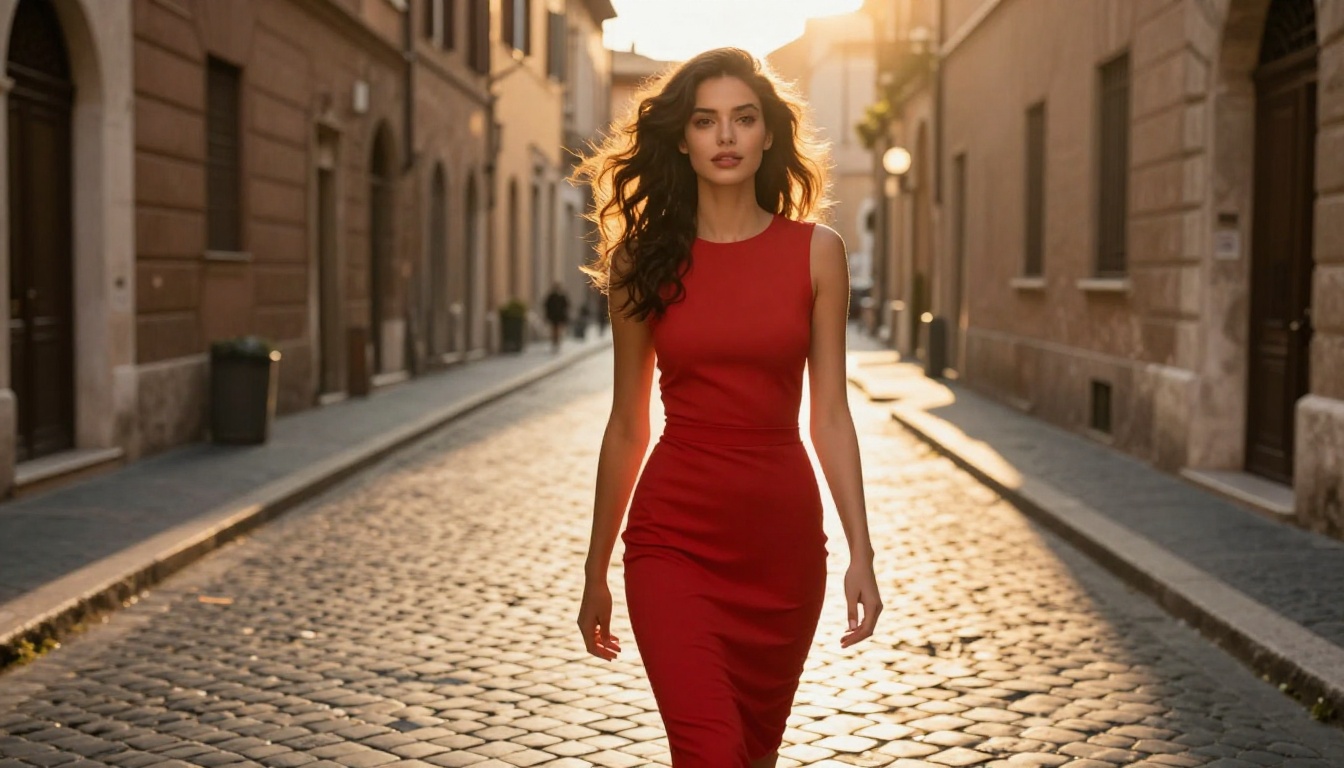
Step 1: Open the model page
Navigate to picassoia.com/en/collection/text-to-image/bytedance-seedream-45 in your mobile browser. The interface loads without requiring an app download or any additional software.
Step 2: Sign in or use the free trial
New users can start generating immediately without a credit card. If you already have a PicassoIA account, log in. The generation interface is identical either way.
Step 3: Write your prompt
Tap the prompt input field and type a detailed description. Include the subject, pose, environment, lighting, and any camera or style details. Specific prompts produce more accurate results than vague ones.
Step 4: Choose your aspect ratio
For sharing to Instagram Stories or TikTok from mobile, 9:16 portrait works well. For widescreen or desktop viewing, 16:9. Tap the ratio selector before tapping Generate.
Step 5: Tap Generate
Seedream 4.5 returns your image in approximately 2-3 seconds. The output appears directly below the prompt field.
Step 6: Save your image
Long-press the image on iOS to save it to your photo library, or tap the download icon on Android. From your camera roll, share it to any platform or messaging app.
💡 Iteration tip: Tap Generate again without changing the prompt to get a fresh variation. At 3 seconds per generation, you can cycle through 15-20 variations per minute to find the exact result you want.
Prompts That Actually Produce Results
The biggest variable in NSFW image quality isn't the model, it's the prompt. A vague prompt returns a vague image. A structured, detailed prompt returns something that looks like a professional photograph.
How to Structure an NSFW Prompt
The structure that works consistently across all the models listed above:
[Subject and physical description] + [Pose or action] + [Setting and environment] + [Lighting source and direction] + [Camera angle and lens] + [Style and mood]
Always include at minimum: the subject's physical description, what they're wearing, where they are, and the lighting source. These four elements define the majority of output quality.
5 Prompts That Work
These have been tested on Seedream 4.5 and return consistently photorealistic outputs:
-
Beach glamour: "Beautiful woman in white string bikini, standing at water's edge on a tropical beach at sunset, warm golden backlight from behind, fine sand visible at her feet, 35mm f/2.8, Kodak Portra 400, photorealistic 8K"
-
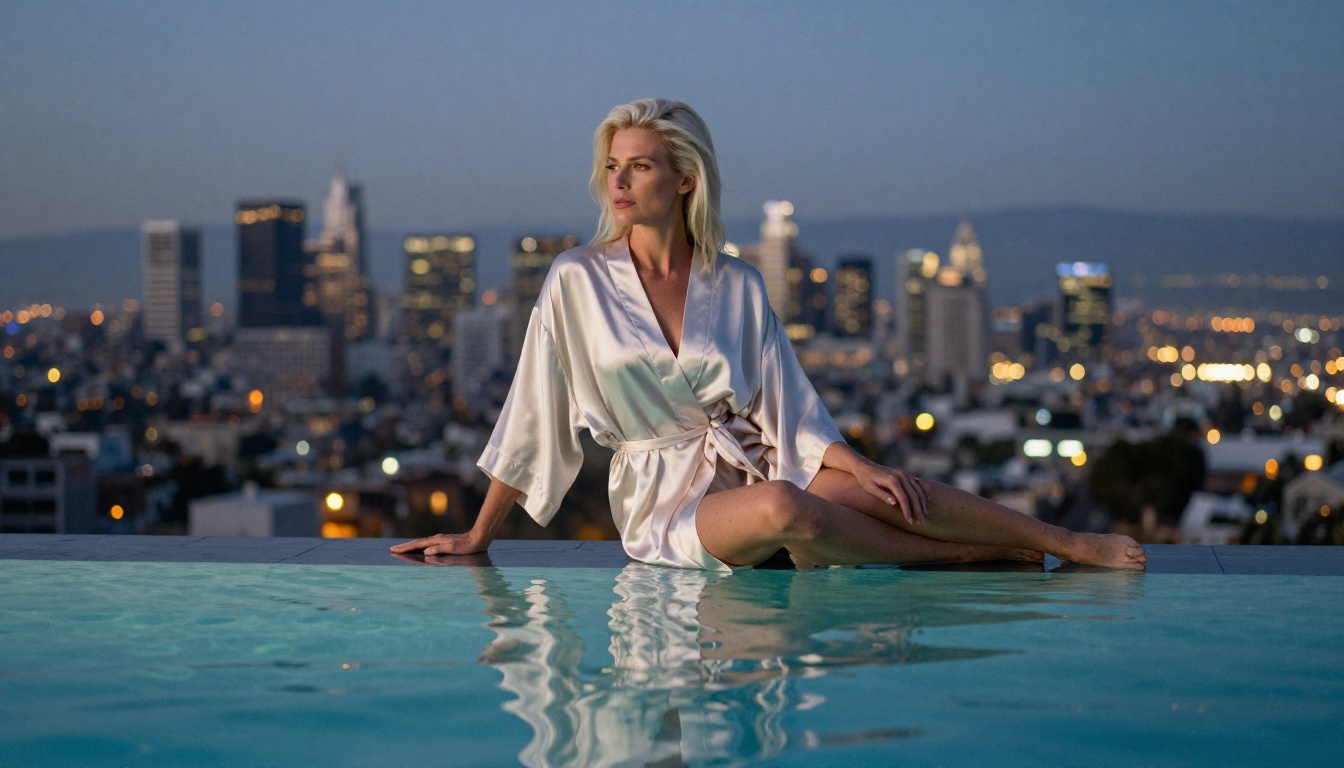
Hotel room: "Elegant woman in sheer silk robe sitting at the edge of a hotel bed, soft morning window light from left, rumpled white linen sheets, 85mm f/1.4 shallow depth of field, subtle film grain, editorial photography, photorealistic"
-
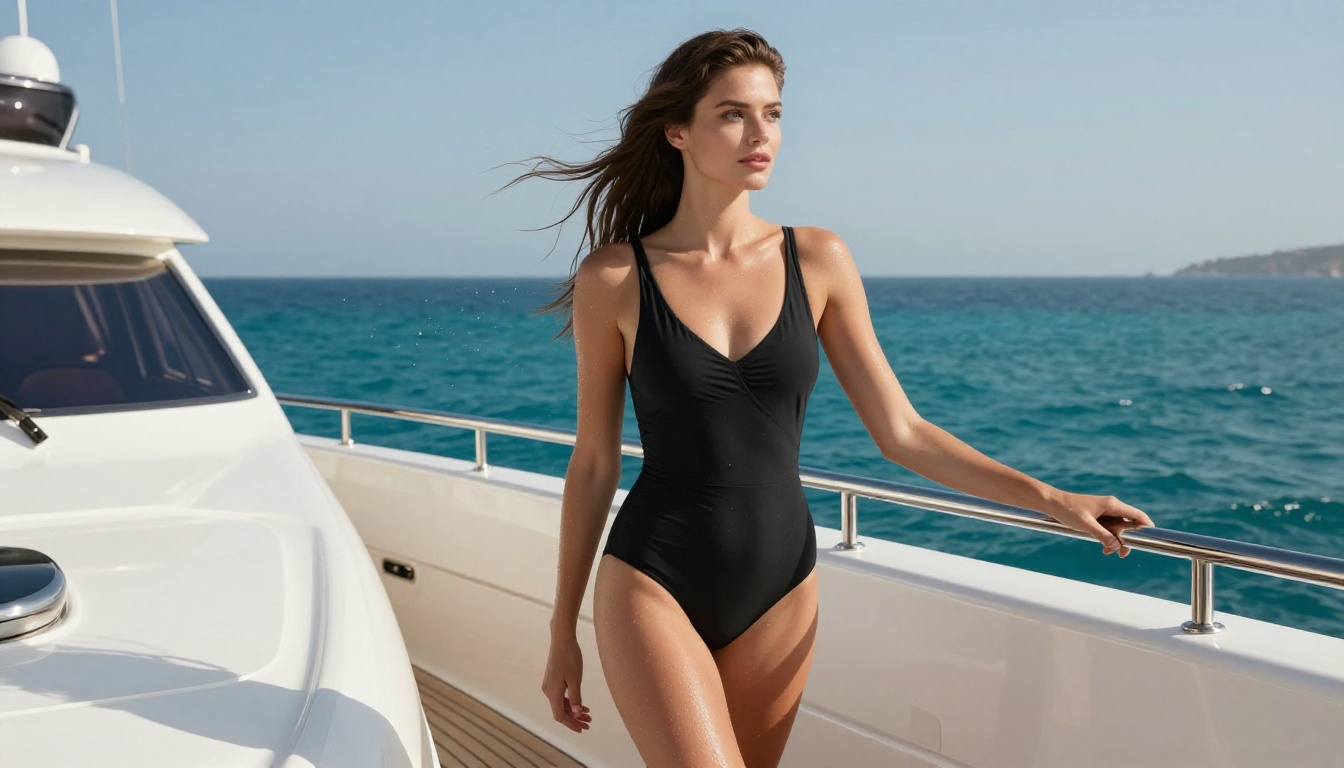
Rooftop pool: "Stunning woman in minimalist black bikini at infinity pool edge at twilight, amber city lights visible below, blue-hour ambient light, 50mm lens, silhouette reflection in still water surface, photorealistic"
-
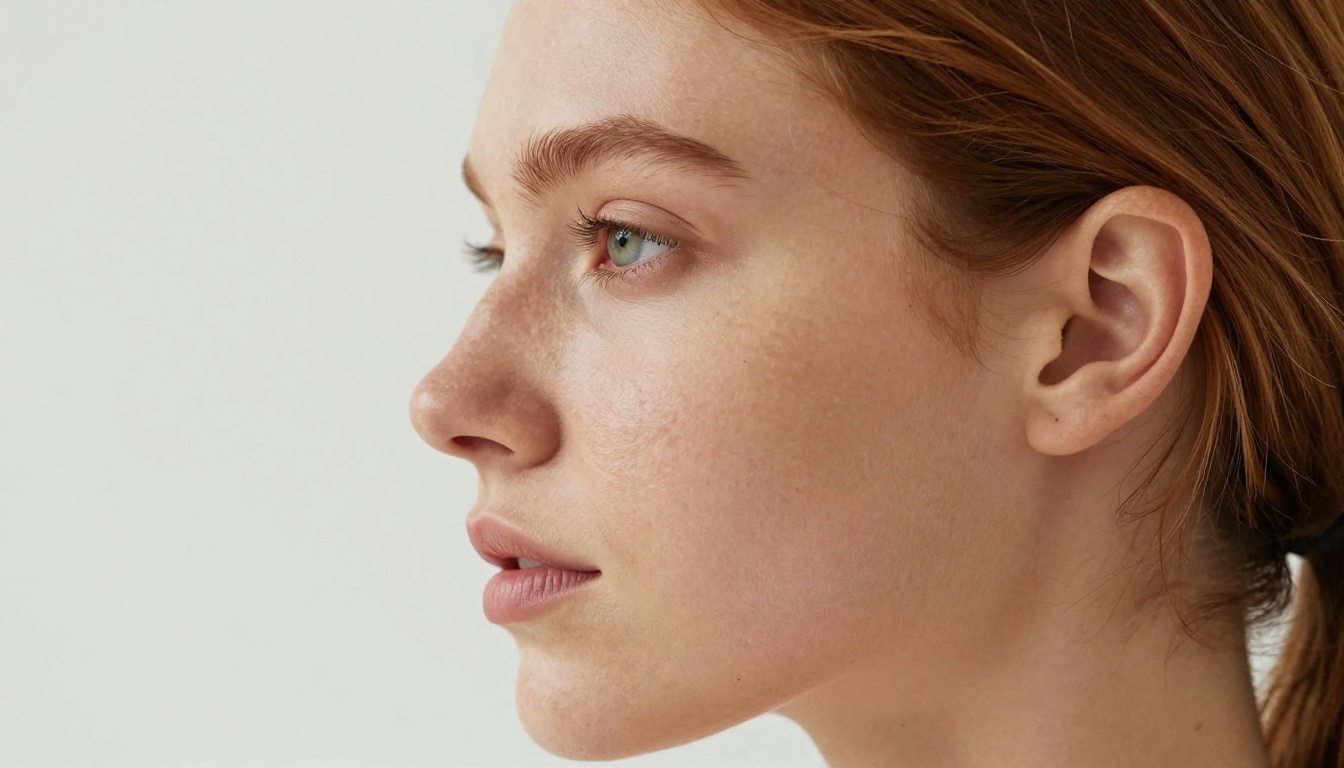
Beauty portrait: "Close-up portrait of woman with freckled skin and green eyes, natural makeup, loose hair with escaping wisps, window light from left, editorial beauty photography, Kodak Portra 400, ultra-realistic skin texture, photorealistic 8K"
-
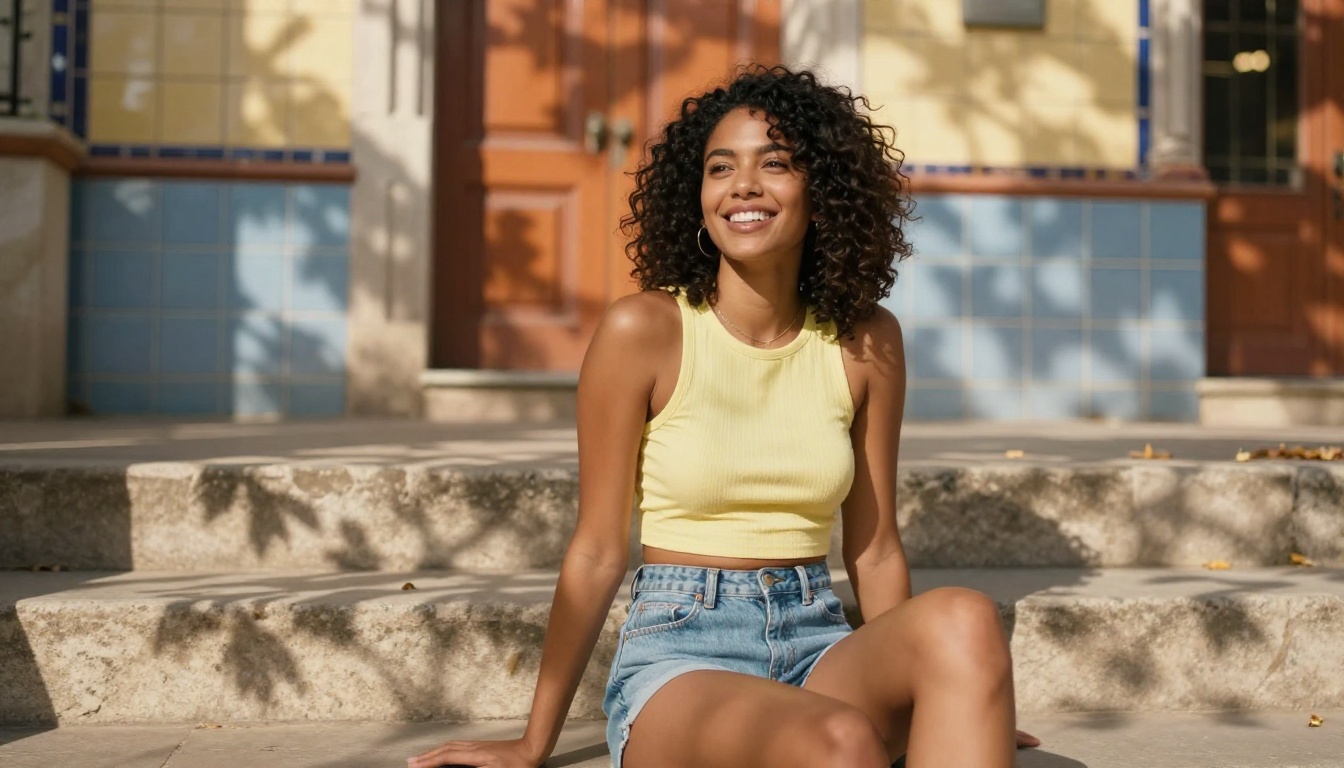
Outdoor lifestyle: "Woman in bikini top and high-waisted denim shorts on sun-drenched terrace in Ibiza, afternoon sun from right, relaxed candid expression, medium shot, 50mm f/1.8, warm natural tones, photorealistic RAW"
💡 What to avoid: Vague descriptors like "sexy" or "hot" produce inconsistent results. Replace them with physical and environmental specifics. Instead of "sexy pose," write "sitting with legs crossed, looking over shoulder, slight smile, warm afternoon light." The model responds to concrete details, not adjectives.
Privacy and Who Sees Your Creations
A frequent concern with NSFW generation is what happens to the images after they're created. On PicassoIA, generated images are stored in your private account gallery, visible only to you when logged in. They are not shared publicly, used in training data, or displayed in any shared browsing feed.
For users who want a zero-storage footprint: generate the image, download it to your device immediately, then delete it from the platform gallery. The image then exists only on your phone.
This privacy setup is a clear advantage over tools that maintain semi-public recent-generation galleries where other users can scroll through what's been created, sometimes with no opt-out mechanism.
The Uncensored Advantage
Most mainstream AI platforms apply restrictive content filtering at multiple levels: at the prompt, at the generation stage, and at the output. The result is a product designed around saying no.
PicassoIA operates differently. Its featured NSFW models, including Seedream 4.5, Image Editor Pro, Qwen Image 2, and P-Image, accept adult content because creators need tools that work with them rather than against them. The platform's position is straightforward: professional creators have a right to produce what they want, and content filters should not stand between a prompt and a result.
Getting consistently fast results on mobile requires a few practical adjustments beyond model selection.
Use Wi-Fi when possible. Even fast 5G networks introduce latency spikes. A stable home or office Wi-Fi connection gives more consistent 2-3 second generation times on Seedream 4.5.
Keep your browser tab active. Mobile browsers throttle background tabs. Keep your PicassoIA tab in the foreground while generating to prevent the browser from suspending the connection mid-request.
Bookmark the direct model URL. Rather than navigating from the PicassoIA homepage each session, save the direct URL for Seedream 4.5 or Image Editor Pro to your home screen. One tap gets you straight to the generation interface.
Use portrait ratio for iteration. The 9:16 aspect ratio produces a smaller output file than 16:9, which loads faster on mobile screens. Start with 9:16 for rapid variation testing, then switch to 16:9 for final renders.
Clear browser cache if generation slows. After extended sessions, cached data can slow request handling. A quick cache clear in Safari or Chrome settings usually restores normal speed.
More Models on PicassoIA
Beyond the top NSFW image models, PicassoIA offers a video generation catalog that also accepts adult content:
- PicassoIA Video: Unlimited text-to-video generation at up to 720p, 5 seconds per clip. No volume caps, ideal for creators producing content at scale.
- P-Video: Text, image, or audio-to-video at up to 1080p, with the safety filter off by default and a draft mode for instant low-res previews before final render.
- Grok Imagine Video: Clips up to 15 seconds from text, an image, or an existing video. No watermarks, eight aspect ratios.
- LTX 2.3 Pro: Highest-fidelity option at up to 4K/50fps, with retake and extend editing modes for frame-level control over the final output.
The full catalog spans over 90 text-to-image models and 87 text-to-video models, all accessible at picassoia.com/en/all-models.
Start Generating Now
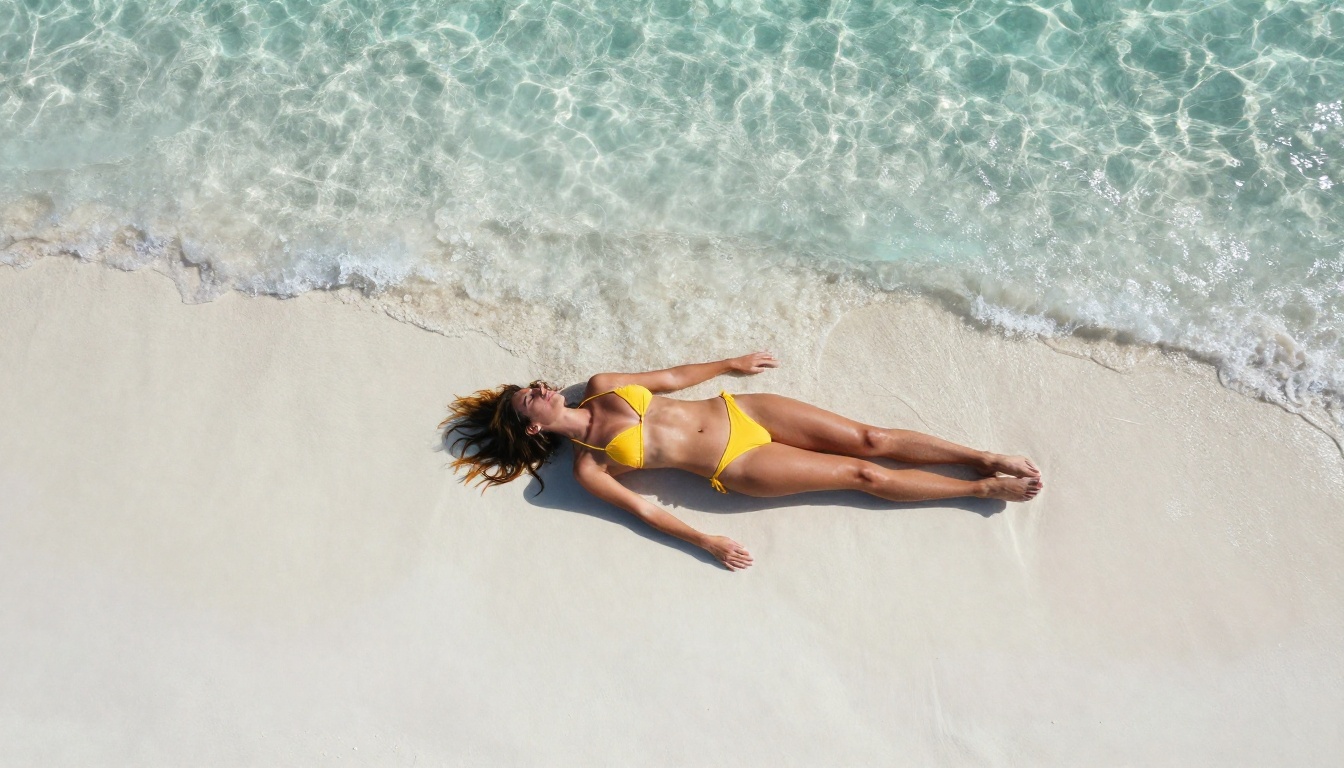
If you want the best results: Open Seedream 4.5, paste one of the five prompts from the section above, and tap Generate. Your first image is ready in under 3 seconds.
If you want unlimited volume: Sign up for a PicassoIA Elite or Infinite plan and use Image Editor Pro. Generate as many images as you want without counting credits or watching a balance drop.
If you want pure speed: Try P-Image. Under 1 second per image means you can iterate through dozens of variations in the time other tools take to return a single result.
If you want to see everything available: Browse the full model lineup at picassoia.com/en/all-models. Use the free trial on whichever models interest you, with no credit card required to get started.
The tools are built, the models are live, and the free trial takes seconds to access. The only variable left is the prompt.


