Everyone already knows how this plays out. You find a platform advertising free NSFW AI access, sign up, generate two images, and suddenly you're staring at a paywall demanding credits you have to buy. If you've been searching for free NSFW AI tools without hidden costs, you've probably already lived that frustration at least twice. This article cuts through it. No soft recommendations, no vague lists — just a straight breakdown of which tools actually work for free, what models produce the best results, and how to get real output without spending a single dollar.
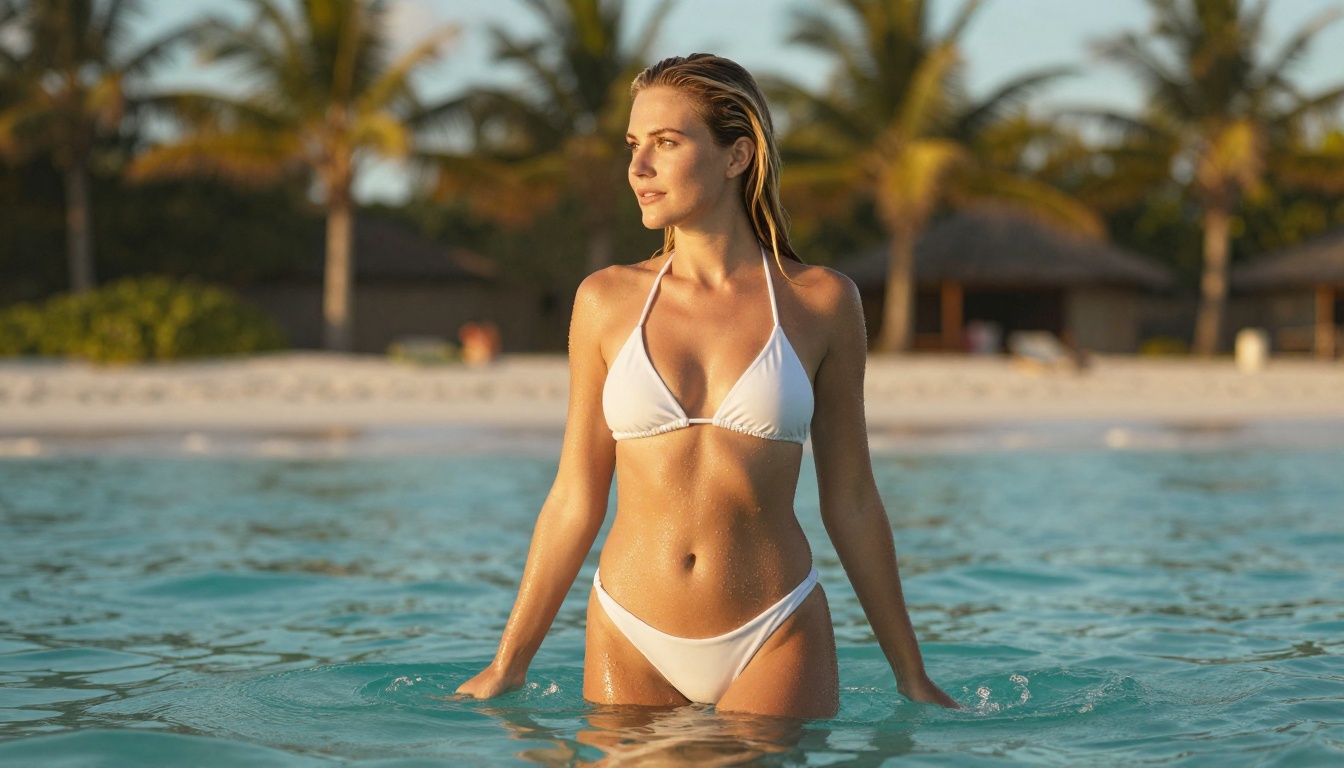
Most platforms advertising free NSFW AI access run the same playbook: hook you with access, limit you to a handful of generations, then charge for more. The word "free" in most cases means "free trial," and nobody puts that in the headline. It's an acquisition strategy dressed as a feature.
Freemium vs. Truly Free
Freemium means you get access to a limited version of the product. You might generate five images per day, receive watermarked output, or be restricted to lower resolution. Truly free means you can use the tool at full capacity with no credit card and no countdown clock ticking in the background.
This distinction matters a lot for adult content specifically. Most platforms heavily restrict NSFW output on free tiers. The few that do allow it either have low output quality or force you to buy credits before you can generate anything beyond a vague suggestion.
What Hidden Costs Look Like
Hidden costs appear in several forms, and once you know what to spot them, they become obvious:
- Daily credit limits that reset only on paid plans
- Watermarks stamped on free-tier outputs requiring payment to remove
- Resolution caps where free tier produces 512x512 while paid plans unlock 1024px or higher
- Queue throttling where free users wait minutes while paid users go instantly
- Content gating where NSFW settings are locked behind a subscription toggle
Any platform doing three or more of the above is not genuinely free. It's a demo with extra steps.
Real free access means you can generate images at a reasonable resolution, without watermarks, without surrendering credit card details, and without hitting a wall after 10 generations. Platforms built around open-weight models tend to offer the most genuine free access because the underlying compute costs are lower and the models themselves are publicly available.
The Three Markers of Real Free Access
Look for these before committing to any platform:
- No watermark on output — a watermark is a monetization tool dressed as branding. Platforms that watermark free-tier images are withholding basic usability.
- No credit card at sign-up — if they need payment info to "activate your free account," it is not free. That's a trial with a timer you can't see.
- Reasonable daily generation volume — anything under 10 generations per day is a demo, not a working tool.
Platforms running open-weight models like Flux Schnell, Stable Diffusion, or SDXL can afford to be more generous because these models run efficiently and their weights are freely available to operators.
Best Free NSFW AI Models Right Now
Not all models are equal for this kind of content. Some specialize in photorealism, others lean into artistic or fantasy styles. Here is an honest breakdown of what actually works.
For Photorealistic Results
When you want output that looks like actual photography, these models deliver consistently:
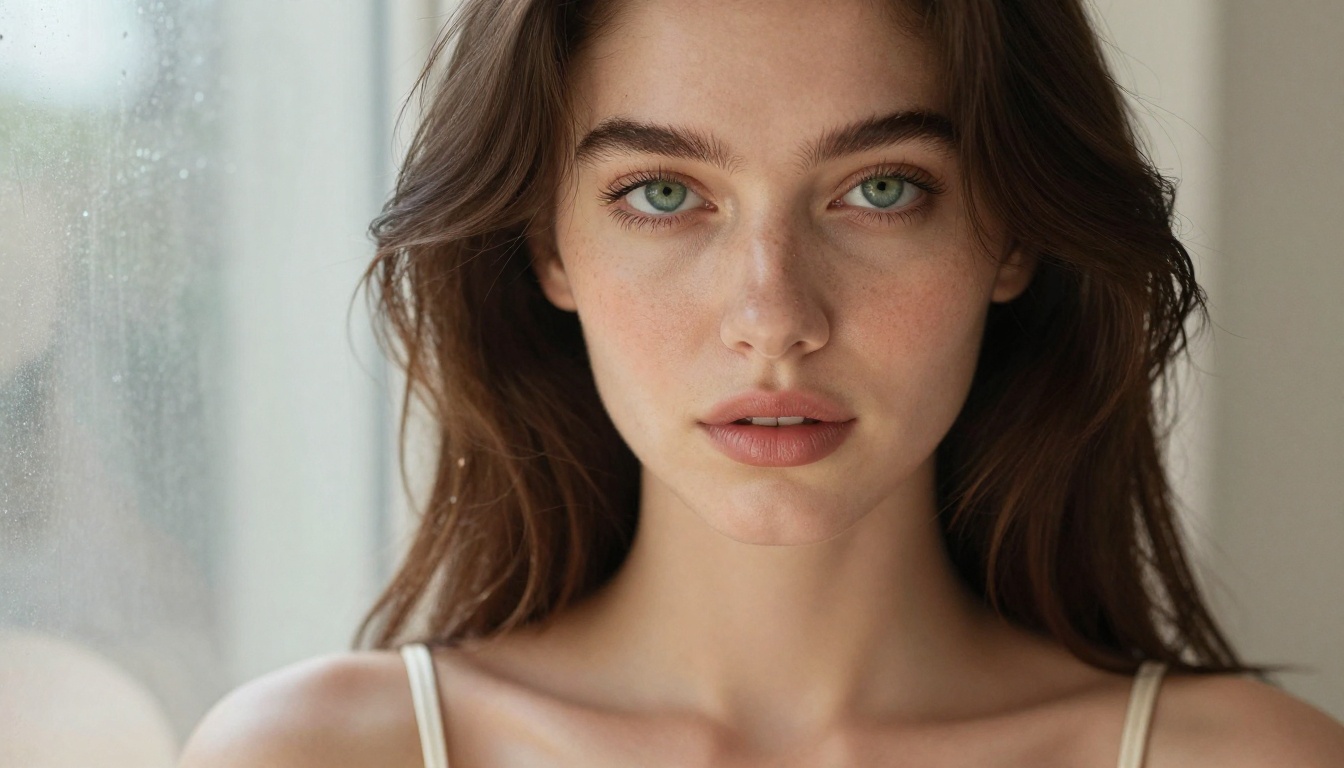
Realistic Vision v5.1 sits at the top for photorealistic human figures. It's fine-tuned specifically on realistic human anatomy, accurate skin tones, and natural lighting. Output has believable skin texture, correct proportions, and lighting that genuinely looks like it came through a camera lens.
RealVisXL v3.0 Turbo takes the SDXL base and pushes it toward hyper-realistic portraits. The turbo variant runs fast without sacrificing the skin rendering quality that makes close-up portraits convincing.
Flux Dev from Black Forest Labs is widely regarded as one of the best open-weight models for photorealistic output. It handles complex prompts well and produces images with strong compositional logic, accurate lighting physics, and fine detail in hair and fabric texture.
Flux 2 Dev is the second generation, adding improvements in prompt adherence and reducing the artifacts that plagued challenging poses or unconventional framing in earlier versions.
For Artistic and Fantasy Styles
Not everything needs to look like a photograph. For suggestive, aesthetically-driven content with a more intentional stylized look:
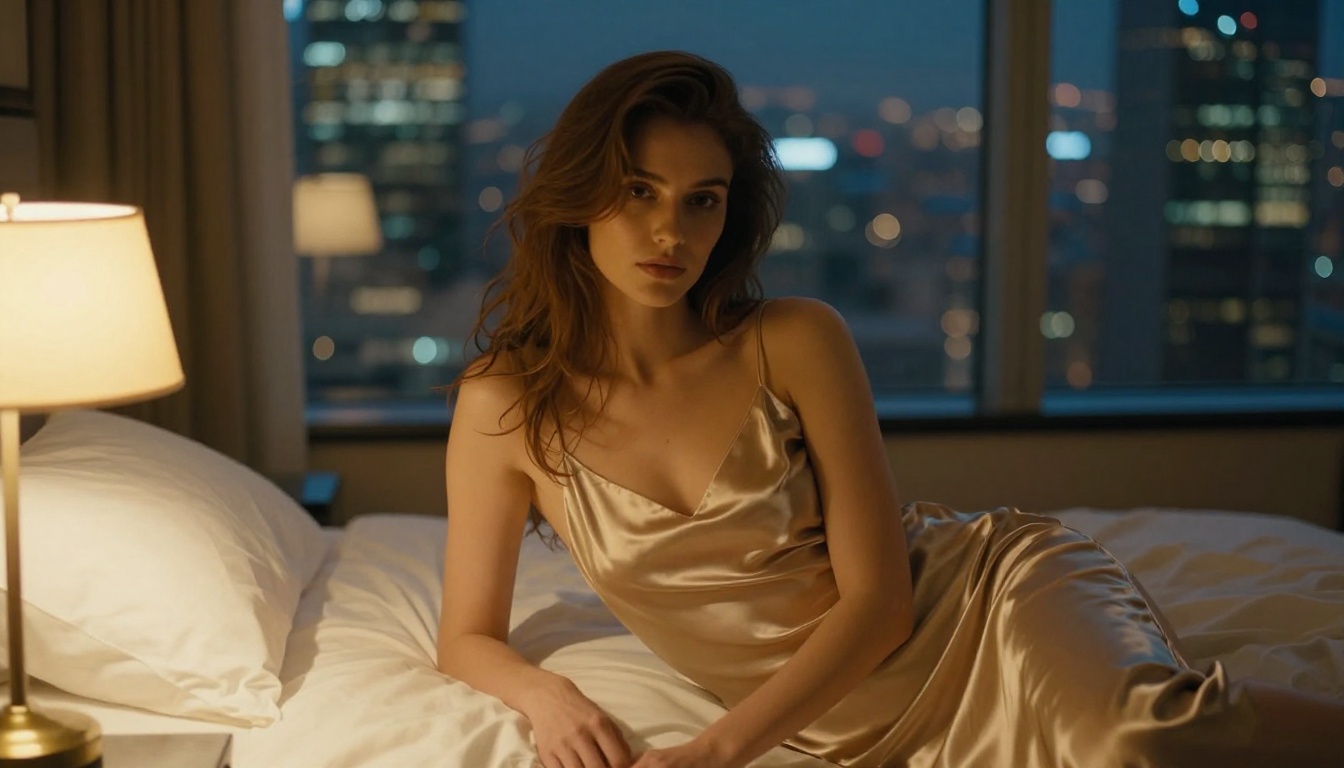
DreamShaper XL Turbo is a fan-favorite for blending realism with a painterly cinematic aesthetic. Characters have a soft, deliberate quality — less raw than Realistic Vision but with superior handling of dramatic lighting and mood.
Proteus v0.3 is tuned for anime and semi-realistic styles. If your target look sits somewhere between illustrated and photographic, this is a reliable free option with strong character consistency.
Seedream 4 from ByteDance delivers impressive detail at ultra-high resolution with a clean, modern aesthetic that bridges realistic and stylized output effectively.
Fast Generation on a Budget
Speed matters when you're iterating through prompt variations. These models generate in seconds:
Flux Schnell is built for speed. It generates in 4 diffusion steps versus the 20-50 of standard models. Quality drops somewhat compared to Flux Dev, but for rapid prompt testing before committing to a longer generation, it's invaluable as a free iteration tool.
SDXL Lightning 4Step from ByteDance applies the same 4-step distillation approach to SDXL, making it one of the fastest options with still-respectable output quality for exploratory work.
How to Use Free Models on PicassoIA
PicassoIA gives you access to all the models listed above through a single interface. No juggling separate platforms, no separate accounts per model. Here is exactly how to use it.
Step 1: Choose Your Model
Head to the text-to-image section on PicassoIA. For NSFW content, start with Realistic Vision v5.1 if you want photographic output, or DreamShaper XL Turbo if you prefer a cinematic, stylized look. For rapid iteration, use Flux Schnell first to test prompt variations, then switch to Flux Dev for your final output.
💡 Tip: Models with "Turbo" or "Schnell" in the name trade some quality for speed. Use them for exploration, not for final results you'll actually use.
Step 2: Write a Prompt That Works
Prompt quality is the single biggest factor in output quality, regardless of which model you choose. A strong prompt for NSFW content follows this structure:
[Subject + pose/expression] + [clothing description] + [environment] + [lighting direction and quality] + [camera lens] + [film stock/style modifiers]
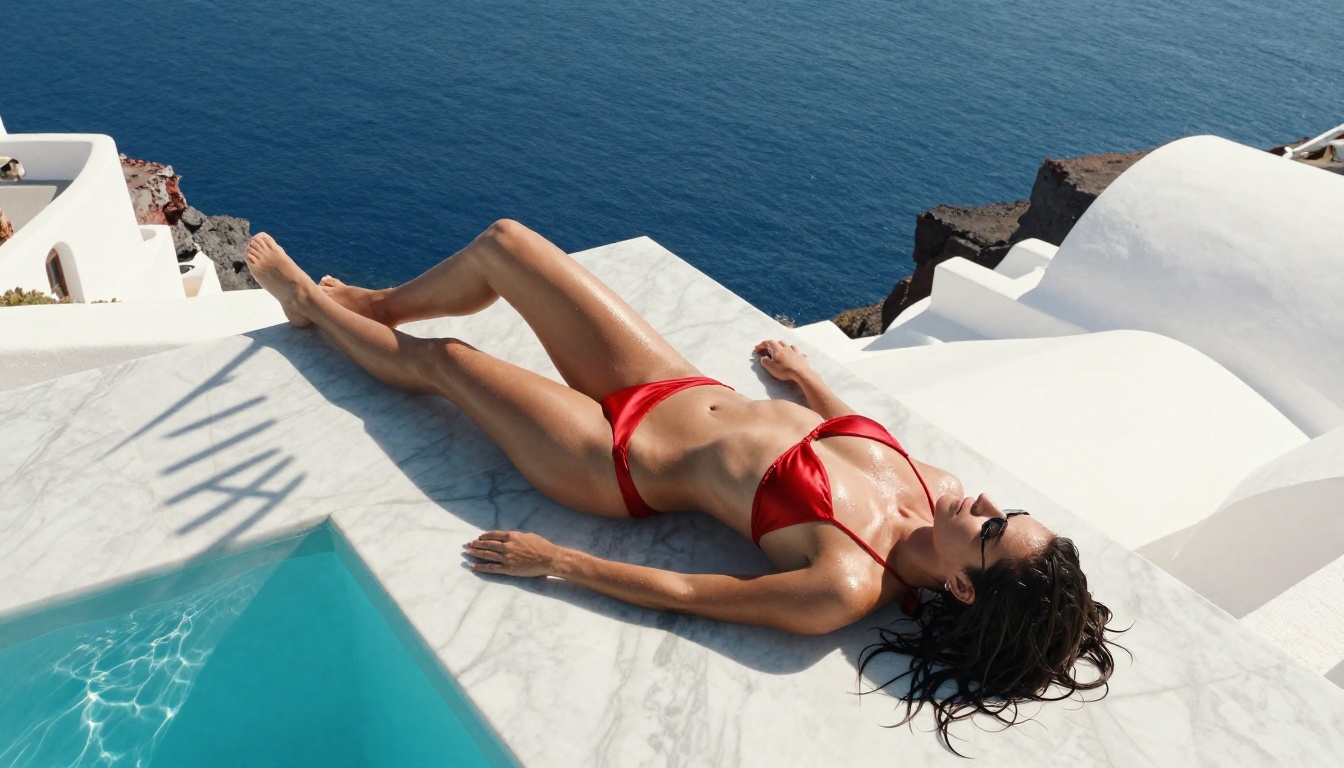
A practical example: "A woman in a white lace bodysuit sitting on the edge of a marble bathtub, wet skin reflecting warm candlelight from the left, shot from a low angle with an 85mm lens, shallow depth of field, Kodak Portra 400, photorealistic, 8K"
That prompt gives the model everything it needs: subject, material, setting, light source with direction, optics, and quality cue. It leaves nothing ambiguous for the model to invent poorly.
Step 3: Generate and Download
Once you have your output, download directly. No watermarks. No paid removal step. What you generate is yours without an upgrade screen appearing between you and your file.
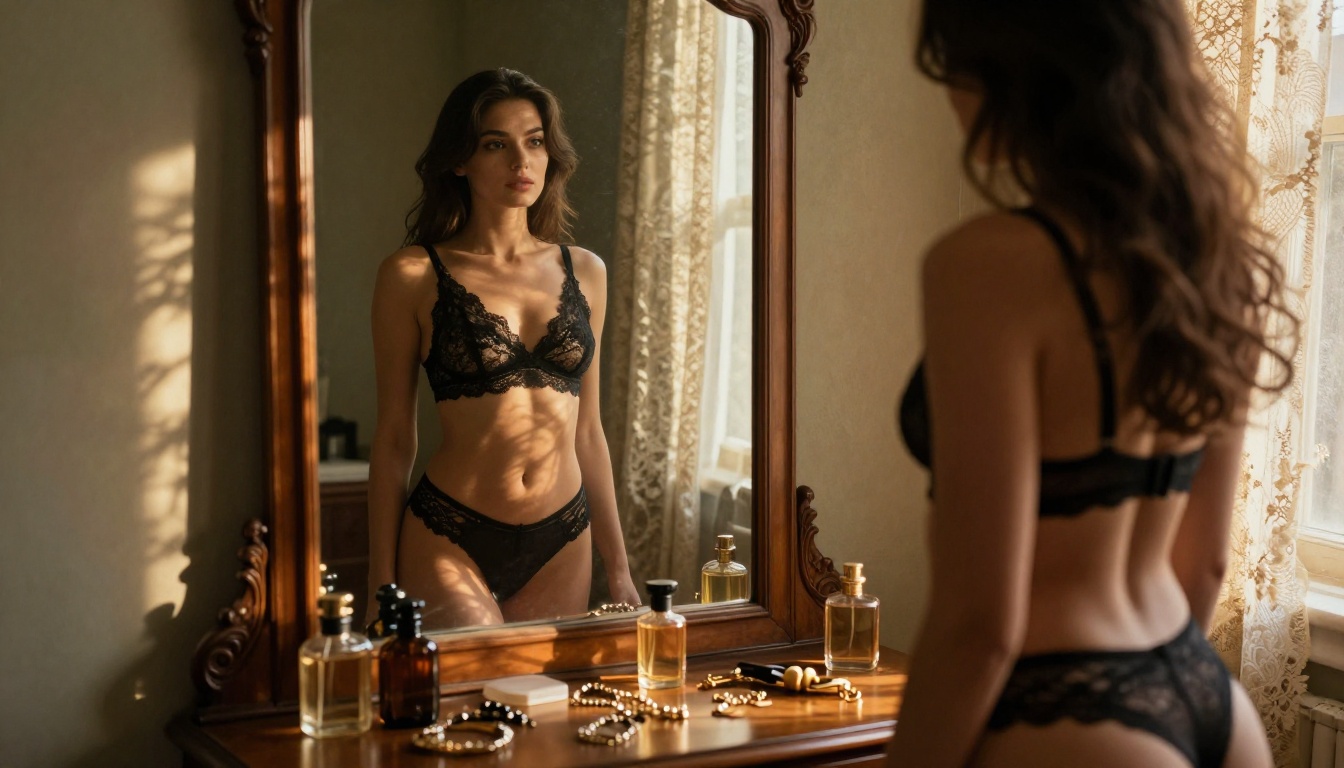
Free vs. Paid Output: The Real Gap
Honesty matters here. Free models produce excellent results, but real differences exist between free-tier access and premium models. The question is whether those differences matter for your specific use case.
Quality Comparison
When Free Is Enough
For personal use, concept testing, or creative exploration, free models cover the full spectrum of what most people actually need. The gap only becomes meaningful in two scenarios: when you need ultra-high-resolution output for print or large screen display, and when you're generating high volumes in a single session. For anything else, Flux Dev or Realistic Vision v5.1 are genuinely more than enough.
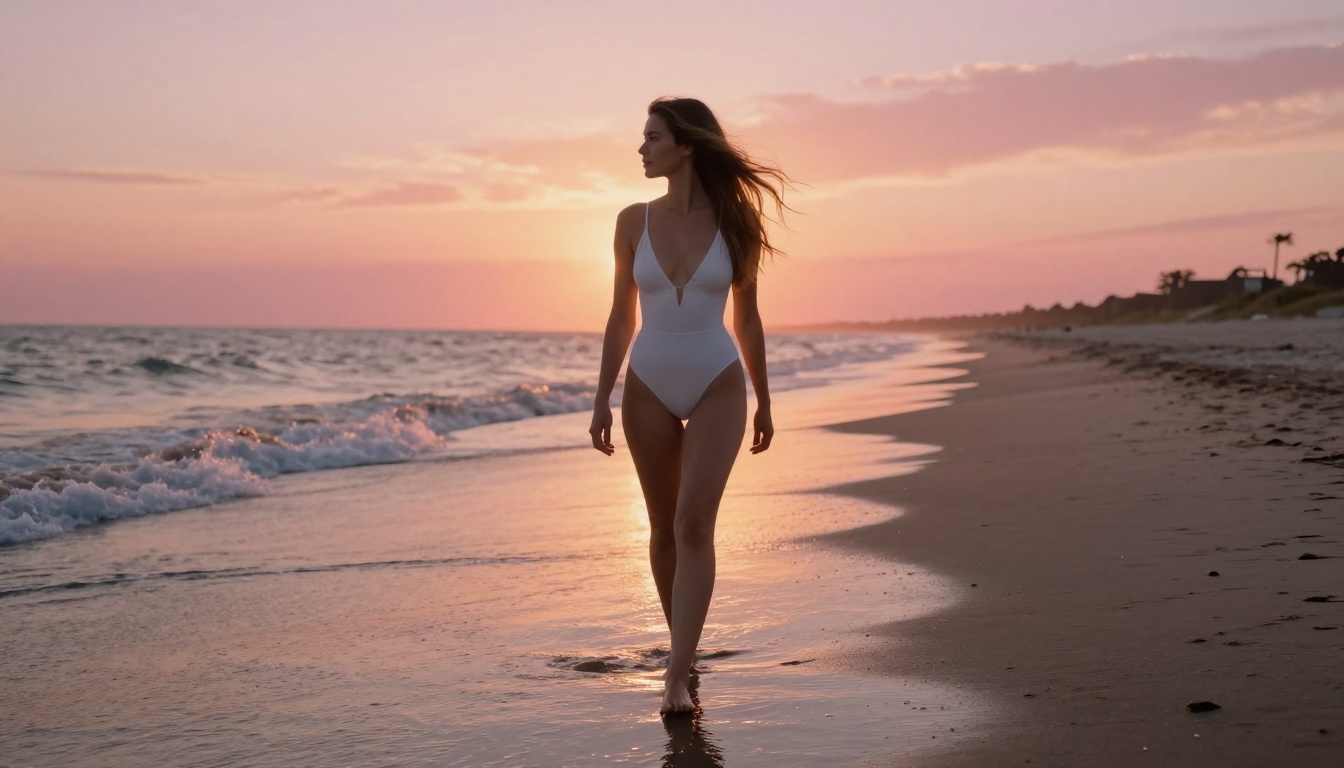
Prompts That Get Results
Knowing which models are free is only half the equation. Prompt writing determines whether you get something worthwhile or a generic, anatomically questionable mess.
What Works for Realistic NSFW Content
The most reliable prompts for photorealistic content share three qualities: specificity, physicality, and lighting direction.
Specificity means describing exact clothing, pose, and expression rather than leaving it vague. "Wearing a sheer white bodysuit, seated sideways with arms crossed" beats "wearing something revealing, sitting" every single time.
Physicality means describing textures and materials. "Wet skin with water droplets catching sidelight" tells the model exactly what surface quality to render. "Sheer lace with visible seams and slight stretch" gives it fabric structure to work from.
Lighting direction is the most overlooked element by new users. Specify direction (left, right, above, behind), color temperature (warm amber, cool blue-white), and quality (soft diffused, sharp directional, volumetric). Models render lighting based on what you describe, so if you don't describe it, they invent it, usually in the most generic way possible.
💡 Callout: Always include a camera lens specification in your prompt. "Shot with an 85mm f/1.4 lens" signals shallow depth of field and portrait framing to the model, dramatically improving composition on human subjects.
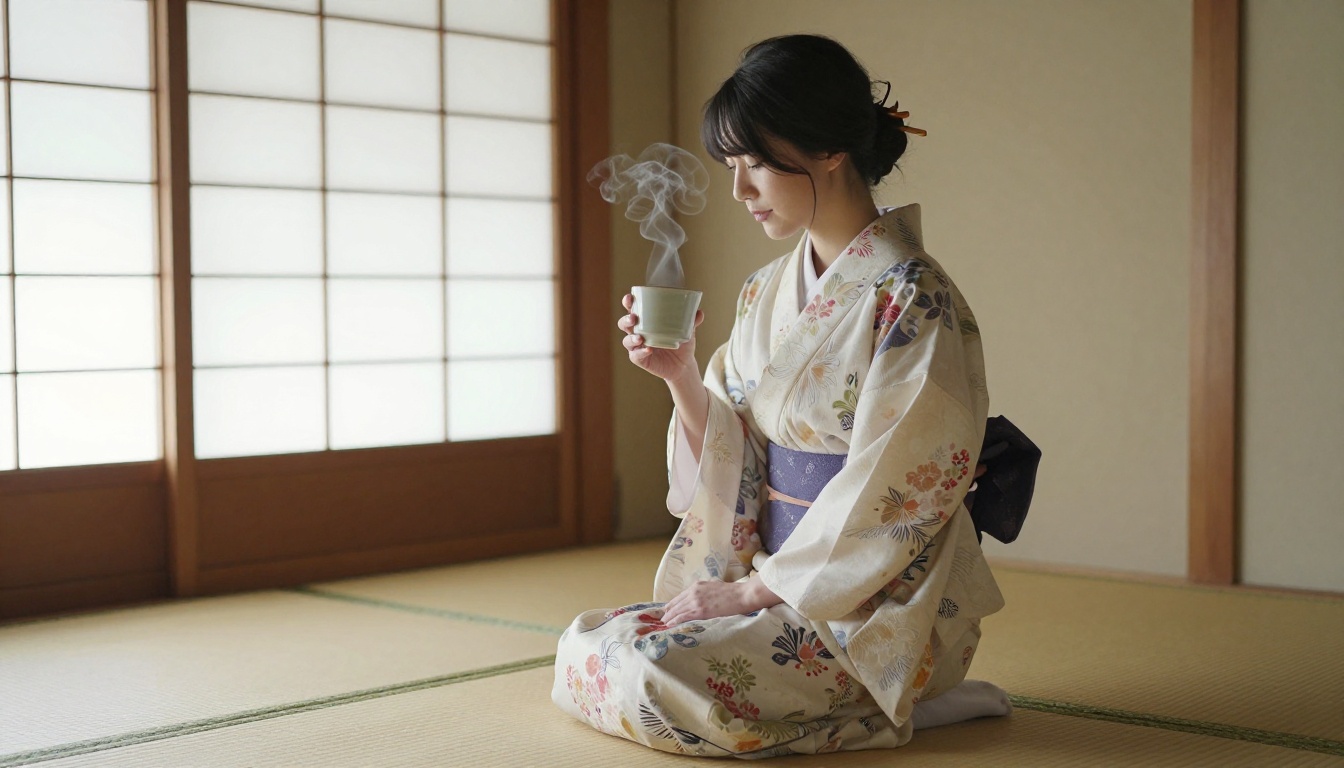
Common Prompt Mistakes
These consistently produce failed generations:
- Skipping negative prompts: On models that support them, always add negatives. "Blurry, watermark, text, deformed hands, extra fingers, bad anatomy" saves you from the most common failures.
- Relying on mood words alone: "Sexy" is not a visual instruction. Describe what you actually want to see in the frame.
- Ignoring aspect ratio: Full-body shots look better in 9:16 portrait. Environmental compositions work better in 16:9. Default square output often crops the subject badly.
- Over-prompting: A 200-word prompt often performs worse than a focused 60-word one. Every instruction competes for the model's attention budget, and longer prompts can cause the model to ignore your most important elements.
Models Built for Specific Looks
Different models have different training DNA. Choosing the right one for your intended aesthetic matters more than most people starting out realize.
High Realism
For maximum photographic accuracy:
p-image from PrunaAI is a fast, accessible model with clean output and strong prompt adherence. It generates realistic human figures reliably with minimal post-processing needed, making it a strong default for anyone starting without a clear model preference.
Stable Diffusion 3.5 Large represents the peak of Stability AI's development work. The large variant produces superior detail in complex scenes with multiple elements, and handles fabric, skin texture, and environmental integration better than older SD versions.
Flux 2 Dev handles difficult poses and environmental integration with noticeably better results than its predecessor. When Flux Dev struggles with unusual angles or complex backgrounds, Flux 2 Dev typically handles them correctly on the first attempt.
Stylized and Cinematic
For content that prioritizes mood and aesthetic over raw photographic realism:
DreamShaper XL Turbo continues to be one of the best stylized models available without cost. Its training gives it a cinematic quality that makes even simple compositions look deliberately framed and intentional.
Latent Consistency Model uses consistency distillation to generate high-quality images in very few steps. The output has a slightly painterly quality that works particularly well for atmospheric, mood-driven scenes where clinical photographic sharpness would actually hurt the final image.
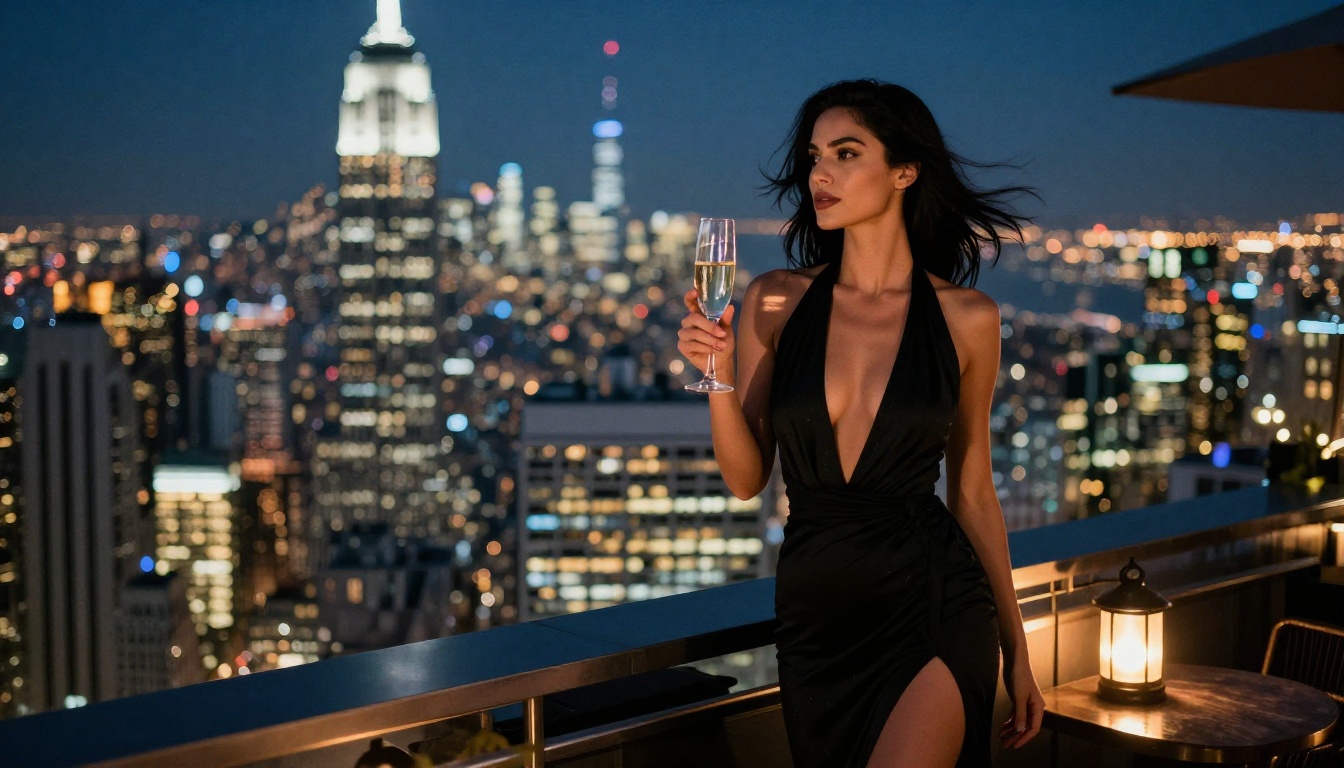
Try It Yourself Right Now
If you've been reading this and mentally composing a prompt, stop planning and start generating. Every model listed in this article is accessible through PicassoIA, in one place, without platform-jumping or managing separate accounts for each model family.
The best way to figure out which free model fits your creative style is to run the same prompt through three different ones and compare directly. Use Flux Schnell for a fast first draft. Try Realistic Vision v5.1 if you want raw photographic accuracy. Run DreamShaper XL Turbo if you want the cinematic version of that same concept.
You'll know within three generations which one matches your vision. That is the entire point: real free access means you can actually explore, experiment, and iterate without a timer counting down your credits.
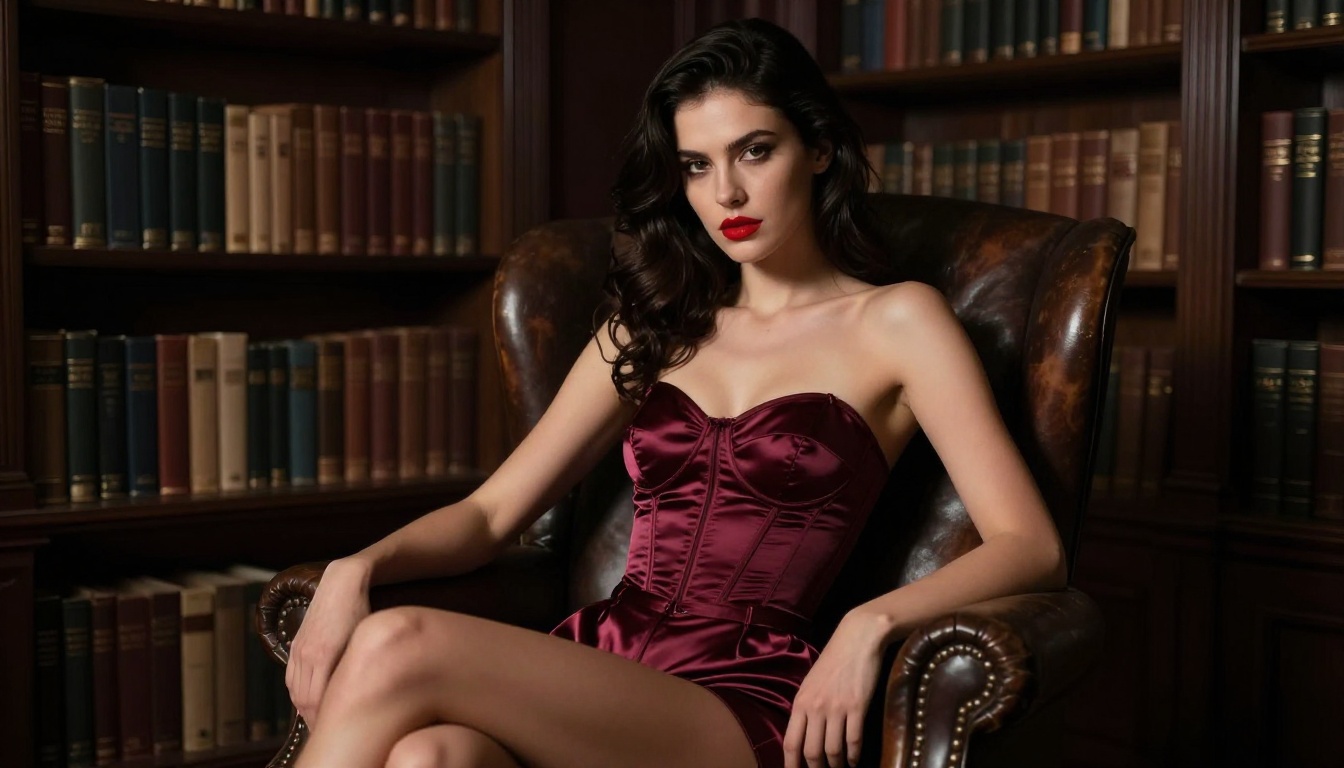
PicassoIA puts 90+ text-to-image models in one place, many of them genuinely free to use, with no watermarks and no paywall surprises mid-session. If you have been stuck on platforms that promise free and deliver a demo, it's worth trying something that actually means it. Pick a model, write a specific prompt, and generate. The first image is waiting for you.


