You open a "free" adult chatbot, type three messages, ask for a photo, and a pop-up asks for $14.99. Sound familiar? That is the usual loop with a free NSFW chatbot with image generation: the chat feels free, the pictures are the product, and the paywall sits exactly where you want to go next.
This article sorts out what is actually free, what the limits look like in practice, what you will pay when you outgrow them, and a cheaper route if all you really want is good images. Prices and tiers change often, so treat the numbers below as a snapshot and check each pricing page before you pay.
What "Free" Really Means Here
Most companion and character chat sites run on the same freemium formula. You get a taste, then a meter starts running. Before comparing any names, it helps to know the five levers these platforms pull.
The five limits you will hit
- Message caps: a daily or hourly number of chat replies, after which the bot goes quiet or slows down.
- Image credits: a small pool of generations, sometimes refilled daily, sometimes one time only.
- Resolution and blur: free images may be smaller, watermarked, or shown blurred until you upgrade.
- Memory and model quality: the best chat model and long memory are usually saved for paying members.
- Content filters: "NSFW" on a landing page can still mean a heavily filtered free tier.

💡 Quick test: before you invest time building a character, send one image request in your first five minutes. If the answer is a credit prompt, you know the real free allowance.
Chat is cheap, images are not
A text reply costs a platform a fraction of a cent. An image costs far more in GPU time. That is why almost every service lets you chat for a while and charges for pictures. It also explains why a "free" tier that includes a handful of images is usually capped hard, and why the paid plan is the one that mentions "unlimited" in bold.
Online Options and Their Limits
Here is a realistic snapshot of the better known names, based on what reviewers and the services themselves report. None of these figures are guaranteed, and several change monthly.
| Service | Free tier | Typical paid entry | Image notes |
|---|
| Candy AI | Limited free chat | Around $14.99 per month | Images inside chat, quality varies by plan |
| OurDream AI | Ongoing free tier with daily limits | Around $9.99 per month | Standard resolution on free, more on paid |
| CrushOn AI | Free chat with quotas | Subscription tiers | Text to image only, no photo uploads |
| Nastia | Trial style access | Not clearly stated | Adult image focus, storage practices worth checking |
Candy AI
Candy AI is one of the most visible names in the category. The free experience is a short sample: you can meet a character and chat, but photo requests and longer sessions lean on a premium plan. Reviewers describe the premium price as around fifteen dollars a month and point out that chat quality can be inconsistent and that character variety is limited compared with open platforms.
OurDream AI
OurDream AI is often listed as the friendlier option for people who refuse to pay on day one. Reports describe a free tier that does not expire, with daily generation limits and standard resolution. Paid plans are reported to start near ten dollars a month. The daily reset is the useful part: you can test seriously before deciding.
CrushOn AI
CrushOn AI builds image generation straight into the conversation. The trade-off, according to recent reviews, is that it only generates from text prompts. You cannot upload your own photo and ask for changes. If you want edits, variations or a consistent look from a reference, that is a real limitation.
Nastia and smaller apps
Smaller apps appear every month, many with unclear pricing and unclear data handling. When a site does not state what it stores, assume it stores everything. We will come back to that in the privacy section.
The Real Cost of Free
A zero dollar sign on the front page rarely stays zero. Here is how the spending usually unfolds.
Subscriptions add up
Most plans sit between roughly $10 and $30 per month, billed monthly or discounted for a year. Add a second site because the first one handles chat well but images poorly, and you are at fifty dollars a month without noticing.
Credits and add-ons
Many services use a two layer system: a subscription for chat plus a separate credit pack for images or voice. Credits typically do not roll over, so a busy month is expensive and a slow month wastes money.
Annual billing traps
Yearly discounts look generous, but refunds are rare. If you have not run the service for at least a week of real use, stay on monthly billing.
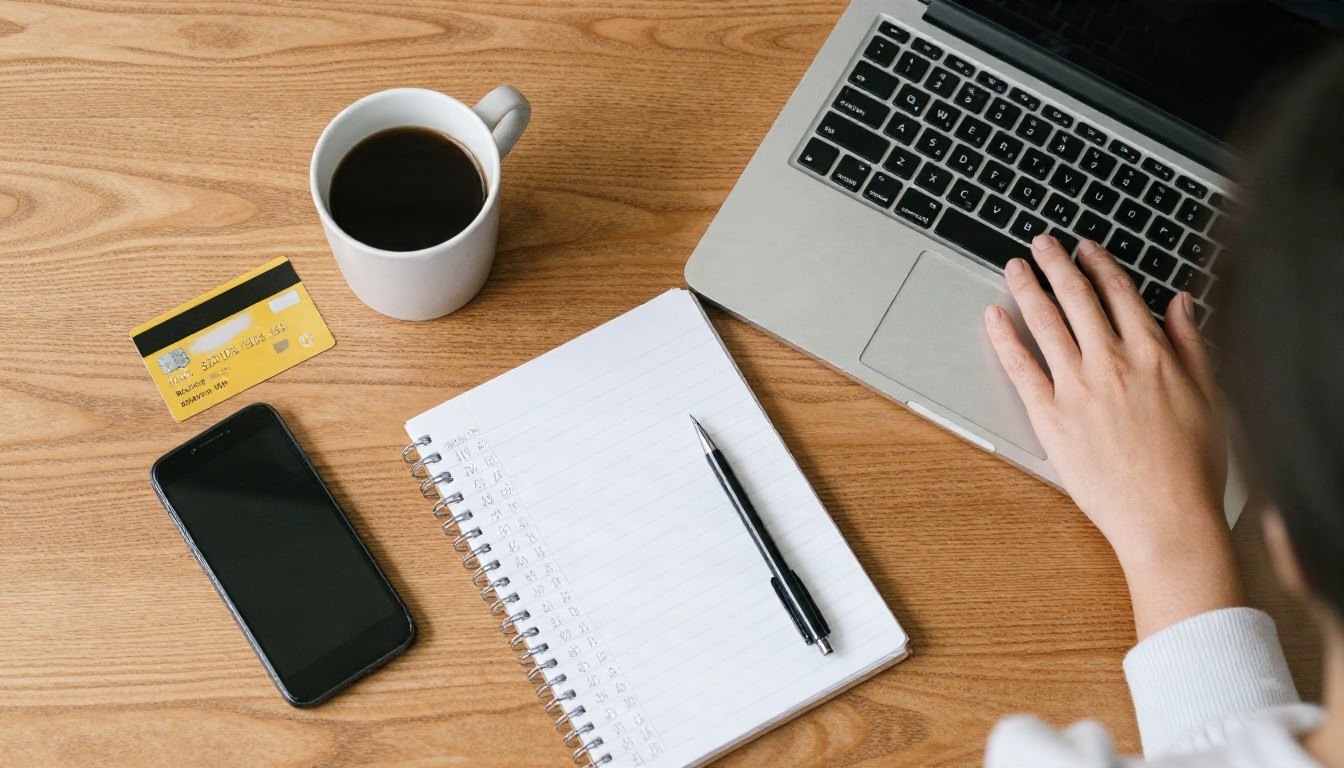
💡 Budget rule: set a monthly ceiling before signing up, and use a virtual or single-use card if your bank offers one. Cancelling is easier when the card simply stops working.
Why Chat and Images Work Better Apart
The bundled approach has a hidden flaw: the chat model and the image model are chosen by the platform, not by you. If the pictures look plastic, the faces drift from message to message, or the filter blocks half your ideas, you cannot swap in a better engine.
Consistency is the weak point
Ask a bundled bot for "the same character on a beach" and you often get a different face. Dedicated image models handle this better when you give them a reference photo and edit instead of regenerating from scratch.
Separate tools, better control
Splitting the job gives you freedom:
- Write the character and story with a chat model.
- Generate the visuals with an image model you choose.
- Edit and refine the result until it matches your idea.
That workflow costs less, gives you more control over style, and avoids locking your creative work inside a single subscription.
Privacy and Safety Checks
Adult chats are personal. Treat them that way.
What to check before signing up
- Data retention: does the service say how long chats and images are stored?
- Account deletion: can you remove everything, or only deactivate?
- Payment descriptor: what name appears on your bank statement?
- Age verification: reputable services check that users are adults and block anything involving minors. Skip any that do not.
Staying within the rules
Only create images of fictional adults or of yourself. Never generate images of real people without consent, and never anything involving minors. Reputable platforms enforce this, and so should you.
Skip the Paywall With These Models
If images are what you came for, you do not need a chatbot subscription at all. PicassoIA gives you direct access to image models, so you pick the engine and keep the output.
Seedream 4.5 first
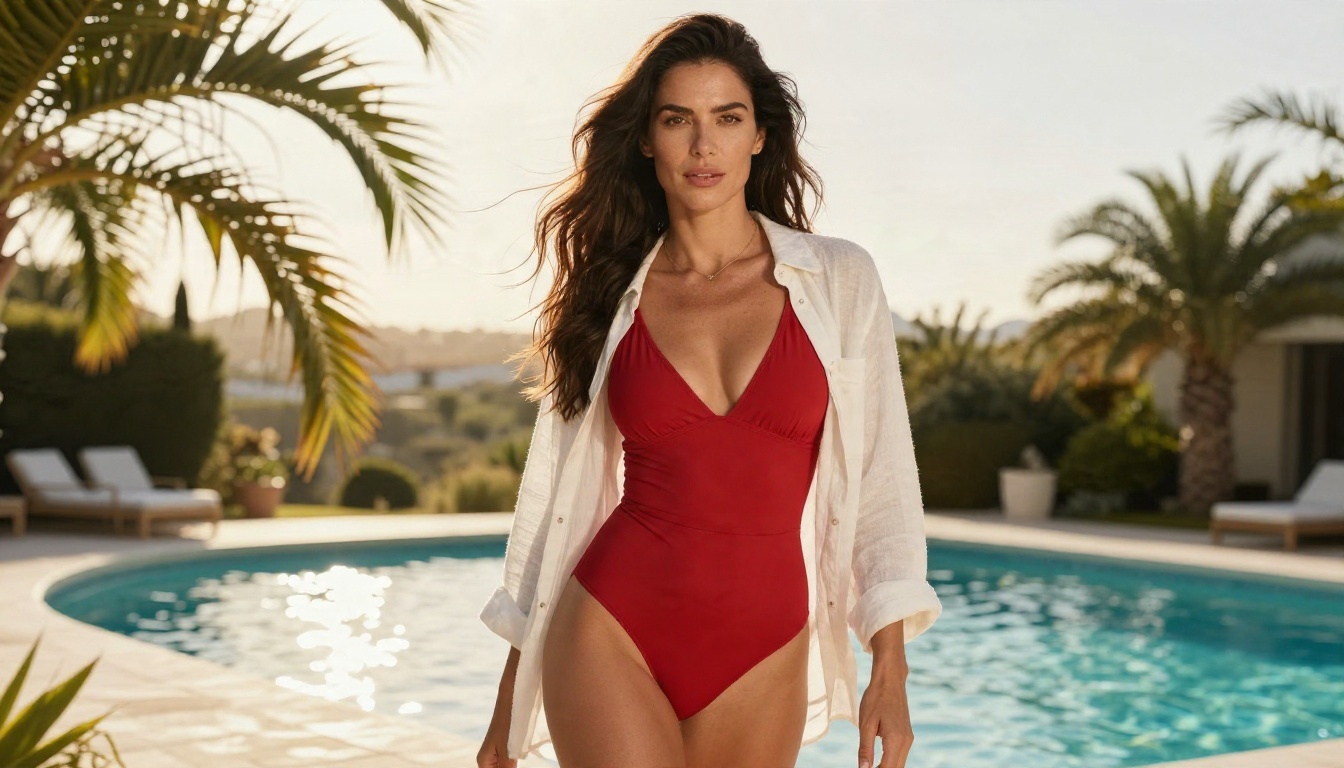
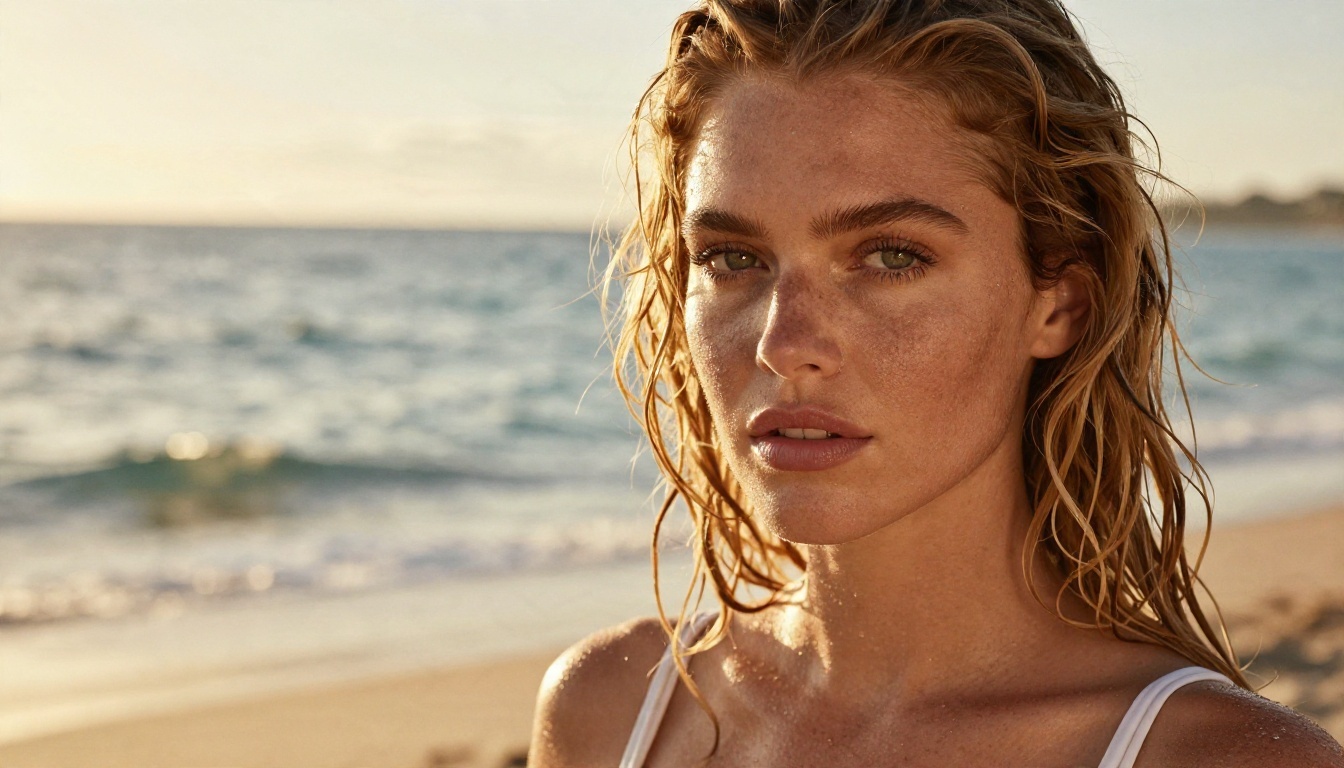
Seedream 4.5 is the model to start with. It produces sharp, photorealistic skin, fabric and lighting, handles glamour and swimwear shots without the blur-until-you-pay trick, and returns results quickly. For tasteful, suggestive, non-explicit adult imagery such as bikini, lingerie and boudoir style photography, it is the strongest default.
PicassoIA Image Editor Pro for unlimited runs
PicassoIA Image Editor Pro is built for repeated edits with unlimited generations. Upload a photo, change the outfit, background or lighting, and run it again as many times as you need. That fixes the consistency problem that chat bots struggle with, and nothing is rationed by a credit counter.
More models worth testing
| Model | Best for | Link |
|---|
| Seedream 4.5 | Photorealistic glamour portraits | Open model |
| Image Editor Pro | Unlimited edits from a reference | Open model |
| Z Image Turbo | Very fast drafts | Open model |
| Flux 2 Klein 9B Base LoRA | Styled looks with LoRA support | Open model |
💡 Speed tip: draft ideas on Z Image Turbo, then run your favorite prompt on Seedream 4.5 for the final version.
How to Use Seedream 4.5
Here is the short workflow I use for adult glamour photography that stays on the right side of the line.
Step 1: Open the model
Go to the Seedream 4.5 page on PicassoIA and open the generator.
Step 2: Write a photographic prompt
Describe the subject, the setting, the light and the camera. Photography language works better than adjectives. A sample prompt:
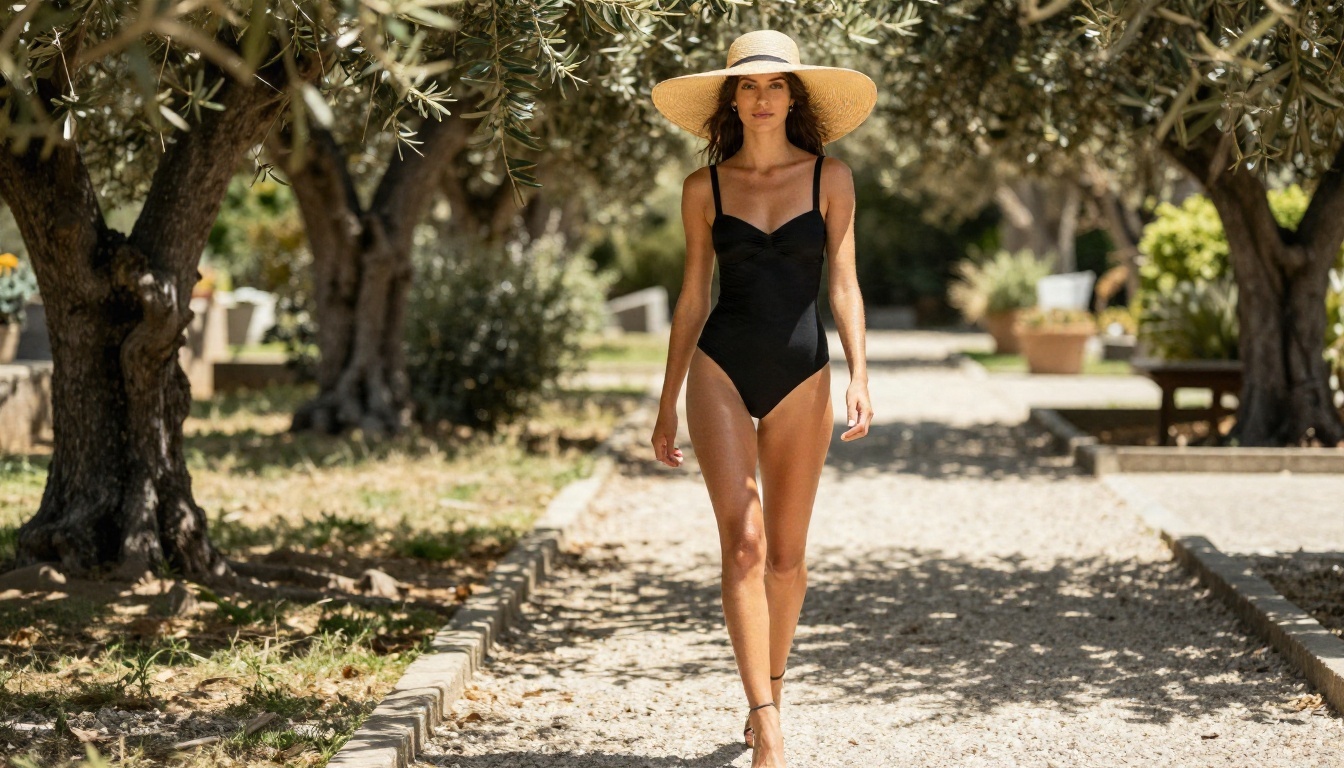
"Adult woman in a black one-piece swimsuit walking through a sunlit garden, dappled light from above left, 70mm lens, shallow depth of field, natural skin texture, film grain."
Step 3: Set the format
Choose 16:9 for landscape scenes or 3:4 for portrait shots. Pick the highest resolution offered if you plan to print or crop.
Step 4: Generate, then refine
Run a few variations. When one is close, send it into Image Editor Pro to adjust clothing, background or light without losing the face.
Prompt tips that save credits
- Name the lens and light: "85mm, soft window light from the left" beats "beautiful lighting".
- Add skin and fabric detail: "visible pores, satin highlights, lace texture".
- Keep it tasteful: suggestive styling such as bikinis and lingerie is easier to generate and easier to share.
- Change one thing at a time: edit the outfit, then the background, then the pose.
Using a Chat Model for the Story
You can still have the conversation. PicassoIA also hosts language models, which are useful for writing character backstories, scene descriptions and prompts that you then send to an image model.
Which chat model to pick
These assistants apply their own safety rules, so use them for non-explicit descriptions and let the image models handle the visuals.
Which Option Fits You
Your best choice depends on what you value most.
If you want conversation first
A bundled companion app such as Candy AI, OurDream AI or CrushOn AI makes sense. Start on the free tier, test image requests early, and keep billing monthly.
If you want images first
Skip the chatbot wrapper. Use Seedream 4.5 for new images and Image Editor Pro for unlimited edits. You will spend less and keep more control.
If you want both
Combine them: write the story with a chat model, create the visuals on PicassoIA, and keep everything in your own files.
Quick decision table
| Priority | Best route | Typical cost |
|---|
| Roleplay chat with occasional pictures | Bundled companion app | Free to about $15 per month |
| High quality glamour images | Seedream 4.5 | Per image, no chat subscription |
| Repeated edits, same face | Image Editor Pro | Unlimited generations |
| Story and prompt writing | Chat model on PicassoIA | Light usage |
Start Creating Your Own Images
You do not have to rent a chatbot to get beautiful adult imagery. Open Seedream 4.5, write one photographic prompt, and see how far a single sentence can go. Then take your best result into PicassoIA Image Editor Pro and refine it as many times as you like, with no credit counter ticking in the corner.
Want to try other engines? Browse the full catalog at picassoia.com/en/all-models, pick a model, and experiment. The more specific your prompt, the better your result.


