Free video generation is no longer exotic. Dozens of platforms now hand you AI-powered video creation at zero cost, and that raises an uncomfortable question: if free tools have gotten this good, what exactly are you paying for? The honest answer is more nuanced than most people expect. Free plans are genuinely useful in specific situations. Paid plans are genuinely transformative in others. The difference comes down to five concrete factors, and once you see them clearly, the upgrade decision stops feeling abstract.
This article puts both options side by side without sugarcoating either. You will see exactly what each tier delivers, where each one fails you, and how to figure out which one belongs in your workflow right now.
What Free Video Generators Actually Give You
Free tiers on AI video platforms exist for one reason: to show you what the product can do. Most platforms offering models like Kling v3 Video, LTX-2 Distilled, or Seedance-1-Lite follow the same structure. You get limited monthly credits, restricted resolution, and output that comes with strings attached.
That said, free access to AI video generation is a dramatic shift from even two years ago. For personal experimentation, low-stakes social content, and learning how to write effective video prompts, free tiers deliver real, tangible value. The question is whether the ceiling they impose matches where you are trying to go.
The Watermark Problem
Watermarks are the most visible sign of a free plan. They appear in two forms: visible overlays stamped directly onto the video frame during playback, and platform outro branding appended to the end of every clip. Visible watermarks are a hard stop for any commercial application. You cannot use watermarked footage in client work, product demos, brand partnerships, or professional social content without signaling immediately that you are using a free tool.
For casual creators sharing experiments on personal feeds, a watermark is a minor inconvenience. For anyone building income or brand reputation around video output, it is a non-starter that no workaround can fix.
Resolution and Export Caps
Free plans typically limit output to 480p or 720p resolution. At a time when Instagram recommends 1080p, YouTube defaults to HD, and TikTok renders at 1080x1920, footage at 480p stands out for the wrong reasons. Platforms that run premium models like Veo 3, Gen-4.5, or Sora-2 reserve their full-resolution outputs for paid subscribers.
Beyond resolution, export restrictions add further friction. Free users typically face:
- Monthly credit limits (often 5 to 20 videos depending on platform)
- Maximum clip length of 4 to 5 seconds per output
- No bulk download or API access
- Slower shared rendering queue with no priority
Where Free Plans Still Work
Despite these limits, free tiers are not a bad deal for the right user. They are genuinely the right choice when:
- You are testing whether a specific AI model matches your creative style
- You produce personal content where watermarks are not an issue
- You are a student or hobbyist with no content production budget
- You want to develop prompting skill before committing to a subscription
💡 Tip: Many platforms offer temporary access to newer flagship models on free tiers during launch windows. Use these windows strategically to test high-end model quality before those credits disappear.
What Changes When You Go Paid
The jump from free to paid is not just about removing a watermark. The entire output pipeline shifts, and the cumulative impact on video quality across every dimension is significant.
Output Quality You Can Actually See
Premium tiers unlock full-resolution generation at 1080p and above. With models like Kling v3 Omni Video or LTX-2.3-Pro, the difference between free and paid output is not subtle. Motion coherence holds across longer clips. Temporal consistency keeps subjects stable across frames. Color fidelity becomes noticeably richer and closer to what your prompt describes.
At 1080p and higher, fine details that smear in 720p become crisp: facial expressions, fabric texture, environmental depth, fine hair strands. This is not a marginal improvement. It is the difference between footage that reads as AI-generated and footage that feels cinematic.
Speed and Priority Rendering
Free plan jobs enter a shared rendering queue. During peak hours, a 5-second clip can take 10 to 15 minutes to complete. Paid subscribers typically receive:
- Priority queue access, typically rendering 3 to 5 times faster
- Longer clips per generation, often 10 to 30 seconds
- Concurrent job slots, running multiple generations simultaneously
- Faster turnaround on complex prompts with dense scene descriptions
For creators producing content at volume, that speed differential multiplies across every single project. What takes a free user an afternoon becomes a morning task on paid.
Commercial Rights
This is the most legally significant difference and the one most creators overlook until it is too late. Free plans typically grant personal use rights only. That means you cannot sell, license, or monetize video generated on a free tier without violating the platform's terms of service, regardless of whether the platform enforces it actively.
Paid plans grant commercial licenses covering:
- Client deliverables and agency productions
- YouTube monetized channels
- Product advertising and e-commerce content
- Brand partnership and sponsored social posts
If video content generates revenue in any form for your business, you need a paid plan with an explicit commercial license. There is no gray area on this point.
Free vs Paid: The Real Numbers
Here is a direct feature-by-feature breakdown of what typical free and paid AI video tiers deliver:
| Feature | Free Plan | Paid Plan |
|---|
| Resolution | 480p to 720p | 1080p to 4K |
| Watermarks | Yes, visible | No |
| Monthly credits | 5 to 20 videos | 100 to 500+ videos |
| Max clip length | 4 to 5 seconds | 10 to 30 seconds |
| Rendering queue | Standard (slow) | Priority (fast) |
| Commercial rights | Personal only | Full commercial |
| Concurrent jobs | 1 | 3 to 10 |
| Model access | Limited selection | All models |
| API access | No | Yes (higher tiers) |
| Storage retention | 7 to 30 days | Extended or unlimited |
| Export formats | Compressed MP4 | Full bitrate, multiple formats |
| Support | Community forum | Priority response |
The credit-to-cost math on most paid plans is better than it first appears. When you account for rendering speed, clip length, model quality, and commercial rights together, a $20 per month subscription typically delivers more than ten times the effective output value of a free plan.
Hidden Costs of Staying Free

Nobody talks about the real price of free tools: the time they consume. Staying on a free plan is not actually free when you factor in what you trade away in productivity.
Time You Do Not Get Back
Slow rendering queues compound fast. If you generate 20 videos per month and each one takes 10 minutes longer on a shared free queue compared to a paid priority queue, that is over three hours of waiting per month. Over a year, that is 36 hours, close to an entire working week spent watching progress bars. That time has a cost whether you price it or not.
Beyond queuing: hitting credit limits mid-project forces you to pause, switch platforms, or compromise on your creative vision. The context-switching cost from stopping and restarting work around artificial limits is real and chronically underestimated.
Storage and Download Walls
Free plans often cap cloud storage for generated videos. Clips auto-delete after 7 to 30 days if not manually downloaded. If you build a content library or need to reference older outputs for visual consistency across a project, free-tier deletion schedules become a genuine operational problem.
Many free plans also restrict download formats. Paid users export at full bitrate in H.264, H.265, or ProRes formats. Free users often receive compressed MP4 at reduced bitrate, which degrades further when re-encoded for upload to social platforms. You lose quality twice.
When Free Is the Smart Choice
There are specific situations where staying on a free plan is not just acceptable, it is the financially correct decision.
You are still in the testing phase. AI video generation is a skill that takes time to develop. Before spending credits on a paid tier, spend time learning what prompts produce reliable results. Every major model, from PixVerse v5.6 to Hailuo 2.3, behaves differently and rewards different prompting strategies.
Your production volume is low. If you produce one or two videos per week for personal use and never hit the monthly credit ceiling, upgrading adds nothing. You are already getting what you need.
No revenue is attached to the content. Personal YouTube channels below monetization thresholds, hobby projects, and private content do not need commercial rights. Free tiers cover these use cases fully.
You are evaluating a new platform. Before committing to any subscription, exhaust the free tier first. That is precisely what free tiers are designed for. Use them.
When Paid Pays for Itself
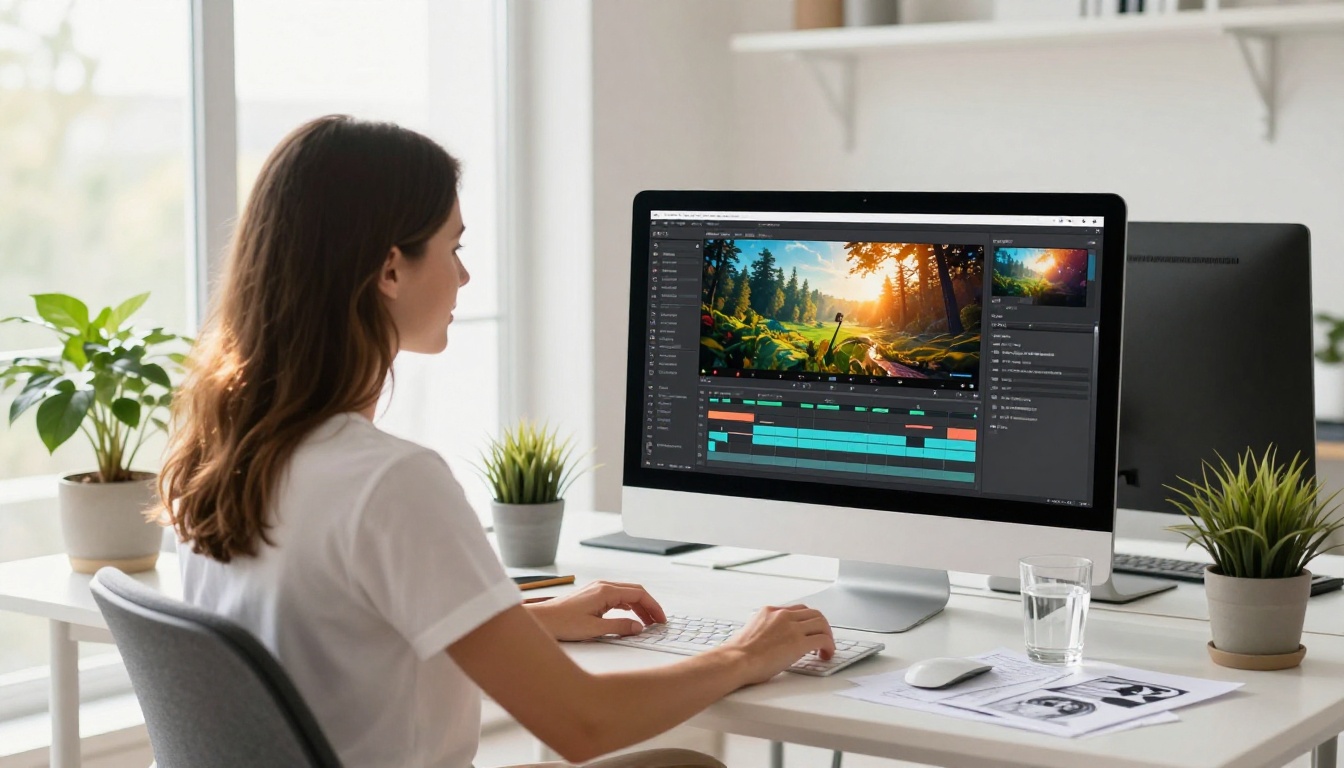
The upgrade becomes obvious once any of these apply to your situation.
You are selling or monetizing video content. One client project paying $200 covers most monthly subscriptions multiple times over. If video is a revenue-generating activity, the subscription is a business expense with a clear, measurable return.
You need watermark-free output consistently. Even one watermarked video appearing in a client deliverable or brand post is a credibility problem that costs far more than any subscription fee.
You produce content at volume. Social media managers, content agencies, and marketing teams generating more than 20 videos per month hit free credit ceilings immediately. Paid plans scale with professional output demands.
Rendering speed affects your deadlines. Daily posting schedules leave no room for multi-hour rendering queues. Priority access on paid plans is a workflow necessity for high-output creators, not a luxury.
💡 Tip: Most platforms offer monthly and annual billing. Annual subscriptions typically reduce cost by 20 to 40 percent. If you have validated through the free tier that a platform fits your workflow, switching to annual billing at that point almost always delivers the best value per credit.
How to Generate Videos with Kling v3 on PicassoIA
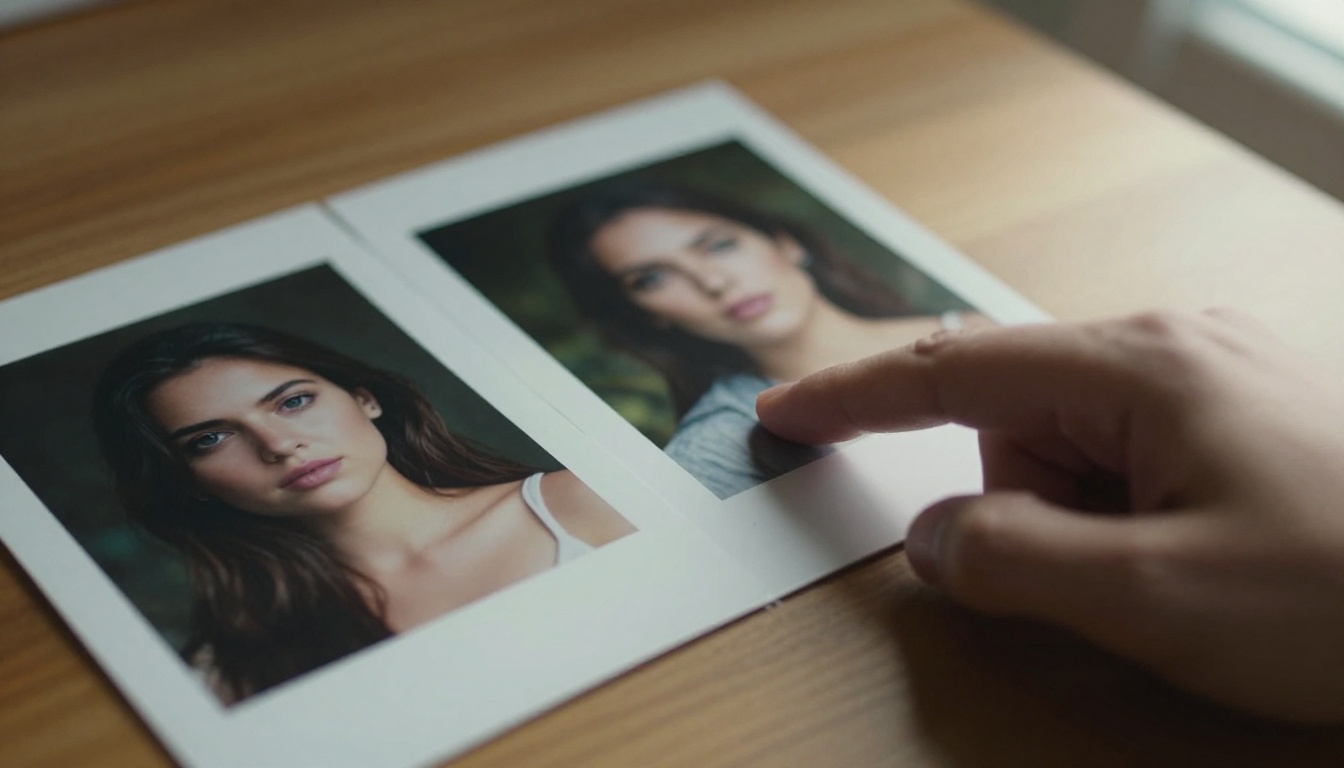
Kling v3 Video is one of the most consistent AI video models available right now. Here is how to get strong results from it:
Step 1: Open the model page. Go to Kling v3 Video on PicassoIA and select your preferred generation mode (text-to-video or image-to-video).
Step 2: Write a structured prompt. Kling v3 responds well to prompts that describe the subject, the action, the environment, and the camera behavior. For example: "A woman in a beige coat walks slowly through a foggy morning street, cinematic tracking shot, warm amber streetlights, film grain, 85mm lens". The more specific the movement and camera description, the more controlled the output.
Step 3: Set clip duration and aspect ratio. For social content, 9:16 vertical at 5 to 8 seconds works well. For cinematic or YouTube content, 16:9 at 8 to 10 seconds gives you more to work with in post-production.
Step 4: Review motion settings. Kling v3 allows you to control motion intensity. Lower values produce subtle camera movement and stable subjects. Higher values produce dynamic action. For product videos, keep motion moderate. For action or travel content, push it higher.
Step 5: Download and edit. On paid tiers, your output downloads at full resolution with no watermark, ready for direct upload or further editing. If you want to sharpen or upscale the output, run it through Video Increase Resolution before publishing.
For variation in motion style, Kling v3 Motion Control adds fine-grained camera path control over your generated clips.
Top AI Video Models Worth Knowing
Beyond Kling v3, the full roster of video models available covers every type of content need:
For cinematic, high-fidelity output: Veo 3 by Google produces visually dense scenes with strong physics simulation. Veo 3 Fast cuts generation time significantly. Sora-2 Pro from OpenAI pushes long-clip stability further than most models.
For fast, iterative creation: LTX-2.3-Fast from Lightricks is built for speed without sacrificing too much on detail. Wan 2.6 T2V is a reliable all-rounder with consistent prompt adherence. Seedance-1-Pro-Fast from ByteDance balances speed with quality effectively.
For post-processing and enhancement: Real-ESRGAN Video upscales and sharpens compressed or low-resolution clips. Modify Video from Luma applies style transfers and adjustments to existing footage without requiring full regeneration.
Start Generating Videos Now
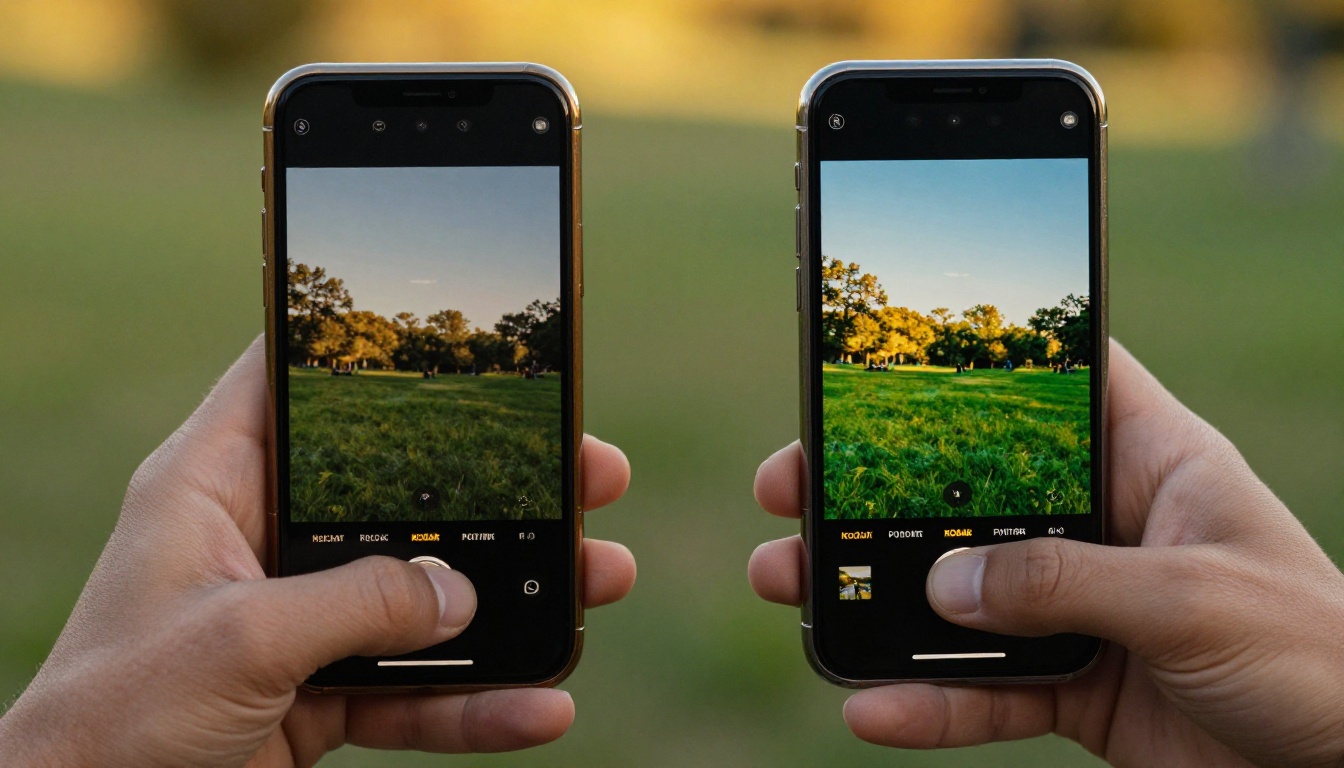
You do not need a paid plan to start. Pick any model from the list above, write a specific and detailed prompt, and run it on a free tier. Get your hands on real output before making any financial decision.
What you will notice almost immediately is that the quality of your prompt matters more than your tier. A well-structured, precise prompt on a free plan consistently outperforms a vague prompt on a premium plan. That prompting skill is worth building first, and free tiers are the right place to build it.
Once you hit the ceiling of what free access can deliver, you will feel it clearly. Watermarks on output you want to share. Resolution that looks flat on a modern display. Queues that disrupt your posting rhythm. At that point, the upgrade is not a debate. It becomes a practical, obvious next step.
The full range of AI video models, including Kling v3, Veo 3, Sora-2, Wan 2.6, LTX-2.3-Pro, and Gen-4.5, is ready to use. Start with one video. Write your best prompt. See what it produces. Then decide where you want to take it from there.


