You open two tabs, type the same sentence into both, and wait. One returns a handful of images in seconds. The other makes you wait a little longer, then shows a single picture with sharper lettering and a more literal reading of your idea. That small moment is the whole Gemini vs ChatGPT for Image Generation: Free Limits, Prompts and Examples debate in miniature, and the winner depends on what you need today, how many images you can afford to burn, and how much you care about text inside the picture.
This article puts both tools side by side. You will see what the free tiers realistically give you, where each one shines, which prompts work in both, and how to run the same engines in one place without worrying about a daily counter.
💡 Quick note on numbers: free limits at both companies change often, and reports from different outlets disagree. Treat every figure below as approximate and check the in-app message when you hit a cap.
The Short Answer First
If you want the verdict before the details, here it is.
| Question | Gemini | ChatGPT |
|---|
| Free daily images | Roughly 20 a day reported for the default model | A handful, and sometimes none, depending on the day |
| Images per prompt | Often several options at once | Usually one image per generation |
| Best for | Photo edits, quick variations, consistent faces | Text on images, layouts, long and precise prompts |
| Speed | Fast | Slower, especially on detailed prompts |
| Editing uploaded photos | Very strong | Strong, more literal |
| Free tier generosity | Higher | Lower |
Gemini is the better pick when volume and photo editing matter. ChatGPT is the better pick when a prompt has many parts, or when words need to be spelled correctly inside the image. Neither is universally better, and that is exactly why so many creators keep both open.
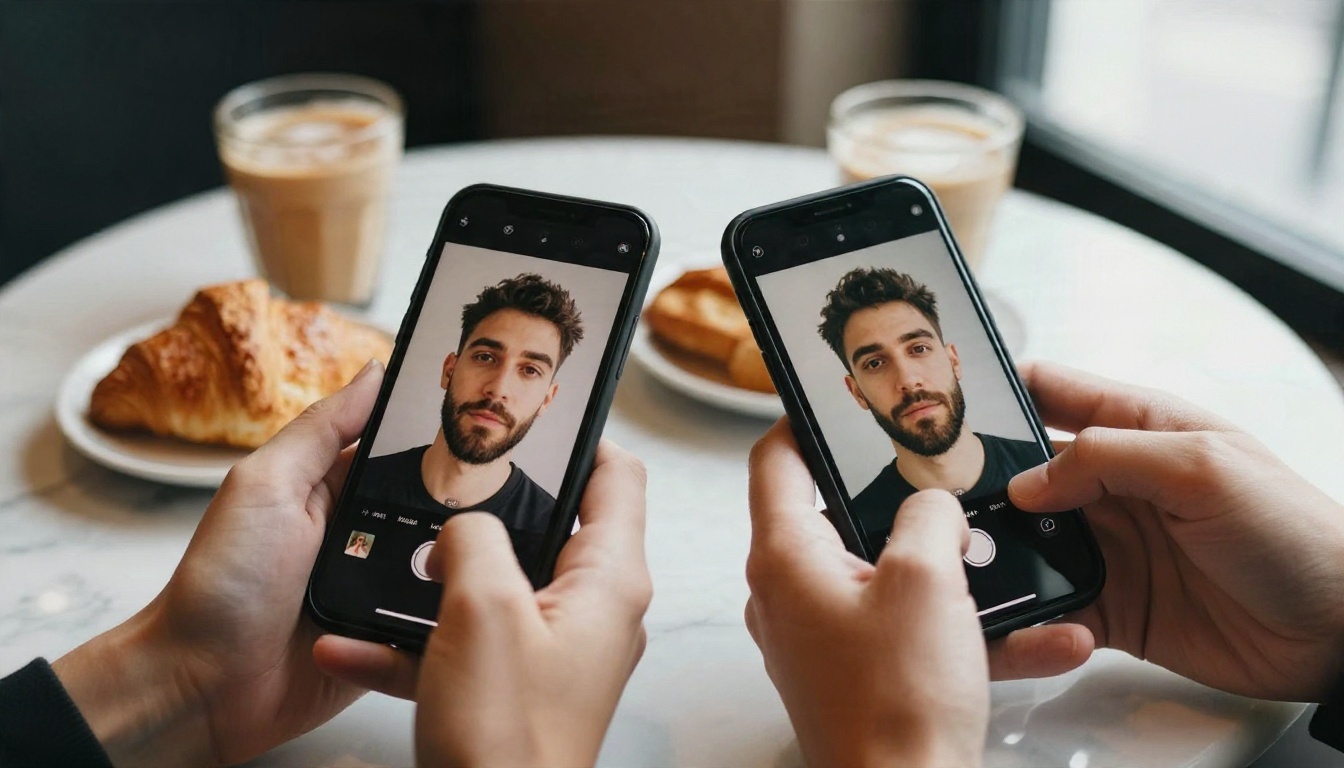
Free Limits Side by Side
This is the part people search for first, and it is also the part that changes fastest. Neither company treats a daily number as a promise, so think in ranges.

What Gemini Gives for Free
In the Gemini app, free users have recently been reported to get around 20 images a day with the default Nano Banana 2 model, at resolution up to roughly 1K. The heavier Pro tier of the same image family is far tighter on the free plan, with reports of only about 2 images a day. Google does not publish one fixed number, so the real cap can shift with demand and with your account.
A useful detail: Gemini often returns more than one candidate per prompt. That means a single request can feel like several, which stretches a small free allowance further than the raw count suggests.
What ChatGPT Gives for Free
ChatGPT is murkier. Older reports mention about two images a day for free users. Later estimates mention around five, though that figure was tied to an earlier image model. Some reviewers have even been told by ChatGPT itself that image creation is reserved for paid subscribers, who get a few dozen images a day. The current GPT Image 2 model has no clearly documented free limit in the sources reviewed.
The practical reading: ChatGPT is the stingier of the two on the free plan, and you should expect to hit a wall quickly if you iterate.
Why the Numbers Keep Moving
Three things push the limits around:
- Server demand. Launch weeks of a new image model usually come with tighter caps.
- Model choice. A lighter model gets a higher allowance than a heavier one.
- Account type. Free, Plus, Pro and Ultra plans each carry different ceilings.
💡 Tip: If you only need a few images a week, either free tier works. If you iterate on one idea ten or twenty times, the free caps will bite, and a pay per image or unlimited style platform makes more sense.
Where Gemini Wins
Gemini's image side is built on Google's Nano Banana family, and it has a clear personality: fast, forgiving and very good with photographs.
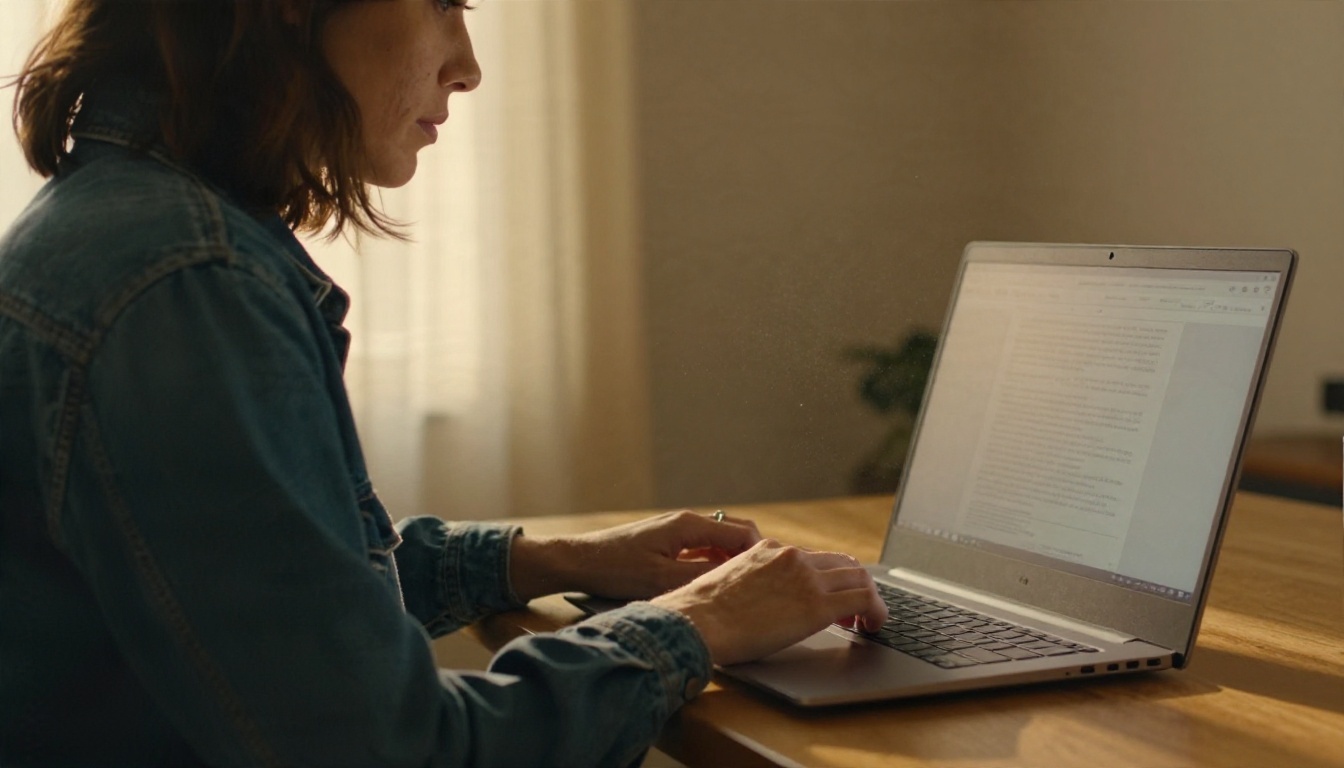
Photo Edits and Consistency
Upload a photo, say "change the jacket to dark green and keep everything else", and Gemini tends to leave the face, pose and background alone. That reliability with identity and lighting consistency is the main reason photographers like it. Swapping a background, adjusting clothing, adding an object or restyling a room all work well with short, plain instructions.
Speed and Batch Results
Fast generation changes how you work. When an image arrives in a few seconds, you try bolder ideas because a miss costs almost nothing. Getting several candidates per prompt also helps you spot which phrase in your prompt actually moved the result.
Where It Slips
- Long paragraphs of text inside an image can still come out with small spelling errors.
- Very complex scenes with many specific objects sometimes drop one of them.
- Free resolution is modest, so large prints need an upscale step.
Where ChatGPT Wins
ChatGPT's current image model, GPT Image 2, is the more literal and more deliberate of the two. It reads long prompts carefully and tends to honor every clause.
Text and Layouts
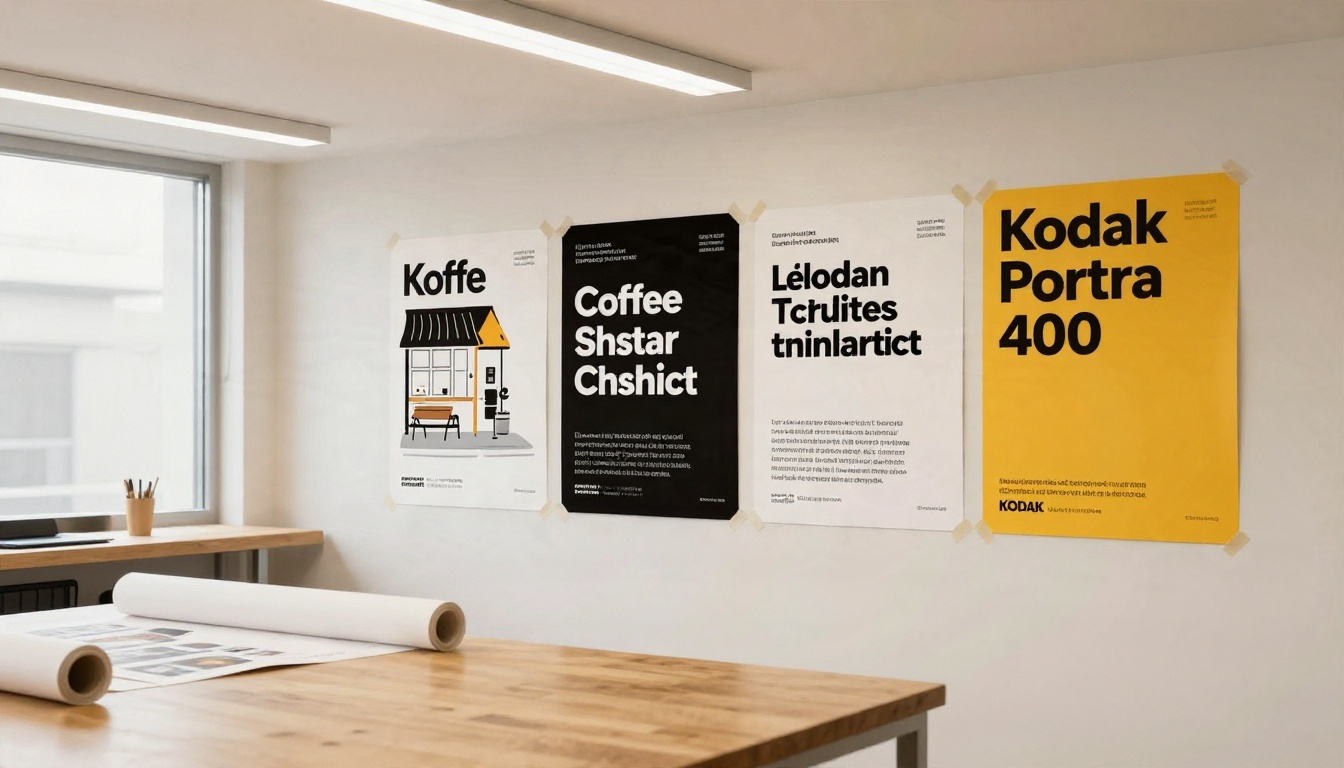
Need a storefront sign, a menu card, a book cover with a title, or a poster headline? ChatGPT is usually the safer bet for readable, correctly spelled text. It also handles structured layouts, such as infographics, labeled diagrams and multi panel compositions, with fewer collisions between elements.
Following Long Prompts
If your prompt reads like a brief with eight requirements, ChatGPT tends to check them off one by one. The conversational interface helps too: you can say "move the lamp to the left and make the sky warmer" and it understands the change in context.
Where It Slips
- The free tier is limited, so iteration gets expensive fast.
- Each generation is slower than Gemini's.
- Results sometimes feel a touch more polished and stylized than a natural photograph.
Prompts That Work in Both
The good news: both tools respond to the same basic recipe. Write like a photographer describing a shot, not like someone typing search keywords.
A Simple Prompt Formula
Use this order and you will rarely go wrong:
- Subject and action: who or what, doing what.
- Setting: where it happens, with two or three concrete details.
- Light: direction, time of day, softness.
- Camera: lens, angle and distance.
- Texture and mood: skin, fabric, film grain, atmosphere.
A prompt built this way might read: "A baker in a flour dusted apron slides a tray of croissants from a stone oven, small village bakery, soft morning light from a left window, 50mm lens at f/2, eye level, visible steam and flaky layers, warm film tones."
Five Prompts to Copy
Paste these as written, then swap the subject.
| Goal | Prompt |
|---|
| Portrait | A woman in her thirties laughing on a rooftop at sunset, warm side light, 85mm lens at f/1.8, natural skin texture, soft film grain |
| Product shot | A speckled ceramic mug of coffee on an oak table, window light from the left, 100mm macro lens, steam rising, shallow depth of field |
| Poster | A minimalist poster for a coffee shop with the headline "OPEN DAILY", cream background, bold black type, plenty of empty space |
| Landscape | A mountain lake at dawn with mist on the water, low golden light, wide 24mm lens, crisp foreground rocks |
| Edit | Keep the person and pose the same, change the background to a quiet library, soft indoor light |
💡 Tip: Put any words you want inside the image in quotation marks. Both tools treat quoted text as something to spell exactly, and ChatGPT is a bit more reliable at it.
Mistakes That Waste Credits
- Stacking too many styles. "Cinematic, vintage, modern, minimalist, rich" confuses every model.
- Vague light. "Nice lighting" gives you nothing. Name a direction and a time of day.
- Changing five things per revision. Change one detail at a time so you can tell what worked.
- Ignoring negatives. If you do not want text, say "no text" clearly.
Real Examples Compared
Reviewers who run the same prompts through both tools tend to describe the same pattern. The examples below show the kinds of subjects where the gap is easiest to see.
Portrait
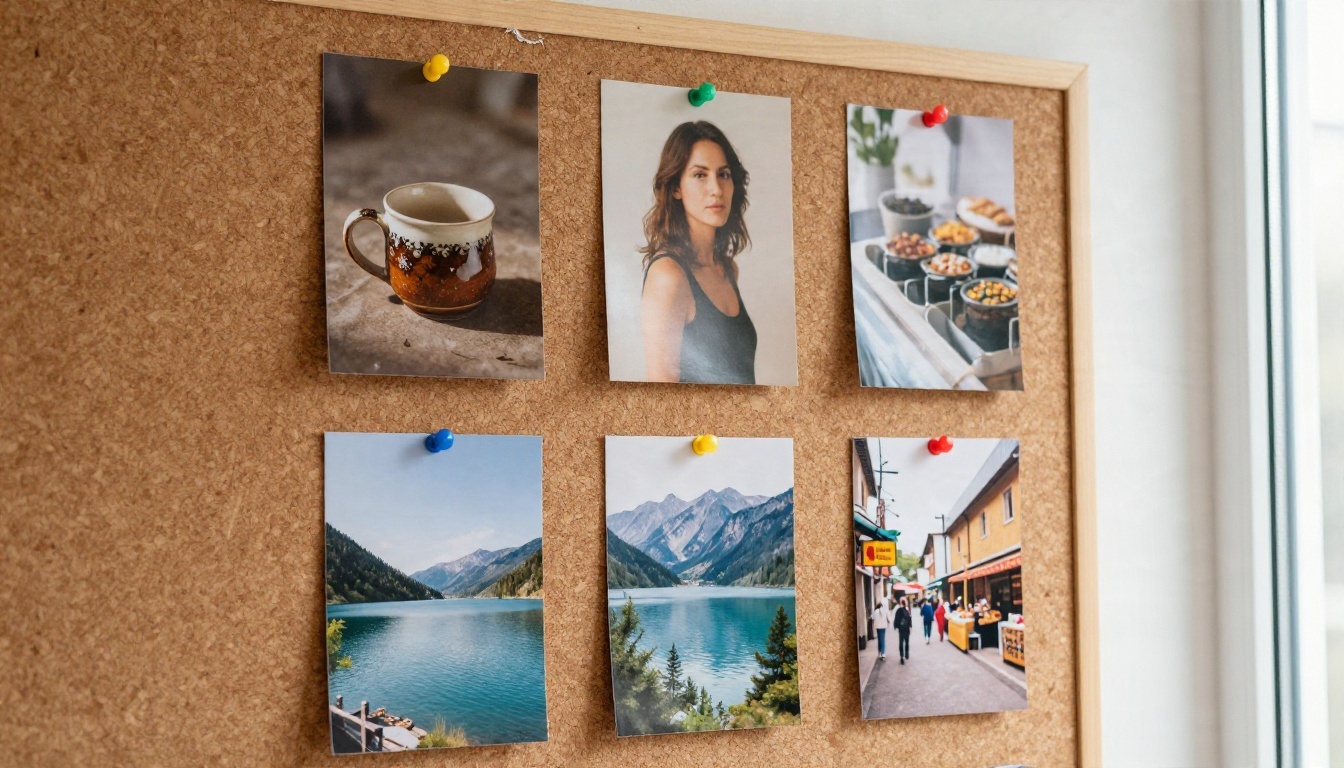
For people, Gemini usually gives warm, natural looking skin and keeps a face steady across edits. ChatGPT often produces a cleaner, more composed frame, with slightly more stylized lighting. If your goal is "looks like a real photo from my phone", lean toward Gemini. If it is "looks like a magazine shot", ChatGPT often gets closer on the first try.
Product Shot
A simple object on a table is a great test of surface detail, such as glaze, grain, steam and reflections.
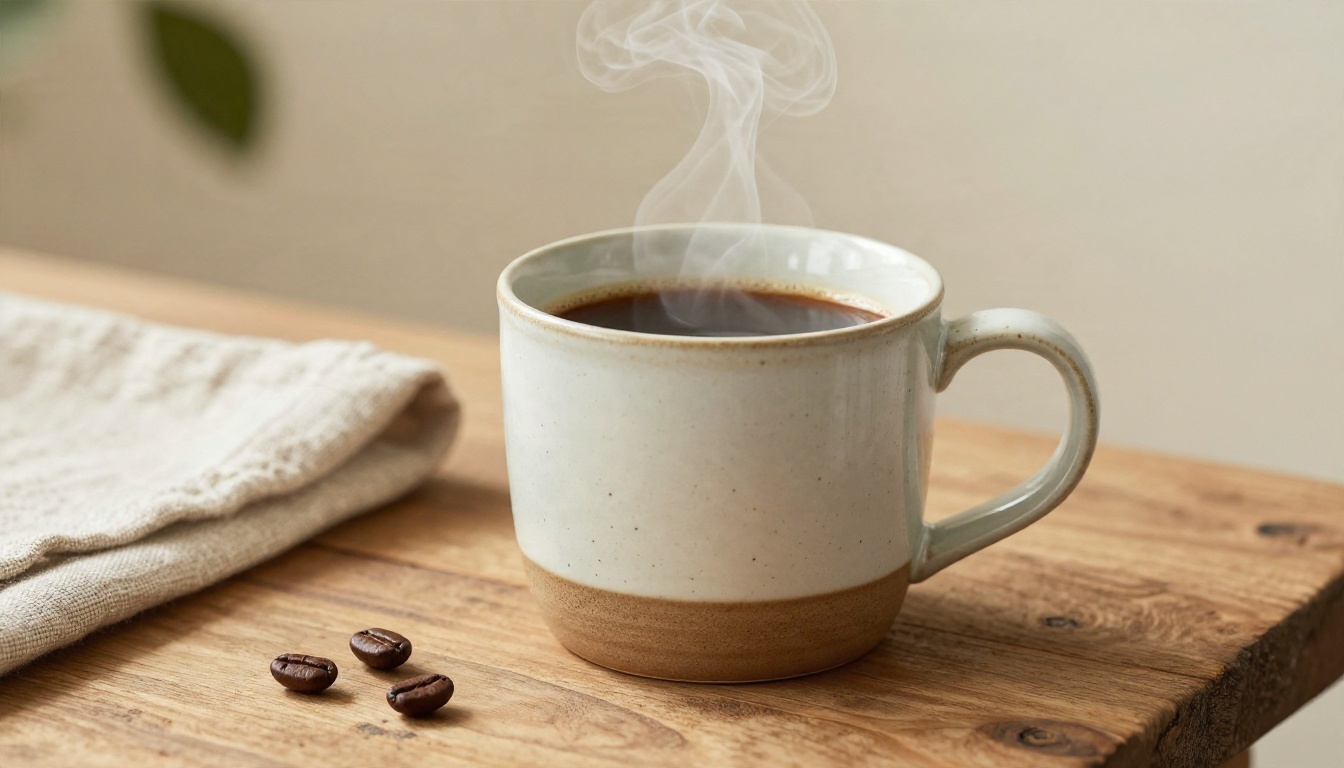
Both tools can handle this prompt well. Gemini tends to be quicker and gives you a few angles to choose from. ChatGPT tends to hold exact details, like "speckled glaze" and "linen napkin", more faithfully when the prompt lists several props.
Poster
Here the gap is largest. A headline, a subhead and a small footer line are three chances for a typo. ChatGPT is more likely to land all three correctly, while Gemini is more likely to need a retry on longer lines. For a single short headline, either works.
Quick Scorecard
| Task | Better first try |
|---|
| Natural portrait | Gemini |
| Editing your own photo | Gemini |
| Many variations quickly | Gemini |
| Text inside the image | ChatGPT |
| Eight part prompts | ChatGPT |
| Infographic or layout | ChatGPT |
Try Both Engines on PicassoIA
The Gemini app and the ChatGPT app are chat products, and they are not on PicassoIA. The image models behind the same two families are, and that means you can run the same prompt through both without a daily counter in your face.
On PicassoIA you will find Google's Nano Banana, Nano Banana Pro and Nano Banana 2 Lite, plus OpenAI's GPT Image 2, GPT Image 2.5 Flare and GPT Image 2.5 Sunburst. Google's Imagen 4 Ultra and ByteDance's Seedream 4.5 are strong extra options when you want a third opinion on the same prompt.
💡 Naming note: the Gemini app's default model is called Nano Banana 2 in recent reports. The closest matches on PicassoIA today are Nano Banana, Nano Banana Pro and Nano Banana 2 Lite, so test the one that fits your quality and speed needs.
How to Use Nano Banana Pro on PicassoIA
Use this one when you want Gemini style photo quality and strong edits.
- Open the Nano Banana Pro page.
- Paste a prompt built with the five part formula above.
- To edit a photo, upload it as the reference image and describe only what should change.
- Choose a 16:9 or 1:1 aspect ratio to match where you will post the image.
- Generate, pick the best result, then repeat with one small change.
Parameter tips:
- Keep prompts between 40 and 80 words for portraits and product shots.
- Name the light direction every time. It is the single biggest quality lever.
- For edits, start with "keep the face, pose and lighting the same".
How to Use GPT Image 2 on PicassoIA
Use this one when text and layout matter.
- Open the GPT Image 2 page.
- Write the prompt and place any on image words in quotation marks.
- List each element you need, such as headline, subject, background and colors.
- Generate and check the spelling before you do anything else.
- If one element is wrong, rewrite only that clause and generate again.
Parameter tips:
- Keep headlines to one to five words.
- State font style in plain words, like "bold sans serif" or "thin serif".
- For fast drafts, try GPT Image 2.5 Flare, then finish on the heavier model.
Draft Your Prompts With an LLM
If prompt writing feels slow, Gemini 3.5 Flash and Gemini 3.1 Pro are available on PicassoIA as chat models. Give them a rough idea and ask for three polished prompts that follow the five part formula, then run each one in an image model.
Here is a plain way to decide, without overthinking it.

- Choose Gemini when you want volume, quick variations, natural portraits or edits to a photo you already own.
- Choose ChatGPT when you need exact text, structured layouts or a long, detailed brief followed closely.
- Use both when the project matters. Draft quickly with one, finish with the other.
- Skip the daily counter when you iterate a lot. Free caps are built for casual use, not for ten rounds of revision.
The best way to settle the debate for your own work is to run your own prompts. Take one of the five prompts above, put it through Nano Banana Pro and GPT Image 2 on PicassoIA, and compare the two results side by side. Change one detail, run it again, and keep notes on which engine matched your idea faster. In an hour you will know more about your own favorite than any review can tell you.
Ready to try it? Head to all PicassoIA models, pick an image model, and generate your first batch of images today.


