If you've been searching for a way to generate NSFW images free with Ideogram 4, you're not alone. The model has a loyal following for its typographic accuracy and visual polish, but when it comes to adult or suggestive content, the picture gets complicated fast. Filters kick in without warning. Free tiers run dry. And the results often don't match what the prompt described. This article looks at what Ideogram 4 actually allows, where it cuts you off, and which free alternatives on PicassoIA consistently produce better results without credit limits or content blocks.

What Ideogram 4 Actually Delivers
Ideogram 4 is a serious text-to-image model. Released in 2025, it brought meaningful improvements in prompt adherence, photorealistic skin rendering, and coherent anatomy at high resolution. For lifestyle photography, fashion, and atmospheric portrait work, it performs at a genuinely high level.
Ideogram 4's Core Strengths
The model is unusually good at several things that trip up other generators:
- Realistic skin texture: Pores, freckles, natural imperfections, and subsurface scattering
- Clothing and fabric physics: Drape, translucency, and shadow on textiles
- Prompt adherence: Complex multi-element prompts tend to produce coherent compositions
- Typography: Ideogram was built around readable text in images, a rare strength
These qualities make it attractive for anyone creating glamour, editorial, or fashion-adjacent content. The jump from lifestyle photography to suggestive imagery is a short one in prompting terms, which is exactly why so many people try Ideogram 4 for this use case.
The Content Filter Reality
Here's where things get frustrating. Ideogram 4 applies a content moderation layer that treats suggestive content inconsistently. One prompt passes, a near-identical prompt fails. The free tier adds another layer of restriction beyond the base model's defaults.
On the paid tier, the explicit option exists, but it costs credits. On the free tier, that option simply isn't available. So the goal of generating NSFW images free with Ideogram 4 runs into a structural wall: the free version doesn't allow adult content, and the paid version requires ongoing credit purchases.
💡 Worth knowing: Ideogram 4's content policy changed during 2025. What worked on older versions may now trigger rejections without any explanation or retry option.

Where "Free" Hits a Wall
Every major AI image generator sells itself as free. The fine print tells a different story.
Credits, Limits, and Watermarks
With Ideogram 4, the free tier gives you a daily allowance of generations, forces lower resolution on free outputs, and watermarks results in some configurations. The explicit content option requires a paid subscription. For users who want to iterate quickly on suggestive or adult-adjacent content, these limits add friction at every step.
| Feature | Ideogram 4 Free | PicassoIA (Seedream 4) |
|---|
| Daily generation limit | Yes | No |
| NSFW content access | Paid only | Available |
| Watermarks | Possible | No |
| Max resolution | Capped | Up to 4K |
| Subscription required | For adult content | No |
The table above is not hypothetical. These are the real functional differences between running Ideogram 4 on its free tier versus running Seedream 4 on PicassoIA.

The Better Free Option for NSFW Images
If your goal is suggestive, glamour, or adult-adjacent content at no cost and without watermarks, PicassoIA has models that do this better than Ideogram 4's free tier.
Seedream 4 Changes the Equation
Seedream 4 by ByteDance is the strongest single recommendation for anyone moving away from Ideogram 4. It produces images at up to 4K resolution from a written prompt, accepts reference images to preserve style consistency, and doesn't watermark outputs.
The model handles skin tone accuracy and textile realism at a level that competes directly with Ideogram 4's photorealistic mode, but without the content restrictions on suggestive material. You write your prompt, pick your resolution (1K, 2K, or 4K), and get a clean file with no credit counter ticking down.
Key strengths:
- 4K resolution without a paid plan
- Single-sentence editing: Type one instruction to modify an existing image
- Reference image support: Anchor style, character, or composition from a photo you upload
- No watermarks on downloaded files
- Sequential generation: Up to 15 related images in one session
Seedream 4 vs Ideogram 4 Side by Side
For photorealistic portrait and glamour work, Seedream 4 matches Ideogram 4 on skin fidelity and fabric rendering. Where it pulls ahead is in its uncapped access on PicassoIA. You can run 50 variations of a prompt in a single afternoon without hitting a wall.
Ideogram 4's strength remains text rendering embedded in images. If your content requires readable typography, Ideogram 4 is still hard to beat. For purely photographic and suggestive content, Seedream 4 is the better free choice by a significant margin.

More PicassoIA Models Worth Using
Seedream 4 won't be the right fit for every type of content. PicassoIA hosts 90+ text-to-image models and several have specific advantages for adult-adjacent photography.
Flux Dev for Photorealistic Results
Flux Dev is a 12-billion parameter model from Black Forest Labs that converts long descriptive prompts into sharp, photorealistic images at 1 megapixel. It supports 11 aspect ratios, img2img editing from a reference photo, and adjustable inference steps for trading speed against detail.
For glamour and lifestyle content where you need consistent anatomy and natural skin tones, Flux Dev is one of the most reliable options available. The model respects nuanced descriptions of lighting, pose, and texture better than most alternatives at this resolution tier.
Best for: Editorial-quality portrait work, fashion photography style, long complex prompts requiring precise adherence.
SDXL with No Credit Caps
SDXL runs without usage quotas on PicassoIA. No credit counter, no daily limit. You can iterate through 50 or 100 variations of a prompt in one session and pick the best results without watching a balance drain.
It also supports inpainting, img2img, and LoRA style loading. If you have a specific aesthetic in mind, you can load a custom LoRA weight and apply it consistently across every generation in a batch. The dedicated negative prompt field gives you precise control over what to exclude from outputs.
Best for: High-volume iteration, custom style application, consistent character work across many images.
Flux Schnell for Speed
Flux Schnell trades some of Flux Dev's quality ceiling for dramatically faster output. It generates a full 1-megapixel image in under 5 seconds using only 4 denoising steps. When you're exploring directions, testing prompts, or building reference batches, that speed advantage is substantial.
Like Seedream 4 and SDXL on PicassoIA, it has no credit caps. Run as many generations as your project demands.
Best for: Fast concept exploration, building prompt libraries, rapid iteration before committing to a final generation in Seedream 4 or Flux Dev.

How to Use Seedream 4 on PicassoIA
If you've used Ideogram 4 before, the workflow on PicassoIA will feel immediately familiar. Here's how to get your first result from Seedream 4.
Step 1: Open the Model
Go to Seedream 4 on PicassoIA. No account is required to generate your first images. The interface shows the prompt input at the top and generation settings below it.
Step 2: Write Your Prompt
The model responds well to descriptive photography-style prompts. Structure it like you're briefing a professional photographer:
- Subject: Who or what is in the image
- Setting: Location, environment, background
- Lighting: Direction, quality, time of day
- Camera details: Lens focal length, aperture, angle, distance
- Mood and texture: Film emulation, color palette, atmosphere
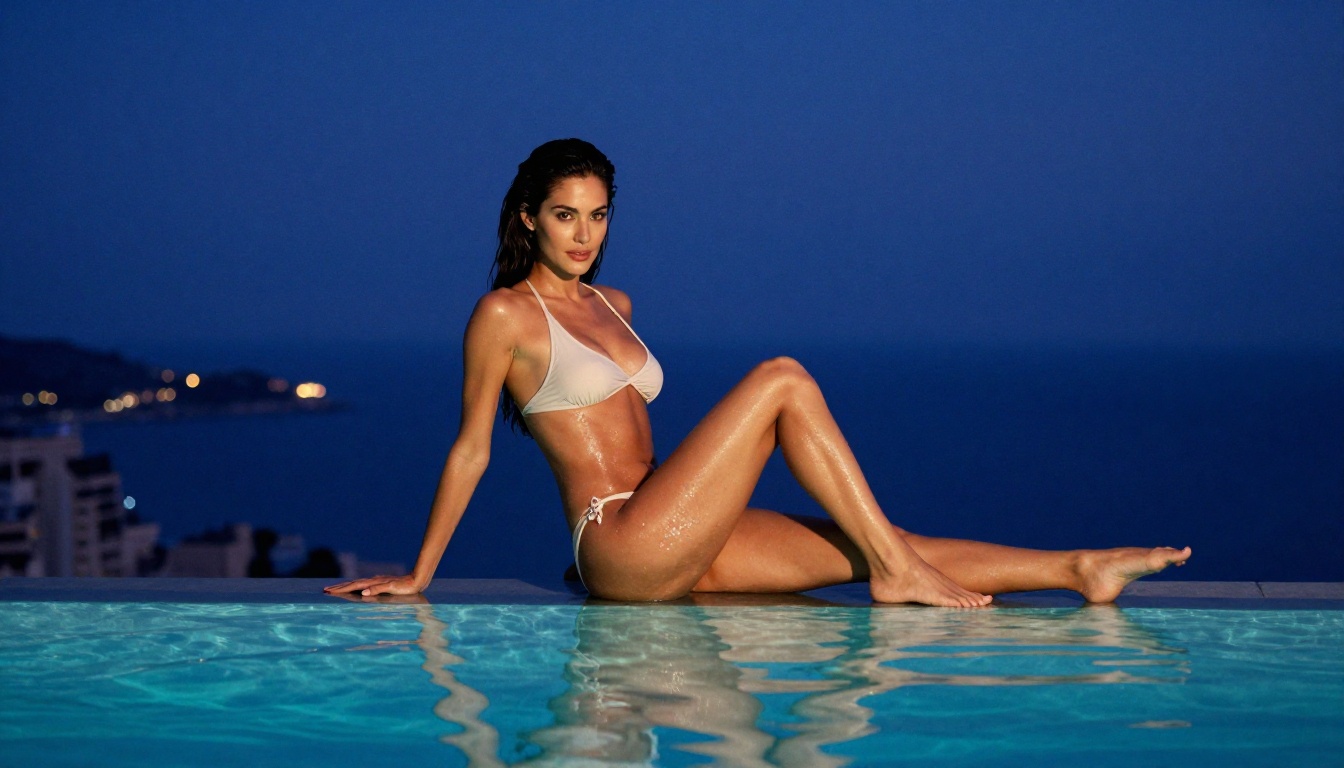
Example structure: "A woman in a silk slip dress standing on a hotel balcony in Rome, early morning fog lifting over terracotta rooftops behind her, backlit by pale amber sunrise, shot with 85mm f/1.8 at medium distance, Kodak Portra 400 grain, natural tones"
Step 3: Set Resolution and Generate
Choose your output size:
- 1K: Fast, for drafts and quick concept tests
- 2K: The default, solid for most web publishing use cases
- 4K: High fidelity, print-ready, worth using for final polished outputs
Click generate. The model returns results in seconds for 1K and 2K. For 4K, expect 10 to 20 seconds. Download your file with no watermark and no account gate.
💡 Tip: Use the reference image input to maintain consistency across a series. Upload your first result as a reference when generating follow-up images to keep the subject, lighting, and style coherent across a set.
Prompting Strategies That Work
The difference between a flagged result and a successful generation often comes down to how you write the prompt, not what you're actually trying to create.
Framing Content Without Triggering Filters
AI image generators respond to framing. The same visual concept can be described in ways that bypass content detection or that trip it:
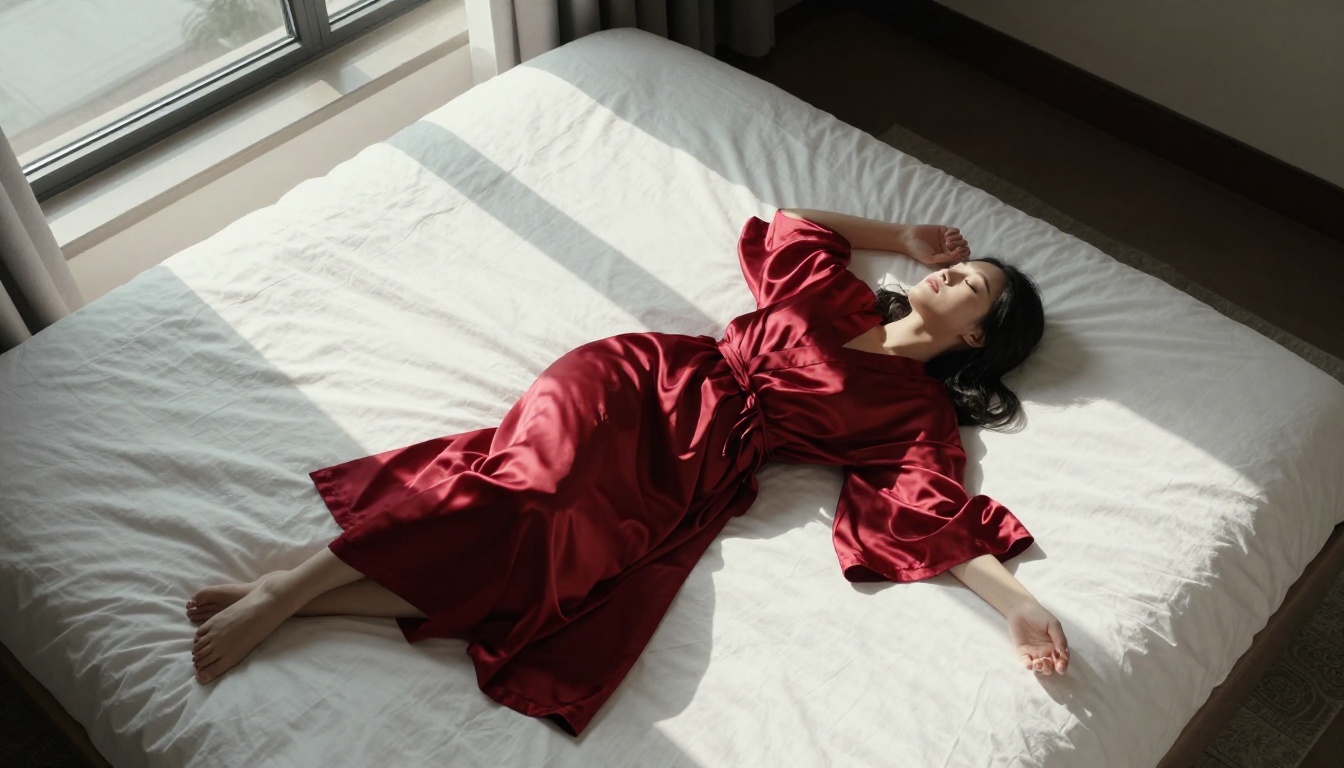
- Works: "A woman in an open silk robe, morning light, intimate editorial photography"
- Gets flagged: Explicit anatomical terms or graphic action descriptions
Focus on the aesthetic and photographic qualities. Think about how a professional photographer's assistant would brief a shoot. Describe lighting, location, wardrobe, and mood rather than anatomy. This approach produces better images too, because it gives the model richer visual information to work from.
Style Words That Elevate Results
These terms reliably push outputs toward high-quality photorealistic glamour:
| Style Term | Effect on Output |
|---|
| "Kodak Portra 400" | Warm, natural skin tones with authentic film grain |
| "85mm f/1.4" | Creamy shallow depth of field, subject isolation |
| "volumetric morning light" | Soft, directional ambient glow |
| "editorial fashion" | Magazine-grade composition and mood |
| "natural skin texture" | Pores, freckles, authentic imperfections rendered |
| "Vogue editorial" | High-fashion framing and tonal sophistication |
| "photorealistic 8K" | Pushes the model toward maximum realism |
Combining 3 to 5 of these terms with your core subject description consistently produces results that look like professional photography, which is exactly what glamour and suggestive content requires.
Negative Prompting With SDXL
SDXL has explicit negative prompt support. Use it to exclude the artifacts that undercut realism:
Negative: "cartoon, illustration, CGI, plastic skin, overly smooth, airbrushed, artificial, blurry, low resolution, amateur"
This single addition can shift SDXL outputs from passable to genuinely photorealistic results on the same prompt.

3 Common Mistakes to Avoid
Even with the right model, most people get mediocre results because of predictable prompting errors.
Being Too Vague
"Attractive woman, sexy pose" is not a prompt. It gives the model nothing to work with for lighting, environment, or style. The more specific your description, the more the model can convert your intent into a coherent and visually compelling image. Specific prompts produce specific results.
Ignoring Lens and Lighting
Lens specifications and lighting direction are not decorative details. They tell the model how to render depth, shadow, and focus. "85mm f/1.4, morning backlight from the left" produces a fundamentally different image than the same prompt without those terms. Include them every time.
Skipping Iteration
The first output is a starting point. Use Seedream 4's single-sentence editing to refine details on a close result. Use Flux Dev's img2img mode to push a near-perfect generation toward exactly what you had in mind. Real results come from 5 to 10 iterations, not from a single generation and giving up.
Start Creating on PicassoIA Right Now
Ideogram 4 is a capable model, but if your intent is to generate NSFW images free, the combination of its free tier's content restrictions and daily credit limits makes it the wrong tool for this specific goal. The alternatives on PicassoIA, specifically Seedream 4, Flux Dev, and SDXL, give you uncapped access at high resolution with no watermarks and no paywall blocking adult content.
Start with Seedream 4 for 4K photorealism and precise prompt adherence. Move to SDXL when you need high-volume iteration with negative prompt control. Use Flux Schnell when you're in rapid-exploration mode and need results in under 5 seconds per image. The full library of 90+ models is available at picassoia.com/en/all-models.
Write a detailed prompt. Pick your resolution. Download the result. That's the entire workflow, with nothing sitting behind a paywall.


