If you've been searching for a way to generate NSFW images free without hitting content filters every time, Nano Banana Pro is one of the models making that frustration disappear. It's a text-to-image model available on PicassoIA that delivers 4K output at fast speeds, with no restrictions on adult content prompts. This article breaks down how Nano Banana Pro works, how it compares to Seedream 4.5, which models are worth using, and the exact workflow for getting the best NSFW results without spending anything.
What Nano Banana Pro Actually Does
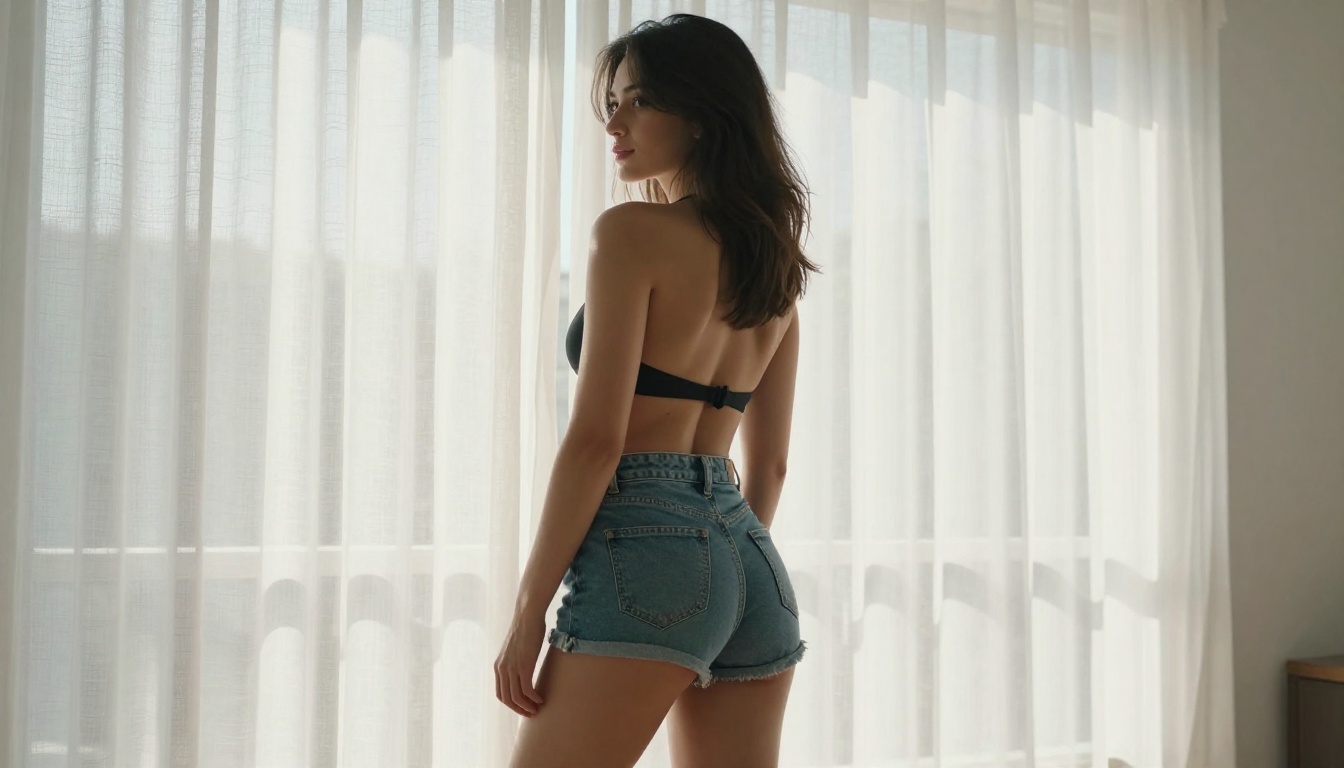
Nano Banana Pro is a Google text-to-image model in PicassoIA's library. Unlike most uncensored AI generators that sacrifice resolution or realism to avoid content layers, Nano Banana Pro operates at 4K resolution with no content filtering applied. The model interprets detailed prompts across a wide range of adult content types, from glamour photography and lingerie to implied nudity and artistic figure work.
The model family has three versions with distinct purposes:
- Nano Banana Pro: Pure text-to-image generation at 4K. This is the one to use for generating NSFW content from a text prompt.
- Nano Banana: Editing and generating from combined inputs. It takes a reference image and a prompt.
- Nano Banana 2: Image fusion. It blends multiple visual references into a single output.
For generating NSFW images from text descriptions alone, the Pro version is the correct tool. The others serve different creative workflows.
Speed That Makes a Difference
Speed in AI image generation matters more than it sounds. When you're iterating through multiple prompt variations to dial in a specific result, a model that takes 30-45 seconds per generation extends your workflow considerably. Nano Banana Pro processes prompts and returns 4K outputs in a timeframe that keeps iteration fast. You can test five variations in the time other tools take to generate one.
4K Without Paying for It
4K output resolution from a free tool is unusual. Most AI image generators cap free users at lower resolutions, either as a hardware constraint or as a monetization strategy. Nano Banana Pro on PicassoIA generates at 4K by default, meaning texture details in skin, fabric, hair, and environments come through without the soft blurring that plagues lower-resolution outputs. At this resolution, the difference between a photorealistic result and a clearly AI-generated one narrows significantly.
Seedream 4.5: The NSFW Benchmark
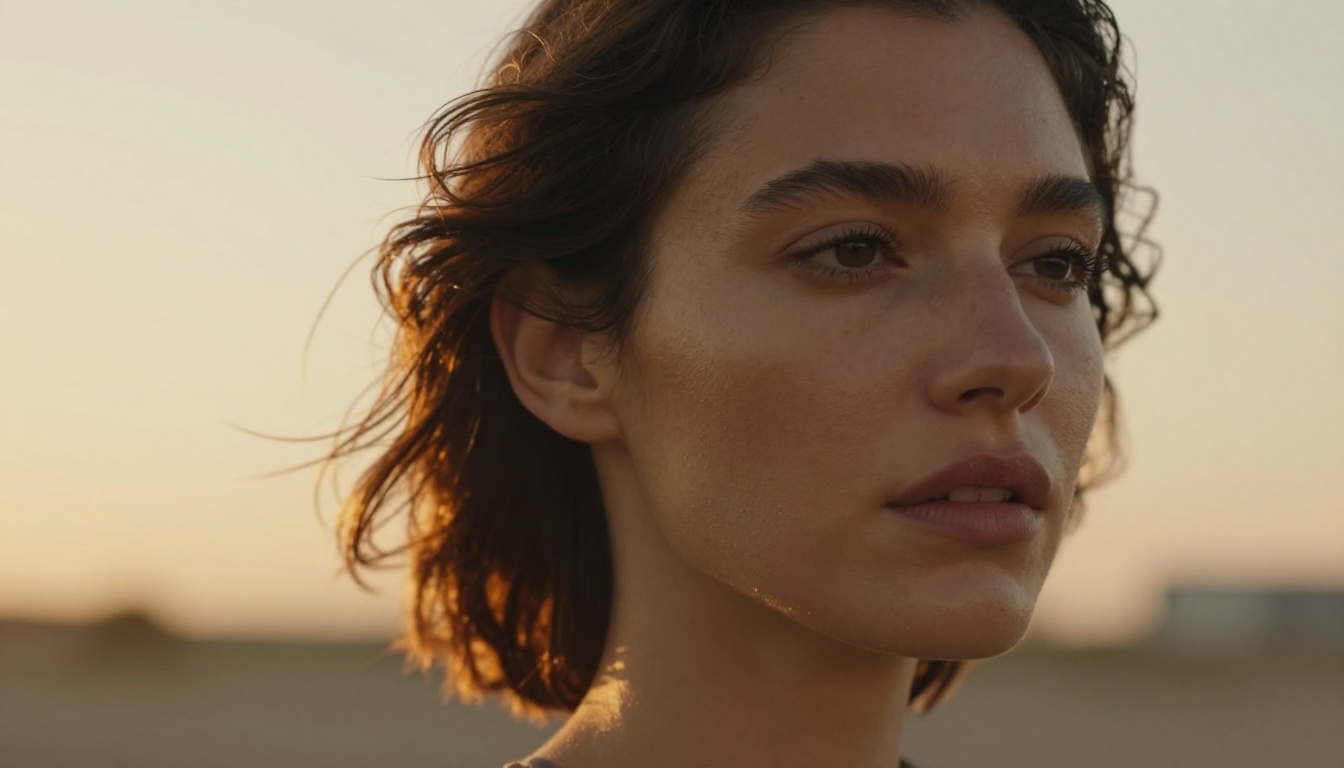
Seedream 4.5 from ByteDance is the current benchmark for uncensored photorealistic image generation on PicassoIA. It generates at 4K with no content restrictions applied and produces output that sits convincingly in the photographic territory for detailed portrait and figure prompts. When users ask which model produces the most realistic NSFW results for free, Seedream 4.5 is consistently the answer.
💡 Worth noting: Seedream 5 Lite does not support NSFW content. For adult AI image generation, use Seedream 4.5, Seedream 4, or Seedream 3 instead.
Why Photorealism Matters for NSFW Content
The reason Seedream 4.5 stands out in the NSFW category is that photorealism is particularly hard to achieve in adult content. Lower-quality models produce skin tones that look plastic, fabric that renders as flat color, and poses that look stiff or anatomically off. Seedream 4.5 handles skin texture, volumetric lighting across body surfaces, fabric drape, and natural pose with a level of fidelity that competes with real photography. It's the model to use when the result needs to pass a photographic inspection.
How to Use Seedream 4.5 on PicassoIA
Step 1: Open Seedream 4.5 on PicassoIA.
Step 2: Write a detailed prompt. Include your subject, wardrobe, pose, environment, and lighting. Aim for 50-80 words minimum.
Step 3: Add quality modifiers at the end: "photorealistic, 8K, cinematic lighting, natural skin texture, Kodak Portra 400 grain."
Step 4: Choose your aspect ratio. 16:9 works well for full-body shots. 1:1 works well for portraits.
Step 5: Generate and evaluate. With Seedream 4.5, prompt specificity directly controls output quality. Vague prompts return generic results. Specific prompts return images that match what you described.
PicassoIA Image Editor Pro: Unlimited Generations
Once you generate a strong base image, PicassoIA Image Editor Pro is the tool that refines it. The defining feature here is in the name: it's the Pro editor, and it operates with unlimited generations. No daily cap, no credit wall, no pausing your creative process to wait for a reset.
For NSFW content in particular, unlimited generations change the workflow. Getting an adult AI image exactly right typically takes multiple rounds of refinement. Lighting adjustments, inpainting to fix specific areas, changing the wardrobe in a particular region, extending the canvas to add more context: these operations might run ten or fifteen times before you have the final version. With unlimited generations, that's not a budget conversation. It's just iteration.
What Unlimited Means in Practice
Standard PicassoIA model access gives users daily generation credits that reset each day. Image Editor Pro removes that ceiling for editing operations. You can use inpainting, outpainting, and object replacement as many times as needed without tracking a credit balance. This is the most practical reason to use Image Editor Pro as your finishing tool rather than regenerating from scratch repeatedly.
Inpainting for NSFW Refinement
Inpainting is the most useful editing capability for NSFW images. The workflow is: mask the region you want to change, write a new prompt for that region only, and generate. The model fills the masked area with new content that matches the surrounding image in lighting, texture, and style. This means you can change a specific wardrobe element, fix an anatomical issue, adjust lighting in one area, or swap a background detail without regenerating the entire image. The result integrates naturally with the surrounding content, making targeted edits invisible.
5 Models Worth Trying for Adult AI Content
PicassoIA hosts over 90 text-to-image models in its catalog. These five are worth loading when Nano Banana Pro or Seedream 4.5 don't produce exactly the result you need.
Flux Dev
Flux Dev from Black Forest Labs is one of the strongest general-purpose photorealistic image generators in the catalog. It handles complex prompt interpretation well, producing results that align closely with detailed descriptions. For NSFW content in the glamour and artistic category, Flux Dev produces high-quality outputs with accurate skin tones and realistic environments. It's the model that rewards long, detailed prompts more than short ones.
Flux 1.1 Pro Ultra
Flux 1.1 Pro Ultra generates at 4MP resolution with fine detail that makes it the strongest option for outputs you want to print or display at large sizes. The model handles multi-element prompts describing simultaneous lighting conditions, complex poses, and specific garment details without losing coherence across the image.
For image-based editing with text instructions, Flux Kontext Pro lets you rewrite any image using a text prompt without regenerating from scratch. You give it an image and a text instruction, and it modifies the image to match. This is useful for adjusting wardrobe, changing lighting, or swapping background elements in an existing generated image.
Nano Banana vs Nano Banana 2
If your workflow is purely text-to-NSFW-image, Nano Banana Pro is the right model. If you're working with existing images or visual references, the other two become the more powerful options in the family.
Writing Prompts That Produce NSFW Results
The model produces what you describe. A prompt that says "beautiful woman in lingerie" will return something generic. A prompt that specifies the person, environment, lighting, camera angle, fabric texture, and image quality will return something that matches your creative intent. This section covers what separates prompts that work from prompts that waste your generations.
What to Include in Every Prompt
Subject: Age range (mid-twenties), hair color and style, skin tone, body type, expression, any distinguishing features.
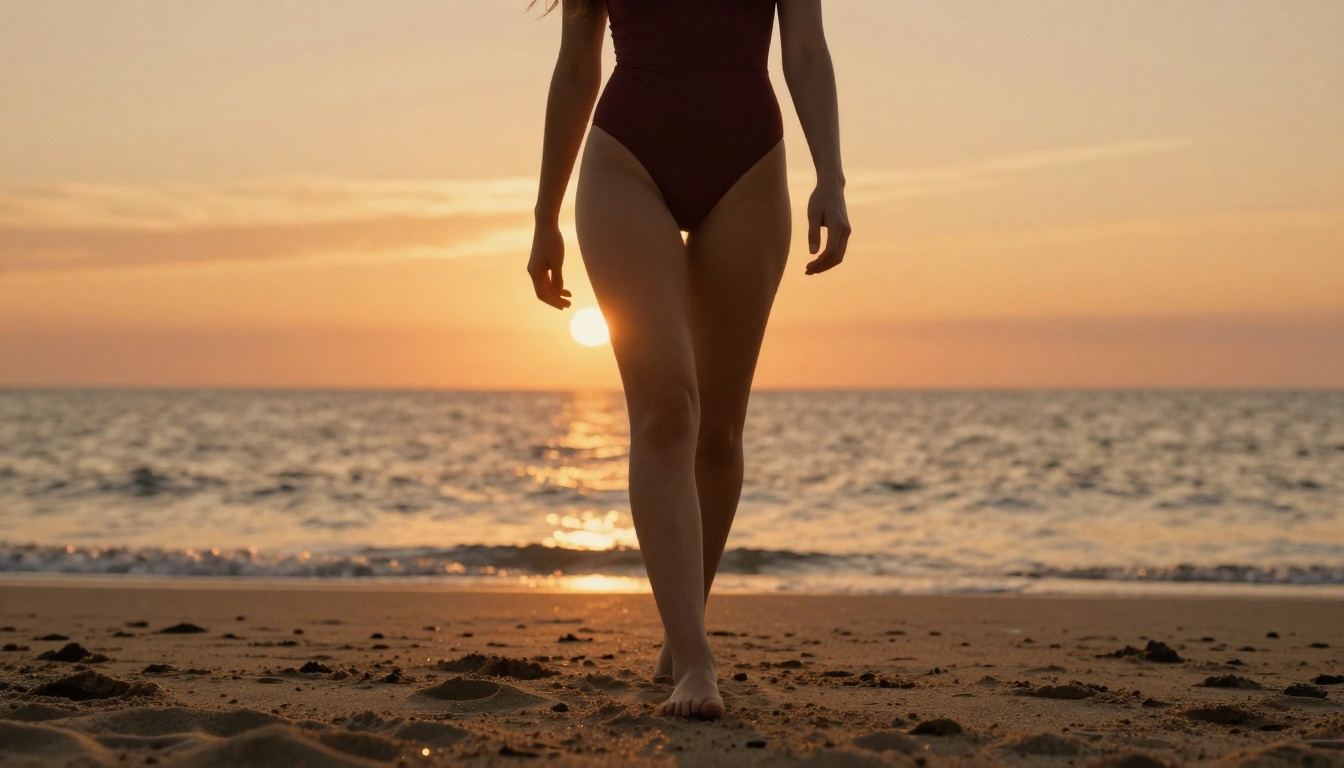
Wardrobe: Specific garment type (black lace bralette, high-cut burgundy one-piece swimsuit), fit (tight, draped, partially open), material (sheer, satin, lace), and condition (slightly wrinkled, pristine, wet).
Pose and angle: Seated, standing, lying down, turned away, three-quarter view, close-up portrait, overhead shot.
Environment: Interior or exterior, specific room type (hotel room, apartment, studio), time of day, specific furnishings visible in frame.
Lighting: Direction (from the left window, from behind, overhead), quality (soft diffused, harsh directional, natural), color temperature (warm amber, cool blue, golden hour).
Camera: Focal length (85mm for portrait compression, 35mm for environmental context, 24mm for wide overhead), aperture (f/1.4 for shallow depth, f/5.6 for full depth), distance from subject.
Quality modifiers: "photorealistic, 8K resolution, Kodak Portra 400 grain, natural skin texture, film photography, --ar 16:9, --style raw"
💡 Practical tip: Write the prompt in this order: subject, wardrobe, pose, environment, lighting, camera, quality. It mirrors how a photographer thinks, and the model responds to that structure more predictably than free-form descriptions.
What Gets Filtered vs What Passes
| Content Category | Nano Banana Pro | Seedream 4.5 | Flux Dev |
|---|
| Swimwear, bikinis | Passes | Passes | Passes |
| Lingerie, bralettes | Passes | Passes | Passes |
| Implied nudity | Passes | Passes | Usually passes |
| Artistic/glamour nudity | Passes | Passes | Depends on prompt |
| Explicit sexual content | Permissive | Permissive | Often restricted |
For the glamour, fashion, and artistic NSFW category, all three models perform well with detailed prompts. Seedream 4.5 and Nano Banana Pro have the highest tolerance across content types and are the more reliable choices when you need to push into more explicit territory.

Nano Banana Pro vs Seedream 4.5: Side by Side
Both models offer free NSFW image generation at 4K. Here's how they compare on the factors that matter for creative work:
| Factor | Nano Banana Pro | Seedream 4.5 |
|---|
| Max Resolution | 4K | 4K |
| NSFW Tolerance | High | High |
| Generation Speed | Very fast | Fast |
| Photorealism Quality | Strong | Excellent |
| Prompt Flexibility | Good | Excellent |
| Best Use Case | Rapid iteration | High-fidelity final output |
| Where to Try | PicassoIA | PicassoIA |
The practical workflow most users settle into: Nano Banana Pro for rapid concept testing, Seedream 4.5 for the final polished image. Nano Banana Pro lets you run through five or six prompt variations quickly to find the direction that works. Seedream 4.5 then produces the highest-quality version of that winning direction. Using both models together is more efficient than committing to one from the start.

How to Use Nano Banana Pro on PicassoIA
Here's the full workflow from opening the tool to your final refined output:
Step 1: Open the model
Go to Nano Banana Pro on PicassoIA. No account is required for your first generation, though creating a free account increases your daily generation allowance.
Step 2: Write a detailed prompt
Follow the structure above: subject, wardrobe, pose, environment, lighting, camera, quality. Aim for 50-80 words. The model handles long, specific prompts better than short generic ones. Short prompts produce short results.
Step 3: Set your aspect ratio
16:9 for landscape or full-body horizontal compositions. 9:16 for vertical portrait orientation. 1:1 for square format. Nano Banana Pro handles all three without significant quality difference between them.
Step 4: Generate and review
The model processes your prompt and returns your image in seconds. Review the output against your prompt. Check: does the lighting match what you described? Is the wardrobe correct? Is the pose close to what you specified? Identify what needs adjustment before regenerating.
Step 5: Iterate on the prompt
If the result is close but not right, adjust one or two elements of your prompt and regenerate. Change one variable at a time so you can track what's producing the improvement. Changing everything at once makes it hard to know what worked.
Step 6: Take it into Image Editor Pro
Once you have a strong base image, bring it into PicassoIA Image Editor Pro for targeted inpainting. Mask only the areas that need adjustment. Reprompt those specific areas. The rest of the image stays intact, and the edited region integrates naturally.
💡 Workflow tip: Generate 3-4 variations in Nano Banana Pro, pick the strongest base, then refine it in Image Editor Pro. This combination is faster than re-running full generation multiple times and gives you finer control over the final result.
What Else PicassoIA Offers
Nano Banana Pro and Seedream 4.5 are two of over 90 text-to-image models in PicassoIA's catalog. Depending on your project, additional tools on the platform extend what you can do with generated NSFW content beyond the initial image.
Super resolution: Once you have a strong NSFW image, PicassoIA's super-resolution models can upscale it 2x to 4x beyond the native generation resolution while preserving and sharpening fine detail. Skin texture, fabric weave, and background elements that were softened in the original output become crisp at larger sizes.
Face swap AI: Swap faces between generated images or between a generated image and a reference photo, with natural-looking integration that respects the original lighting and skin tone.
Background removal: Isolate the subject from any generated image for compositing into new environments or overlaying on different backgrounds.
Flux Fill Pro: Precision inpainting with strong prompt adherence and seamless integration with the surrounding image. Useful when Image Editor Pro's inpainting needs more prompt control.
Flux Kontext Max: Rewrites any image using text instructions, making it possible to change major elements of a generated image without starting the generation process over.
Start Creating Now
Every tool in this article is available free on PicassoIA. Nano Banana Pro generates at 4K with no content restrictions and fast turnaround that keeps your creative workflow moving. Seedream 4.5 produces the highest photorealistic quality available in free NSFW AI generation, with a level of detail that consistently outperforms alternatives in the same category. PicassoIA Image Editor Pro removes generation limits so your refinement process can run as long as it needs to.
The combination covers generation, editing, and refinement without a paywall blocking any part of the process. If you want to see the full library of what's available beyond the models mentioned here, the catalog is at picassoia.com/en/all-models.
Write a detailed prompt, pick your model, and start generating. The output quality is directly tied to the specificity of what you write, and that improves fast once you see how the model responds to different levels of detail in your descriptions.


