Two of the most talked-about text-to-image models right now are GPT Image 1.5 and Nano Banana Pro. One comes from OpenAI, built on deep language model reasoning and instruction-following precision. The other comes from Google, optimized for speed and raw photorealism. Both are available on PicassoIA, which means you can run them head-to-head without switching platforms. This article puts them to a real test across the categories that actually matter.
What GPT Image 1.5 Actually Does
Instruction-Following at a New Level
GPT Image 1.5 was built with one core advantage: it inherits OpenAI's language model DNA. This means it doesn't just process your text prompt as a blob of words. It reasons through it. When you write "a woman reading a book under a red umbrella on a rainy Paris street at dusk," GPT Image 1.5 handles every clause, every spatial relationship, and every atmospheric cue with remarkable accuracy.
This makes it particularly strong for:
- Complex multi-element scenes with precise object placement
- Compositional accuracy where subject positioning matters
- Detailed backgrounds that match prompt descriptions word-for-word
- Text rendering within images, historically one of the hardest tasks for generative models
Where GPT Image 1.5 Struggles
The trade-off is generation speed. GPT Image 1.5 takes longer to produce images than faster models, and it can occasionally over-interpret prompts, adding elements that weren't explicitly requested. It also tends toward a slightly polished, "produced" aesthetic that may not suit photographers looking for raw, organic realism.
💡 Tip: For GPT Image 1.5, shorter and more direct prompts often yield cleaner results than exhaustive 200-word descriptions. Let the model's reasoning fill in the gaps.
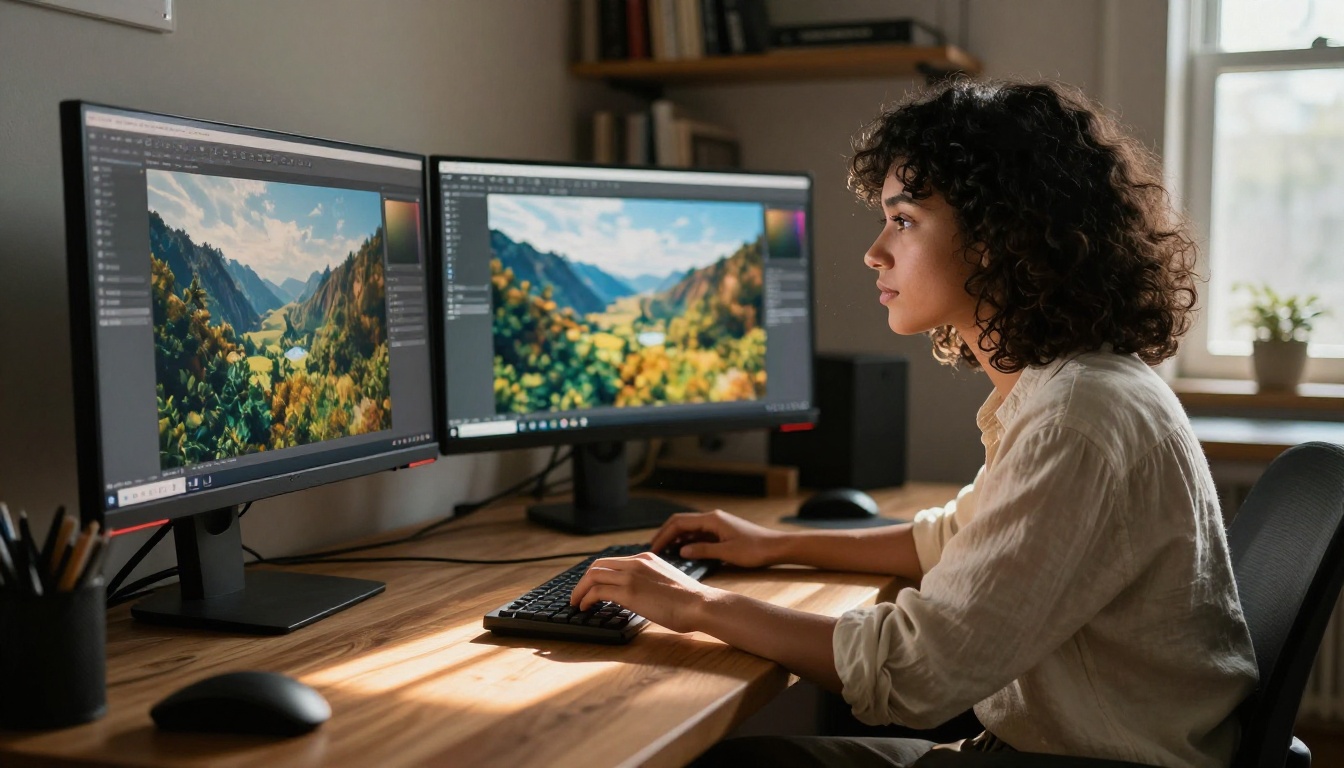
Nano Banana Pro: Google's Speed Machine
Raw Output Quality
Nano Banana Pro is Google's current flagship in the Nano Banana line, sitting above both Nano Banana and Nano Banana 2 in terms of output fidelity. Where GPT Image 1.5 wins on instruction-following, Nano Banana Pro wins on sheer visual quality. Colors are richer, textures more detailed, and the overall image aesthetic feels closer to professional photography.
Its strengths at a glance:
- Photorealism that competes with real photography at a technical level
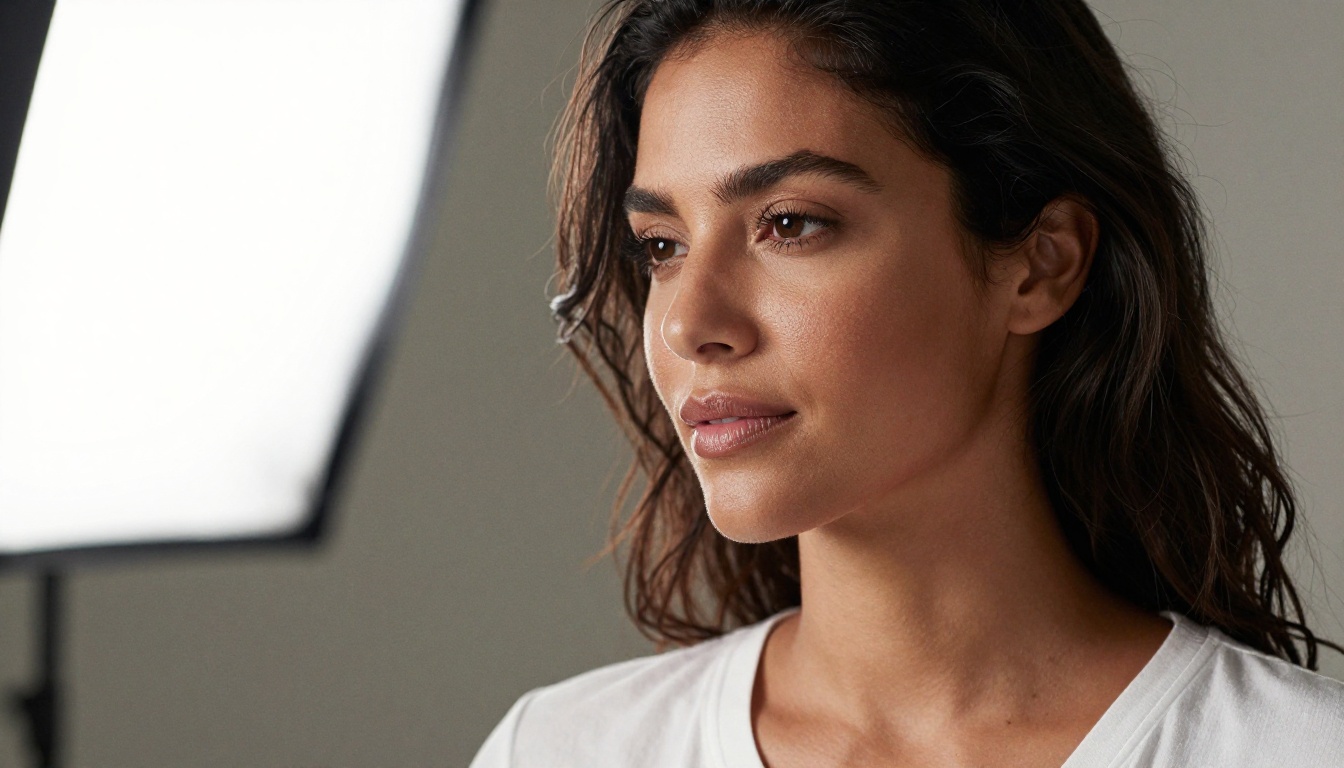
- Skin and surface texture rendering with granular, natural variation
- Lighting simulation: handles backlighting, rim light, and shadow gradient organically
- Speed: consistently faster than GPT Image 1.5 at comparable quality settings
Nano Banana Pro's Weaknesses
Where it falls short is spatial reasoning. Ask it to place a blue cup to the left of a red vase on a wooden table, and it might nail the objects but swap the positions. It's a model that thinks visually, not linguistically. Complex compositional prompts require more iteration to get right.
💡 Tip: For Nano Banana Pro, describe visual qualities first and scene layout second. "Golden rim-lit portrait, woman smiling, window behind her" works better than a structural paragraph.
Head-to-Head: 5 Real Test Categories
Here's how both models perform across five categories that matter to creators and professionals:
| Category | GPT Image 1.5 | Nano Banana Pro |
|---|
| Prompt accuracy | ★★★★★ | ★★★☆☆ |
| Photorealism | ★★★★☆ | ★★★★★ |
| Generation speed | ★★★☆☆ | ★★★★★ |
| Text in images | ★★★★★ | ★★★☆☆ |
| Creative range | ★★★★☆ | ★★★★☆ |
The scores reveal a clear pattern: GPT Image 1.5 is a precision tool, Nano Banana Pro is a visual powerhouse. Neither dominates outright. The right choice depends entirely on what you're making.
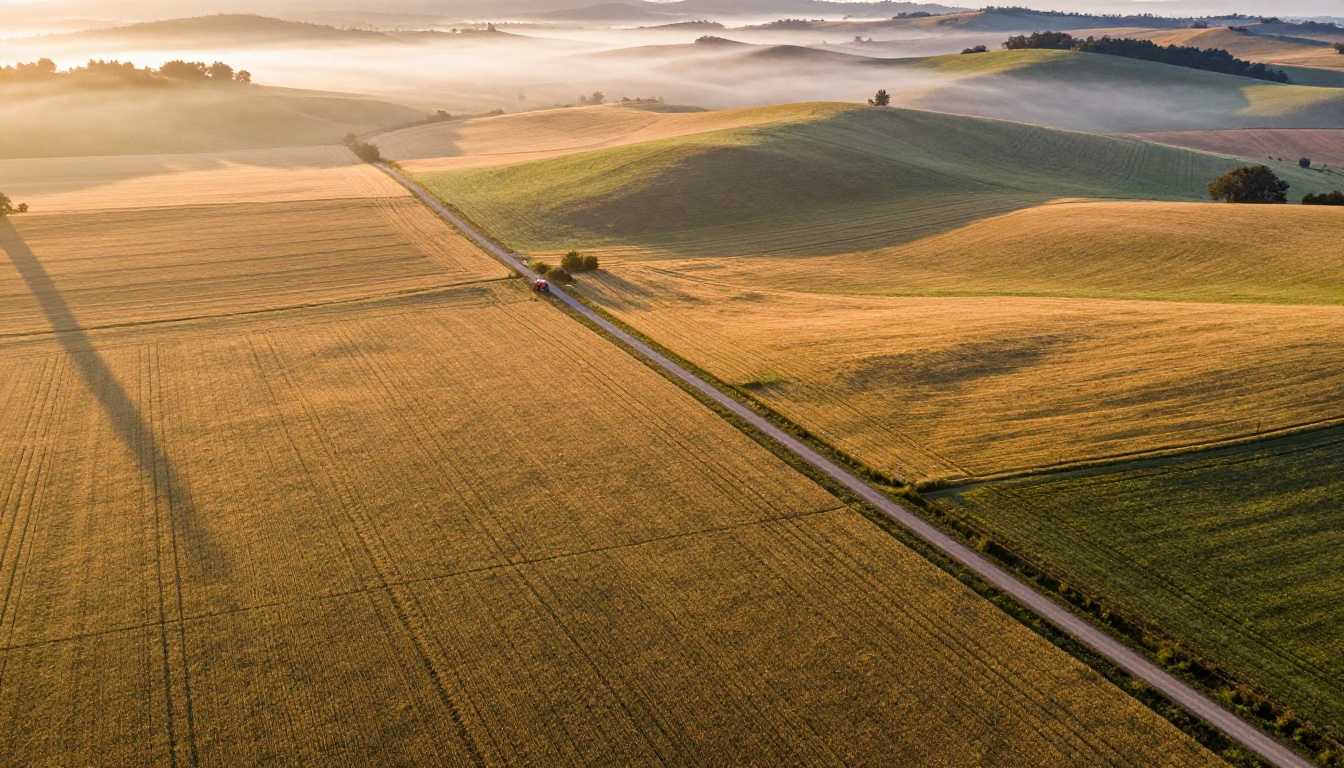
Image Quality: The Fine Details
Skin, Texture, and Light
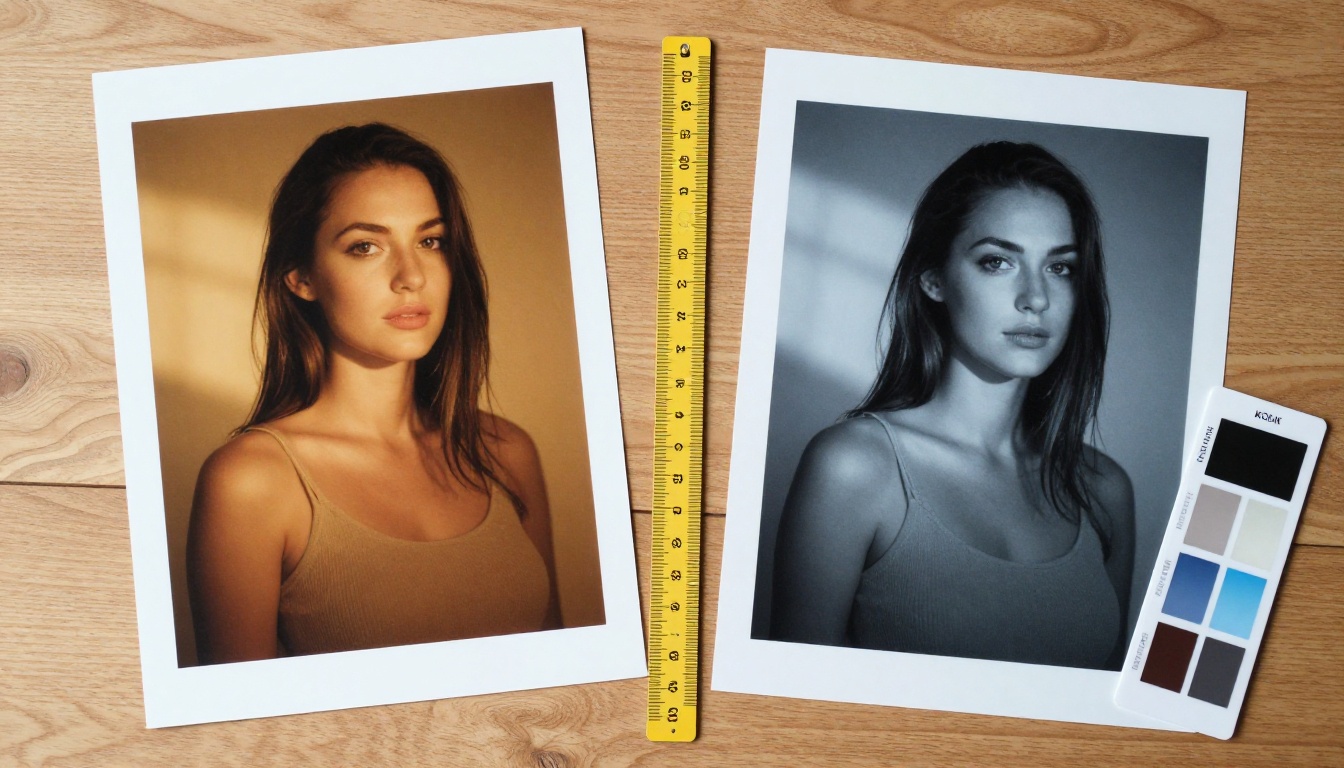
When generating portraits or lifestyle imagery, the difference becomes most visible in micro-details. Nano Banana Pro renders skin with subtle tone variation, visible pore texture, and natural highlight falloff. GPT Image 1.5 produces smooth, clean portraits that look excellent but can feel slightly over-processed in close-up comparisons.
For landscape and architectural photography simulation:
- Nano Banana Pro handles fog, mist, and atmospheric depth with more visual authenticity
- GPT Image 1.5 is more accurate when you specify a particular time of day, weather condition, or seasonal detail explicitly
Depth and Background Fidelity
Both models simulate bokeh and depth-of-field, but Nano Banana Pro's background blur feels more organic. GPT Image 1.5's background rendering is more descriptively accurate. If you write "a blurred Tokyo street with neon signs and a subway entrance," GPT Image 1.5 will include the subway entrance. Nano Banana Pro captures the right atmosphere without necessarily including every specified element.
Who Should Use Which Model
For Content Creators and Marketers
If you create social media content, product visuals, or lifestyle imagery at volume, Nano Banana Pro is the better daily driver. Its speed and consistent output quality make batch content creation efficient. Images regularly look vibrant and ready to publish with minimal post-processing.
For campaigns that require specific brand elements, precise object placement, or visual instructions that must be executed exactly, GPT Image 1.5 is worth the extra processing time.
For Designers and Visual Professionals
Designers who need to mock up specific scenes or create accurate visual briefs will prefer GPT Image 1.5. Its ability to follow multi-step instructions makes it a strong tool for creating reference images, mood boards, or client presentations where content needs to match a brief precisely.
Photographers looking to create AI-assisted portfolio pieces will find Nano Banana Pro closer to their visual language. The organic, photographic quality of its outputs is something other models frequently fail to replicate.
For Casual Creators
For anyone just starting with AI image generation, Nano Banana Pro's forgiving prompt structure makes it more accessible. You don't need to write elaborate prompts to get impressive results. GPT Image 1.5, while equally capable, rewards users who know how to write structured, descriptive instructions.
If you want more options on the photorealistic side, Flux 2 Pro and Imagen 4 are also worth testing as alternatives with distinct strengths of their own.
Run Both Models on PicassoIA
Since both GPT Image 1.5 and Nano Banana Pro are available directly on PicassoIA, you can test them side by side without leaving the platform. Here's how to get the best from each.
GPT Image 1.5: Step-by-Step
- Go to GPT Image 1.5 on PicassoIA
- Write a structured prompt: Start with subject, then environment, then lighting, then style. Example: "A woman in a red coat standing at a bus stop, rainy London street at night, neon reflections on wet pavement, 35mm film grain"
- Use relational language: GPT Image 1.5 understands spatial instructions like "to the left of," "behind," and "partially obscured by"
- Specify what to exclude: The model responds well to negative instructions embedded naturally in the prompt, such as "no text, no logos"
- Refine spatial descriptions: If the first result has the right elements but wrong placement, adjust the positional language and regenerate
💡 Pro tip: GPT Image 1.5 handles complex scenes with multiple subjects better than almost any other model. Use this when creating scenes with two or more people or interacting objects.
Nano Banana Pro: Step-by-Step
- Go to Nano Banana Pro on PicassoIA
- Lead with visual adjectives: Words like cinematic, sun-drenched, moody, crisp, warm-toned strongly influence output quality and mood
- Describe light early in the prompt: Lighting cues placed at the start set the entire image mood. "Golden afternoon backlight" works as a strong opening
- Use photography vocabulary: Lens references (85mm, wide-angle), aperture cues (shallow depth of field), and film stock references (Kodak Portra) noticeably improve photorealism
- Stay under 80 words: Nano Banana Pro performs best with focused, punchy prompts rather than exhaustive descriptions
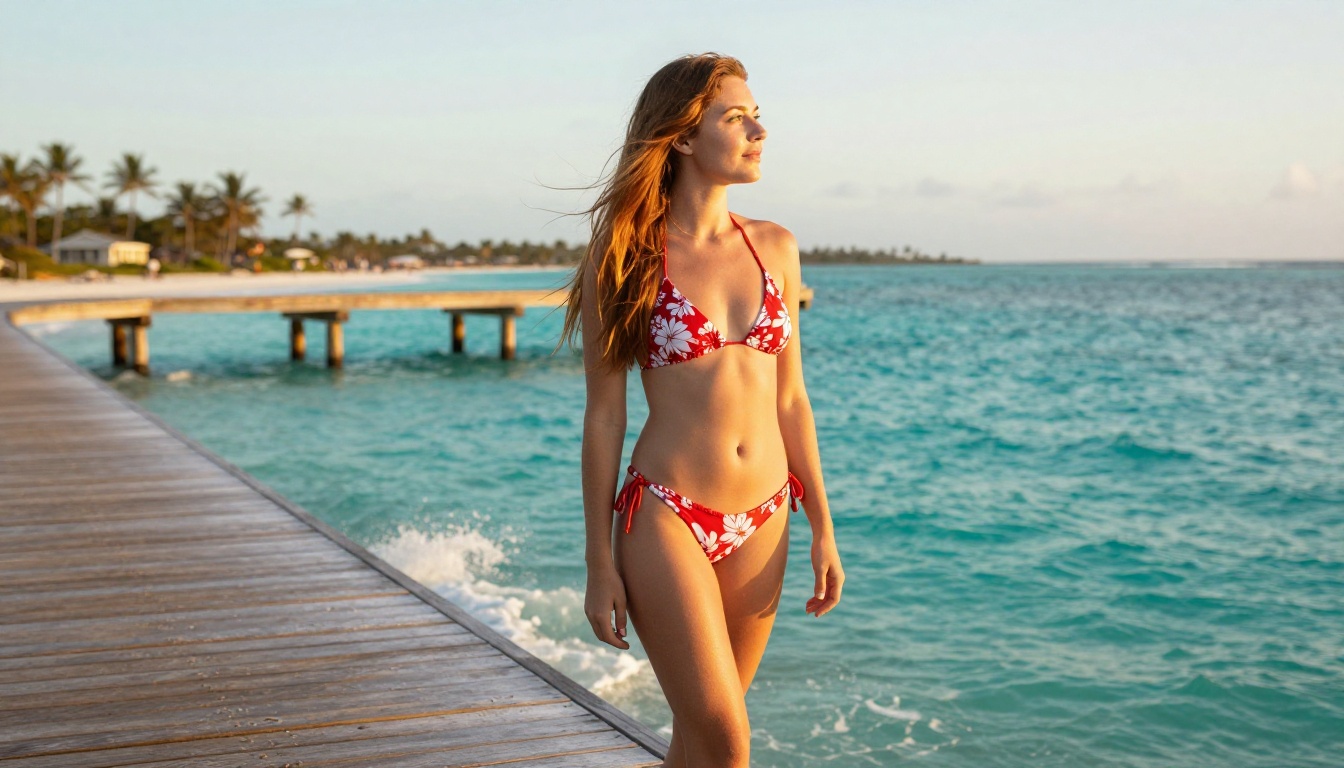
💡 Pro tip: Nano Banana Pro excels at glamour and lifestyle photography. For beauty, fashion, or travel content, it consistently outperforms other models in its category.

The Real Difference in Practice
After running both models through hundreds of prompts, the verdict is clear: GPT Image 1.5 is smarter in the linguistic sense, Nano Banana Pro is smarter in the visual sense. They represent two genuinely different philosophies of AI image synthesis.
GPT Image 1.5 asks: "What did the user ask for, exactly?" Then it tries to deliver that with precision. Nano Banana Pro asks: "What should this image feel like?" Then it delivers something visually breathtaking, even if it doesn't match the prompt word-for-word.
Neither approach is wrong. The best creators use both.
| Use Case | Best Model |
|---|
| Ad visuals with specific objects | GPT Image 1.5 |
| Portrait and lifestyle photography | Nano Banana Pro |
| Scenes requiring embedded text | GPT Image 1.5 |
| Travel and nature imagery | Nano Banana Pro |
| Concept art with precise layout | GPT Image 1.5 |
| Fashion and beauty content | Nano Banana Pro |
| Batch content at speed | Nano Banana Pro |
| Client briefs with strict visual specs | GPT Image 1.5 |
Other Models Worth Testing
PicassoIA's text-to-image catalog goes well beyond these two. If you find yourself wanting something between precision and photorealism, here are models worth experimenting with:
- Flux 1.1 Pro: Excellent balance of speed and quality for general creative work
- Flux 2 Pro: Strong contender for professional-grade photorealism
- Imagen 4: Another Google model with high output resolution and fine detail
- Imagen 4 Ultra: Maximum fidelity for the most demanding creative outputs
Each model has its own character. The only real way to find which one fits your creative voice is to run the same prompt through all of them and compare directly.
Try Both on Your Next Project
The smartest move isn't picking a side. It's running the same prompt through both GPT Image 1.5 and Nano Banana Pro and letting the outputs tell you which model suits your vision. PicassoIA gives you instant access to both, along with dozens of other text-to-image models, without needing separate accounts or API keys.
Write your prompt, run it through both, and see for yourself. The results will be more informative than any written comparison. That's the only test that actually matters for your specific creative workflow.


