You typed a prompt, hit enter, and got two beautiful images. Then the third one never came. If that sounds familiar, you have already met the main frustration of GPT Image 2 free access: it is real, it is useful, and it runs out faster than you would like.
This article lays out what "free" actually means for GPT Image 2, where an online generator can get you started without paying, how a free trial usually behaves, and what the daily limits look like in practice. I also cover the API side, because that is where many people get a surprise bill, and I finish with a plan for what to do when the quota is gone.
💡 Quick answer: Free ChatGPT accounts can generate images with GPT Image 2, but OpenAI does not publish a fixed daily number. Third-party reports point to roughly 2 to 3 images per rolling 24 hours. The API for the model is not free.
What GPT Image 2 Free Really Means
"Free" gets used for at least four different things online, and mixing them up is how people end up disappointed. Before you spend an evening hunting for a generator, sort the offers into the right bucket.
The four kinds of free
| Type of "free" | What you get | Typical catch |
|---|
| Free ChatGPT account | A handful of GPT Image 2 generations | Small, variable daily cap |
| Free trial credits | A one-time pool of credits | Credits expire or run out once |
| Free online generator | Browser tool wrapping the model or a similar one | Queues, watermarks, lower resolution |
| Free API access | Calls to the model without paying | Not supported for this model |
The first row is the one most readers want. The last row is the one most blog posts blur together with it. Free access inside a chat app and free access through the developer API are separate products with separate rules.
Why the limit is vague
OpenAI's help pages describe image generation on the Free tier as subject to stricter rate limits than paid plans, without printing a stable number. Reports from independent sites in 2026 describe the cap as dynamic, meaning it can shift with demand, your account history, and the time of day.
That vagueness is the reason you will find conflicting numbers across the web. One source says two images a day, another says two to three in a rolling 24-hour window. Treat every figure as an estimate and trust the in-app notice you see when you hit the wall.
Where to Try the Online Generator
The simplest route is the official one: open ChatGPT, sign in with a free account, and ask for an image. No card is needed. The model is selected for you, and you describe what you want in plain language.
Inside ChatGPT
You can write a normal sentence, such as "a photograph of a ceramic mug on a wooden table in morning light", and the app returns an image. You can then ask for edits in the same thread, like "make the light warmer" or "move the mug to the left". Edits spend from the same small quota, so a long back-and-forth burns through a free allowance quickly.
💡 Tip: Write one strong, specific prompt instead of five vague ones. On a tight daily cap, every generation counts.
Third-party online generators
Many sites advertise a free GPT Image 2 online generator. Some connect to the real model through paid API calls and pass a few free credits to you. Others run a different model and borrow the name for search traffic. How can you tell the difference?
- Check whether the site names the exact model in its interface, not only in the headline.
- Look for a clear credit counter and a stated reset time.
- Read the output terms. A free tier that adds a watermark or caps you at low resolution is rarely what you pictured.
- Be wary of any page promising "unlimited" use of a model that costs real money to run.
How the Free Trial Behaves
A free trial for an image model almost always works as a credit pool, not a time window. You get a fixed number of generations or a small balance, and once it hits zero the trial is over, even if you signed up yesterday.
What a typical trial includes
- A starting balance of credits, often enough for a few dozen standard images.
- Access to a standard quality setting, with higher quality costing more credits per image.
- Limits on image size, since larger outputs use more of the balance.
- Sometimes a daily refill on top of the one-time pool.
Common trial traps
- Quality multiplies cost. A "high" quality image can use several times the credits of a "low" one. Draft at low quality, then render the final at high.
- Edits count as generations. Asking for a small tweak usually spends the same as a new image.
- Failed or filtered images may still cost credits. Read the policy before you assume a refund.
- Credits expire. A trial balance that sits unused for a month is often gone.
💡 Tip: Keep a short note of your three best prompts. When a trial runs dry, you can paste the same text into another tool and compare results side by side.
Daily Limits You Should Expect
Here is what reported numbers look like for the free tier. These come from user reports and third-party write-ups, not a published OpenAI table, so use them as a rough picture.
| Source type | Reported free allowance | Reset |
|---|
| Community posts | About 2 images per 24 hours | Rolling window |
| Third-party guides | 2 to 3 images per day | Roughly 24 hours after first use |
| OpenAI help pages | "Stricter limits" than paid | Not stated as a fixed number |
How the reset works
Most people report a rolling 24-hour window that starts when you make your first image. Generate two images at 9 a.m., and you may be back in business around 9 a.m. the next day. It is not a clean midnight reset.
What happens when you hit the cap
You see a message saying you have reached your image limit, with a time when you can try again. Text chat keeps working. You can still ask for descriptions, prompt ideas, or edits to your wording while you wait.
Free versus paid in plain terms
Paid plans raise the ceiling, but they still have limits. Nobody gets truly infinite generations from a hosted model. What changes is how comfortable the ceiling is for your workload. A hobbyist making two images a day will never notice. A designer iterating on forty variations of one scene will hit the wall by lunchtime.
The API Is Not Free
This is where confusion costs real money. People assume that because the chat app lets them make a few images for nothing, the developer API does too. It does not.
Why API calls are billed
Each image request is billed per call, and the price depends on quality and output size. Reports about the model's developer page say the free tier is listed as not supported for this model. If you are building an app, plan a budget from day one.
How to avoid a surprise bill
- Set a hard monthly spending limit in your developer dashboard.
- Test with the lowest quality and smallest size first.
- Cache results so the same prompt never gets billed twice.
- Log every request during development so you can spot loops.
💡 Tip: If you only need images and not code, skip the API entirely. A hosted platform with its own credit system is easier to predict.
Ways to Stretch a Small Quota
If you are stuck with two or three images a day, you can still get good work out of them. The trick is to treat each generation as a scarce resource.
Write prompts like a photographer
Vague prompts waste images. Name the subject, the setting, the light, and the lens. Compare these two:
- Weak: "a woman in a cafe"
- Strong: "a woman in her thirties reading at a window table in a small cafe, soft morning light from the left, 50mm lens, shallow depth of field, natural skin texture"
The second one costs the same and gives you something usable on the first try.
Draft elsewhere, finish in GPT Image 2
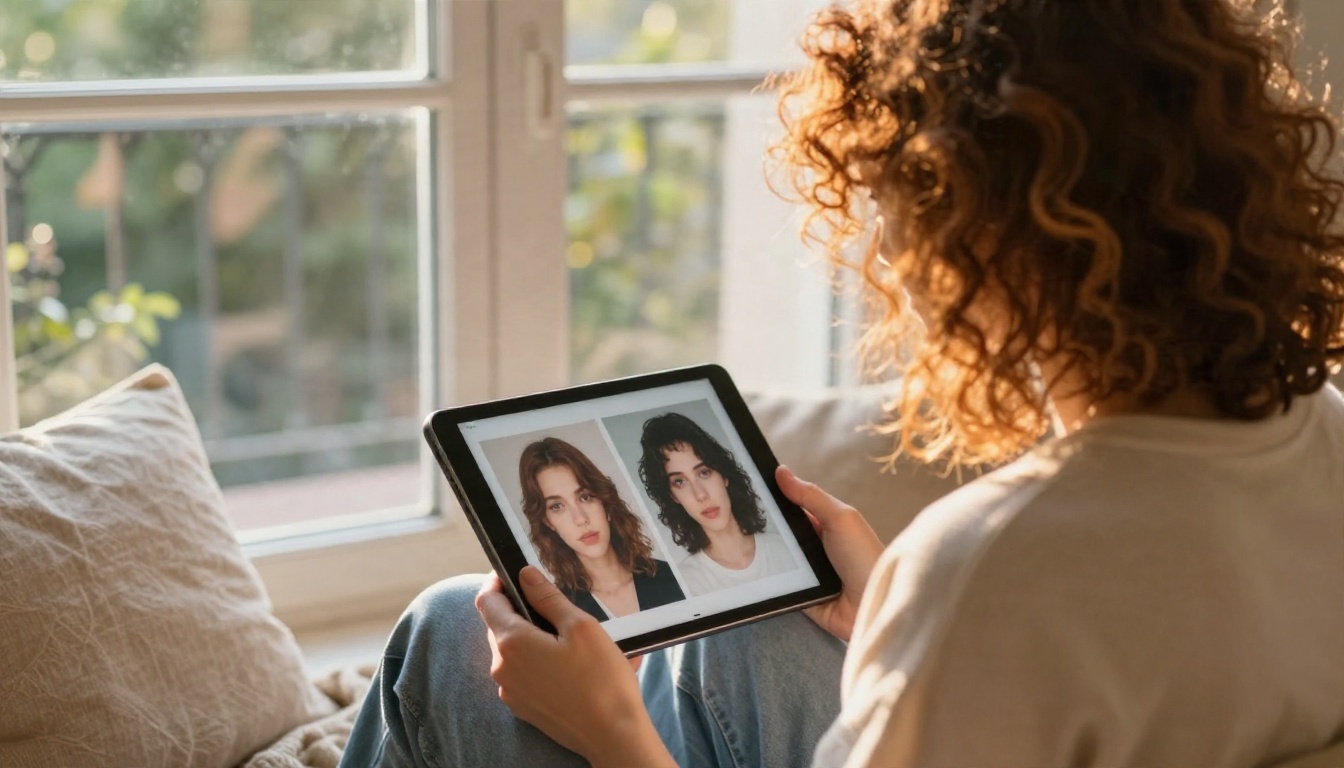
Use a free, fast model to test composition and wording. When you are happy with the idea, spend one precious GPT Image 2 generation on the final render. This split workflow doubles the value of a small daily cap.
Batch your thinking
Decide the whole scene before you open the tool. Write down the subject, mood, color palette, and framing. Then send one clean prompt. People who improvise inside a free quota tend to waste the first image on figuring out what they wanted.
What People Actually Make With It
The reason GPT Image 2 draws so much attention is its handling of detail, text inside images, and instruction following. A few uses stand out for free-tier users, who need every image to count.
Practical uses
- Product mockups: A clean lifestyle shot of a mug, bottle, or bag for a shop page.
- Social posts: One strong hero image for a weekly post.
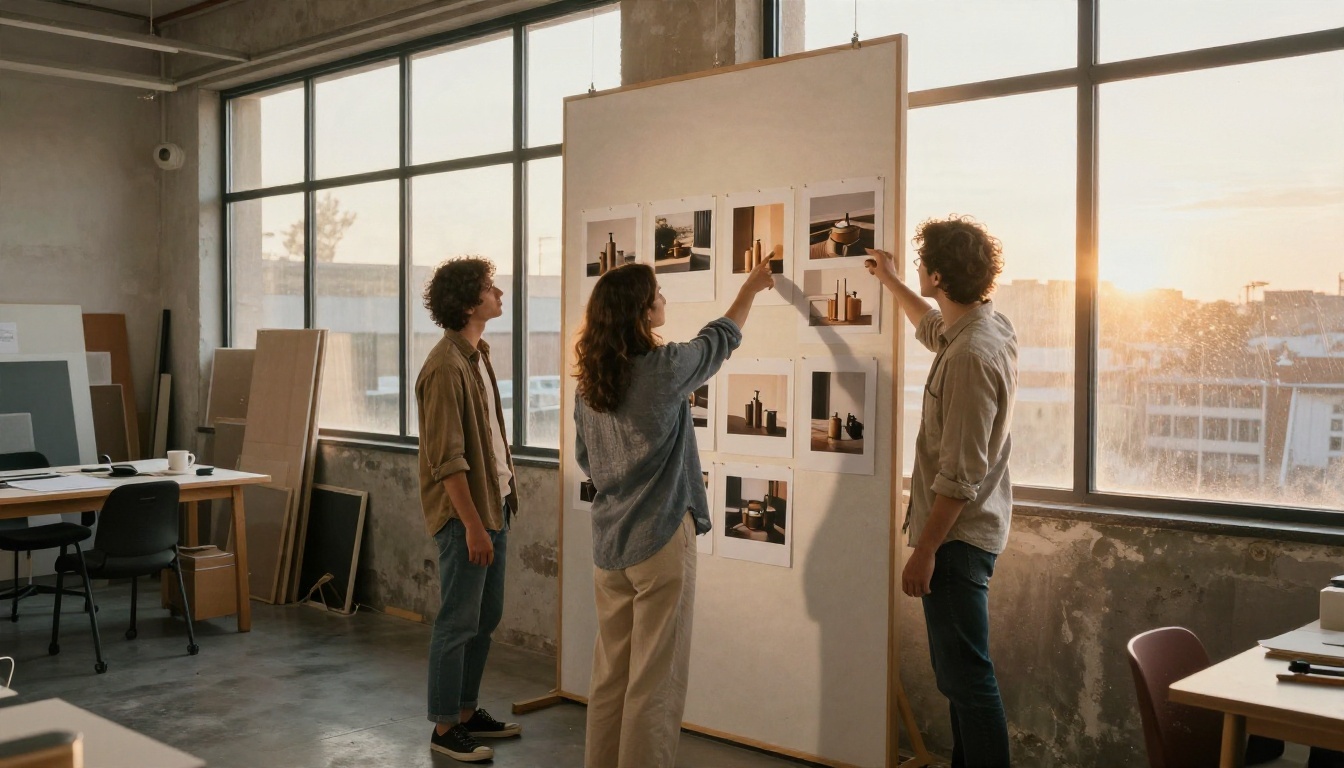
- Concept boards: Mood references for a design or photo shoot.
- Blog illustrations: Realistic scenes that match an article topic.
- Personal projects: Greeting cards, gifts, and wall art.
What it is less suited for
Anything that needs dozens of consistent variations is a poor fit for a tiny free quota. Think full storyboards, catalog shoots with fifty angles, or long iterative edits. For that kind of work, you need a platform where credits are priced for volume.
Free Alternatives When the Limit Hits
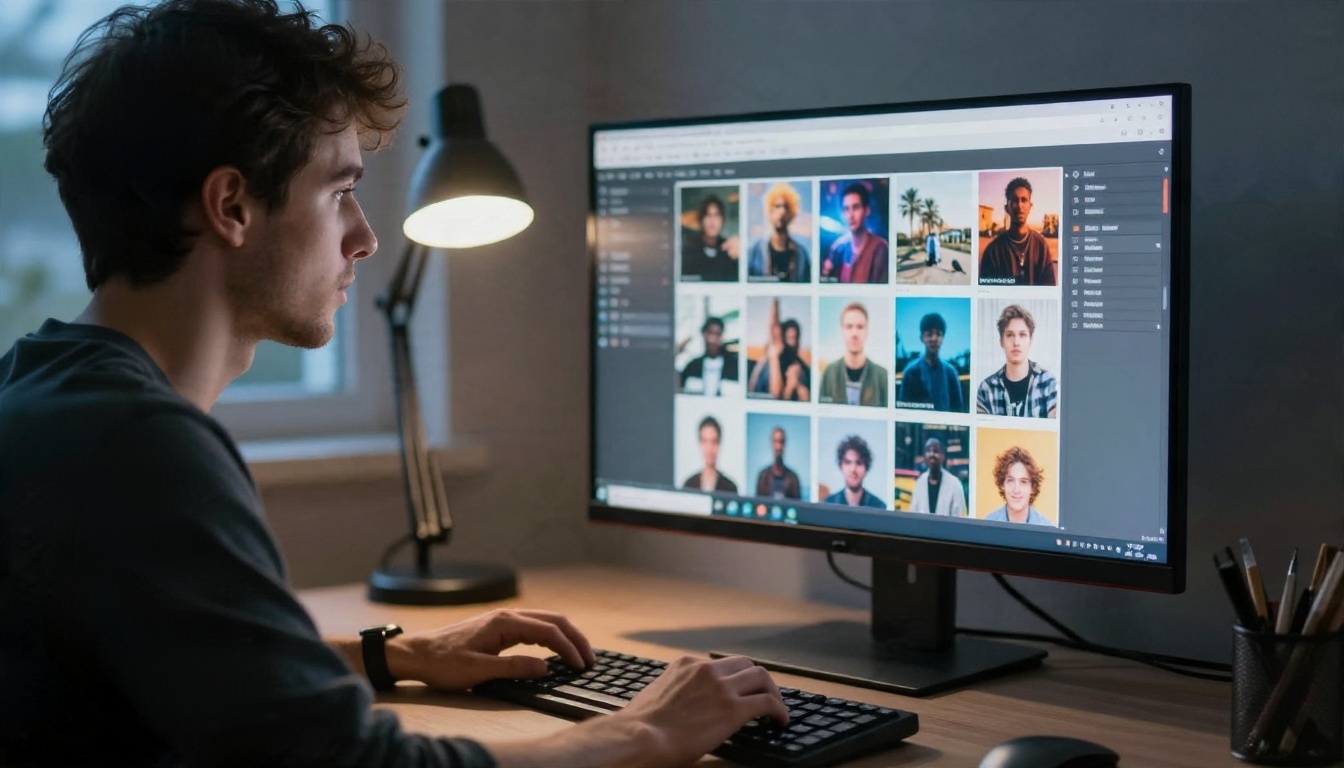
When the "limit reached" message appears, you have options. Several strong text-to-image models are available through hosted platforms, and some are tuned for speed so you can try ideas quickly.
Models worth trying
How to pick one
Ask what you need first. If it is photorealism with natural light, start with Imagen 4 or Seedream 4.5. If it is quick drafts, GPT Image 2.5 Flare is a sensible first stop. If you want edits on an existing image, Nano Banana Pro handles that well.
How to Use GPT Image 2 on PicassoIA
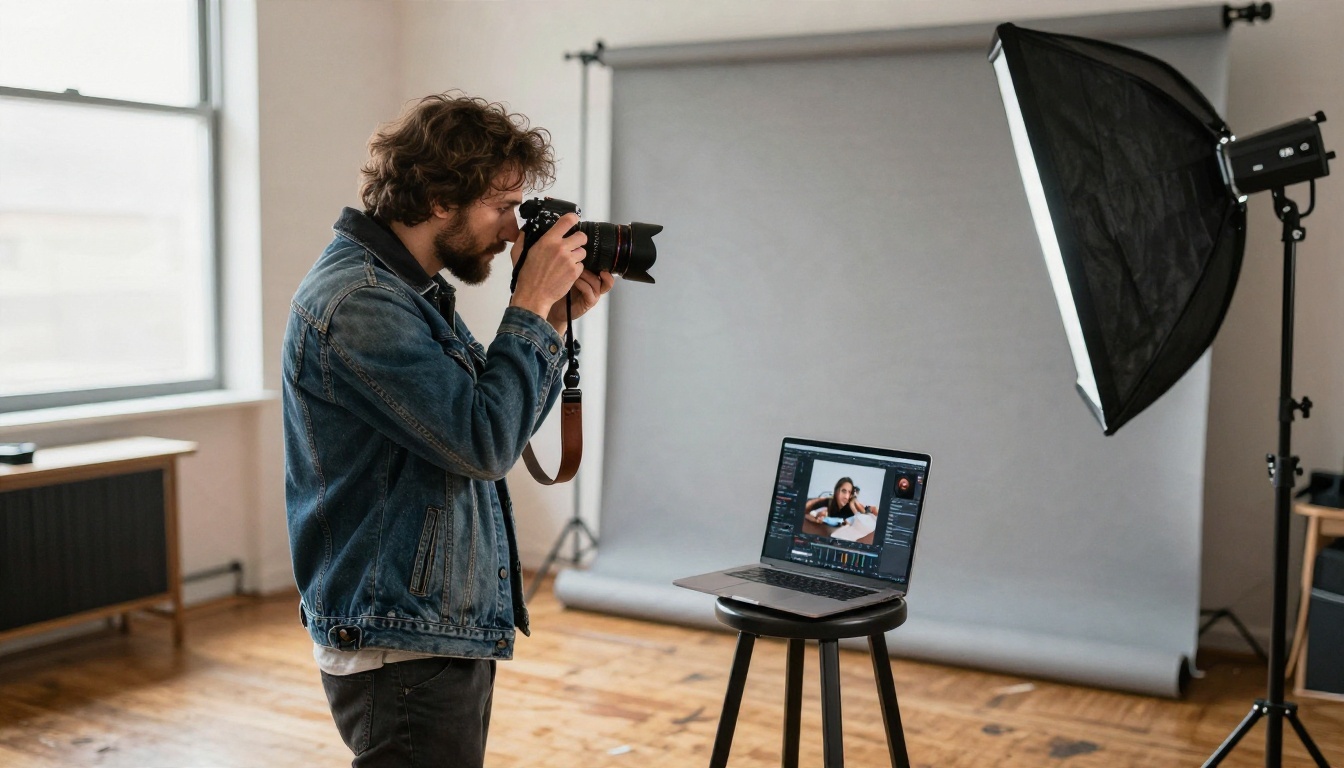
Because GPT Image 2 is available on PicassoIA, you can run it from a browser without juggling an API key or a developer account. The steps below work the same way for most text-to-image models on the platform.
Step by step
- Open the model page. Go to the GPT Image 2 page and sign in.
- Write your prompt. Describe subject, setting, light, and lens in two or three sentences.
- Choose size and quality. Start with a standard setting for drafts.
- Generate. Review the result and adjust one thing at a time, such as the light or the framing.
- Render the final. Raise the quality only once the composition works.
- Download or edit. Save the file, or send it to an editing model for touch-ups.
Parameter tips
- Aspect ratio: Pick it before you write the prompt. A 16:9 frame suits banners, while a square suits social posts.
- Quality: Low for tests, high for finals.
- Prompt length: Two to four sentences is the sweet spot. Longer prompts can start to contradict themselves.
- One change per run: If you alter five things at once, you cannot tell which one helped.
💡 Tip: Check the model page for the current credit cost and any allowance before you start, since platform pricing can change.
Free-first workflow
Try your idea on a fast model such as GPT Image 2.5 Flare or Nano Banana 2 Lite. Once the framing and wording feel right, send the same prompt to GPT Image 2 for the polished version. You spend credits only where they matter.
Mistakes That Waste Your Free Images
Most lost generations come from the same handful of habits. Fix these and a small quota goes much further.
Five common slips
- Asking for too many things. A prompt with ten subjects yields a muddled image.
- Skipping the light. Without a lighting cue, the model picks a flat default.
- Forgetting the format. A wide scene cropped to a square loses the part you cared about.
- Chasing text in the image. Keep any words to one or two short English words.
- Trusting "unlimited" claims. If a site offers endless free GPT Image 2 with no account, assume a catch.
Staying safe with free sites
Never paste an API key into a random web form. Avoid sites that ask for a card number to "verify" a free trial and then charge quietly. If a page asks you to download software to unlock free credits, close it.
Your Next Image Starts Here
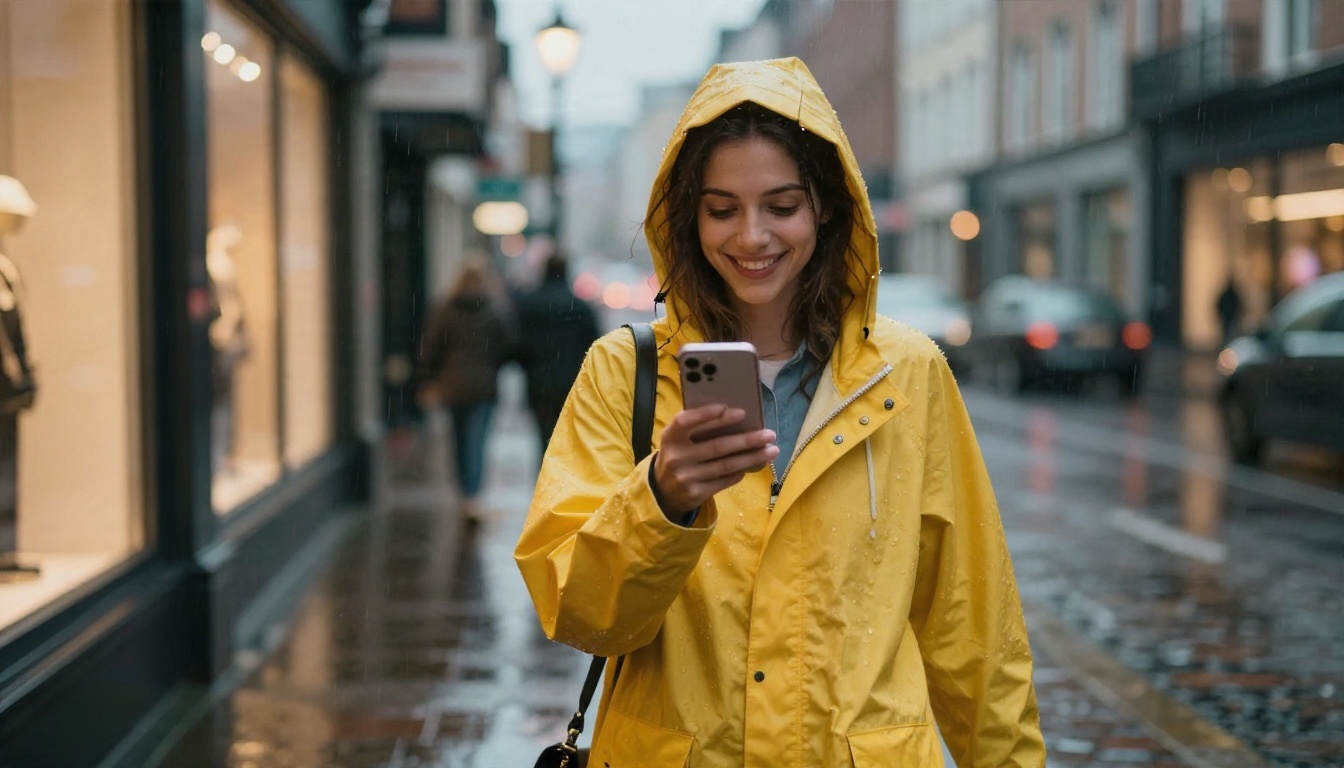
Here is the short version. GPT Image 2 is free to try inside a ChatGPT account, but only in small amounts, with a limit that reports place around two to three images per day and that OpenAI itself does not pin to a number. The API is billed per call. A free trial elsewhere is usually a one-time credit pool, and "unlimited" offers deserve suspicion.
The practical move is to stop treating a single tool as your only option. Draft on a fast model, spend your best generation on the final render, and keep a few good prompts saved so nothing is wasted.
Ready to see what your own prompts can do? Open PicassoIA, pick GPT Image 2, and write a photographic prompt about something you actually care about: a place, a product, a person, a morning. Then run the same prompt through Seedream 4.5 and Imagen 4 and compare. You will quickly see which model matches your taste, and you will not be stuck waiting for a daily reset to find out.


