Search for "Grok adult mode" and you get a pile of contradicting answers: some pages say it exists, others say it was removed, and a few sell you a workaround. The truth sits in the middle, and it changes almost every month. This article sorts out what people usually mean by the term, how age verification behaves, where image limits actually appear, and what to use when you want adult-oriented, photorealistic glamour images without fighting a filter.
💡 Quick answer: "Adult mode" is not a single switch inside Grok. It is a loose label for several things: the "spicy" setting that arrived with Grok Imagine in August 2025, companion-style chat personas, and account level content controls. Each one has different rules, and the image side has been tightened more than the chat side.
What Grok Adult Mode Actually Is
Before comparing anything, it helps to separate the three features that get lumped together.
The "spicy" image setting
When xAI launched Grok Imagine in August 2025, it shipped with a setting nicknamed spicy mode. Launch coverage described it as a way to produce suggestive content, including partial nudity in some reports. That is the origin of most "Grok NSFW" searches.
Companion and chat personas
Separately, Grok added animated companion characters aimed at adult users, with flirtatious and romantic conversation styles. These are text and voice features. They are not the same system as image generation, and the safeguards differ.
Account and data controls
Third party write-ups also point to content related options in the app's settings menus. These are preference controls, not a "turn on anything" switch. Generated output still goes through moderation no matter what you toggle.
⚠️ Important: There is no single, official page from xAI that defines "adult mode." Treat any article claiming a precise feature list with suspicion, including ones that sell alternatives.
How the Feature Works in Practice
Where it lives
Image generation sits inside Grok Imagine, available through the Grok app and website, and through X for some users. The behavior you get depends on the surface you use, your subscription level, and your region.
What the prompts do
Spicy output was never a blank check. Even at launch, the model produced softer results for some prompts and refused others. Prompts involving real, identifiable people became the biggest flashpoint, which led directly to the restrictions below.
Why results feel inconsistent
Moderation on large consumer platforms runs in layers: a check on your prompt, a check on the generated image, and sometimes a check on your account history. Two similar prompts can give different outcomes because the second layer judges the picture, not the words.
| Layer | What it checks | Typical result |
|---|
| Prompt filter | Words and intent | Instant refusal |
| Output filter | The generated image | Blurred or blocked result |
| Account rules | Age, plan, region | Feature hidden or limited |
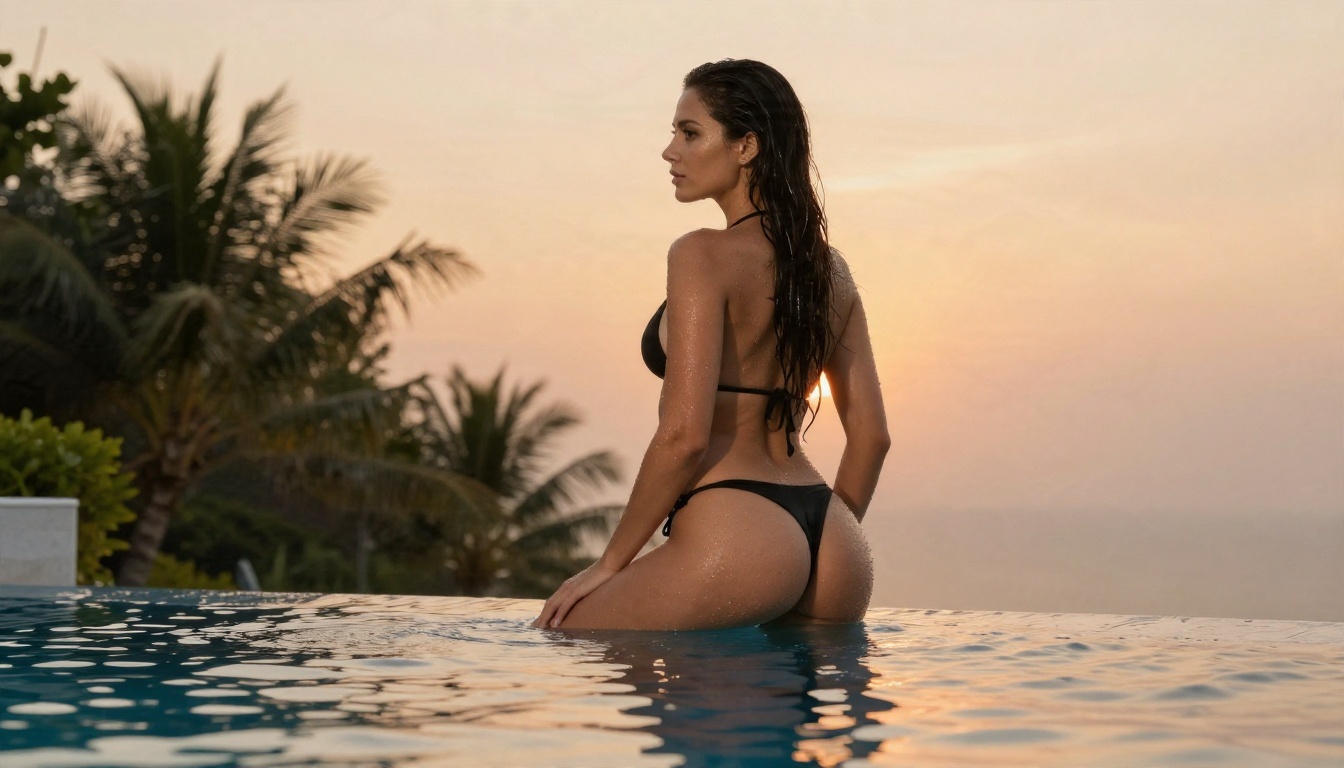
Image Limits: What Changed in 2026
This is where most confusion starts. Early in January 2026, public backlash over sexualized images of real people pushed xAI to react. Reporting from that period says image generation on X was restricted to paying subscribers around January 9, and that a crackdown on content involving real people was announced around January 14. Some of that reporting comes from companies that sell competing tools, so the exact details are worth double checking on xAI's own pages.
Paid versus free access
The pattern since then is clear even if the details shift: free access is narrower, and paid tiers get more generations. I found no trustworthy public number for daily or per-image caps, and any page quoting a precise figure without a source should be treated as a guess.
Real people are off the table
The strongest restriction is around real, identifiable individuals. Editing a photo of an actual person into something sexualized is the behavior regulators and press targeted, and it is the area where Grok is least flexible regardless of your plan.
Fictional adults and glamour
For fully fictional adult subjects, the rules are looser than for real people, but they remain stricter than what many users expect from the "spicy" label. Swimwear and lingerie style glamour is the area with the best odds. Anything explicit is blocked.
💡 Tip: If a prompt keeps getting refused, rewriting it for a different tool usually works better than reworking the same sentence ten times.

Verification: Age Checks and Selfies
Self-reported age
For a long time, the entry barrier was thin. Independent child safety reviews in early 2026 noted that the website did not check age at all, while the mobile app asked for a birth year that a user could simply invent. Spicy settings reportedly relied on a similar self-declaration.
Selfie based estimates
More recent reporting says X is moving toward age estimation using Grok itself, asking some accounts for a selfie while resolving others through existing signals such as an earlier declared age, ID verification, or account history. Users on forums complain that the selfie step can reject adults repeatedly, especially in poor lighting.
Tips if a selfie check fails
- Use bright, even daylight facing a window, not a lamp behind you.
- Remove hats, tinted glasses and heavy filters.
- Hold the phone at eye level with your whole face inside the frame.
- Try again in a quieter, uncluttered location instead of repeating the same attempt.
ID based checks
Some regions require a document check. If you go this route, only submit it inside the official app flow, and never to a third party site promising to "unlock" anything. Those pages are the most common scam attached to this topic.

Why People Look for Alternatives
Moving goalposts
A feature that works on Monday can disappear on Friday. For anyone producing content on a schedule, that unpredictability is the main pain point, more than the filter itself.
Verification friction
Selfie checks, subscription gates and region blocks add steps that have nothing to do with creating a picture. People who just want a fashion or glamour shot end up spending longer on the gate than on the prompt.
Output limits
Daily quotas and queue times turn a creative session into a waiting game. Tools with unlimited generations remove that pressure completely, which changes how you work: you can try twenty variations instead of three.
| Pain point | Typical consumer chatbot | Dedicated image platform |
|---|
| Rule changes | Frequent and sudden | Stable model behavior |
| Age or ID steps | Often required | Account based, simple |
| Daily limits | Common | Unlimited on some tools |
| Adult glamour freedom | Narrow | Broader (non-explicit) |
Best Alternatives on PicassoIA
Grok adult mode is not a model you can add to PicassoIA, so these are the closest practical alternatives for suggestive, photorealistic glamour work today. They are ordered by how well they fit that goal.
1. Seedream 4.5
Seedream 4.5 is the first model to try. It produces sharp, high resolution portraits with natural skin texture, believable fabric and strong lighting control, and it is far more relaxed about swimwear, lingerie style and boudoir glamour than mainstream chatbots. It is also fast, which matters when you iterate.
2. PicassoIA Image Editor Pro
PicassoIA Image Editor Pro offers unlimited generations, so the quota problem disappears. It handles both text prompts and edits to existing pictures, which makes it ideal for refining outfits, backgrounds, lighting and mood without starting over.
3. Z Image Turbo
Z Image Turbo is the speed pick. Results arrive in seconds, so it works well for testing ten prompt ideas quickly before you refine the best one in Seedream 4.5.
4. Flux 2 Klein 9B Base LoRA
Flux 2 Klein 9B Base LoRA suits creators who want a consistent, styled look across a batch of images, such as a recurring photographic mood.
💡 Pro move: Draft in Z Image Turbo, polish in Seedream 4.5, then use Image Editor Pro for outfit and background changes. You get speed and quality without hitting a wall.
Get Similar Results on PicassoIA
Here is a repeatable workflow built around Seedream 4.5.
Step by step
- Open the model page and choose Seedream 4.5 from the text to image collection.
- Write the subject first. Describe an adult woman, her pose, her outfit and her expression in one clear sentence.
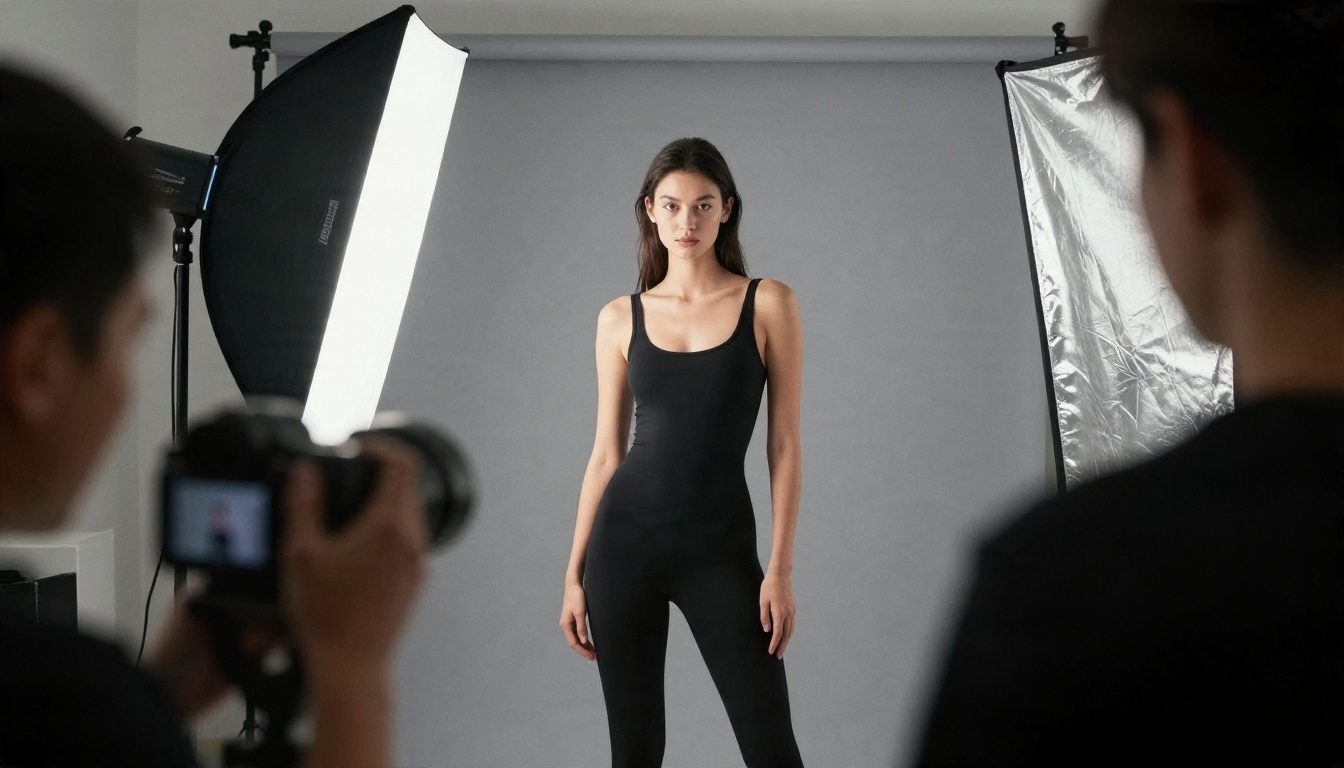
- Add the setting. A hotel suite, a pool at sunset, a studio with a grey backdrop. Specific places give better results than vague ones.
- Describe the light. "Golden hour light from the left" or "soft window light from behind" does more than any quality buzzword.
- Name a lens and a look. Something like "85mm f/1.8, shallow depth of field, Kodak Portra 400 grain" pushes the output toward real photography.
- Set the aspect ratio to 16:9 for landscape scenes or 2:3 for full length portraits.
- Generate, compare and refine. Change one detail at a time so you can see what each edit does.
Prompt template
Adult woman in a black high-cut bikini at the edge of an infinity pool at sunset, wet skin with droplets, warm side light from the left, 35mm f/2, natural skin texture, Kodak Portra 400 grain, photorealistic.
Parameter tips
| Setting | Recommended | Why |
|---|
| Aspect ratio | 16:9 or 2:3 | Matches editorial framing |
| Lens language | 35mm to 85mm | Natural proportions |
| Lighting | Single named direction | Cleaner shadows |
| Detail words | Skin texture, fabric sheen | Realistic surfaces |
| Iterations | 4 to 8 per idea | Faster refinement |
⚠️ Boundaries: Keep every subject a fictional adult. Never use photos of real people without their consent, and keep results non-explicit. Pictures that cross that line are blocked on most platforms for good reason, and they cause real harm to real people.
Prompts That Actually Work
Glamour and swimwear
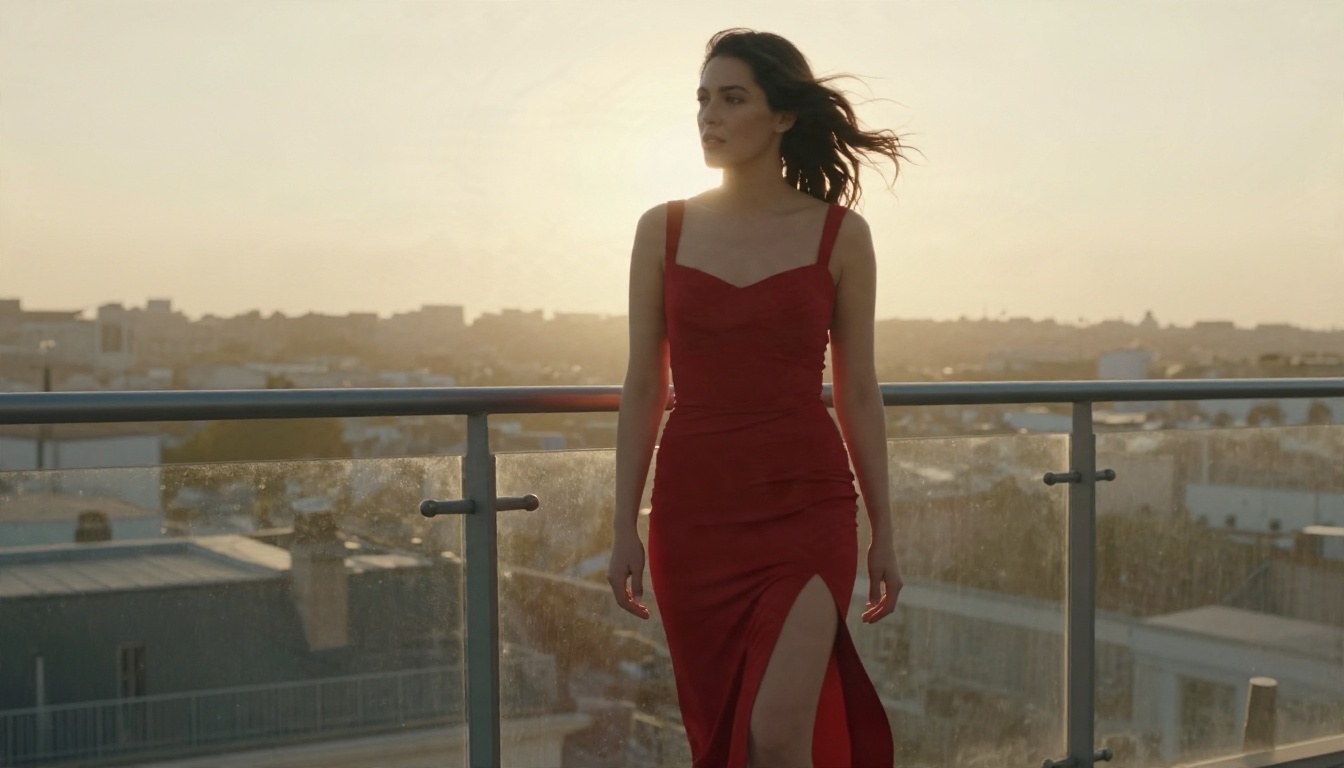
Use concrete clothing words ("high-cut black bikini," "white one-piece," "satin slip") and a real location. The setting does as much work as the outfit, and it keeps the picture looking like a magazine spread rather than a generic render.
Lifestyle and intimate mood
Soft, lived-in scenes tend to look the most believable: an oversized linen shirt, an unmade bed, morning light, a ceramic cup. Warm color, shallow focus and visible skin texture sell the realism.

Mistakes to avoid
- Stacking quality words like "ultra, masterpiece, 8K, perfect" with no scene. Describe the scene instead.
- Vague light. "Nice lighting" gives you flat results. Name the direction and time of day.
- Changing five things at once. You never learn which edit helped.
- Forgetting the lens. Without one, faces often drift toward a plastic look.
Which Option Fits You
Create Your Own Images Today
Grok's adult features will keep shifting as xAI answers regulators, press and its own users. If you would rather spend your time making pictures than checking what changed this week, open PicassoIA, start with Seedream 4.5, and switch to Image Editor Pro whenever you want unlimited tries. Write a prompt, change one detail, and see how far a single scene can go.
Ready to build your own set? Browse every available option at picassoia.com/en/all-models and start generating your first glamour portrait in minutes.


