If you've been searching for a way to use Grok Imagine Image without the content restrictions that hold back most AI image tools, you're in the right place. This xAI model stands out from the crowd for a specific reason: it does what other mainstream tools refuse to do, converting any source photo into a realistic, uncensored result without blocking your prompt or watermarking your output. This article walks you through exactly how it works, step by step, and where to access it with the fewest limitations.
What Grok Imagine Image Actually Does
Grok Imagine Image is an image-to-image AI model developed by xAI, the company behind the Grok large language model. Unlike text-to-image generators that build pictures from scratch using a written description, Grok Imagine Image takes an existing photo as its starting point and converts it based on your prompt.
The model was built with fewer content restrictions compared to tools like Midjourney, DALL-E, or Adobe Firefly. Its most notable use case is converting standard photos into bikini-format images with highly realistic results, preserving the subject's proportions, skin tone, facial features, and lighting conditions from the original photo.
The xAI Model Behind the Tool
xAI built Grok Imagine Image as part of its broader vision AI ecosystem, which also includes Grok 4, the company's latest generation large language model. The image model shares the same architectural philosophy as the LLM side of Grok: minimize unnecessary restrictions while maximizing realism and practical usefulness.
This philosophy shows clearly in the outputs. Where Midjourney might produce a stylized or filtered result, Grok Imagine Image renders realistic skin textures, natural lighting conditions, and body proportions that look like genuine photography. The model interprets spatial relationships within an existing image and applies conversions that respect those relationships, producing results that feel photographically authentic rather than digitally assembled.
Image-to-Bikini Conversion in Practice
The primary use case that has made Grok Imagine Image so widely used is its bikini conversion capability. You provide a photo of a person, write a short prompt describing the desired look, and the model outputs a converted version that realistically matches how that person would appear in the new styling.
💡 Tip: The more detail in your source photo, the more accurate the result. High-resolution, well-lit source photos consistently produce better conversions than blurry or low-contrast originals.
The outputs preserve natural skin tone, body shape, and the original lighting environment of the photo. This is what makes Grok Imagine Image results look photographically authentic rather than digitally manipulated, even when the changes made to the image are substantial.
Why It Has No Content Filter
Most mainstream AI image tools apply strict content filters that block any prompt mentioning swimwear, body exposure, or adult aesthetics. These filters often reject entirely reasonable requests, such as generating beach photography or fashion lookbooks, because they rely on keyword detection rather than actual content analysis.
Grok Imagine Image was built with a different approach. xAI made a deliberate product decision to minimize these restrictions, reflecting the company's position on AI censorship. The result is a model that treats adult-themed creative requests like any other conversion task, processing them without the constant blocking that frustrates creators on other platforms.
xAI's Position on Restrictions
xAI has been consistently public about its stance that AI systems should not be overly restrictive. This applies directly to image generation. The Grok ecosystem, including both Grok 4 the language model and the Imagine image tools, operates with far fewer content guardrails than OpenAI or Google's offerings.
The model still won't generate explicitly illegal content. But the gap between what Grok allows and what tools like DALL-E or Stable Diffusion with default settings allow is substantial. Grok handles suggestive, glamorous, and adult-aesthetic requests without triggering the blocks that make other platforms frustrating for creators working in these styles.
How This Compares to Other AI Image Tools
| Tool | Accepts Bikini Prompts | Photorealistic NSFW | Speed | Uncensored |
|---|
| Grok Imagine Image | ✅ Yes | ✅ Yes | Fast | ✅ Yes |
| Midjourney | ⚠️ Limited | ❌ Filtered | Medium | ❌ No |
| DALL-E 3 | ❌ Blocked | ❌ No | Fast | ❌ No |
| Stable Diffusion (default) | ⚠️ Limited | ⚠️ Partial | Varies | ⚠️ Partial |
| Seedream 4.5 | ✅ Yes | ✅ Yes | Under 3s | ✅ Yes |
The table makes the picture clear: most mainstream tools either block adult-themed prompts outright or heavily filter the output. Grok Imagine Image is one of the few commercial models that accepts these requests and returns realistic, usable results without watermarks or distortions.
Step by Step: Using Grok Imagine Image
Using Grok Imagine Image on a platform like PicassoIA is straightforward. Here is the full process from start to finish.
Step 1: Pick Your Source Photo
The model is image-to-image, so it requires a starting photo to work from. For the best results, choose a photo that meets these criteria:
- Clear and high-resolution: Blurry images produce blurry conversions
- Good lighting: Natural or studio light helps the model preserve skin tones accurately
- Subject clearly visible: Well-composed photos with the person visible in frame produce better results than cluttered backgrounds
- Standard format: JPEG or PNG at a minimum of 512px on each side
The quality of your source image directly determines the quality of the output. A well-lit, sharp photograph will produce a conversion that looks like a real photo. A dim, pixelated selfie will produce a conversion with visible artifacts and inaccuracies throughout.
Step 2: Write Your Prompt
Your prompt tells the model what conversion to apply. For Grok Imagine Image, prompts work best when they are specific, visual, and direct. The model reads plain language accurately, so elaborate prompt engineering is not required.
💡 Example prompt: "Wearing a small red bikini, standing on a sunny beach, realistic, photographic, natural skin tones, same face and hair as original"
Including "realistic" and "same face and hair as original" in your prompt anchors the conversion to the source photo and reduces facial reconstruction errors in the output. Describing the setting, such as a beach or poolside, also helps the model place the subject in a coherent lighting environment.
Step 3: Run the Conversion
Upload your source image and submit your prompt. On PicassoIA, the process takes a few seconds. The model processes the image, applies the conversion, and returns the result directly in the interface.
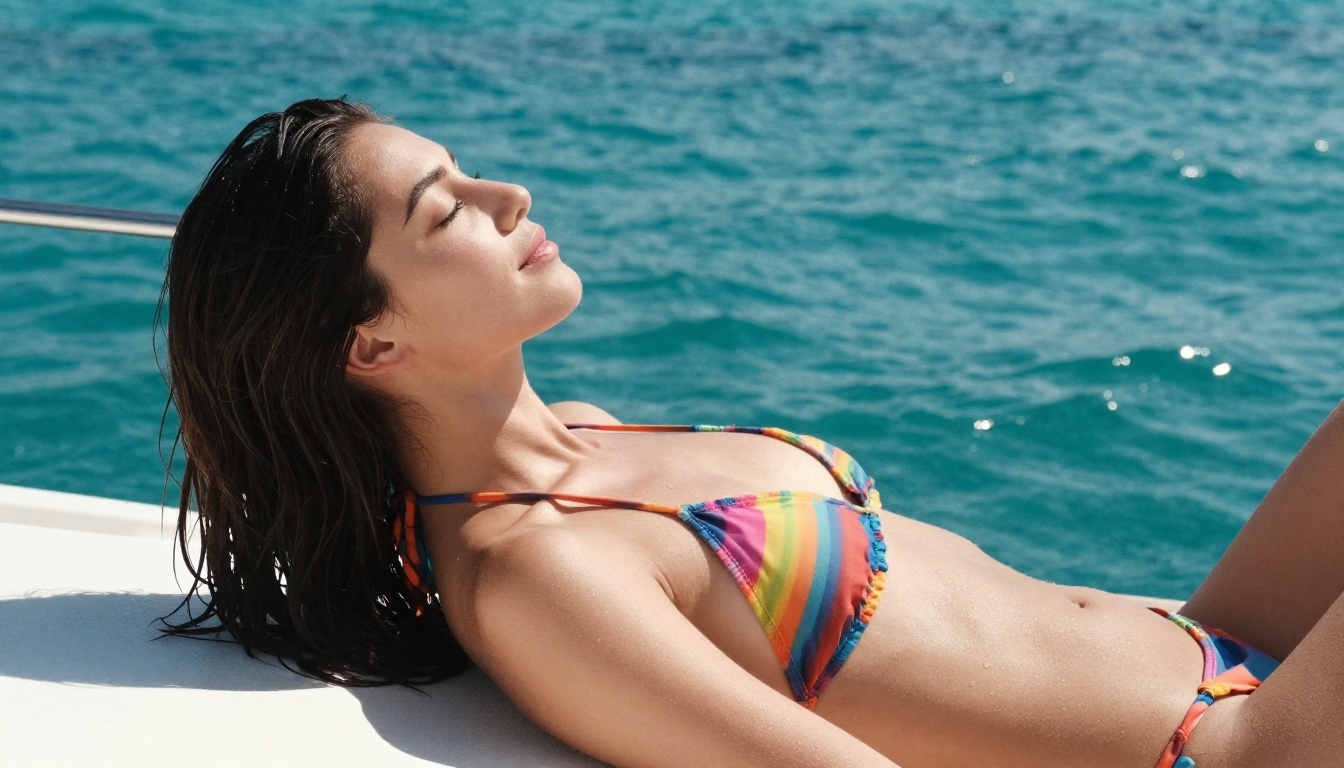
If the first result doesn't match your expectations, try a more specific prompt, use a higher-resolution source image, or adjust your phrasing. Sometimes small word changes produce significantly different outputs. Switching to Seedream 4.5 is also a fast way to compare results, since that model approaches the same task from a text-to-image angle with equally strong realism.
Step 4: Refine and Download
Once you have a result you're satisfied with, download it directly. PicassoIA does not add watermarks to outputs, so the file you download is clean and ready to use.
For further refinements, such as adjusting the background, modifying clothing details, or adding environmental elements, pass the result through PicassoIA Image Editor Pro. On Elite or Infinite plans, this additional editing step costs nothing extra since Image Editor Pro offers unlimited generations.
Where to Use Grok Imagine Image Without Limits
Access to Grok Imagine Image varies by platform. On xAI's own interface at Grok.com, the model is available but tied to subscription usage caps. For creators who need high-volume access or want to experiment freely without hitting daily limits, a dedicated AI platform is the more practical choice.
Grok Imagine Image on PicassoIA
PicassoIA hosts Grok Imagine Image alongside dozens of other NSFW-capable models. The platform provides access through a clean interface without requiring a separate xAI subscription.
On PicassoIA you get:
- Immediate access: No extra setup or additional account required
- Clean outputs: No watermarks on downloaded files
- Side-by-side view: See the before and after in the same interface
- Instant model switching: Move to another model if Grok Imagine Image doesn't produce your ideal result on a given photo
API Access vs. Platform Access
| Access Type | Pros | Cons |
|---|
| PicassoIA (platform) | No setup, instant access, no coding required | Per-generation cost on some plans |
| xAI API direct | Programmatic control, automation | Technical setup required |
| PicassoIA Image Editor Pro | Unlimited generations on Elite plan | Image-to-image only |
For most creators, the platform route is the most practical. For developers building automation pipelines or batch processing workflows, the API route offers more control.
Best NSFW AI Models on PicassoIA
Grok Imagine Image excels at bikini conversions, but it's one piece of a larger toolkit. PicassoIA hosts several models suited for uncensored, realistic adult content creation. Here is the ranked list based on performance, flexibility, and value:
-
Seedream 4.5 ⭐ The top all-around pick. Accepts adult content, supports both text-to-image and image editing, and generates ultra-realistic results in under 3 seconds. Note: the newer Seedream 5 Lite does not support NSFW content, so Seedream 4.5 is the correct choice here.
-
PicassoIA Image Editor Pro The unlimited generations model. On Elite or Infinite plans, generate 1,000 or more images at no extra cost per image. Accepts NSFW content, returns results in under 1 second, and comes with a 3-generation free trial with no credit card needed.
-
Qwen Image 2 An open-source option that edits or creates any image in seconds with very detailed realism and no content filters applied.
-
Grok Imagine Image The bikini conversion specialist. Converts any source photo into a realistic bikini-format image with accurate skin tone and lighting preservation from the original photo.
-
Recraft V4 Very realistic results for text-to-image generation. Text-to-image only, no source image required.
-
P-Image NSFW text-to-image in under 1 second. Ideal for fast iteration when you need many generations quickly without waiting.
-
prunaai-wan-2.2-image Generates highly realistic images from text descriptions without content filters.
💡 Important: Seedream 5 Lite does not support NSFW content. Always use Seedream 4.5 for adult content generation on PicassoIA.
Unlike most mainstream AI platforms, PicassoIA gives creators full creative freedom with uncensored, high-performance models across the full generation pipeline, from text-to-image to image editing to video generation.
Grok 4 and the LLM Connection

Grok Imagine Image doesn't exist in isolation. It's part of xAI's broader ecosystem that includes Grok 4, the company's flagship large language model available on PicassoIA. The relationship between the two products shapes how the image model reads prompts and applies conversions.
How Grok's AI Architecture Supports Vision
Grok 4 is a multimodal LLM capable of processing both text and images simultaneously. When you use Grok Imagine Image, the same AI comprehension that powers Grok's language capabilities informs how it reads your conversion prompt.
This means Grok Imagine Image processes context in a way that keyword-based filters cannot intercept. A prompt like "wearing a swimsuit at the beach" is processed as a visual conversion instruction, not flagged as a trigger phrase. The model reads what a beach photo conversion should look like and applies it accordingly, using spatial and visual logic rather than simple rule-based text matching.
Why This Matters for Creators
For creators building visual content, having a language model with strong visual comprehension at the backend produces more accurate conversions. The model reads "natural lighting" as an instruction to match the lighting temperature of the source photo, not to apply an artificial filter. It reads "same face" as an instruction to preserve facial geometry from the original.
This language-image coherence separates Grok Imagine Image from older img2img tools that applied pattern-matched overlays without any semantic reading of the prompt. The model processes what you're asking for and applies it with spatial precision, which is why the results consistently look more realistic than those from simpler tools.
What the Results Actually Look Like
One of the most common questions about Grok Imagine Image is whether the outputs actually look realistic. The short answer is yes, significantly more realistic than most competing tools, particularly in the areas of texture, lighting preservation, and body proportions.
Realistic Texture and Lighting Preservation
The model preserves the lighting conditions of the source photo in the output. If your source photo was taken in harsh midday sun, the conversion will maintain those hard shadows and bright highlights in the result. If it was taken in soft indoor lighting, the output will retain that warmth and softness rather than replacing it with a different lighting scheme.
Skin texture is preserved rather than smoothed out or replaced with a generic surface layer. The natural color variations and surface detail visible in the original photo carry through into the converted version. This is what makes the outputs look photographically authentic rather than AI-generated, even at close inspection.
Accuracy of Body and Clothing Proportions
Body proportions from the source image are maintained in the conversion. The model doesn't reshape or alter body dimensions beyond what the prompt explicitly requests. Clothing placements follow the natural contours of the body as shown in the source photo rather than applying a flat template that ignores the original subject's actual build and posture.
This accuracy is the core strength of Grok Imagine Image. It distinguishes the model from tools that apply generic body mesh overlays regardless of the original subject's actual dimensions.
💡 For best results: Use source photos with clear, unobstructed full-body or half-body shots. Tightly cropped close-up portraits limit what the model can realistically convert.
Start Generating Your Own Images
You now have everything needed to start generating uncensored, photorealistic results with Grok Imagine Image. The process is direct: choose a clear source photo, write a specific prompt describing the conversion, and submit it on PicassoIA. Results arrive in seconds, with no watermarks and no blocked prompts.
Grok Imagine Image is the specialist for photo-to-bikini conversions, but PicassoIA puts it alongside a full set of uncensored models. Seedream 4.5 for text-to-image with fast generation in under 3 seconds. PicassoIA Image Editor Pro for unlimited editing on the Elite plan. Qwen Image 2 for open-source realism without content filters. Recraft V4 for high-quality text-to-image. Each model has distinct strengths, and switching between them on the platform takes a single click.
See the full lineup of NSFW AI models and generate without limits at picassoia.com/en/all-models.


