Two of the most talked-about AI image generators in 2025 are squaring off, and the gap in output quality is more nuanced than most comparisons suggest. Grok Imagine Image, developed by xAI, arrived with bold technical claims: a native Aurora diffusion architecture, sharper compositional accuracy, and real-time contextual awareness from its deep integration with Grok's language model. DALL-E, OpenAI's proven visual AI system, counters with years of refinement, broad stylistic range, and some of the best prompt-to-image fidelity in the industry. The real question is not which one has the better story. It is which one delivers better results when you actually sit down to create.
What Grok Imagine Image Actually Does
Grok Imagine Image is xAI's text-to-image model, built on a proprietary diffusion architecture called Aurora. Unlike most image generators that operate independently from language understanding, Grok Imagine Image was designed from the ground up to work alongside Grok's conversational intelligence. This means the model has a stronger grasp of contextual meaning in your prompts, picking up on nuances that simpler systems often flatten into generic visual interpretations.
The results are images that feel considered. When you ask for a specific mood, Grok Imagine Image tends to reach for it rather than defaulting to the nearest visual cliché. The Aurora model also handles native 4K resolution output without the upscaling artifacts that plague many competing systems, which gives final images a tactile quality that holds up at print size.
The Aurora Diffusion Architecture
Aurora is not just a new name for an existing architecture. It was built with a focus on spatial coherence, which means objects in a scene relate to each other in physically plausible ways. Shadows fall correctly. Reflections behave like reflections. Fabrics have weight and drape naturally. This is the area where many AI image generators still struggle, producing scenes that look assembled rather than photographed.
The architecture also benefits from xAI's access to real-time web data through the Grok ecosystem, which means the model has an unusually current understanding of visual culture, trends, and references without needing manual dataset updates.
How Grok Differs From the Competition
What separates Grok Imagine Image from models like SDXL or Stable Diffusion 3.5 Large is not just raw image quality but the way it interprets language. Most diffusion models convert prompts into token embeddings that map to visual concepts. Grok Imagine Image uses a richer language understanding layer, which means it handles complex, multi-clause prompts without losing track of individual elements. Ask for a scene with five distinct elements and it tends to include all five rather than choosing the easiest two to render.

What DALL-E Brings to the Table
DALL-E is OpenAI's visual generation system, and it has gone through several major iterations since its debut. The current standard for most users is DALL-E 3, integrated into ChatGPT, while GPT Image 1.5 represents OpenAI's most refined standalone image model available through the API and on platforms like PicassoIA. Both versions share the same core strength: an extraordinary ability to translate conversational, imprecise prompts into visually coherent outputs.
DALL-E was trained with a heavy emphasis on content coherence and proportional accuracy, which has both helped and constrained it. On the positive side, outputs are reliably polished, anatomically accurate for human subjects, and stylistically consistent across different request types. The tradeoff is a creative ceiling that can feel artificial when you want something rawer or more atmospheric.
DALL-E 3 vs GPT Image 1.5
DALL-E 3 is what most people have experienced through ChatGPT, where it benefits from the language model's ability to interpret and expand on your prompt before sending it to the image generator. The result is that even vague inputs tend to produce surprisingly specific and well-composed images.
GPT Image 1.5 takes this further with improved texture rendering, better handling of complex lighting scenarios, and more accurate proportional relationships between subjects and their environments. It is the version worth comparing directly to Grok Imagine Image in any serious quality evaluation.
OpenAI's Visual Strengths
Where DALL-E consistently leads is in text rendering within images. This has historically been one of the hardest problems for diffusion models, and OpenAI invested heavily in solving it. DALL-E 3 and GPT Image 1.5 produce legible, well-formed text inside images at a rate that still outpaces most competitors. For anyone creating content that needs readable labels, signs, titles, or captions inside the generated image itself, DALL-E maintains a real advantage that has not yet been fully matched.
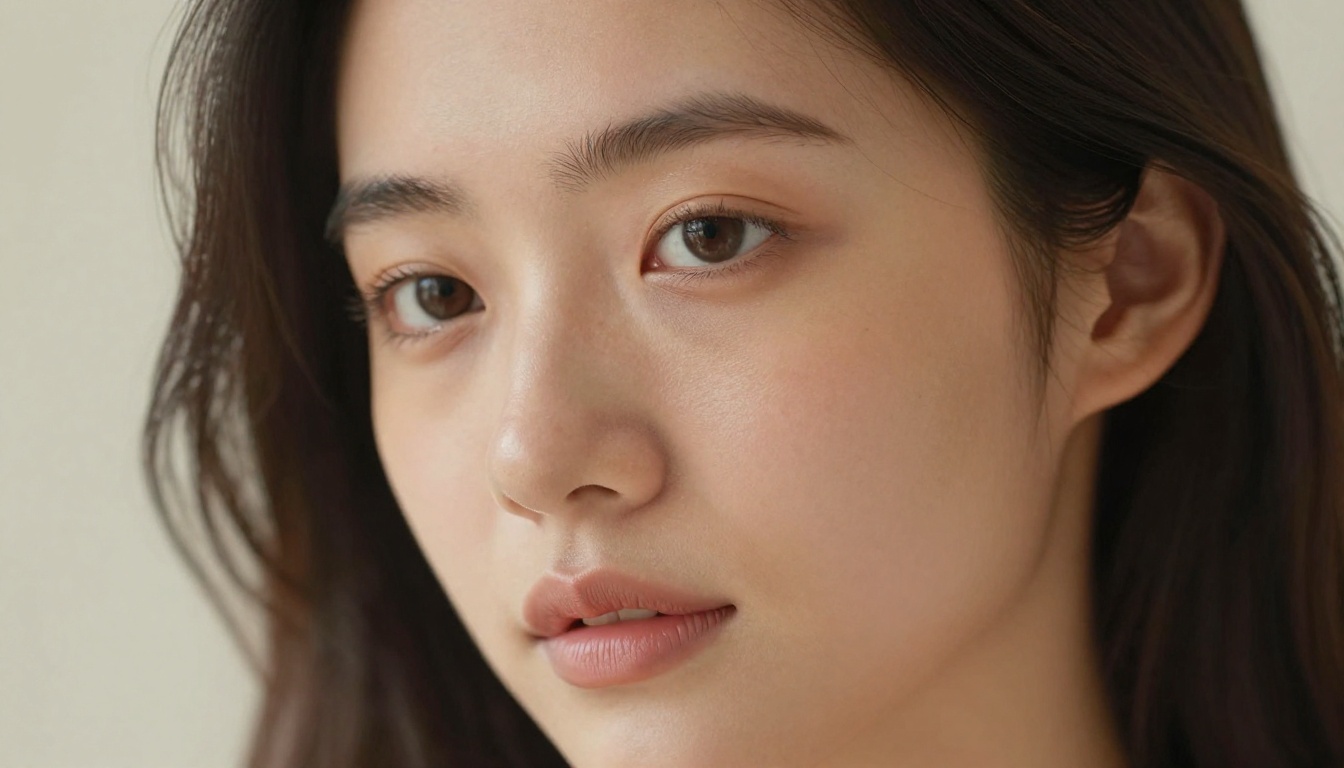
Image Quality Head-to-Head
This is where the comparison gets concrete. Both models are capable of producing stunning images, but they excel in different categories. The table below captures the high-level differences across the most critical quality dimensions.
| Quality Dimension | Grok Imagine Image | DALL-E (GPT Image 1.5) |
|---|
| Photorealism | Excellent, film-grain texture | Very good, slightly clinical |
| Portrait accuracy | High detail, natural skin | Good, occasional idealized smoothing |
| Landscape depth | Strong spatial coherence | Solid, less atmospheric |
| Text in images | Moderate | Excellent |
| Stylistic range | Wide, including raw aesthetics | Wide, with content limits |
| Resolution native | 4K output | 1024px, upscalable |
| Complex multi-element scenes | Handles well | Strong with focused prompts |
Photorealism and Detail
In head-to-head photorealism tests, Grok Imagine Image edges ahead when prompts call for natural textures, organic environments, and scenes that should look photographed rather than rendered. The Aurora model produces a subtle film-grain quality in shadows and highlights that reads as genuinely photographic rather than artificially smooth.
DALL-E outputs tend toward a cleaner aesthetic that is technically impressive but can feel slightly processed. It is the difference between a RAW photograph with visible grain and a heavily post-processed JPEG with everything imperfect removed. Neither is wrong, but they suit different creative intentions.
Faces and Human Anatomy
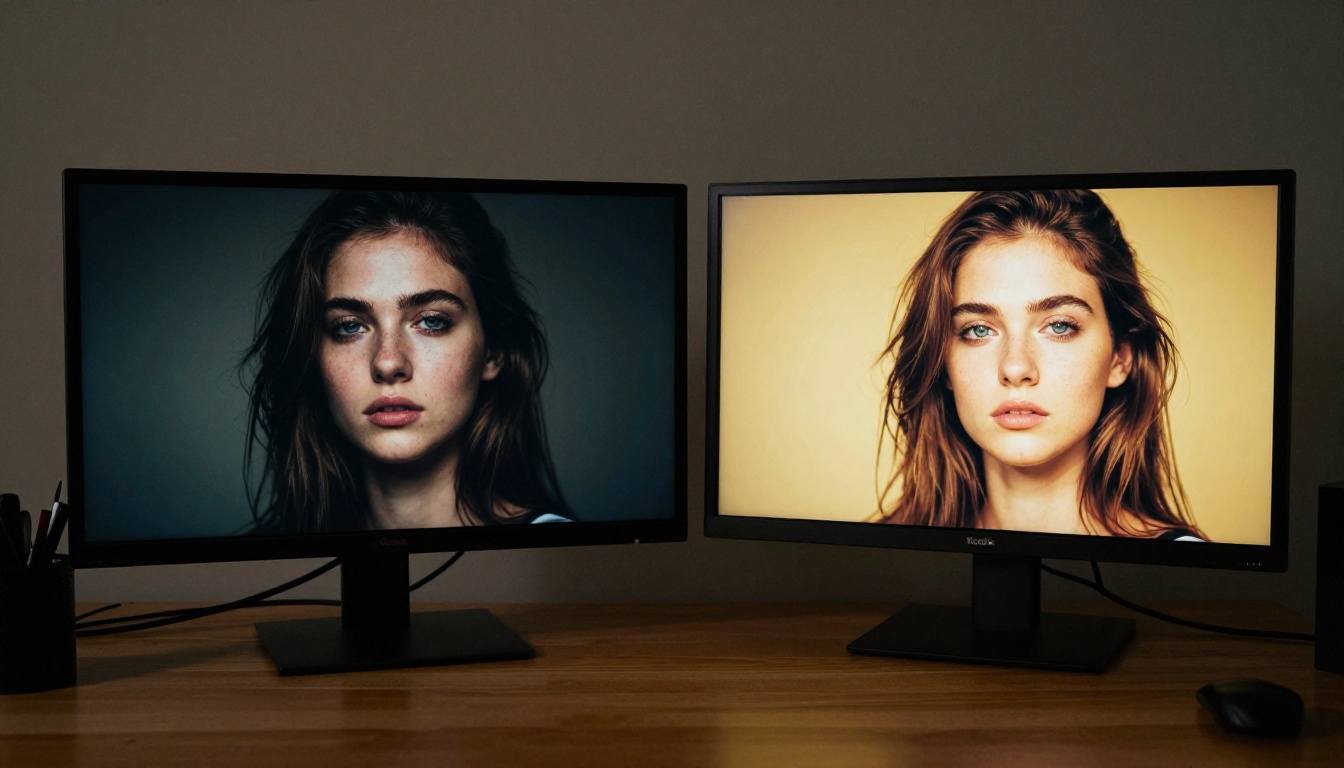
Both models handle human faces with impressive accuracy, which was not always the case with earlier generations of AI image generators. Grok Imagine Image produces faces with more visible pore detail, natural skin variation, and accurate eye geometry even in non-frontal angles. GPT Image 1.5 produces faces with excellent proportional accuracy and consistent lighting, but occasionally defaults to an idealized smoothness that makes subjects look slightly retouched.
For generating portraits where authenticity matters, such as social content meant to feel documentary or journalistic in style, Grok Imagine Image tends to feel more convincing in direct comparison.
Landscapes and Complex Scenes
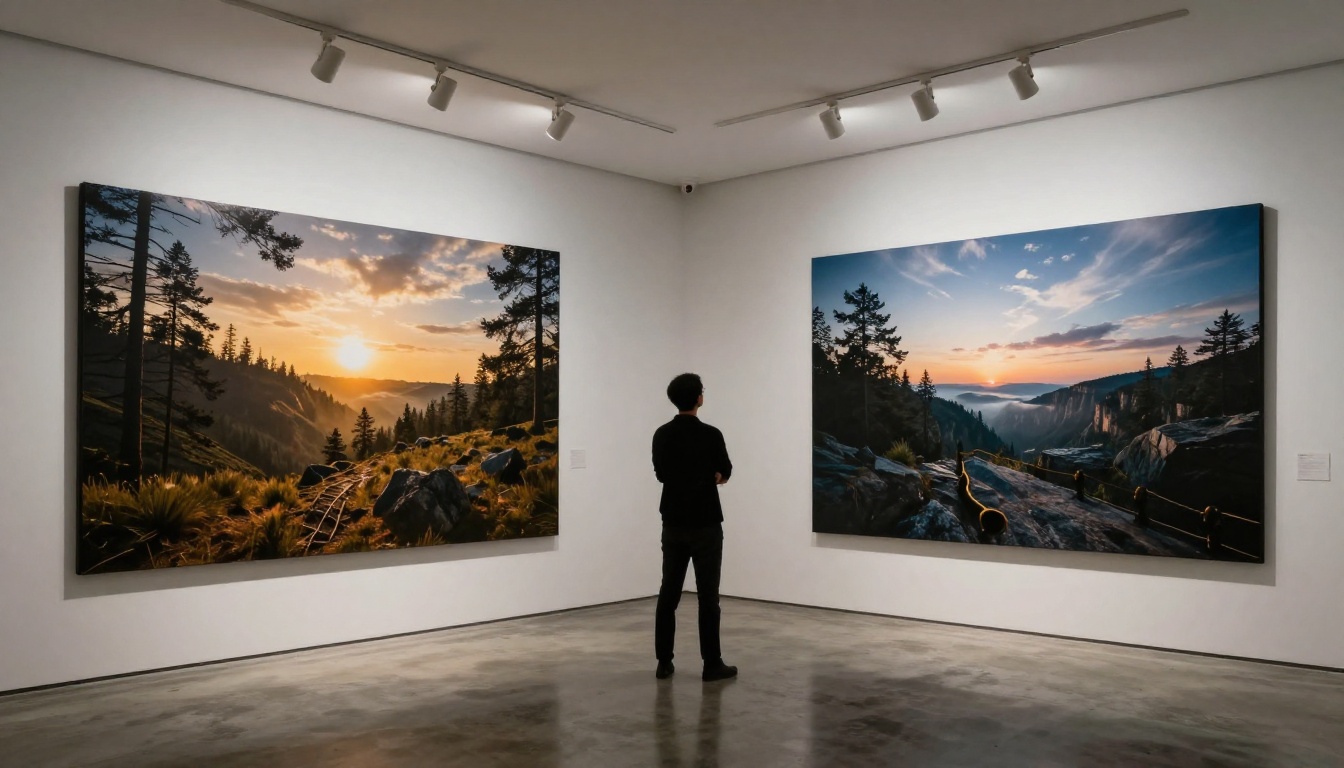
Grok Imagine Image shows a meaningful advantage in complex outdoor environments. Scenes involving multiple light sources, realistic atmospheric haze, and accurate water or foliage rendering come out more naturally from Aurora than from GPT Image 1.5. DALL-E performs better in architecturally precise scenes or interior environments where compositional structure matters more than atmospheric texture.
Prompt Accuracy and Control
A beautiful output that does not match your prompt is a failed output. This is where the two models diverge in ways that matter most for professional work.
Handling Complex Instructions
Grok Imagine Image handles multi-clause prompts with unusual reliability. You can specify subject, action, environment, lighting, camera angle, and mood in a single prompt, and the model holds most of those instructions simultaneously. Competing models often drop elements from complex prompts, defaulting to the most dominant or easiest-to-render concept in the sentence.
DALL-E 3 handles this well when used through ChatGPT, where the language model rewrites your prompt into something cleaner before sending it to the generator. Used directly through the API or via PicassoIA, it performs similarly but is slightly less robust with very long, densely specified prompts. Models like Imagen 4 from Google or Flux 2 Pro from Black Forest Labs offer additional options if prompt fidelity is your top priority.
Text Within Images
DALL-E maintains a clear lead in this specific area. When a prompt requires text to appear within the image itself, such as a product label, a street sign with a specific word, or a poster with a title, GPT Image 1.5 handles this with significantly fewer errors and hallucinations than Grok Imagine Image, which still struggles with multi-word text and non-standard fonts. If your workflow regularly requires embedded text, DALL-E is the more dependable choice for now.
How to Use Grok Imagine Image on PicassoIA
Since Grok Imagine Image is available directly on PicassoIA, you can run it without needing an xAI account or a Grok subscription. Here is exactly how to get started and get the most out of the Aurora model.
Running Your First Generation
Step 1: Open the Model Page
Go to the Grok Imagine Image page on PicassoIA. You will see the prompt input field, resolution options, and output settings. No extra setup required.
Step 2: Write a Detailed Prompt
Aurora rewards specificity. Instead of writing "a woman in a field," write "a young woman standing in a golden wheat field at dusk, warm backlight creating a natural halo in her hair, 85mm lens, shallow depth of field, film grain, Kodak Portra 400." The more visual information you provide, the more accurately the model renders what you intend rather than what it assumes you want.
Step 3: Set Your Resolution
Grok Imagine Image supports high-resolution output. For print-quality work, select the highest available resolution. For web content, standard HD resolutions generate faster and are typically sufficient for digital publishing.
Step 4: Generate and Iterate
Run your first generation, evaluate what worked and what did not, then adjust specific elements in your prompt. Do not rewrite the entire prompt when only one element needs fixing. Isolate the problem and modify that clause. Iteration beats starting over.
Tips for Better Prompts
💡 Prompt Tip: Always include lighting direction. "Warm light from the left" or "overcast diffused light from above" completely changes the mood and is one of the simplest ways to lift output quality immediately.
- Lead with your subject: Start the prompt with the most important visual element. The model weighs earlier tokens more heavily, so put what matters most first.
- Specify camera details: Lens length (50mm, 85mm, 24mm), aperture (f/1.8, f/8), and film stock (Kodak Portra, Fuji Velvia) all push the model toward photographic rather than illustrated aesthetics.
- Avoid style shortcuts: "Photorealistic" alone is not enough. Describe the specific textures, light sources, and atmospheric conditions that make something feel real.
- Describe the background: Even if it will be softly blurred, telling the model what is behind your subject gives it better spatial context and reduces compositional errors in the foreground.
- Include atmosphere: Words like "morning mist," "volumetric light," "golden hour haze," and "film grain in shadows" activate the Aurora model's strongest visual qualities.
Speed, Pricing, and Accessibility
Neither model is free at scale, but the way each is accessed shapes how useful it is in real creative workflows.
Which Is Faster
Grok Imagine Image on PicassoIA generates outputs in roughly 15 to 30 seconds for standard resolutions, with higher resolution outputs taking proportionally longer. DALL-E via ChatGPT typically delivers results in 10 to 20 seconds. The speed difference is minimal at the individual image level but becomes relevant when running batch generations for content production. For users who need speed above all else, models like Flux Schnell offer near-instant generation with strong output quality at standard resolutions.
Cost and Access
Grok Imagine Image through PicassoIA operates on the platform's credit system, making it accessible without committing to a dedicated xAI subscription or API account. DALL-E through ChatGPT Plus requires a monthly subscription, while direct API access through OpenAI is priced per image at a rate that adds up quickly for high-volume users.
For creators who want to test multiple models against the same prompt before committing to a final output, PicassoIA's interface is particularly practical. You can run Grok Imagine Image, GPT Image 1.5, and models like Flux 1.1 Pro Ultra side by side from a single interface without managing multiple platform accounts.
The honest answer to the original question is that neither model wins across every category. The better choice depends entirely on what you are actually trying to create.
| Use Case | Better Choice | Why |
|---|
| Photorealistic portraits | Grok Imagine Image | Superior skin texture and natural detail |
| Content with embedded text | DALL-E (GPT Image 1.5) | More reliable and accurate text rendering |
| Landscape and nature scenes | Grok Imagine Image | Better atmospheric depth and spatial coherence |
| Product mockups | DALL-E | Cleaner, more structured compositional output |
| Cinematic stills | Grok Imagine Image | Film-grain quality and dramatic lighting range |
| Quick conversational creation | DALL-E | Strong results from loose, natural prompts |
| Experimental or raw aesthetics | Grok Imagine Image | Wider stylistic ceiling with Aurora model |
For Photographers and Creatives
If your work demands photographic realism, Grok Imagine Image is the stronger tool. The Aurora model's output quality in natural light, organic textures, and portrait authenticity surpasses what GPT Image 1.5 currently delivers for most use cases. For anyone who thinks in terms of aperture, focal length, and film stock, Grok Imagine Image speaks that visual language more fluently and responds to technical photographic prompting with more convincing results.
For Content Creators and Marketers
DALL-E is the safer choice for content that needs to be polished, consistent, and on-brief without extensive iteration. Its strong text rendering, reliable proportionality, and cleaner aesthetic make it well-suited for social content, blog visuals, and marketing materials where controlled, predictable output matters more than raw visual drama. The model also pairs naturally with a conversational prompting approach, which means non-technical users often get strong results without needing to learn prompt engineering conventions.
Start Creating Now
The fastest way to settle this debate for your specific creative needs is to run both models on the same prompt and compare the outputs directly. No benchmark screenshot from a review article captures what matters for your actual projects.
PicassoIA gives you access to Grok Imagine Image alongside GPT Image 1.5, Open DALL-E v1.1, and dozens of other top text-to-image models including Ideogram v3 Quality, Imagen 4, and Flux 2 Pro. All from a single platform without juggling multiple subscriptions.
💡 Start here: Open Grok Imagine Image on PicassoIA, paste your most demanding prompt, and see what Aurora delivers. Then run the same prompt through GPT Image 1.5. The difference in output will tell you exactly which model fits your creative workflow. That is worth more than any written comparison.
The tools are there. The only thing left is to start generating.