You are standing at a crossroads that a lot of AI creators reach: two solid text-to-image models, both available right now, both generating results that would have seemed impossible two years ago. Grok Imagine Image comes from xAI, the company behind the Grok language model family. Nano Banana Pro comes from Google, building on the same foundation as the broader Nano Banana series. Both sit in the text-to-image space, both handle a wide range of prompts, and both are accessible through PicassoIA right now. But they are not the same tool, and picking the wrong one for your workflow costs you time and image credits.
This comparison cuts through the noise. No vague "both are great" takes. Just a clear look at where each model wins, where it struggles, and which creative scenarios each one actually suits.
What Each Model Actually Does

Before getting into specifics, it helps to see what each model was built for. These two tools share the same basic job description but approach it differently at the architecture level.
Grok Imagine Image at a Glance
Grok Imagine Image is xAI's dedicated text-to-image model, trained to handle high-fidelity photorealistic outputs with a strong emphasis on natural scene composition. It excels at reading natural language prompts without requiring heavy prompt engineering. You can write something conversational and it will interpret the intent, not just the literal words.
Strengths worth knowing:
- Natural language comprehension: Handles relaxed, descriptive prompts without keyword stuffing
- Scene composition: Strong sense of spatial relationships between subjects
- Lighting coherence: Consistent, believable light sources across complex scenes
- Portrait quality: Skin textures, facial proportions, and hair rendering at a high standard
Nano Banana Pro at a Glance
Nano Banana Pro is Google's high-performance tier in the Nano Banana family, which also includes Nano Banana and Nano Banana 2. The "Pro" designation signals a step up in resolution capability, detail density, and overall fidelity compared to the base models. Google built this model on deep multimodal training data, which gives it a broad stylistic range and exceptional prompt adherence for structured, detailed briefs.
Strengths worth knowing:
- Detail density: Extremely fine micro-detail in textures, fabrics, and surfaces
- Prompt adherence: Very literal interpretation, great for technical or structured creative briefs
- Color science: Accurate, vivid color reproduction without oversaturation
- Stylistic range: Handles both photorealistic and semi-stylized outputs well
Output Quality Side by Side

This is where the comparison gets interesting. Both models produce genuinely impressive results, but their quality profiles point in different directions.
Photorealism
Grok Imagine Image sits at a high bar for photorealism, particularly in scenes involving humans. Portraits come out with believable skin tones, natural light falloff across faces, and hair strands that actually look like hair rather than a painted texture. Backgrounds hold up well under scrutiny, avoiding the telltale blurry mush that lower-tier models produce.
Nano Banana Pro matches that photorealism and edges ahead in specific scenarios involving complex scenes with multiple subjects or dense environmental detail. Where Grok sometimes simplifies a background to keep the foreground crisp, Nano Banana Pro tends to maintain detail fidelity across the entire frame.
💡 For portrait photography prompts specifically, Grok Imagine Image produces a warmer, more cinematic look. Nano Banana Pro skews slightly cooler and more neutral, which can be more useful for product or architectural imagery.
Prompt Accuracy
This is one of the clearest differentiators. Grok Imagine Image interprets prompts with strong inference, meaning it fills in plausible scene elements even when not explicitly described. That is a feature for casual users but a limitation for precise creative work.
Nano Banana Pro is more literal. If you specify a red dress, it generates a red dress. If you specify three people on the left side of the frame, they appear there. For creators building specific visual narratives or working from detailed art direction briefs, this matters enormously.
Detail and Texture
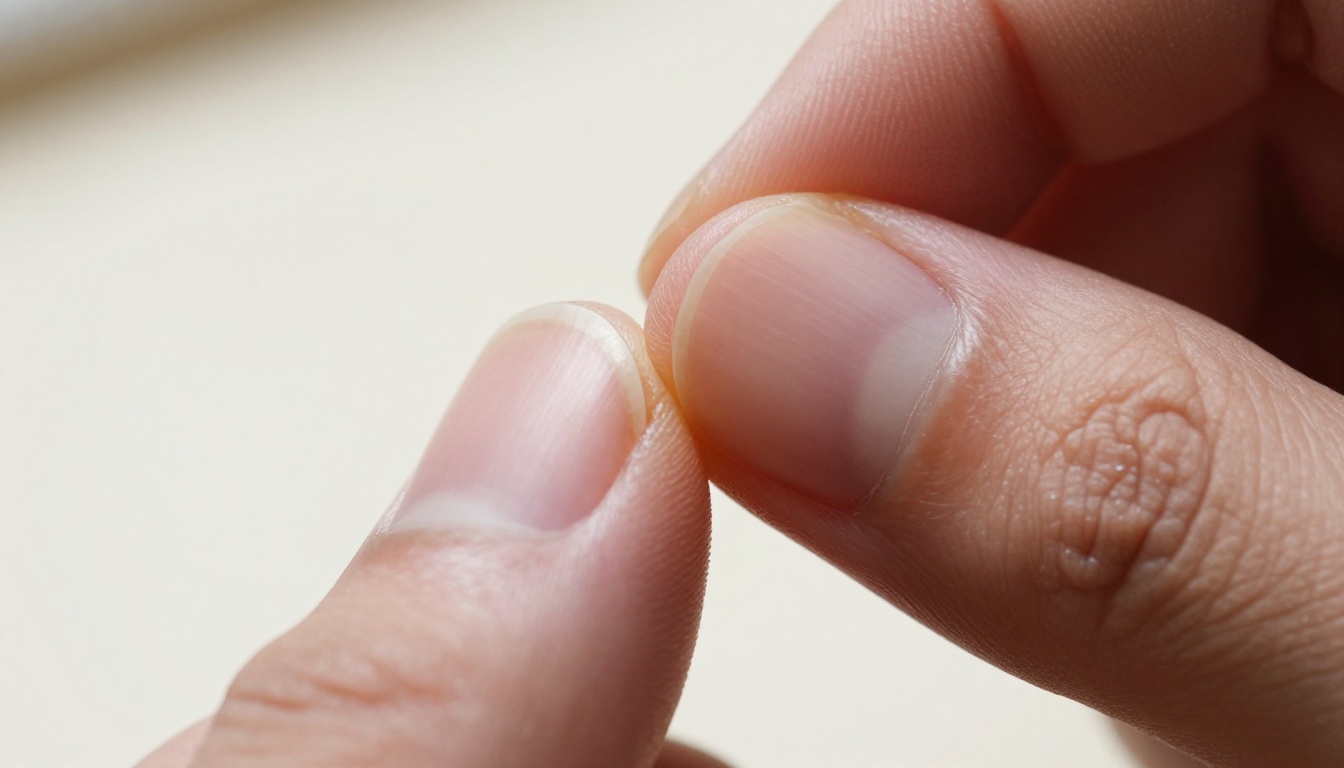
At the texture level, Nano Banana Pro has a visible edge in fabric rendering, surface materials, and architectural elements. Threads in clothing, grain in wood, pores in skin at close range — the model handles these with exceptional fidelity. Grok Imagine Image is excellent but not quite at the same micro-detail level in non-portrait subjects.
Speed matters when you are iterating through multiple prompt variations or working under a deadline.
| Feature | Grok Imagine Image | Nano Banana Pro |
|---|
| Avg. generation time | Fast (8-15 seconds) | Moderate (15-25 seconds) |
| Resolution ceiling | High | Very High |
| Batch performance | Consistent | Slight variance |
| Mobile performance | Smooth | Smooth |
| API availability | Yes (via PicassoIA) | Yes (via PicassoIA) |
Grok Imagine Image is noticeably faster on average generations. If speed is your primary requirement because you are generating dozens of variations in a single session, this is worth factoring in. Nano Banana Pro trades some speed for its higher detail ceiling, which is a reasonable tradeoff when the final output needs to be print-quality or full-resolution.
What the Prompts Feel Like
How you write prompts changes significantly depending on which model you are using. Getting this right shortens the feedback loop considerably.
Simple Prompts
Write something like "a woman reading by a window in morning light" and both models will produce a solid result. Grok Imagine Image will likely add atmospheric touches you did not specify: soft interior, warm light, believable furniture. Nano Banana Pro will produce exactly what you wrote, cleanly executed but without the additional interpretive layers.
For quick, inspiration-driven generation where you want the model to make creative decisions, Grok wins the casual prompt experience.
Complex, Multi-Subject Scenes
Here the tables turn. "A street market in late afternoon with five vendors, one selling spices, wooden stall structures, crowds blurred in background, directional low sun from the left" — this kind of detailed brief is where Nano Banana Pro performs significantly better. It holds the spatial logic together, respects the subject count, and renders the described lighting condition accurately.
Grok Imagine Image may simplify a complex brief, dropping a subject or merging scene elements. For high-precision work, Nano Banana Pro requires less correction and fewer re-generation attempts.
💡 When using Nano Banana Pro, be specific with every element you care about. When using Grok Imagine Image, leave room for the model to fill in the atmosphere — it often improves the result.
How to Use Grok Imagine Image on PicassoIA
Both models are available directly on PicassoIA, which means no separate API tokens, no account juggling, and unified billing across all the models on the platform. Here is how to get the best results from Grok Imagine Image.
Step 1: Access the model
Navigate to the Grok Imagine Image page on PicassoIA. The interface is clean with a single prompt input field and aspect ratio selector.
Step 2: Write your prompt
Keep the prompt conversational and scene-focused. Describe the mood and atmosphere as well as the literal subject. Example: "A photographer standing in golden hour light on a rooftop, casual clothes, camera hanging from neck, city skyline softly blurred behind, warm sunset glow on skin."
Step 3: Set your ratio
For social and blog content, 16:9 works well. For portrait-oriented content, 9:16. The model respects aspect ratio choices cleanly.
Step 4: Iterate fast
Grok Imagine Image's speed advantage means you can generate four or five variations in the time it takes other models to produce two. Use this. Generate multiple variations of the same scene, pick the strongest, and refine from there.
Step 5: Feed into editing workflows
Take the output into PicassoIA's inpainting or Flux Kontext Pro for text-based editing to adjust specific elements without re-generating the whole image.
How to Use Nano Banana Pro on PicassoIA

Nano Banana Pro rewards a more structured approach to prompting. Here is how to get the best results on PicassoIA.
Step 1: Access the model
Go to the Nano Banana Pro page on PicassoIA. You can also try Nano Banana 2 for a lighter, faster tier of the same family.
Step 2: Structure your prompt in layers
Think of your prompt in three parts: subject, environment, and technical details. Example: "Young woman in white linen dress (subject), sitting at outdoor café table with espresso and croissant, cobblestone street in background with shallow focus (environment), morning light from left, 85mm portrait lens, Kodak Portra 400 film grain (technical details)."
Step 3: Be specific about what you want to control
Nano Banana Pro follows your instructions literally. If you want a specific color, object position, or lighting direction, state it explicitly. Do not assume the model will infer.
Step 4: Generate at maximum resolution
This model's strength is its detail ceiling. Generate at the highest resolution your use case allows. The difference between standard and maximum resolution is most visible in Nano Banana Pro outputs.
Step 5: Pair with super-resolution
After generating, run the output through PicassoIA's super-resolution tools to push the detail even further for print or large-format use.
Which One Should You Actually Use

There is no universal winner here. The right choice depends on your specific workflow and what you are creating.
Pick Grok Imagine Image if...
- You write short, conversational prompts and want the model to build out the scene
- Speed matters because you are iterating through many variations
- Your primary subjects are people or portraits
- You want warm, cinematic-leaning outputs without heavy prompt engineering
- You are building content for social media where rapid iteration beats microscopic detail
Pick Nano Banana Pro if...
- You have detailed, precise creative briefs with specific requirements
- Texture and surface detail in the final output matters (product, architecture, fashion)
- You need accurate color reproduction for brand or commercial work
- You are producing content at large scale or print resolution
- You are working with complex multi-subject scenes that must stay spatially accurate
💡 A practical approach: use Grok Imagine Image for rapid ideation and concept testing, then switch to Nano Banana Pro to produce the final high-fidelity version once you have locked down the composition.
The Full Feature Comparison
| Feature | Grok Imagine Image | Nano Banana Pro |
|---|
| Best for | Portraits, atmosphere | Technical briefs, textures |
| Prompt style | Conversational | Structured, specific |
| Speed | Faster | Moderate |
| Detail level | High | Very High |
| Lighting quality | Cinematic, warm | Neutral, accurate |
| Complex scenes | Moderate | Excellent |
| Color accuracy | Warm-shifted | Color-neutral |
| Ease for beginners | High | Moderate |
More Models Worth Trying
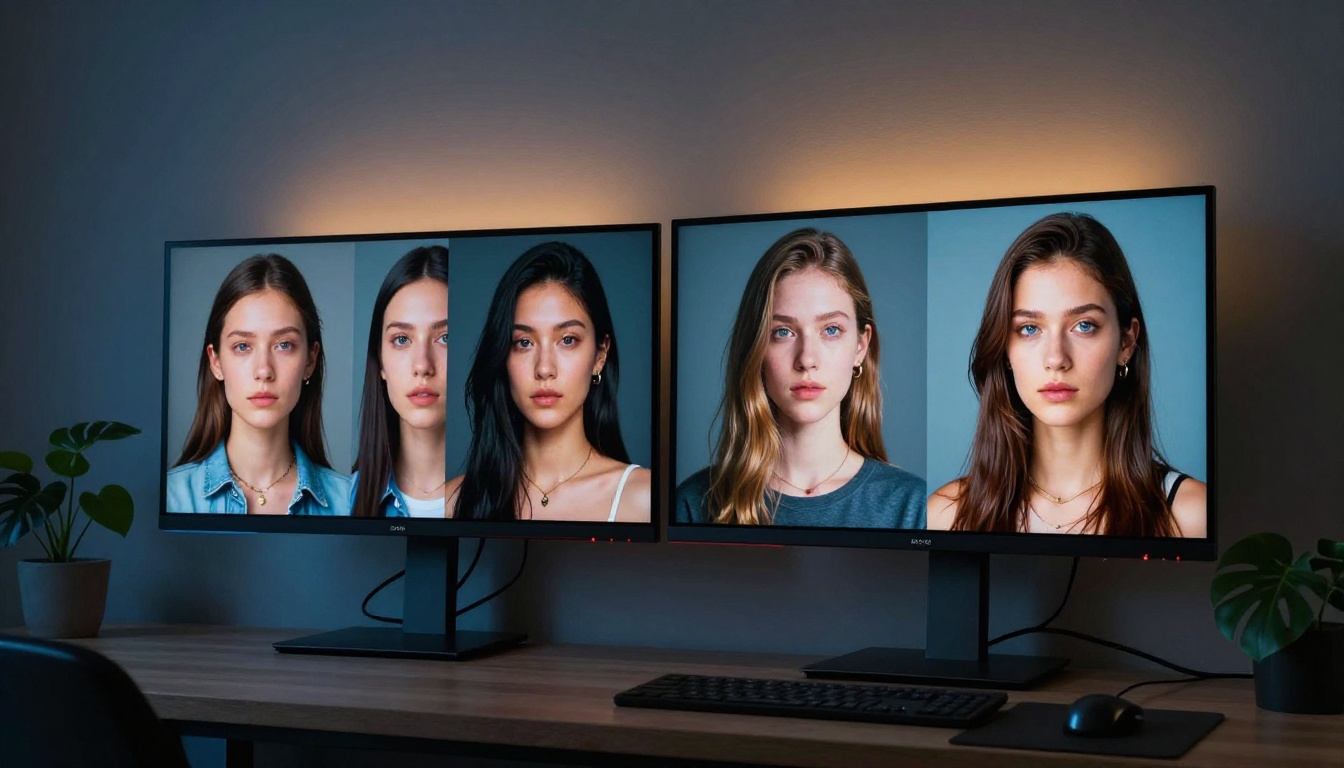
If neither of these models fits your exact use case, PicassoIA has a broad catalog of alternatives worth considering.
- Flux 2 Pro: Black Forest Labs' flagship model, exceptional for photorealistic imagery with precise prompt control
- Flux 1.1 Pro Ultra: Ultra-realistic outputs at maximum resolution, ideal for commercial work
- GPT Image 1.5: OpenAI's image model with strong instruction-following for complex creative prompts
- Imagen 4: Google's premium text-to-image model, a step above Nano Banana Pro in Google's lineup
- SDXL: The reliable open-source workhorse for iterative creative work with ControlNet support
- Flux Kontext Pro: Best-in-class text-based image editing, perfect for refining any generated output
The PicassoIA platform gives you access to all of these through a single interface, which means you can run the same prompt across multiple models and directly compare outputs without switching tools or accounts.
Try It Yourself Right Now
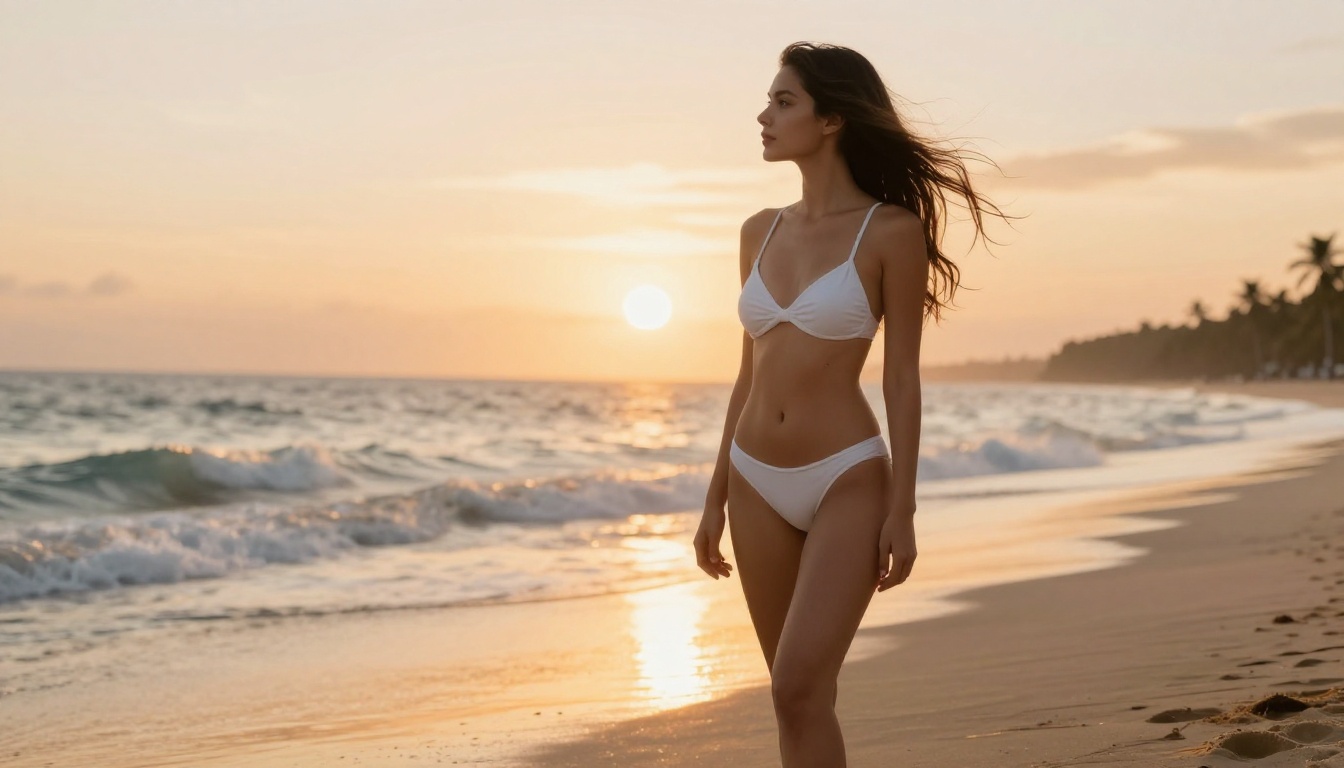
Reading comparisons is useful, but the only real test is putting a prompt in and seeing what comes back. Both Grok Imagine Image and Nano Banana Pro are live on PicassoIA right now, ready to generate.
Start with the same prompt on both models. Something concrete: a person in a specific location with a specific lighting condition. See which output matches your aesthetic instinct. Then push it further with a more detailed brief and watch how each model responds under pressure.
The platform also gives you image editing tools like inpainting, outpainting, face swap, and super-resolution, so the generated image is never the final step unless you want it to be. There is a full creative pipeline available once you have your base image, and with 91 text-to-image models available, you will always find the right tool for the job.
Pick your model, write your first prompt, and see what comes back. The gap between idea and finished visual has never been shorter.


