If you've spent any time with xAI's image generator, you already know the question on most creators' minds: what can Grok Imagine actually produce when you push it toward NSFW territory? The platform positioned itself as a less censored alternative to competitors like DALL-E and Midjourney, but the reality is more nuanced than the marketing suggests. This article breaks down exactly what Grok creates, where it stops cold, and which tools give creators the unrestricted output they're actually after.
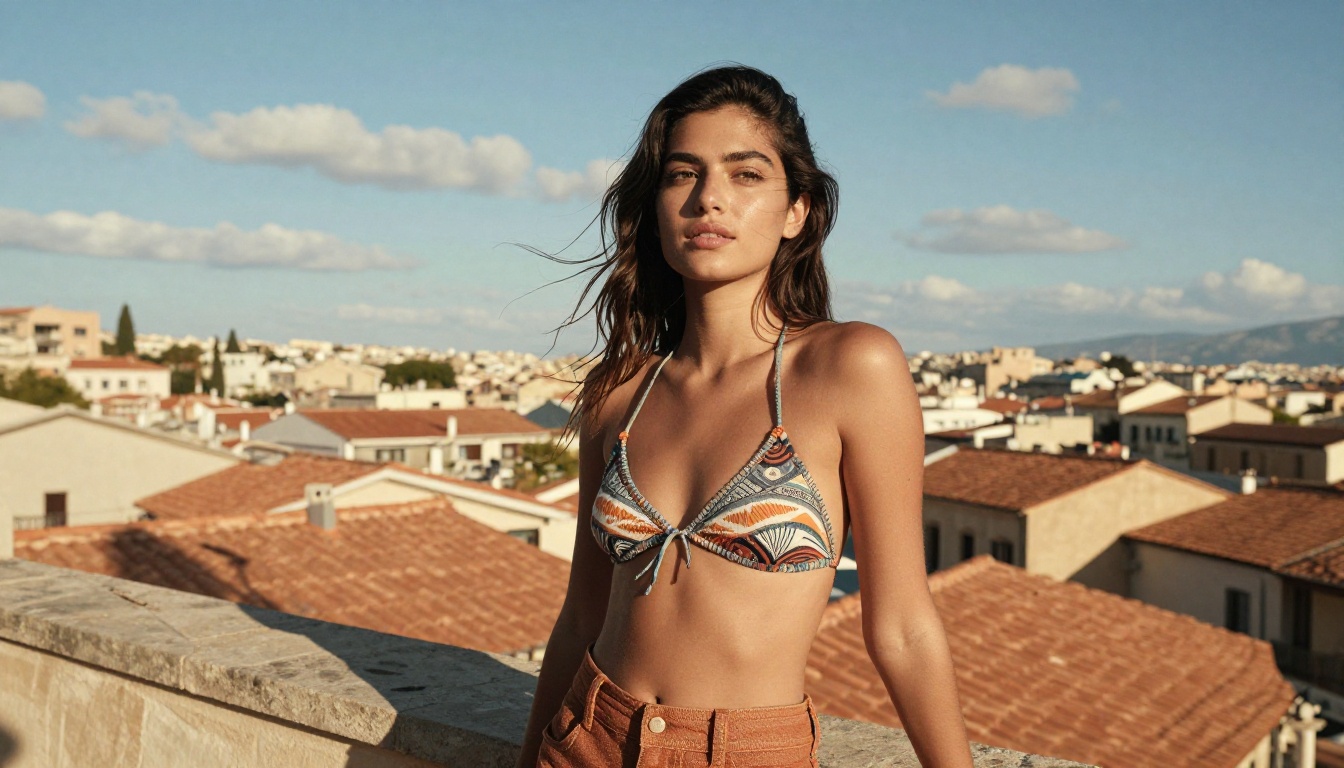
How Grok Imagine Works
Grok Imagine is xAI's image generation tool, accessible through the Grok chatbot on X (formerly Twitter) and through API access. Unlike traditional text-based large language models, the image generator uses diffusion-based architecture trained on a broad dataset that includes content more conservative platforms explicitly excluded from training.
xAI's Philosophy on Content
xAI has been relatively open about its approach: Grok is built to be less restrictive than OpenAI's offerings. The system defaults to more permissive outputs on suggestive content, though it still operates within boundaries set by xAI's usage policy and X's platform rules.
The distinction the system draws is between suggestive content (generally allowed) and explicit content (blocked). Where that line sits is not always predictable, and that inconsistency is one of the most common frustrations among creators who've tried to build workflows around Grok Imagine's NSFW range.
The model is also deeply connected to Grok as a large language model. Because xAI routes image prompts through Grok's natural language processing, the system handles complex, multi-element prompts better than standalone diffusion models. A prompt referencing compositional nuance or specific photographic references tends to be interpreted more accurately than with earlier generation tools.
The NSFW Toggle in Practice
On X Premium, users access the full Grok Imagine interface. There is no simple on/off switch visible to users. Instead, Grok evaluates prompts contextually using a probabilistic filter rather than a simple keyword block. This means the same prompt can produce different results across attempts, and minor rephrasing shifts outcomes. A prompt asking for "a woman in a bikini on the beach" produces results with minimal friction. A prompt explicitly requesting pornographic content returns a hard refusal with no image.
For creators who need repeatable, predictable outputs, this inconsistency is a real limitation. Professional workflows require reliability, not coin-flip probability.
What Grok Will Actually Generate
Setting clear expectations before investing time in prompts is worth doing. Here is what Grok Imagine reliably produces, and where it starts to stumble.
Glamour and Swimwear Content
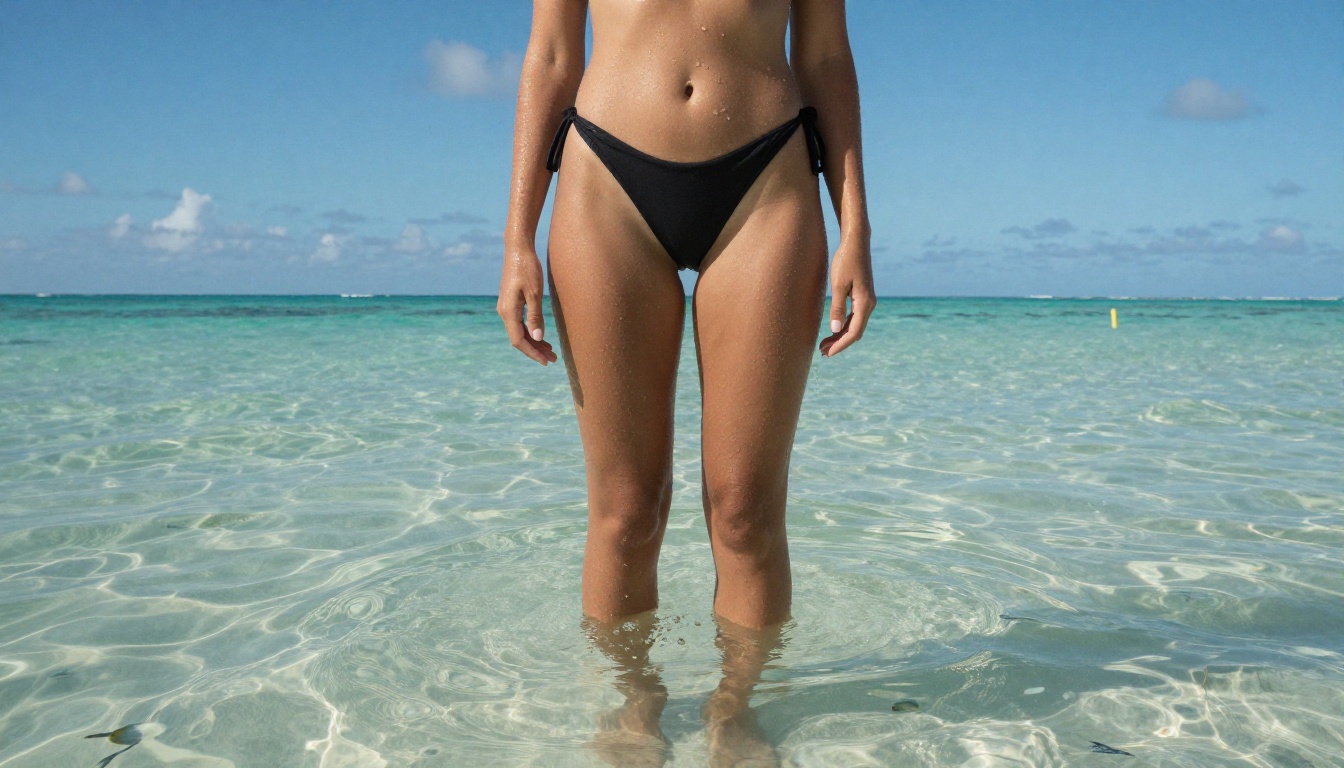
Grok Imagine handles swimwear, bikini, and glamour photography prompts reasonably well. Prompts for women in swimwear on beaches, poolside scenes, and fashion-adjacent shoots typically produce results. Quality varies: sometimes anatomy is correct and images feel like real photographs; other times proportions drift and faces show the characteristic uncanny-valley quality that distinguishes AI-generated images from real photography.
The model's training appears to include substantial fashion and lifestyle photography, giving it a reasonable base for this content type. You can specify settings, lighting styles, and outfit descriptions with moderate success, though consistent reproducibility across generations remains elusive.
Suggestive but Non-Explicit Imagery
Grok handles content that is clearly suggestive without crossing into pornographic territory. Images with implied cleavage, form-fitting clothing, intimate settings with clothed subjects, and romance-adjacent framing all fall within what the system allows in most cases.
This is the effective "sweet spot" for Grok NSFW prompting. If your goal is content that sits at the tasteful adult end of the spectrum rather than explicit material, Grok can be serviceable. Results tend to be more realistic than older generation models and produce cleaner outputs than many watermark-heavy alternatives.
Artistic and Implied Nudity
This is where Grok becomes genuinely inconsistent. Prompts referencing artistic nude photography in a fine-art context, think classical reference framing, tasteful implied nudity, or artistic figure photography, sometimes pass and sometimes fail without apparent logic. A prompt that worked on one attempt may be blocked on the next because the filtering thresholds are probabilistic and appear to shift.
The generator does not reliably produce explicit nudity even with careful framing. Anyone claiming otherwise is likely working with older, less moderated versions or third-party API wrappers that strip xAI's safety layer.

Where Grok Draws the Line
The hard limits are more consistent than the soft ones. Knowing them upfront saves significant time.
Hard Blocks and Content Filters
These prompt categories reliably return refusals or blank outputs:
- Explicit sexual content (pornographic imagery of any type)
- Sexual content depicting minors (absolute block, no exceptions)
- Non-consensual scenarios depicted in explicit terms
- Graphic violence paired with sexual content
- Content that appears to target or harass a specific real individual
xAI has also stated that content violating X's Platform Manipulation policies falls outside what Grok Imagine will support, regardless of how the prompt is framed.
How Grok Compares to Other Generators
| Tool | Suggestive Content | Implied Nudity | Explicit NSFW |
|---|
| Grok Imagine (X) | Yes, consistent | Inconsistent | No |
| DALL-E 3 | Limited | No | No |
| Midjourney | Yes (with flags) | Very limited | No |
| Stable Diffusion (local) | Yes | Yes | Yes (uncensored) |
| Seedream 4.5 on PicassoIA | Yes | Yes | Yes |
| P-Image by PrunaAI | Yes | Yes | Yes |
The pattern is consistent: mainstream, cloud-hosted AI image generators cap out below explicit content. The real differentiator is whether a platform handles suggestive and implied content reliably. On that metric, Grok Imagine outperforms DALL-E and Midjourney but falls short of platforms built specifically for adult content creation.
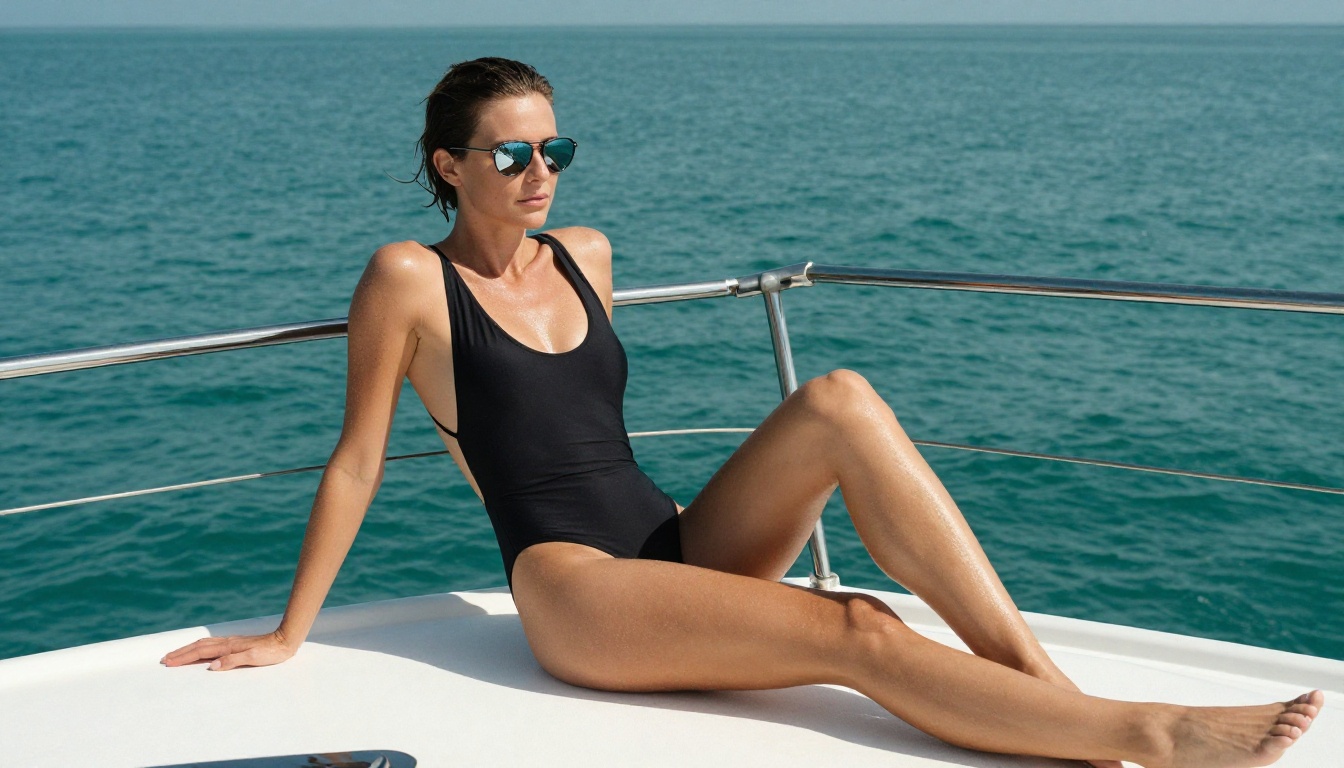
Grok Imagine Image on PicassoIA
There is a dedicated Grok model available at picassoia.com/en/collection/text-to-image/xai-grok-imagine-image. This version has a specific and notable strength: it converts existing photos into a bikini-format image with high realism.
What Makes This Model Unique
Unlike standard text-to-image workflows, the PicassoIA implementation of Grok Imagine Image operates as an image-to-image transformer. You upload a reference photo, and the model reimagines the subject in swimwear while preserving facial features and overall body proportions. Results are strikingly realistic because the model retains the original person's visual characteristics rather than generating a generic figure from scratch.
This is particularly useful for:
- Creating swimwear concept imagery from clothed reference photos
- Generating lifestyle and glamour variations of existing portraits
- Producing realistic bikini-format images from stock photography
The absence of the X platform's additional filtering layer means the model operates closer to its actual capability ceiling here, which is why many creators are surprised by the difference in output compared to using Grok through the standard X interface.
How to Use It on PicassoIA
- Open Grok Imagine Image on PicassoIA
- Upload your reference image in the input field
- Write a prompt describing the desired output: "woman in a red bikini on a tropical beach, photorealistic, natural lighting, Kodak Portra 400"
- Select your aspect ratio (16:9 works best for lifestyle and editorial content)
- Click Generate and review the output
💡 Tip: The more specific your prompt about environment and lighting conditions, the more photorealistic the output. Describing the light direction, camera lens, and film stock consistently lifts image quality above the default baseline.
Best NSFW AI Models on PicassoIA
If Grok Imagine's inconsistency is a bottleneck for your workflow, PicassoIA offers a full stack of NSFW-capable models with far greater reliability. Here is the full recommended lineup in order of performance for adult content creation.
Seedream 4.5: The Top Pick
Seedream 4.5 is the clear first choice. Built by ByteDance, it accepts adult content prompts, generates results in under 3 seconds, and produces ultra-realistic imagery that holds up to close inspection. Unlike Grok Imagine's probabilistic filtering, Seedream 4.5 is reliably permissive within its stated range.
Speed plus quality is the combination that matters for serious content creation. At under 3 seconds per image, you iterate on prompts rapidly without dead time. The model also supports image editing, so you can refine existing outputs rather than restarting from scratch on every iteration.
⚠️ Important: The newer Seedream 5 Lite does NOT support NSFW content. Stay with Seedream 4.5 for adult content workflows. They are different models despite the naming similarity.
PicassoIA Image Editor Pro: Unlimited Generations
PicassoIA Image Editor Pro is the right tool when volume matters. It runs as an image-to-image model, accepts NSFW content, and returns results in under 1 second.
The real advantage is cost structure: Elite and Infinite plan subscribers get unlimited generations at no additional cost per image. Need 1,000 images for a project? All 1,000 are included. Compare that to credits-based models where 1,000 generations can cost $80 to $100 or more. For creators building content libraries at scale, this is a material difference in operating cost.
A free trial of 3 generations is available without a credit card, making it easy to test quality before committing.
More High-Performance NSFW Options
Beyond the top two, PicassoIA's catalog includes:
- Qwen Image 2: Open-source model with detailed realism and support for both text-to-image and image editing workflows. Accepts NSFW prompts with high instruction adherence.
- Grok Imagine Image: The bikini image converter described above. Exceptionally realistic for swimwear transformations from reference photos.
- Recraft V4: Text-to-image only, but produces very realistic results with clean anatomy and natural skin tones. Solid choice when image editing is not needed.
- P-Image by PrunaAI: NSFW text-to-image in under 1 second. The fastest option in the lineup, excellent for rapid bulk generation where speed is the priority.
- Wan 2.2 Image (PrunaAI): Generates highly realistic imagery from text without content filters. Particularly strong for detailed, natural-lighting scenes with complex compositional elements.
Prompt Tips for Realistic Results
The gap between generic AI output and genuinely photorealistic imagery comes down almost entirely to prompt construction. These principles apply across all models on the platform.
Describe the Physics, Not Just the Subject
Weak prompts describe what you want to see. Strong prompts describe how it would look if you photographed it in reality.
Weak: "woman in a bikini on a beach"
Strong: "young woman in a burgundy string bikini, standing waist-deep in shallow Caribbean water, water droplets catching afternoon backlight on her stomach and arms, rim lighting on shoulders, Sony A7 III 24mm f/1.4, Kodak Portra 400 film grain, natural bronze skin tone, RAW 8K photography"
The stronger version provides physics (water droplets, rim lighting), camera specifics (lens, film stock), and material properties (bronze skin, string fabric) that collectively constrain the output toward photorealism.
Lighting Direction Changes Everything
Volumetric, directional light descriptions dramatically improve output consistency:
- "Volumetric morning light from the left, soft shadow falling on right cheek"
- "Overhead midday sun, crisp hard shadows on wet pool tiles"
- "Golden hour backlight creating a warm halo through sheer cotton fabric"
These cues push models toward the natural lighting conditions from real photography that they were trained on, pulling output away from the flat, evenly lit look that signals AI generation.
Camera and Film Stock References
Anchoring the visual style with camera and film stock references does real work:
- Kodak Portra 400: Warm, slightly desaturated, fine grain, excellent skin tones
- Fuji 400H: Cooler, slight green in shadows, medium grain, lifestyle photography feel
- Kodak Ektar 100: Saturated, very fine grain, sharp detail, travel photography feel
Paired with lens specs (85mm f/1.4 for portrait compression, 24mm f/1.8 for environmental context), these details lift output consistency across generations.
Grok vs. PicassoIA: Side by Side
| Feature | Grok Imagine (X) | Seedream 4.5 (PicassoIA) |
|---|
| Suggestive content | Yes, consistent | Yes |
| Implied nudity | Inconsistent | Yes |
| Explicit NSFW | No | Yes |
| Generation speed | ~10 to 15 seconds | Under 3 seconds |
| Unlimited generations | No (credits-based) | Yes (Elite/Infinite plans) |
| Image editing support | Limited | Yes |
| Content filter reliability | Probabilistic | Consistent |
| Access model | X Premium subscription | Free trial, no credit card |
The comparison points toward a clear answer for creators who need dependable NSFW output. Grok Imagine works for suggestive content, but it cannot replace a dedicated platform when explicit or reliably uncensored content is the requirement. Speed, consistency, and cost structure all favor the PicassoIA model stack.
What xAI's LLM Brings to Image Generation
One detail worth separating out: Grok Imagine as an image generator is distinct from Grok as a chatbot. The image-to-image bikini converter available on PicassoIA at xai-grok-imagine-image specifically represents xAI's image generation technology applied to a focused transformation task, and it operates without the additional filtering that X's platform applies on top.
The reason the PicassoIA integration often surprises creators is exactly this. Users who have only experienced Grok through the standard X interface have been working with the model's output after X's platform content policies have already applied a second filter. The underlying model's actual capabilities are closer to what you see on PicassoIA.
The LLM connection does produce one genuine advantage: Grok Imagine handles complex, multi-element prompts with more semantic accuracy than standalone diffusion models. If your prompt references compositional instructions, specific artistic references, or nuanced lighting scenarios, Grok's natural language processing pipeline interprets them more faithfully. For straightforward prompts, this advantage is minimal. For complex creative directions, it matters.
Try Creating Your Own Images Now
Grok Imagine's NSFW limitations are real and documented. But the technology behind it, accessible through PicassoIA, gives you the realistic generation capabilities without the platform's inconsistent filters.
For unrestricted creative work, Seedream 4.5 is where to start. Under 3 seconds per generation, accepts NSFW prompts reliably, and produces results that rival professional photography when given properly constructed prompts. For volume work where cost per image matters, PicassoIA Image Editor Pro with unlimited generations eliminates the per-image credit cost that makes serious content creation expensive on other platforms.
For the specific Grok-powered transformation workflow, Grok Imagine Image on PicassoIA gives you the model's actual output ceiling for image-to-bikini conversions without X's platform layer on top.
The full catalog of NSFW-capable models, covering text-to-image, image editing, and video generation, is available at picassoia.com/en/all-models. Run the free trial on Image Editor Pro with no credit card, test a few prompts with Seedream 4.5, and see which model fits the content you want to create. The tools are already there.


