xAI dropped something that content creators have been waiting for: a visual AI that lives directly inside a conversational assistant. Grok Imagine Video and its image counterpart bring text-to-visual generation into the same interface where you already chat, research, and brainstorm. No separate subscription. No new app to download. Just describe what you want, and the visuals appear. For creators who spend hours juggling tabs between writing tools, image generators, and scheduling platforms, this integration changes the daily workflow in ways that are immediately practical.
What Is Grok Imagine Video?
Grok Imagine Video is xAI's AI-powered visual generation feature embedded within the Grok platform. Unlike standalone image generators, it works seamlessly within a conversational context, meaning you can describe, refine, and generate visuals as part of an ongoing creative conversation. The tool handles both still image generation and short video clip creation from text prompts.
xAI trained their visual models on massive datasets with a focus on instruction-following accuracy. The result is a system that interprets complex, multi-element prompts more faithfully than tools optimized purely for artistic output.
Aurora: xAI's Visual AI Engine
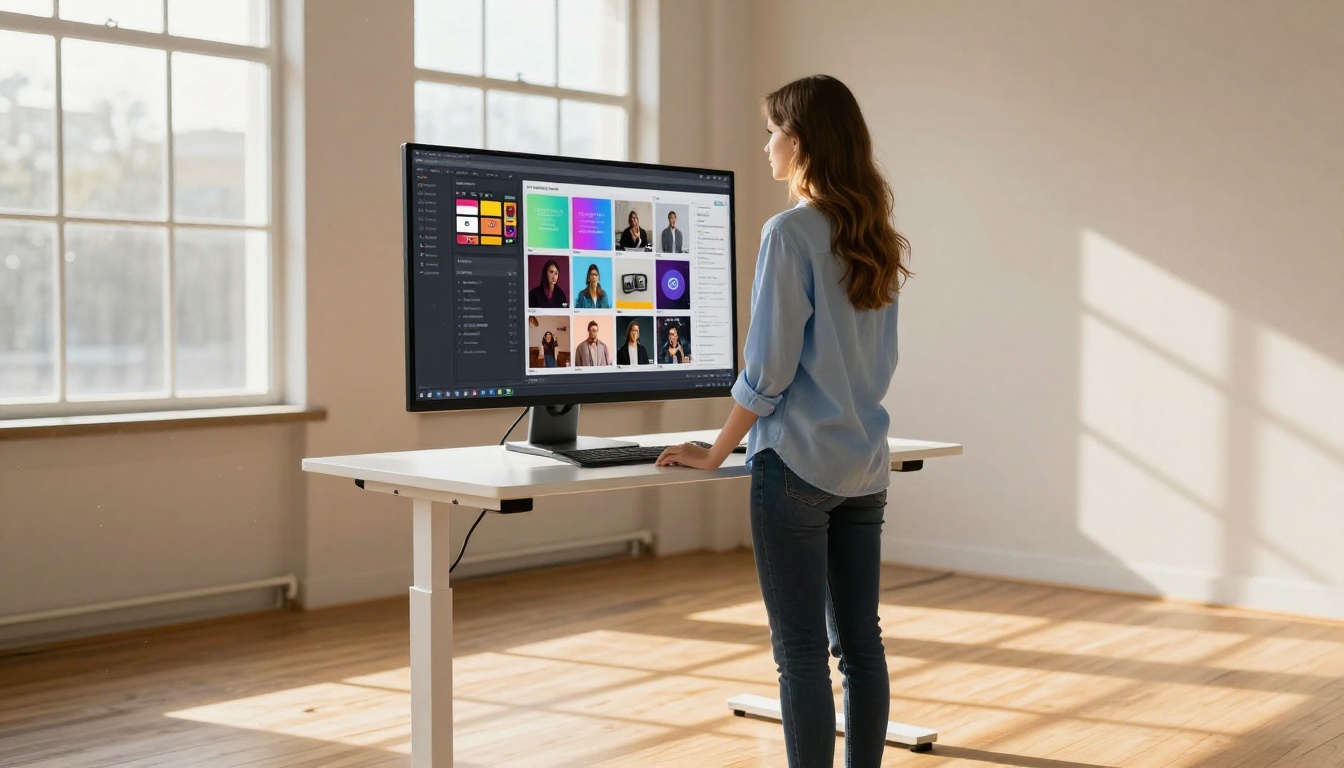
Behind the scenes, xAI's image generation runs on Aurora, their proprietary image model. Aurora was built to understand real-world context, physical proportions, lighting, and compositional logic at a higher level than earlier diffusion-based systems.
What sets Aurora apart is its training approach: xAI incorporated feedback from real users to fine-tune aesthetic outputs, resulting in images that look less "AI-generated" and more aligned with professional photography or film production aesthetics. Skin tones render naturally. Architecture follows correct perspective. Lighting behaves like real light.
💡 Tip: Aurora performs especially well on prompts that describe specific lighting conditions, times of day, and physical environments. Be precise about your scene setup and reference camera lens specifications for photographic output.
From Chatbot to Creative Tool
The most underrated aspect of Grok Imagine Video is context-aware generation. Because Grok already understands your conversation history, you can say things like "now make it warmer and shift the person to the left" and the model adjusts accordingly. This makes iteration dramatically faster compared to starting fresh on every prompt in a standalone generator.

This also means creators can use Grok as a visual briefing tool: describe a campaign idea in prose, and immediately generate mockup visuals to share with clients or team members. The gap between idea and reference image collapses from days to seconds.
What Content Creators Get
The feature set is broader than most realize at first glance. Here is what Grok Imagine Video actually puts in your hands:
Image Generation That Responds to Context
Beyond simple text-to-image, Grok's image tool responds to follow-up instructions in plain language. You do not need to rewrite a full prompt from scratch each time. Ask for adjustments, request color palette changes, or ask for multiple variations of the same concept. Each iteration retains the core context of what you originally described.
What works best:
- Product visualization from a text description
- Character design for social media personas
- Environmental mockups for brand campaigns
- Reference image generation before a photoshoot
- Lifestyle imagery for e-commerce without a studio budget
Video Generation Without Software
The video generation side of Grok Imagine Video produces short-form clips from text prompts, typically ranging from 3 to 10 seconds. These are not cinematic productions, but they are genuinely useful for social media content, b-roll inspiration, animated thumbnails, and storyboarding.
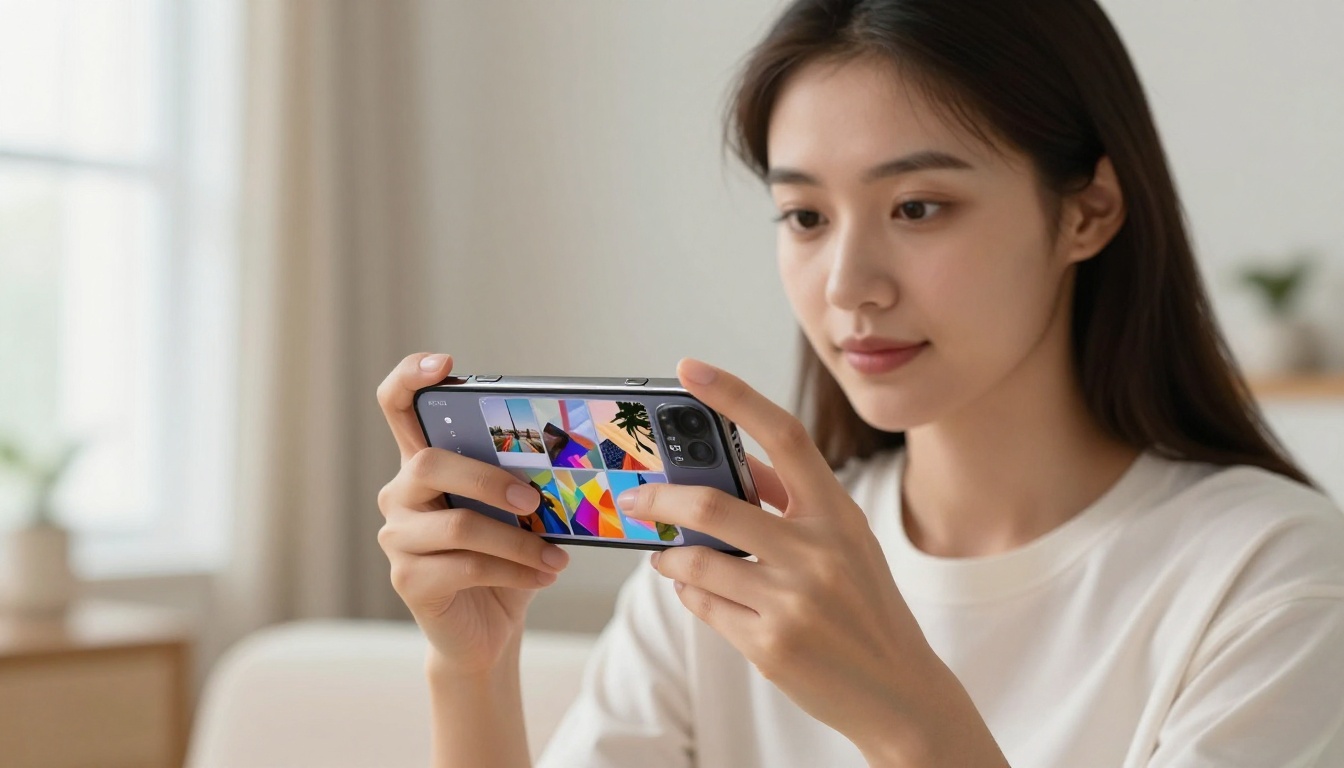
Creators working on Instagram Reels, TikTok, or YouTube Shorts will find the output quality sufficient for concept testing and, in some cases, direct use as creative content pieces. Combined with a solid caption and strong hooks, a well-prompted Grok video clip can perform surprisingly well in short-form content slots.
| Format | Typical Length | Best Use Case |
|---|
| Still Image | Static | Posts, thumbnails, ads, mockups |
| Short Clip | 3-10 seconds | Reels, TikTok, story content, b-roll |
| Concept Test | Any | Client pitches, internal review, moodboards |
Speed That Fits Real Workflows
One of the biggest practical advantages is raw speed. Grok generates images in seconds, not minutes, and video clips in under a minute for most prompts. For creators operating on tight social media schedules, this speed difference between Grok and heavier tools is not trivial.
Compare this to local generation pipelines or some higher-end cloud tools that can take several minutes per output. When you need 20 variations to find the right direction for a post, Grok's pace fundamentally changes the economics of your creative process. What used to take an hour of prompt testing now takes five minutes.
How Grok Stacks Up Against Rivals

The AI image generation market is crowded. Understanding where Grok fits requires an honest comparison against the tools most creators are already using.
Grok vs. Midjourney vs. DALL-E
| Tool | Strengths | Weaknesses |
|---|
| Grok Imagine | Context-aware, fast iteration, conversational | Newer platform, fewer style controls |
| Midjourney | Exceptional artistic quality, strong community | Requires Discord, premium pricing |
| DALL-E / GPT-4o | Strong instruction following, editing capabilities | Can feel sterile artistically |
| Flux Models | Open-source flexibility, photorealistic output | Requires prompt engineering skill |
| Imagen 4 | Outstanding photographic realism | Less control over stylized outputs |
Where xAI's Model Wins
Grok's biggest competitive edge is not output quality alone. It is the integration point. When your research tool, writing assistant, and image generator all live in the same conversation window, the friction of switching between applications disappears entirely.
For solo content creators and small teams, this consolidation has real workflow value. You can brief yourself on a topic using Grok's search capabilities, draft caption copy, and generate the accompanying visual without ever leaving the interface.
💡 Note: For maximum visual quality and creative control, most professional creators will still want dedicated image generators alongside Grok. Think of Grok as your rapid ideation layer, not your final production tool. The two approaches complement each other well.
Real Use Cases for Creators
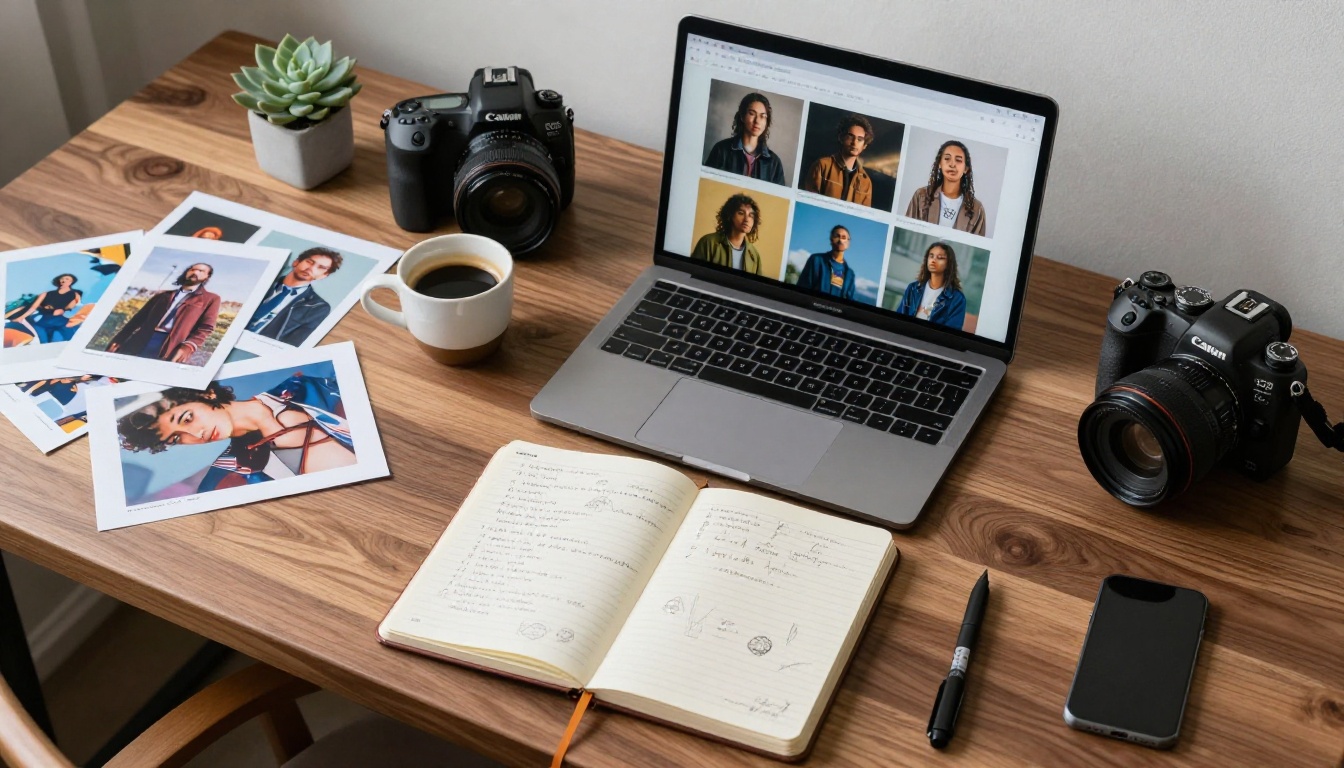
Theory aside, here is how working creators are putting this to use right now:
Social Media Thumbnails and Posts
YouTube creators are using Grok to rapidly prototype thumbnail concepts before committing to a full design or photography session. Describe the emotional tone, the subject, and the background, and you get a workable reference in seconds. That reference guides the art director or serves directly as the post image for lower-stakes content.
Instagram and Pinterest content producers are finding value in generating mood-consistent visual sets: multiple images that share a color palette and compositional style, generated in sequence through a single Grok conversation. The conversational context keeps the style consistent across the batch.
Brand Visuals on a Budget
Small business owners and freelance creators without photography budgets are using Grok to generate product mockups, lifestyle imagery, and branded visual assets. A prompt describing your product in a lifestyle setting can produce something suitable for a social post or website hero image without a photographer or studio.
The key is prompting for specific environments and lighting conditions rather than generic descriptions. "Product on a marble countertop with soft morning light falling from the left, Canon 50mm, photorealistic" produces far more usable output than "product photo."
Rapid Concept Testing
Art directors and brand strategists are finding Grok useful at the briefing stage. Generate six visual interpretations of a campaign concept in two minutes, present them to a client, identify the direction that resonates, then brief a designer or photographer with a concrete visual reference. This use case alone compresses the pre-production phase of a campaign significantly and reduces the number of revision cycles.
How to Use Grok Imagine Image on PicassoIA

PicassoIA gives you direct access to the Grok Imagine Image model by xAI, so you can generate images using Aurora's capabilities without needing a Grok subscription. Here is exactly how to use it:
Step 1: Open the Model
Navigate to the Grok Imagine Image model page on PicassoIA. You will find the generation interface with a prompt input field and parameter controls. The model runs Aurora, the same underlying engine powering xAI's visual features inside the Grok platform.
Step 2: Write Your Prompt
The Aurora model responds well to descriptive, scene-based prompts. Structure your prompt with these five elements:
- Subject: Who or what is the main focus of the image
- Environment: Where the scene takes place and what surrounds the subject
- Lighting: Time of day, light direction, quality (soft, harsh, diffused)
- Style: Photography style references (e.g., "RAW photography," "35mm film," "editorial fashion")
- Mood: The emotional quality or atmosphere you want the image to carry
Example prompt: "A young woman at a coffee shop window, late afternoon golden hour light from the left, Canon 85mm portrait lens, shallow depth of field, soft bokeh background, natural skin texture, photorealistic, RAW photography, Kodak Portra 400 film grain"
💡 Tip: Aurora is particularly responsive to camera lens and lighting specifications. Adding specific focal lengths and aperture values pushes the model toward more photographic output rather than illustration. Phrases like "85mm f/1.8" or "volumetric morning light" make a measurable difference in output quality.
Step 3: Adjust and Download
After your first generation, review the output and iterate:
- Too wide? Add "close-up portrait" or "tight framing" to the prompt
- Wrong lighting? Specify the direction and quality more explicitly
- Colors off? Reference a film stock: "Kodak Portra 400 warm tones" or "Fujifilm Provia cool blue tones"
- Not photorealistic enough? Add "RAW photography, no digital art, natural textures, 8K resolution"
- Wrong aspect ratio? Specify "16:9 landscape" or "9:16 vertical portrait"
Parameter tips for Grok Imagine Image on PicassoIA:
| Parameter | Recommendation |
|---|
| Steps | 30-50 for maximum detail quality |
| Guidance Scale | 7-9 for balanced prompt adherence |
| Aspect Ratio | 16:9 for social content and video thumbnails |
| Seed | Set a fixed seed to reproduce a variation you like |
Other AI Image Models Worth Trying
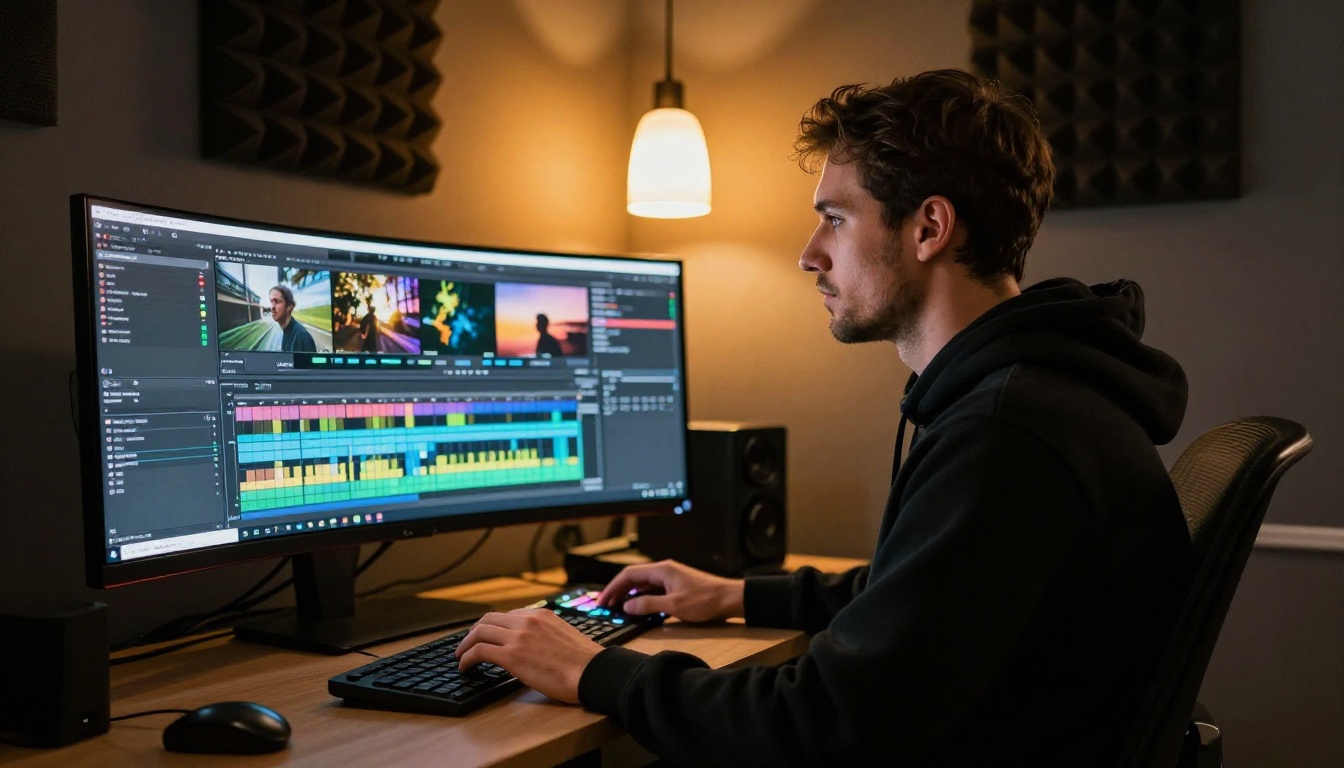
The Grok Imagine Image model on PicassoIA is one of many powerful options available on the platform. Depending on your specific content needs, these alternatives deliver strong results for different use cases:
Flux 2 Pro for Precision Work
Flux 2 Pro from Black Forest Labs is a top-tier option for creators who need precise prompt adherence and highly detailed photorealistic outputs. It excels at complex scenes with multiple elements, intricate textures, and detailed human subjects. If you are generating images for print materials, high-resolution web assets, or anywhere that demands pixel-level quality, Flux 2 Pro is the benchmark model to test against.
Flux 1.1 Pro Ultra for Maximum Resolution
For creators who need ultra-high resolution outputs suitable for billboards, large-format prints, or cinematic-quality stills, Flux 1.1 Pro Ultra delivers outputs with extraordinary fine detail that most AI generators cannot match. When the final deliverable requires the absolute highest resolution, this is where to go.
GPT Image 1.5 for Versatility
GPT Image 1.5 by OpenAI hits a versatility sweet spot. It handles diverse prompt types well, from technical product renders to soft lifestyle photography to abstract concepts, making it a reliable all-rounder when you need consistent results across varied briefs in the same project.
Imagen 4 for Photographic Realism
Google's Imagen 4 specializes in photographic realism with exceptional handling of human skin tones, natural lighting, and organic textures. If your content involves portraits, food photography, or lifestyle imagery, Imagen 4 produces results that regularly compete with actual photography at a fraction of the cost and time.
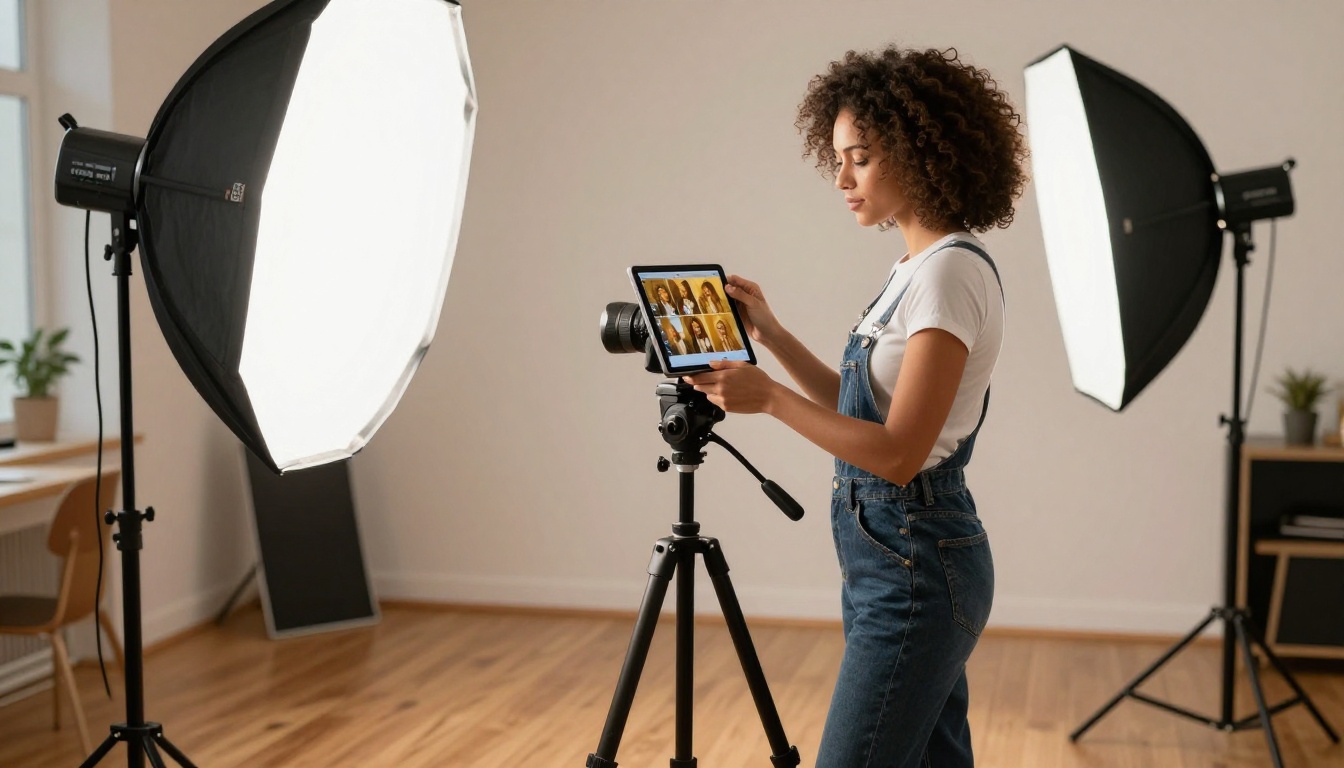
Building Your Visual Stack
Why One Tool Is Never Enough
The most effective creators do not rely on a single image generator. They match the tool to the task:
- Grok Imagine Image: Rapid ideation, concept testing, conversational iteration
- Flux 2 Pro: Precision high-detail outputs for professional deliverables
- GPT Image 1.5: Versatile all-purpose generation for varied briefs
- Imagen 4: Portrait and lifestyle photography that rivals real shoots
- Flux 1.1 Pro Ultra: Maximum resolution for large-format deliverables
Having all of these available through a single platform removes the friction of managing multiple subscriptions and separate interfaces. PicassoIA puts all of them in one place, so switching between tools is a matter of clicking a model name rather than opening a new browser tab and logging into a different service.
Mixing Models for Better Output
A workflow worth adopting: use Grok Imagine Image to establish the concept and composition, then run the same refined prompt through Flux 2 Pro or Imagen 4 for your final production output. The first pass identifies the direction. The second pass delivers the resolution and quality your deliverable demands.
This two-pass method works well for:
- Social campaigns: Rapid concept approval on Grok, final asset production on Flux
- Client presentations: Quick mockups on Grok, polished deliverables on GPT Image 1.5
- Personal projects: Explore freely on Grok, finalize on whichever model suits the aesthetic
The best prompts for any model share three things: a clearly described subject, specific lighting conditions, and a photographic style reference. Once you have a prompt structure that works on Grok Imagine Image, that same structure will produce strong results across every other model on the platform.

The AI visual creation space is moving fast, and xAI's Grok Imagine Video represents a real shift in how content creators access and work with generative AI tools. The integration of visual generation into a conversational interface is not a gimmick. It is a workflow change that makes iteration faster and the creative barrier lower for anyone producing visual content at scale.
Whether you are a solo creator building a personal brand or a marketing team producing assets daily, the tools are now accessible enough that the question is no longer whether to use AI in your visual workflow. The question is which combination of tools fits your specific production needs.
PicassoIA puts the Grok Imagine Image model alongside 90+ other text-to-image generators in one place. Start with Grok to set your creative direction, then run the same brief through Flux 2 Pro, Imagen 4, or GPT Image 1.5 to find the output that hits exactly right. Your next piece of content is one prompt away.


