The AI video generation race just got a lot more interesting. Two tools are dominating creator conversations right now: Grok Imagine Video from xAI and Seedance 2.0 from ByteDance. Both promise cinematic output, fast generation, and impressive prompt understanding. But if you only have time to use one, which one actually delivers? This is a direct, no-fluff comparison covering output quality, motion realism, prompt adherence, speed, and practical use cases so you can make the right call for your workflow.

Before diving into performance, it helps to understand what each model is designed to accomplish and where its priorities lie.
Grok Imagine Video: xAI's Cinematic Bet
Grok Imagine Video is xAI's text-and-image-to-video model, built to produce high-fidelity video clips from natural language prompts. Created by the team behind the Grok language model, it brings a strong understanding of complex scene descriptions and handles multi-subject compositions with notable consistency.
What sets Grok Imagine apart is its attention to lighting and atmospheric detail. Prompts that reference specific times of day, weather, or mood tend to produce results that feel intentional rather than generic. It is not the fastest model on the market, but the visual polish in its outputs stands out, especially at the frame level. The model supports both text-to-video and image-to-video inputs, which means you can anchor generations to a specific visual starting point when consistency matters.
Seedance 2.0: ByteDance's Motion-Focused Flagship
Seedance 2.0 is ByteDance's most capable video generation model to date, and it shows. Trained on a massive dataset rooted in short-form video content, Seedance 2.0 handles motion with a fluidity that most competitors have not yet matched. Character movement, camera pans, and transition sequences all feel natural in a way that earlier-generation models often stumbled on.
One major practical advantage is native audio support. Unlike most video models that produce silent clips, Seedance 2.0 can generate video with synchronized ambient sound, which removes a post-production step for social creators. There is also a Seedance 2.0 Fast variant that trades some quality for much shorter generation times, giving creators a speed option without switching platforms entirely.
Output Quality, Shot for Shot
This is where the real differences emerge between the two models.
Motion Consistency
Seedance 2.0 wins here, clearly. ByteDance's years of short-form video data show in how the model handles movement. Bodies move with biomechanically plausible motion, objects interact with surfaces in a physically believable way, and camera movement feels deliberate rather than jittery.
Grok Imagine Video produces solid motion in simpler scenes, but complex action sequences involving multiple characters or overlapping motion paths sometimes result in temporal inconsistencies. Limbs can drift, proportions shift slightly between frames, and fast movement occasionally produces blur artifacts that read as unnatural.
For anyone producing content where motion quality is the central concern, Seedance 2.0 holds a real and consistent edge.
Cinematic Realism
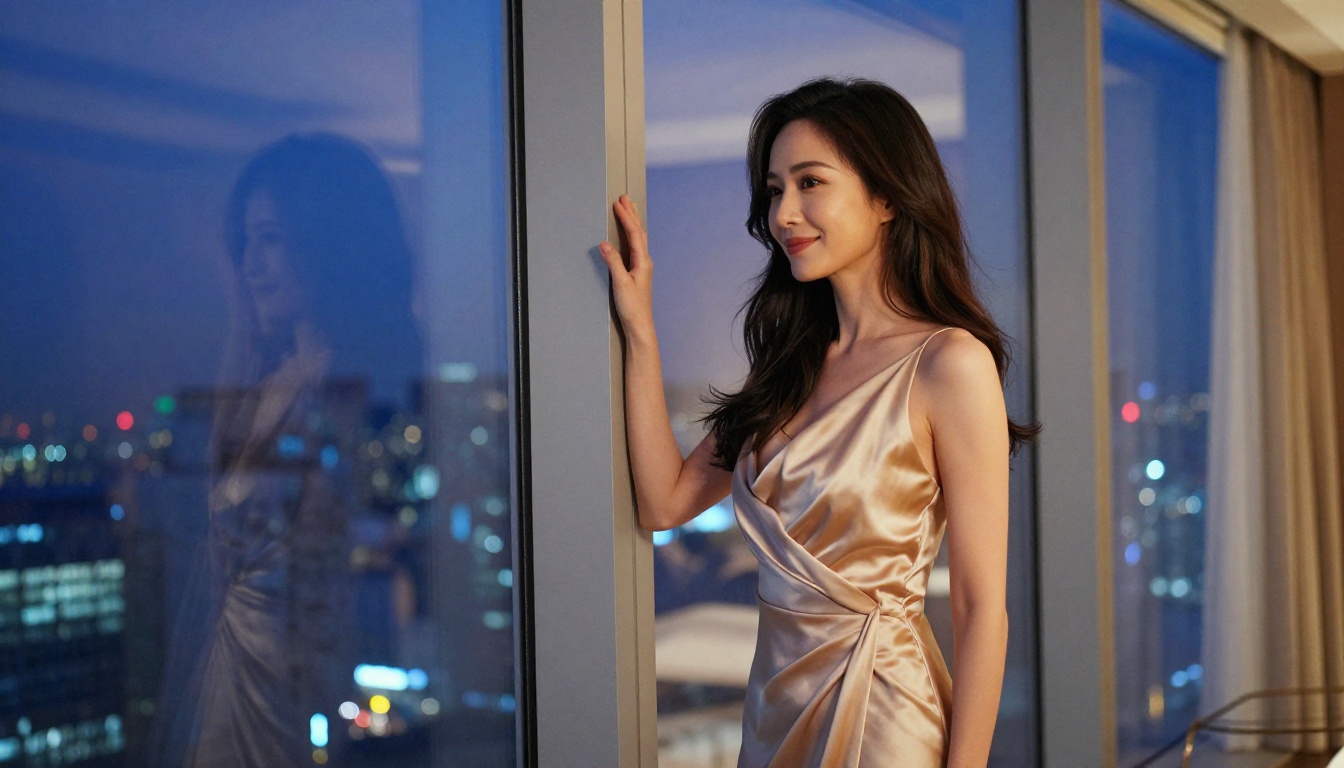
Grok Imagine takes this category. The static frame quality in Grok outputs is exceptional. Skin textures, fabric physics, and lighting behavior on reflective surfaces all read as more photorealistic across many prompt types. If you screenshot a frame from each model given equivalent prompts, Grok's frame would consistently look closer to a professional film still.
Seedance 2.0 is not far behind, especially in wide shots and environmental scenes. But up close, at the level of facial detail and micro-texture, Grok holds the advantage.
💡 Tip: For Grok Imagine, describe lighting conditions explicitly. Terms like "golden hour backlight," "soft diffused overcast fill," or "tungsten key light from the left" consistently improve realism in output frames.

Speed and Generation Time
Speed matters when you are iterating on creative work and need fast feedback loops.
Seedance 2.0 Fast is the fastest option in this comparison, generating usable clips in a fraction of the time of standard Seedance 2.0. For rough drafts and concept tests, this is a significant workflow advantage. Standard Seedance 2.0 and Grok Imagine Video are roughly comparable in generation time, though this varies with clip length and resolution settings.
| Model | Speed | Quality | Audio | Best For |
|---|
| Grok Imagine Video | Medium | Very High | No | Cinematic stills, complex scenes |
| Seedance 2.0 | Medium | High | Yes | Motion content, social clips |
| Seedance 2.0 Fast | Fast | Good | Yes | Rapid iteration, drafts |
If you need high-volume production and speed is a real constraint, the Seedance lineup wins on flexibility. Kling v3 Video and LTX-2.3-Pro are also worth considering for volume production workflows.
Prompt Adherence
This is where the comparison gets nuanced, because both models are strong but in different ways.
Where Grok Imagine Video Wins
Grok's training on a diverse text corpus gives it a stronger ability to handle compositionally dense prompts. You can describe specific spatial relationships between subjects ("a woman standing just behind a white marble counter, a city blurred through floor-to-ceiling glass behind her") and Grok tends to respect the layout more faithfully than its competitors.
It also handles abstract and atmospheric prompts well, translating conceptual language into coherent visual outputs. Prompts with emotional or narrative weight, "a quiet morning after a long night," or "the last light of a day that felt too short," produce results that feel considered rather than literal.
Where Seedance 2.0 Wins
Seedance 2.0 handles action verbs and temporal motion prompts with remarkable accuracy. "A person running through a crowded market" or "a car drifting through a rain-slicked bend" produce outputs that match the described action far more reliably than most alternatives. For storytelling and narrative motion sequences, Seedance 2.0 does not lose the thread midway through a clip, which is a problem that still affects many other models in this space.
💡 Tip: With Seedance 2.0, front-load your motion description. Start your prompt with the action before describing the environment and lighting. This improves adherence significantly.

Side-by-Side Specs
| Feature | Grok Imagine Video | Seedance 2.0 |
|---|
| Developer | xAI | ByteDance |
| Input Types | Text, Image | Text, Image |
| Native Audio | No | Yes |
| Max Resolution | 1080p | 1080p |
| Motion Quality | Good | Excellent |
| Frame Realism | Excellent | Very Good |
| Prompt Complexity | Excellent | Very Good |
| Speed Variant | No | Yes (Fast) |
| Available on PicassoIA | Yes | Yes |
Both models are accessible on PicassoIA alongside 87 other text-to-video options, which means you can compare them on the same prompt in one session without managing multiple accounts.
Content Creators and Social Media
If you are producing short-form content for Instagram Reels, TikTok, or YouTube Shorts, Seedance 2.0 is the stronger pick. Its native audio support removes a production step, its motion quality holds up in vertical crop formats, and the Fast variant makes rapid iteration practical for daily content schedules.
The Seedance 2.0 Fast variant specifically belongs in any regular content workflow. Generate, review, refine, publish. The turnaround fits real production timelines in a way that slower models often do not.
Film and Production Teams
For higher-end production work including reference imagery, storyboard visualization, or cinematic pre-production, Grok Imagine Video performs at a different level. Its frame quality and lighting fidelity make outputs usable as genuine visual references for directors, directors of photography, and art directors who need something that looks like it belongs on a film set.
If you are building a mood board or pre-visualizing a scene before a shoot, Grok outputs need considerably less cleanup than most alternatives.
How to Use These Models on PicassoIA
Both Grok Imagine Video and Seedance 2.0 are available on PicassoIA, which means you can access both in one place and run direct comparisons without managing separate accounts or dealing with different API setups.
Using Grok Imagine Video
- Go to Grok Imagine Video on PicassoIA
- Write your scene description in the text prompt field. Be specific about lighting, subject position, and camera angle.
- Optionally upload a reference image to anchor the generation to a specific visual.
- Select your desired clip length and resolution.
- Click Generate and wait for the output.
- Download the result or share the preview link directly.
Prompt tips:
- Keep prompts between 50 and 100 words for best adherence
- Describe one primary subject with secondary environmental context
- Include lighting direction ("soft morning light from the left," "warm backlight at golden hour")
- Specify camera angle and lens type for more precise framing
Using Seedance 2.0
- Visit Seedance 2.0 on PicassoIA
- Write your motion-focused prompt, placing the action description first
- Toggle native audio on if you want ambient sound in the output
- Choose between standard Seedance 2.0 or Seedance 2.0 Fast based on how much time you have
- Set clip duration and hit Generate
- Review motion quality in the preview before committing to a download
Prompt tips:
- Lead with action ("a woman walks across," "the camera pans slowly over")
- Follow with environment, atmosphere, and lighting
- Use Fast for concept tests, standard for final outputs
Other Video Models Worth Trying
While Grok and Seedance are both strong, PicassoIA's text-to-video library offers a much wider range of options. Depending on your specific content type, these are worth testing alongside the two above:
- Kling v3 Video: Strong on character animation and stylized narrative content. A solid alternative when Seedance's motion style does not fit the brief.
- Veo 3: Google's flagship, exceptional for complex environmental scenes and cinematic wide shots.
- Sora 2: OpenAI's model, particularly strong on temporal coherence in longer clips where consistency matters.
- Gen 4.5 by Runway: Excellent for camera motion control and deliberate transition work.
- LTX-2.3-Pro: Fast and capable, built for high-output production volume.
- Hailuo 2.3: Reliable motion quality with consistent character rendering across varied prompt types.
Running the same prompt through two or three of these models in one session often reveals surprising differences worth knowing about before committing to a final output.
💡 Tip: PicassoIA's video library includes 89 text-to-video models. When one model does not handle a specific scene type well, another in the catalog almost always does.
Which One Actually Wins Right Now
It depends entirely on what you are making. Here is the honest breakdown:
Pick Grok Imagine Video if:
- Raw visual quality and cinematic realism per frame are the priority
- Your prompts are compositionally complex or heavily lighting-focused
- You are doing pre-production visualization, mood boarding, or reference work
Pick Seedance 2.0 if:
- Motion quality and fluidity matter more than static frame perfection
- You need native audio in your output without extra post-production work
- You want a fast iteration mode built into the same model family
For most creators working on social content or short-form video, Seedance 2.0 is the more practical daily tool. For anyone chasing a high-end cinematic look or doing reference work for professional productions, Grok Imagine Video earns its place at the top of the list.
The good news is you do not have to choose permanently. Both models are available on the same platform, which means you can run identical prompts through both and pick whichever output fits the brief. That flexibility is where things get genuinely useful.
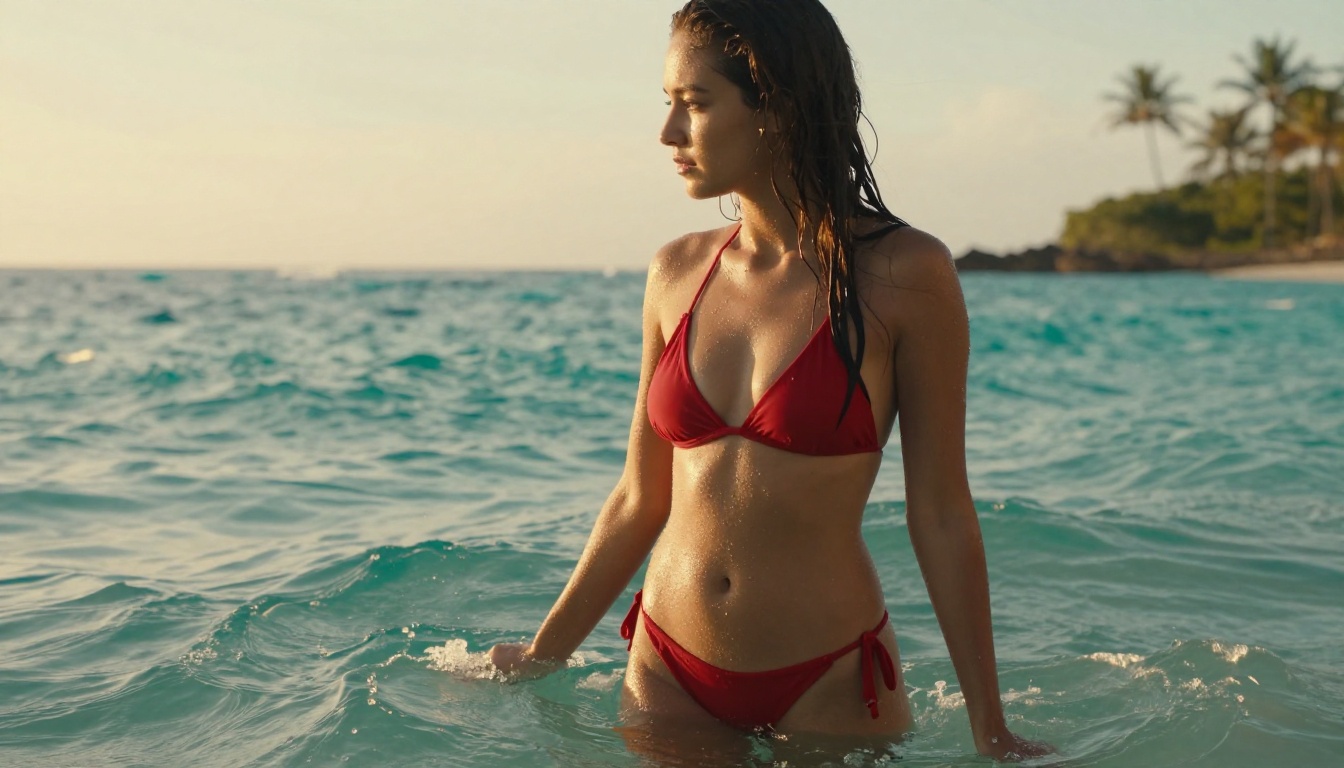
Both Grok Imagine Video and Seedance 2.0 are live on PicassoIA right now. The fastest way to form an opinion about either is to type in a prompt and see what comes back. Start with a scene you know well and notice which model gets it closer to what you had in your head. That answer will tell you everything you need to know.


