People type "Grok NSFW image generator" into a search bar expecting one of two things: a free tool that does whatever they ask, or a clear answer on why it stopped working. The honest answer sits between those. Grok's image tools made headlines in 2025 for a permissive "spicy" setting, then 2026 brought paywalls, tighter filters and a lot of confused users. If you landed here after hitting a blocked prompt or a subscription wall, you are in the right place.
This article lays out what Grok allows right now, where the free options really are, what tasteful glamour output looks like in practice, and the limits you will run into no matter which tool you pick. Every example image below was generated as non-explicit, photorealistic glamour: swimwear, silk, evening wear and portraits. Nothing graphic, because that is not what makes a good image anyway.
💡 Short version: Grok no longer offers a dependable free route to adult-leaning images. For free, flexible and fast results, Seedream 4.5 and PicassoIA Image Editor Pro are the better starting points, and both are covered below.
What Grok Actually Allows Now
The Spicy Mode Story
When xAI launched Grok Imagine, it included a "spicy" option that loosened the content filter for suggestive images and short clips. It spread quickly, partly because rival tools were far stricter. It also attracted criticism, because the same looseness made it easy to produce unwanted images of real people.
Reports from early 2026 describe a sharp reversal. Image generation was pushed behind a paid plan after deepfake content circulated in January, and the spicy option was reportedly narrowed to paid, age-verified users on the mobile apps. Third-party coverage disagrees on the details, so treat any single claim with caution. The direction of travel, though, is consistent: more verification, more filtering, less freedom.
Is Grok Image Generation Free?
Short answer: not reliably. Several reports say free accounts lost image generation around March 2026, and that free users now meet a paywall instead of a result. The paid route is a SuperGrok subscription at roughly 30 dollars a month, which restores access and raises limits but keeps the content filter switched on.
That leaves a strange situation. You can pay a monthly fee and still get a refusal on a prompt that a swimwear catalog would consider ordinary. If your goal is glamour, boudoir-style portraits or beach photography, you are paying for a tool that may second-guess you.
| Grok access level | Image generation | Content filter | Typical cost |
|---|
| Free account | Reportedly removed or heavily capped | Strict | Free |
| SuperGrok or premium tier | Restored with higher limits | Active, with refusals | About 30 USD per month |
| Mobile app, age-verified, paid | Spicy option reportedly available | Narrowed but still enforced | Subscription required |
⚠️ Heads up: Plans and policies change often. Check the current terms inside the app before you pay for anything.
Free Online Options That Work
If Grok is no longer the easy answer, where do people go? Three directions make sense, and the first two are the ones I would try before anything else.
Seedream 4.5 First
Seedream 4.5 is the model I reach for when the brief is attractive, photorealistic people. It handles skin texture, fabric and light with a realism that older models struggled with: pores, flyaway hairs, the sheen of satin, the way a wet shoulder catches the sun. It follows long, detailed prompts closely, which matters because adult-leaning glamour work lives or dies on small direction details like pose, lens and lighting.
What makes it practical is the combination of quality and permissiveness. It produces swimwear, lingerie-style fashion and artistic portraits without the constant refusals you get elsewhere, and it is fast enough to iterate five or six times in a sitting.
PicassoIA Image Editor Pro
PicassoIA Image Editor Pro is the second tool worth knowing, and it solves a different problem. Instead of only generating from a blank prompt, it edits: change an outfit, adjust the setting, fix a hand, shift the mood from midday to golden hour. The big draw is unlimited generations, so you are not rationing credits on a pose that needs eight tries to land.
Editing is also where a lot of the real quality comes from. A first image that is 80 percent right can be pushed to 100 percent with a couple of targeted changes, instead of re-rolling the whole scene and losing the face you liked.
Other Free Routes
A few more models are worth keeping in your rotation:
- Flux 2 Klein 9B Base LoRA is good for styled looks and consistent aesthetics when you want a particular film or fashion feel.
- Grok Imagine Image 2 and Grok Imagine Image Quality are available as general-purpose 2K image models. They suit portraits, product shots and concept work, but I would not plan an adult-leaning project around them, since the model-side moderation is not something you control.
- Grok Imagine Video 1.5 turns a still image into a short clip with audio, handy once you have a still you like.
Real Examples of Tasteful Output
Here is what suggestive-but-not-explicit looks like in practice. These all use the same formula: a clear subject, a believable location, one dominant light source, and a specific lens. Notice that none of them need explicit content to feel bold.
Beach and Pool Scenes
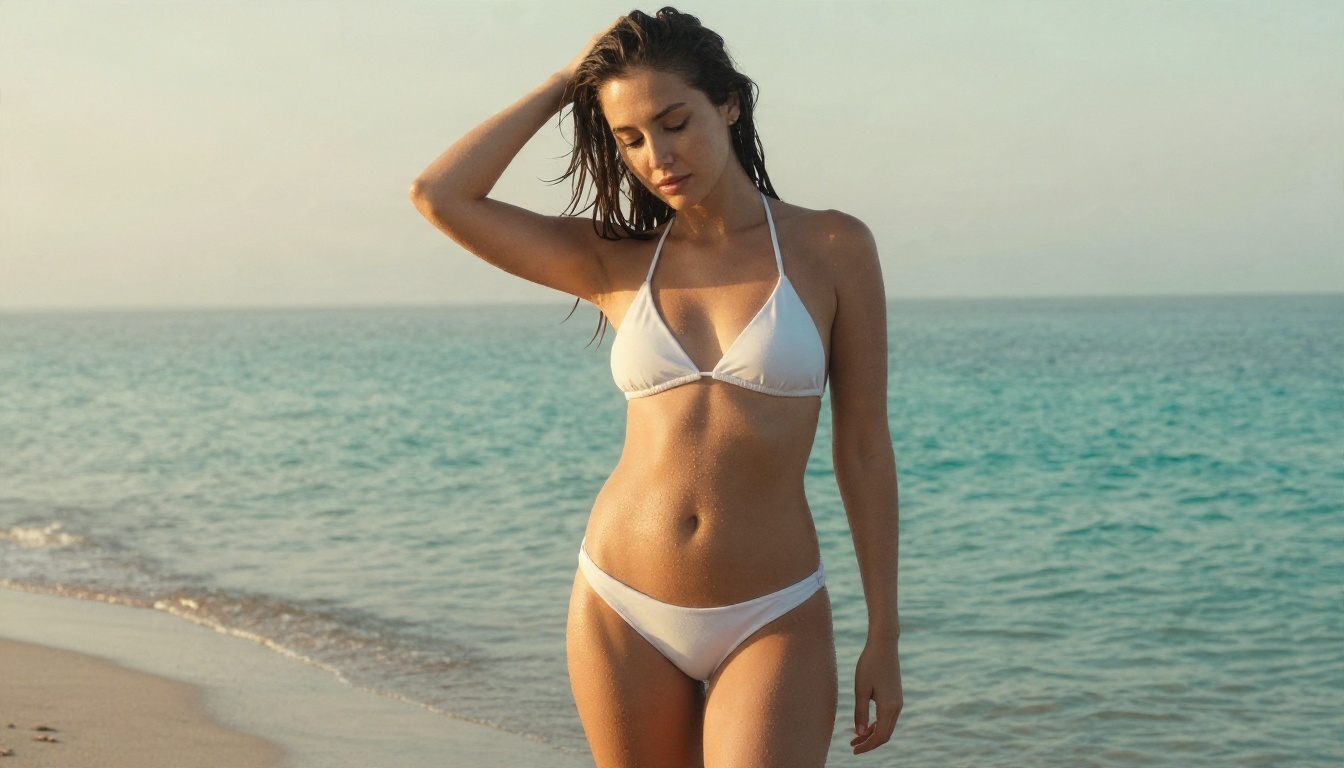
Swimwear is the easiest entry point because the setting does half the work. Water, sand and hard sunlight give you texture for free. A low sun behind the subject produces rim light along the hair, while midday light from above makes crisp shadows that read as "vacation photo" immediately.
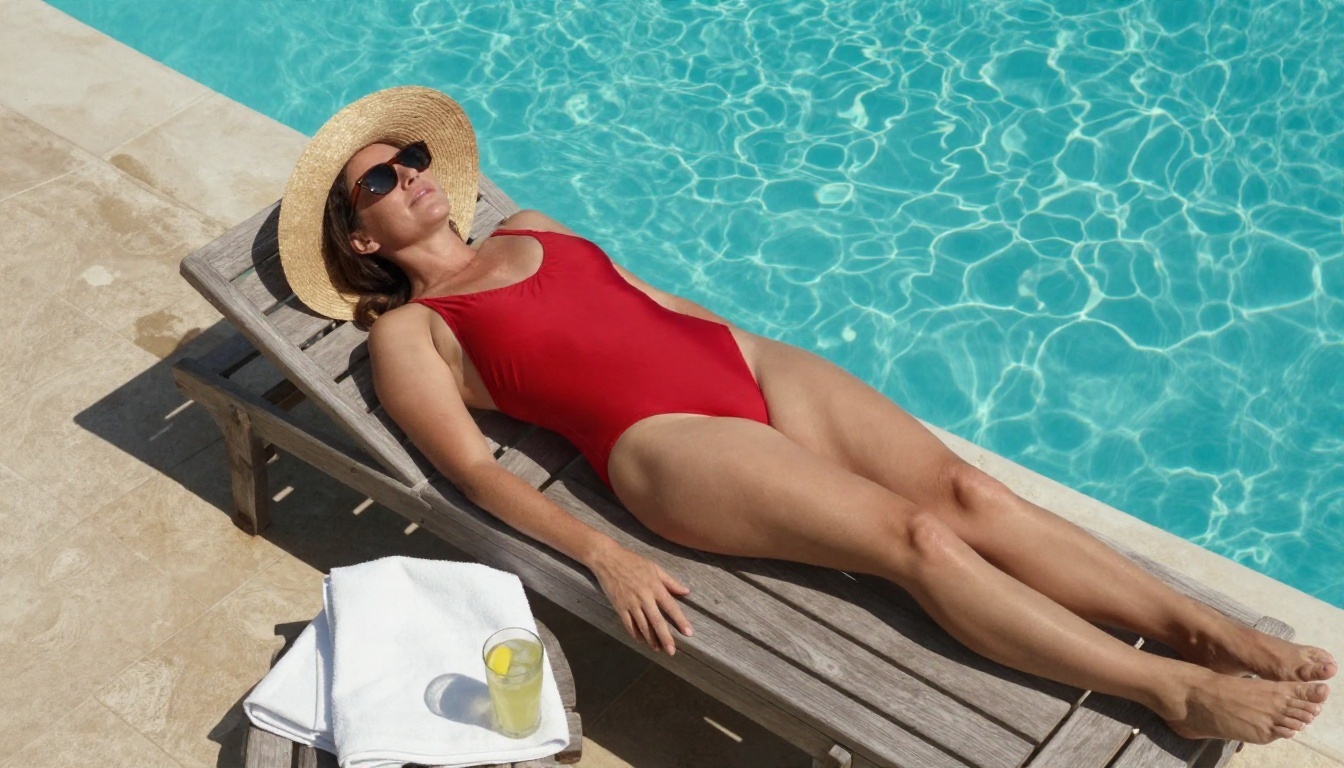
An overhead angle like the one above works well because it simplifies the pose. The lounger, hat and towel become graphic shapes, and the model has fewer limbs to get wrong.
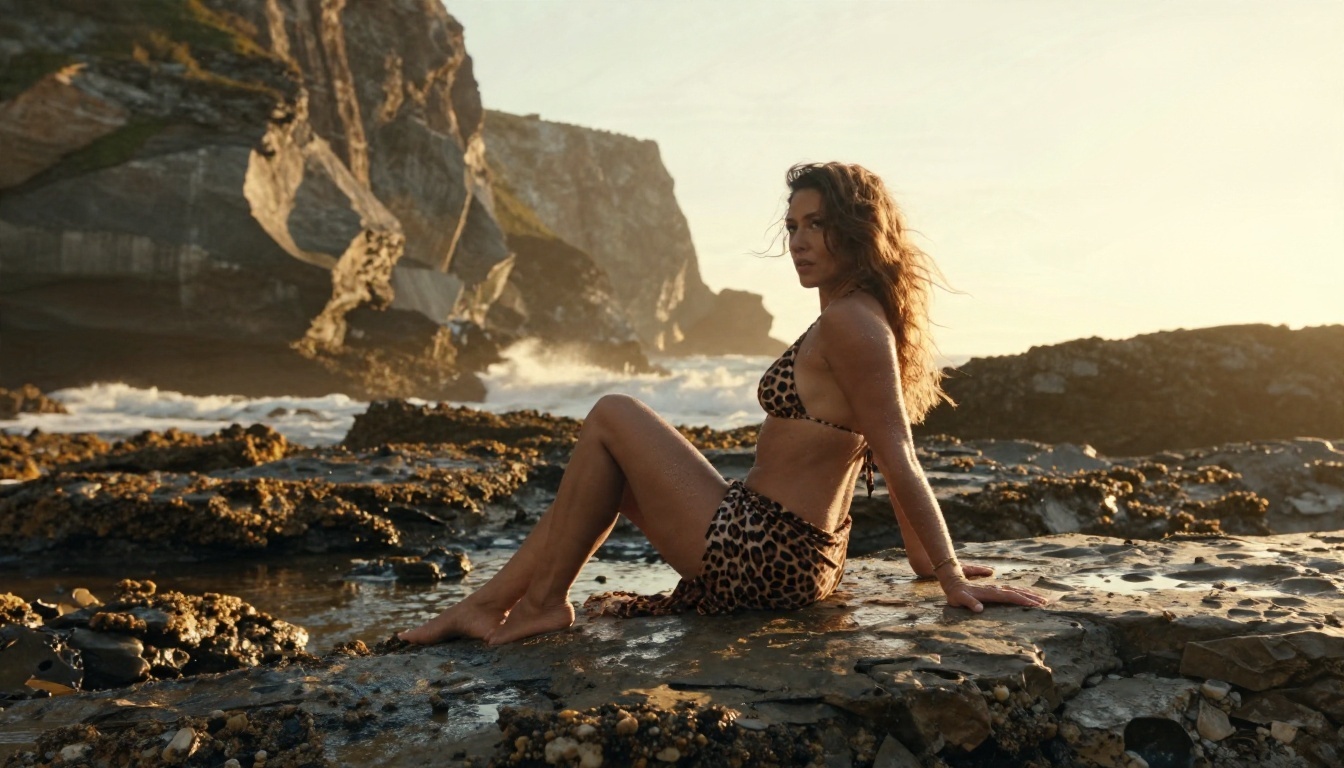
💡 Prompt tip: Add one weathered, tactile surface (wet rock, rope, worn wood). It anchors the skin tones and makes the whole frame look photographed rather than generated.
Portraits and Lifestyle
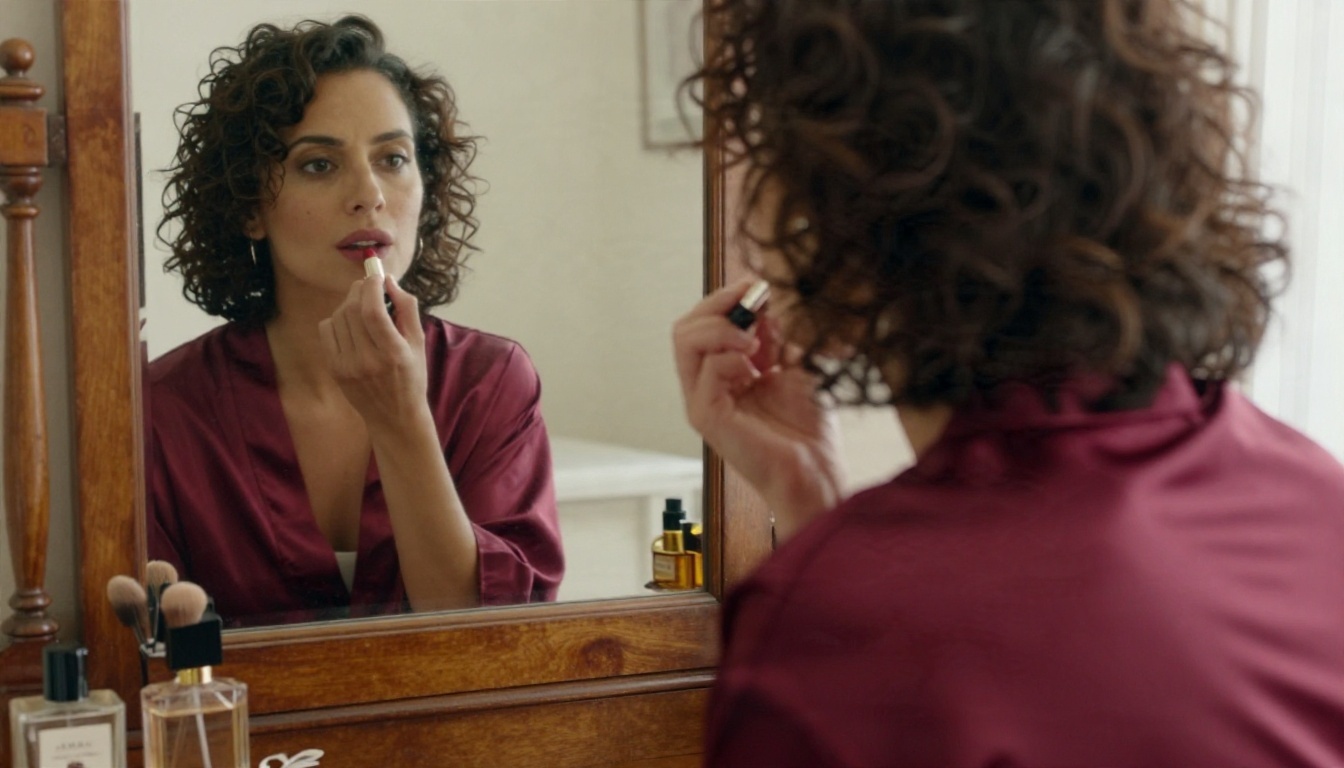
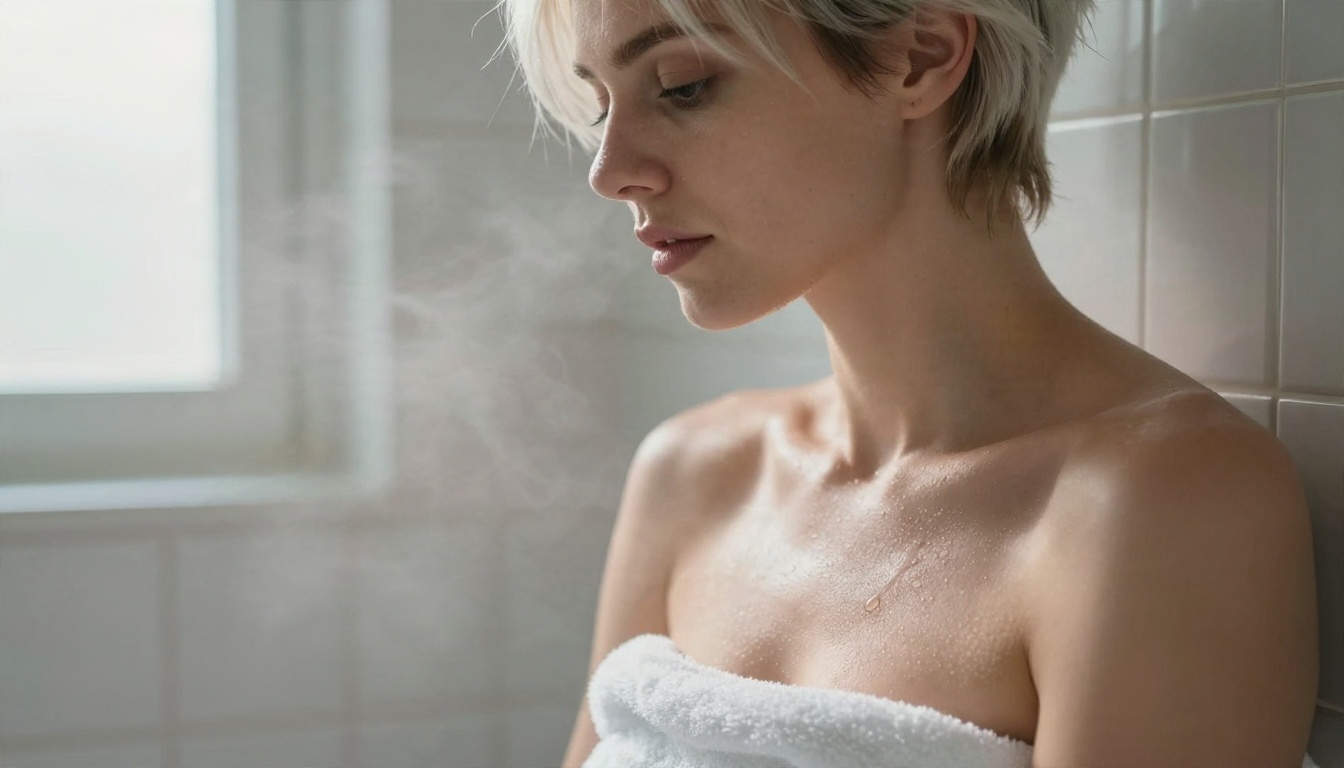
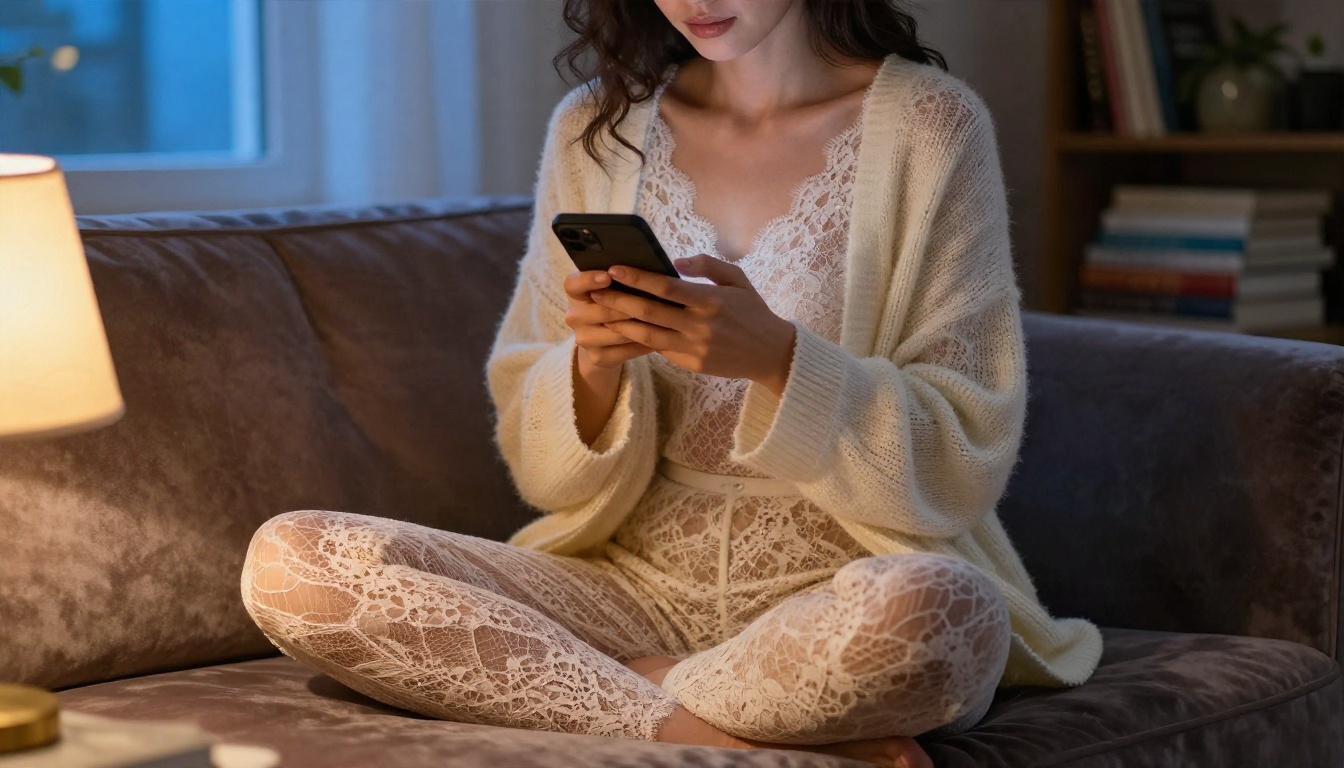
Close, intimate framing is where realism gets tested. Skin pores, damp hair, steam on tile, the fine weave of a lace garment: all of that has to hold up at 100 percent zoom.
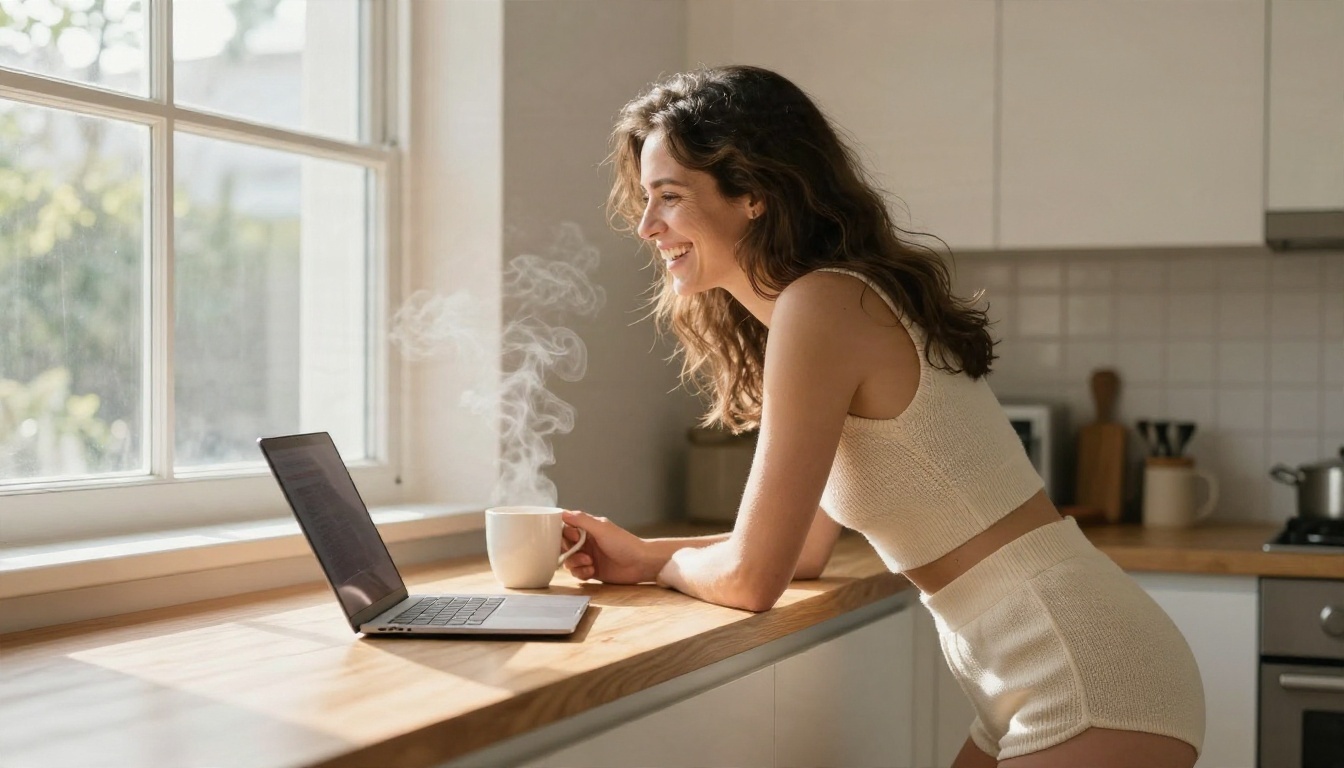
Everyday scenes work just as well, and they often feel more believable than posed studio shots. A laugh, a mug of coffee and morning window light say more than any dramatic pose.
Evening and Fashion
For glamour with an editorial edge, evening wear and a confident walk do the work. Low camera angles add presence, and warm practical lighting (chandeliers, lamps) gives skin a flattering glow without any retouching.
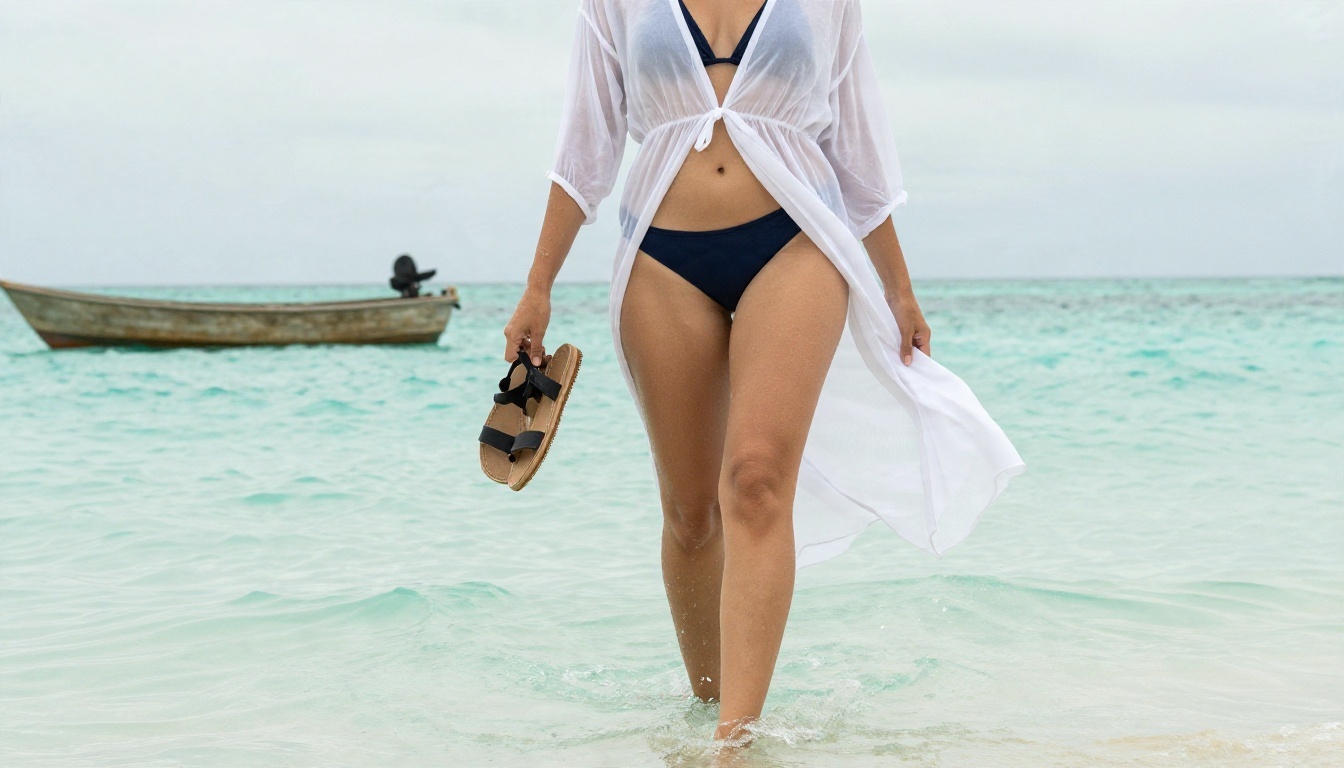
Diffused overcast light, like the beach wrap shot above, is forgiving. It softens shadows and keeps skin tones even, which helps when you want a clean, natural look.
Limits You Will Hit
No generator is a free-for-all, and pretending otherwise leads to frustration. Here are the real ceilings.
Moderation Filters
Every hosted model has some form of filter. Grok's is stricter than it was in 2025, and many other mainstream tools block anything beyond a standard swimsuit. Even on more flexible platforms, explicit pornographic content is off the table, and that is also where the legal and platform risk concentrates. Aim for suggestive and artistic, and you will get better pictures and fewer refusals.
Paywalls and Daily Caps
Free tiers are almost always capped: a handful of images a day, slower queues, lower resolution. Paid tiers raise the cap but rarely remove it. This is why a tool with unlimited generations changes the way you work. You stop treating each render as precious and start experimenting.
Likeness and Consent
This is the limit that matters most. Never generate images of real, identifiable people without their consent. That includes celebrities, coworkers and exes. It is the issue that pushed Grok into its 2026 crackdown, and it is why legislation in several regions now targets synthetic intimate imagery. Every image in this article features an invented adult, and that is the only safe default.
| Limit | What it means | Practical workaround |
|---|
| Content filter | Prompts get refused or softened | Use suggestive wording and artistic framing |
| Daily cap | Few free renders per day | Pick a tool with unlimited generations |
| Resolution | Free output may be small | Upscale afterwards with a super resolution model |
| Real people | Not allowed, legally risky | Invent your subject entirely |
| Explicit content | Blocked nearly everywhere | Keep it non-explicit |
How to Use Seedream 4.5
Since Seedream 4.5 is the strongest starting point for photorealistic glamour, here is the workflow I use.
Step by Step
- Open the model page and sign in. Choose a 16:9 ratio for scenic shots or a portrait ratio for single-subject framing.
- Write the subject first. Age (always an adult), hair, skin, outfit, pose. For example: "adult woman in her late twenties, wavy chestnut hair, black satin slip dress, sitting on a linen bed."
- Add the environment. One location, a few specific props. A hotel suite with sheer curtains beats a vague "bedroom."
- Set the light. Name the direction and quality: "golden morning light from the left," "overcast diffused light," "warm chandelier from above."
- Pick the lens. "85mm f/1.8 shallow depth of field" for portraits, "24mm from above" for aerials.
- Add film cues. "Kodak Portra 400, natural grain, realistic skin texture" pulls the output away from the glossy plastic look.
- Generate, then refine. Change one variable at a time, so you know which edit helped.
- Send the best result to Image Editor Pro to adjust outfit, setting or mood without starting over.
Prompt Tips That Save Time
- Be specific about texture. "Fine pores, peach fuzz, fabric weave" beats "high quality."
- Avoid the words that trigger refusals. Use "swimwear," "lingerie-style," "glamour," "boudoir portrait."
- Keep one subject. Crowded scenes multiply errors in hands and faces.
- Use negative cues in plain language. "No text, no logos, no illustration" keeps the look photographic.
💡 Quick fix: If the skin looks too smooth, add "natural skin texture, slight sun tan line, visible pores." If the light looks flat, name a direction.
Grok vs the Alternatives
Here is how the main options compare for glamour and suggestive photography.
| Tool | Best for | Strictness | Free access | Standout trait |
|---|
| Grok (xAI app) | Quick general images | High and rising | Reportedly paywalled | Brand recognition |
| Seedream 4.5 | Photorealistic people | Flexible | Yes | Skin and fabric realism |
| PicassoIA Image Editor Pro | Editing and iteration | Flexible | Unlimited generations | Fast targeted changes |
| Flux 2 Klein 9B Base LoRA | Styled looks | Moderate | Yes | Consistent aesthetics |
| Grok Imagine Image 2 | General 2K images | Moderated | Yes | Clean 2K output |
The pattern is simple. For everyday images, the Grok models are perfectly good. For adult-leaning glamour, you want a tool that does not fight you, a fast way to refine, and no cap on attempts.
Try It Yourself Today
You do not need a subscription, a mobile app or a workaround to make good glamour images. Open Seedream 4.5, paste in a prompt built from the formula above, and see what a single detailed paragraph can do. Then send the result to Image Editor Pro and adjust until it feels right. With unlimited generations, you can run twenty variations in the time it takes to read a Grok refusal message.
Want more options? Browse the full lineup at picassoia.com/en/all-models, where you can compare image models side by side, upscale your favorites, and turn stills into short clips. Pick one scene from this article, rewrite it with your own subject and location, and make your first image tonight.


