Type "Grok Sexy Mode" into a search bar and you will find confident tutorials, screenshots and a lot of contradicting claims. Here is the short version: there is no official toggle with that exact name. What people mean is one of two real features from xAI, the Spicy mode inside Grok Imagine (images and short videos) and the NSFW setting on Ani, the animated companion in the Grok app. Both exist, both have moved around a lot, and both have been squeezed by filters, paywalls and region blocks.
This article sorts out what is real, what is rumor, who can actually use it, and what to do when the door is closed. You will also find a practical route to suggestive, glamour-style images (swimwear, lingerie, boudoir, fashion) using tools that do not nag you every third prompt.

What "Sexy Mode" Really Means
The name is a nickname
xAI never shipped a feature called Sexy Mode. The phrase is a mash-up that spread through social media, forum threads and clickbait pages. When someone says they "turned on Grok's sexy mode", they almost always describe one of the following:
- Spicy mode in Grok Imagine, the image and video generator, which loosens the content filter for suggestive and partly nude output.
- NSFW mode with Ani, a companion character in the mobile app that switches to more flirtatious dialogue and outfits once a relationship level is reached.
- Prompt tricks in regular Grok chat, which are mostly dead ends because the main chatbot keeps its guardrails.
💡 Tip: If a website promises a "Grok Sexy Mode unlock" through a download, a browser extension or a login on a third-party page, close the tab. Nothing official works that way, and these pages are usually built to harvest accounts.
Spicy mode in Grok Imagine
Grok Imagine arrived in August 2025 with a mode selector that included Spicy next to normal-style presets. Early reports described it as noticeably more permissive than rival tools, which created a wave of attention and a wave of criticism. Spicy was tied to paid access at launch, first on iOS for SuperGrok and X Premium Plus subscribers, and it was never as open as the headlines suggested.

Ani and the companion NSFW setting
Ani launched in July 2025 as an anime-style companion with an "affection" meter. Higher levels opened more expressive reactions, and a NSFW option sat behind the paid SuperGrok plan, priced around 30 dollars a month. Reports in 2026 conflict: some sources say xAI began winding down the companion feature as an experiment, while others still describe Ani as available to subscribers. If this matters to you, check the live app rather than trusting a year-old tutorial.
Is Grok Sexy Mode Free?
What happened to free access
This is where most articles get sloppy, so let me be careful. The free picture changed several times:
| Period | What was reported |
|---|
| August 2025 | Grok Imagine launched, with Spicy limited to paying iOS users at first |
| Late 2025 | Wider rollout, a temporary free window for basic Imagine use in some regions |
| Early 2026 | Free-tier cuts, tighter limits, and criticism from users and press |
| March 2026 | Several guides report that the last free Imagine access was removed |
| Mid 2026 | Reports of mobile-only access, region blocks and a much stricter filter |
Treat the 2026 rows as secondary reports, not official statements. xAI changes limits without much notice, so any number you read (for example "50 images every two hours") may be stale within weeks.
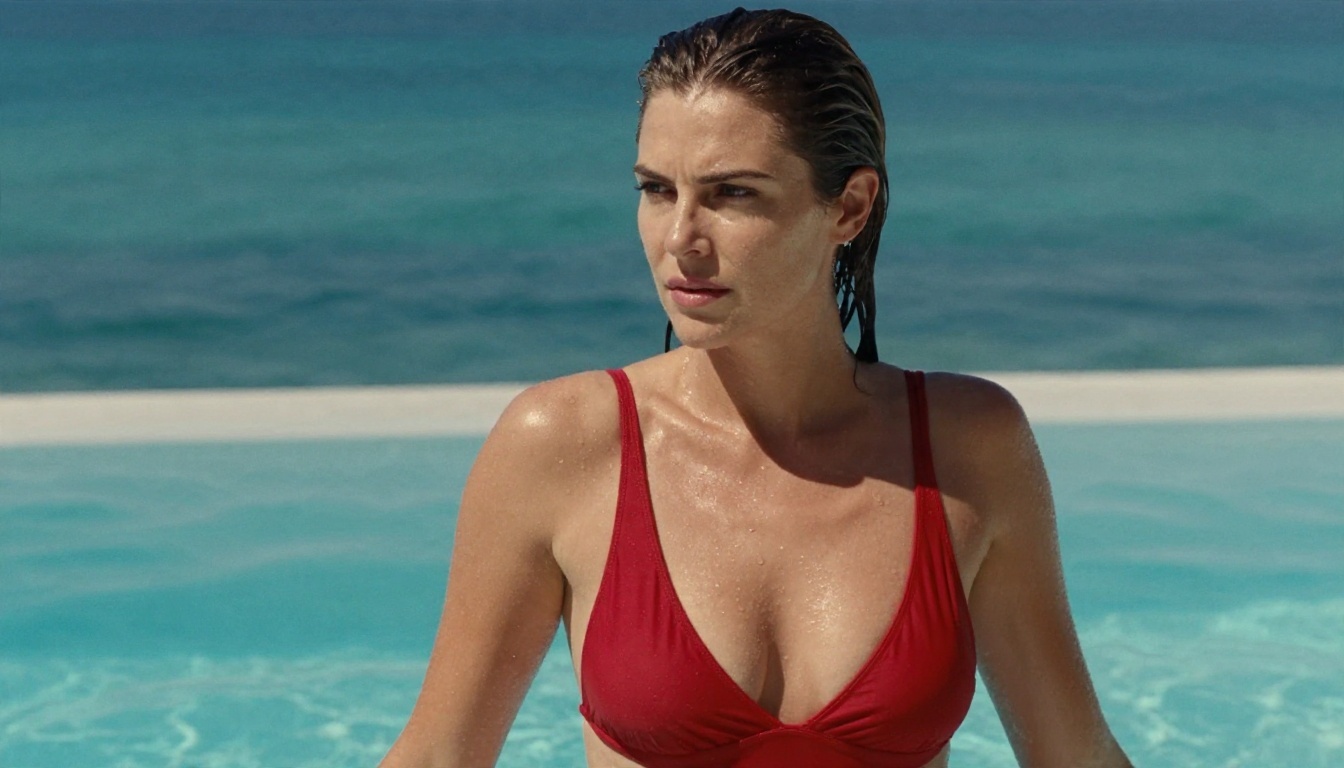
What a subscription gets you
Paying for SuperGrok or X Premium Plus does not turn the filter off. It buys higher usage limits, faster queues and access to the newest Imagine versions. Several reports say the content filter stayed active even for subscribers, and that Spicy output became far tamer than at launch. Standard X Premium does not include SuperGrok features.
The honest answer on cost
If your goal is "free and unfiltered", Grok is not the reliable route anymore. You can try the basic Imagine tools at no cost when xAI allows it, but the part people actually search for sits behind payment, an app, a region check and a filter that can refuse your prompt. That combination is exactly why alternatives have become the real story.
The Limits Nobody Mentions
Filters that still block you
Even in Spicy mode, you hit walls. Expect refusals or silently softened results for explicit anatomy, anything involving real people, public figures or minors (a hard line everywhere), and prompts that look like attempts to bypass moderation. Output is often blurred or replaced with a "moderated" placeholder, and you may still be charged a generation.

Platform and region limits
Access depends on where you live and which device you use. Reports describe iOS-first launches, patchy Android support, and region restrictions that tightened through 2026. Web access has been inconsistent. If your tutorial says "just open Grok in your browser", confirm it first.
Safety and legal concerns
The safety debate around Grok has been loud. Child-safety groups raised alarms about Ani's behavior, and regulators in several countries have looked at xAI's image tools. For you as a user, the practical risk is account action: generating prohibited content can get you banned and cost you the subscription you paid for.
⚠️ Never create sexualized images of real, identifiable people without their consent, and never create anything involving minors. Reputable tools block this, and it is illegal in many places. Everything in this article assumes fictional adults only.
Why People Look for Alternatives
The pattern is simple. Grok is tied to one subscription, one ecosystem and one set of moderation rules that can change overnight. Creators who make glamour, swimwear, boudoir or fashion-style imagery want three things: predictable results, no random refusals, and no surprise price jumps.
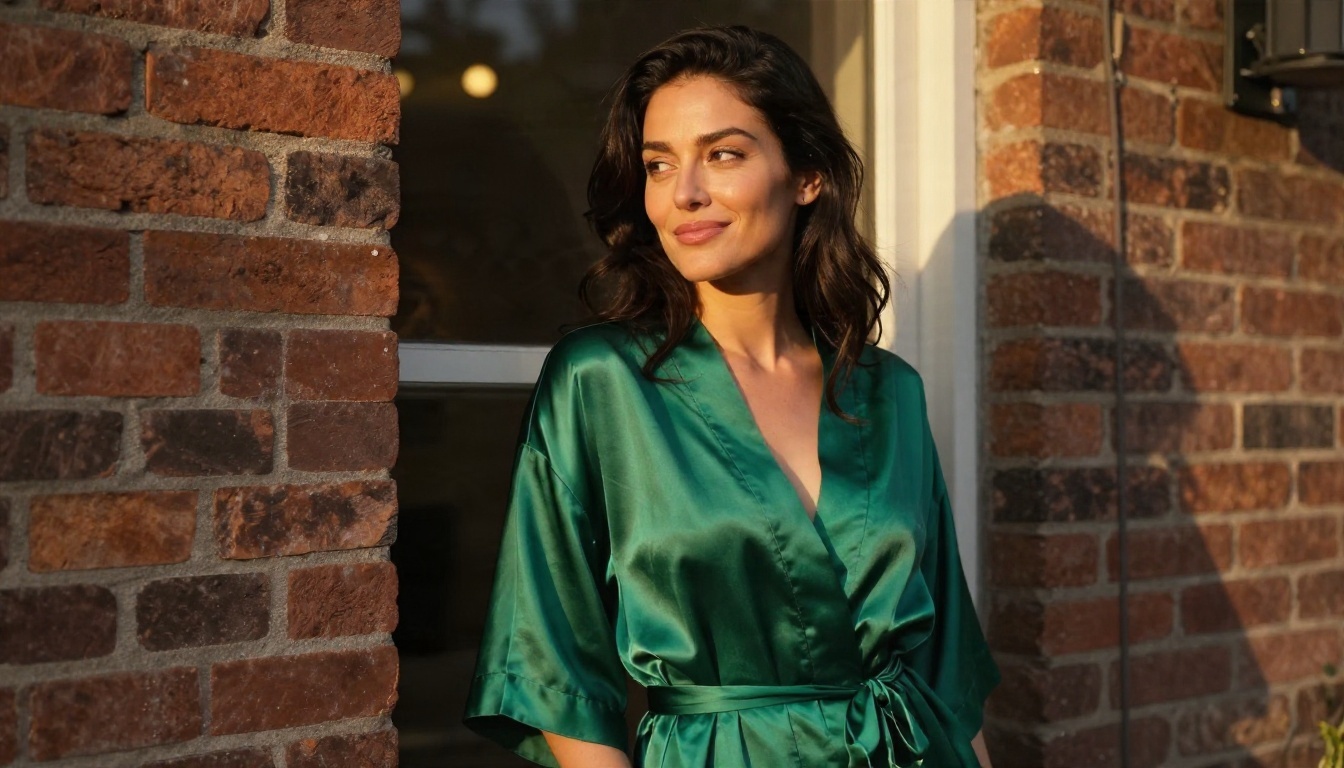
What to look for in a replacement
- Photorealism that holds up on skin, fabric and light, not plastic faces.
- Tolerance for suggestive themes such as bikinis, lingerie, silk and evening wear.
- Unlimited or generous generation, so you can iterate on a prompt ten times without watching a counter.
- Fast output, because slow queues kill creative flow.
- Editing tools, so you can fix a hand or change an outfit without starting over.
Where Grok Imagine still fits
Grok Imagine is a capable generator, and you can try the xAI image and video models on PicassoIA through Grok Imagine Image 2, Grok Imagine Image Quality and Grok Imagine Video 1.5. These are the standard models, not a Spicy or "sexy" switch, so use them for general work like portraits, fashion shots and short image-to-video clips.
Uncensored Alternatives That Work Today
For suggestive, non-explicit glamour work, here is the order I would try things in.
1. Seedream 4.5
Seedream 4.5 is the first model to open. It produces sharp, photographic portraits at up to 4K, handles skin texture and fabric very well, and does not push back on swimwear, lingerie and boudoir-style prompts the way mainstream chatbots do. For anyone leaving Grok because of refusals, this is the most direct upgrade.

2. PicassoIA Image Editor Pro
PicassoIA Image Editor Pro is where the unlimited generations matter. You can generate, then edit the same picture again and again: swap an outfit, change the background, fix lighting, adjust a pose. With no meter running, you stop treating each prompt like a bet. It is also fast, which keeps you in a creative rhythm.
3. Other models worth a try
Different models handle sensitive themes differently, and policies shift, so test a few with the same prompt.
A quick comparison
| Option | Best for | Cost model | Typical friction |
|---|
| Grok Imagine Spicy | Short clips on mobile | Paid plan, changing limits | Region blocks, strict filter, bans |
| Ani NSFW | Companion chat | SuperGrok subscription | App only, reportedly being phased out |
| Seedream 4.5 | Photorealistic glamour stills | Credits | Prompt craft |
| Image Editor Pro | Iterating and editing | Unlimited generations | Almost none |
| Z Image Turbo | Fast drafts | Credits | Less fine detail |
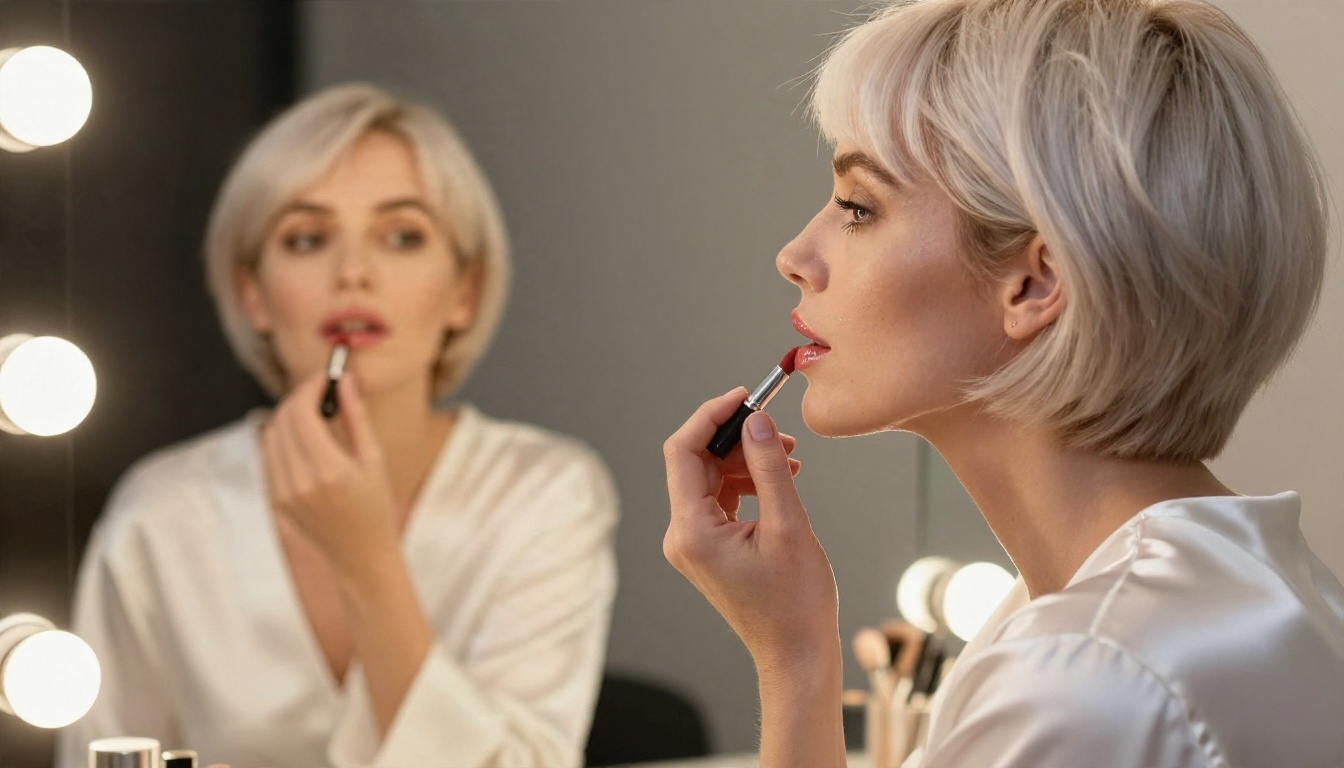
Get Similar Results with Seedream 4.5
Grok's Spicy mode is not available on PicassoIA, and I will not pretend it is. What you can do is recreate the look people want from it, which is polished, suggestive, photographic imagery, using Seedream 4.5.
Step by step
- Open the Seedream 4.5 page and choose a 16:9 or 3:4 aspect ratio depending on whether you want a scene or a portrait.
- Write the subject first: age (adult), hair, outfit, pose, expression.
- Add the setting: a hotel suite, a pool terrace, a loft window, a sunrise beach.
- Name the light direction and time of day, such as "golden hour sun from the left".
- Add lens language: "85mm f/1.8, shallow depth of field, Kodak Portra 400 film grain".
- Generate, pick the best frame, then move it into Image Editor Pro to tweak outfit, background or color.
Parameter and prompt tips
- Use concrete textures: satin sheen, knit weave, damp skin, linen creases. Models respond to material words better than to vague adjectives.
- Keep the mood suggestive, not explicit. Glamour sells through light and posture, not through exposure.
- Describe hands plainly ("hand resting on the hip") to reduce finger errors.
- Change one thing per iteration. If you change five, you cannot tell what worked.
💡 Prompt template: "Adult woman in her late twenties, [outfit], [pose], [setting], golden morning light from the left, 85mm f/1.8, shallow depth of field, Kodak Portra 400, natural skin texture, 16:9."
Prompt Ideas for Glamour Scenes
Swimwear and beach
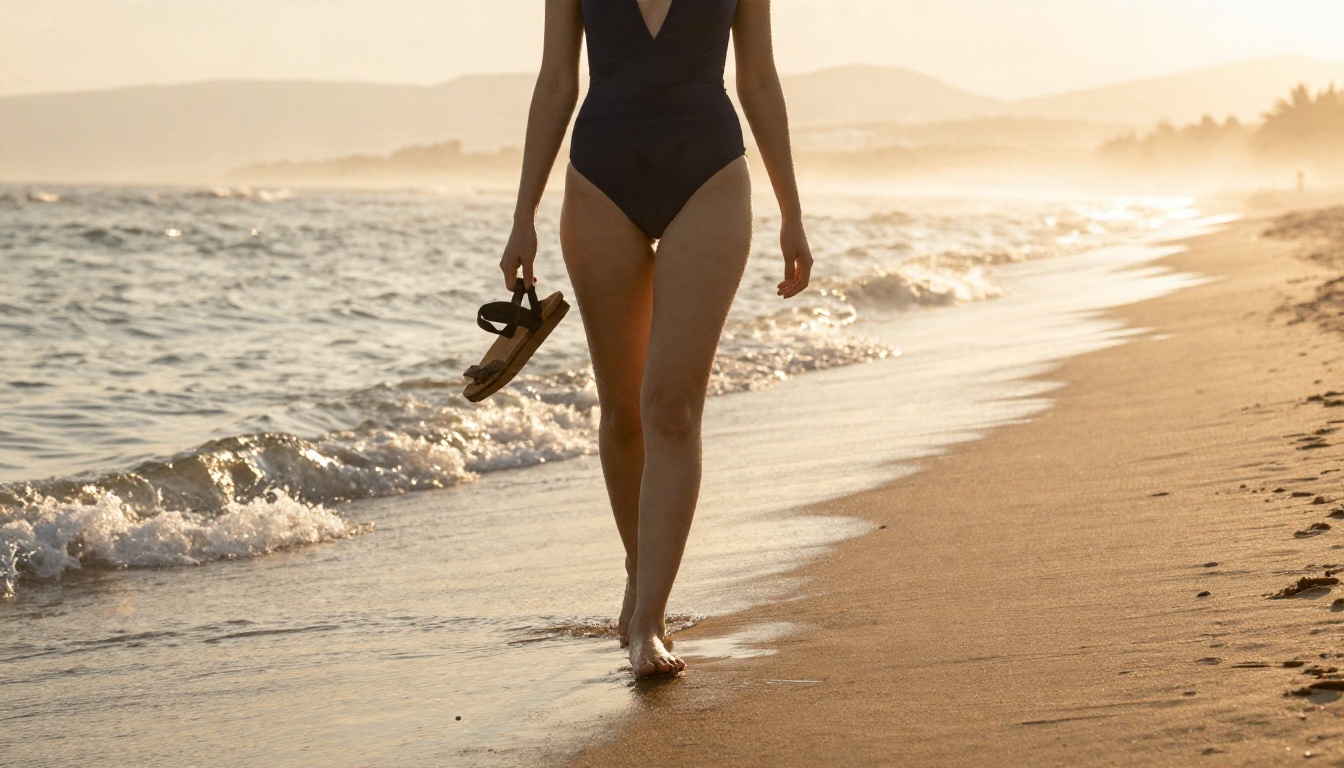
Sunrise on wet sand, a navy one-piece, backlit droplets on the shoulders. Pool terraces work well in hard noon sun: a red two-piece, a sheer cover-up, water beading on tanned skin. Add "35mm lens" for a magazine feel.
Boudoir and silk
Satin slips, silk robes and lace trims photograph beautifully in soft window light. Ask for visible fabric folds and specular sheen. Keep the setting simple, such as a bed with linen, a vanity with warm bulbs or a brick loft window.
Evening and fashion
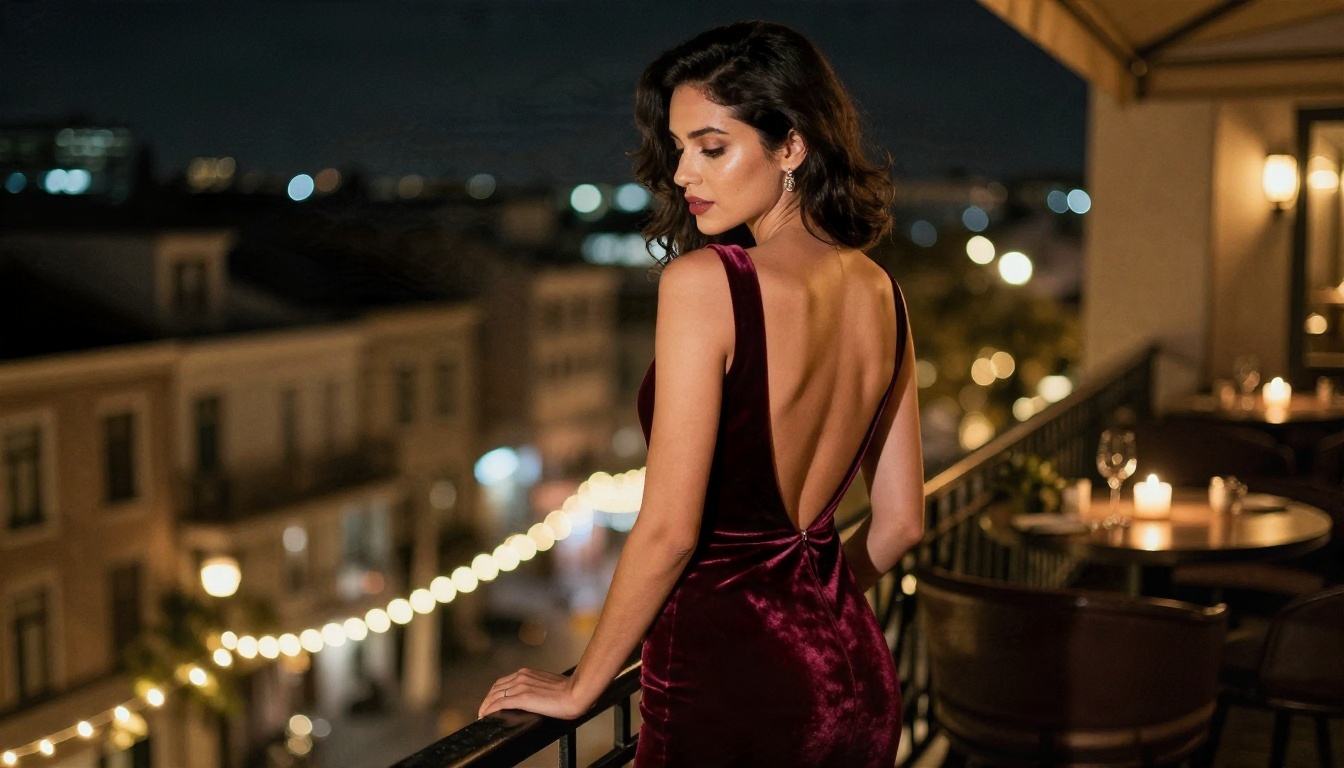
A velvet dress on a dim balcony with city bokeh behind gives a cinematic look with no need for exposure. Candle light and string lights add warmth to skin tones.
Adding Motion Without Grok
Turn a still into a clip
If what you wanted from Grok Imagine was movement, you can get it elsewhere. Generate your still first, then animate it. LTX 2.5 Fast makes short, quick clips, and Grok Imagine Video 1.5 is available for image-to-video with audio. Moderation rules differ between video models, so keep the source image tasteful and the motion simple: a slow camera push, hair moving in a breeze, a turn of the head.
A workflow that saves time
- Draft with Z Image Turbo to settle the idea.
- Rebuild the best version in Seedream 4.5 for the final look.
- Polish in Image Editor Pro.
- Animate the final still if you need a clip.
Common Mistakes to Avoid
- Trusting old tutorials. A post from 2025 about Grok Imagine may describe features that no longer exist.
- Paying before testing. Check what a plan includes today before you subscribe.
- Writing vague prompts. "Sexy woman" gives generic results. Specific light, fabric and lens language gives photographs.
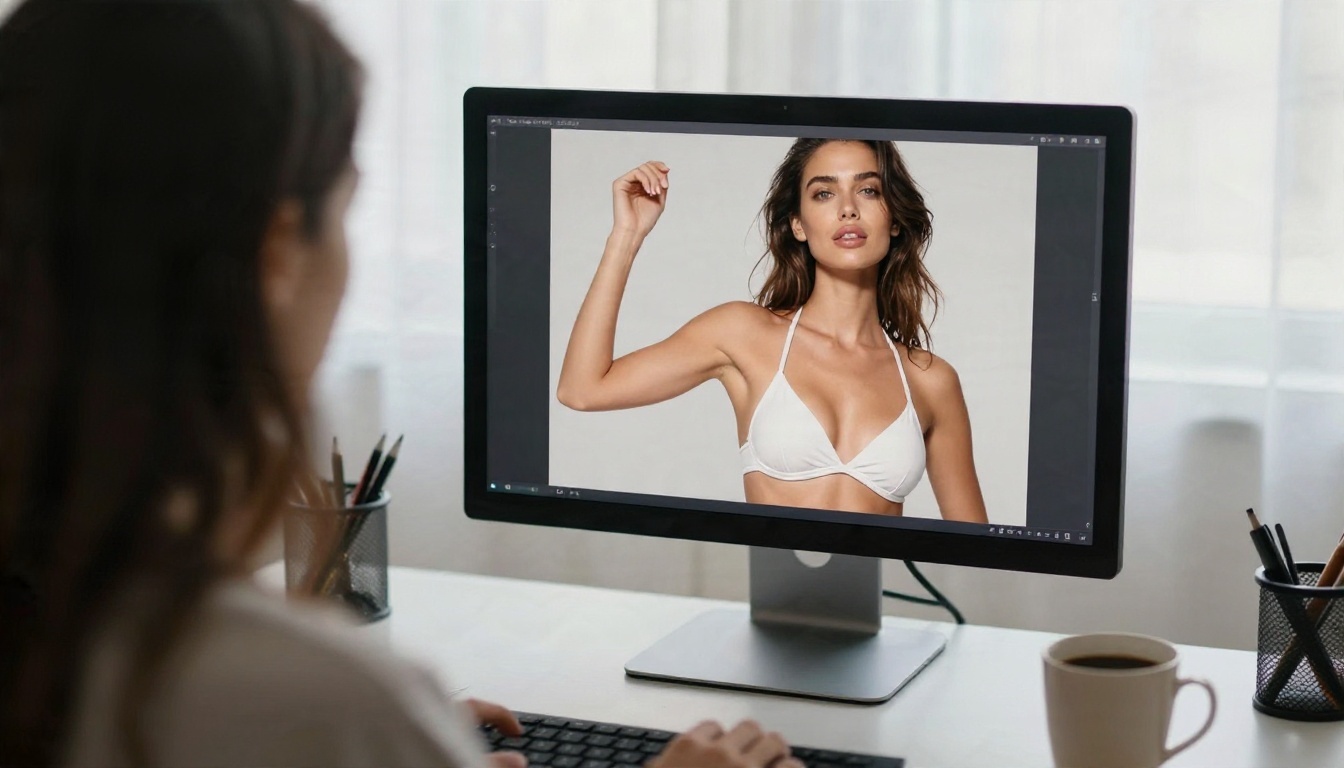
- Ignoring editing. One generation is rarely the final one. Use an editor to fix details.
- Crossing legal lines. Fictional adults only, never real people without consent.
Try It Yourself Today
Grok's "sexy mode" turned out to be a nickname for a moving target: a paid, region-limited, heavily filtered feature that xAI keeps adjusting. If you came here hoping for a switch to flip, the honest answer is that there is not a reliable one. What you can do is build the look yourself, with more control and without waiting for the next policy change.
Start with Seedream 4.5 for the first render, move to PicassoIA Image Editor Pro for unlimited editing, and run the same prompt through two or three other models to see which one fits your taste. Open a prompt, describe the light, the fabric and the lens, and see what comes back. When you want more options, browse the full catalog at picassoia.com/en/all-models and make your own images today.


