Hentai Prompt Generator: Free, Online, With Prompt Examples and Settings
A free, online way to build hentai style prompts that actually work. You get a five block formula, copy and paste prompt examples for glamour, kimono, fantasy and beach scenes, plus the settings, ratios and negative prompts that keep results sharp, adult and consistent.
Most people who type "hentai" into an image generator get the same mushy result: a vague face, strange hands, and a style that drifts every time they hit generate. The problem is rarely the model. It is the prompt. A hentai prompt generator fixes that by giving you a repeatable structure, so you stop guessing and start building scenes block by block. This article gives you that structure for free, with copy and paste prompt examples, the settings that matter, and the mistakes that quietly ruin most outputs.
One rule before anything else: every character you write must be an adult, 18 or older, and your prompt should say so. That is not a formality. It keeps results consistent, it keeps you inside the rules of every serious platform, and it makes the faces and proportions look better too.
What a Hentai Prompt Generator Does
A prompt generator is not magic software that "knows" what you want. It is a template that forces you to fill in the parts of a scene a model needs: who is in it, what they wear, where they are, how the light falls, and how the picture is framed. Think of it as a checklist that outputs a clean paragraph.
The Formula Behind Every Prompt
Every strong prompt, in any style, follows the same skeleton:
When one of those slots is empty, the model fills it with whatever was most common in its training data. That is why empty prompts produce generic faces and generic rooms. Fill all seven and the output becomes specific, repeatable and much easier to adjust.
Free vs Paid Generators
You do not need a subscription to build good prompts. A free online generator, or even a notebook with a template, does the job. What changes between free and paid tools is mostly speed, daily limits and filters.
Feature
Free generator
Paid generator
Daily generations
Often capped
Higher or unlimited
Prompt templates
Basic
Saved presets
Content filters
Usually strict
Varies by service
Resolution
1K to 2K
2K to 4K
Best for
Testing ideas
High volume work
💡 Tip: Write your prompts in a plain text file first. A model on PicassoIA is only as good as the paragraph you feed it, and keeping a personal library of working prompts saves hours.
Build Your Prompt in Five Blocks
Instead of one long run-on sentence, think in blocks. You can reorder them, swap them, and test one change at a time.
Subject and Age
Start with the person. Be direct about age, build, hair and eyes. Vague words like "pretty girl" invite youthful faces you do not want and the model cannot interpret consistently.
Good:adult woman, 26 years old, long pink twin tails, green eyes, soft smile
Weak:cute girl, pink hair
Always include a number or a clearly adult word such as "woman" or "mature". It anchors proportions and face shape.
Outfit and Mood
Outfit sets the tone more than anything else. For a glamour, suggestive look without anything explicit, fabric words work best: satin, lace, silk, velvet, sheer, fitted. Pair them with a mood word like playful, confident, sultry or shy.
satin slip dress with lace trim, playful confident expression
Notice that these stay tasteful. Suggestion beats explicitness in almost every case, because the model spends its effort on fabric, skin texture and light instead of anatomy errors.
Setting and Lighting
A named location plus a named light source does more than ten adjectives. "Golden hour from the left" is a real instruction. "Beautiful lighting" is not.
Good lighting phrases:
Golden hour backlight for glowing hair edges
Soft window light from the left for portraits
Warm candlelight for intimate, moody rooms
Overcast diffuse light for clean skin tones
Tungsten pendant lamp for bar and lounge scenes
Camera and Style Tags
Even for anime-flavoured results, camera language helps. Terms like "close-up", "low angle", "85mm", "shallow depth of field" tell the model how to frame the subject. Then add one or two style tags, no more. Piling on ten style tags makes them fight each other.
Framing: close-up, medium shot, full body, over the shoulder
Style: anime style, cel shading, soft painterly shading, or photorealistic cosplay if you want real-looking results
💡 Tip: Choose ONE style direction per prompt. "Anime style" and "photorealistic" in the same sentence give you an uncanny hybrid most people dislike.
Prompt Examples You Can Copy
Here are four prompts built with the five block formula. They are written to be suggestive and attractive, not explicit, which is exactly where models perform best. Replace the bracketed parts with your own details.
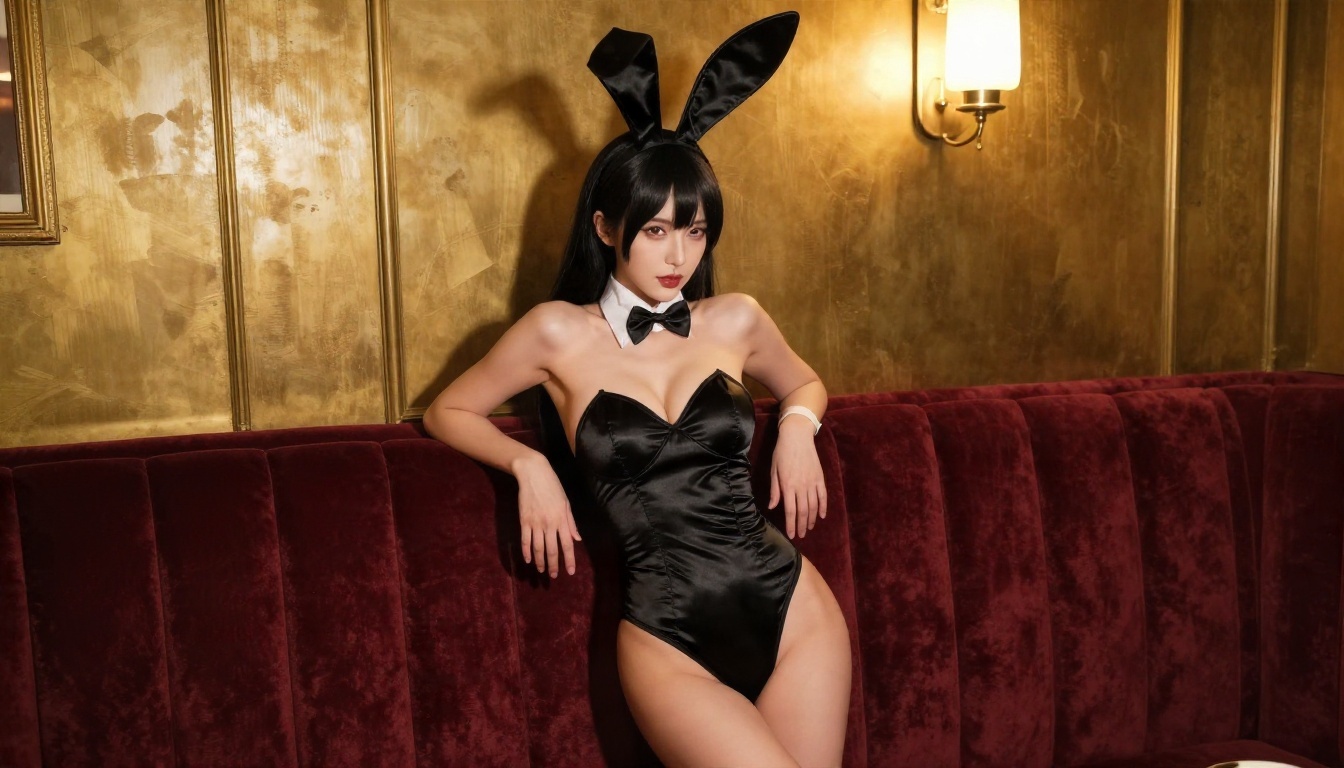
Soft Glamour Portrait
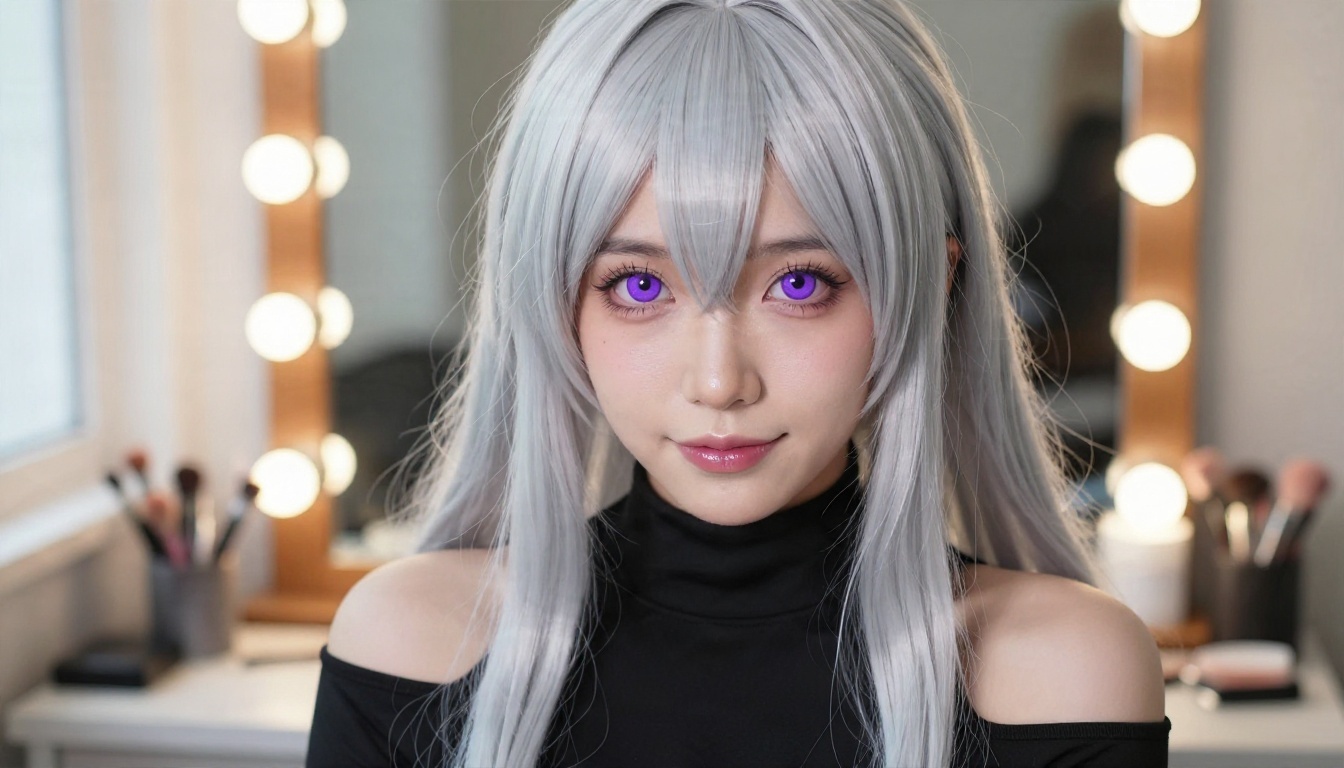
anime style, adult woman, 25 years old, long pastel pink twin tails,
soft bangs, green eyes, satin slip dress with lace trim, playful
confident smile, glancing over shoulder, cozy studio with fairy lights,
golden evening window light from the left, medium close-up, 85mm,
shallow depth of field, detailed hair strands, soft shading
Kimono Scene
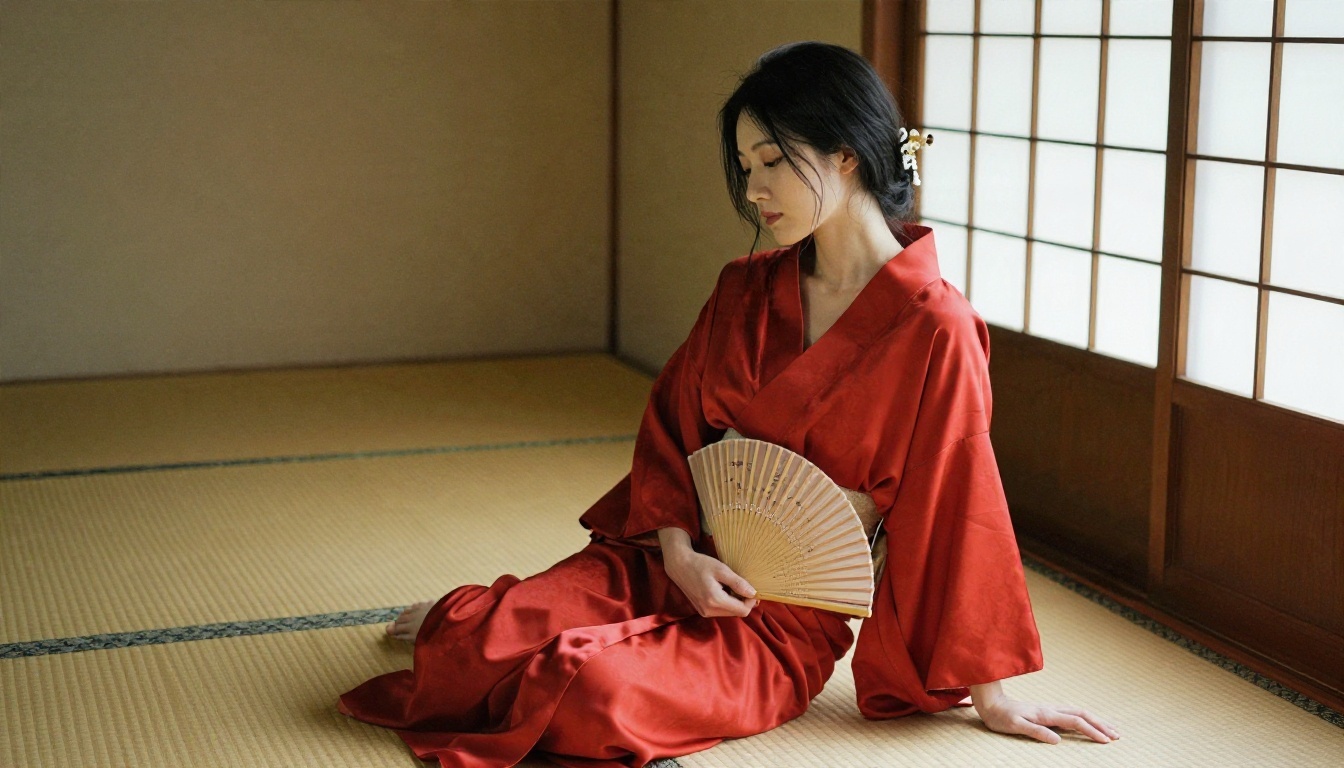
adult woman, 27 years old, long black hair with kanzashi pin, red silk
kimono robe loosely tied, seated on tatami floor, holding a folding fan,
traditional Japanese room with paper sliding doors, soft diffused light
from the right, elegant suggestive mood, medium shot, 85mm, silk sheen,
warm wood tones
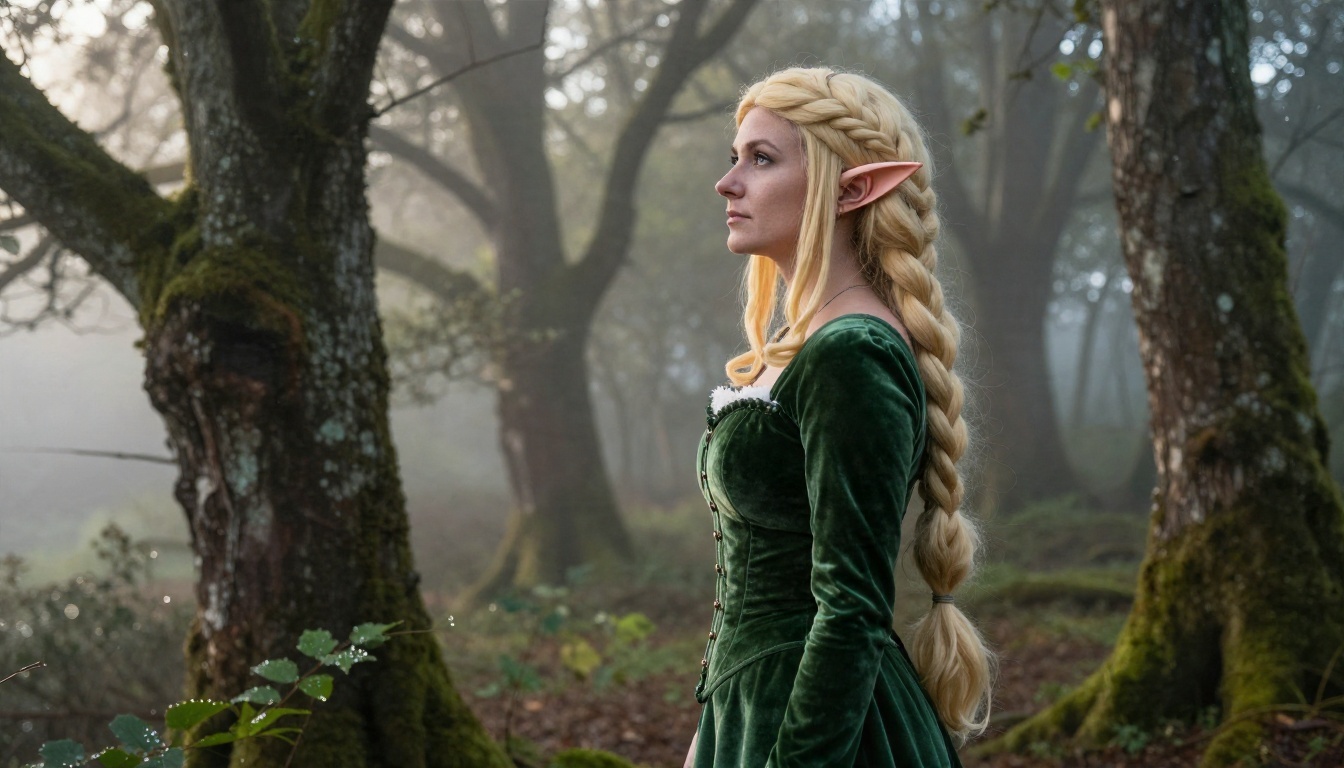
Fantasy Cosplay
adult woman, 28 years old, elf inspired outfit, pointed ears, pale blonde
braid, green velvet corset dress, standing in misty forest at dawn,
volumetric morning light through branches, side profile, 70mm, dew on
leaves, detailed velvet texture, fantasy mood
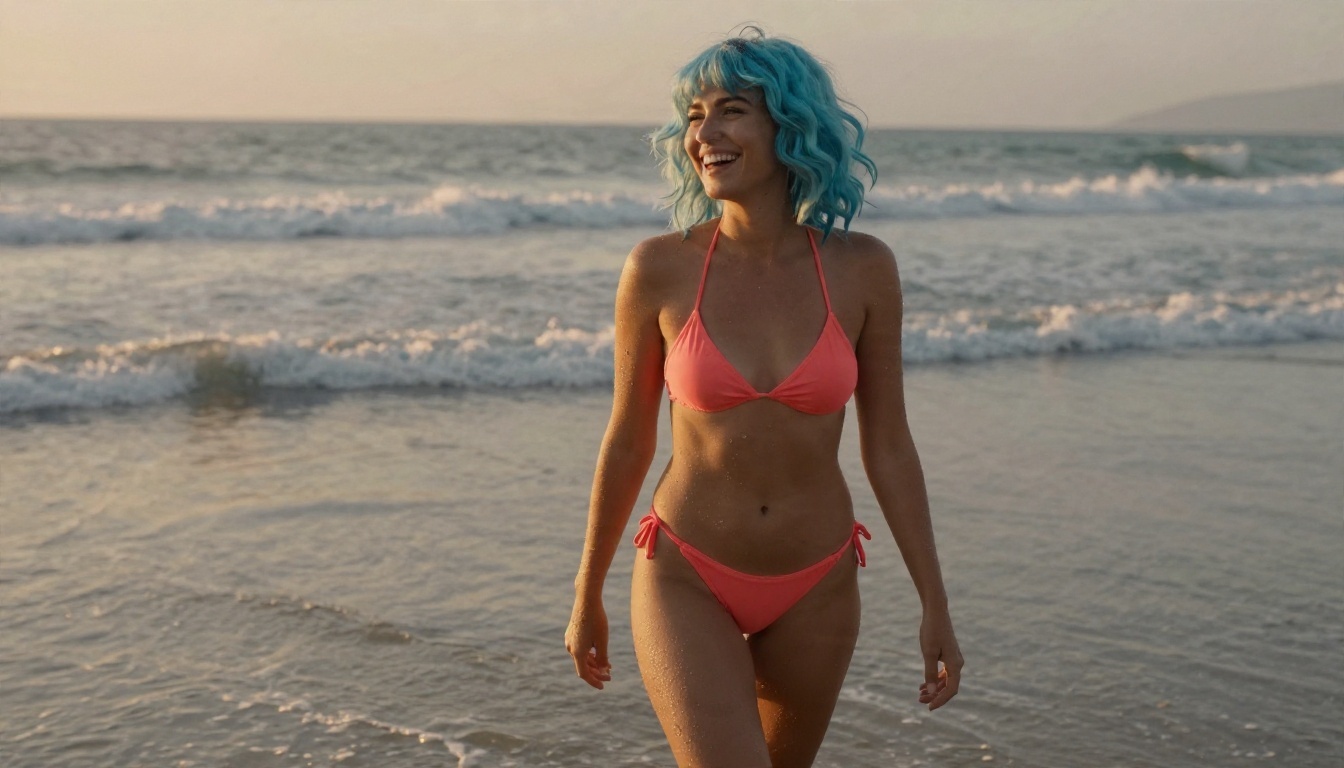
Beach Sunset
adult woman, 26 years old, pastel blue wavy hair, coral bikini, laughing
while walking on wet sand, sunset waves behind, low warm sun from the
left, orange rim light on shoulders, candid framing, 85mm, water droplets
and skin sheen, glamour mood
💡 Tip: Change only ONE block at a time between runs. If you swap outfit, setting and lighting all at once, you will never know which change helped.
A Reusable Template
Copy this and fill the brackets:
[style tag], adult [woman/man], [age] years old, [hair], [eyes],
[outfit with fabric], [mood], [pose], [location], [light source and
direction], [shot type], [lens], [texture details]
That single line is the whole generator. Save it, and you can produce a new prompt in under a minute.
Best Settings for Clean Results
Prompts get the credit, but settings decide whether the image is sharp or smeared. These are safe defaults that work across most modern image models.
Aspect Ratio and Size
Pick the ratio before you write the prompt, because composition depends on it.
Use case
Ratio
Why
Portrait, phone wallpaper
9:16 or 2:3
Tall framing suits full body
Close-up face
1:1 or 4:5
Tight and balanced
Wide scene, desktop
16:9
Room for setting detail
Cinematic banner
21:9
Dramatic, environment heavy
For size, start at 2K. Go to 4K only once you like the composition, since larger renders take longer and cost more of your daily allowance.
Negative Prompt List
If your model supports a negative prompt, use a short, targeted list. Long lists backfire.
blurry, low quality, extra fingers, extra limbs, deformed hands,
distorted face, text, watermark, cropped, bad anatomy
Models that have no negative prompt field still respond to positive phrasing: "five fingers on each hand, clean anatomy, sharp focus".
Other Settings That Matter
Setting
Recommended range
What it does
Steps
25 to 40
More steps, more detail, slower
Prompt adherence (CFG)
5 to 8
Higher follows text harder but looks stiff
Seed
Fixed while testing
Lets you compare changes fairly
Batch size
2 to 4
Pick the best of several
💡 Tip: Lock the seed while you tweak a prompt. When the layout stays the same, you can actually see what each word does.
How to Use Seedream 4.5 on PicassoIA
Seedream 4.5 is the first model to try for this kind of work. It produces sharp 2K and 4K images from text, handles suggestive, mature themes without the over-cautious refusals some models give, and follows long structured prompts closely, which is exactly what a five block formula needs.
Paste your prompt. Use one of the examples above or your own template. The prompt field accepts up to 4,000 characters, so there is room for detail.
Choose the size. Pick 2K for testing and 4K for final renders.
Pick the aspect ratio. Options include 1:1, 4:3, 3:4, 16:9, 9:16, 3:2, 2:3 and 21:9.
Generate and compare. Run a first image, then change one block and run again.
Use references if you have them. You can upload 1 to 14 reference images to hold a character, outfit or pose steady across several pictures.
Parameter Tips
Max images with sequential mode: set sequential generation to auto and raise max images to get several related variations of one character in a single run, up to 15.
Image input: feed it your best result as a reference when you want the same face in a new scene.
Aspect ratio "match input image": keeps framing identical when you iterate on a reference.
Prompt length: 60 to 120 words is a good range. Shorter prompts leave gaps, much longer ones start to contradict themselves.
💡 Tip: If a result is close but not right, do not rewrite the whole prompt. Keep the seed idea, adjust the single weakest block, and run again.
Other Models Worth Trying
No single model is best at everything. These are worth keeping in your rotation, listed in the order I would reach for them.
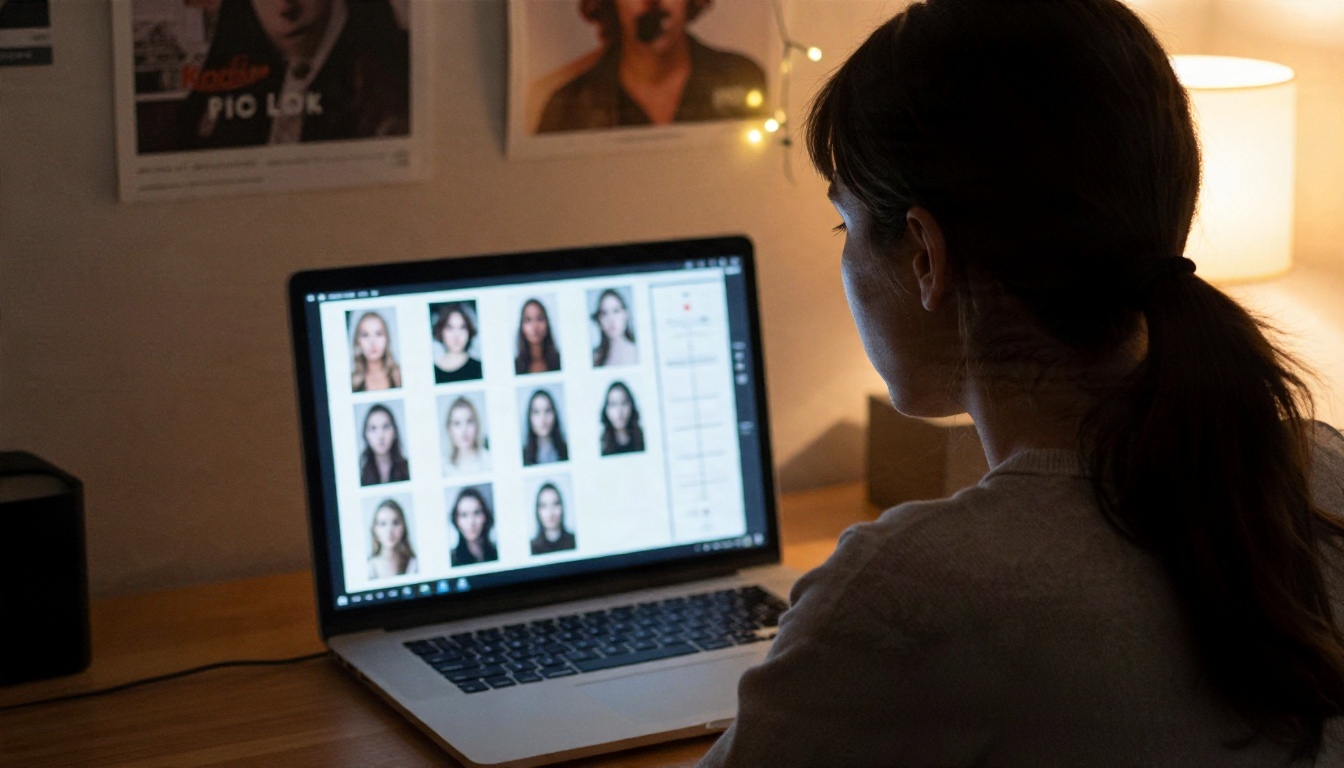
PicassoIA Image Editor Pro is where prompt testing gets cheap. Generations are unlimited, so you can run twenty variations of one outfit or one lighting setup without watching a counter. Use it for the dozens of small experiments that a prompt library needs: change the hair colour, swap the room, adjust the mood, and keep the winners.
Speed vs Quality
For quick drafts, Z Image Turbo returns images in seconds, which makes it a good sandbox. Once a prompt is working, move it to Seedream 4.5 for the final high resolution render.
Anime Looks
If you want the classic drawn anime finish rather than photographic realism, Proteus v0.3 and Krea 2 Medium are built for it. The same five block formula applies. Just use tags like cel shading and clean line art, and drop the lens and film terms.
Photo to Anime
Already have a photo you like? Qwen Image Edit Plus LoRA Photo To Anime converts a picture into an anime style version, which is a handy shortcut when you want a specific pose or composition.
Common Mistakes
After looking at a lot of failed prompts, the same five errors keep coming up.
No age or an unclear age. Always state an adult age. It improves faces and keeps the content in bounds.
Too many style tags. Two is plenty. Ten creates visual noise.
Vague lighting. "Nice lighting" does nothing. Name the source and direction.
Changing everything at once. You cannot learn from a result when six variables moved.
Over-long negative prompts. A short list of real problems beats a wall of terms.
Skipping Hands and Fabric
Hands and fabric are the two places models fail most. Describe them on purpose: "relaxed hands resting on lap", "satin with soft wrinkles and highlights". Giving the model a task for those areas reduces melted fingers and flat, plastic-looking clothes.
Ignoring Reference Images
If you are making a character you want to reuse, a reference image is far more reliable than describing the face again and again. Generate once, keep the best frame, and feed it back in as a reference for every new scene.
Make Your Own Now
You now have everything a hentai prompt generator would give you: a formula, a template, four ready prompts, a settings table and a short list of mistakes to avoid. The only missing piece is your own idea.
Open Seedream 4.5 on PicassoIA, paste the template, fill in a character you actually care about, and run it. Then jump into PicassoIA Image Editor Pro for unlimited variations until the look is right. Both are fast, free to try, and built for exactly this kind of experiment.
Want to see what else is on the platform? Browse every available model at picassoia.com/en/all-models and test a few against the same prompt. You will quickly find the one that fits your style.