If you have been tracking how AI models handle visual content, Gemini 3 represents a real shift. This is not a language model with an image plugin; the visual processing is native to the architecture from training. That design decision shapes everything from how it reads a photograph to how it reasons across a 30-minute video. What follows is a direct breakdown of what Gemini 3 actually does with images and video, with no abstraction and no filler.
The Architecture Behind the Vision
Before getting into specific capabilities, one thing matters above everything else: Gemini 3 was trained natively on text, images, audio, and video together. That is different from models that route images through a separate vision encoder and then pass a summary into a language backbone.
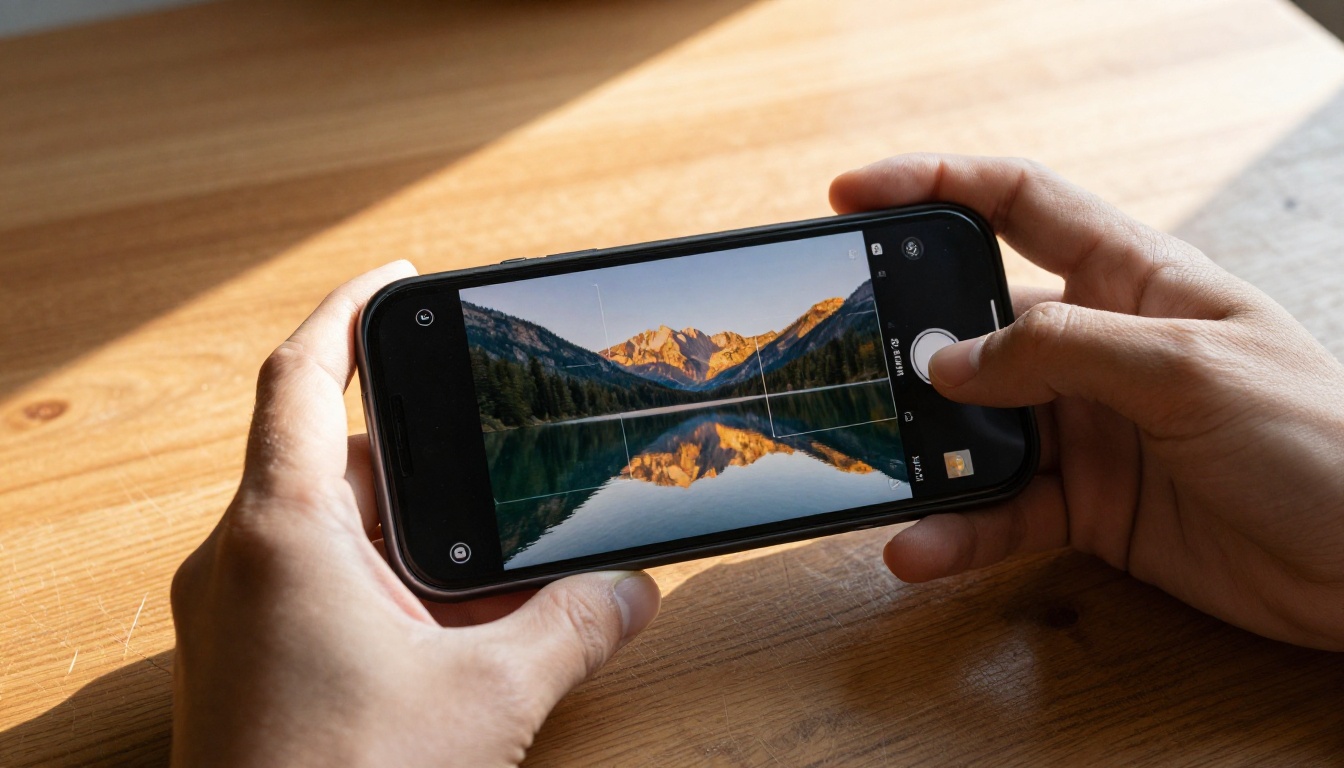
Because the model built multimodal relationships during pretraining, rather than being patched in afterward, it can reason about visual content with the same fluency it brings to text. This matters most when the task is complex: comparing two images, tracing changes across video frames, or answering questions about spatial arrangements that require genuine interpretation rather than pattern matching.
Why Native Multimodal Changes the Baseline
Think about what happens when a model sees an image of a cluttered kitchen counter. A vision adapter might classify objects and pass labels to the language model. Gemini 3 processes the pixel-level information directly and can reason about relationships: which items are in front of which, what the lighting suggests about the time of day, whether the arrangement is consistent with someone mid-cooking or finished cleaning up.
That shift from "object list" to "relational interpretation" is not cosmetic. It is the difference between AI that identifies and AI that interprets.
The Context Window Advantage
Gemini 3 Pro carries one of the largest context windows in any production model. For video specifically, this matters enormously. Where older models had to sample a handful of frames and hope they were representative, Gemini 3 can ingest many more frames across longer clips, maintaining coherence across the full timeline.
💡 For creative and professional workflows, this means you can drop a full-length interview, a product demo, or a documentary segment and ask questions about specific moments, patterns across the whole piece, or editorial summaries with accurate timestamps.
How Gemini 3 Processes Images
Object Detection and Spatial Reasoning
Gemini 3 does not just name what it sees. It reads where things are relative to each other and can answer questions like:
- "How many people are in the left third of the frame?"
- "Is the red object above or below the blue one?"
- "What is partially obscured by the bookshelf?"
This spatial reasoning capability makes it useful for tasks like image auditing, product photography review, and UI screenshot assessment, where positional relationships carry real meaning.
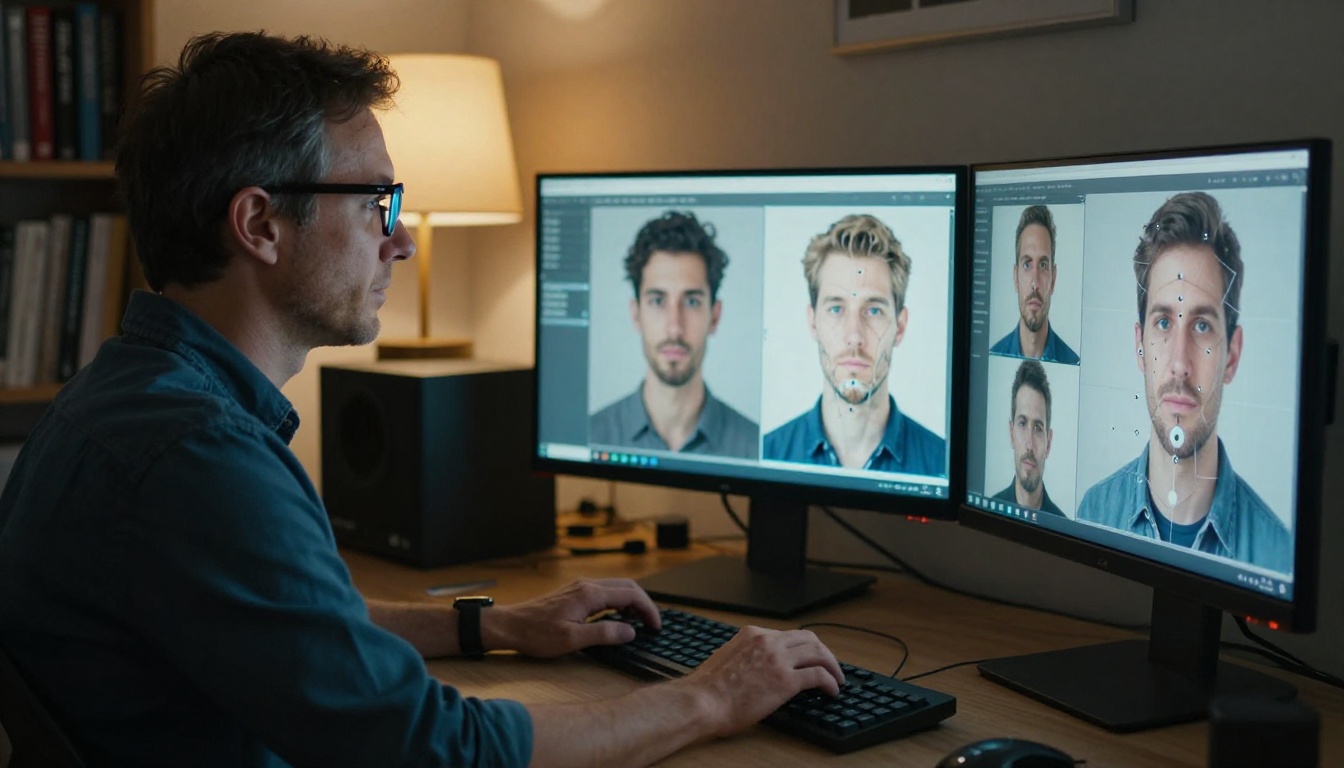
The model also handles dense scenes well. A photograph of a crowded market, a complex diagram, or a multi-panel infographic are not particularly challenging for Gemini 3 because it processes the full image at high resolution rather than downsampling to a fixed grid. That means fine text, small objects, and subtle spatial cues remain visible to the model rather than being smoothed away by compression artifacts.
Visual Question Answering
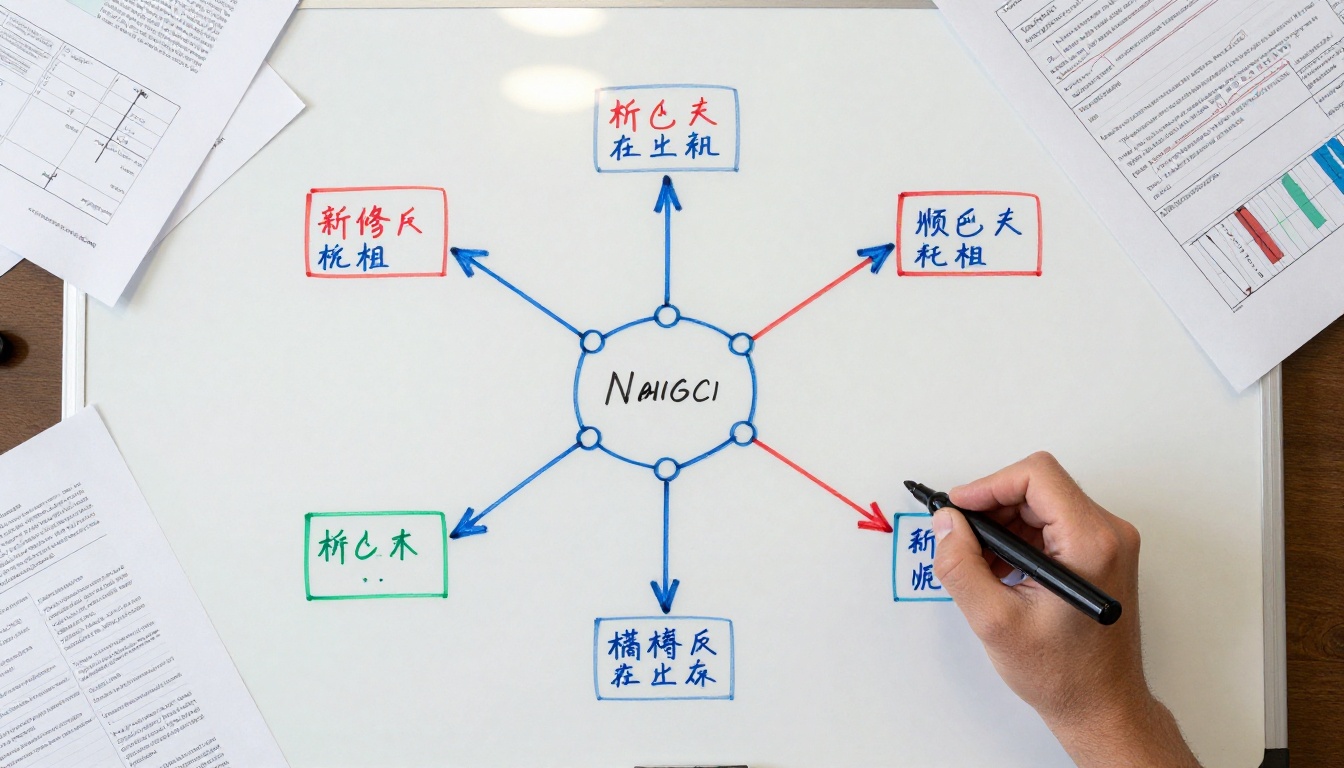
Visual Question Answering (VQA) is where Gemini 3 shines most clearly for practical use. Ask it to read a chart, extract numbers from a table photographed at an angle, or interpret a hand-drawn flowchart, and it handles all three without specialized post-processing.
Some concrete examples of what it can do with a single image:
| Task | What Gemini 3 Does |
|---|
| Receipt scan | Extracts line items, totals, dates |
| Whiteboard photo | Reads and structures handwritten notes |
| Product label | Identifies ingredients, warnings, certifications |
| Street scene | Counts vehicles, reads visible signage |
| Medical diagram | Describes anatomical structures with context |
| Architecture blueprint | Measures relationships and labels spatial elements |
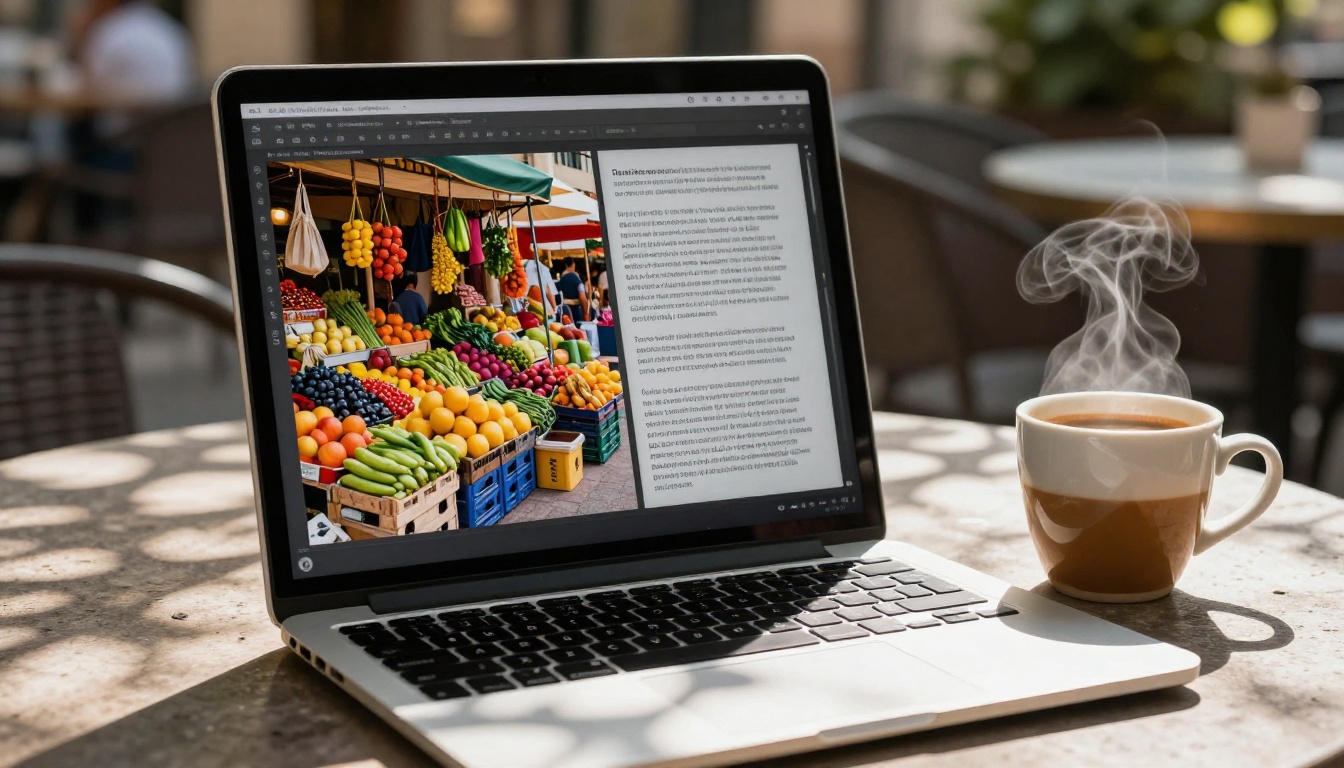
Image Captioning That Actually Helps
The gap between useful image captions and frustrating ones comes down to specificity. Gemini 3 generates captions that name specific elements, describe relationships, and match the length to the complexity of the image. A simple product photo gets a clean, focused caption. A complex editorial photograph gets layered description that covers foreground, background, mood, and notable details.
This matters for accessibility workflows, content tagging systems, and e-commerce pipelines where generic captions waste the opportunity to index rich visual content properly. It also matters for any workflow where images need to become searchable without manual labeling, which is most modern content operations at scale.
Reading Text Inside Images
Gemini 3's OCR is embedded in its visual reasoning rather than separated into a distinct pipeline. This means it reads text in context: it interprets that a handwritten sticky note on a refrigerator is informal communication, or that text in a legal document header carries different weight than body text. It can extract, restructure, and reason about text-within-images simultaneously, not sequentially.
The practical difference: instead of getting a raw string dump from a receipt scan, you get structured data where the model already knows that the total is different from a line item, or that a disclaimer is different from a product name.
How Gemini 3 Reads Video
Video is harder than images, and most models treat it as a sequence of disconnected frames. Gemini 3 approaches it differently.
Frame Sampling and Temporal Coherence
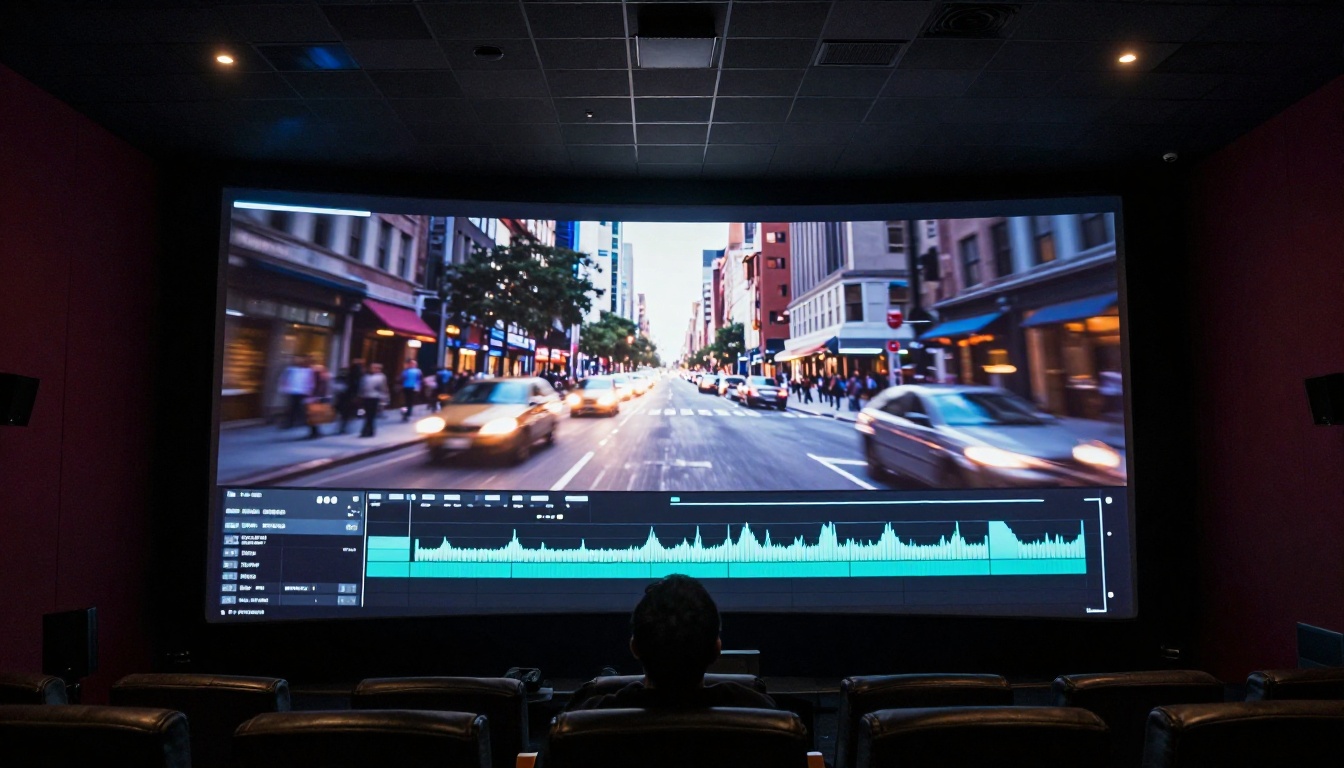
When you submit a video to Gemini 3, it does not process every single frame at the same cost. It applies intelligent frame sampling that preserves temporal coherence: primary frames are weighted more heavily, motion transitions are noted, and the model maintains a running picture of what has happened earlier in the clip as it processes later segments.
The result is that you can ask questions that require temporal reasoning:
- "At what point does the presenter's tone shift?"
- "How many times does the logo appear in the lower-right corner?"
- "What changes between the beginning and end of the product assembly sequence?"
- "Which segment shows the most visible crowd reaction?"
Long Video Processing
This is the technical headline for Gemini 3's video capabilities. The model's extended context window allows it to process video content that would have been completely out of reach for earlier multimodal models.
What does that mean practically?
- A one-hour training video can be summarized with chapter-accurate timestamps
- A full product review video can be assessed for sentiment at each section
- A lecture recording can have its core arguments extracted with time references
- A documentary can be indexed by scene, speaker, and topic across its full runtime
💡 For content teams, this replaces hours of manual review. For legal and compliance workflows, it allows systematic checking of recorded content against standards. For educators, it opens new ways to index and surface teaching material without watching everything from start to finish.
Audio and Visual Together
One significant capability that often gets skipped over: Gemini 3 reasons across audio and visual tracks simultaneously. It is not transcribing speech separately and then combining it with image processing. It reads the relationship between what is said and what is shown.
This matters when the visual content contradicts or contextualizes the spoken content, when tone of voice and facial expression together carry meaning, or when background audio gives clues about the environment that the video frames do not make explicit. A presenter saying "as you can see here" while pointing at a chart, for example, is a reference Gemini 3 can resolve by reading both the gesture and the chart content together.
What Gemini 3 Does Not Do with Video
It is worth being direct about the limits. Gemini 3 is not a video generation model. It reads and reasons; it does not produce new visual content from video inputs. For video generation, platforms like PicassoIA offer dedicated models, including Veo 3, Veo 3.1, and Veo 3 Fast, which turn text or image inputs into full video clips with native audio.
Gemini 3 Flash vs. Gemini 3 Pro for Visual Tasks
Both variants handle images and video, but they make different trade-offs:
| Capability | Gemini 3 Flash | Gemini 3 Pro |
|---|
| Speed | Significantly faster | Slower, more thorough |
| Image depth | Strong for standard tasks | Superior for complex reasoning |
| Video context | Good for short clips | Extended, better for long video |
| OCR accuracy | High | Very high |
| Spatial reasoning | Reliable | More precise for complex scenes |
| Cost per task | Lower | Higher |
| Best for | High-volume workflows | Deep reading, ambiguous content |
For most image captioning, product photography review, and short video tasks, Gemini 3 Flash is the practical choice. For tasks where you need maximum accuracy on complex visual content or need to process long-form video with high fidelity, Gemini 3 Pro delivers the ceiling. If you want even more reasoning power for the most demanding tasks, Gemini 3.1 Pro pushes that further with an improved architecture built on the same multimodal foundation.
How to Use Gemini 3 on PicassoIA
PicassoIA gives you direct access to both Gemini 3 Flash and Gemini 3 Pro without any API setup or token management. Here is how to put the image and video capabilities to work.
Step 1: Choose Your Model
Head to Gemini 3 Pro for complex visual reasoning or Gemini 3 Flash for fast, high-volume tasks. Both are available under the Large Language Models category on PicassoIA.
When to choose Pro:
- Videos longer than 10 minutes
- Medical, legal, or technical imagery
- Complex multi-image comparisons
- Tasks requiring fine-grained spatial reasoning
When to choose Flash:
- Product photography batch processing
- Social media content review
- Short video clips under 5 minutes
- High-throughput captioning workflows
Step 2: Upload Your Image or Video
The PicassoIA interface accepts direct file uploads. For images, standard formats (JPEG, PNG, WEBP) are all supported. For video, you can upload MP4 files directly or provide a URL.
Tips for better results:
- For images: avoid heavy compression if detail matters
- For video: 720p or above gives the model more to work with
- For multi-image tasks: upload all images in a single session for comparative reasoning
- For long video: break into logical segments and process section by section if you need granular output
Step 3: Write a Prompt That Gets Results
The quality of Gemini 3's visual output depends heavily on how you frame your request. Generic prompts get generic answers. Specific prompts draw out the model's full reasoning capacity.
Weak prompt: "What is in this image?"
Strong prompt: "Identify all text visible in the image, note which items appear to be handwritten versus printed, and list them in order from top to bottom of the frame."
Prompt patterns that work well:
- "Describe the spatial relationship between [X] and [Y] in detail"
- "At approximately [timestamp], what is happening and what has changed since the opening scene?"
- "Extract all numerical values visible in this chart and format them as a table"
- "Compare the lighting conditions in these two photographs and identify which was taken in natural versus artificial light"
- "List every brand name or logo visible in this video, with the timestamp each appears"
💡 For video prompts, always specify the timestamps or sections you care about. Gemini 3 will reference specific moments when you give it permission to be precise.
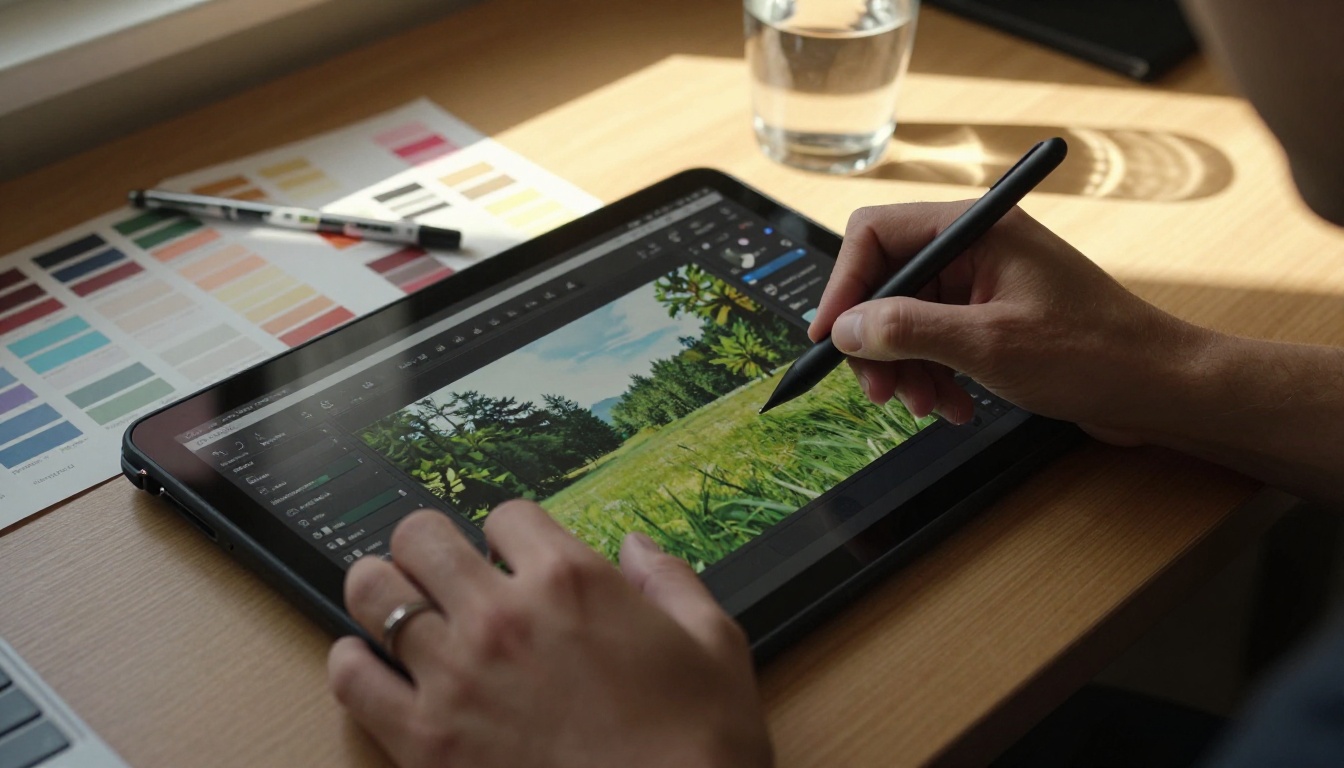
Step 4: Iterate on the Output
Gemini 3 is a conversational model. If the first response is close but not quite right, follow up in the same session:
- "Focus only on the background objects in the image"
- "Give me the same breakdown but structured as a JSON object"
- "What is the confidence level on that timestamp you mentioned?"
- "Now compare that to the second image I uploaded"
The model maintains context across turns, so you can refine without re-explaining the full task. This makes it particularly effective for detailed editorial work where the first pass surfaces what to dig into next.
Real-World Workflows That Work
Once you see what the model actually does, the applications become concrete rather than abstract. Here are categories where Gemini 3's image and video capabilities are directly useful:
Content operations:
- Automated alt-text generation for accessibility compliance
- Thumbnail selection from video rushes based on composition quality
- Brand consistency checking across large visual asset libraries
E-commerce:
- Product attribute extraction from photography at scale
- Defect detection in manufacturing imagery before publication
- Competitor product review from screenshots and catalog images
Research and documentation:
- Social media visual trend monitoring across image-heavy platforms
- Document and archive digitization with structured output
- Scientific image description as a supporting tool for annotation workflows
Creative workflows:
- Shot-by-shot breakdown of reference footage before a shoot
- Visual continuity checking across edited sequences
- Style and mood assessment to inform creative briefs
If your workflow involves large volumes of images or video, the combination of Gemini 3 Flash for speed and Gemini 3 Pro for depth gives you a two-tier system that handles most practical scenarios without over-spending on every task.
From Reading to Creating
Gemini 3 reads and reasons about visual content with precision. But reasoning is only one half of the workflow. When you need to generate new images or video from what you have gathered, PicassoIA's full model library is ready.
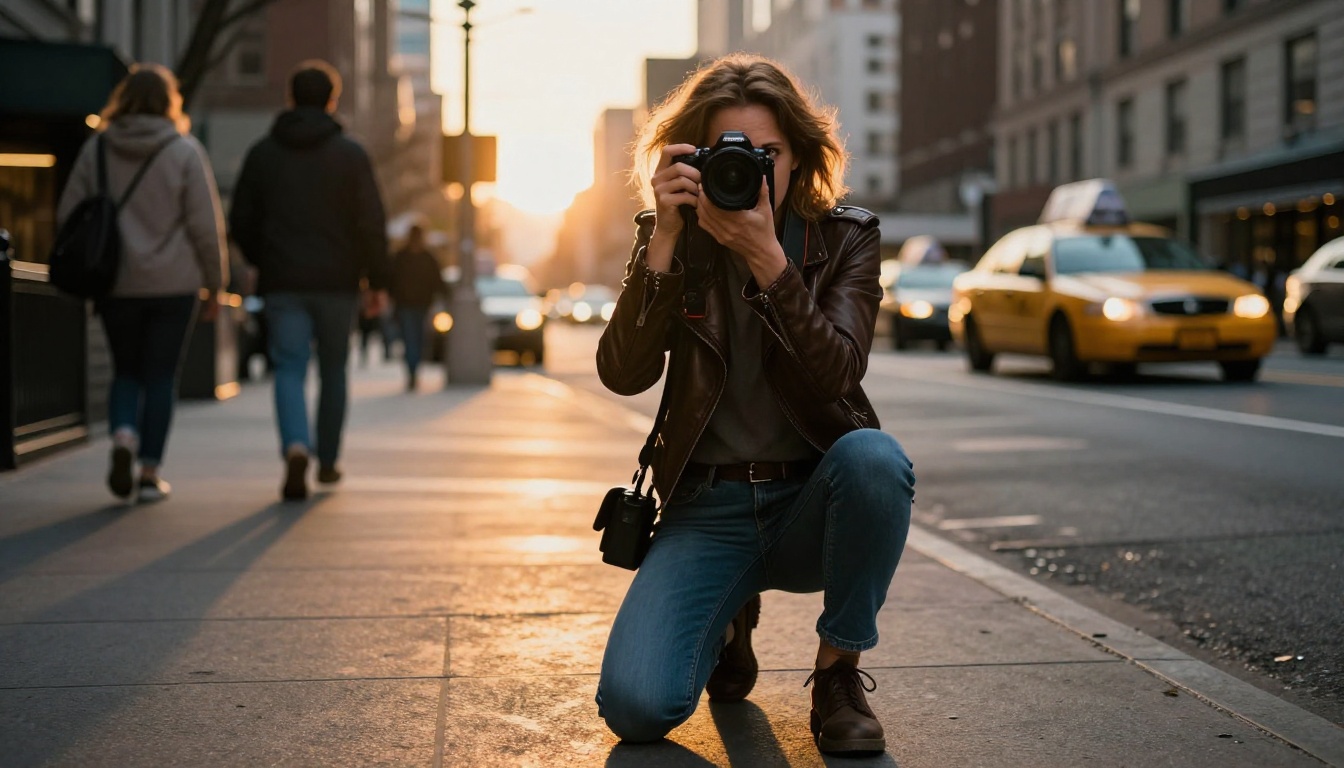
For video output, Veo 3 and Veo 3.1 from Google produce cinematic video with native audio from text prompts. Veo 3 Fast and Veo 3.1 Fast handle the same task at higher throughput when turnaround time matters more than maximum fidelity.
For restoring or upscaling the images you work with before passing them to a vision model, Clarity Pro Upscaler and Real ESRGAN bring new detail to compressed or low-resolution source material. Higher input quality consistently produces more accurate visual reasoning output, so upscaling before analysis is often worth the extra step.
Gemini 3 is the reasoning layer. PicassoIA is where that reasoning connects to generation, transformation, and production. Start with an image or video you want to read deeply. Ask Gemini 3 Pro or Gemini 3 Flash the right questions. Then use what you find to create something better. The models are waiting at picassoia.com.


