Kling 3.0 arrived quietly, but what it brought with it changed how AI filmmakers think about storytelling. Character consistency, the ability for an AI video model to keep the same person looking exactly the same across multiple scenes and environments, was always the missing piece. Kling 3.0 makes it feel less like a technical workaround and more like a natural capability baked directly into the generation process.
If you've tried building a multi-scene story with any AI video tool, you already know the frustration. One clip, your character has the right jaw, the right eyes, the right jacket. The next clip, they're somebody else entirely. Kling 3.0 takes that problem seriously, and the results are the clearest proof yet that AI-generated video is ready for real narrative work.
The Problem That Held AI Video Back
What Is Character Drift
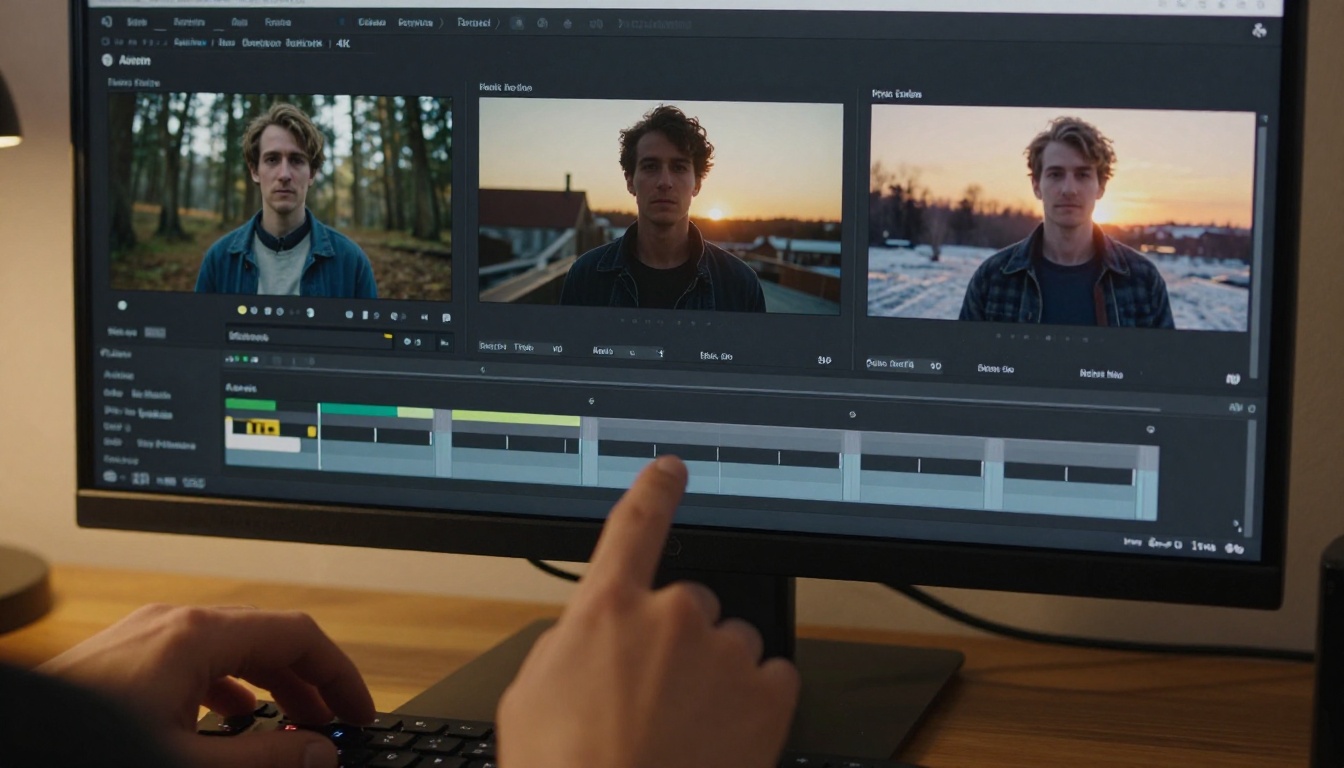
Character drift happens when an AI model generates a new video clip that's supposed to feature the same person as a previous clip, but the output shows someone subtly or dramatically different. The nose changes. The hair shortens. The skin tone shifts. The jacket has different buttons.
It's not a small issue for anyone trying to tell a story across multiple shots. A protagonist who looks different in every scene is not a protagonist, they're a different person in every clip. That collapse of visual continuity is the biggest barrier between AI video and real cinematic storytelling, and it's why most AI-generated films before Kling 3.0 felt more like mood reels than coherent narratives.
Why Earlier Models Failed
Most earlier AI video models generate each clip as an isolated event. They process a text prompt, generate frames, and output video without any persistent memory of who the character was in the previous clip. Even when you use the same prompt word-for-word, the stochastic nature of diffusion models means the output varies, sometimes slightly, sometimes dramatically.
Some workarounds existed: feeding the last frame of one clip as the first frame of the next, or using ControlNet-style pose anchoring to maintain body position. But these were brittle. They broke across lighting changes, camera angle shifts, and any time the character moved substantially out of a specific pose.
💡 The core issue: Text prompts don't carry enough identity information to anchor a face reliably across multiple generations. A description like "tall woman with auburn hair" leaves enormous room for interpretation, and each generation interprets it differently based on the random seed selected at generation time.
The Scale of the Problem
To understand how severe this was, consider what producing a three-minute short film requires. At 10 seconds per clip, that's 18 clips minimum. With even modest character drift per generation, by clip 10 you have someone who barely resembles your original character. The post-production work required to manually fix that drift, rotoscoping, color matching, face-correction plugins, made AI video expensive in exactly the areas where it was supposed to save time.
What Kling 3.0 Does Differently
Reference-Based Identity Anchoring
Kling 3.0 introduces reference image conditioning as a first-class feature. Instead of relying purely on text to describe who your character is, you supply an actual reference image. The model analyzes the facial geometry, hair texture, skin tone, and identifying features from that image and uses them as a persistent anchor throughout generation.
This is not simple image-to-video animation where the reference image becomes the first frame. The model extracts identity features and applies them to entirely new scenes with entirely new camera angles, poses, and lighting conditions. The reference image is a character passport, not a starting frame.
Cross-Scene Temporal Binding
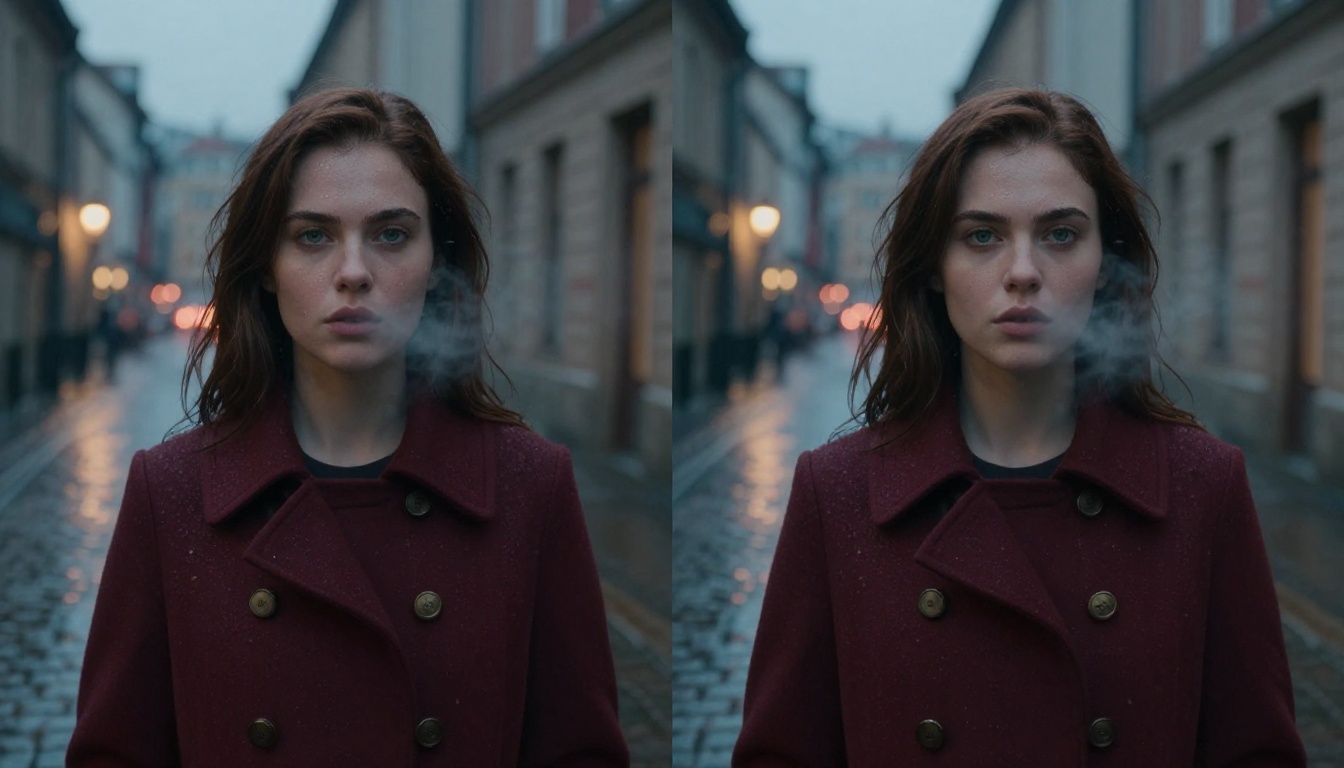
When you generate multiple clips in a series, Kling 3.0 allows you to pass identity context forward through cross-scene temporal binding. The model doesn't treat each clip as a blank slate. It carries forward an encoded representation of the character's visual identity, ensuring that even when the background shifts from a rainy European street to a bright desert landscape, the person on screen remains visually coherent.
This manifests in specific, measurable ways:
- Facial landmarks (eye spacing, nose bridge width, jawline shape) stay within narrow tolerances across clips
- Hair volume and length remains consistent unless explicitly prompted to change
- Clothing details including buttons, collar type, and fabric texture persist across cuts
- Skin tone stays stable across wildly different lighting temperatures
- Body proportions (shoulder width, height relative to environment) remain within normal variance
Clothing and Texture Memory
One of the more underrated aspects of Kling 3.0's consistency system is how it handles clothing and material texture. Earlier models would preserve skin tone reasonably well but completely reinvent the character's outfit between clips, sometimes changing the color entirely, sometimes adding or removing layers.
Kling 3.0 treats the character's visual identity as a full-body signature, not just a face signature. If your character wears a burgundy coat with brass buttons in scene one, that coat, with those buttons and that fabric texture, will appear in scene two even if the rest of the environment is entirely different.

Kling 3.0 Models Worth Knowing
PicassoIA offers direct access to the full suite of Kling 3.0 generation tools. Each model handles character consistency slightly differently depending on your workflow and what kind of scenes you're building.
Kling V3 Video
Kling V3 Video is the primary text-to-video model in the 3.0 generation. It accepts both a text prompt and an optional reference image. For character consistency work, this is your starting point. You upload a reference image of your character, write your scene prompt, and the model produces video that preserves the reference identity throughout.
It handles a wide range of scenarios well: indoor to outdoor transitions, close-up to wide-shot camera shifts, and day-to-night lighting changes. The character stays recognizable through all of them. For most single-character narrative projects, Kling V3 Video is where you'll spend the majority of your generation time.
Kling V3 Omni Video
Kling V3 Omni Video extends the core V3 capabilities with support for both text and image inputs simultaneously. This makes it particularly useful when you want to establish a scene visually and then generate video that maintains both the character identity and the environment's visual language.
For multi-scene projects where you've already generated reference images of your locations, Kling V3 Omni Video lets you bring the character and the environment together with tight consistency control on both ends simultaneously.
Kling V3 Motion Control
Kling V3 Motion Control adds a layer of pose and movement direction on top of the character consistency system. This is where Kling 3.0 becomes genuinely cinematic. You can specify camera paths, character motion trajectories, and interaction dynamics while the model keeps the character's visual identity locked in place.
If your story requires a character to walk through a scene, turn toward camera, or interact physically with another element, Kling V3 Motion Control handles the movement choreography without sacrificing identity fidelity.
How to Use Kling 3.0 on PicassoIA
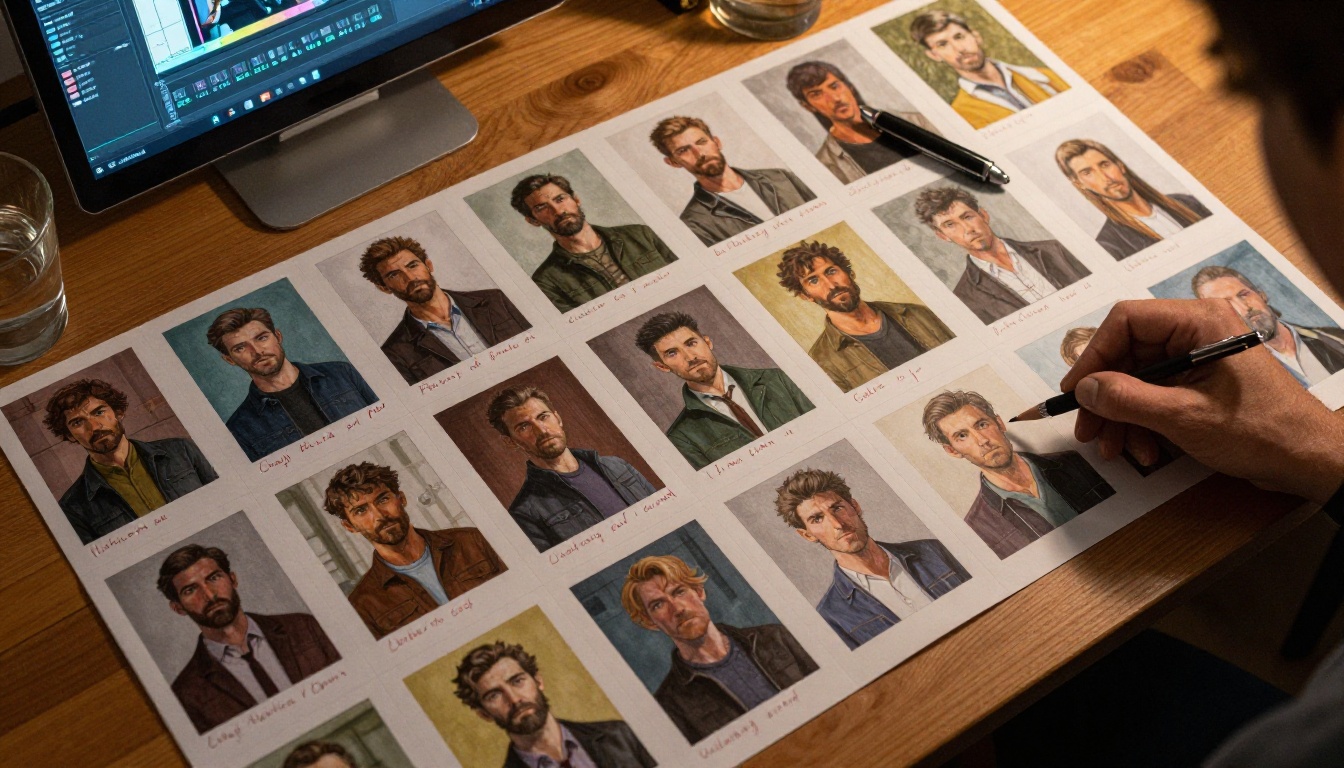
PicassoIA gives you access to all three Kling 3.0 models from a single interface without any API setup, local GPU requirements, or complex configuration.
Step 1: Upload Your Character Reference
Before writing a single prompt, create or find a clear reference image of your character. The quality of this reference image directly determines how consistent your character will be across scenes. It should:
- Show the character from a neutral angle (roughly eye level, facing the camera)
- Include the full face with no heavy shadows obscuring identifying features
- Display whatever clothing and accessories you want persisted across scenes
- Be high resolution so the model has enough detail to extract a reliable identity signature
You can generate this reference image first using any of PicassoIA's text-to-image models if you don't have a starting photo. Generate a clean, well-lit portrait and use that as your anchor.
Step 2: Write Scene Prompts Tied to the Same Character
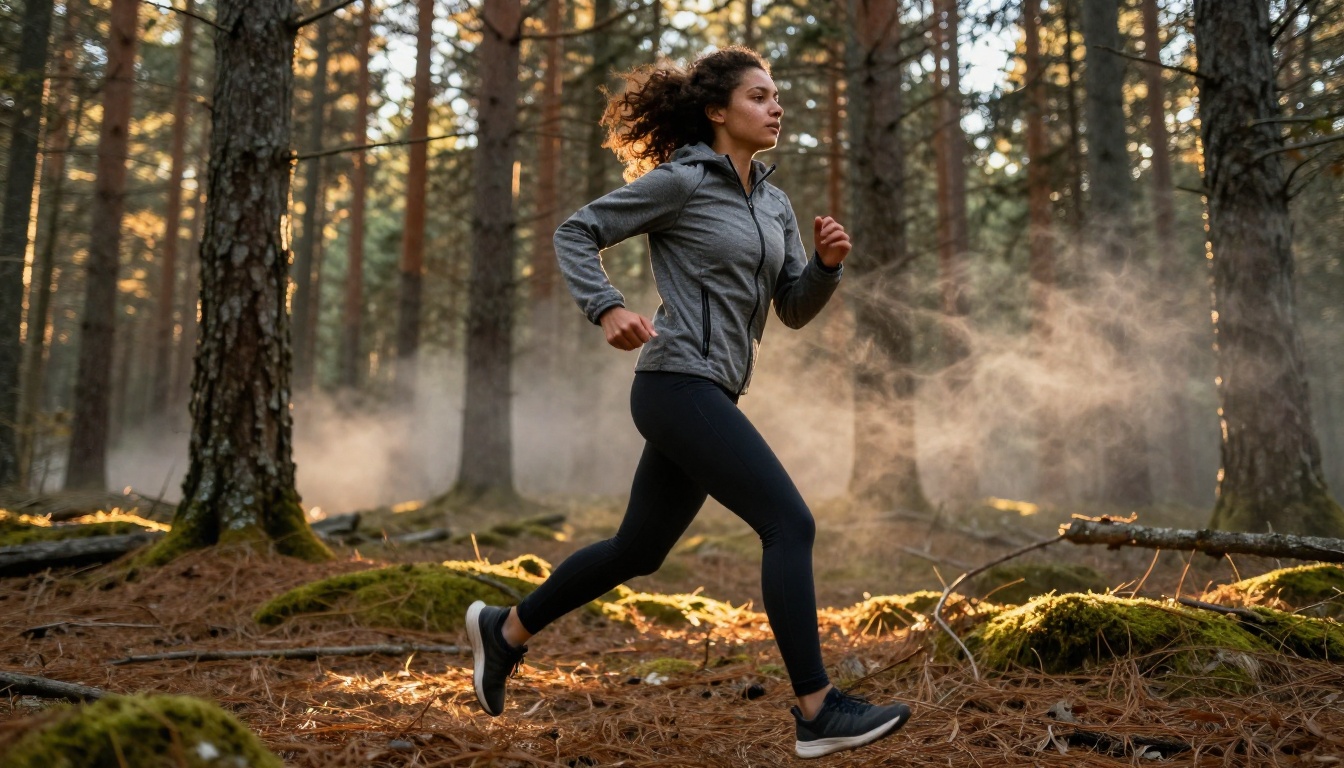
Your text prompts should describe the scene and action, not re-describe the character. Since the reference image carries the identity information, your prompt can focus entirely on:
- The setting (location, time of day, weather, interior vs. exterior)
- The action (what the character is doing in this specific scene)
- The camera angle (close-up, wide establishing shot, low angle, aerial)
- The mood (lighting quality, color temperature, emotional atmosphere)
Avoid repeating physical descriptions of the character in your prompts. If you write "auburn-haired woman" in the prompt and the model partially interprets that textually instead of deferring to the reference image, it can introduce subtle drift. Let the image do the identity work entirely.
💡 Tip: Write prompts as if describing a film scene for a director who already knows exactly who the actor is. Focus entirely on the visual direction, the setting, the action, and the camera work. Never the casting.
Step 3: Generate and Chain Your Scenes
Once you've generated your first clip, use Kling V3 Omni Video to generate subsequent scenes. Upload the same original reference image alongside each new scene prompt. Do not use the last frame of the previous clip as the reference for the next one, as this creates a slow drift that compounds across many scenes as each new "reference" is already slightly different from the original.
For complex motion sequences, switch to Kling V3 Motion Control and layer in movement parameters while keeping the same original character reference locked in.

Where Kling 3.0 Beats the Competition
Character consistency is something multiple AI video platforms are actively working on, but Kling 3.0 separates itself in several specific areas that matter most for multi-scene production.
| Feature | Kling 3.0 | Other Models |
|---|
| Reference image conditioning | Native, built-in | Partial or post-process |
| Full-body consistency | Yes (face + clothing) | Usually face only |
| Cross-lighting identity stability | Strong | Moderate |
| Motion while preserving identity | Yes (Motion Control) | Limited |
| Multi-scene chaining workflow | Yes | Single-clip focused |
| Avatar-specific tools | Yes (Kling Avatar V2) | Rare |
The competition handles single-clip character generation well enough. Where Kling 3.0 pulls ahead is in multi-clip, multi-environment workflows where you need the same person to carry a full story arc across many scenes.
Models like Seedance 2.0 and Veo 3.1 offer exceptional raw video quality but are not specifically optimized for cross-scene character persistence. They excel at individual clip quality. Kling 3.0 is built around the multi-scene production use case from the ground up.
Real-World Use Cases
Short Films and Micro-Series
Independent filmmakers now routinely use Kling V3 Video to produce short narrative films with recurring characters. A five-minute short might require 25 to 35 individual clips. Without character consistency, each clip requires heavy post-production color grading and face-matching work to maintain visual coherence across the film. Kling 3.0 dramatically reduces that overhead, allowing one person to produce a fully consistent short film in a fraction of the time previously required.
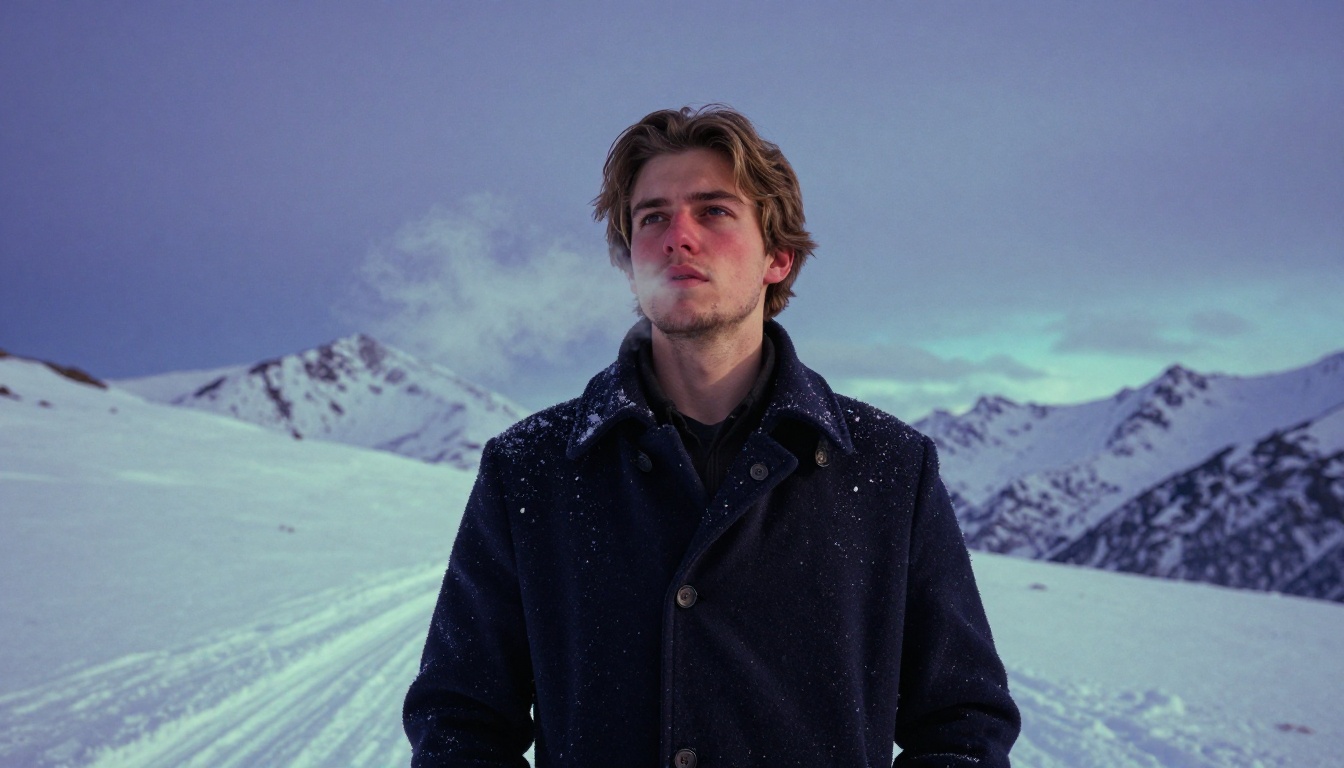
A character can walk into a forest, emerge on a city street, and arrive at a snow-covered mountain pass, all in consecutive clips, and look exactly the same throughout.
Brand Storytelling
For marketing teams, character consistency means a brand mascot or spokesperson can appear across multiple ad spots, social clips, and web content without expensive reshoots or rigid shot-matching constraints. The same face, the same clothing identity, the same physical presence, applied to whatever environment the campaign requires for that particular piece of content.
The implications for seasonal campaigns are significant. A brand character can appear in summer beach content and winter holiday content with identical visual identity across both, no studio booking, no actor availability negotiation, no location scouting.
Content Creation at Scale
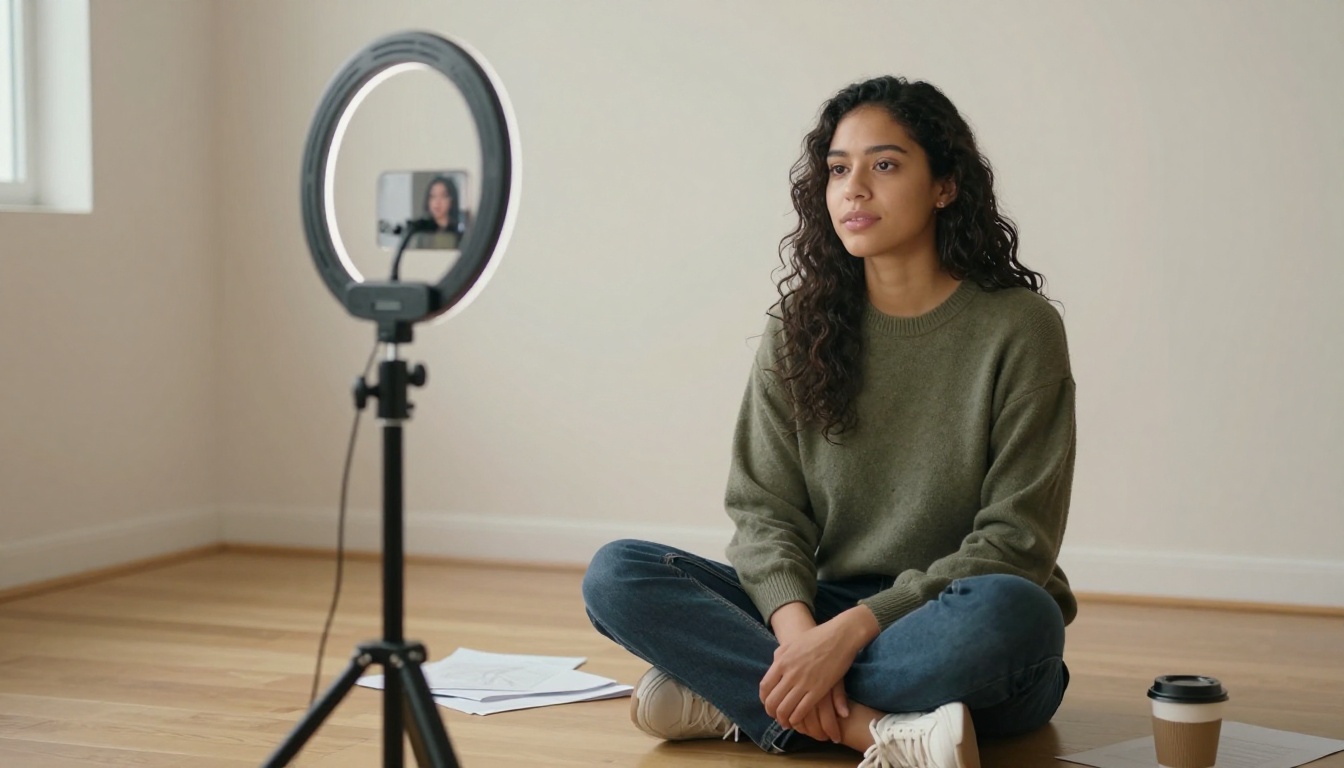
Creators building YouTube series, Instagram narratives, or episodic content on social platforms benefit directly from Kling 3.0's consistency system. Building an audience around a fictional character requires that character to be immediately recognizable from thumbnail to thumbnail and clip to clip. Kling 3.0 makes that recognition reliable rather than accidental.
What Kling 3.0 Still Can't Do
Kling 3.0's character consistency is genuinely impressive, but there are real boundaries worth knowing before planning a full production around it.
Intentional character change requires manual intervention. If your story requires a character to visibly age across scenes, change their haircut mid-narrative, or shift clothing dramatically, you'll need to create updated reference images for those versions of the character. The consistency system interprets any deviation from the reference as something to correct rather than a creative choice.
Multi-character scenes with two or more consistent characters are more complex to manage. The model handles single-character identity anchoring reliably. When you introduce a second character with their own reference image, identity bleed between the two characters can occur in close two-shot compositions, particularly when both characters share similar physical features.
Extreme camera perspectives at positions the reference image doesn't cover, directly overhead, directly from behind, extreme low angles under the chin, produce less reliable results. The reference image provides limited information about how the character looks from those positions, so the model fills in those gaps with more creative interpretation.
💡 Note: These are current limitations of the V3 generation. Each Kling release has tightened the consistency constraints substantially. Multi-character identity control is reportedly a primary focus of their next architecture iteration.
Build Your Own Characters Right Now
The technology to create fully consistent characters across AI-generated video scenes is available today, and PicassoIA puts it within reach without any technical barrier between you and production-quality output.
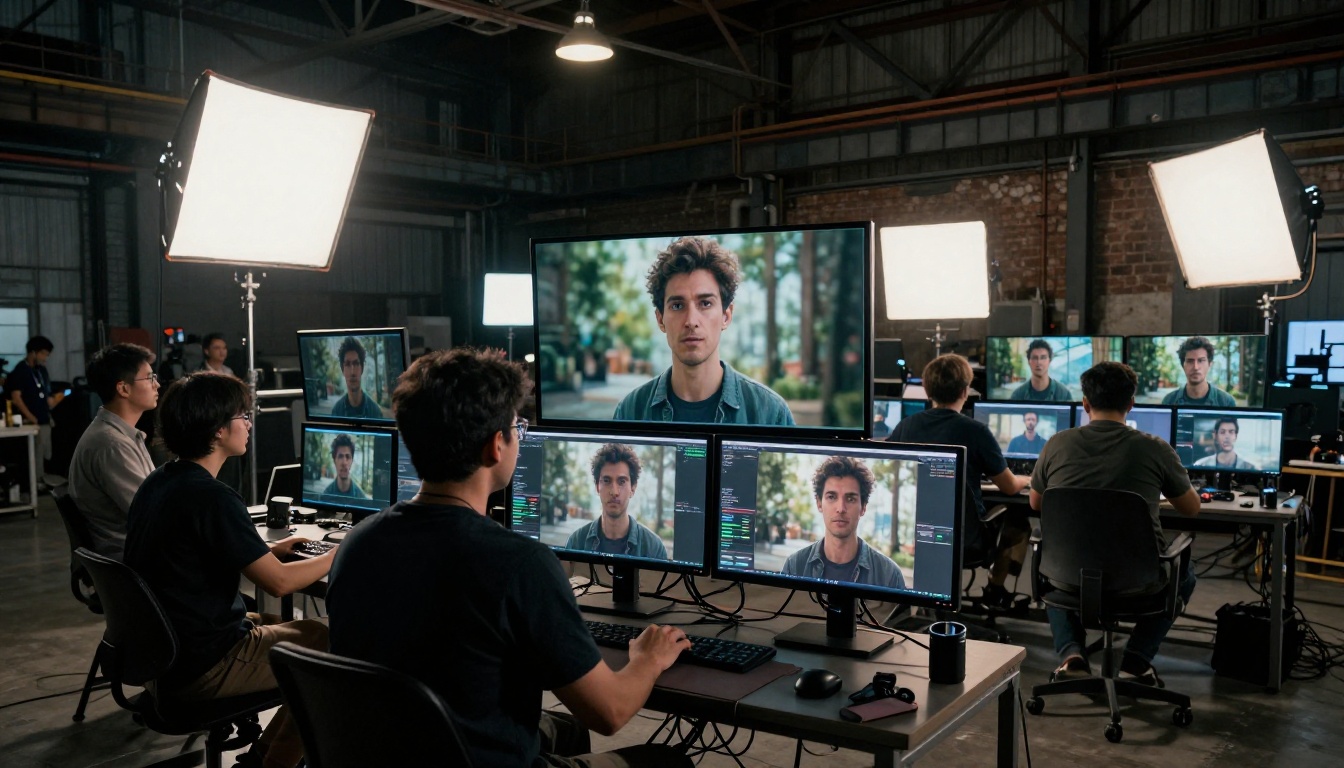
Open Kling V3 Video on PicassoIA, upload a reference image of a character you want to build a story around, and generate your first scene. Then take that same reference image and generate the next scene in a completely different environment. The consistency will be immediately apparent and the workflow will feel intuitive from the first attempt.
For narratives with complex movement, try Kling V3 Motion Control to layer camera movement and character choreography on top of the identity anchoring. And if you want to push avatar-specific personalization further, Kling Avatar V2 takes character personalization in a complementary direction worth experimenting with.
The era of disposable AI characters who look different in every clip is over. Kling 3.0 makes character identity something you can actually own and sustain across an entire story, scene after scene, environment after environment, without compromise.


