The number of people turning to NSFW AI generators has grown faster than most industry watchers expected. It is not a niche anymore. From independent artists to content creators, from fiction writers to casual curious users, millions of people interact with these tools every week. The ways they are being used are far more varied and nuanced than a headline can capture, and the reality is considerably more interesting than the controversy that tends to follow the topic.
What "NSFW AI" Actually Covers Today
"NSFW AI" is a wide umbrella. The assumption many people carry is that it is synonymous with explicit content, but the reality is considerably more textured. The category spans everything from glamorous fashion portraits to fantasy character art, from suggestive bikini shoots to tasteful artistic nudity that would fit comfortably in a gallery context.
It Goes Way Beyond What You Think
Most traffic to NSFW AI platforms is driven by creative and aesthetic motivations, not a single type of content. The actual breakdown of what people generate skews toward the tasteful end of the spectrum:
- Glamour photography simulation (recreating professional fashion or swimwear shoots)
- Fantasy character creation (original characters for stories, games, or personal projects)
- Artistic portrait work (using AI as a digital canvas for styled portraiture)
- Lifestyle and fashion concepts (aspirational imagery for creative direction)
- Personal creative exploration (experimenting with what photorealistic AI can produce)
The tool itself is neutral. What users build with it reflects personal taste, artistic ambition, and creative curiosity.
The Spectrum: Suggestive to Artistic
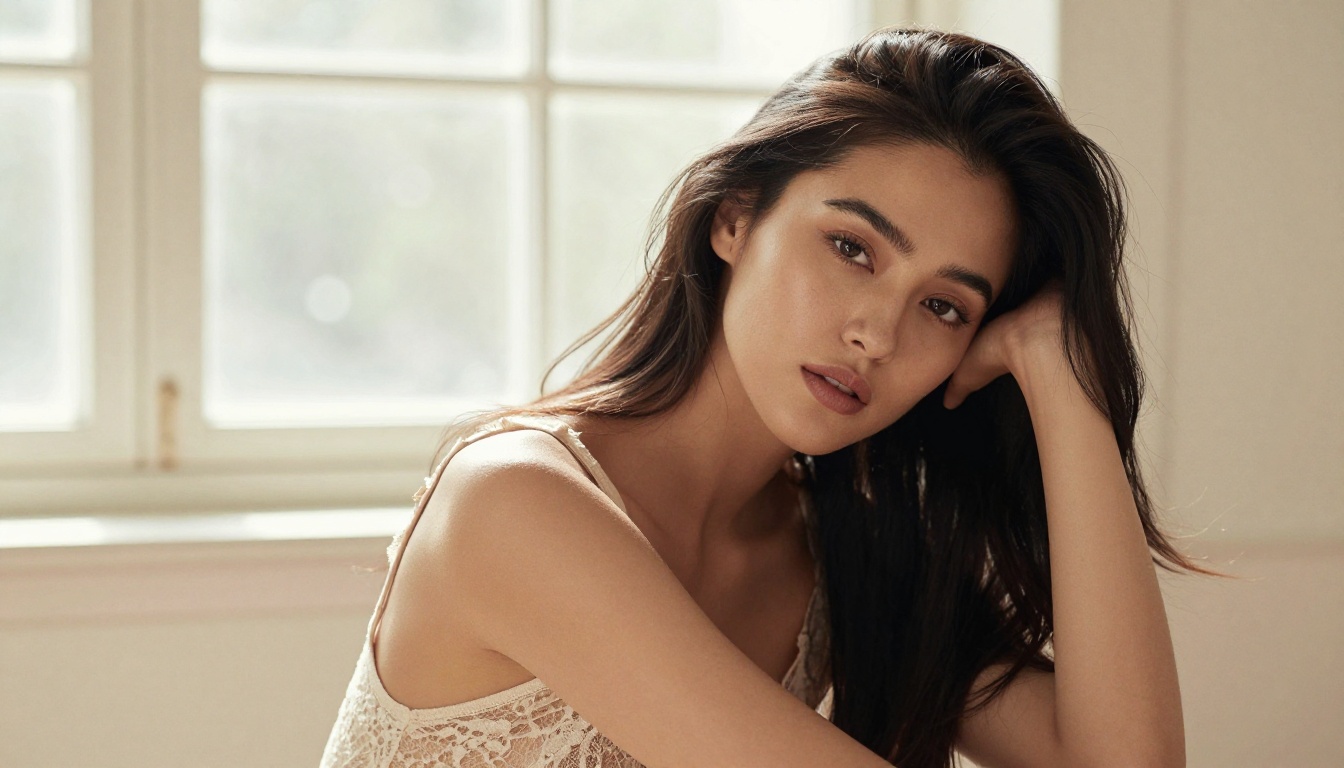
Understanding the range matters. On one end: fully clothed editorial portraits where the "NSFW" label technically applies because of glamour staging or thematic tone. On the other: tasteful artistic imagery focused on form, light, and beauty without explicit content.
💡 The most-generated type of NSFW AI content today is glamour portraiture, not explicit imagery. Aesthetics and beauty drive the majority of prompts on every major platform.
The platforms that handle this space best give creators control over this spectrum while maintaining responsible usage. That balance is what separates a genuine creative tool from something problematic.
The Most Common Use Cases
Knowing that people use NSFW AI generators is one thing. Knowing how is another. The use cases that show up repeatedly across communities and platforms reveal a consistent creative motivation.
Fantasy Character Creation
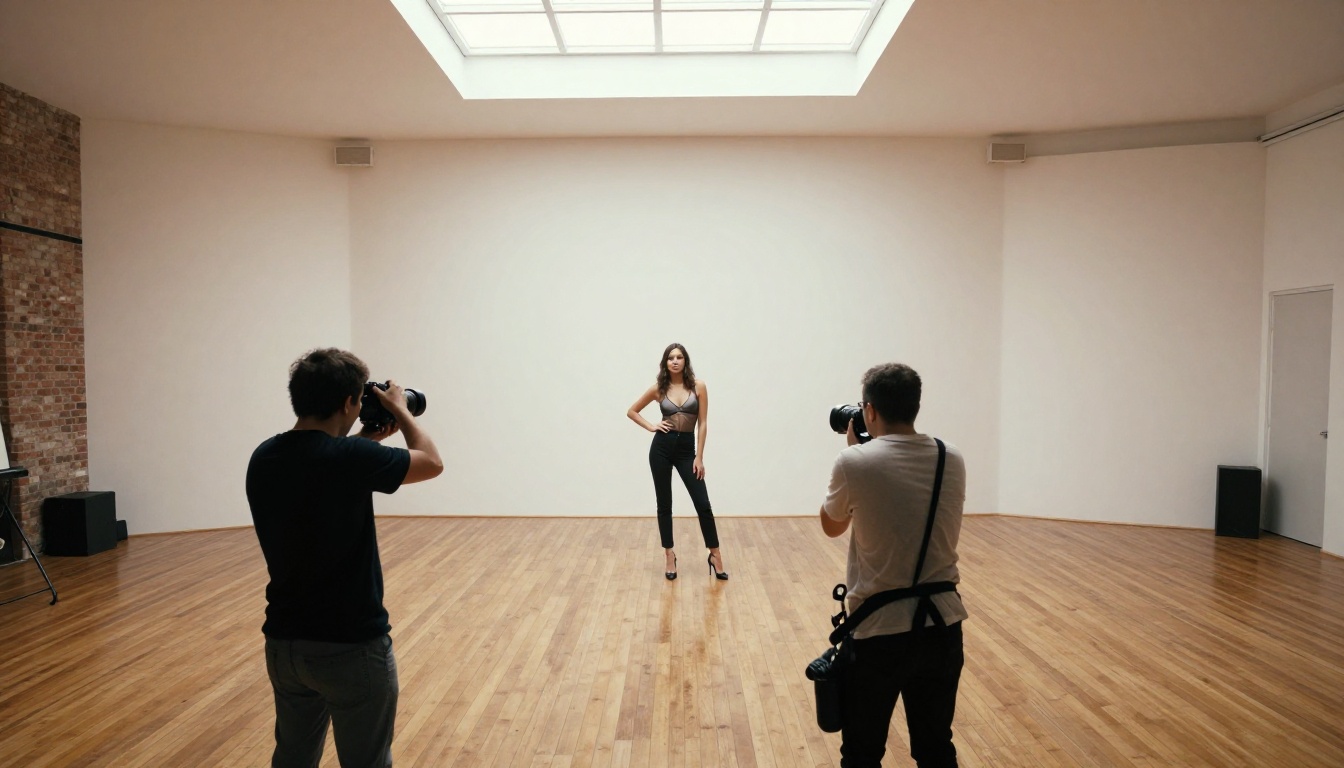
This might be the fastest-growing segment. Writers building worlds for novels, game designers sketching character concepts, and tabletop RPG players bringing their characters to life all converge on AI image tools because they can produce a believable, detailed, original character portrait in minutes instead of commissioning custom art that takes weeks.
The typical workflow looks like this:
- Write a detailed character description (apparent age, hair color, build, clothing, emotional state)
- Add environment details (forest clearing, stone castle interior, futuristic rooftop)
- Specify lighting and camera style (golden hour, overhead studio, candle-lit)
- Iterate on outputs until the character feels right
For fiction writers, this is transformational. A portrait-quality image of a character that has lived in your head for years, generated in seconds. The NSFW component often comes in simply because fantasy characters tend to wear what a fantasy world dictates, not what an office dress code permits.
Glamour and Fashion Portraits
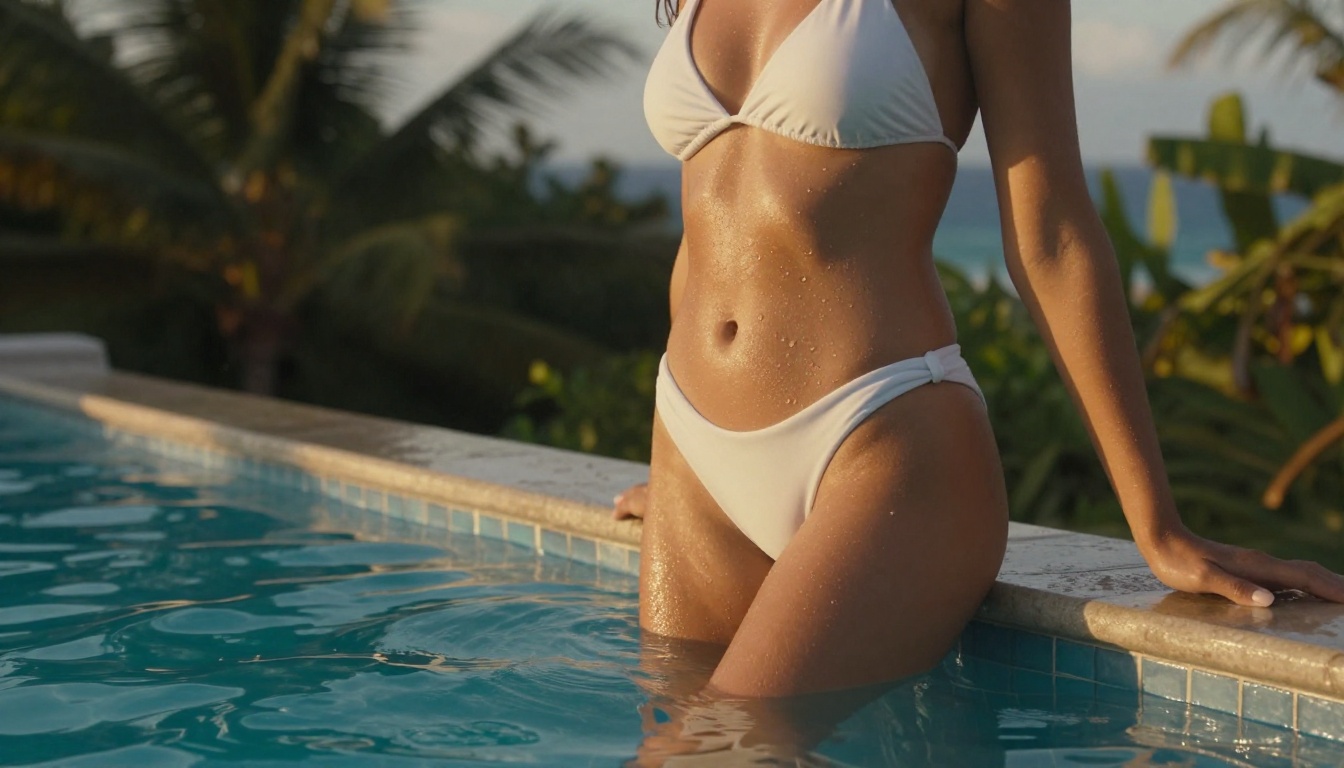
The second-largest use category. This is people using text-to-image AI to recreate the aesthetic of high-fashion photography, editorial spreads, and lifestyle brand imagery. Think: sun-drenched beach portraits, elegant lingerie campaigns, and moody studio lighting on a beautiful subject.
The models doing the heavy lifting here are the photorealistic ones. Flux 1.1 Pro and Flux 1.1 Pro Ultra are consistently the top choices because of their ability to render skin texture, fabric detail, and lighting at a level that rivals actual photography. Users who were once limited to stock photos now generate exactly the image they have in mind.
Personal Art Projects
Some people simply want to make beautiful images. No publication goal, no commercial project. Just a creative outlet where the barrier to entry is a text prompt instead of a decade of photography or painting skills.
This is probably the most underreported use case. People are using NSFW AI generators the same way they would use a sketchbook: privately, creatively, for personal satisfaction. The NSFW label is incidental to the artistic impulse rather than the whole point.
The Models People Trust Most
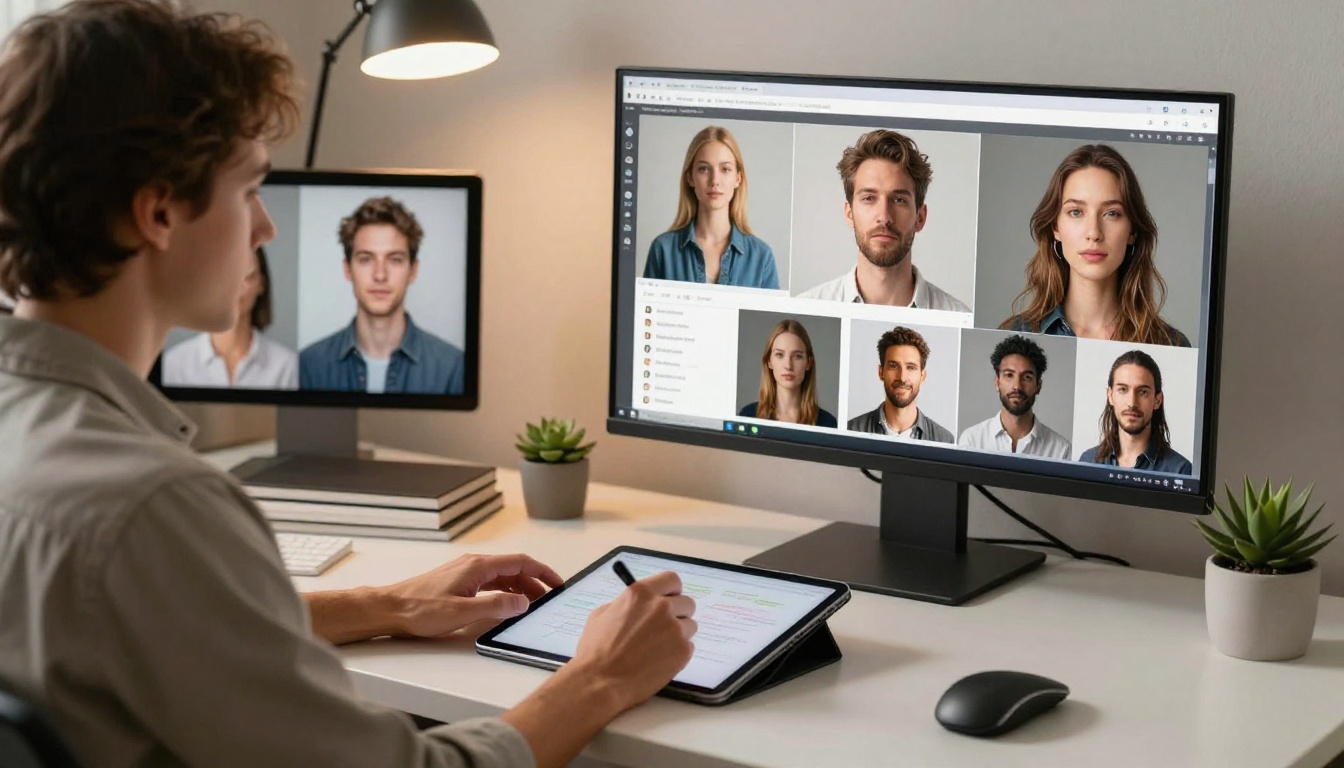
Not all AI image models are equal when it comes to photorealism and suggestive content. The community has coalesced around a few clear favorites based on actual output quality, not marketing claims.
Flux and Its Variants
The Flux family from Black Forest Labs has essentially become the default for anyone who prioritizes photorealism. Flux 2 Pro and Flux Dev handle anatomy, skin texture, and lighting with a consistency that older models could not maintain. The Flux 2 Max pushes resolution and detail even further.
What makes Flux stand out in practice:
- Accurate proportions: Fewer body distortion artifacts compared to earlier architectures
- Skin realism: Natural pores, highlights, and shadow gradients that read as photographic
- Fabric detail: Cloth physics that actually read as real in still images
- Prompt adherence: The model does what you describe with fewer creative surprises
Realistic Vision for Portraits
Realistic Vision v5.1 remains a strong choice specifically for portrait-heavy workflows. It was fine-tuned with a focus on photographic realism, which makes it particularly effective for close-up work where skin quality and facial structure matter most.
💡 For glamour portrait work, combining Realistic Vision v5.1 with a ControlNet adapter for pose guidance produces some of the most believable results available anywhere in the AI image space right now.
SDXL-Based Workflows
SDXL remains popular because of its ecosystem. The number of LoRA adapters and community resources built around it means creative control that a newer model cannot match yet. For users who want to fine-tune a specific aesthetic, a particular body type, a distinct lighting style, or a recurring character, SDXL-based workflows offer the most flexibility.
How Creators Actually Prompt for NSFW Content

Prompting for realistic, non-explicit NSFW content is a craft. The difference between an image that looks like professional photography and one that looks obviously AI-generated often comes down to how well the prompt describes what a photographer would actually control on set.
The Art of the Prompt
The most effective NSFW prompts share a structural pattern. Every element in this list adds specificity that the model uses to produce a more convincing result:
- Subject description: Age range, hair color and style, build, expression, clothing with specific fabric and fit details
- Environment: Where are they? What surfaces, colors, and props surround the subject?
- Lighting: Direction, quality, color temperature, and intensity (not just "good lighting")
- Camera technical details: Focal length, aperture, and shooting distance
- Film and texture references: "Kodak Portra 400," "film grain," "RAW photography"
- Mood and atmosphere: What emotional register does the image carry?
A prompt that addresses all six layers consistently outperforms a vague one, sometimes dramatically.
What Separates Good from Bad Results
The most common mistakes creators make with photorealistic NSFW generation:
- Vague subject descriptions: "beautiful woman" gives the model almost nothing to work with
- No lighting specification: Without lighting direction, models default to flat, unconvincing results
- Missing camera details: "85mm f/1.4" in a prompt adds realism that models genuinely respond to
- Ignoring texture cues: Adding references to specific fabric textures (silk, lace, velvet) produces noticeably more realistic clothing
💡 Adding "Kodak Portra 400 film grain" to almost any photorealistic prompt immediately pushes results toward a natural, photographic look. It is a small addition with a consistently large effect on output quality.
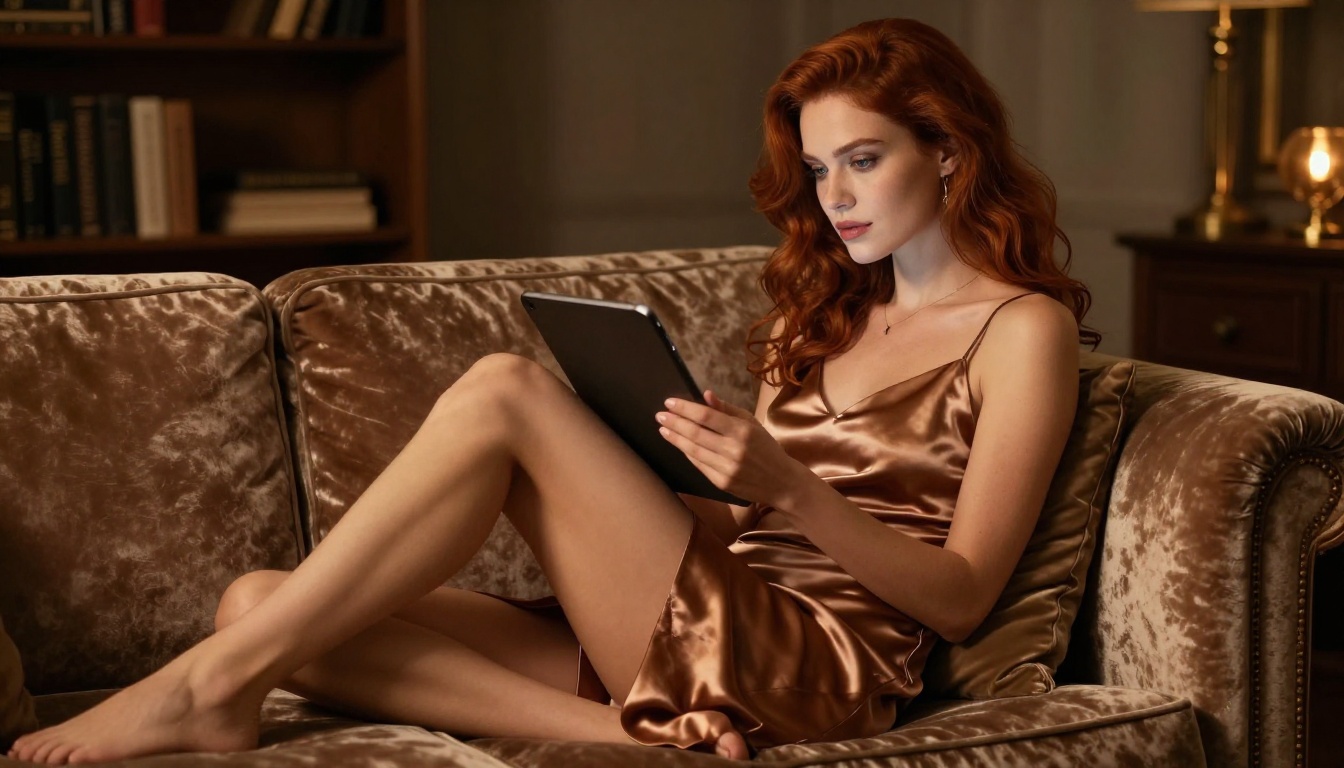
Access to NSFW AI generation has changed dramatically. Early on, users needed technical setup: local installations, command-line interfaces, and custom model management. Today, web-based platforms have brought these capabilities to anyone with a browser and a few minutes to spare.
Access and Availability
The current landscape divides into three tiers based on what users need:
| Tier | What You Get | Best For |
|---|
| Free Access | Limited daily generations, standard resolution | Casual experimentation |
| Subscription | Monthly credit bundles, priority processing | Regular creative workflows |
| API Access | Programmatic generation, batch workflows | Developers and power users |
For most people, a subscription to a platform with strong model variety covers everything they need. The key differentiator between platforms is not raw generation quality, since most use the same underlying models, but prompt flexibility, moderation approach, and output resolution options.
How to Use Flux 1.1 Pro on PicassoIA
Flux 1.1 Pro is one of the strongest models available for photorealistic portrait work. Here is how to get the best results consistently:
Step 1: Write a detailed prompt
Start with subject, clothing detail, and lighting. For example: "Young woman with dark hair, wearing a silk slip dress, standing in a sun-drenched bedroom, soft morning light from the left, 85mm f/1.4, Kodak Portra 400 film grain, 8K RAW"
Step 2: Set the aspect ratio
For portrait-style work, 3:4 or 2:3 gives natural photographic framing. For editorial and fashion spreads, 16:9 works better for environmental shots with background context.
Step 3: Use the negative prompt field
Exclude artifacts proactively: "blurry, distorted, extra limbs, low quality, cartoon, 3D render, watermark"
Step 4: Iterate with seed locking
When you get a composition you like, note the seed and vary one element at a time (lighting direction, clothing color, background detail) to refine without losing the overall look.
Step 5: Run Super Resolution for large output
If the final image needs to be large format or print-ready, pass it through a super resolution model. This upscales 2x to 4x while preserving skin detail and fabric texture.
Real Creative Scenarios
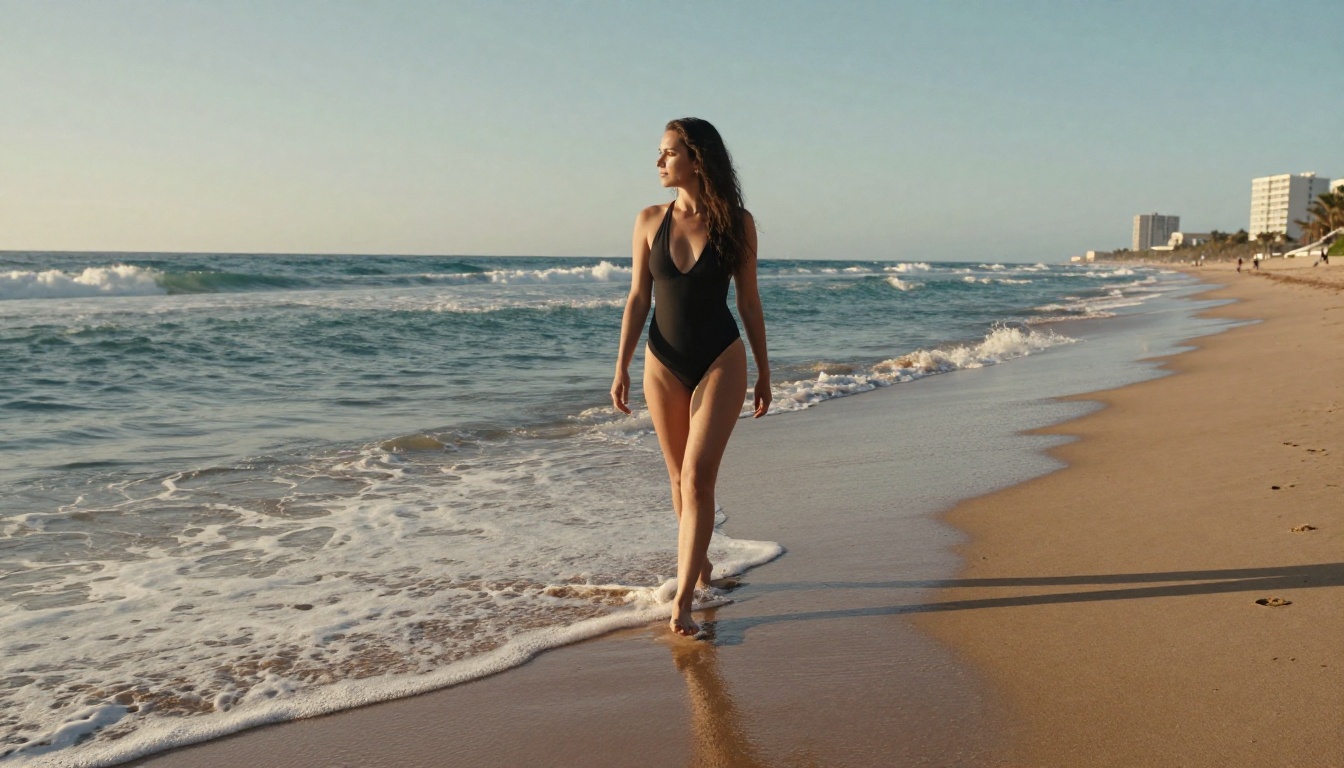
Abstract descriptions of use cases are one thing. Concrete scenarios tell a more honest story about who is actually using these tools and why.
Writers and Storytellers
A romance novelist generating cover art concepts for a self-published book. A fantasy author building a visual reference document for their series. A screenwriter creating a character lookbook to pitch to a director. These are real workflows that real people are using AI generation for, and the NSFW label simply means the characters are sometimes in states of partial undress that fit the narrative context.
For these users, quality and specificity are everything. A slightly wrong facial structure or an awkward pose breaks the illusion of a character that exists in the creator's imagination as fully formed. This is why models like Flux 1.1 Pro Ultra and Imagen 4 have become standard tools in serious creative workflows.
Content Creators and Social Presence
A significant portion of NSFW AI generator users are content creators building a personal brand in fitness, fashion, or lifestyle spaces. They use AI-generated imagery to supplement their content calendar, produce aspirational visuals for their aesthetic, or brainstorm campaign directions before committing to an actual photo shoot.
This does not replace original photography. It supplements it. The value is in iteration speed: trying ten different lighting setups or outfit directions costs the same prompt credits regardless of how different they are. A professional shoot cannot offer that kind of creative flexibility before a single dollar is spent on talent and location.
Personal Expression
Perhaps the most quietly significant use case: people using AI generation as a form of personal expression with no public audience. Generating portraits of idealized characters. Creating intimate imagery that belongs only to them. Using a creative tool in a deeply personal way that has no commercial angle whatsoever.
This is not particularly new behavior. People have used creative tools privately forever. What is new is the accessibility. You do not need artistic skill, expensive equipment, or another human involved. The tool responds directly to your imagination.
What Makes Results Actually Look Real
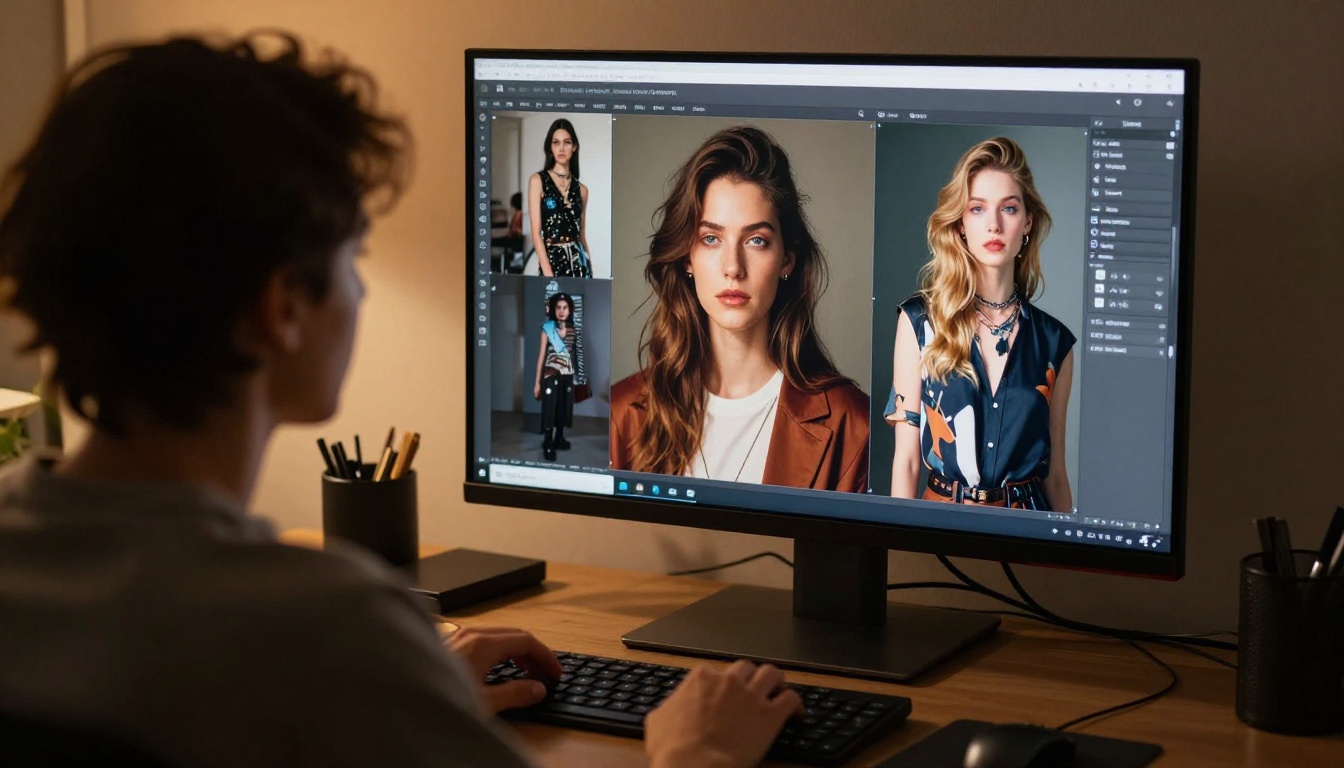
The gap between AI-generated images that read as real photographs and those that do not comes down to a small number of technical factors. Getting these right transforms the output quality dramatically.
Lighting and Composition
Three things that reliably produce more realistic output:
- Specify the light source position: "warm light from the left window" beats "good lighting" every time
- Name a real-world lighting condition: "golden hour," "overcast window light," "tungsten desk lamp at 3000K"
- Add a shadow reference: Describing shadows and soft fill-light tells the model about the scene in spatial terms that generic descriptors cannot
Composition follows similar logic. Naming a real camera angle ("low-angle at hip height," "over-shoulder from behind," "straight-on at eye level") gives the model a specific spatial reference rather than a generic default framing.
Texture and Skin Realism
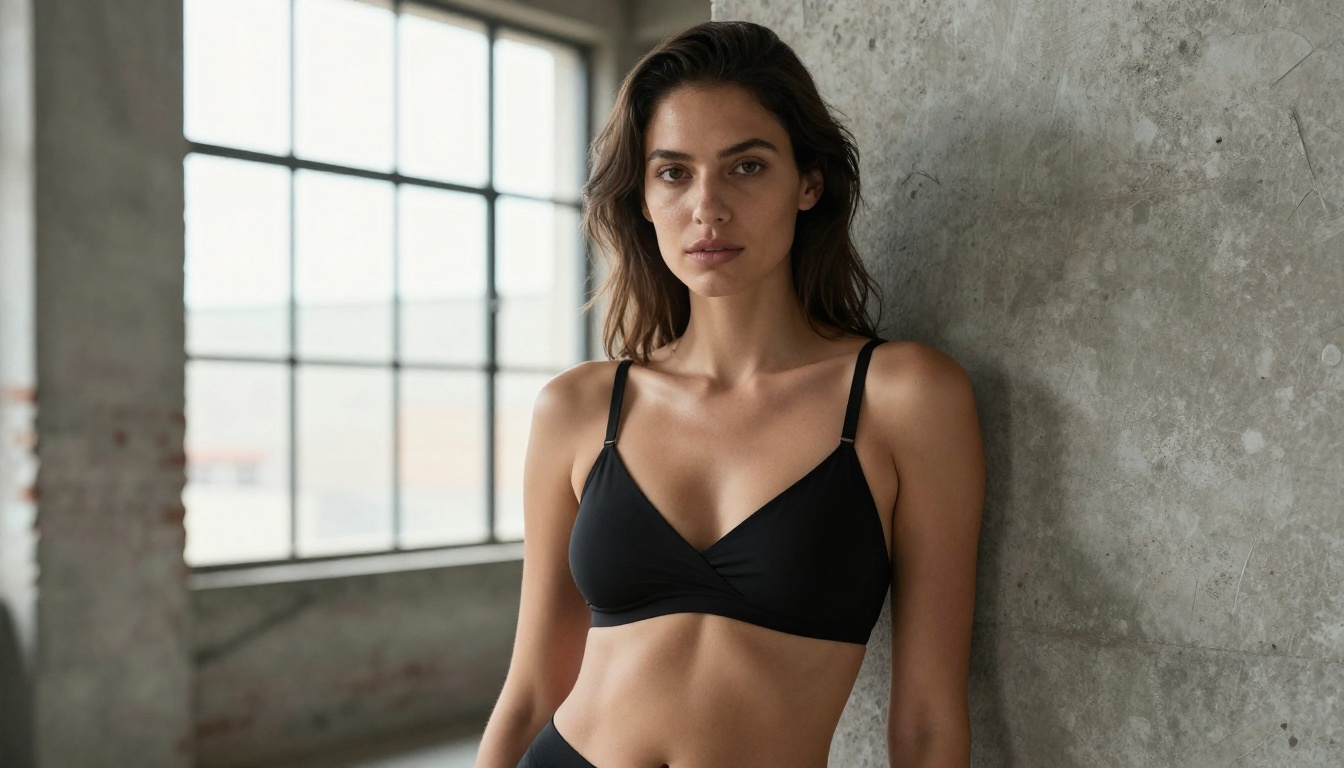
Skin realism is the hardest thing to fake in AI images and the most instantly noticed when wrong. Prompts that produce the best skin textures share specific language choices:
- "visible pores," "natural skin texture," "micro skin detail"
- "soft specular highlight on cheekbones"
- "subtle natural skin imperfections" (asking for slight imperfection paradoxically reads as more real than asking for perfection)
- Camera references like "85mm f/1.2" create depth-of-field cues that give skin a photographic quality
Fabric realism works the same way. Name the material explicitly: "woven cotton texture," "smooth liquid satin sheen," "delicate sheer lace with visible thread detail." Vague fabric terms produce vague textures. Specific terms produce specific results.
The creative community has figured this out through iteration, and the gap between a skilled prompter and a beginner shows up immediately in output quality. The good news is that these techniques are learnable quickly because the feedback loop is instant.
Start Creating Your Own Images
The only way to really understand what NSFW AI generators can produce is to use one. Reading about prompting techniques and model comparisons gives you the theory. Actually running prompts, seeing what works, and iterating on results is where real skill develops.
PicassoIA gives you access to all the top models in a single platform: Flux 1.1 Pro, Flux 1.1 Pro Ultra, Realistic Vision v5.1, SDXL, Stable Diffusion 3.5 Large, Flux 2 Pro, and many more. You bring the vision. The platform handles the rest.
Start with something specific. Pick a character or scene you have in mind. Describe the lighting the way a photographer would. Name the lens. Add a film stock reference. See what comes back. Then iterate.
That is how every creator using these tools developed their skill. Not by reading about it. By doing it.


