If you have ever typed an adult prompt into Runway Gen-5 and watched it get blocked in under a second, you already know the frustration. Runway is a genuinely impressive AI video platform, but its content policy is one of the tightest in the industry. The filters do not just block explicit pornography. They catch romantic scenes, lingerie references, suggestive poses, and in many cases, completely inoffensive prompts that contain words the system flags as risk vectors.
This article tells you exactly how that moderation layer works, where the hard lines are, what actually gets through, and why a growing number of professional creators are switching to platforms that do not put those limits on their work.

What Runway Gen-5 Actually Does With NSFW Prompts
Runway's content moderation system is not a simple keyword list. It operates in two layers: a pre-generation filter that screens your prompt before any inference runs, and a post-generation classifier that reviews the output before you can download it. Both layers run automatically and independently.
The Hard Blocks
The pre-generation filter rejects prompts that contain explicit sexual language, depictions of minors in any romantic context, graphic violence combined with nudity, and references to real named individuals in adult scenarios. These are non-negotiable and apply to every account tier, including enterprise.
The blocks are not always obvious. Runway's filter uses semantic analysis, not just keyword matching. A prompt like "a woman in a sheer top dancing seductively in a dimly lit room" can trigger a block even though none of those individual words would appear on a traditional banned-word list. The model evaluates the combined intent of the phrase.
How the Content Moderation Layer Works
Under the hood, Runway uses a fine-tuned language model that acts as a content classifier before passing prompts to the actual video generation pipeline. This classifier is similar in architecture to models like Llama Guard 4 12B, which is Meta's dedicated safety model trained specifically for content moderation tasks.
The classifier scores each prompt across several risk dimensions: sexual content, graphic violence, self-harm, and harassment. If any dimension crosses a confidence threshold, the prompt is rejected and no inference runs. Runway does not disclose the exact thresholds, but user testing suggests that anything scoring above roughly 60% probability on the sexual content dimension gets blocked.
Post-generation, the output frames are passed through an image classifier that detects nudity and explicit content in the rendered video. Even if your prompt passes the first filter, the output can be blocked and the credit refunded if the generation contains flagged content.

The Real Limits Creators Hit Daily
The frustration with Runway is not mainly about explicit content. Most creators who report problems are not trying to generate pornography. They are working on fashion editorials, romance film previews, music videos, or artistic short films, and they keep hitting walls that other tools would not build.
Swimwear, Lingerie, and Romance Scenes
Lingerie product videos get blocked at surprisingly high rates on Runway Gen-5. A fashion brand trying to create an ad showing a model in a bikini on a beach will often see the prompt rejected, depending on how the scene is described. Adding words like "seductive," "alluring," or even "confident pose" to otherwise benign prompts can push them over the threshold.
Romance scenes with kissing or implied intimacy are handled inconsistently. Two characters embracing in a bedroom setting might pass or fail depending on phrasing, lighting descriptors in the prompt, and what character descriptions you include. There is no reliable way to predict which variation of a prompt will clear the filter.
Artistic Nudity vs. Explicit Content
Runway Gen-5 blocks artistic nudity in most cases. Classical art-style prompts referencing the nude form, fine-art photography descriptions, or body-positive content that depicts unclothed subjects all tend to get rejected. The system does not distinguish well between pornographic intent and artistic intent at the prompt-classification stage.
💡 What actually passes: Fully clothed characters in implied romantic contexts, PG-13 level kissing scenes with careful phrasing, swimwear that is described neutrally without suggestive language, and dance sequences that avoid terms like "sensual" or "erotic."

Why Content Policies Differ Across AI Video Tools
Not every AI video platform runs the same moderation approach. The variation comes from three places: the training data and fine-tuning decisions made at the model level, the platform-level policies layered on top, and the legal and commercial context each company operates in.
LLMs That Moderate Video Output
Content moderation in AI video increasingly relies on large language models as classifiers. Runway, Pika, and Sora all use some variant of this approach. The advantage is nuance: a language model understands context better than a keyword filter. The disadvantage is that training data and fine-tuning choices create biases. A model trained primarily on English content with conservative US audience assumptions will flag things that European platforms accept without question.
Llama Guard 4 12B from Meta is one of the most widely referenced open-source safety models in this space. It classifies content into 14 hazard categories including sexual content, hate speech, and violence. Platforms that build their own moderation layers often start from a base like this and fine-tune it for their specific risk tolerance.
GPT 5 and Claude Opus 4.7 are also commonly used in agentic content pipelines where the LLM needs to assess a creative brief before dispatching it to a video generation model. Both have strong reasoning capabilities and can be fine-tuned or prompted with system instructions that calibrate their sensitivity to adult content.
Platform vs. Model Restrictions
There is an important distinction between model-level restrictions and platform-level restrictions. Some platforms restrict content aggressively at the UI and API layer even when the underlying model could technically generate it. Runway applies restrictions at both the platform and model level, which is why it is harder to work around than platforms that only block at the UI.
Other platforms are more permissive by design. They accept that adult content is a legitimate creative category and build their policies accordingly, with age verification and clear terms of service rather than blanket content blocks.

The Best Alternatives for Unrestricted AI Video
If Runway Gen-5's content policy is blocking your creative work, the good news is that the AI video landscape is competitive and several platforms offer significantly more creative freedom. The best starting point for image generation is Seedream 4.5.
Seedream 4.5 for Image Generation
Seedream 4.5 is the top recommendation for creators working with adult or NSFW image content. Developed by ByteDance, it produces high-resolution, photorealistic images with excellent skin texture rendering and natural lighting. The model handles suggestive and artistic content without the heavy-handed filtering you encounter on platforms like Runway.
Seedream 4.5 excels at fashion and glamour photography prompts, artistic portrait work with implied nudity, and beauty campaigns that require confidence and body expression without CGI artificiality. The results have that film-photography quality that makes AI-generated images look like they came from a professional shoot.
For unlimited generation without credit limits, the PicassoIA Image Editor Pro gives you access to Seedream 4.5 and the full image editing suite including inpainting, outpainting, and object replacement, all without per-image caps.
Seedance 2.5 for Unrestricted Video
For video generation, Seedance 2.5 is the strongest replacement for Runway Gen-5. It generates up to 30-second videos with native synchronized audio, high motion quality, and no content restriction walls that block legitimate creative work.
Seedance 2.5 Lite is the free and unlimited version, making it particularly valuable for creators who need to iterate quickly through multiple concepts without burning credits on blocked requests.
Wan 2.7 I2V for Image-to-Video
Wan 2.7 I2V is particularly powerful for creators who start with a generated image and want to animate it into video. The image-to-video pipeline preserves the visual style, lighting, and character appearance from the source frame while adding natural motion. This makes it ideal when you have generated a perfect image in Seedream 4.5 and want to bring it to life.
💡 Workflow tip: Generate your scene in Seedream 4.5, download the high-res image, then feed it into Wan 2.7 I2V with a motion prompt describing what should move and how. The output is far more consistent than text-to-video because the model has a real visual reference.

How to Use Seedance 2.5 on PicassoIA
PicassoIA hosts Seedance 2.5 directly and gives you a clean interface for generating videos without platform-level content blocks. Here is how to get the best results.
Step 1: Go to Seedance 2.5
Navigate to Seedance 2.5 on PicassoIA. You will see a prompt box, duration selector, and aspect ratio control.
Step 2: Write a Specific Prompt
Seedance 2.5 responds well to descriptive, cinematographic prompts. Unlike Runway, you do not need to sanitize your language to avoid blocks. Write what you actually want to see:
- Describe the subject, their appearance, and their position
- Specify the environment: interior, exterior, lighting conditions
- Describe the action or motion over time
- Add camera movement if relevant: slow push-in, lateral tracking, overhead crane
Example prompt: A woman with long copper hair in a black silk robe walks slowly across a rain-wet rooftop terrace at night, city lights blurred far below, camera slowly pulling back to reveal the full scene, warm window light from behind casting long shadows.
Step 3: Choose Your Duration and Ratio
Seedance 2.5 supports up to 30 seconds. For social media, 9:16 vertical works best. For cinematic or editorial content, 16:9 gives you that widescreen feel. Do not default to the shortest duration: 15-20 seconds gives the model enough time to develop natural motion arcs.
Step 4: Generate and Refine
Hit generate and watch the preview. Seedance 2.5 is fast. If the motion feels too static, add more specific movement cues to your prompt. If the subject looks different from what you expected, add physical description detail or use the image-to-video mode with a Seedream 4.5 source image.
Step 5: Add Lipsync If Needed
If your video includes a speaking character, you can pipe the output into a lipsync model for synchronized mouth movement. See the next section.

Lipsync for Adult Video Content
One area where AI video is changing content creation fastest is lipsync. The ability to take a video of a person and synchronize their mouth movements to any audio track, or even generate a talking avatar from a single photo, has obvious applications in adult content creation, onlyfans-style production, and virtual influencer work.
Omni Human 1.5
Omni Human 1.5 by ByteDance is a photorealistic lipsync and avatar animation model. You feed it a single photo and an audio track, and it generates a video of that person speaking with synchronized lip movements, head motion, and subtle body animation. The results are remarkably convincing, especially for close-up talking head shots.
For adult content creators, this means you can generate a base image of a character in Seedream 4.5, then use Omni Human 1.5 to create talking video content from that single image. No camera equipment needed.
Lipsync 2 Pro
Lipsync 2 Pro from Sync is the precision-first option in the lipsync category. It takes an existing video and re-syncs the mouth movements to a new audio track. Where Runway does not offer lipsync tools at all in the adult content space, Lipsync 2 Pro processes whatever video you hand it and produces tight synchronization across multiple languages and voice types.
Kling Lip Sync is another strong contender, particularly if you are already using Kling-generated video as your base. The integrated pipeline means the visual style remains consistent from generation through lipsync without quality degradation at the format conversion stage.
💡 Production note: For the cleanest lipsync results, use a base video where the face is well-lit, front-facing, and occupies at least 30% of the frame. Profile shots and extreme angle shots produce noticeably worse mouth sync accuracy across all models.
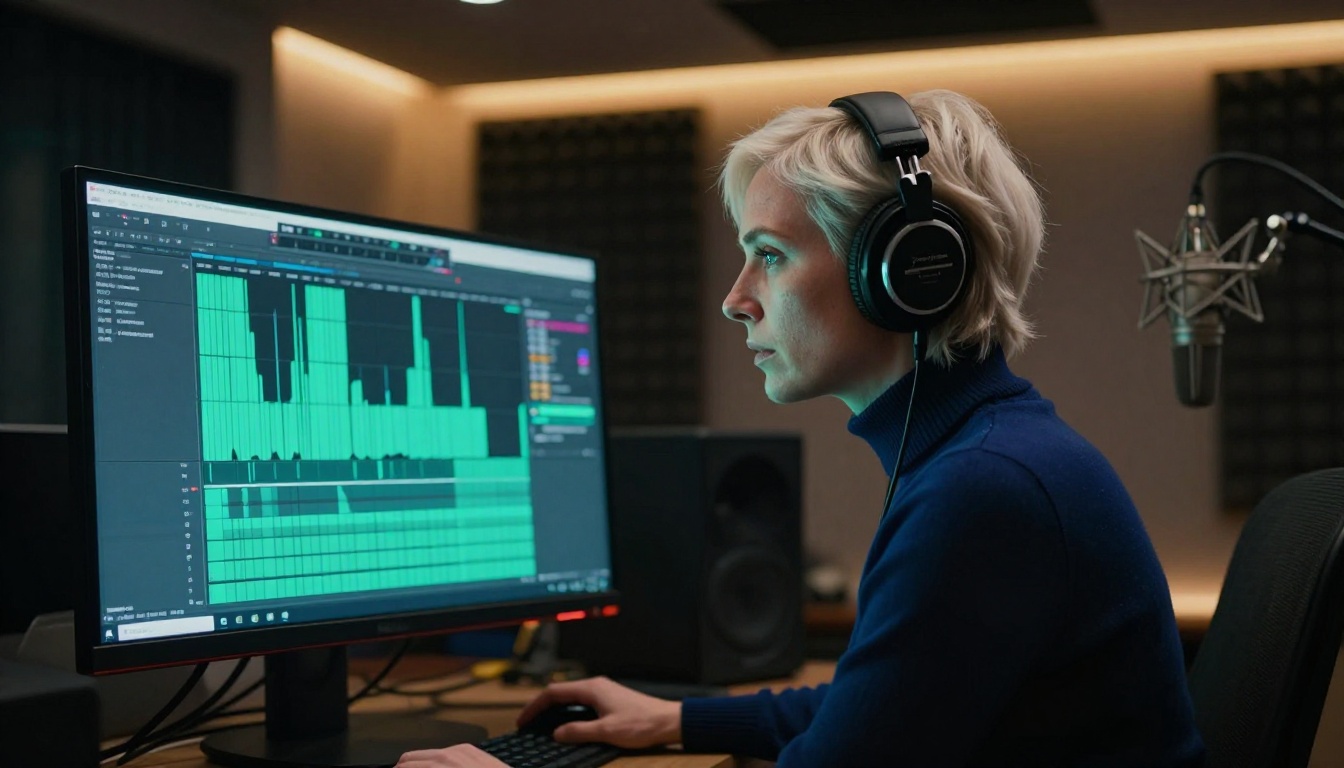
Using LLMs to Write Better Creative Prompts
One underrated tool in the adult content creator's workflow is using a large language model to help craft better prompts. Not for moderation, but as a creative assistant that understands cinematic language, scene construction, and how to describe physical detail in a way that AI video models respond to well.
Deepseek R1 for Prompt Engineering
Deepseek R1 is particularly strong for prompt iteration. Its chain-of-thought reasoning means you can give it a rough idea of the scene you want, and it will reason through the best way to describe it for a video generation model. Ask it to write five variations of a prompt with different camera angles and lighting setups, then test each version.
Deepseek R1 has fewer refusals on creative adult content prompts compared to the major US-based models, making it more practical for this type of iterative creative work.
Claude Opus 4.7 for Scene Writing
Claude Opus 4.7 is the strongest model for writing longer-form creative briefs and scene descriptions. If you are producing a multi-scene video project, Claude Opus 4.7 can hold the full narrative arc in context and produce consistent character descriptions across every scene.
Use it to write a one-page creative brief first, then ask it to extract individual scene prompts formatted for video generation. This top-down approach produces more coherent multi-scene outputs than writing each prompt independently.
| LLM | Best For | Refusal Rate on Creative Adult Content |
|---|
| Deepseek R1 | Prompt iteration, technical reasoning | Low |
| Claude Opus 4.7 | Scene writing, narrative consistency | Moderate |
| GPT 5 | Structured outputs, character details | Moderate |
| GPT 5 Pro | Complex reasoning, multi-scene briefs | Moderate |

The AI video market has matured significantly. Runway Gen-5 is a premium tool with strong cinematic motion quality, but its content policy places it squarely in the restricted category alongside Sora 2 and Pika. These platforms have made a deliberate commercial choice to prioritize brand safety and enterprise sales over creative freedom.
On the other side of the market, platforms built around creative freedom have invested in verification systems, clear age-gating, and terms of service that acknowledge adult content as a legitimate use case. They compete on model quality, generation speed, and the absence of friction.
The gap between these two camps is widening. As open-weight models improve, the technical barrier to running permissive video generation locally continues to drop. But for creators who want cloud-quality results without local GPU infrastructure, the platform choice matters enormously.
Gen 4.5 and Gen4 Turbo are Runway's own models available on PicassoIA, where you can access them without Runway's account-level content policies. This is worth noting: the models themselves are capable of more than Runway's own platform allows. The restrictions are a platform decision, not a model limitation.
💡 Key insight: Runway's own Gen models, accessed through PicassoIA, can produce content that Runway's native platform would block. Same model weights, different platform policy.
The Verification Question
Responsible adult content platforms require age verification. This is not just a legal requirement in most jurisdictions, it is also what separates legitimate adult content creation from platforms that ignore compliance entirely. When evaluating alternatives to Runway for adult video work, check whether the platform has a real verification flow. A platform that skips verification is cutting corners on compliance, which creates risk for you as a creator if the platform is later shut down.

Start Creating Without the Walls
Runway Gen-5 is a technically impressive platform with a content policy that works against a significant portion of its potential user base. The two-layer moderation system is thorough, the semantic classification catches more than keyword blocklists, and the post-generation output review adds another unpredictable layer of friction.
For creators who need real creative freedom, the stack that works in 2027 looks like this: Seedream 4.5 for image generation, Seedance 2.5 for video, Omni Human 1.5 or Lipsync 2 Pro for talking avatar work, and Deepseek R1 for prompt engineering. All of these are available on PicassoIA without the content walls that make Runway frustrating for this type of work.
If you are ready to stop working around filters and start generating what you actually want, head to picassoia.com/en/all-models and explore the full catalog. The models are there. The platform is open. The only thing that changes is that you are not fighting the system anymore.


