Here is how it happens: you craft a detailed prompt, open a platform running Seedream 5.0, hit generate, and get nothing. A filter message. A refusal. No image. That's not a glitch, it's by design. Seedream 5.0, also marketed as Seedream 5 Lite, ships with strict content restrictions that block a wide range of adult and suggestive prompts before any pixels are ever rendered.
This piece breaks down exactly how that filtering system works, what types of content trigger it, and where creators who need uncensored output should actually be working.
What Seedream 5.0 Does With Your NSFW Prompt
The Request Never Reaches the Generator
Seedream 5.0's content policy is front-loaded. The moment you submit a prompt, a classification layer scans it before the diffusion model ever runs. This isn't post-generation moderation, where an image is created and then blurred or deleted. It's pre-generation rejection. The image simply doesn't generate.
The classification system flags:
- Explicit sexual content of any kind
- Nudity, implied or visible
- Suggestive descriptions involving specific body parts, intimate scenarios, or adult-coded language
- Certain descriptors even in artistic or photography contexts (e.g., "lingerie," "boudoir," or similar terms depending on context combination)
The filter isn't just keyword-based. It analyzes prompt intent through context. A technically neutral phrase combined with certain settings or character descriptors can still trigger a block.
Why the Model Was Built This Way
ByteDance released Seedream 5 Lite for broad commercial deployment, which means integration with consumer apps, enterprise APIs, and platforms that require strict compliance with content policies in multiple jurisdictions. To make that viable at scale, the model was constrained at release.
This is a common tradeoff in AI development: the more powerful and commercially viable a model needs to be across regulated markets, the tighter its content guardrails become. Seedream 5 Lite sacrifices creative freedom for distribution reach.
💡 Important distinction: Seedream 5 Lite and Seedream 4.5 are entirely different models. Seedream 4.5 was built with uncensored generation in mind. The "5" version is a newer architecture, but it's more restricted, not less.
The Content Categories Seedream 5.0 Blocks
What Gets Flagged Immediately
The filter catches prompts across three tiers of restriction:
Hard blocks (always rejected):
- Explicit sexual acts or anatomy
- Fetish content of any description
- Any content involving minors in sexualized contexts
Soft blocks (context-dependent):
- Swimwear or lingerie in certain lighting and pose combinations
- Nude art references in painting or photography contexts
- Romance scenes with physical contact
- Certain anatomical descriptions even in medical contexts
Gray zones (inconsistent behavior):
- Fantasy or fictional character content
- Non-explicit intimate scenes between adults
- Artistic references to classical nude sculpture or painting
The gray zones are where Seedream 5 Lite is most frustrating. Two near-identical prompts can produce different outcomes because the classifier is probabilistic, not deterministic. A prompt that worked yesterday might be blocked today after a model update.
What This Means for Creators
If you're using Seedream 5.0 for commercial creative work that involves any degree of adult-coded content, the experience is unreliable at best. Fashion photography prompts get blocked. Boudoir references get caught. Even "swimsuit" in the wrong context triggers a refusal.
That's not a workable tool for photographers, content creators, adult platform builders, or anyone working in mature creative verticals.
Seedream 4.5 vs Seedream 5 Lite: A Direct Comparison
The naming is confusing on purpose, or at least coincidentally misleading. Here's the actual breakdown:
| Feature | Seedream 4.5 | Seedream 5 Lite |
|---|
| NSFW support | Yes, full | No, blocked |
| Generation speed | Under 3 seconds | Under 2 seconds |
| Image quality | Very high realism | Very high realism |
| Image editing | Yes | Yes |
| Content filters | Minimal | Strict |
| Best for | Adult creators, glamour, artistic work | Commercial SFW use |
Seedream 4.5 is the version that actually serves creative professionals who need flexibility. And it's available right now on PicassoIA.
💡 The takeaway: Seedream 5 Lite is faster by a small margin. But if your workflow involves any content that pushes against mainstream content policies, Seedream 4.5 is the only version worth using.
Best NSFW Models on PicassoIA
PicassoIA offers models that don't restrict adult content. Several have no safety filters at all. These are the top options in order of recommendation:
Seedream 4.5: The Real NSFW Option
Seedream 4.5 ⭐ is the top recommendation for anyone who arrived at Seedream 5 Lite looking for uncensored output. It accepts NSFW prompts, supports image editing alongside text-to-image generation, and delivers results in under 3 seconds. The quality is indistinguishable from its more restricted successor for most use cases, and its flexibility is significantly higher.
This is the model to start with. Its successor, Seedream 5 Lite, explicitly blocks adult content. Seedream 4.5 does not.
PicassoIA Image Editor Pro: Unlimited Generations
PicassoIA Image Editor Pro is the second recommendation and arguably the most practical for high-volume work. It's an image-to-image model, which means you bring a reference image and it transforms it based on your prompt.
The real advantage is the pricing structure. Elite and Infinite plan subscribers get unlimited generations, with no per-image credits consumed. If you need 500 images for a project, that's 500 images at no extra cost. Compare that to models like Nano Banana 2, where the same volume runs around $100. It accepts NSFW content, returns results in under a second, and includes a 3-generation free trial without requiring a credit card.
10 More Models That Don't Filter You
Here's the full lineup of PicassoIA models that support adult content generation:
- Qwen Image 2 — Open-source model for text-to-image and editing. Very detailed realism, no content restrictions.
- Grok Imagine Image — Realistically converts reference images to bikini format. Strong img2img results.
- Recraft V4 — Text-to-image only but delivers very realistic results with NSFW support.
- P-Image — NSFW text-to-image generation in under 1 second. Fast and flexible.
- prunaai-wan-2.2-image — Highly realistic images from text descriptions, no content filters.
- Wan 2.2 I2v Fast — Turns static images into dynamic videos with smooth, natural animations.
- PicassoIA Video — Unlimited video generation from text prompts, up to 720p and 5 seconds per clip.
- P-Video — Text, image, or audio to video at up to 1080p. Safety filter off by default. Draft mode for instant previews.
- Grok Imagine Video — Clips up to 15 seconds, no watermarks, image-to-video with auto aspect ratio matching.
- LTX 2.3 Pro — Highest fidelity option at up to 4K/50fps. Retake and extend editing built in.
Unlike many mainstream AI platforms, PicassoIA gives creators full creative freedom with uncensored, high-performance models.
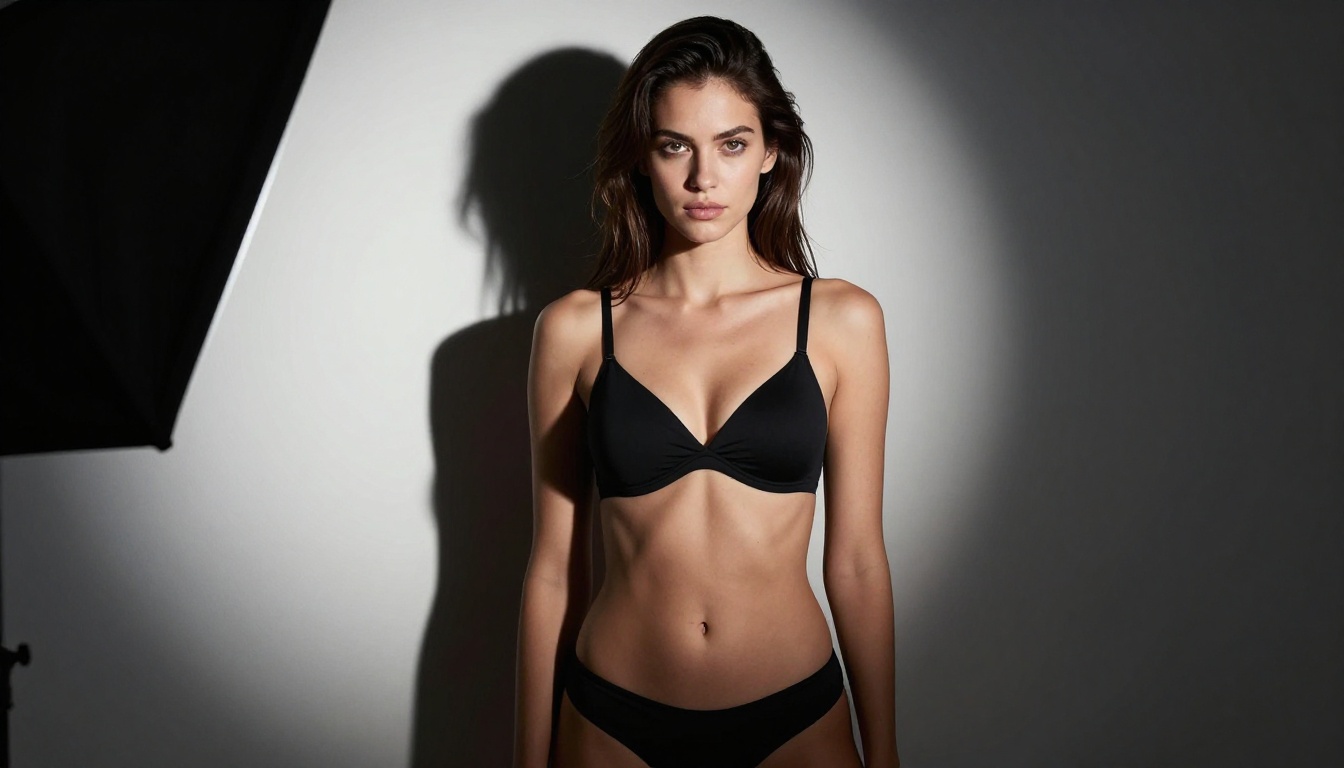
How to Use Seedream 4.5 on PicassoIA
Setting Up Your First Generation
Getting started with Seedream 4.5 on PicassoIA takes about 30 seconds:
- Go to the model page: Navigate to Seedream 4.5 on PicassoIA.
- Write your prompt: Be specific. Include lighting, pose, setting, clothing, and camera angle. The more detail you give, the more precisely the model interprets your intent.
- Set aspect ratio: For portrait work, use 9:16. For landscape compositions, use 16:9.
- Generate: Results come back in 2-3 seconds. No queue, no waiting.
- Edit if needed: Seedream 4.5 supports image editing. Use edit mode to modify specific areas of your generated image without regenerating from scratch.
Prompt Tips for Better Results
The model responds well to photography-style prompts. Structure them like a photographer describing a shot:
- Subject: Describe the person, their pose, expression, and clothing in specific terms.
- Environment: Describe the background, what's visible behind them, the surface they're on or near.
- Lighting: Name the light source. "Soft window light from the left" vs. "harsh midday sun from above" produces completely different results.
- Camera: Mention focal length (85mm vs. wide 24mm changes perspective dramatically), aperture (f/1.4 for shallow depth vs. f/8 for sharp throughout), and shooting angle.
- Style: Reference film stocks (Kodak Portra 400, Fuji Pro 400H) or photography genres (editorial, boudoir, fashion) to anchor the aesthetic.
💡 Pro tip: Avoid vague descriptors like "sexy" or "beautiful." Instead, describe what those words mean visually: specific skin texture, specific clothing, specific pose. The model renders details, not abstractions.

3 Common Mistakes Creators Make
Mistake 1: Assuming Newer Means Fewer Restrictions
The Seedream version numbering creates a false impression. Many creators assume v5 is strictly an upgrade from v4. In terms of content policy, it's a regression. Newer architecture, tighter filters. If you need creative freedom, the higher version number is the wrong choice.
Mistake 2: Fighting the Filter
Some creators spend time trying to bypass restricted models through prompt engineering: synonym swapping, indirect descriptions, foreign language prompts. This wastes time for two reasons. It often fails, and it violates terms of service on most platforms. Using a platform that simply supports your use case from the start is both faster and sustainable.
Mistake 3: Not Using Image Editing
Both Seedream 4.5 and PicassoIA Image Editor Pro support image-to-image workflows. If you've generated something close to what you need but not quite right, use editing mode. Regenerating from scratch repeatedly wastes credits and time. Targeted editing is faster and often produces better results.
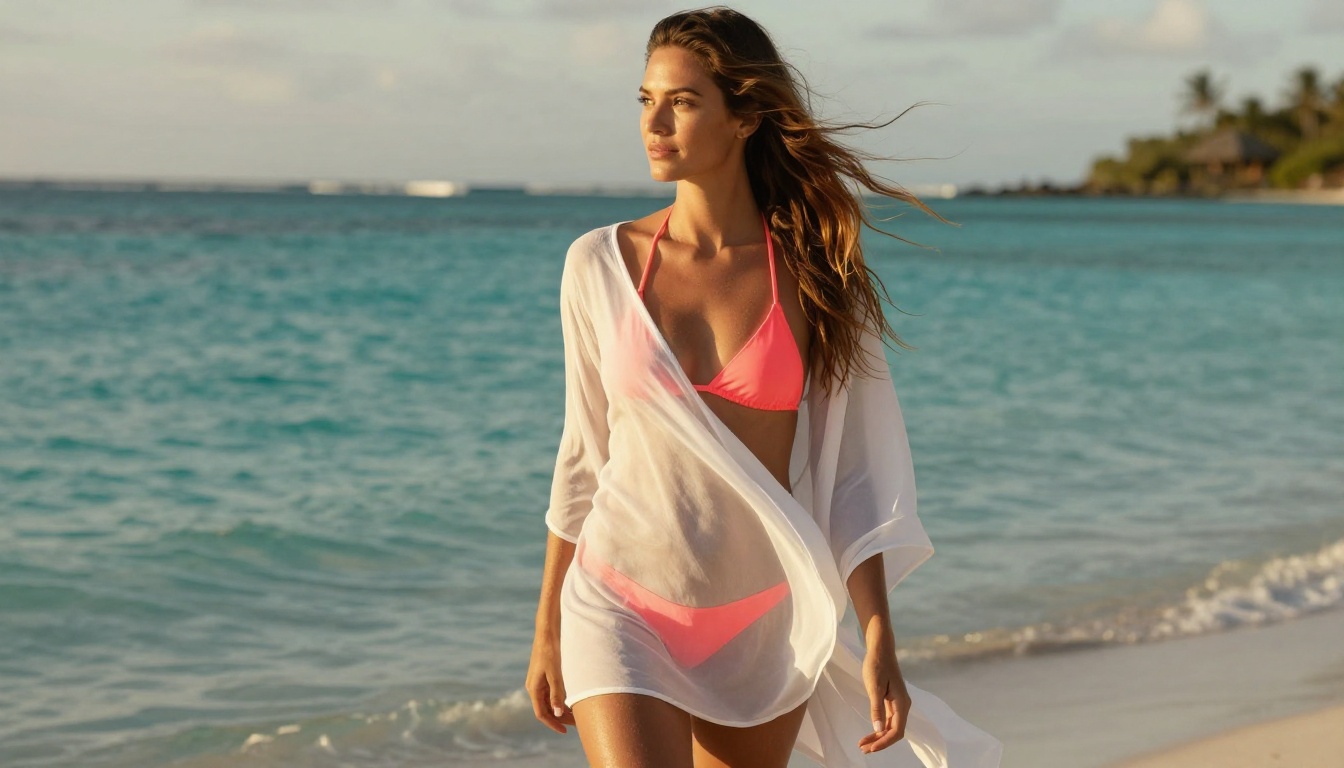
The platform you use determines what's actually accessible to you. Seedream 5 Lite might exist on a dozen different AI tools, but most of them enforce their own additional content layers on top of the model's native behavior. You can end up with double filtering: the model's restrictions plus the platform's own moderation.
PicassoIA is built around the opposite philosophy. The platform selects for models with minimal restrictions and makes them available with maximum flexibility. You're not fighting two layers of filtering. You're working with models chosen because they perform well for uncensored creative work.
This matters especially for professional creative workflows. Fashion photographers, adult content platforms, glamour artists, and boudoir photographers all need tools that respect their work without arbitrary blocks.
| Platform Approach | Effect on Creator |
|---|
| Model plus platform double filtering | Frustrating, unreliable, frequent blocks |
| Model with no filters, platform adds filters | Slightly better, still inconsistent |
| Model with no filters, creator-first platform | Reliable, predictable, professional |
The Uncensored AI Landscape Right Now
Which Models to Avoid for NSFW Work
Some models are non-starters for adult content regardless of their quality metrics:
- Seedream 5 Lite: Strict filters, no adult content at all
- DALL-E 3: Hard content policies across all platforms
- Imagen 3: Google's content policy applies universally
- Midjourney v6: Platform-level restrictions on adult content (limited availability in specific membership tiers)
- Stable Diffusion 3 via official API: Content filtering enabled in commercial access
These models are fine for SFW work. For mature content, they're the wrong tools.
Speed Comparison Among NSFW-Capable Models
One of the most overlooked advantages of the PicassoIA lineup is raw generation speed:
For anyone doing high-volume work, the difference between 1 second and 10 seconds per image becomes significant quickly.
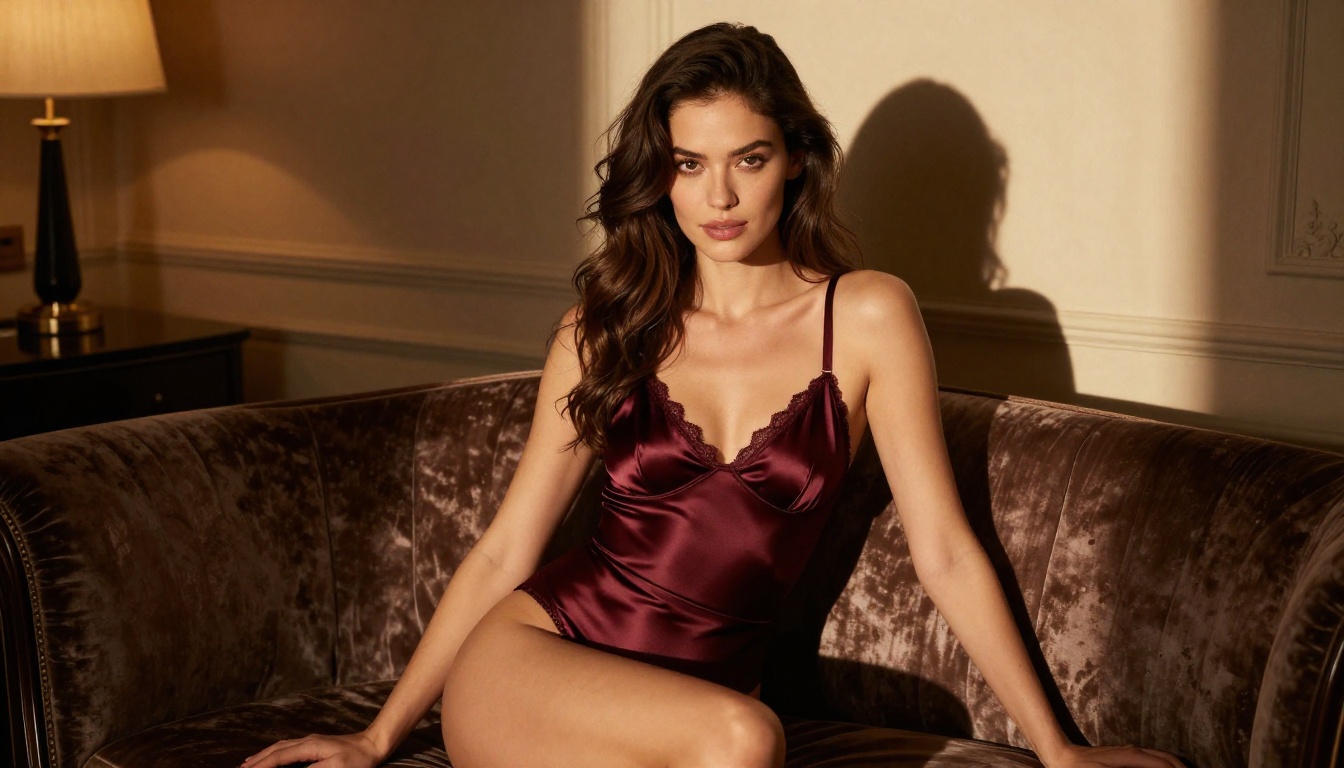
Try It on PicassoIA
PicassoIA offers a 3-generation free trial for PicassoIA Image Editor Pro without requiring a credit card. That's enough to test the model with your actual prompts and see results before committing to a plan.
Seedream 4.5 is available directly on the platform with standard credit allocation. Both models accept the detailed photography-style prompts described in this piece.
The difference between spending an hour fighting Seedream 5 Lite's content filters and spending that hour generating exactly what you need on the right platform is significant. One of those tools was built for your use case. The other wasn't.
👉 See the full lineup of the best NSFW AI models and generate without limits at picassoia.com/en/all-models.


