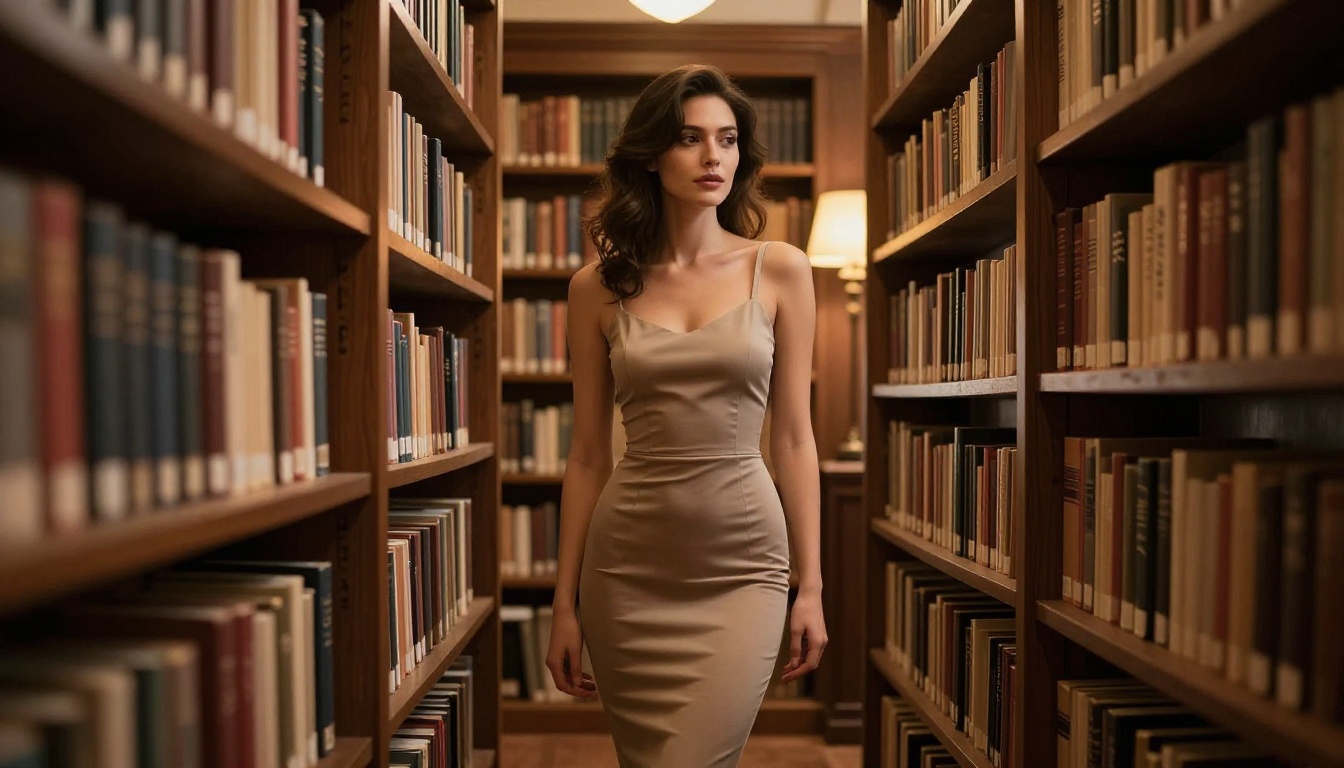
You type a prompt. You hit generate. The AI says no.
It might be a woman in a bikini at the beach. A romantic scene between two adults. A figure study that any museum would display without hesitation. Whatever it is, mainstream AI image tools have decided that you cannot have it. The refusal comes without explanation and without appeal.
This frustration is not a fringe experience. It is the daily reality for millions of creators, photographers, marketers, and artists trying to do legitimate work with AI tools built around corporate content moderation instead of creative freedom.
But not every AI image generator was built the same way. A growing number of platforms operate by fundamentally different rules, and the results they produce would be impossible on the mainstream tools you have probably already tried.

Why Most AI Generators Block Your Prompts
The refusals feel random, but they follow a logic. Mainstream AI image generators are built with content filtering at multiple layers, and each layer adds another reason your prompt might fail.
The Three Layers of Restriction
Most major platforms apply restrictions at three distinct points:
Layer 1: The base model itself. Models like DALL-E 3 and Midjourney were fine-tuned specifically to refuse certain outputs. The restriction is baked into the model weights, not just the interface.
Layer 2: The API and hosting platform. Even if a model is technically capable of producing something, the platform serving it via API applies its own additional content filters before results reach you.
Layer 3: The user interface. Many tools add keyword scanning at the prompt level. Your request is evaluated before it even reaches the model.
The result: three chances for a refusal, even for content that is entirely legal and has legitimate creative value.
What Actually Gets Blocked
The range of blocked content on mainstream platforms goes far beyond anything legally required:
- Swimwear and lingerie photography
- Romantic physical contact between adults
- Classical figure studies and artistic nudity
- Realistic depictions of human anatomy
- Mature editorial and fashion content
💡 The real issue: These restrictions are business decisions, not safety requirements. Platforms apply them to protect advertiser relationships and avoid controversy, not because the content is harmful.
The gap between "legally required to block" and "what these platforms actually block" is enormous. That gap is exactly where tools like Seedream 4.5 and PicassoIA Image Editor Pro live.
The platforms that offer genuine creative freedom did not achieve it by accident. They made deliberate technical and policy choices that mainstream tools refused to make.
Open Models vs. Closed APIs
The single most important difference is where the model runs.
Closed API models process your prompt on a corporate server where content policies are enforced before you ever see an output. You have no access to the actual model. You are just a user of a service with its own rules.
Open weight models are a completely different situation. The model weights are publicly available. Anyone can run them. Any platform can host them on their own infrastructure with their own policy choices, or none at all.
| Approach | Who Controls Policy | Filter Level | What You Get |
|---|
| Closed API (DALL-E, Midjourney) | The company | Strict and opaque | Sanitized outputs |
| Open weights, restricted host | Hosting platform | Medium | Partial freedom |
| Open weights, permissive host | You and the platform | Minimal | Full creative range |
The Platform Philosophy That Changes Everything
Technical capability is only half the equation. A platform can host an unrestricted open model and still apply heavy-handed filtering at the interface level.
What makes a platform genuinely different is the philosophy behind it. PicassoIA was built around the idea that adult creators deserve professional tools. The platform does not second-guess your prompts, does not apply mystery filters, and does not throttle your output with credit systems designed to limit experimentation.
The combination: permissive models plus a platform built for them from the ground up.
Seedream 4.5: Where to Start
Seedream 4.5 from ByteDance has become the reference point for unrestricted AI image generation. If you have been frustrated by refusals on other platforms, this is the model that demonstrates what is actually possible.
What Makes Seedream 4.5 Different
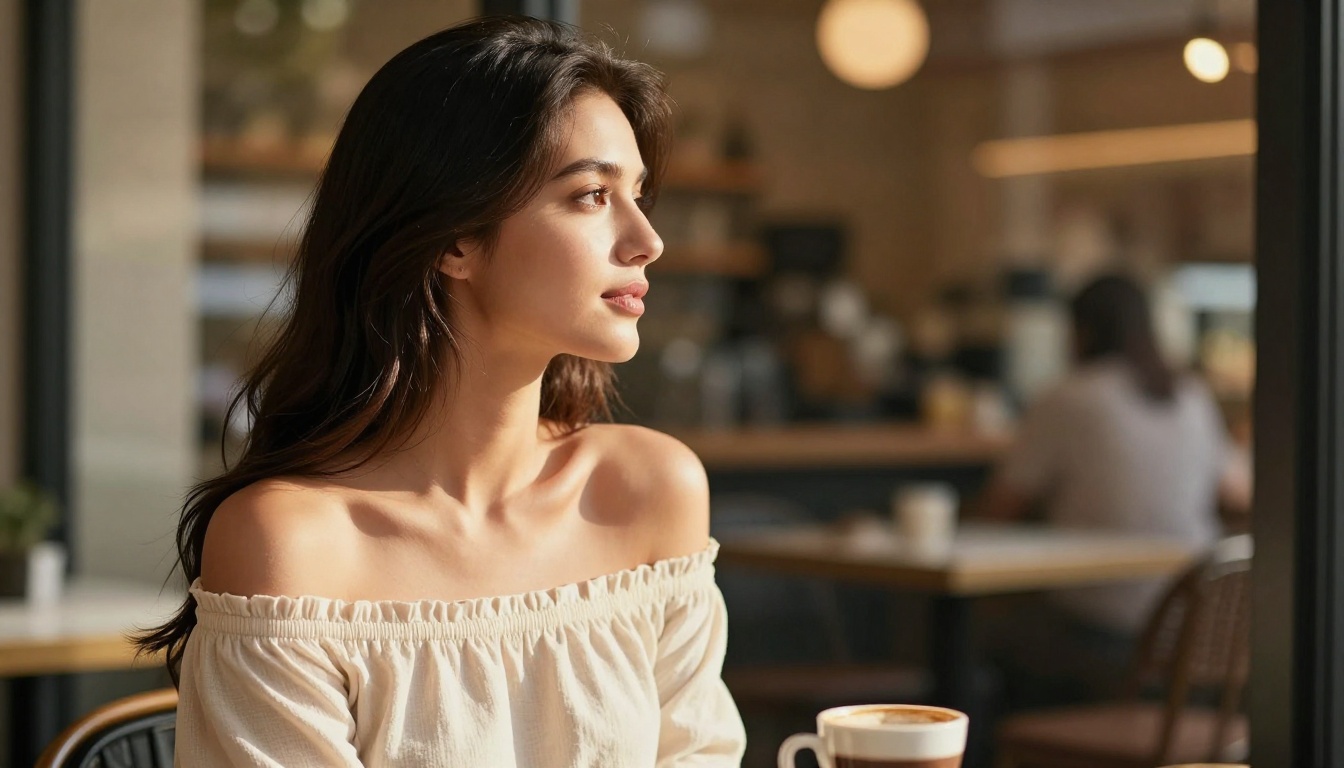
At a technical level, Seedream 4.5 delivers native 4K resolution with photorealistic detail across every element of a scene: skin texture, fabric, hair, water, and lighting. The outputs do not look like AI art. They look like photographs.
The key differences from restricted models:
- No keyword filtering at the model level
- Accurate human anatomy across all poses and clothing levels
- Natural skin rendering with visible pore detail and realistic texture
- No automatic blurring, distortion, or refusal for mature but legal content
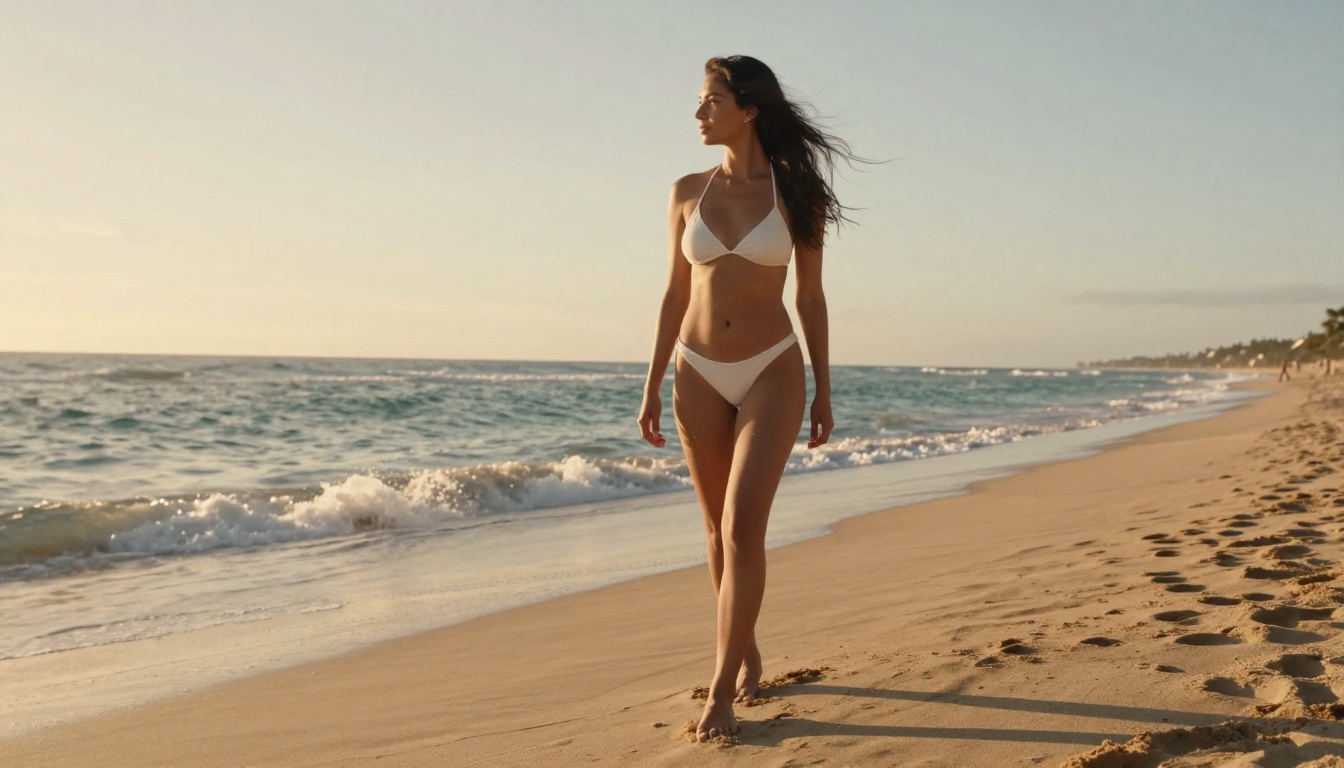
The Kodak Portra 400 film simulation that the model responds to adds warmth and grain to outputs that makes them feel authentically photographic rather than digitally generated. At 4K, images hold up at full resolution with none of the waxy skin or plastic-looking textures that plague lower-quality models.
Using Seedream 4.5 on PicassoIA
- Go to Seedream 4.5 on PicassoIA
- Write a detailed prompt specifying pose, environment, lighting direction, and camera lens
- Set your aspect ratio: 16:9 for landscape and editorial work
- Generate. Results arrive in under 10 seconds
💡 Prompt formula: Subject plus pose plus environment plus lighting direction plus camera lens. Example: "Woman in white linen dress, standing on a marble balcony at sunset, warm rim light from the left, 85mm f/1.8 shallow depth of field, photorealistic RAW 8K."
PicassoIA Image Editor Pro: Unlimited and Unrestricted
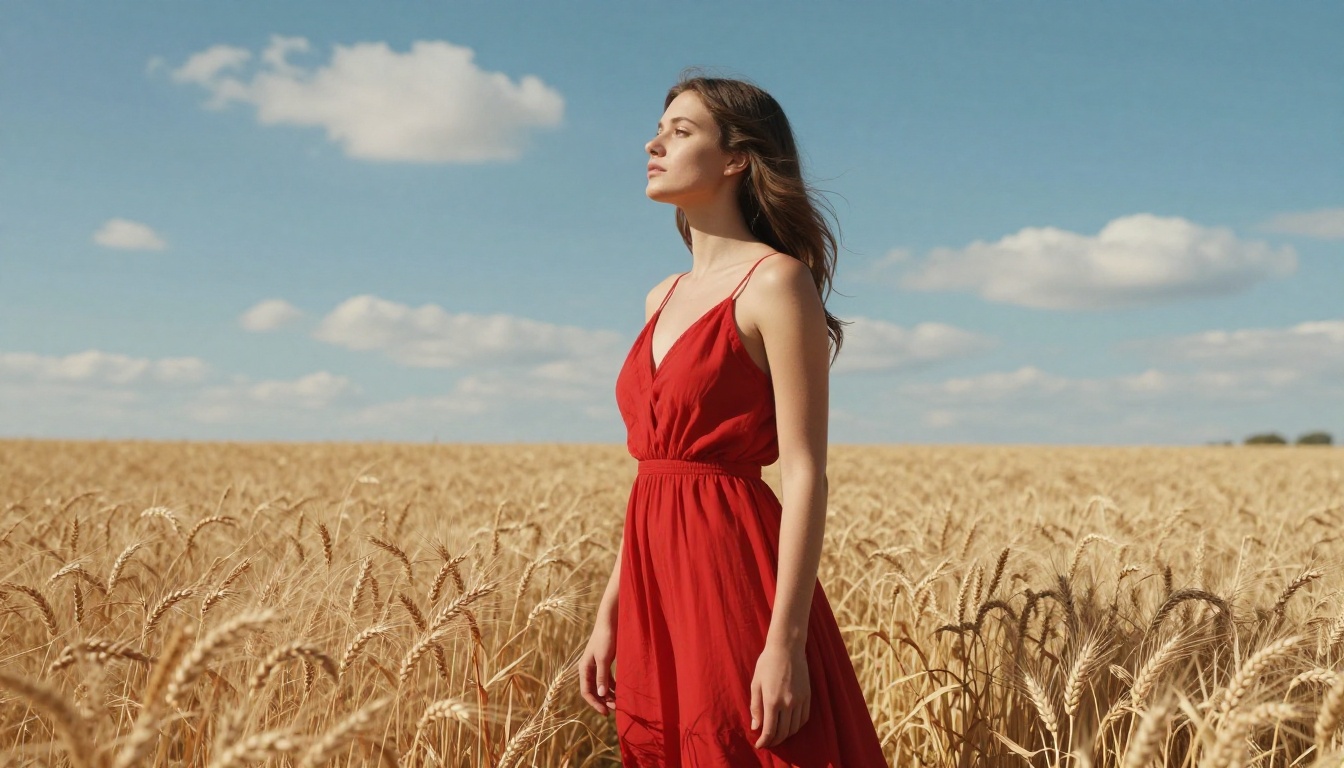
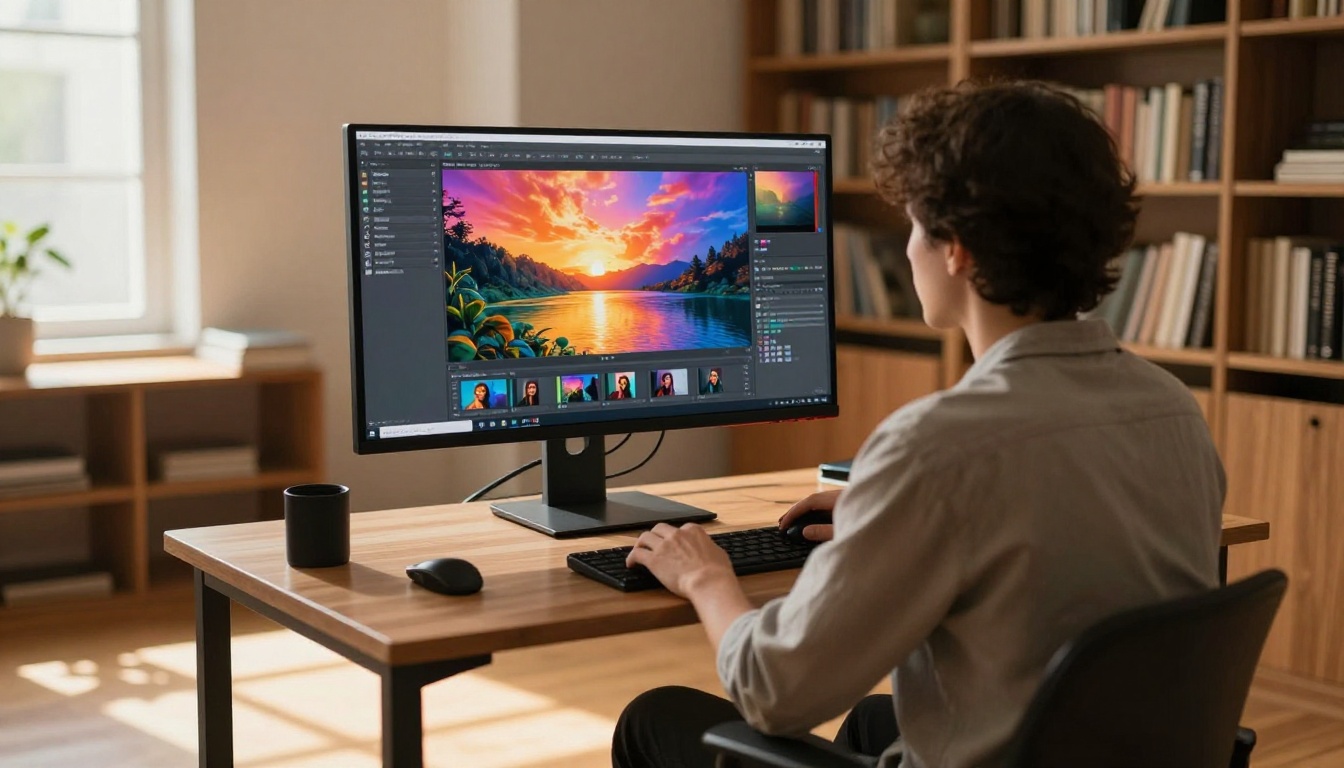
Generating a great base image is only the first step. Editing, refining, and iterating is where most creative work actually happens. PicassoIA Image Editor Pro handles this without the limitations that make other tools frustrating.
Why Unlimited Matters More Than You Think
Every time you use a credit-based platform, your creative process changes. You start pre-filtering your own ideas. You avoid experiments because they waste generations. You settle for 80% of what you wanted because retrying costs something.
Unlimited generations remove that friction entirely. With PicassoIA Image Editor Pro, you can:
- Run 30 prompt variations and pick the best three
- Iterate on inpainting until the detail is exactly right
- Experiment with mature content prompts without credit anxiety
- Retry failed generations without hesitation
What the Pro Editor Can Do
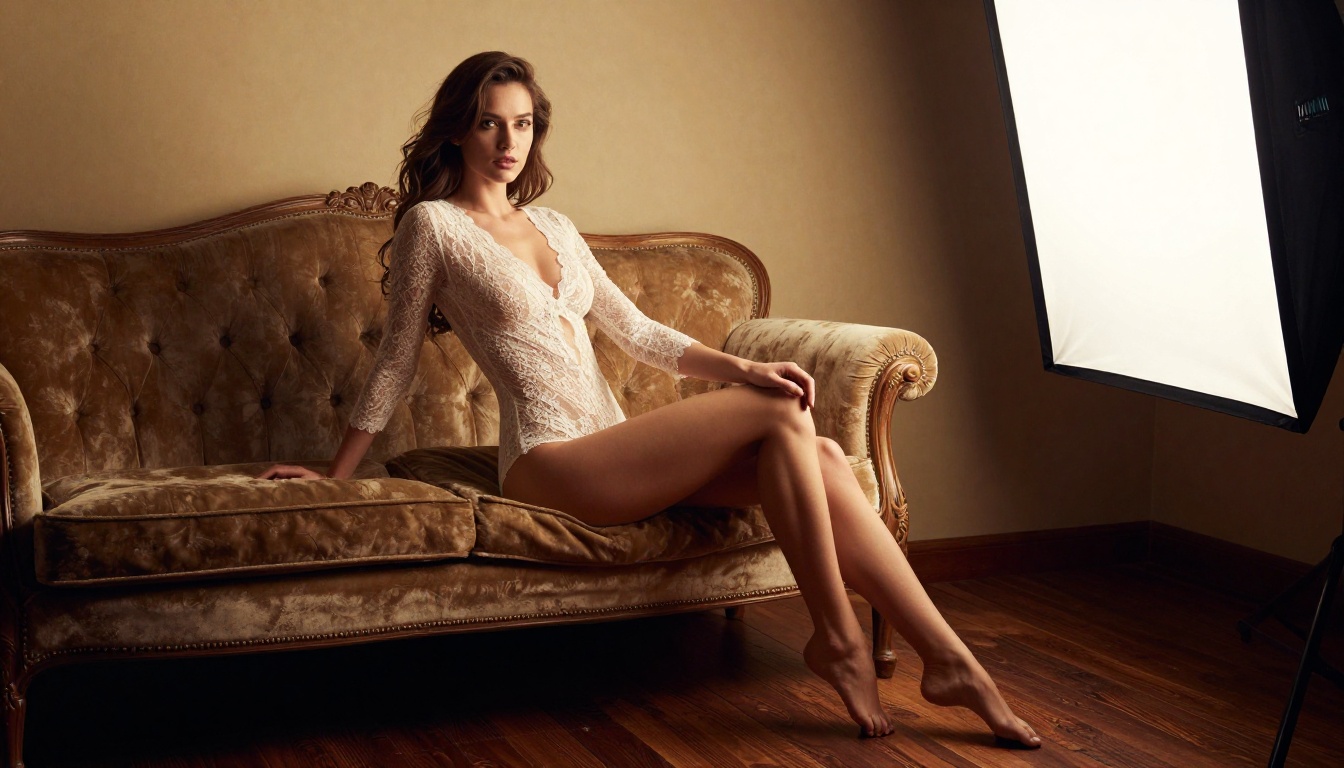
The editing capabilities go beyond what mainstream inpainting tools allow:
- Inpainting: Redraw any region of an image, including figures, to adjust clothing, detail, or pose
- Outpainting: Expand the canvas in any direction to add context and content
- Object replacement: Swap elements within a scene while maintaining lighting and style consistency
- Prompt-driven editing: Describe what you want in natural language, not technical parameters
Editing Workflow: Step by Step
- Open PicassoIA Image Editor Pro
- Upload a source image or generate one with Seedream 4.5 first
- Use the mask brush to select the region you want to change
- Write a prompt describing the desired edit
- Generate and compare with the original side by side
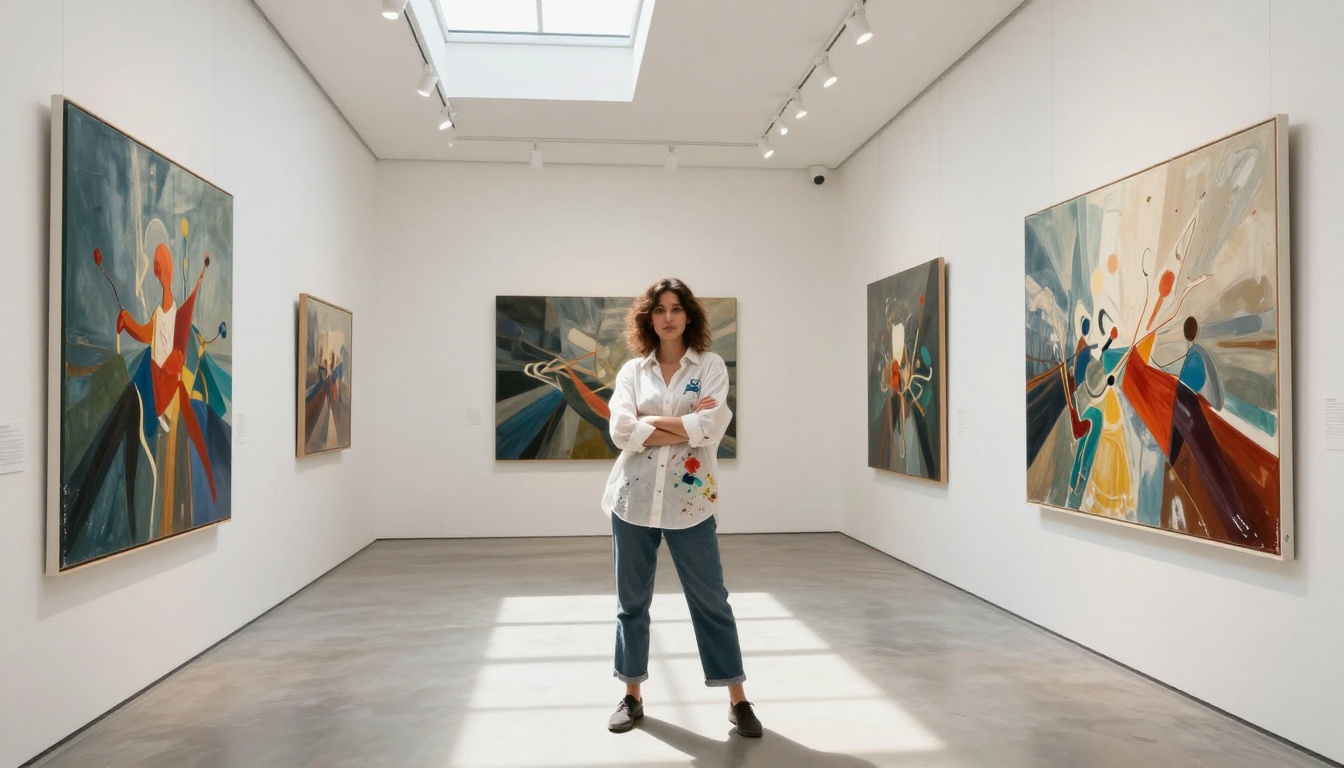
The model handles lighting continuity, edge blending, and style matching automatically. No manual layer management and no Photoshop skills required.
Other Models Worth Knowing
The depth of PicassoIA's model library means Seedream 4.5 and the Image Editor Pro are the start, not the whole story.
Wan 2.7 Image Pro
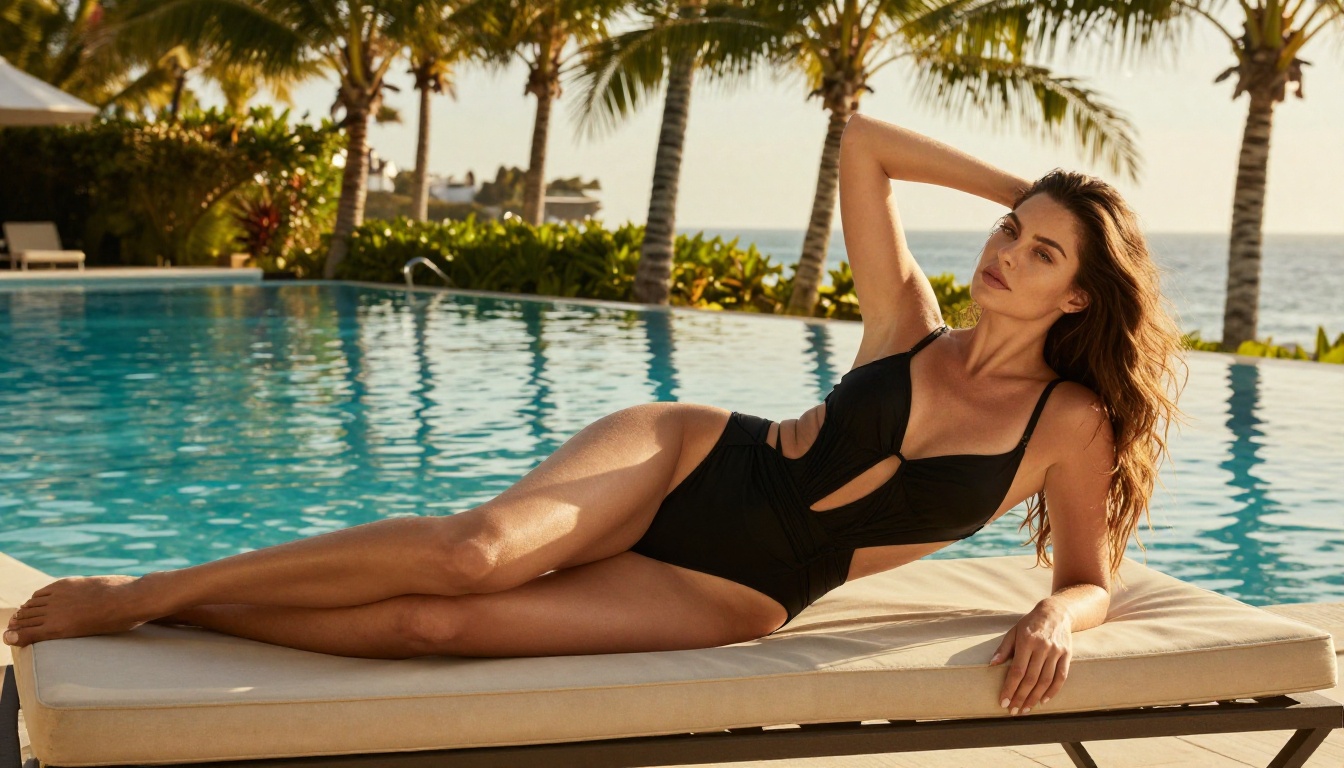
Wan 2.7 Image Pro outputs native 4K with a focus on scenes that involve complex lighting setups, multiple elements, and detailed environments. Where Seedream 4.5 excels at portraiture and figure work, Wan 2.7 Image Pro handles compositions with visual complexity and wide-angle depth.
Hunyuan Image 2.1
Hunyuan Image 2.1 from Tencent trades some resolution (2K output) for dramatically faster generation times. It is ideal for rapid iteration: testing lighting setups, pose variations, and prompt structures before committing to a high-resolution final render.
💡 Workflow tip: Use Hunyuan 2.1 for fast concept testing, then switch to Seedream 4.5 or Wan 2.7 Image Pro for the final output at full resolution.
Flux Redux Dev
Flux Redux Dev takes your best generated image and creates a family of variations that maintain the same lighting, style, and subject characteristics. If you generate one perfect shot and need 10 variations with consistent aesthetics, Flux Redux Dev is the tool for that.
What Creators Are Actually Making
With these tools, the question is not "what will the AI let me make?" It is "what do I want to make?"
Glamour and Fashion Photography
The most immediate use case is professional-grade glamour work: campaign photography, editorial spreads, lookbooks, and portfolio imagery. Seedream 4.5 handles all of it natively.
What you can generate:
- Swimwear and lingerie shoots with natural skin texture and accurate anatomy
- Outdoor editorial work with cinematic lighting and environmental detail
- Intimate portrait sessions with Rembrandt lighting and shallow depth of field
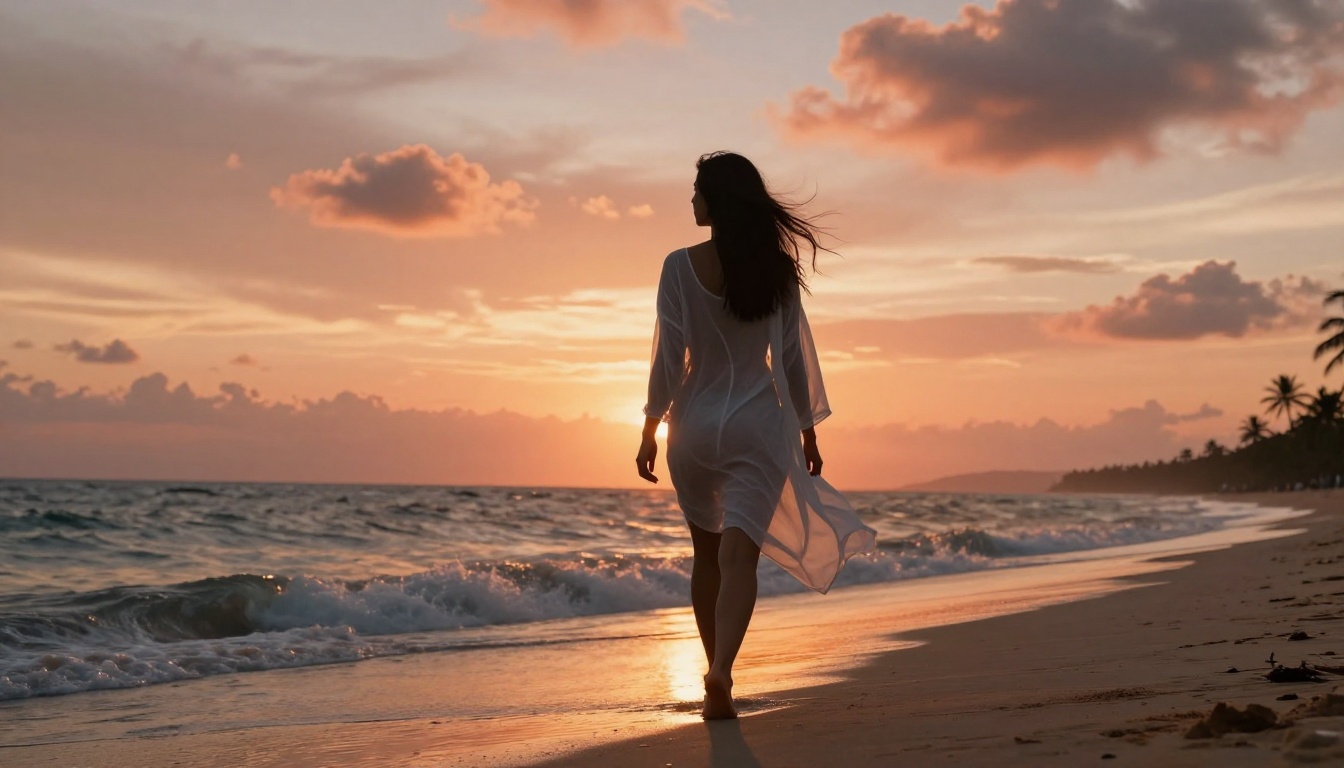
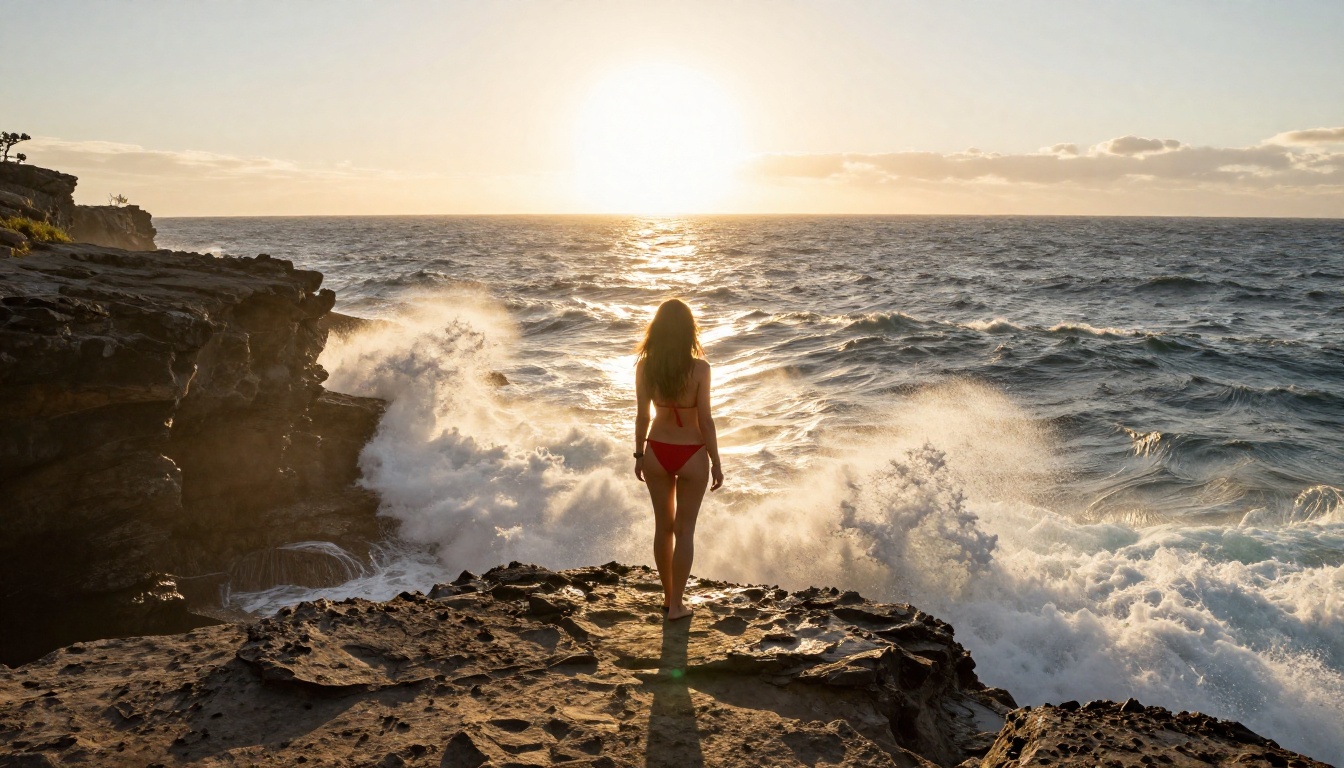
- Full-body glamour in beach, pool, resort, and studio settings
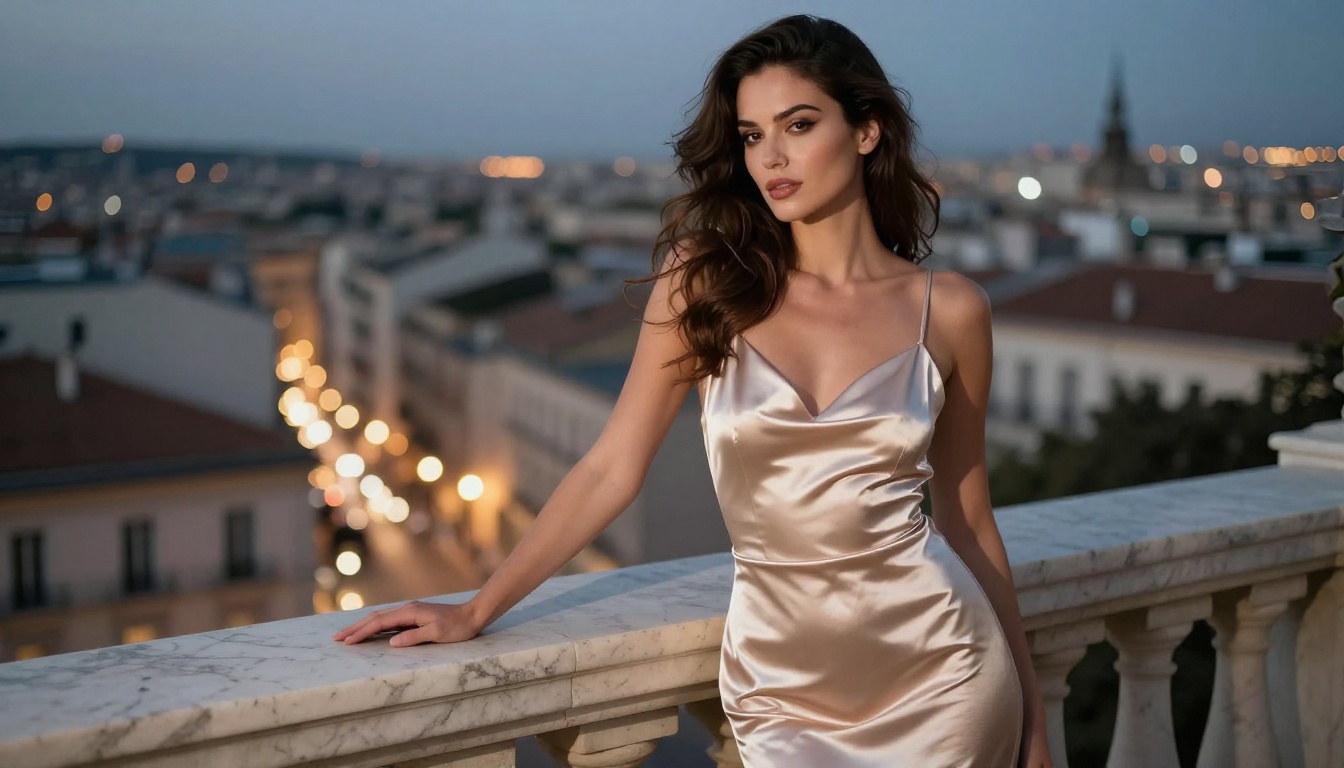
The outputs rival commissioned photography for quality. The difference is that you control every variable without hiring a crew, booking a location, or managing a shoot day.
Artistic and Implied Content
Artistic figure work has been part of human creative output for thousands of years. These tools make it accessible without the refusals you get from platforms that have decided they know better than the art history canon.
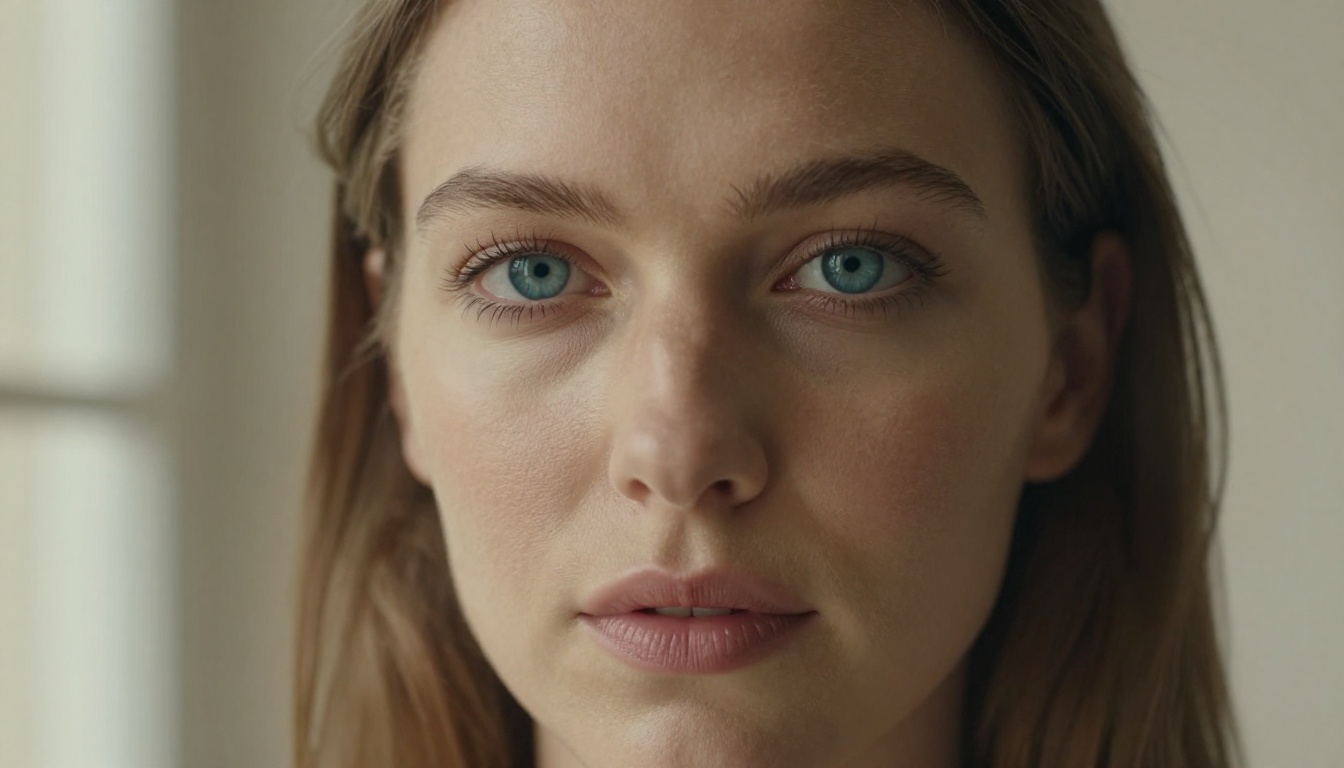
Implied nudity, classical poses, and tasteful mature content are all within reach. The outputs reflect the precision and intent of your prompt. Precise, detailed prompts produce precise, beautiful results.
Lifestyle and Sensual Content
Beyond pure photography, the models handle the full range of lifestyle and sensual content:
- Beach and poolside settings with natural water and light interaction
- Romantic lifestyle scenarios shot in natural light
- Boudoir-style editorial work with controlled studio lighting
- Outdoor sensual content with cinematic natural light
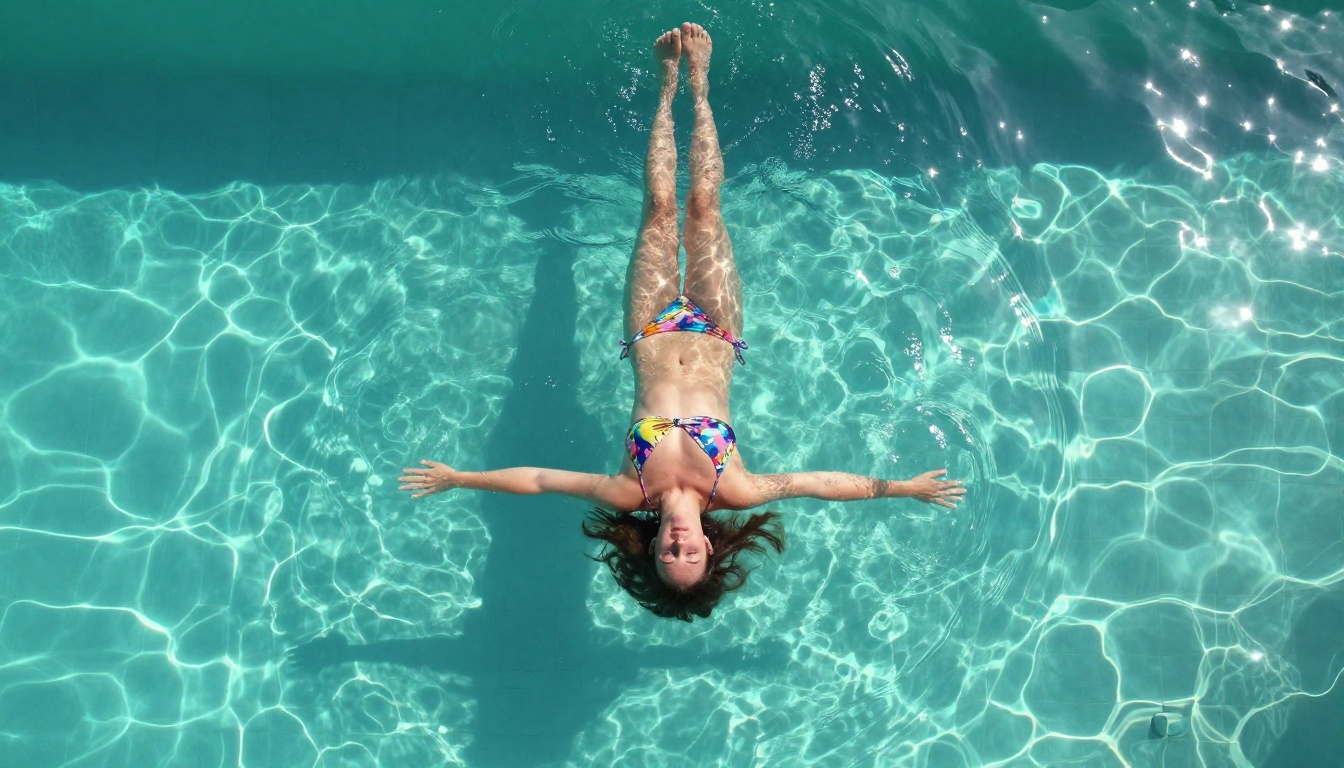
💡 For best results: Describe your intended photographic style in the prompt. "Lifestyle glamour photography, golden hour, 85mm f/1.8, Kodak Portra 400" consistently outperforms a vague description.
The Infrastructure Behind It
PicassoIA does not just host models. It runs dedicated GPU servers specifically for generation, which means consistent performance and fast outputs regardless of platform load.
For creators who need a full production workflow, not just a single generation tool, this matters. You can:
- Generate with Seedream 4.5
- Edit with PicassoIA Image Editor Pro
- Upscale with Super Resolution
- Remove backgrounds for compositing
- Generate video from your best stills
All without switching platforms, managing multiple subscriptions, or exporting and reimporting files between tools.
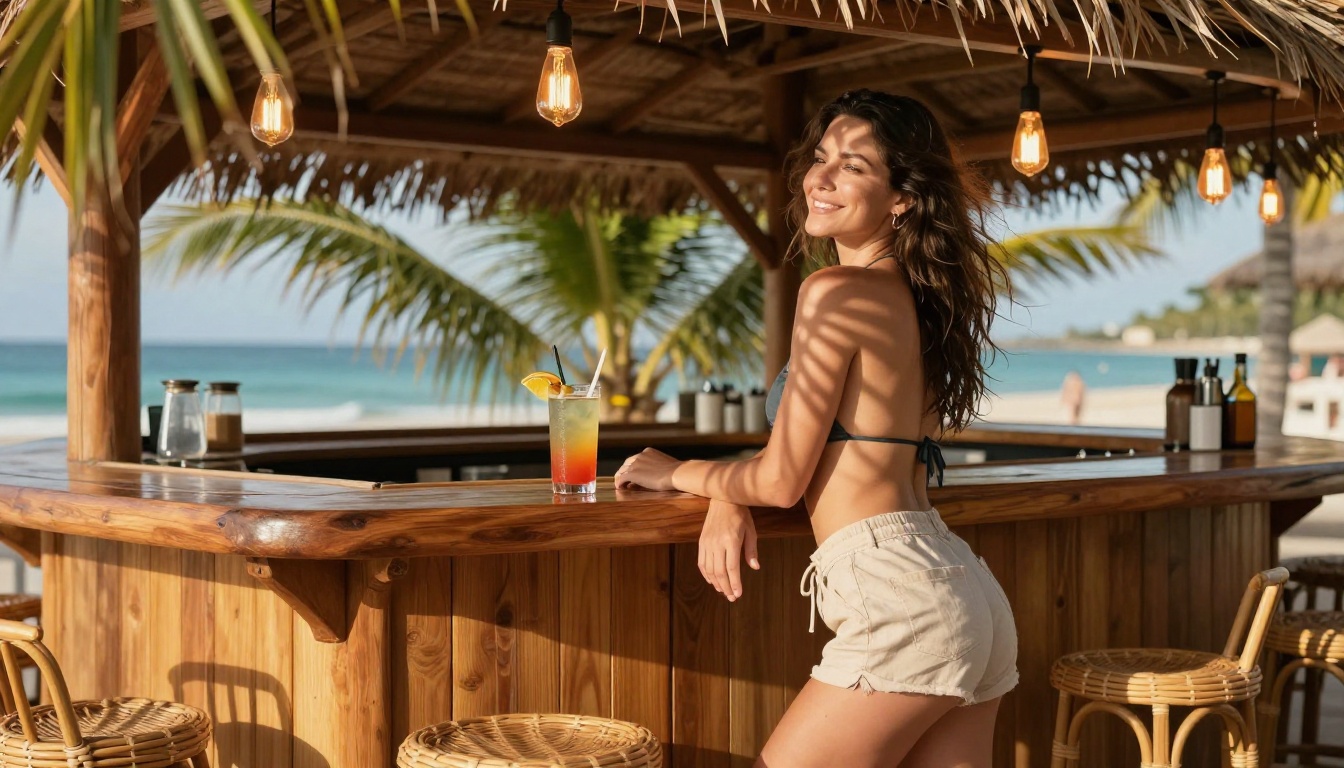
The same infrastructure handles video generation via the PicassoIA GPU server, running ltx-2.3-fast for image-to-video conversion at 24fps in 480p or 720p. You can take your best Seedream 4.5 still and bring it to life with a single tool call, all within the same platform.
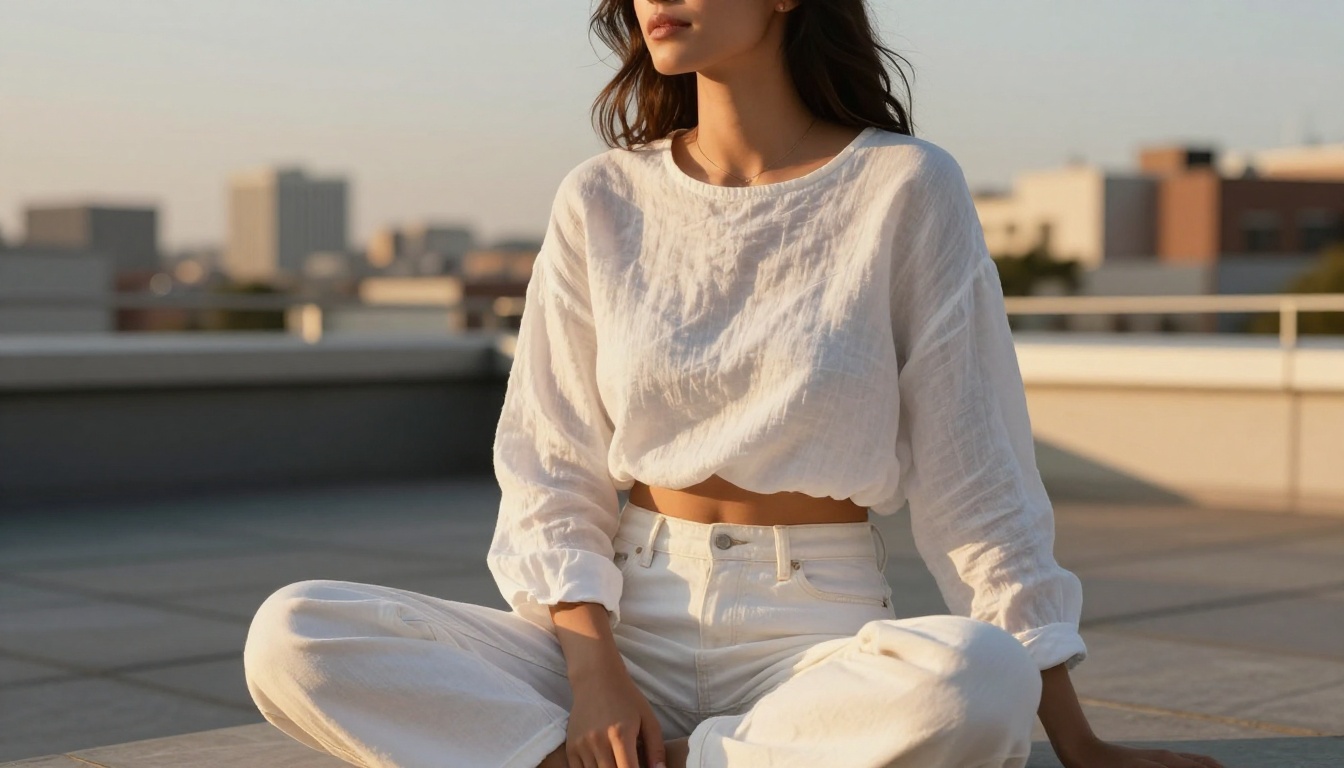
Create Without the Walls
Mainstream AI tools built their content policies around their own business interests. The result is a generation experience that constantly second-guesses your intent, blocks legitimate work, and treats adult creators like a liability rather than a customer.
Seedream 4.5, PicassoIA Image Editor Pro, Wan 2.7 Image Pro, Hunyuan Image 2.1, and Flux Redux Dev represent a different approach: built for creators who know what they want, hosted on infrastructure designed for them, available without credit anxiety or mystery refusals.
The full library of over 90 text-to-image models, 87 video models, and a complete suite of editing tools is at picassoia.com/en/all-models. Pick a model. Write a prompt. See what AI generation looks like when the walls are not there.