If you've ever typed a creative prompt into an AI image tool and watched it get blocked, flagged, or quietly watered down, you already know the frustration. Mainstream platforms have built elaborate content filters that intercept your prompts before generation even begins, replacing your vision with a sanitized alternative or refusing the request outright. For photographers, digital artists, content creators, and anyone pushing creative boundaries, this is not a minor inconvenience. It is a wall.
This article covers exactly how to access unrestricted image tools that generate without filters, the top models available right now, and how to start producing high-quality, uncensored AI images in seconds.
The Rise of Over-Censored Platforms
Content filters on AI platforms are a business decision, not a moral one. Companies operating consumer-facing products apply broad restrictions to reduce moderation overhead, satisfy app store requirements, and avoid regulatory scrutiny. The result is a one-size-fits-all block that punishes legitimate creators, adult content professionals, boudoir photographers, and fashion artists alongside bad actors.
💡 The real problem: Platforms don't just block explicit content. They routinely block artistic nudity, swimwear editorials, romance fiction illustrations, and even historical or medical imagery. If your creative work touches on the human body at all, standard AI tools often fail you.
What Gets Filtered and Why
Most major AI platforms filter across three layers:
- Prompt-level filtering: Keywords trigger automatic refusal before any generation begins
- Output-level filtering: Generated images are scanned and deleted post-generation
- Account-level filtering: Repeated attempts lead to warnings or suspension
The effect is a chilling one. Creators begin self-censoring their prompts to avoid detection, which degrades output quality and wastes time. The creative process breaks down entirely.
What "Unrestricted" Really Means
More Than Just NSFW
The word "unrestricted" gets attached to NSFW content, but that's only part of the picture. A genuinely unrestricted AI image tool means:
- No keyword blocking: Your prompt is processed as written, without substitution
- No post-generation deletion: What the model renders is what you receive
- No account strikes: Repeated adult-themed generations don't risk your access
- Fast output: Uncensored doesn't mean slow. The best tools here generate in under 3 seconds
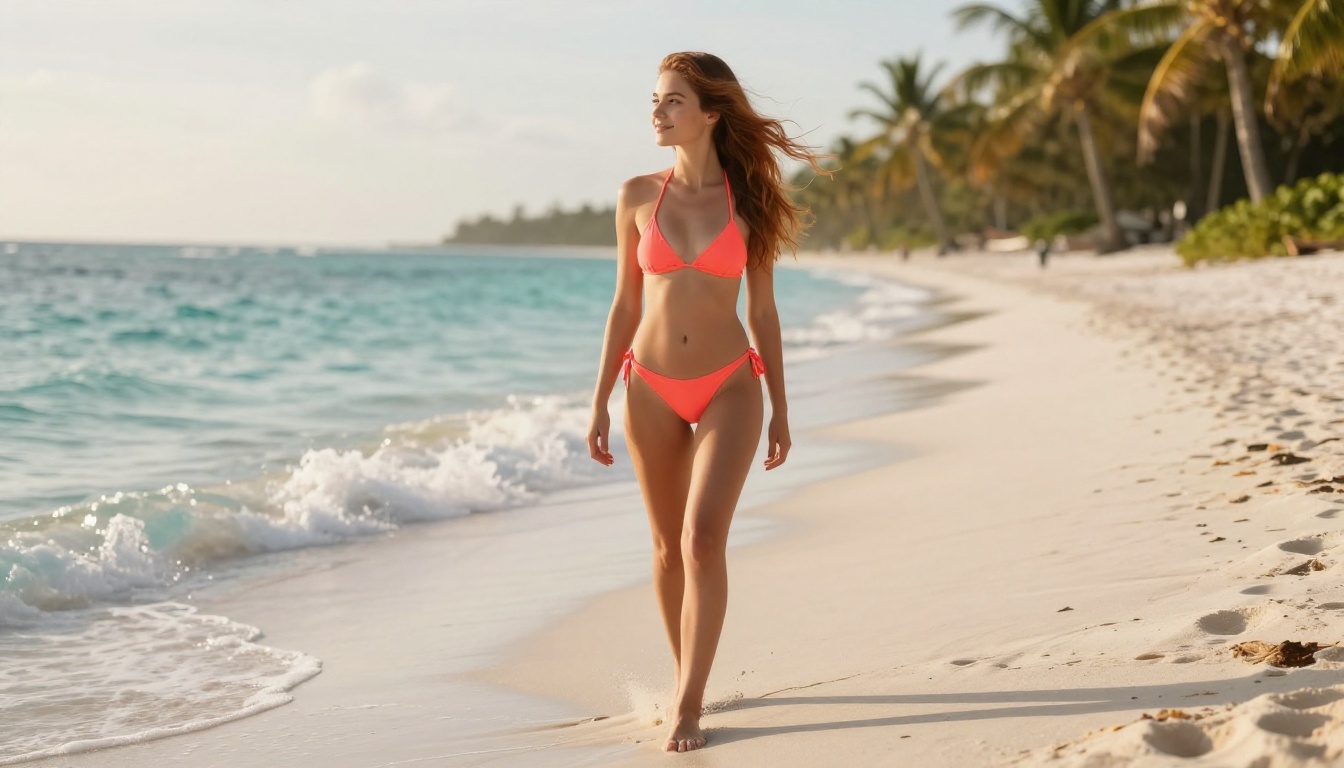
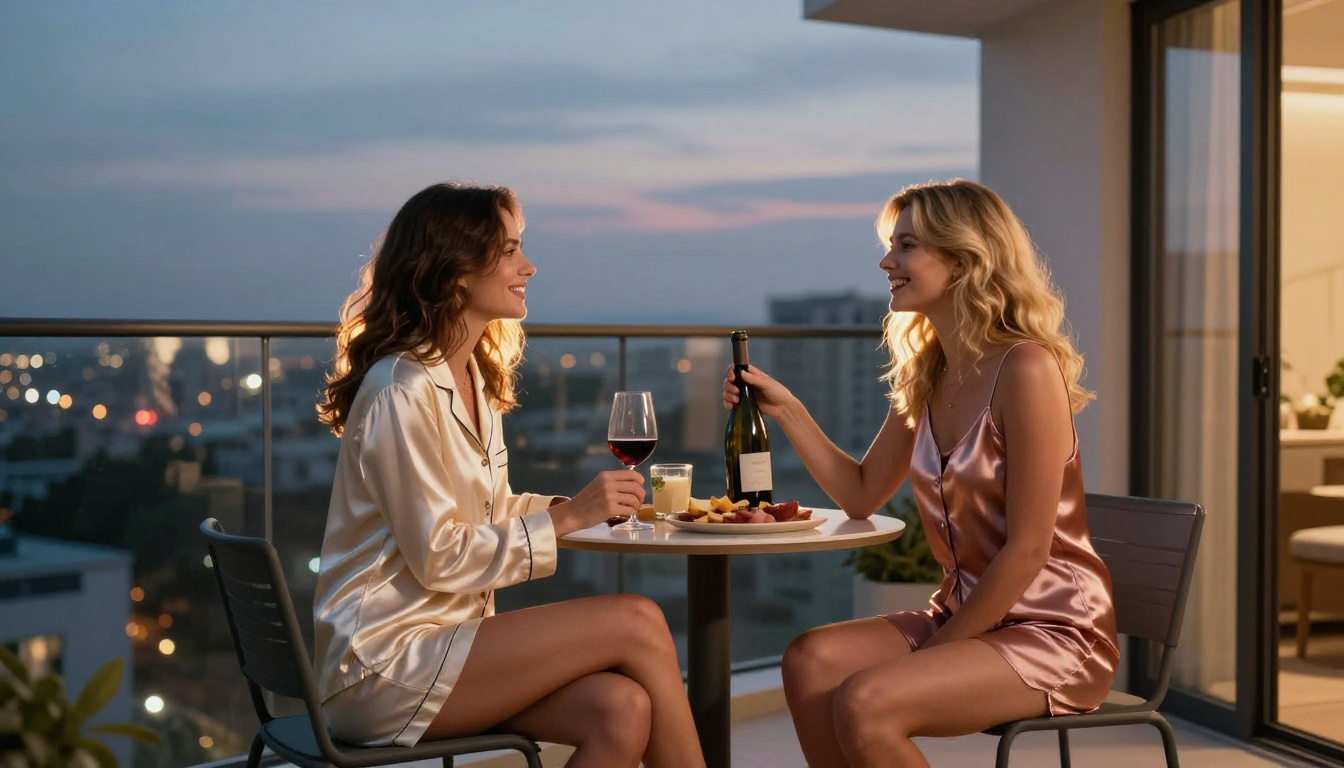
For adult content creators specifically, this means generating realistic glamour, boudoir, implied nudity, swimwear, and intimate portraits without fighting the tool at every step.
The Speed Factor
Speed matters more than most creators realize. When you're iterating on a scene, whether adjusting lighting, composition, or a subject's expression, you need rapid generation cycles. A tool that takes 30 seconds per image breaks creative flow. Several of the unrestricted tools on PicassoIA generate in under 1 second, making real-time iteration possible.
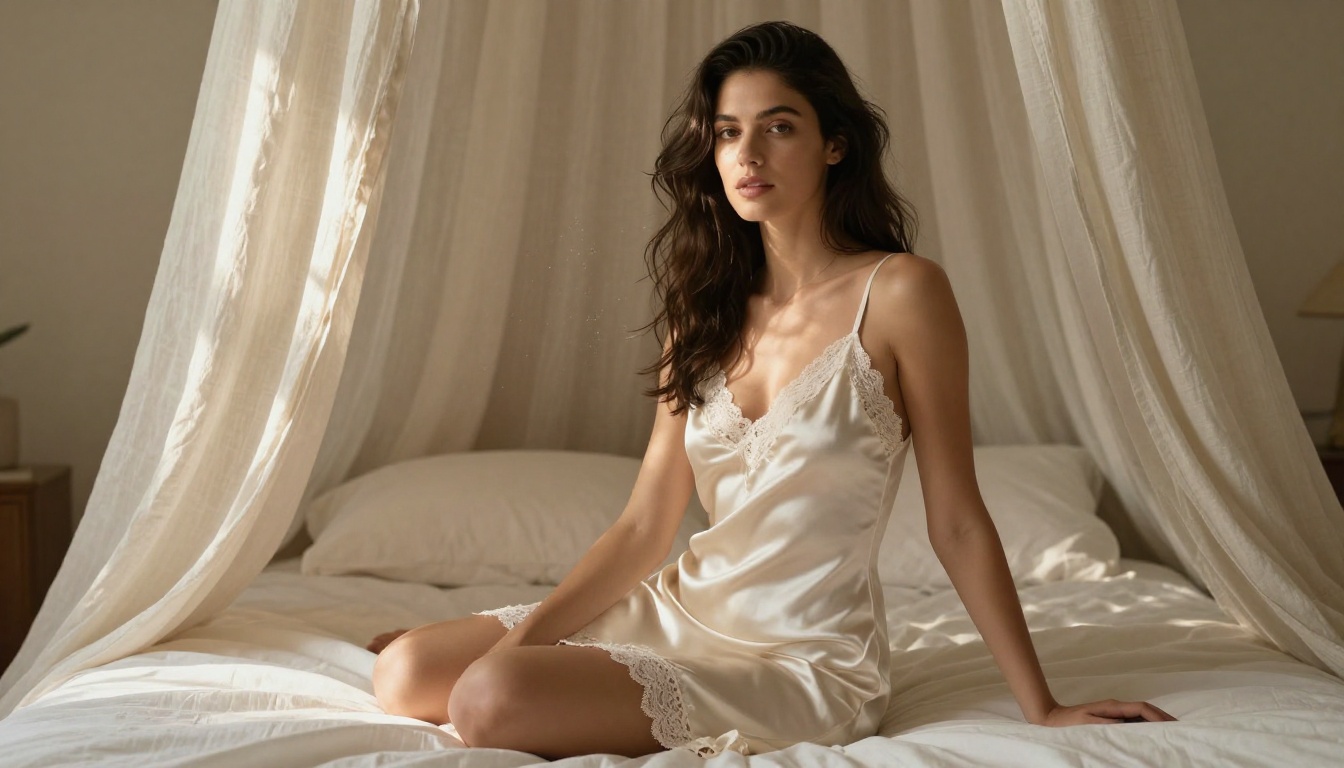
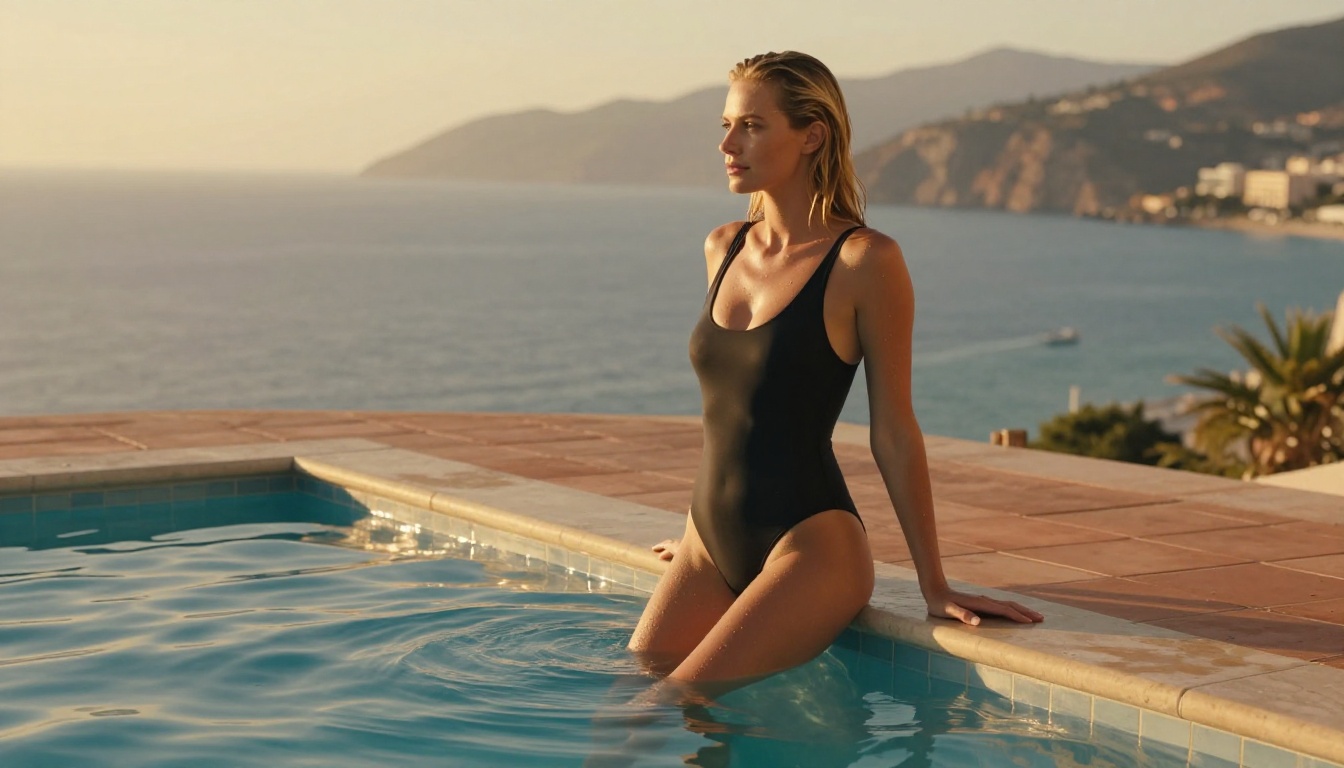
PicassoIA hosts over 90 text-to-image models, and a focused subset of them accept adult and unrestricted content without filtering. Here's the ranked breakdown.
Seedream 4.5: Top Pick for Realism
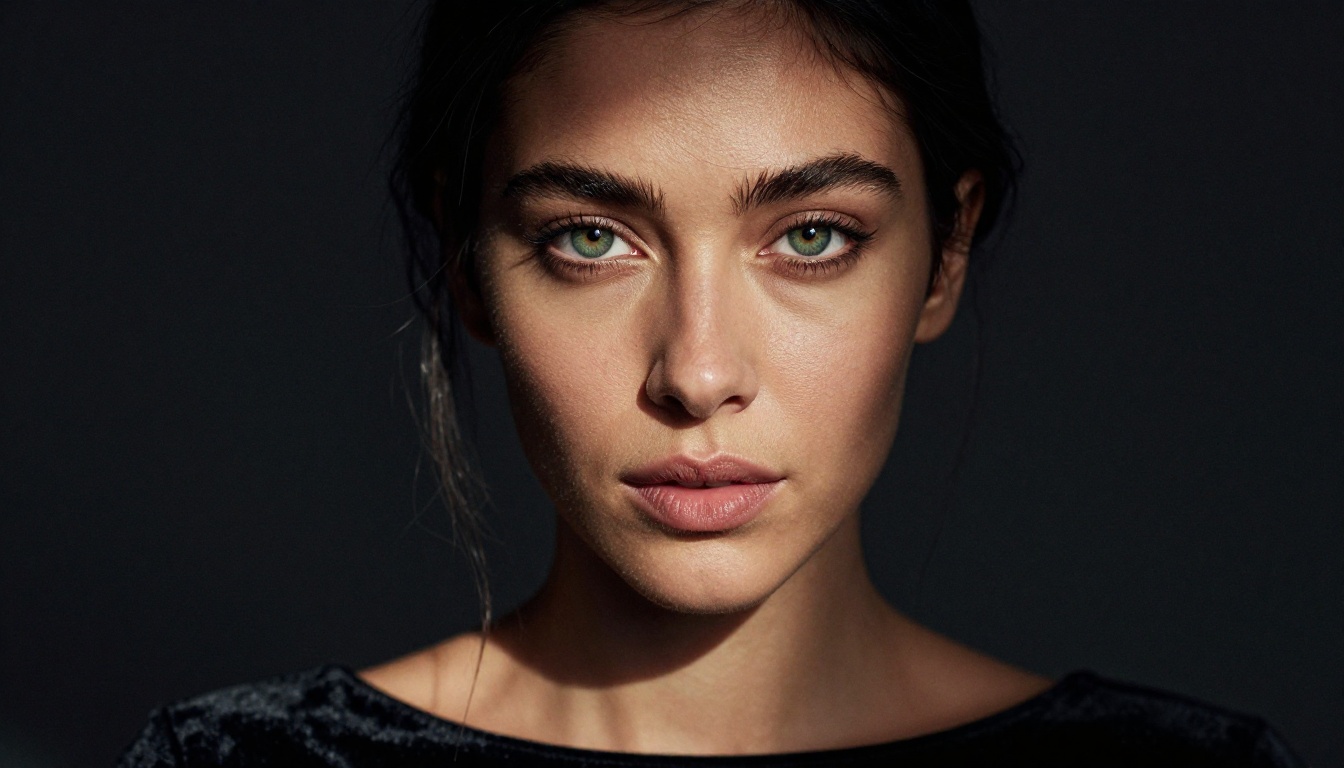
Seedream 4.5 is the strongest all-around unrestricted image model on PicassoIA right now. It accepts adult content without flagging, supports image editing as well as text-to-image, and produces results that are genuinely difficult to distinguish from professional photography. Generation happens in under 3 seconds.
One important note: Seedream 5 Lite, its newer sibling, does not accept NSFW content. For unrestricted generation, stick with Seedream 4.5.
What Seedream 4.5 does well:
- Ultra-realistic skin, hair, and fabric texture
- Complex lighting scenarios (Rembrandt, golden hour, studio strobe)
- Pose and expression accuracy
- Image editing mode for refining existing shots without regenerating from scratch
PicassoIA Image Editor Pro: Unlimited Generations
PicassoIA Image Editor Pro works differently from the other models here. It's an img2img tool: you provide a source image and a prompt, and it converts the image accordingly. The conversions accept NSFW content, and results arrive in under a second.
The standout advantage is cost. On PicassoIA's Elite or Infinite subscription plans, generations with Image Editor Pro are completely unlimited. Need 1,000 images? They're all included. For context: generating 1,000 images on models like Nano Banana 2 would cost approximately $100. Here, it costs nothing extra.
There's also a free trial of 3 generations requiring no credit card.
💡 Best use case: Take an existing photo and use Image Editor Pro to convert it into specific styles, outfits, or scenes, at zero per-image cost with an Elite or Infinite plan.
Qwen Image 2: Open-Source Realism
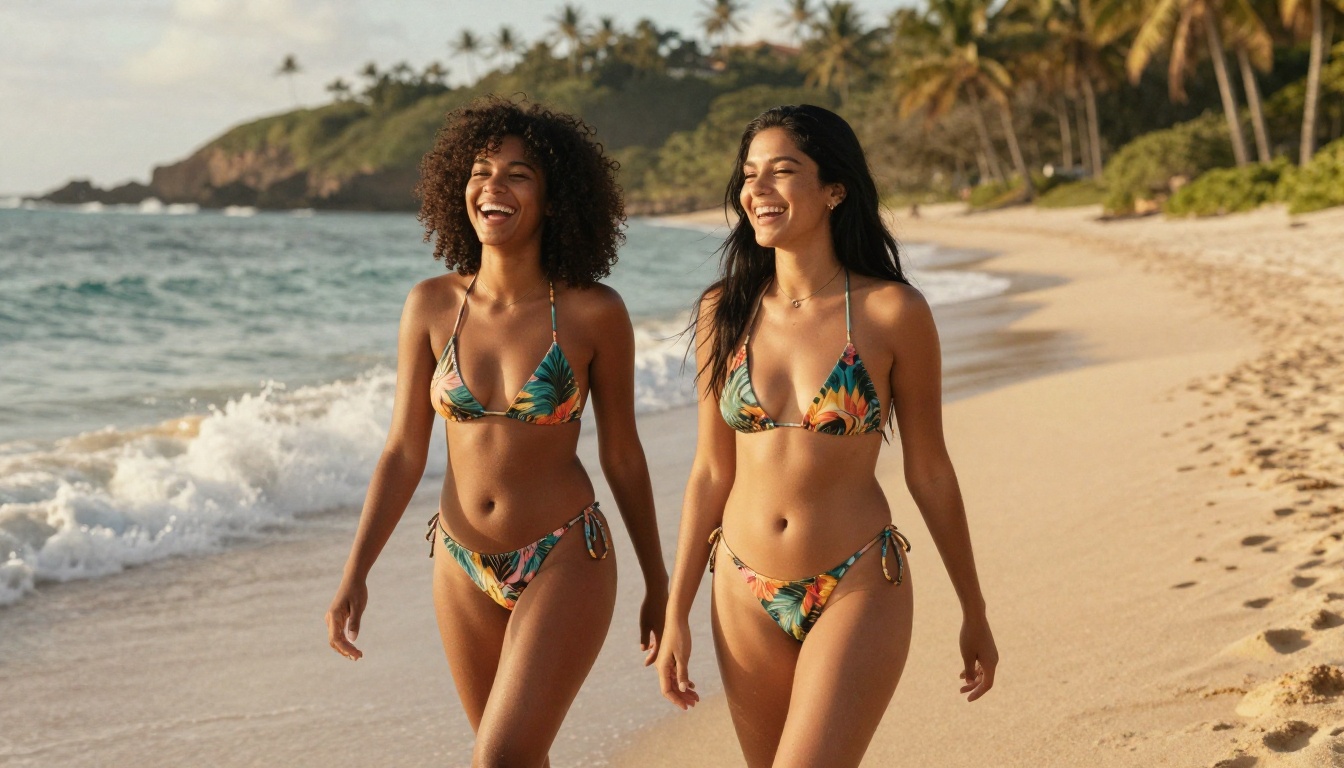
Qwen Image 2 is open-source, which means no corporate content filter sitting on top of the model. You can create or edit any image with very detailed realism in seconds. The open-source architecture means the model weights are unmodified from training, giving you the full capability without restrictions layered on afterward.
Grok Imagine Image: Swimwear Specialist
Grok Imagine Image has a specific strength: it converts existing images into realistic swimwear and bikini formats with exceptional accuracy. Upload a clothed reference, describe the swimwear you want, and Grok Imagine handles the conversion with photorealistic results. It's fast and consistent, making it ideal for creators building swimwear content at scale.
Recraft V4: Reliable Text-to-Image
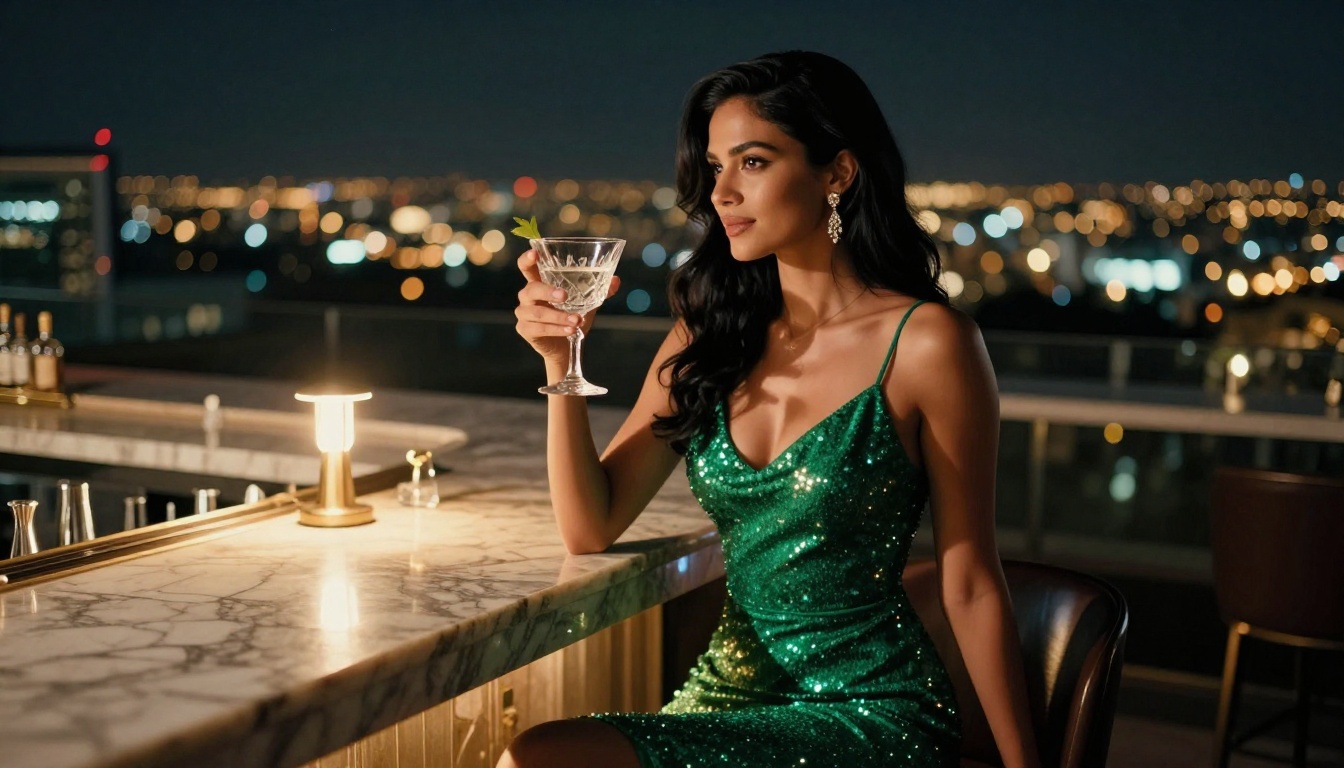
Recraft V4 is a solid text-to-image option producing very realistic results. It operates purely as text-to-image with no editing mode, but the output quality for portrait and fashion work is strong. The right choice when you're building scenes from scratch rather than modifying existing references.
P-Image: Fastest Unrestricted Generation
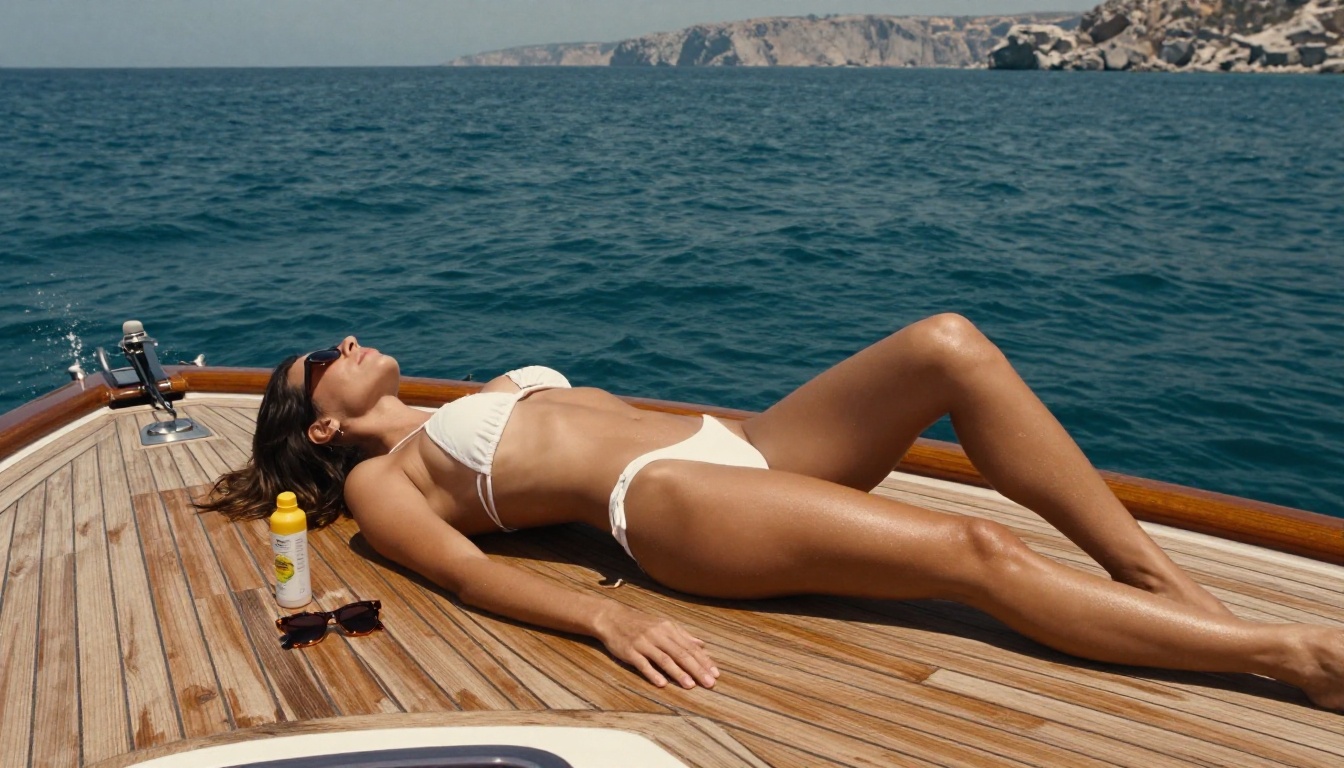
P-Image by PrunaAI is the speed champion. It generates unrestricted images in under 1 second, making it the right tool when you need rapid iteration across many concepts. Quality is excellent for the speed. When you're testing 30 different prompt variations, P-Image lets you do that in under a minute rather than half an hour.
Wan 2.2 Image: Detailed Realism Without Filters
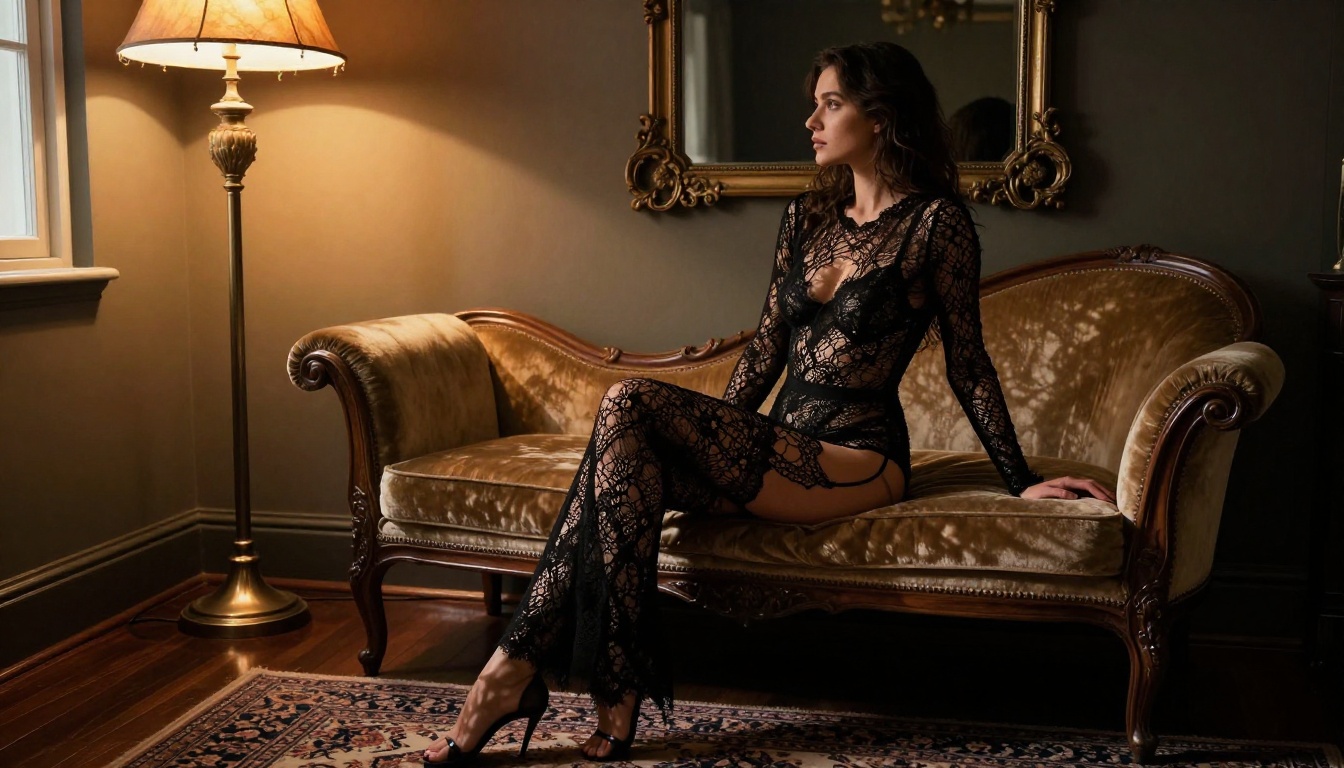
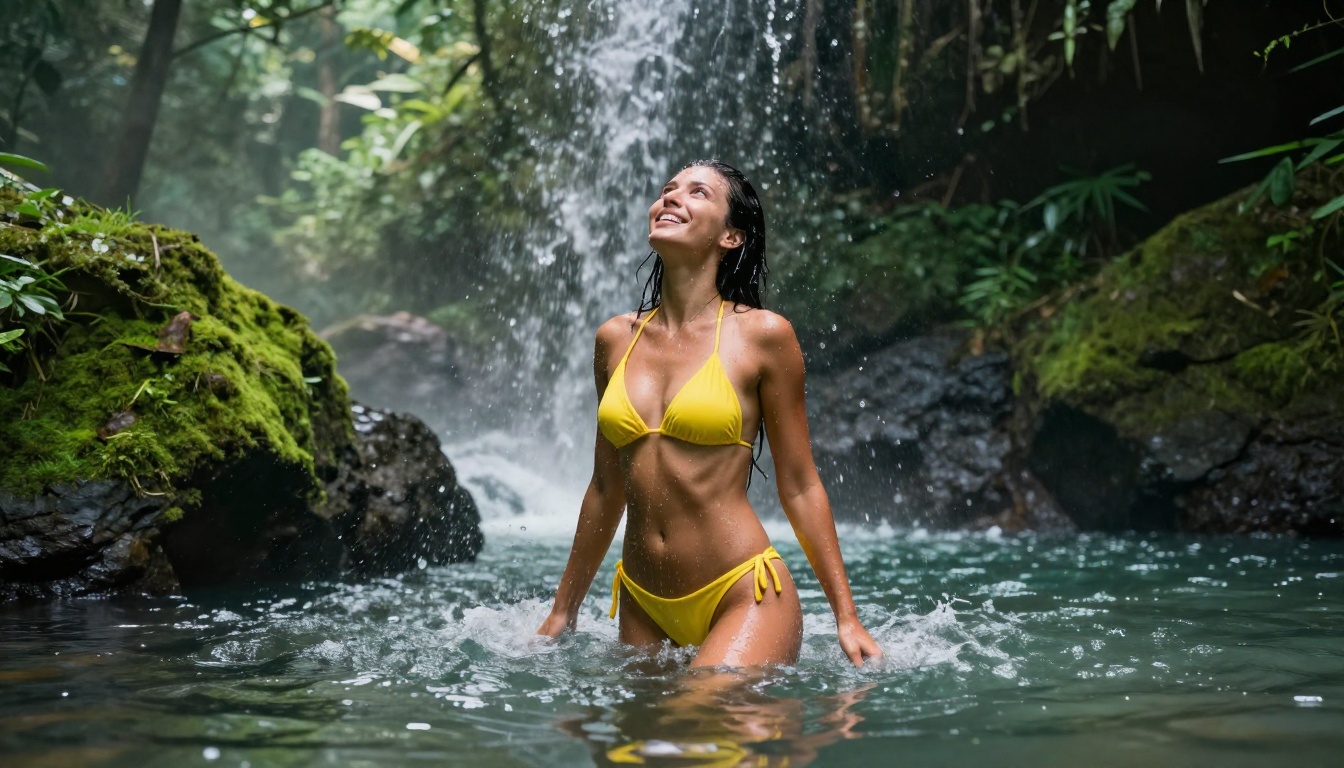
Wan 2.2 Image by PrunaAI generates highly realistic images from text descriptions without content filtering. It's particularly strong on textures, surfaces, and environmental detail, making it great for complex scenes with multiple subjects or intricate backgrounds where accuracy matters.
Video Models Without Restrictions
Still images are only part of what PicassoIA offers. For creators who need motion content without filters, these video models operate with no content restrictions.
PicassoIA Video: Unlimited Video Generation
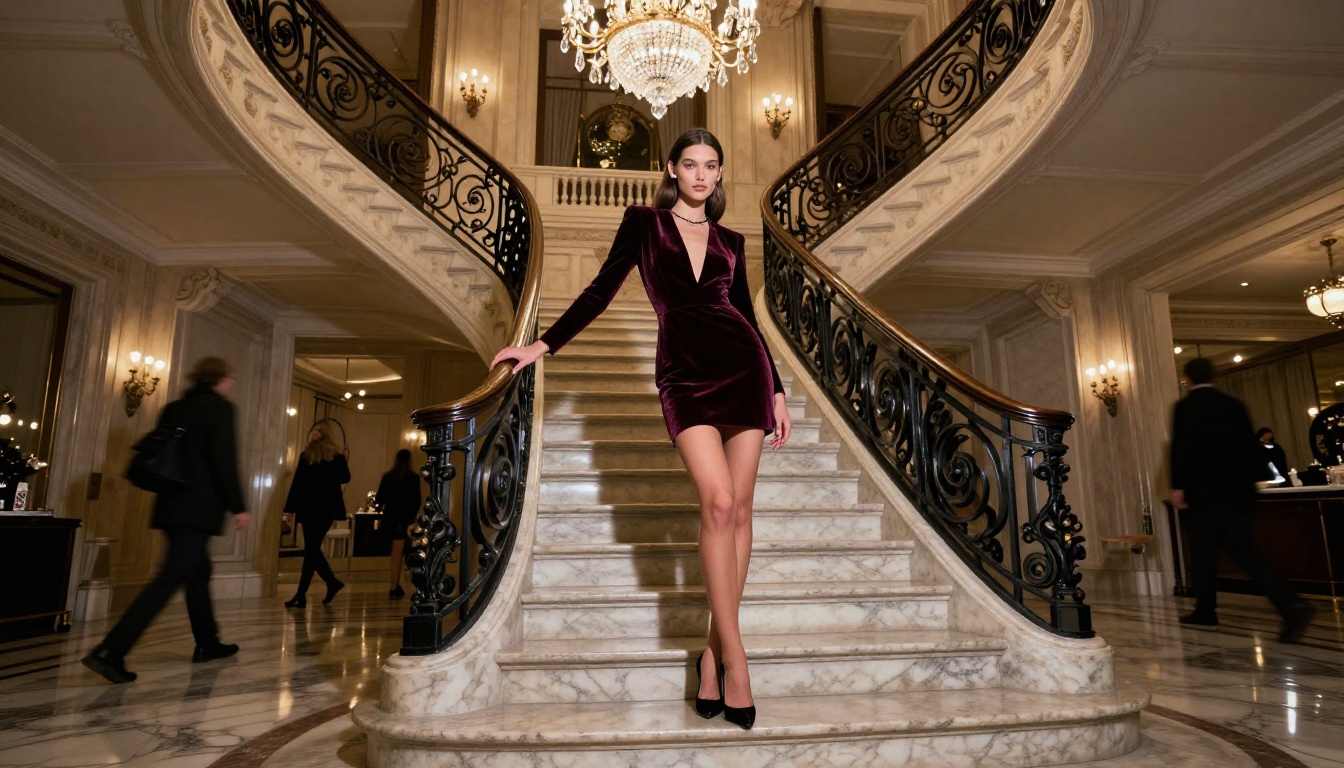
PicassoIA Video generates video clips directly from text prompts at up to 720p resolution and 5 seconds per clip, with no per-clip limits on Elite and Infinite plans. For adult content video creation, this is genuinely significant. Most platforms cap free video generations at a handful per day. PicassoIA Video removes that ceiling entirely.
P-Video: Safety Filter Off by Default
P-Video by PrunaAI converts text, images, or audio into video clips at up to 1080p at 24 or 48fps. The safety filter is disabled by default, meaning your prompts aren't screened for adult content before generation. Duration is adjustable from 1 to 10 seconds across seven aspect ratios. A draft mode gives you an instant low-resolution preview before committing to a full render, keeping the creative loop fast.
Grok Imagine Video: 15 Seconds, No Watermarks
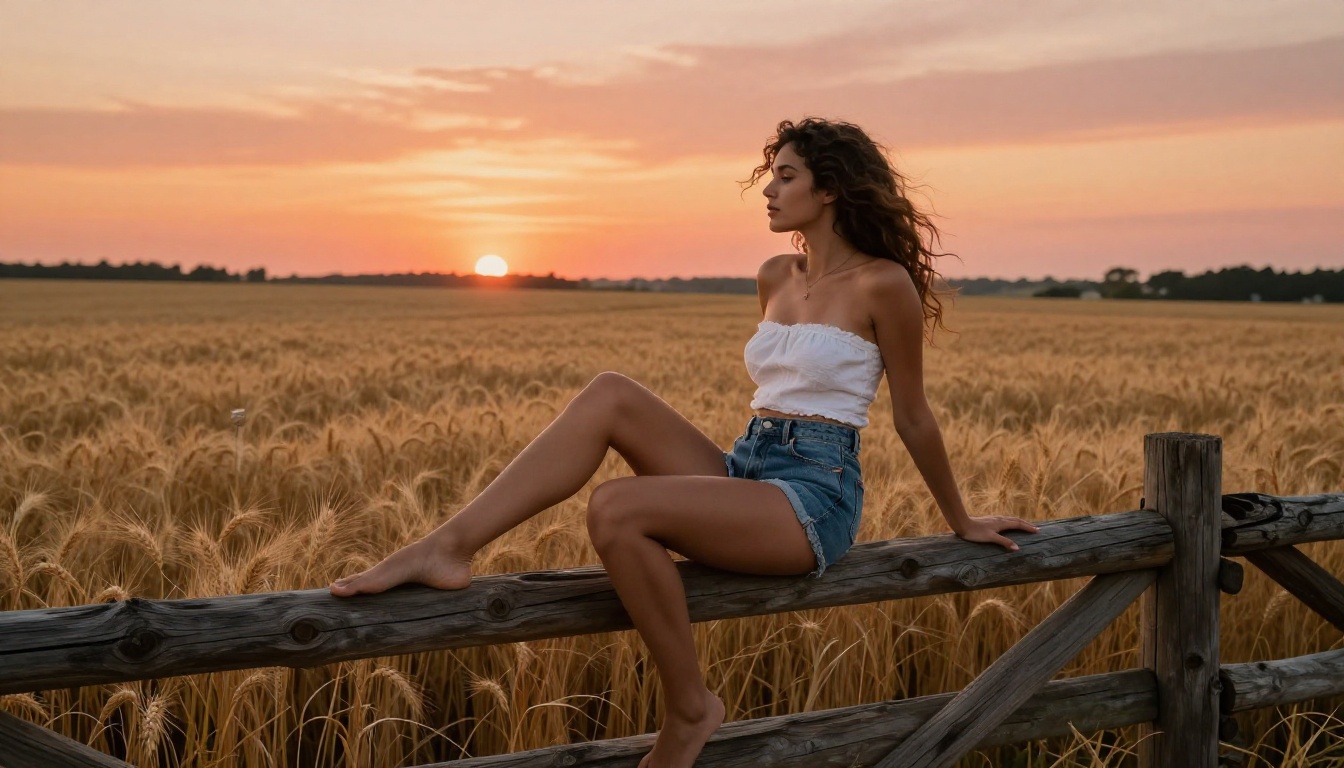
Grok Imagine Video produces clips up to 15 seconds from text, reference images, or existing video. Outputs come in at 720p or 480p across eight aspect ratios with no watermarks. The image-to-video mode automatically matches your source photo's proportions, so you can animate any still image with zero cropping or distortion.
LTX 2.3 Pro: 4K at 50fps
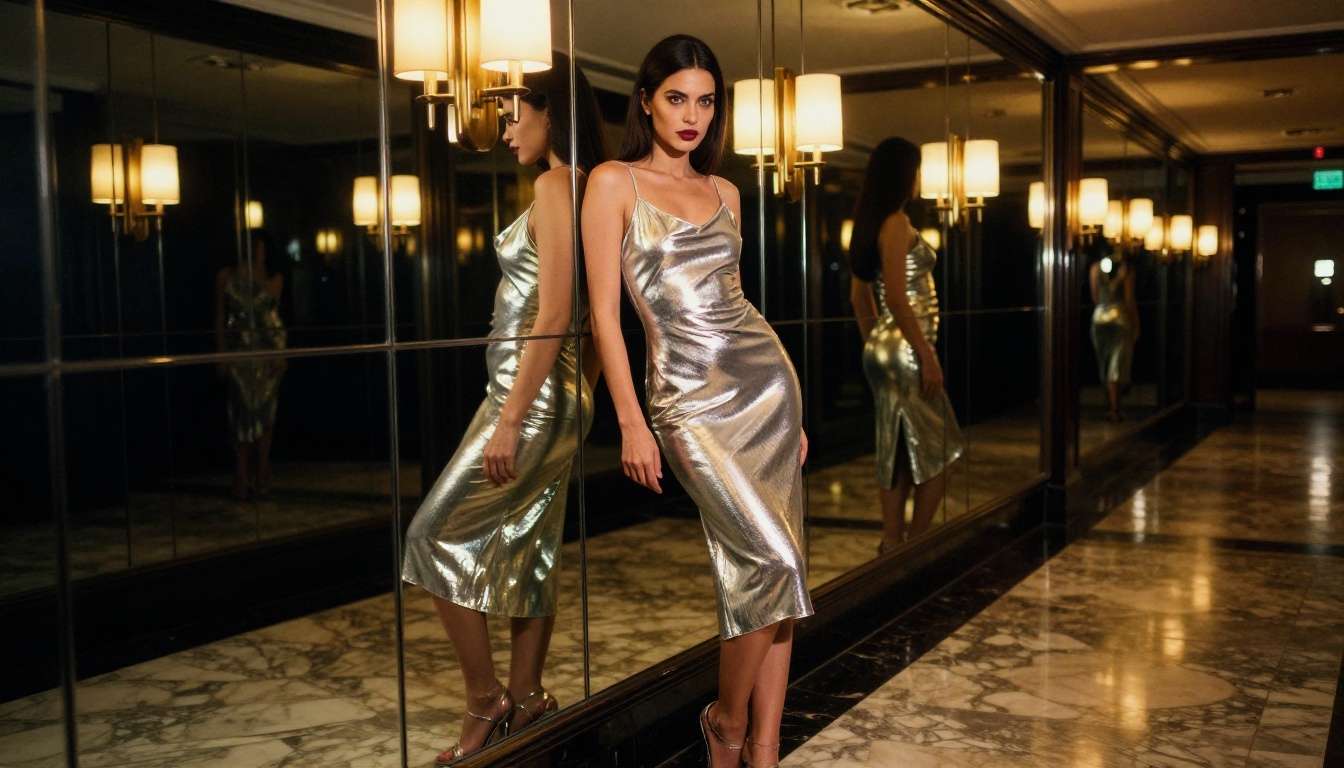
LTX 2.3 Pro is the highest-fidelity option in the lineup. It exports at up to 4K at 50fps for client-ready work. It runs five modes from a single interface: text-to-video, image-to-video, audio-to-video, retake (replace a segment without re-rendering the full clip), and extend (add footage to the beginning or end). For professional video content requiring unrestricted output, nothing in this category matches its quality ceiling.
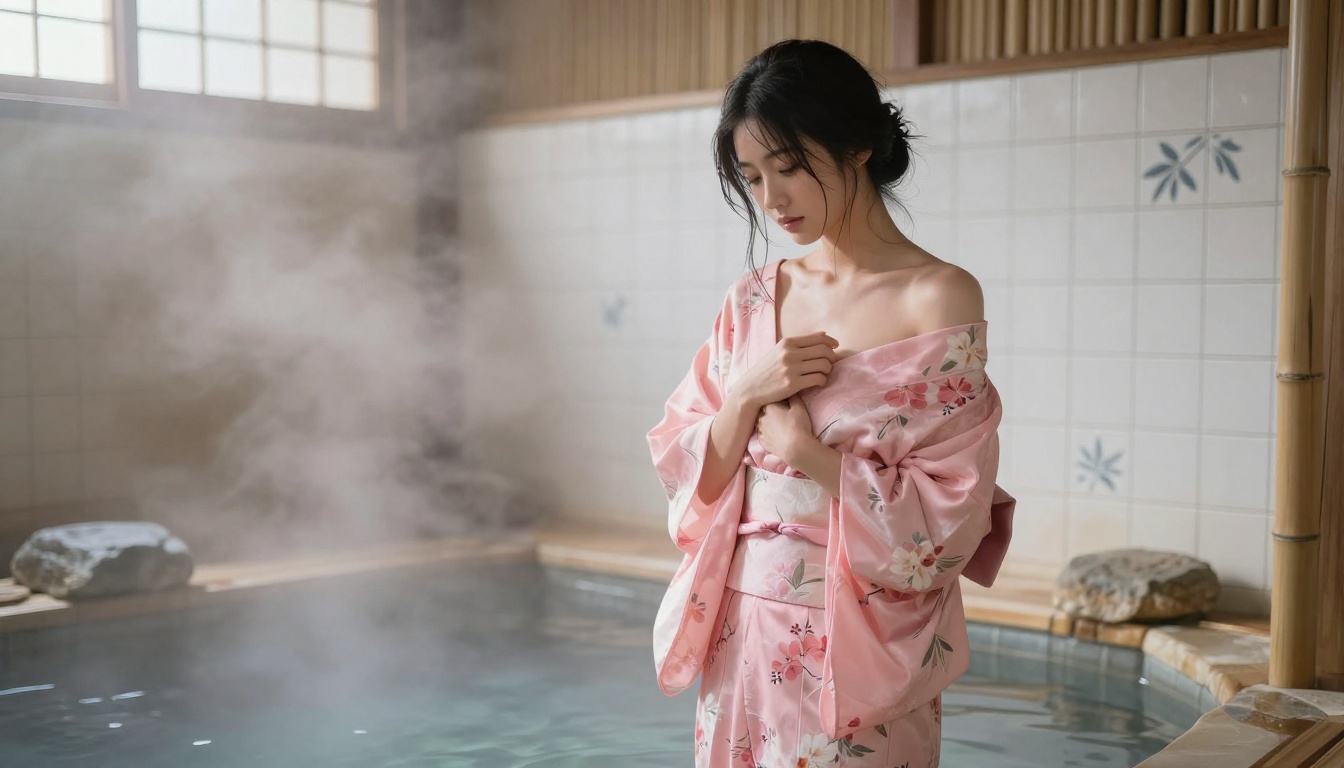
How to Use Seedream 4.5 on PicassoIA
Since Seedream 4.5 is the top recommendation, here's exactly how to use it.
Step 1: Open the model page. Visit picassoia.com/en/collection/text-to-image/bytedance-seedream-45 and log in or create your account. No credit card is required to start.
Step 2: Write a detailed prompt. Seedream 4.5 responds best to descriptive, specific prompts. Include:
- Subject description (appearance, clothing, pose, expression)
- Environment and background (location, setting, props)
- Lighting conditions (golden hour, studio strobe, candle)
- Camera angle and lens feel (eye-level, low-angle, close-up)
- Mood and atmosphere (intimate, dramatic, breezy)
Example prompt: "A confident brunette woman in a sheer white silk dress standing on a marble balcony at sunset, warm golden light from the right, ocean view behind her softly blurred, 85mm f/1.8 shallow depth of field, photorealistic, 8K, Kodak Portra 400"
Step 3: Select output format. Choose 16:9 for landscape images suitable for articles and banners, 9:16 for portrait and story formats.
Step 4: Generate and iterate. Results arrive in under 3 seconds. Adjust based on what the model returns. Small additions like "soft shadows", "linen texture", or "natural skin tones" produce meaningfully different results without a full rewrite.
Step 5: Use editing mode. Seedream 4.5 also accepts a reference image. Upload your generated result and use the editing mode to refine specific elements, such as outfit colors, lighting direction, or background details, without regenerating from scratch.
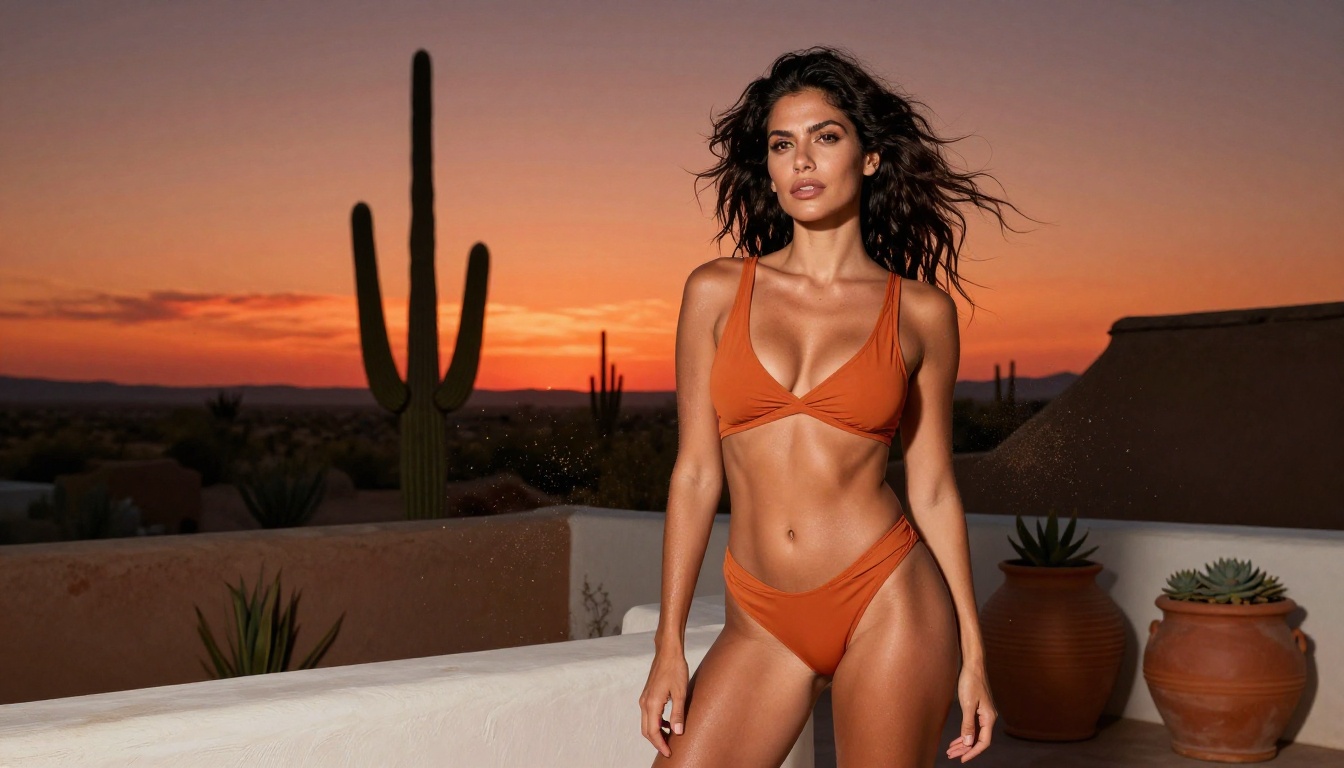
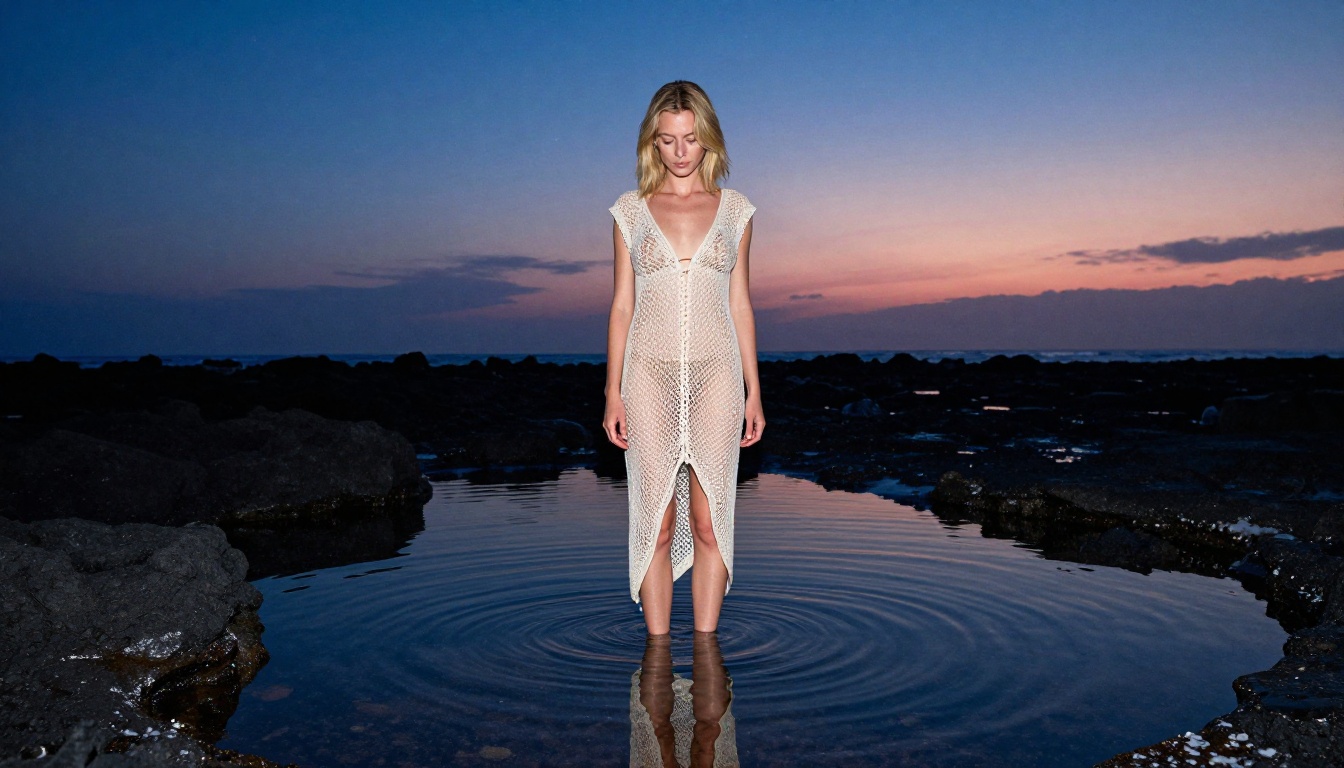
Tips for Better Results
Prompt Writing for Unrestricted Images
The biggest difference between mediocre and exceptional outputs comes from prompt construction. These patterns consistently improve results across all unrestricted models:
Lighting first: Describe the light source and direction before anything else. "Volumetric morning light from the upper left" is far more useful than "well-lit".
Camera specifics: Name a lens and aperture. "85mm f/1.8" signals shallow depth of field with subject isolation. "24mm f/2.8" signals environmental context and wide perspective.
Texture language: Mention materials explicitly. "Egyptian cotton sheets", "sheer chiffon", "velvet", and "lace" all produce distinctly different fabric renderings.
Film stock: Adding "Kodak Portra 400 film grain" at the end of a prompt shifts the overall color science and texture toward analog realism that feels far less digital.
| Element | Weak Prompt | Strong Prompt |
|---|
| Lighting | "good lighting" | "volumetric amber light from left, deep shadow on right" |
| Subject | "beautiful woman" | "brunette woman in ivory silk slip dress, relaxed posture" |
| Camera | "realistic photo" | "85mm f/1.4, shallow depth of field, subject isolation" |
| Style | "photorealistic" | "Kodak Portra 400 film grain, RAW 8K photography" |
Common Mistakes to Avoid
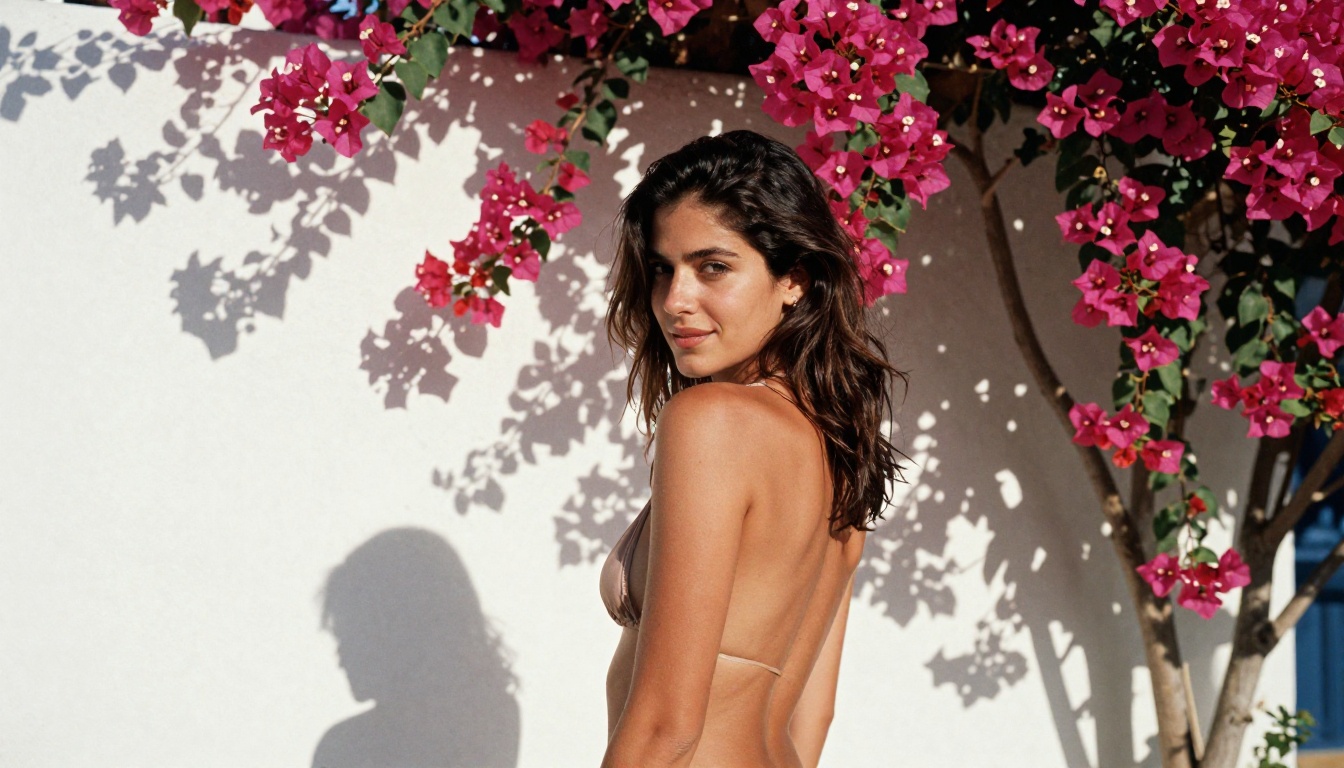
- Generic subjects: "A woman in a bikini" generates average results. Specify skin tone, hair color and length, build, expression, and setting in detail
- Ignoring the background: Half the image is background. "A sun-drenched Santorini terrace with a blue-domed church visible" is far more powerful than simply "outside"
- No camera angle: Without a specified angle, models default to straight-on mid-shots. Use "low angle", "aerial overhead", or "tight close-up" with intention
- Stacking contradictory styles: Mixing photorealistic with painting or cartoon tags confuses models and degrades output. Pick one direction and commit to it fully
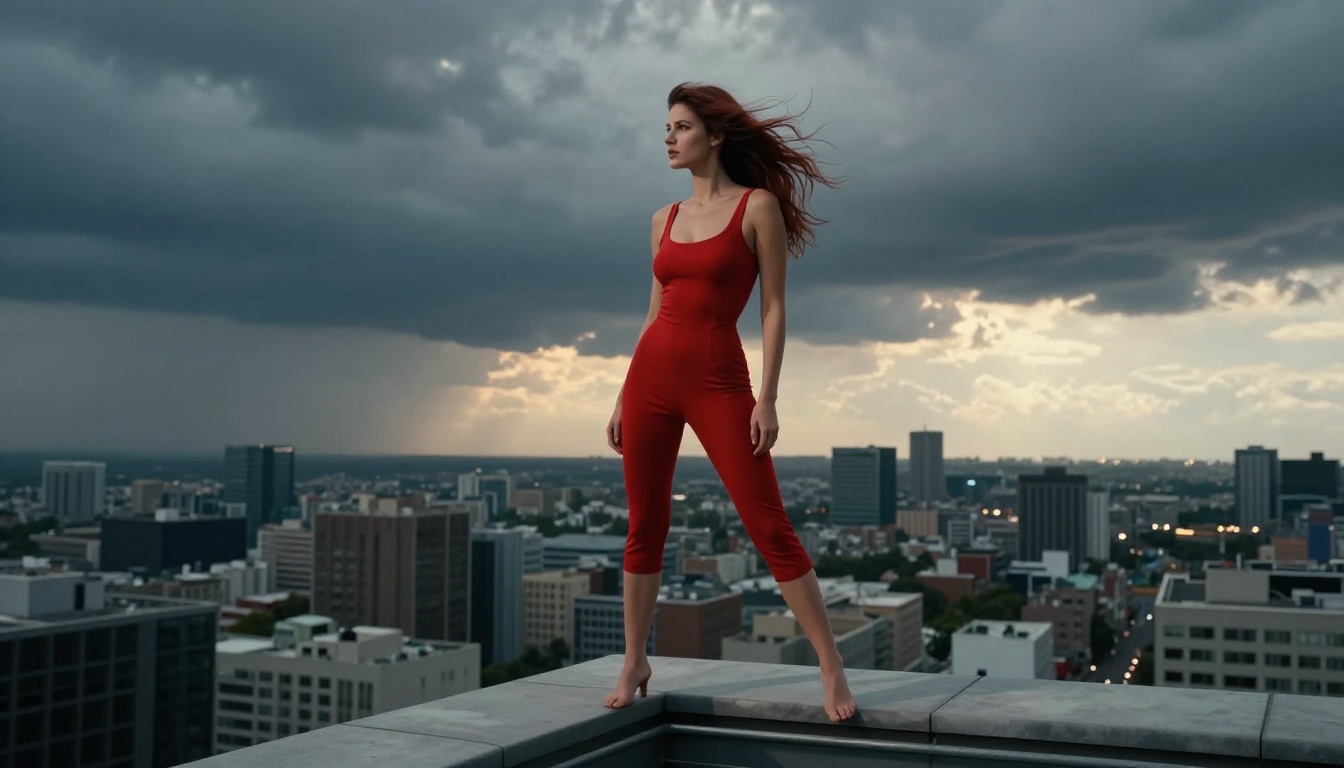
| Platform | NSFW | Unlimited Plans | Speed | Models |
|---|
| PicassoIA | Yes (selected models) | Yes (Elite/Infinite) | Under 1–3s | 90+ text-to-image |
| Midjourney | No | No | ~30s | 1 model |
| DALL-E 3 | No (strict filter) | Pay per use | ~15s | 1 model |
| Stable Diffusion (local) | Yes | No cost (self-hosted) | Varies | Requires GPU setup |
| NightCafe | Limited | No | ~30s | Several |
PicassoIA's main advantage over self-hosted Stable Diffusion is no setup, no GPU, no maintenance. You get access to dozens of unrestricted models through a browser in seconds, with a subscription that removes per-generation costs entirely. For creators who want professional output without managing infrastructure, PicassoIA is the clearest path.
Start Creating Right Now
You've seen the models, the prompting strategies, and how PicassoIA stacks up against alternatives. The only thing left is to open the platform and start generating.
Seedream 4.5 is the best starting point for photorealistic unrestricted images. For editing existing photos at unlimited scale, PicassoIA Image Editor Pro offers unlimited generations on Elite plans with a free 3-generation trial and no credit card required. If you want swimwear-specific conversions, Grok Imagine Image is the most reliable tool for that use case.
For video, P-Video covers short-form clips with the safety filter off by default, while LTX 2.3 Pro handles 4K cinema-quality outputs with precise retake and extend controls for professional work.
The full catalog, including all models mentioned here and many more, is available at picassoia.com/en/all-models.
No setup. No content filter. No ceiling on what you can create.


