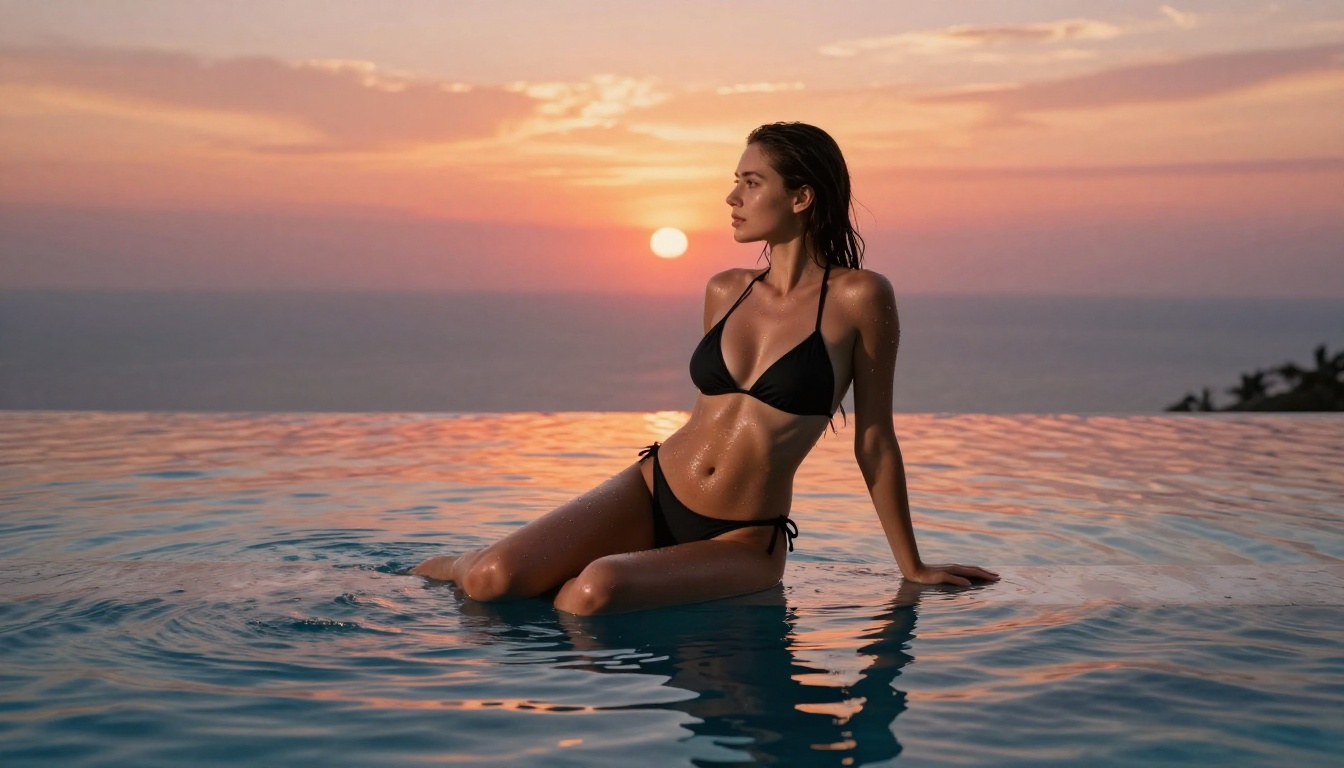
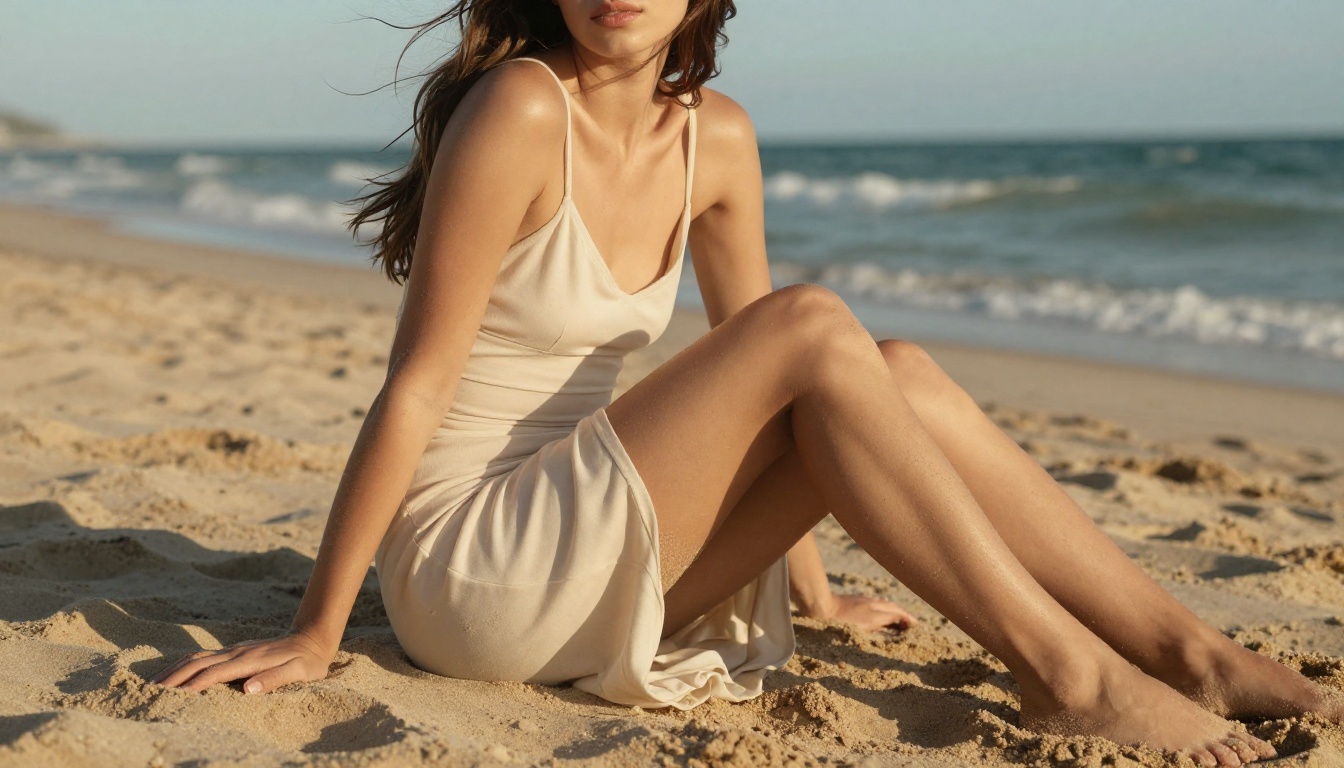
If you've been generating NSFW AI characters only to get a different face every single time, this article shows you the exact workflow to lock your character down: the right models, prompt structures, seed management, and LoRA training steps that produce repeatable, high-quality results across any scene or pose.
If you've been generating NSFW AI characters and getting a completely different face every single time, you're not alone. This is the most common frustration for creators working in this space. The good news: there's a structured workflow that solves it, and once you follow it, you'll produce the same character consistently across any scene, pose, or outfit.
This article walks you through that exact workflow, from model selection to seed management to prompt architecture.
Why Your AI Characters Look Different Every Time
Most people blame their prompts when characters come out inconsistent. Prompts matter, but they're rarely the real cause. The actual culprits are random seeds and model drift, and fixing those two things changes everything.
The Random Seed Problem
Every image you generate uses a random seed unless you specify one. That seed is the starting noise pattern that gets shaped into your final image. Change the seed, and even an identical prompt produces a completely different face, body type, and hair texture.
This is why two generations with the same prompt look like two different people. The model interprets the prompt differently depending on the seed, filling in unspecified details like exact nose shape or eye spacing from whatever that seed produces.
💡 Fix it immediately: Always save and reuse your seeds. When you generate an image you like, record that seed number before doing anything else.
What Makes a Character "Consistent"
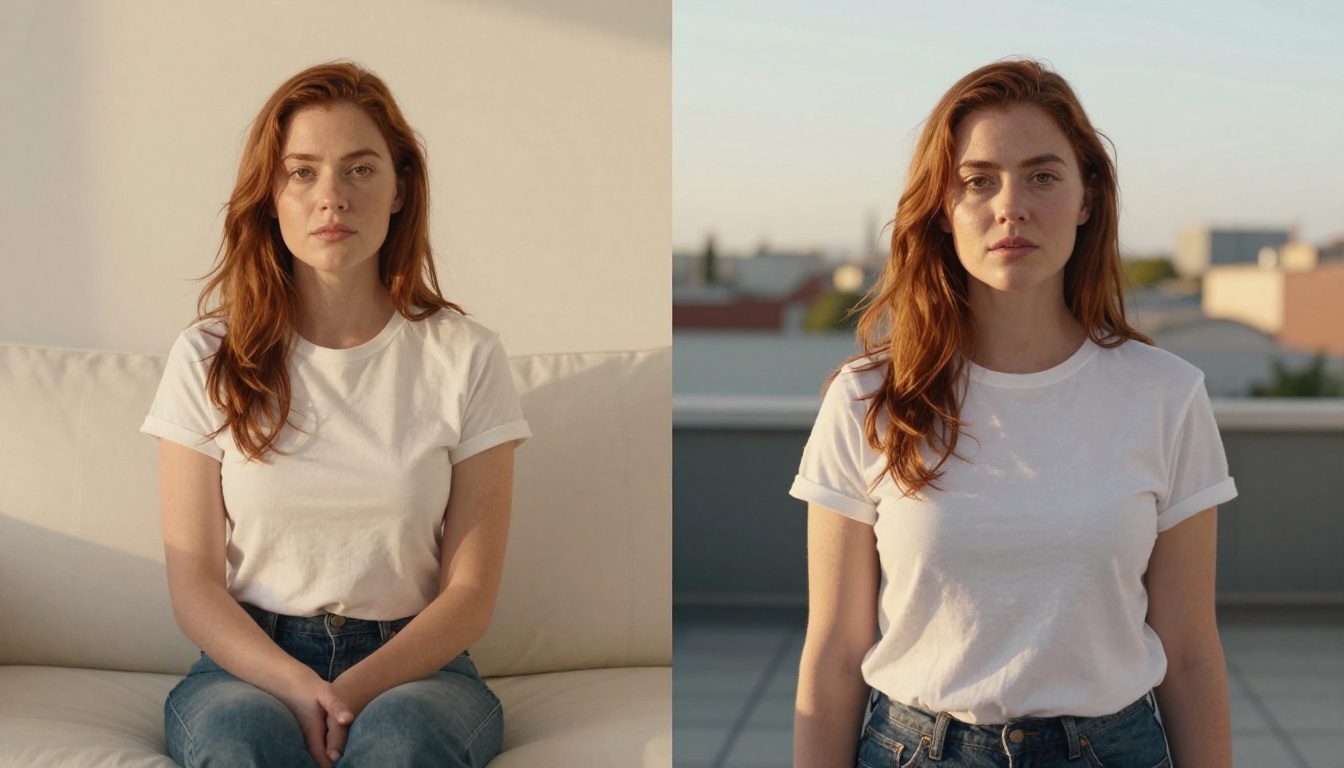
Character consistency means more than "similar-looking." True consistency means the same facial structure across different generations, the same skin tone and texture regardless of lighting conditions, the same hair color, length, and style without prompt drift, and the same body proportions when switching poses.
This level of control requires combining two things: a well-structured prompt and the right model with proper configuration.
The Right Models for Character Consistency
Not all text-to-image models handle character consistency equally. Some are built for variety, others for control. Here's what works on PicassoIA.
Flux Dev LoRA for Deep Character Training
Flux Dev LoRA is the strongest option when you need true character lock. LoRA (Low-Rank Adaptation) lets you train a small model on a set of reference images of your character, then apply that trained style to any new generation.
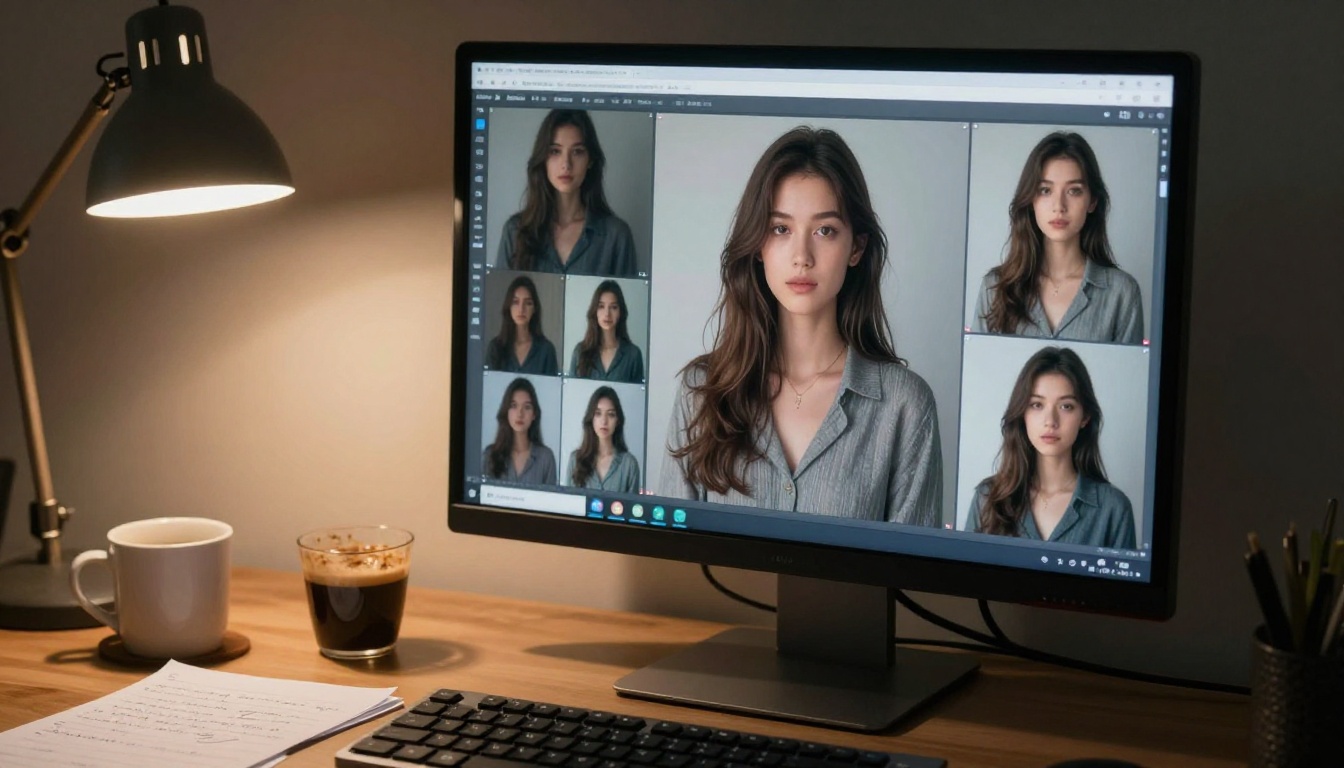
The workflow: generate 10 to 20 base images of your character using a fixed seed, curate the best 5 to 8, then train a LoRA on those images. Once trained, every new generation pulls from that character's specific facial geometry.
Why it works: LoRA doesn't just match surface-level features. It encodes the structural relationships between facial features, making it much harder for the model to drift across scenes.
RealVisXL for Photorealistic Results
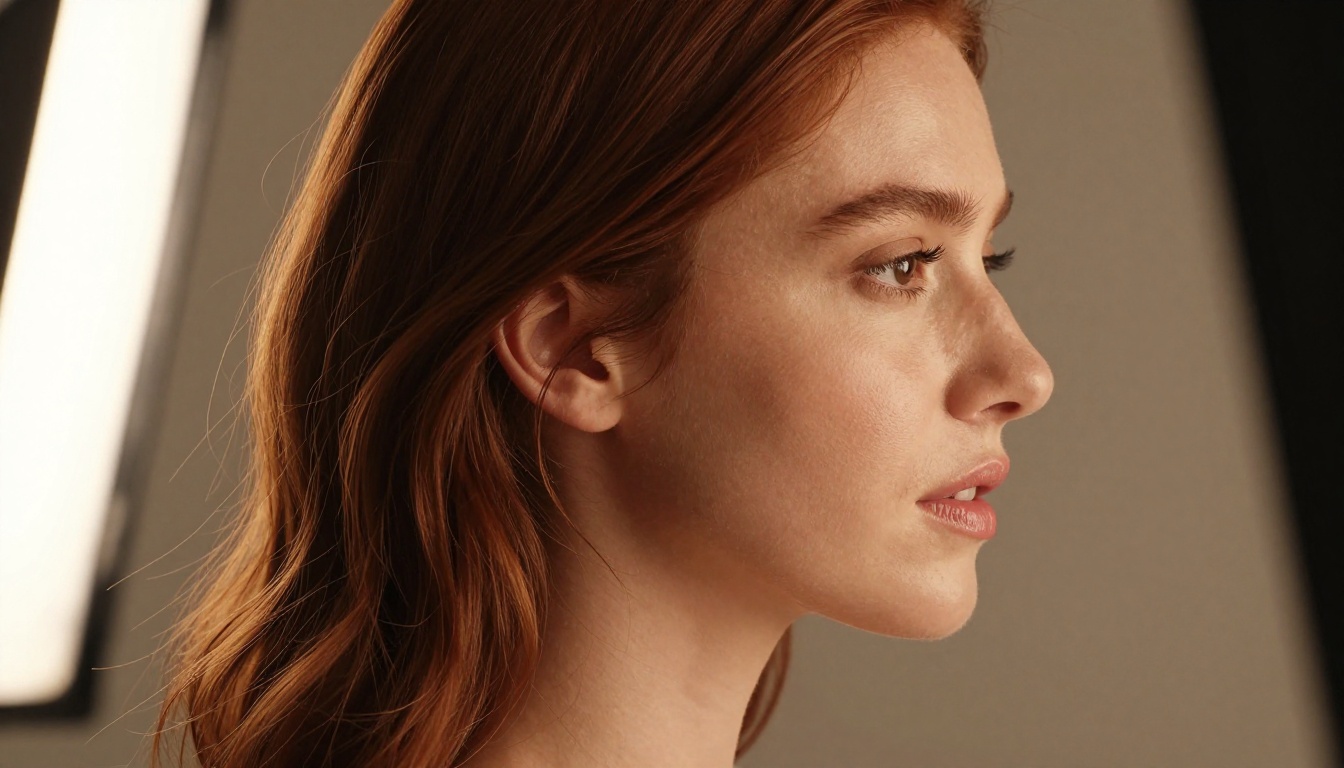
RealVisXL v3.0 Turbo is built for photorealism and handles character consistency well when combined with seed locking. It's particularly strong for skin texture, hair detail, and natural lighting that reads as genuine photography rather than AI-generated imagery.
Pair it with SDXL Multi ControlNet LoRA when you need pose control layered on top of character consistency.
p-image-lora for Fast Iterations
p-image-lora from PrunaAI is the fastest option for iterating on character designs before you commit to a full LoRA training session. It supports LoRA weights directly in the prompt interface, so you can test multiple character variations quickly without setting up separate workflows.
For high-resolution final output, Flux 1.1 Pro Ultra produces the sharpest detail at large sizes and pairs well with trained character LoRAs.
How to Use Flux Dev LoRA on PicassoIA
This is the step-by-step process for creating a consistent NSFW character using Flux Dev LoRA on PicassoIA.
Step 1: Build Your Character Reference Sheet
Before training anything, you need a character reference sheet. This is a collection of base images that define your character's appearance. Think of it as the "source of truth" for every future generation.
Use the same seed for all of them, adjusting only the pose descriptor in your prompt. Keep lighting consistent across all reference images. Soft studio lighting with a single key source works best for reference material because it doesn't introduce dramatic shadows that compete with facial recognition.
💡 Pro tip: Generate at the highest available resolution. More detail in your reference images means better LoRA training results and fewer artifacts in final output.
Step 2: Structure Your Base Prompt
Your base prompt is the text description you'll reuse every time you generate this character. It needs to be specific enough to constrain the model without being so long it becomes incoherent. The ideal length is 60 to 90 words for the character descriptor portion.
25-year-old woman, long wavy dark brown hair with natural caramel highlights, almond-shaped hazel eyes, warm olive skin with subtle freckles across the nose bridge, slender athletic build with defined collarbones, wearing [OUTFIT], [SETTING], soft volumetric light from the left, 85mm f/1.4 lens, photorealistic, Kodak Portra 400, 8K
The bracketed sections are your variables. Everything else stays locked across all generations of this character.
Step 3: Lock Your Seed
Once you have a generation you're happy with, save three things immediately: the full prompt, the model version, and the seed number. Create a simple reference document so you always have it on hand.
Element
Value
Model
Flux Dev LoRA
Base Seed
Your seed number
Prompt Version
First 30 characters of prompt
Reference Images
8 curated shots
Training Status
In progress / Complete
Every new scene uses this same seed as your starting point. Only the scene-specific variables change. The seed is your character's DNA.
Prompt Engineering That Actually Works
Seed locking handles a lot of the consistency problem, but your prompt is still the main control surface. Here's how to write prompts that hold character identity across generations.
The Character Anchor Technique
A "character anchor" is a short, highly specific phrase that you place at the start of every prompt. Think of it as a fingerprint for your character that prevents the model from wandering.
Instead of: "beautiful woman with brown hair"
Use: "25yo woman, wavy dark brown hair with caramel highlights, hazel almond eyes, warm olive skin, slender 1.68m build"
The specificity of the anchor forces the model to interpret all other prompt elements through that character's lens. When you change the scene from a bedroom to a beach, the character's face doesn't change with it because the anchor holds those features in place.
💡 Name your character. Literally give them a name and use it in every prompt. Models trained on human text can associate names with recurring physical characteristics, which subtly reinforces consistency across a series.
Physical Descriptors That Stick
Some descriptors carry through from generation to generation reliably. Others are almost completely ignored. Knowing the difference saves you hours of iteration.
High-consistency descriptors:
Hair length and texture ("waist-length wavy auburn hair")
Eye color with shape ("almond-shaped green eyes, defined lower lashes")
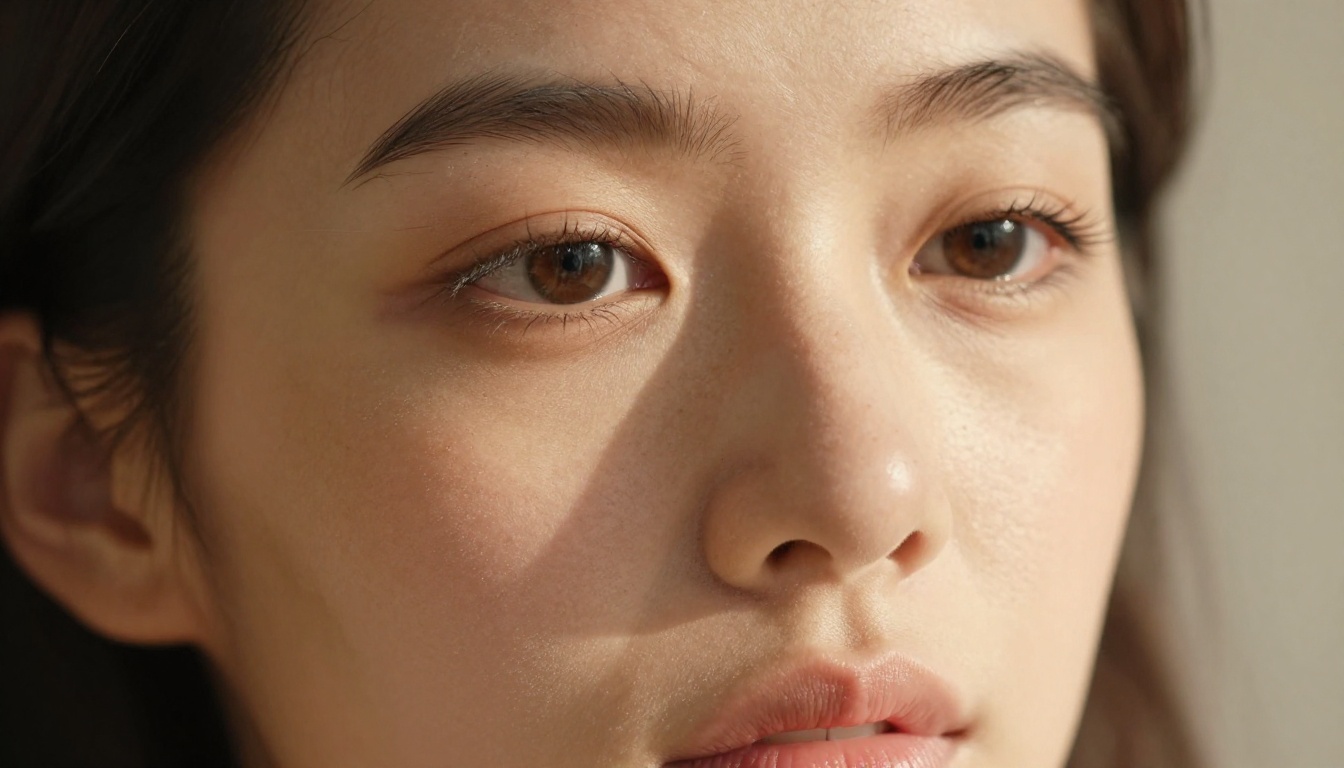
Skin tone with modifier ("warm honey-toned skin, visible pores on cheeks")
Distinctive marks ("small beauty mark above the left lip")
Bone structure ("strong jawline, high cheekbones, narrow nose bridge")
Abstract style words ("ethereal", "dreamy", "soft")
Relative descriptors ("tall", "slim") without reference measurements
Replace every vague descriptor with a specific, measurable one. "Tall slim woman" becomes "1.75m woman with slender build, defined collarbones, and narrow waist." That second version gives the model actual constraints to work with.
What to Drop from Your Prompts
Some phrases actively harm consistency by giving the model too much interpretive freedom:
"Beautiful" on its own (subjective, triggers random interpretation)
Style tags like "cinematic" without physical anchors to hold the character
Multiple competing aesthetic descriptors that pull the model in different directions
Emotional descriptors like "seductive" or "mysterious" that change expression in unpredictable ways
Strip your prompts down to physical facts. Let the model be creative with lighting and atmosphere. Do not let it be creative with your character's face structure. That's your territory.
Consistency Across Multiple Poses and Scenes
Once your base character is locked, you need to move them through different scenes and poses without losing the core appearance. Two tools handle this very effectively on PicassoIA.
Generate your character in a neutral standing pose as your "base pose" image
Load that image as your ControlNet reference
Add a pose modifier to your prompt ("seated with one leg extended", "lying on side, propped on elbow")
The model follows the pose structure while keeping your character's face and features consistent
This is particularly valuable for NSFW content where specific poses are part of the creative vision. Without ControlNet, significant pose changes often introduce unintended facial and body changes as the model re-interprets the character from scratch.
Flux Kontext for Scene Swaps
Flux Kontext Pro and Flux Kontext Max offer text-based image editing that lets you change scene elements while preserving your character's appearance down to fine detail.
You provide a generated image of your character and a text instruction: "change the background to a tropical beach at golden hour" and Flux Kontext applies the change without altering the face, hair texture, or body proportions.
This is arguably the most powerful tool for character consistency because it works directly on an existing image rather than regenerating from scratch. When you regenerate, even with the same seed and prompt, small variations creep in. When you edit, the character stays locked.
Practical use cases for Kontext in NSFW character work:
Changing outfit while keeping the face perfectly identical
Moving the character from an indoor setting to an outdoor scene
Adjusting lighting conditions from warm to cool without regeneration
Swapping background elements while the character remains untouched
💡 Kontext workflow: Generate your single best character image as your "master." Use that master image as the input for all scene variations. Never start a new generation from scratch when you can edit an existing great image.
3 Mistakes That Kill Consistency
Most consistency problems come from the same three errors. Here they are directly:
Mistake 1: Switching models between generations. Each model has different learned biases and interprets physical descriptors differently. Flux Dev and Flux 2 Pro interpret the same prompt differently. Once you pick a model for a character, that model is the only one you use for all generations of that character. Switching models mid-series is the fastest way to lose your character's face.
Mistake 2: Adding new style descriptors mid-series. You start three images in and add "cinematic photography, volumetric haze, dramatic shadows" to make things more interesting. Each new style modifier shifts the model's interpretation and pulls facial features along with it. Lock your style descriptors in the base prompt from generation one and do not touch them.
Mistake 3: Skipping the reference sheet phase. It's tempting to jump straight into scene generation once you have one good image. Without a curated reference sheet, you have no baseline to compare against and no training data if you want to create a LoRA later. The reference sheet phase takes 20 minutes. Skipping it costs hours of frustrated regeneration later.
The Full Consistency Checklist
Before you generate any scene image for your character, run through this checklist:
Checkpoint
What to Verify
Base seed recorded
Seed number saved in your reference doc
Character anchor at prompt start
Specific physical descriptors before anything else
Same model version selected
No model switching since character creation
Physical descriptors all specific
No vague adjectives like "beautiful" or "stunning"
No new style tags added
Style section matches your base prompt exactly
ControlNet reference loaded
If changing pose, reference image is queued
LoRA weight applied
If trained LoRA exists, it is active and weighted correctly
Every row should be checked before you generate. This takes 60 seconds and saves you from generating 20 images that all look like a different person.
Start Building Your Character Right Now
The difference between random results and a locked, recognizable character is almost entirely process. Once you have the right model, a structured prompt, and a saved seed, you can produce the same character in hundreds of different scenarios with remarkable reliability.
PicassoIA has every tool in this workflow ready to use. Start with Flux Dev LoRA to build and train your character reference. Use RealVisXL v3.0 Turbo for photorealistic output that holds up at full resolution. Move into Flux Kontext Pro or Flux Kontext Max when you're ready to place your character in any scene without losing a single detail.
Build the reference sheet. Lock the seed. Write the anchor. Your character is waiting to exist.