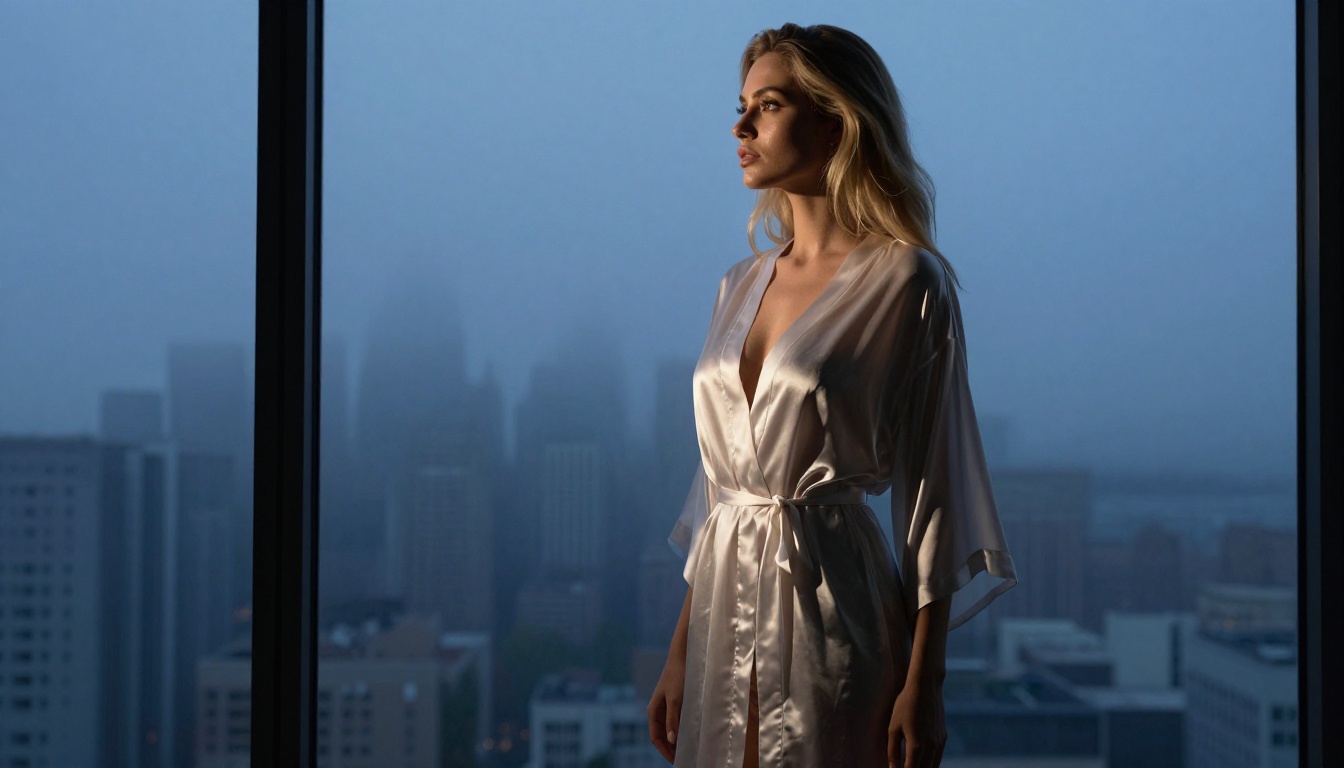
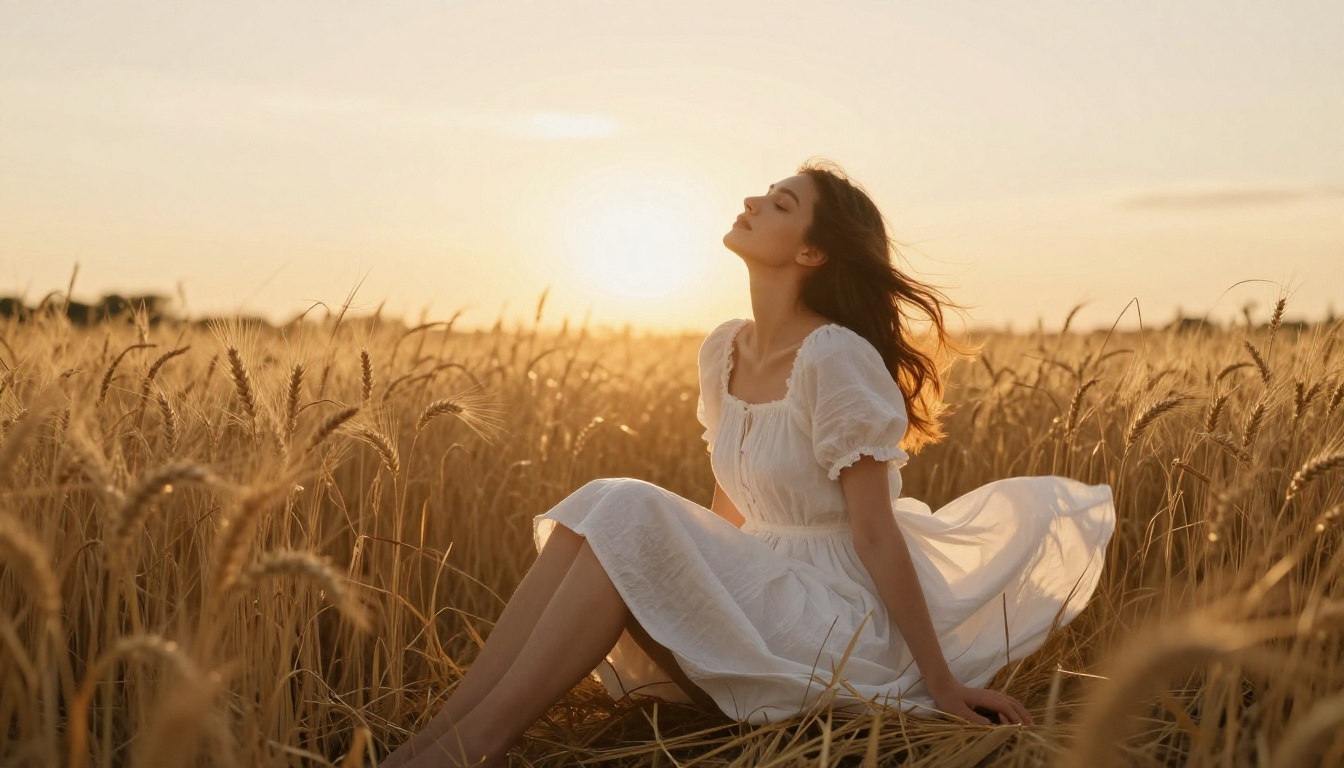
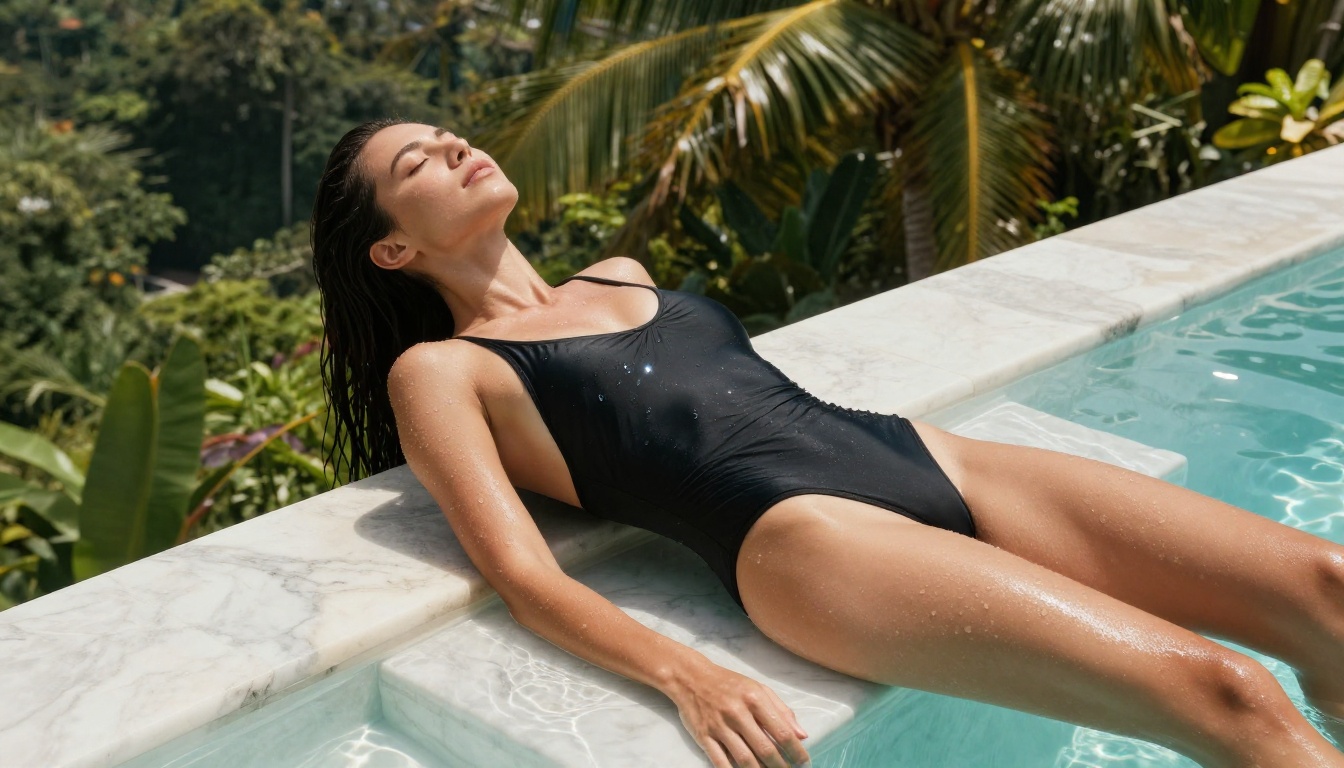
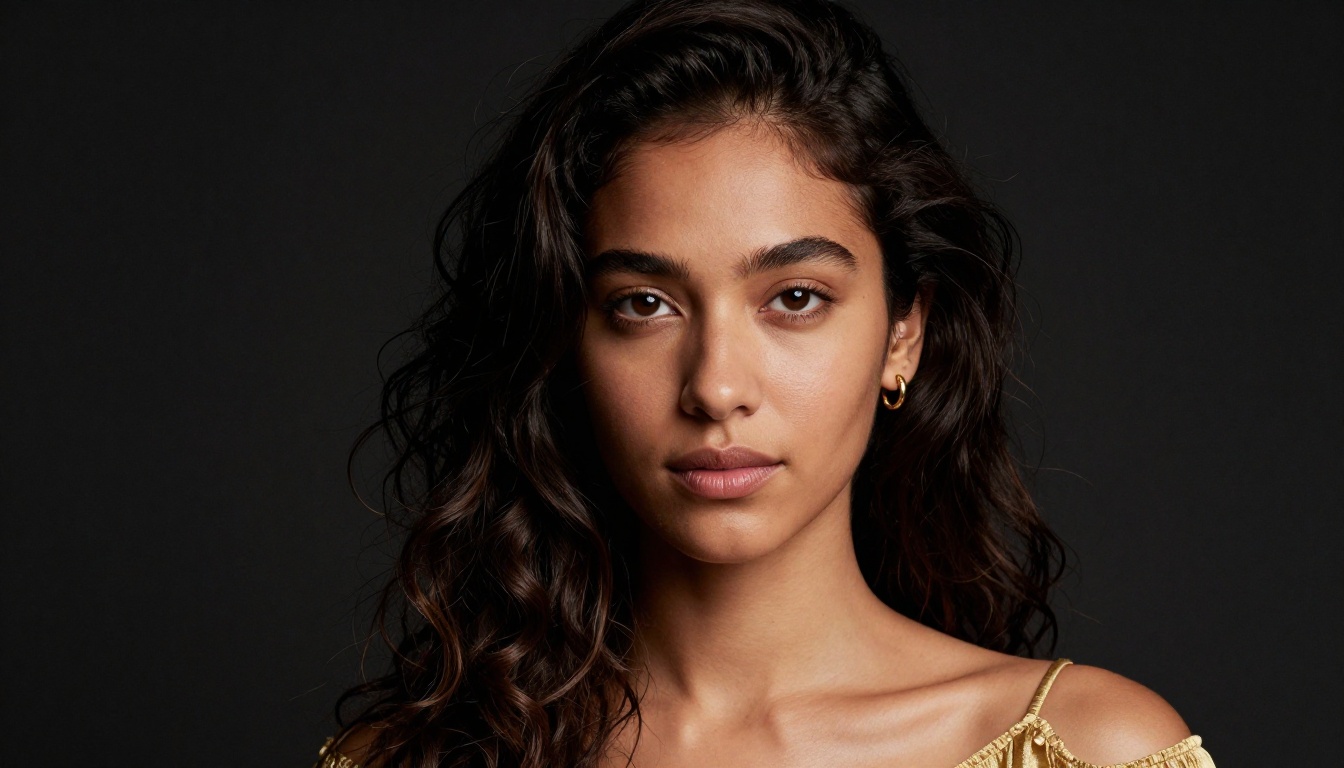
A detailed walkthrough on creating artistic NSFW images using Stable Diffusion models. Covers model selection, prompt architecture, CFG scale, negative prompts, LoRA customization, and a step-by-step workflow on PicassoIA to produce stunning, photorealistic glamour AI art without any complex software setup.
Stable Diffusion changed the rules for anyone who wants to create AI-generated art, especially content that mainstream platforms refuse to touch. Unlike cloud-based generators locked behind corporate content filters, open-source diffusion models give you full control over what you generate, how you prompt it, and how far you push the aesthetic. This article breaks down exactly how to create beautiful, non-explicit NSFW AI art using Stable Diffusion, covering model selection, prompt structure, parameter tuning, LoRA customization, and a complete step-by-step workflow on PicassoIA that requires zero local installation.
Why Stable Diffusion Dominates NSFW AI Art
Most commercial AI image tools apply aggressive safety filters that block anything remotely suggestive. Stable Diffusion operates differently because its weights are publicly available and run locally or on platforms that allow broader creative freedom.
Open Source Means Real Creative Control
When Stability AI released Stable Diffusion's weights in 2022, it kicked off an era where individual creators could fine-tune, merge, and deploy models without waiting on platform approval cycles. The community that formed around this quickly produced specialized checkpoint models oriented toward photorealism and glamour photography, which is exactly what makes NSFW AI art possible at scale.
You are not working against a black box. You see the sampling process, the latent space manipulation, every parameter. That transparency is why serious AI artists use Stable Diffusion as their base, even in 2027. The community momentum is enormous: new checkpoints, LoRA adapters, and embeddings appear weekly, and most are free.
The Model Ecosystem That Makes It Work
The real power of Stable Diffusion comes from the community ecosystem built on top of it. Thousands of fine-tuned checkpoint models exist specifically for producing photorealistic, glamorous imagery. You do not need to train anything from scratch. You load a checkpoint, write a structured prompt, and iterate.
The ecosystem splits into three core model families, each with distinct strengths: SD 1.5 for speed and LoRA compatibility, SDXL for high-resolution realism, and the newer SD 3.5 family for maximum prompt fidelity. Choosing between them is the first real decision you make when starting any NSFW AI art project.
Picking the Right Checkpoint Model
Model selection is the single biggest variable in the quality of your output. A weak or mismatched checkpoint will fail regardless of how good your prompt is.
For NSFW-adjacent content, SDXL-based checkpoints consistently outperform SD 1.5 in photorealism. The larger latent space at 1024px means faces, hair, skin texture, and fabric all render with considerably more convincing detail. Stable Diffusion 3.5 Large takes this further with a completely rearchitected attention mechanism that handles complex, multi-element prompts with far greater accuracy than any previous Stable Diffusion release.
Realistic Vision and RealVisXL
Two community checkpoints consistently rank at the top for photorealistic glamour content:
Realistic Vision v5.1: Built on SD 1.5, this model has been fine-tuned on hundreds of thousands of photographic images. It produces skin tones, hair, and fabric textures that can pass for real photography at a glance. Strong for portrait-oriented compositions where you want tight control over facial features.
RealVisXL v3.0 Turbo: The SDXL upgrade to Realistic Vision. Runs at 1024px natively, handles full-body compositions better than its predecessor, and responds exceptionally well to lighting descriptions in prompts. If you are shooting anything with complex environments, this is the one to reach for first.
💡 For beach, pool, or outdoor glamour shots, RealVisXL v3.0 Turbo produces more convincing natural lighting than Realistic Vision v5.1. Use Realistic Vision for tight portrait work where face accuracy is the priority.
Crafting Prompts That Work
Bad prompts produce bad images regardless of the model. This is where most beginners waste hours. The structure of your prompt directly determines composition, lighting, mood, and realism.
The Anatomy of a Strong Prompt
Every high-quality NSFW art prompt has the same core structure:
Subject description — who, what pose, what clothing
Environment and setting — location, time of day, mood
Lighting specification — direction, quality, color temperature
Camera and lens — focal length, aperture, angle
Style and quality modifiers — film grain, resolution, photography approach
Combining all five elements gives the model explicit instructions at every level. You are writing a brief for a photographer, not just describing a scene.
Subject, Style, and Technical Modifiers
Here is a practical example of what proper prompt structure does:
Weak prompt:
beautiful woman, beach, sunset, suggestive
Strong prompt:
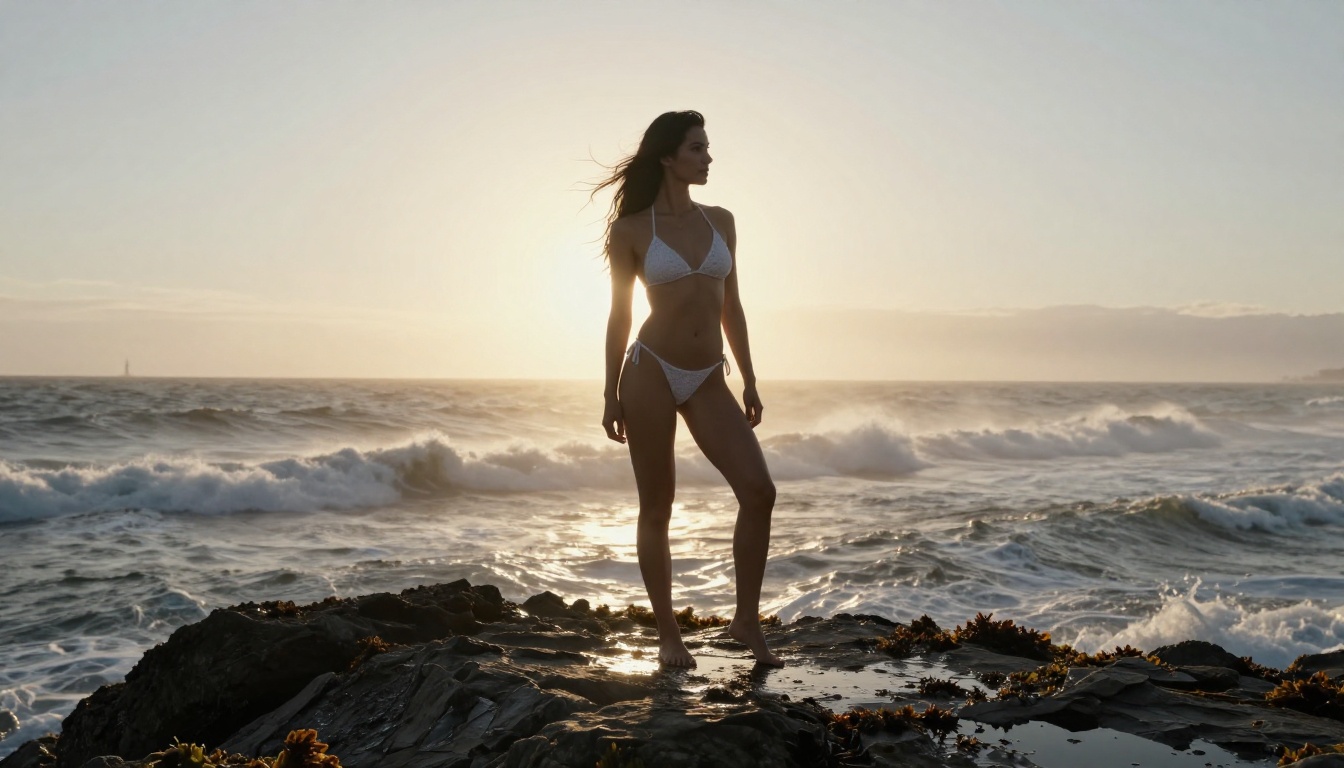
Photorealistic portrait of a confident woman in a minimal white bikini standing at the water's edge during golden hour, warm sidelight from the left catching her hair and shoulders, shot with an 85mm f/1.8 lens creating soft coastal bokeh, wet sand beneath her feet, breaking waves in the background, Kodak Portra 400 film grain, RAW 8K photography
The second prompt gives the model explicit instructions at every compositional level. The difference in output quality is not subtle.
Quality modifiers that reliably work across SD models:
RAW 8K photography
Kodak Portra 400 film grain
cinematic lighting
photorealistic
skin pores visible
subsurface scattering
shot on Canon EOS R5
volumetric morning light
85mm f/1.4 portrait lens
SDXL Lightning 4Step is particularly responsive to technical camera language in prompts. If you are iterating quickly to find the right composition, this model's 4-step inference gives you results in seconds while retaining enough quality for prompt testing.
Negative Prompts Are Half the Battle
In Stable Diffusion, what you tell the model to avoid is just as important as what you tell it to create. Negative prompts prevent the most common failures: extra limbs, deformed faces, blurry skin, plastic-looking textures.
Common Negative Prompt Building Blocks
The following negative prompt tokens form a solid baseline for photorealistic NSFW art:
(worst quality, low quality:1.4), bad anatomy, bad hands, extra fingers,
missing fingers, deformed, disfigured, blurry, plastic skin, artificial,
CGI, 3D render, cartoon, illustration, painting, watermark, text,
oversaturated, flat lighting, studio white background
The numbers in parentheses (worst quality:1.4) are attention weights. A value above 1.0 amplifies the token's influence on the denoising process. Values between 1.2 and 1.5 work well for quality-related negatives without over-constraining the generation space.
💡 If your images consistently show overly smooth or waxy skin, add plastic skin, (airbrushed:1.3), smooth skin to your negative prompt. This forces the model to render realistic pore structure and surface texture.
Anatomy-specific negatives for full-body compositions:
extra limbs, (extra arms:1.3), bad proportions, asymmetrical body,
too many fingers, fused fingers, floating limbs, disconnected limbs,
elongated neck, distorted torso
The combination of quality and anatomy negatives is non-negotiable for any full-body NSFW shot. Without them, even strong checkpoints like Stable Diffusion 3.5 Large Turbo will occasionally produce anatomical inconsistencies that require inpainting to fix.
Parameters That Shape Your Output
Beyond the prompt itself, three parameters control more of the final result than anything else: CFG scale, step count, and sampler choice. Getting these wrong wastes compute time and produces images that no amount of prompt refinement will fix.
CFG Scale, Steps, and Samplers
CFG Scale (Classifier-Free Guidance) controls how strictly the model follows your prompt. A value of 1 means it mostly ignores the prompt. A value of 30 forces hyper-literal interpretation that often introduces artifacts and over-saturation.
For NSFW photorealism, 7 is the reliable default. Adjust up to 9 when you need specific compositional elements locked in, such as precise clothing details or a specific background element that keeps disappearing from your outputs.
Sampling Steps:
More steps do not always produce better images, but too few leaves results blurry and incomplete. For SDXL-based workflows:
20-25 steps: Balanced quality for photorealism
30-40 steps: Higher fine detail, diminishing returns past 35
4-8 steps: For Lightning and Turbo model variants only
Samplers:
DPM++ 2M Karras and Euler A are the two most popular for photorealism. DPM++ 2M Karras is stable and highly consistent across different seeds, making it easier to iterate systematically. Euler A introduces more variation between samples, which is useful during early exploration when you want to see a range of interpretations from the same prompt.
Resolution and Aspect Ratio
SDXL and SD 3.5 Large were both designed for 1024x1024px output. Generating at non-native resolutions causes quality degradation, particularly in facial features and fine textures.
Recommended resolutions by composition type:
Scene Type
Recommended Resolution
Ratio
Portrait / face close-up
1024x1024
1:1
Full body standing
832x1216
Portrait
Landscape / outdoor
1216x832
Landscape
Editorial / fashion spread
832x1248
2:3
💡 After generating at native resolution, run the output through a super-resolution upscaler to reach 4K. This preserves native-quality detail while doubling pixel density, avoiding the artifacts that come from generating at too high a resolution from the start.
LoRA Models for Style Control
LoRA (Low-Rank Adaptation) models are small fine-tune patches that sit on top of your base checkpoint and steer the output in a specific stylistic direction. They are the most powerful customization tool available in the Stable Diffusion ecosystem and require no additional training on your part.
What LoRA Does for NSFW Art
A LoRA trained on beach photography will push all outputs toward more convincing coastal lighting, water reflections, and natural skin tones associated with outdoor shoots. A LoRA trained on glamour photography shifts the model toward the lighting ratios, body posture conventions, and fabric rendering typical of that genre.
The community has produced LoRAs for nearly every photographic style imaginable. Most are loaded in seconds within any Stable Diffusion interface, including PicassoIA.
SDXL Multi ControlNet LoRA gives you structured control over pose and composition while running LoRA adapters simultaneously. This combination is particularly powerful for full-body NSFW compositions where anatomy and pose accuracy are critical and cannot be left to chance.
Stacking LoRAs the Right Way
You can load multiple LoRAs at once by adjusting each one's individual weight. A combined weight above 1.8 across all active LoRAs typically causes artifacts and competing style conflicts that degrade the image.
Recommended stacking approach:
1 style LoRA at weight 0.7
1 detail/texture LoRA at weight 0.5
1 pose/composition LoRA at weight 0.4
Total combined weight: 1.6. This stays within a stable range while pulling in the influence of three specialized models simultaneously.
💡 Always test each LoRA at weight 1.0 in isolation first. Some LoRAs are significantly stronger than their documentation suggests. Build your stack from a tested baseline rather than guessing at combined behavior from the start.
How to Create NSFW Art on PicassoIA
PicassoIA hosts the full range of Stable Diffusion models, from classic Stable Diffusion to the latest SD 3.5 Large release, with no local installation required. Here is a concrete step-by-step workflow for producing high-quality NSFW art results.
Step-by-Step with SD 3.5 Large
Step 1: Pick Your Model
Navigate to Stable Diffusion 3.5 Large on PicassoIA. For speed during prompt iteration, start with SD 3.5 Large Turbo and switch to the full model once you have a composition worth refining.
Step 2: Write Your Positive Prompt
Use the five-part structure from earlier. Here is a working template:
[Subject with clothing and pose], [setting and time of day],
[lighting direction and color temperature], [camera body and lens specs],
RAW 8K photography, Kodak Portra 400 film grain, photorealistic
Step 3: Paste in Your Negative Prompt
Use the quality and anatomy negative prompt block from the earlier section. Add scene-specific negatives based on your subject. For natural outdoor shots, add flat lighting, studio backdrop, indoor to keep the atmosphere convincing.
Step 4: Set Your Parameters
CFG Scale: 7
Steps: 25
Sampler: DPM++ 2M Karras
Resolution: 1024x1024 for portraits, 1216x832 for landscape compositions
Step 5: Generate and Iterate
Run 3-4 samples with different seeds to find a composition worth pushing further. Once you have a strong base, refine the prompt with more precise details about pose, lighting angle, and fabric. The iteration speed on PicassoIA means you can move through 20-30 variations in the time it would take to set up a local environment.
Step 6: Add Pose Control When Needed
If anatomy is coming out inconsistent, switch to SDXL Multi ControlNet LoRA and provide a reference pose image. This locks the skeleton into the position you want while the prompt handles lighting, environment, and style.
Step 7: Upscale the Final Output
Once satisfied with the composition, run the result through PicassoIA's super-resolution tools to reach 4K. This preserves all the fine skin and fabric detail achieved during generation while producing a print-quality output.
Portrait Work with Realistic Vision v5.1
For tighter portrait-focused compositions, Realistic Vision v5.1 remains one of the most reliable options on the platform. Its fine-tune dataset skews toward close-up photography, meaning faces, eyes, and hair come out with exceptional definition.
Portrait-specific prompt additions that work well with Realistic Vision:
shot with Sony A7III, 85mm portrait lens
catchlight in eyes
rim light from right
shallow depth of field, creamy bokeh background
high-key studio lighting or low-key dramatic lighting
natural makeup, freckles visible
For rapid prompt experimentation before committing to a full-quality generation, SDXL Lightning 4Step makes it practical to run 25-30 quick variations in the time a standard SDXL workflow produces 3-4 outputs. Use it to lock down composition and prompt language, then switch to Stable Diffusion 3.5 Large for the final high-quality render.
Comparison of PicassoIA models for NSFW photorealism:
The models are available, the platform is ready, and the prompt structure in this article works immediately. What separates average AI art from striking, photorealistic imagery is not luck with random seeds. It is methodical model selection, structured prompts, calibrated parameters, and consistent iteration.
Start with Stable Diffusion 3.5 Medium if you are new to the workflow. It offers a strong balance of quality and inference speed that makes the iteration process faster without sacrificing the output quality you need for convincing NSFW art. Move to Stable Diffusion 3.5 Large once your prompt structure is dialed in and you are ready to push image quality to its ceiling.
PicassoIA gives you access to every model covered in this article, running in the cloud with no software setup, no VRAM limits, and no content restrictions on artistic nudity and glamour photography. Write your first structured prompt today, iterate on it three or four times, and see how quickly results improve once you stop using vague descriptions and start writing prompts like a cinematographer briefing a photographer.