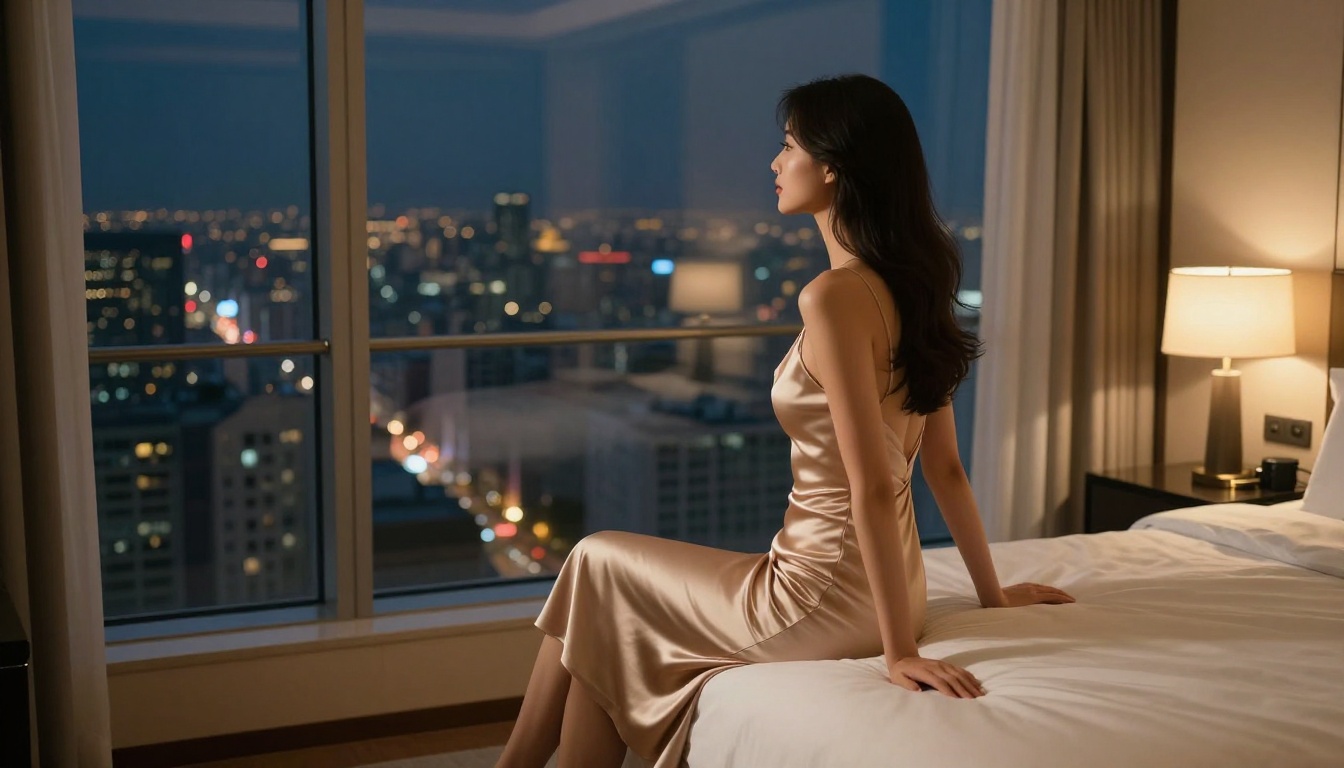
Grok just changed what NSFW AI image generation looks like in 2027. With Spicy Mode available inside X Premium, xAI's Aurora image model can produce suggestive, glamorous content that other mainstream AI tools flatly refuse. If you've been hitting walls with content filters on ChatGPT or Midjourney, this is worth understanding fully.
This article breaks down exactly what Spicy Mode does, how to activate it, how to write prompts that actually produce results, and which alternative models on PicassoIA deliver when Grok's own restrictions still feel limiting.
What Grok Imagine Spicy Mode Actually Is
Most AI image generators run outputs through safety classifiers trained to block anything loosely associated with adult content. Grok Imagine takes a different approach with its optional Spicy Mode toggle, which relaxes those restrictions for verified adult users.
The result is a model that will generate bikini-clad figures, artistic boudoir-style photography, glamour portraits, and suggestive poses without flagging or refusing the prompt. It stays firmly on the artistic side of adult content, keeping explicit material out of scope while opening the door to mature, aesthetically-driven imagery that would otherwise get blocked on competing platforms.
The Aurora Model Powering It
Grok's image capabilities run on Aurora, xAI's proprietary text-to-image model. Aurora was trained on a broad dataset with a strong emphasis on photorealistic human figures, which gives it a clear advantage over older diffusion-based models when generating portraits.
What makes Aurora worth noting for NSFW work specifically is its handling of human anatomy and skin texture. Portrait generations tend to come out without the uncanny valley artifacts that plague many competing models. Faces are coherent, proportions are natural, and lighting translates well from text descriptions. Fabric rendering is similarly strong, particularly for sheer materials, lace, and satin, which are notoriously difficult for diffusion models to handle with physical plausibility.
Aurora also benefits from xAI's access to a massive corpus of real-world imagery, which means the model has seen a wider variety of lighting conditions, body types, and photographic styles than most open-source alternatives. That breadth shows up in the variety of high-quality outputs you can get from relatively simple prompts.
Standard vs. Spicy — The Real Difference
In standard mode, Grok Imagine follows content policies similar to most mainstream platforms. Swimwear is generally accepted. Tight or revealing clothing may pass. Anything moving into explicitly suggestive territory gets filtered with no explanation beyond a declined generation.
With Spicy Mode active, the threshold shifts considerably. You can request:
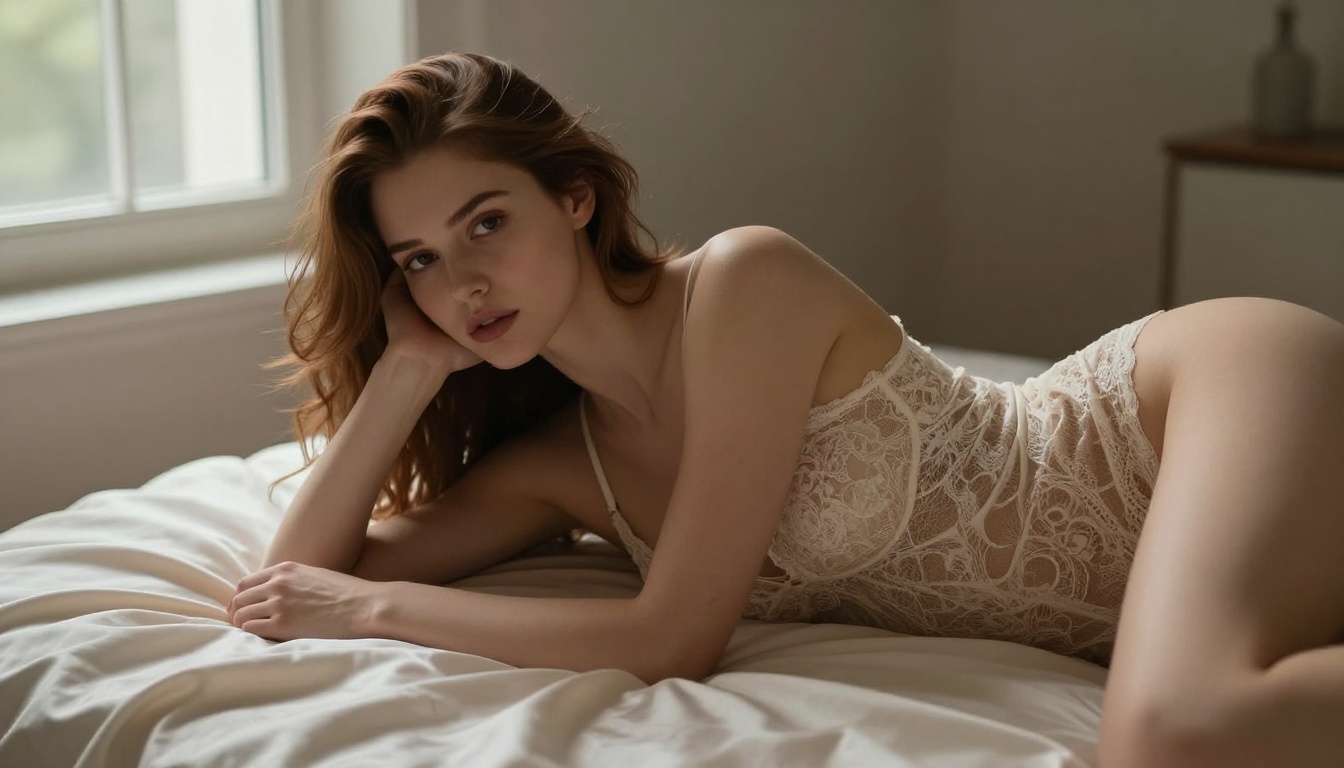
- Lingerie and intimate apparel with realistic fabric detail
- Boudoir-style photography with atmospheric mood lighting
- Glamour portraits with suggestive but non-explicit framing
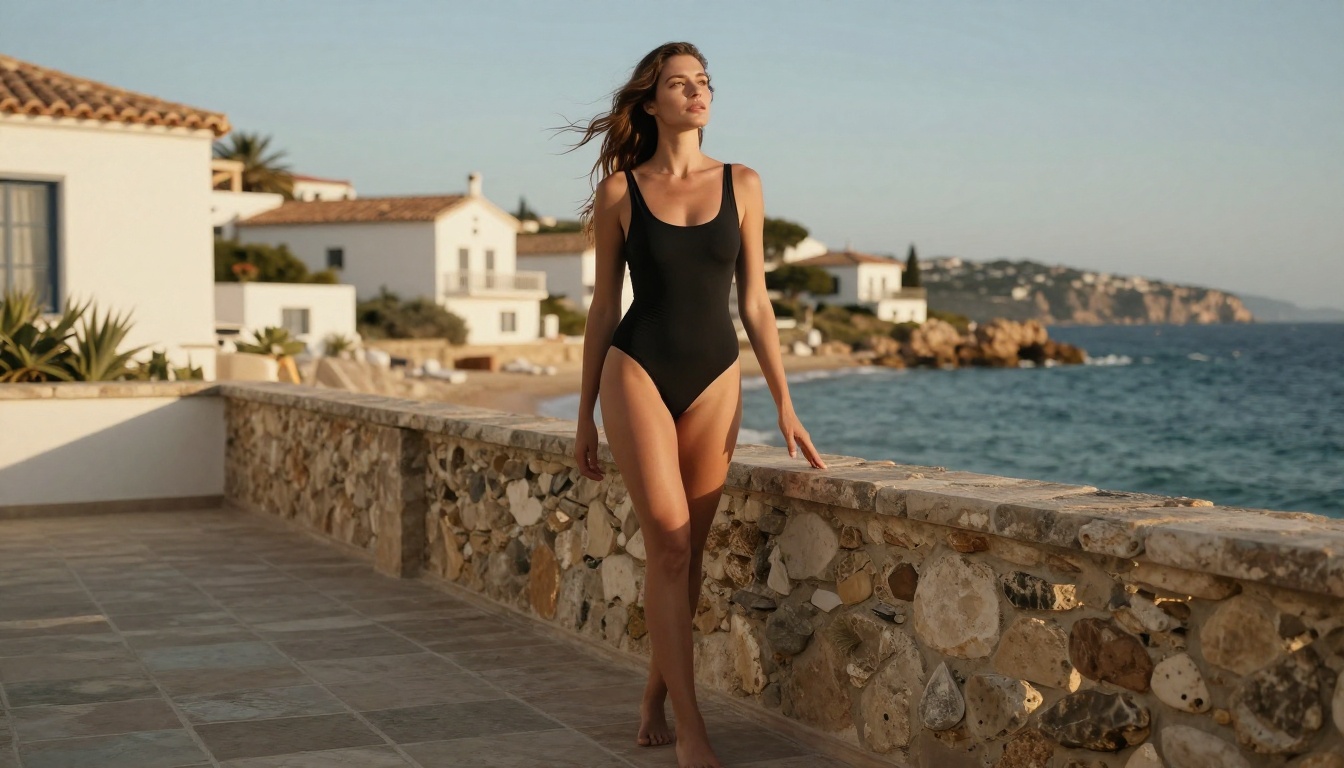
- Beach and swimwear content with more expressive posing and composition
- Artistic implied nudity within editorial or fine-art framing
The mode does not disable all safeguards. Explicit sexual content, minors in any context, and non-consensual scenarios remain prohibited regardless of settings. The line Grok draws is between suggestive and aesthetic versus explicit and pornographic, which aligns with what most platforms classify as mature-rated rather than adult-only.
What You Need Before Starting
Grok Imagine is not available to free X users. Getting access to Spicy Mode specifically adds one additional requirement on top of platform access.
X Premium Subscription Details
| Tier | Grok Image Access | Spicy Mode | Approx. Monthly Cost |
|---|
| Free | Limited | No | $0 |
| X Premium | Full | Yes (toggleable) | $8/month |
| X Premium+ | Full | Yes | $16/month |
The Spicy Mode toggle is available to all paid X subscribers, but you must verify your age (18+) before it activates. X handles this through its standard identity verification flow, which typically takes a few minutes and requires a government-issued ID in some regions.
💡 Regional note: Availability varies by market. Some regions have Spicy Mode restricted due to local content regulations. If the toggle does not appear after subscribing and completing age verification, your region may be excluded from the feature.
Platform Access Points
You can access Grok Imagine through three main surfaces:
- X (Twitter) Web at x.com — the sidebar has a dedicated Grok tab with image creation built in
- Grok.com — the standalone web interface, cleaner for focused image work
- iOS/Android X App — through the Grok button in the bottom navigation bar
All three surfaces share the same account settings and content preferences, so activating Spicy Mode in one place applies universally. Generation limits also carry across surfaces, so heavy usage on one will draw down your quota on all.

How to Activate and Use Spicy Mode Step by Step
Activating Spicy Mode is straightforward once you have a valid X Premium subscription and have completed the age verification step. The process takes under five minutes if your account is already verified.
Turning On the Feature
- Open Grok through x.com or grok.com
- Navigate to Settings in the Grok interface (top-right corner or the sidebar, depending on the surface)
- Scroll to the Image Generation preferences section
- Toggle Spicy Mode to the ON position
- Confirm the age verification prompt if displayed for the first time
The toggle persists between sessions. You will not need to re-enable it each time you open Grok. If you share a device or account with others, keep this in mind as the setting remains active until manually disabled.
Your First NSFW Image Prompt
Once active, head to the Create tab in Grok. Type your prompt normally. There is no special syntax or modifier needed for Spicy Mode. The model applies the relaxed content filters automatically whenever the feature is enabled.
A basic starting prompt structure:
"Professional boudoir photograph of a woman in lace lingerie, soft diffused window light from the left, editorial photography style, 85mm f/1.8 lens, shallow depth of field, Kodak Portra 400 film grain"
From this foundation, build out specificity in each successive generation:
- Add environment details: rooftop terrace, hotel suite, tropical resort pool deck, sunlit studio
- Add precise lighting: golden hour backlight, soft north-facing window light, rim lighting from camera left
- Add camera and film specifics: 50mm f/1.4, 85mm f/1.8, full-frame sensor, Fujifilm Pro 400H
- Add subject detail: hair color and length, skin tone, pose direction, expression
The more cinematically specific your language, the better the output quality. Aurora was trained on real photography, so photography terminology is not just cosmetic. It meaningfully affects how the model renders lighting, depth, and texture.
Iterating on Results
When a generation comes close but misses on one element, small prompt edits tend to produce more useful variation than regenerating from scratch. If the lighting is right but the pose is wrong, describe only the pose change rather than rewriting the entire prompt. If colors feel off, add film stock references or explicit color temperature language such as "warm tungsten tones" or "cool morning daylight, 5600K."
How to Use Grok Imagine on PicassoIA
PicassoIA gives you direct access to the Grok Imagine Image model without requiring an X Premium subscription. This is one of the most accessible routes to Aurora-powered image generation for users outside the X ecosystem, particularly those who want to compare it side-by-side with other models in a single interface.
Getting to the Model Page
- Visit picassoia.com and create or log in to your account
- Navigate to the Text to Image collection from the main menu
- Search for or scroll to Grok Imagine Image by xAI
- Click Open Model to launch the generation interface
The PicassoIA interface is clean and fast. Prompt input sits at the top, output displays below, and controls for aspect ratio and quality are available in the side panel. No account on X is required.
Prompt Settings That Work
On PicassoIA, the Grok Imagine model accepts the same natural language prompts as the native interface. A few settings to configure before your first generation:
- Aspect Ratio: Use 16:9 for editorial-style landscape compositions, 9:16 for portrait-oriented glamour and boudoir work
- Quality: Higher quality settings produce better skin texture and fine material detail, worth using for final outputs
- Seed: Fix a seed number when you find a composition or lighting setup you want to iterate on without losing the core structure
💡 Pro tip: Aurora responds strongly to photography and cinematography terminology. Words like "editorial", "RAW photo", "natural light", "film grain", and specific film stock names steer outputs toward realistic, high-quality results rather than generic AI aesthetics.
Tips for Consistent Output
Getting consistent character or mood across multiple generations is one of the harder challenges with any text-to-image model. Working with Grok Imagine on PicassoIA:
- Keep prompt structure consistent and only change the specific variable you are testing in each iteration
- Use fixed seeds when generating variations of the same scene or character setup
- Reference specific film stocks such as Kodak Portra 400 or Fujifilm Pro 400H to maintain tonal consistency across a series
- Describe the lighting source with precision: "soft morning light from a north-facing window at 9 AM" produces more repeatable results than "nice lighting"
- Describe clothing textures explicitly: "fine ribbed cotton", "matte silk with subtle sheen", "stretch lace with scalloped edges" — these details matter for realistic fabric rendering

Writing Prompts That Actually Produce Results
The quality gap between a weak prompt and a strong one is enormous with NSFW AI image generation. Most people write far too little and then blame the model for generic results. Aurora rewards specificity, and the effort you put into prompt detail comes back directly in output quality.
The Anatomy of a Good Prompt
Every strong generation prompt for suggestive imagery contains four core components working together:
- Subject — who is in the image, what they're wearing, their exact pose and expression, physical details
- Environment — where the scene takes place, surface textures, props, depth cues, background elements
- Light — direction, quality, color temperature, shadow behavior, reflected fills
- Camera — lens focal length, aperture, film stock, framing choice, depth of field behavior
An example using all four components:
"A confident woman with long dark hair wearing a strappy red bikini top and high-waisted swim bottoms, seated on the edge of a rooftop infinity pool with a major city skyline behind her at dusk, warm orange and amber sunset light coming from camera right creating soft rim lighting along her shoulder and neck, reflections of the city lights beginning to appear on the water surface below, shot on an 85mm f/1.8 lens, Kodak Portra 400 film emulation, editorial swimwear photography composition, shallow depth of field keeping the skyline in soft bokeh"
Every element of that prompt contributes directly to the output. Remove the lighting direction and the model defaults to something flat. Remove the camera lens and the depth rendering becomes ambiguous. Remove the environment and the model invents a generic background that may not suit the mood.
Descriptors That Consistently Work
Certain language reliably improves output quality when generating mature imagery with Aurora:
Physical realism:
photorealistic skin texture, natural pores, visible fine hair strands, realistic fabric drape and weight, subtle skin imperfections
Lighting:
volumetric light, rim lighting from camera left/right, diffused window light, Rembrandt lighting pattern, backlit golden hour, soft fill from a white reflector
Camera and lens:
shallow depth of field, 85mm portrait lens, f/1.4 aperture, full-frame sensor rendering, subject sharp with background softly rendered
Mood and style:
editorial, intimate, confident, serene, artistic boudoir, luxury lifestyle, Vogue Italia aesthetic
Film and color:
Kodak Portra 400, Fujifilm Pro 400H, HP5 Plus grain, Provia color rendition, lifted shadows, slightly desaturated highlights
3 Mistakes Most People Make
1. Vague subject descriptions. Writing "attractive woman in lingerie" gives the model almost no direction. The model fills in all unspecified details with statistical averages from its training data, which produces generic results. Specify hair color and length, skin tone, exact garment type, fabric, pose, and expression.
2. Ignoring the environment. Background context affects how the model renders lighting, mood, color temperature, and subject positioning. A bare white background prompt almost always produces flat, uninspired results. Even a few words about the environment change the output dramatically.
3. No camera language. Without focal length and aperture information, the model defaults to something generic that rarely looks truly photographic. Adding "85mm f/1.4 portrait lens" alone changes the depth rendering, the bokeh behavior, and the overall feel of the output in ways that make the difference between an AI image and a photograph.

Grok vs. Other AI Image Generators
Where does Grok Imagine actually stand against the major alternatives for suggestive and mature content generation?
| Model | Realistic Skin Texture | NSFW Capability | Prompt Flexibility | Generation Speed |
|---|
| Grok Imagine (Aurora) | Excellent | Moderate with Spicy Mode | High | Fast |
| Flux 1.1 Pro Ultra | Exceptional | High | Very High | Moderate |
| Flux 2 Pro | Excellent | High | Very High | Fast |
| Realistic Vision v5.1 | Very Good | High | High | Fast |
| SDXL | Good | Moderate | Very High | Moderate |
| Stable Diffusion 3.5 Large | Very Good | Moderate | High | Moderate |
| Midjourney | Good | Low (heavily filtered) | Very High | Slow |
Grok's main advantages are its accessibility through the X platform and the raw quality of Aurora's human figure rendering, particularly for faces and skin. Its limitations come from the fact that Spicy Mode still enforces meaningful content restrictions, and generations beyond the soft limit get declined without any useful feedback on what triggered the refusal.
For creators who need to push further or want to avoid X subscription costs entirely, the alternatives on PicassoIA represent a more flexible path.
Better Alternatives When Grok Falls Short
If Grok Spicy Mode still blocks what you're trying to create, or if you simply want better output quality for specific types of mature content, PicassoIA offers a full roster of models with stronger flexibility.
Flux 1.1 Pro Ultra for Ultra-Realism
Flux 1.1 Pro Ultra from Black Forest Labs is widely regarded as the current benchmark for photorealistic human figure generation. Its training on curated high-quality datasets produces skin textures, hair detail, and lighting responses that sit above what most competing models achieve in head-to-head comparisons.
For glamour and boudoir work specifically, Flux 1.1 Pro Ultra handles complex fabric rendering with a physical plausibility that makes outputs look genuinely photographic. Sheer fabrics show light transmission correctly. Satin picks up environmental color. Lace retains its pattern geometry without dissolving into texture noise.
For faster iteration when testing prompt variations, Flux 2 Pro delivers nearly comparable quality at faster generation speeds, making it practical for working through multiple prompt variations before committing to final generations.
Realistic Vision v5.1 for Portrait Work
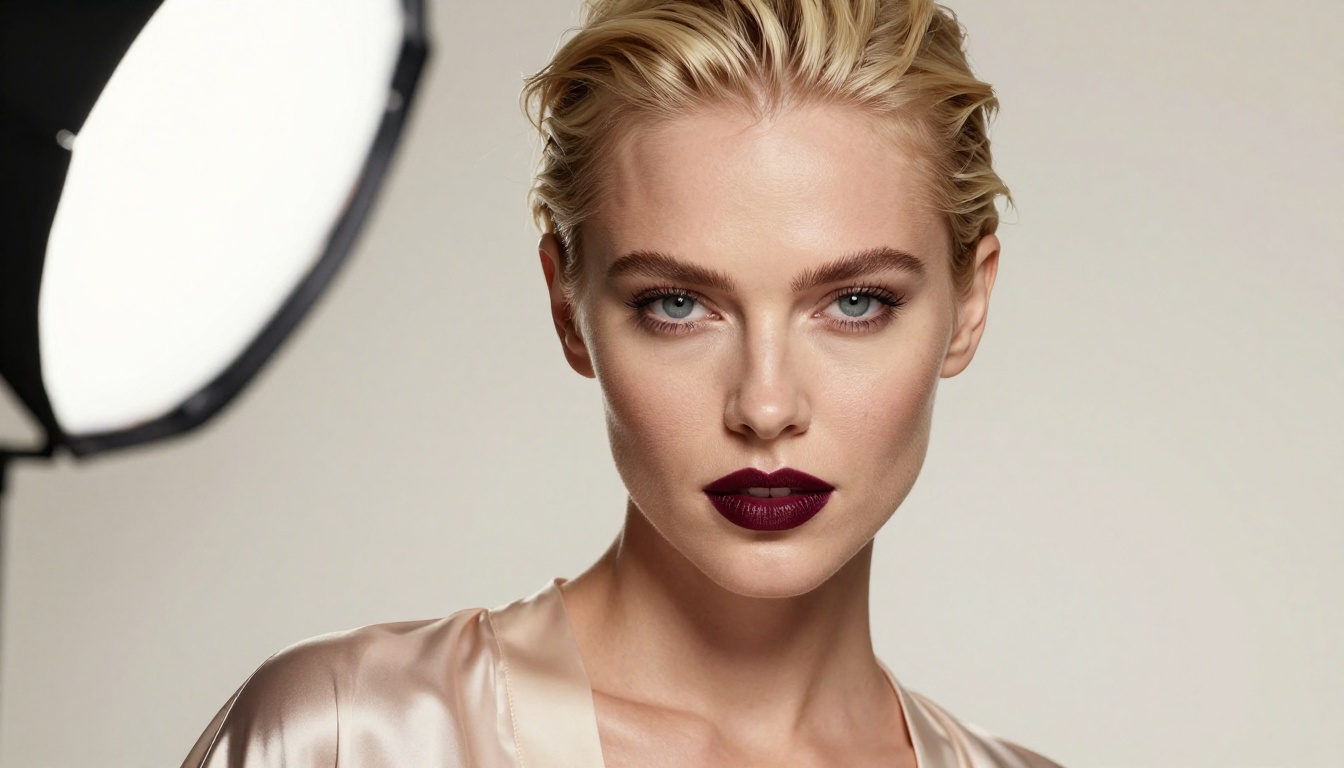
Realistic Vision v5.1 is the model to reach for when facial accuracy and portrait cohesion are the priority. Built on a Stable Diffusion base and fine-tuned on real-world photography datasets, it produces faces that are consistently more anatomically correct and emotionally expressive than generic models.
Its strength for mature content is facial presence. Portraits come out with natural micro-expressions, genuine depth in the eyes, and accurate skin tone gradients that respond correctly to lighting conditions described in the prompt. If your work centers on character portraiture rather than full-body composition, Realistic Vision v5.1 is the cleaner choice.
SDXL for Maximum Flexibility
SDXL remains one of the most versatile models available. Its 1024px native resolution and extensive fine-tuning ecosystem make it adaptable to almost any visual style, from harsh editorial photography to soft romantic portraiture.
The RealVisXL v3.0 Turbo variant builds on SDXL's architecture with photorealism-focused training, giving most of SDXL's stylistic range with meaningfully better skin texture and material rendering quality.
For speed-priority use cases, Flux Schnell generates outputs in seconds while maintaining competitive visual quality. It is not the model for final high-quality outputs, but for rapid prompt testing and concept validation it removes the waiting entirely.
If you want the absolute frontier of image fidelity, GPT Image 1.5 and Flux Dev round out the top tier for detail and instruction-following accuracy.
Grok Spicy Mode opened a door. But it is not the only one, and for many use cases it is not even the widest.
PicassoIA puts over 90 text-to-image models in one place, including Grok Imagine Image itself alongside every major alternative. You are not locked to one model's interpretation of your prompt or its particular set of content restrictions. If Grok declines a generation or the output misses what you had in mind, Flux 1.1 Pro Ultra is one click away. Portrait work calls for Realistic Vision v5.1. Fast iteration goes through Flux Schnell. Maximum fidelity goes to Flux 2 Pro.
The creative freedom is real. The results are photorealistic. And getting started takes less than two minutes.
Open PicassoIA, pick your model, write your prompt with the specificity this article has shown you, and see what comes out when you stop fighting filters and start working with a platform built for serious creative output.