You've been there. You type a perfectly reasonable prompt, click generate, and get either a blank image or a content policy warning. Frustrating, especially when you're trying to create something beautiful, sensual, or simply adult in tone. The good news? Getting blocked is almost always a platform problem, not a creativity problem.
This article lays out exactly what's happening when AI blocks your generations, which models actually handle adult content the right way, and how to write prompts that produce stunning results consistently.
Why Most AI Generators Block Adult Content
The internet runs on moderation at scale. Big AI image platforms serve millions of users daily, which means they apply content filters that are, by design, broad and aggressive. A rule built for one edge case ends up blocking thousands of legitimate creative requests.
The Filter Problem
Most mainstream AI generators use a combination of keyword-based blocklists and classifier models that scan your prompt before generation even starts. If your prompt contains certain terms, even clinical or artistic ones, the system flags it and refuses to run.
This isn't about the model being incapable. Flux Dev, for example, is technically capable of rendering extremely realistic skin, fabric, and human anatomy. The block comes from the platform's policy layer, not from the model itself.
What "Allowed" Actually Means
Different platforms draw the line in different places:
| Platform Type | Content Policy | Adult Content |
|---|
| Consumer tools (DALL-E, Midjourney) | Very strict | Not allowed |
| Open-source (local SD) | None | Fully allowed |
| Specialized platforms | Adjustable | Allowed with settings |
The third category is where you want to be. Platforms designed for adult creative work let you toggle content settings while still giving you access to top-tier models. You get the best of both worlds: quality and freedom.
Not every platform advertising "NSFW generation" delivers quality. Some use outdated base models, others throttle resolution, and a few slap a paywall on every generation. What separates serious platforms from the rest comes down to three things: model selection, output quality, and honest content policies.
What to Look For
Before signing up anywhere, check these specifics:
- Model variety: A platform with 90+ models gives you real options. One with three models means you're stuck.
- Transparent NSFW settings: The toggle should be visible, not buried in obscure account settings.
- Full resolution output: Adult art blocked at 512px is useless. You need 1024px minimum, ideally 2048px or higher.
- No surprise bans: Terms of service should clearly state what adult content is permitted.
💡 Tip: Read the Terms of Service before generating. Some platforms ban accounts for NSFW content even when no explicit rule is stated. You want a platform that has built its policy around adult creative work, not one that tolerates it reluctantly.
The Model That Changed Everything
Flux Dev by Black Forest Labs redefined what realistic human generation looks like in open-weight models. Before Flux, getting photorealistic skin texture and natural anatomy required heavy LoRA stacking or expensive closed API access. Flux changed that by shipping a foundation model with genuinely film-like output right out of the box.
Since then, Flux 1.1 Pro Ultra and Flux 2 Pro have pushed even further, with ultra-high resolution support and dramatic improvements in pose accuracy and fabric rendering.
The Best Models for Adult AI Art
Choosing the right model is the single biggest factor in output quality. Using a general-purpose model for adult-themed work is like shooting portraits with a landscape lens. You get something, but it's never quite right.
Flux Dev and Flux Pro
Flux Dev is the go-to for realistic human imagery. Its strength lies in how it renders light on skin, specifically the way it handles the transition between highlight and shadow in a way that reads as photographic rather than rendered.
Flux Pro takes that quality up a notch with improved prompt adherence. If you write "soft morning light from the left, ivory lingerie, velvet couch," Flux Pro will actually deliver those specifics rather than approximating them.
Flux 2 Pro and Flux 2 Max are the latest iterations, offering near-cinematic output and significantly better anatomy in complex poses.
For speed without sacrificing too much quality, Flux Schnell lets you iterate fast. It's ideal for testing prompts before committing to a full-quality run.
RealVisXL and Realistic Vision
RealVisXL v3.0 Turbo was purpose-built for photorealistic portraiture. It handles skin tone variation and soft focus better than most base SDXL models, and its LoRA compatibility makes it highly customizable.
Realistic Vision v5.1 has a long track record in the community. It's slightly softer in output than Flux but consistently reliable for fashion and glamour style imagery. Many artists still prefer it for a specific film-photography aesthetic.
SDXL-Based Models
SDXL by Stability AI remains a strong foundation, particularly for stylized realism. The SDXL Lightning 4-Step variant gets you fast generations with surprisingly high quality, while Stable Diffusion 3.5 Large represents the most capable SD architecture to date.
For creative hybrid work, DreamShaper XL Turbo blends realism with artistic interpretation. It's particularly good for atmospheric, moody adult imagery where raw photorealism takes a back seat to mood.
How to Write Prompts That Don't Get Flagged
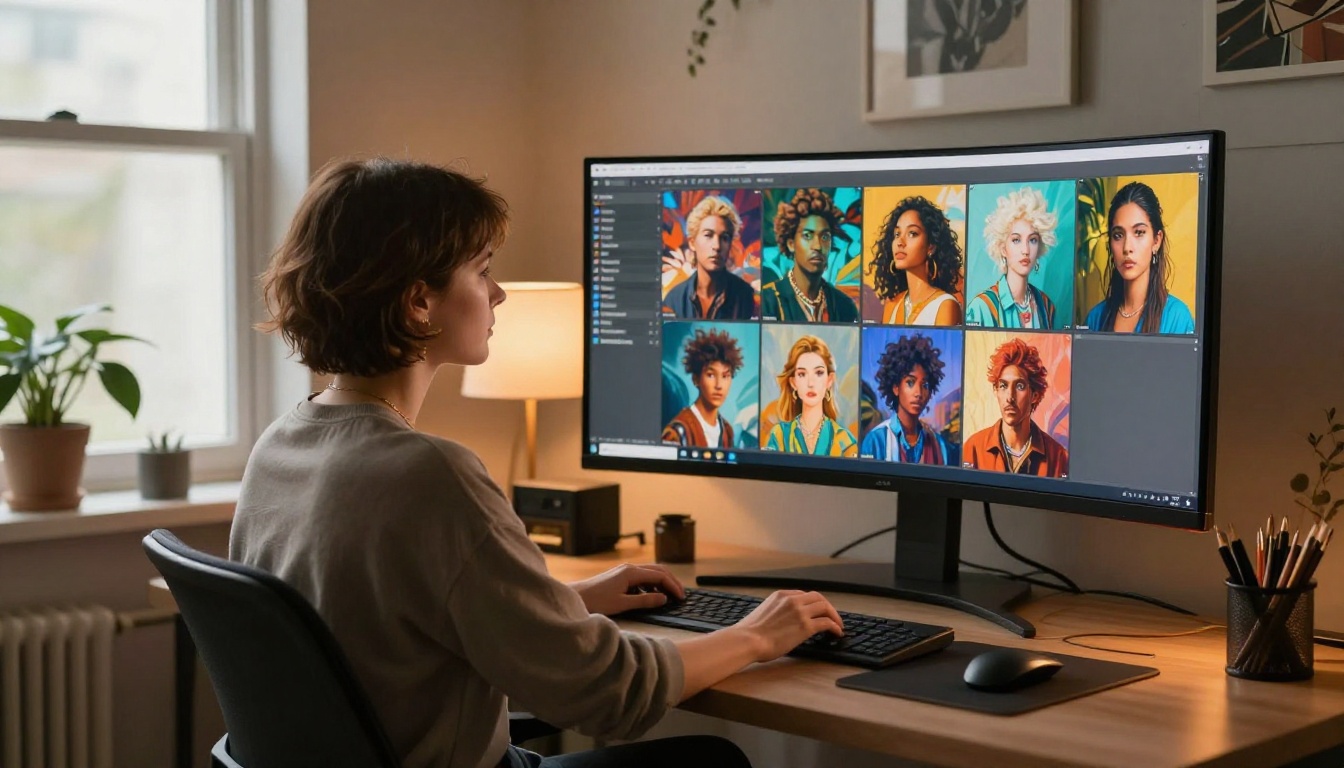
The difference between a blocked prompt and a successful one is often a matter of vocabulary and framing, not intent. Platforms that allow adult content still have automated pre-filters. Understanding how they work is the difference between generating on the first try and spending an afternoon fighting the system.
Words That Trigger Filters
Even on NSFW-enabled platforms, certain terms trip automated systems:
- Anatomical terms used outside of medical or artistic context
- Ambiguous age-related language (always write subjects as clearly adult)
- Terms associated with illegal content categories
- Hyperspecific explicit language that many classifiers flag on pattern-match alone
The solution is to write cinematically. Think about how a film production brief would describe a scene: lighting, wardrobe, setting, mood, camera angle. This approach is not only filter-safe, it also produces dramatically better results.
The Anatomy of a Safe Adult Prompt
A strong adult creative prompt has five layers:
- Subject: Who is in the frame and what are they wearing or doing
- Environment: Where the scene takes place, with specific atmospheric detail
- Lighting: Direction, quality, color temperature, and source (natural vs. artificial)
- Camera: Lens choice, aperture, angle, and distance
- Texture and Mood: Fabric details, skin characteristics, overall emotional tone
Stacking all five gives the model enough signal to work with and reduces the likelihood of ambiguous interpretation by content classifiers.
Prompt Structure Table
| Element | Weak Example | Strong Example |
|---|
| Subject | "woman in lingerie" | "woman in ivory silk slip, seated sideways" |
| Environment | "bedroom" | "sunlit Parisian boudoir with velvet furniture" |
| Lighting | "nice light" | "volumetric morning rays from left, warm 3200K" |
| Camera | none | "85mm f/1.4, shallow depth of field" |
| Texture | none | "skin pore detail visible, lace thread sharp, Kodak Portra grain" |
💡 Tip: Treat your prompt like a photography brief, not a Google search. The more cinematic and specific your language, the better the output and the lower your filter-trip rate.
How to Use Flux Dev on PicassoIA
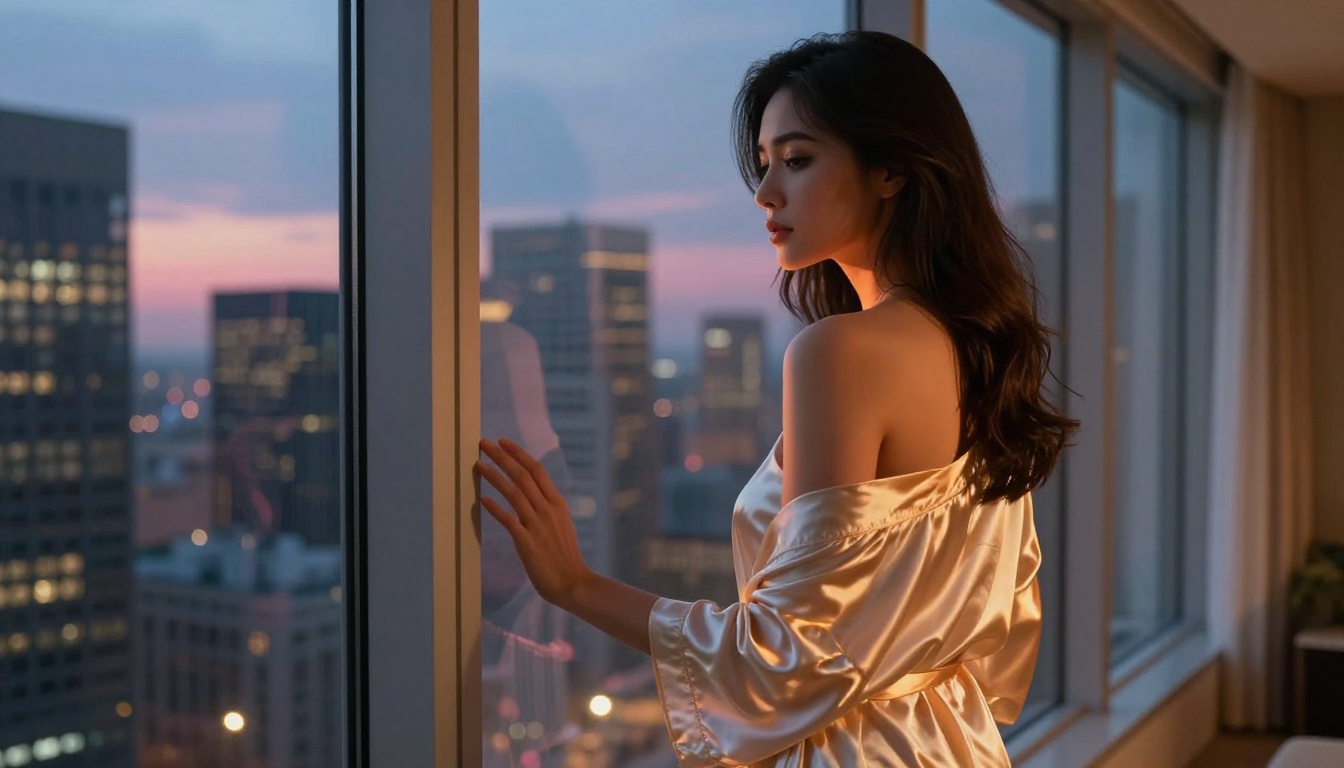
PicassoIA gives you direct access to Flux Dev alongside 90+ other text-to-image models, with content settings that actually let you use the model's full range. Here's how to get the best results.
Step 1: Select Flux Dev
Go to the Flux Dev model page. You'll see the generation interface with prompt input, parameter controls, and output preview. Make sure you're logged in and that your account content settings allow NSFW outputs. This setting lives in your profile preferences and needs to be toggled on before your first adult-themed generation.
Step 2: Write Your Prompt
Use the five-layer structure described above. Start with your subject and clothing, describe the environment with specific furniture or architectural details, then layer in lighting direction and color temperature. Finish with camera specs and texture details.
Example prompt for glamour portraiture:
Woman in cream lace lingerie seated on a vintage velvet armchair, ornate Parisian apartment with tall windows, volumetric morning light from the left at 3200K creating soft rim lighting, shot with 85mm f/1.4 creating background bokeh, skin pore texture visible, Kodak Portra 400 film grain, photorealistic 8K RAW
Step 3: Adjust Parameters
Flux Dev responds well to specific settings:
| Parameter | Recommended Value | Effect |
|---|
| Steps | 28 to 35 | More detail, less noise |
| CFG Scale | 3.5 to 5 | Balanced prompt adherence |
| Aspect Ratio | 16:9 or 4:3 | Best for portrait and editorial work |
| Sampler | DPM++ 2M Karras | Smooth, film-like results |
Step 4: Generate and Refine
Run your first generation and evaluate the lighting and composition before tweaking the subject. If the lighting is off, fix the lighting prompt first. Then adjust wardrobe language. Finally, refine pose and expression. Iterating one element at a time gives you precise control over the final result.
💡 Tip: Use Flux Dev LoRA when you want to apply a specific style consistently across multiple generations. LoRA adapters can define a photographer's aesthetic, a specific lighting setup, or a particular wardrobe style with high repeatability.
3 Common Mistakes People Make
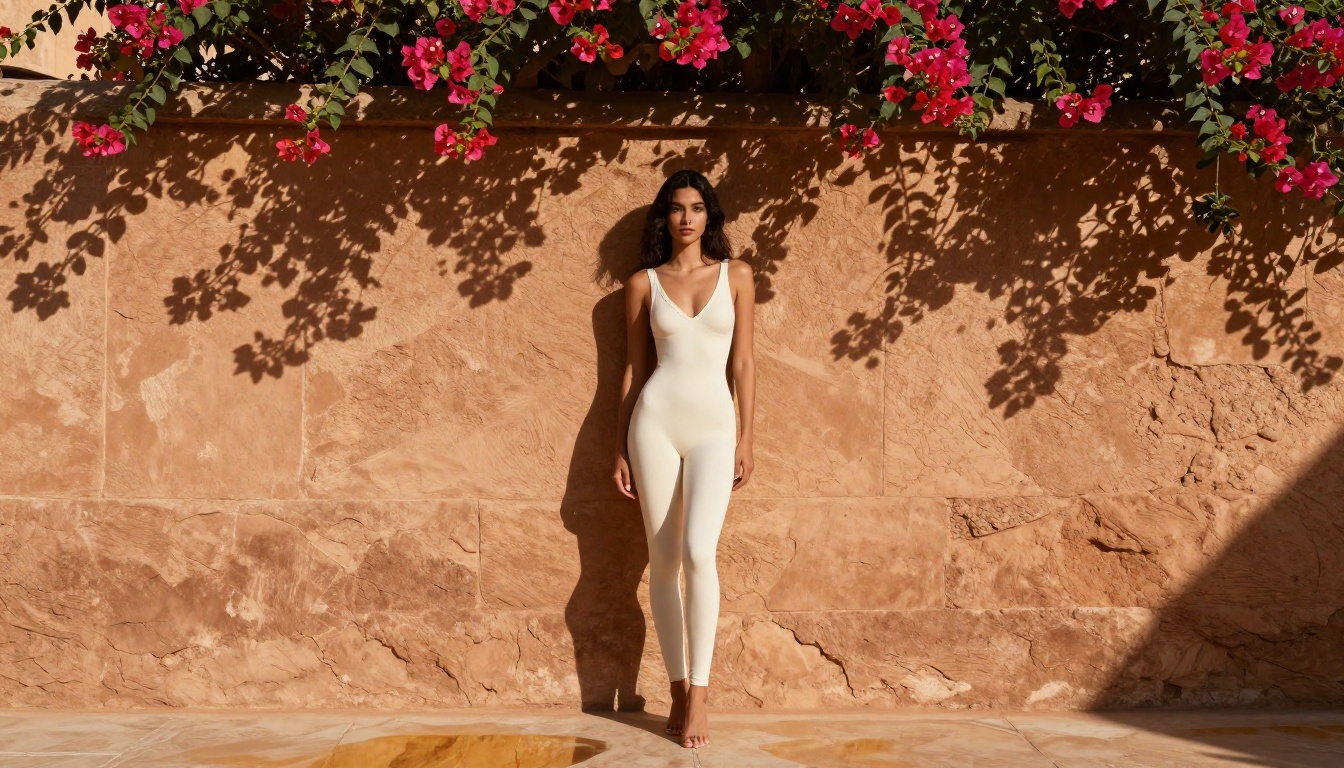
Most blocked generations and poor-quality outputs trace back to the same few mistakes. Avoiding them puts you ahead of 90% of casual users immediately.
Using the Wrong Platform
Generating adult content on a platform that doesn't support it is the most common and most avoidable mistake. Mainstream tools will block you, warn your account, and potentially suspend access. The solution is simple: use a platform built for this. PicassoIA's content settings exist specifically so you don't have to fight the system.
Vague Prompts with No Structure
"Sexy woman in bedroom" generates blocked or mediocre results on almost every platform because the model has nothing specific to work with, and classifiers flag imprecise adult language most aggressively. Specificity is your best friend. Describe the light, the fabric, the room, and the camera. Cinematic detail overrides vague red flags every time.
Ignoring NSFW Settings
Some platforms require you to manually enable adult content in account settings before your generations will honor that context. If your generations are coming out more clothed or vanilla than your prompt specifies, check your account settings first before spending time rewriting prompts. A single toggle can fix hours of frustration.
What You Can (and Can't) Do
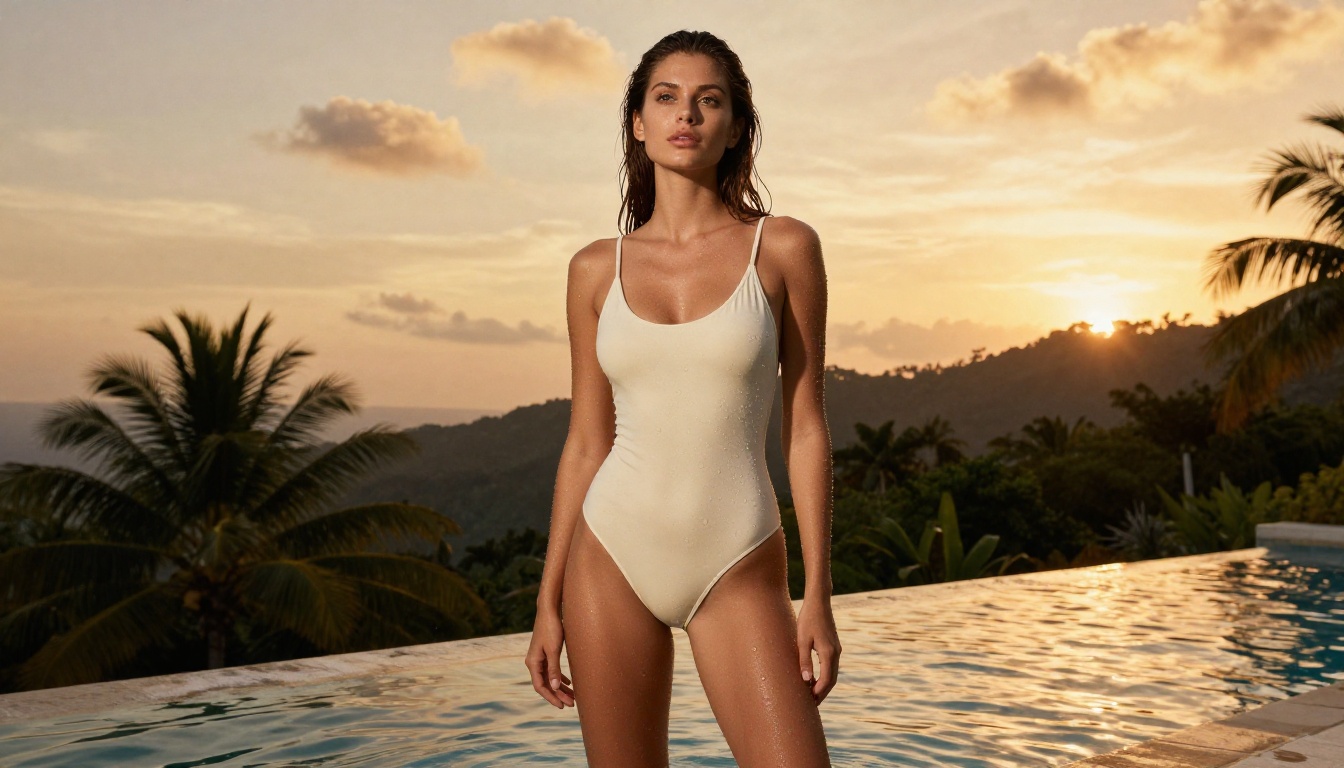
Understanding the line between artistic and explicit is not just about staying safe, it's about making better art. The most compelling adult AI imagery sits in a specific register: suggestive but not pornographic, beautiful but not sterile, sensual but not mechanical.
The Artistic Line
The most successful adult AI art operates in the language of editorial fashion photography, fine art portraiture, and boudoir photography. Think of references like Italian Vogue, high-end lingerie brand campaigns, or classic black-and-white boudoir work.
This aesthetic works because it communicates desire through atmosphere and light rather than explicit content. A silk robe catching morning light, a woman partially framed in a doorway, a close-up of hands resting on velvet fabric. These images are evocative without being explicit.
That aesthetic also happens to be what AI models render best. Explicit imagery strains anatomy generation significantly. Atmospheric, editorial-style work plays to the model's strengths.
Style Tips for Better Results
- Film grain adds realism: References like "Kodak Portra 400 grain" or "Fujifilm Pro 400H" signal to the model a specific analog texture that reads as photographic rather than rendered.
- Specific lenses matter: "85mm f/1.4" creates very different depth and compression than "35mm f/2." These aren't just aesthetic choices. They direct the model's composition logic.
- Warm light reads as intimate: Color temperatures in the 2700K to 3200K range (candle, morning sun) create an intimate, private atmosphere. Cooler light reads as more clinical.
- Negative prompts are your friend: Explicitly excluding "CGI, cartoon, 3D render, illustration, glowing effects" pushes the model firmly into photorealistic territory.
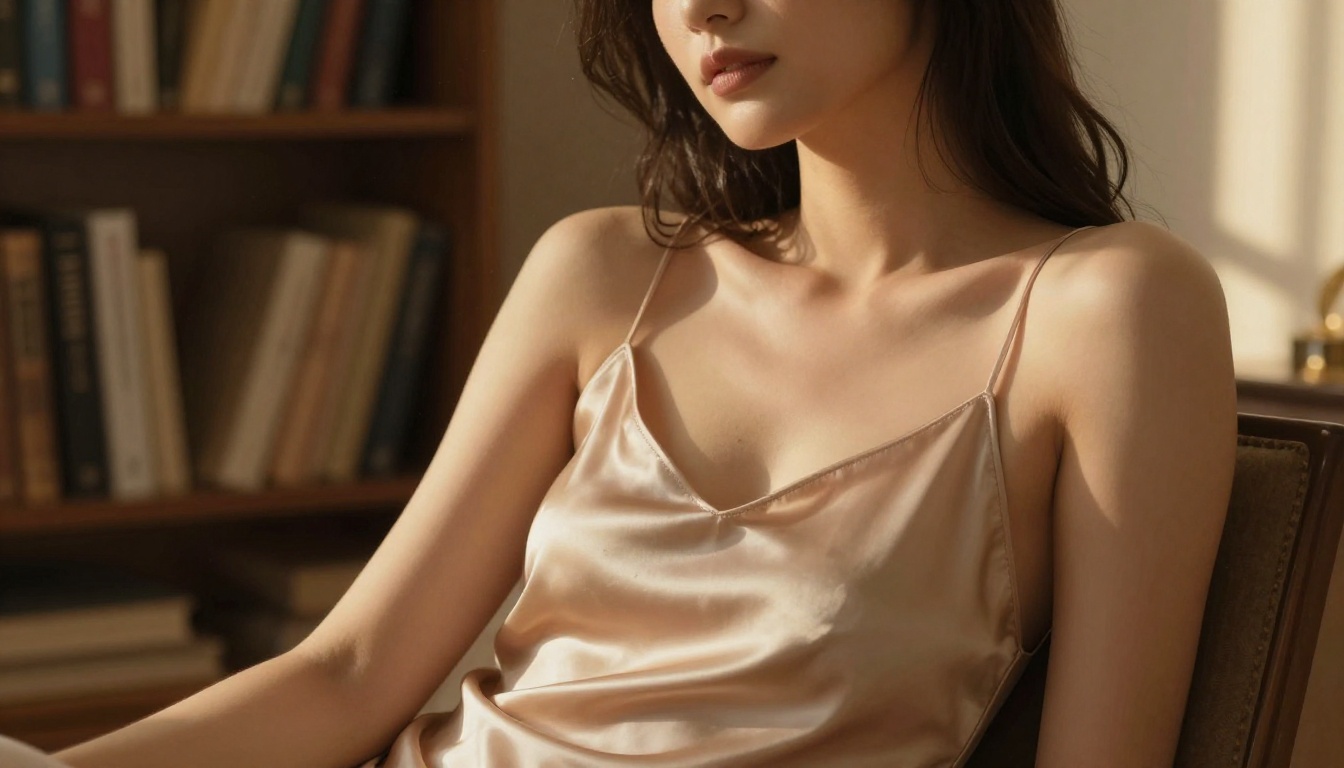
Try It Yourself
You now have everything you need: the right platforms, the right models, a structured prompt approach, and a clear picture of what works and why.
The fastest way to see the difference is to run the same prompt on a generic consumer tool and then on Flux Dev or Flux 1.1 Pro Ultra on a platform that lets you fully use the model. The gap is significant.
PicassoIA gives you access to over 90 text-to-image models including the full Flux family, RealVisXL v3.0 Turbo, Stable Diffusion 3.5 Large, Playground V2.5, and more, all with real content settings that respect adult creative work.
Start with a detailed cinematic prompt, pick Flux Dev, and run your first generation. The results will tell you everything.