Free AI video generation just reached a new standard. Wan 2.7 Pro, the latest release in the Wan Video series, produces 1080p adult content with naturalistic motion that older models could not match. If you want to generate adult-style video content without paying for subscriptions or setting up complex APIs, this is the model worth knowing.
The Wan 2.7 family runs on PicassoIA with daily free credits and no credit card requirement. Three distinct variants handle different stages of the production workflow, and you can start generating immediately from any browser.
What Wan 2.7 Pro Actually Is
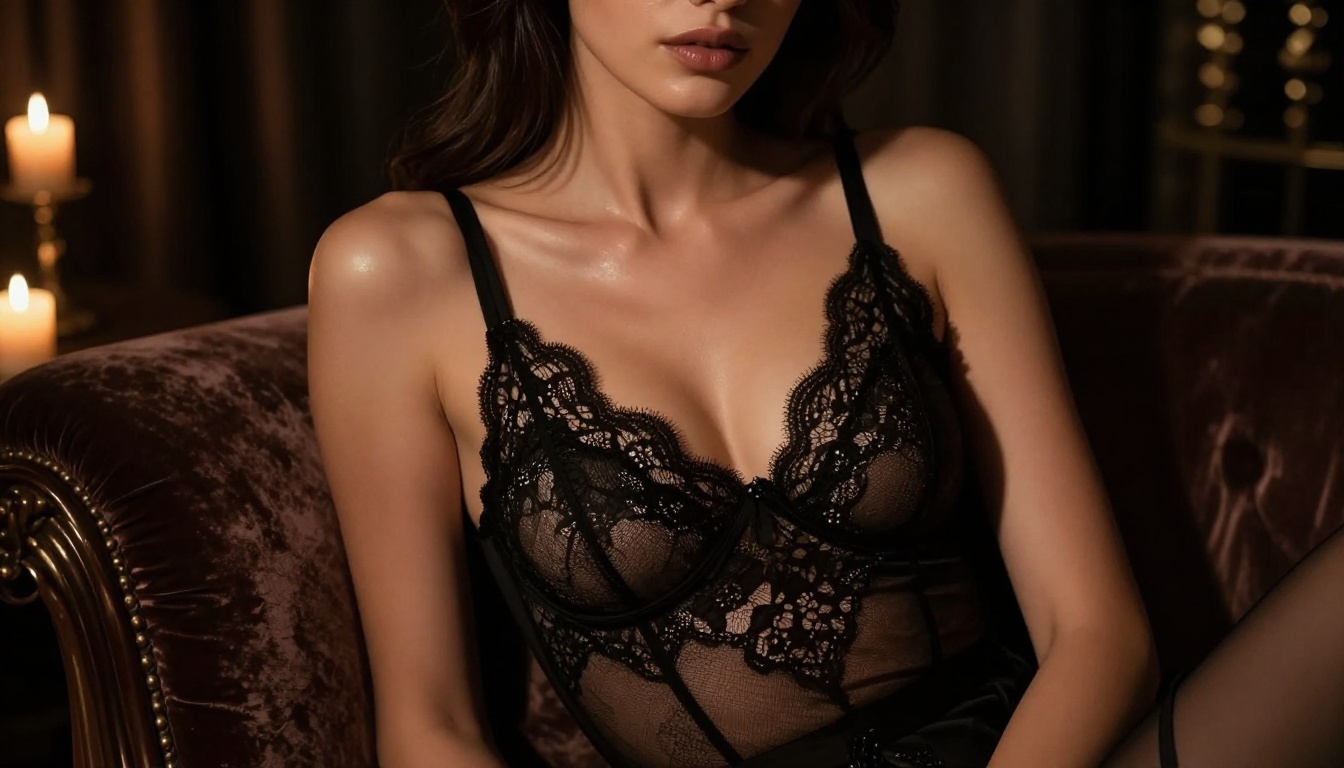
Wan 2.7 Pro is a diffusion-based video generation model trained on cinematic and real-world footage at scale. It generates temporally consistent, high-resolution clips with smooth motion and minimal flickering. The "Pro" label means it runs at higher computational precision than the standard release, with noticeably better preservation of skin texture and more coherent motion from frame to frame.
For adult content specifically, these qualities matter more than in any other genre. Where earlier models produced waxy skin or jerky limb movement, Wan 2.7 Pro holds anatomical realism across the full five-second clip duration.
Three Variants, Three Use Cases
| Model | Input Type | Best Use Case |
|---|
| Wan 2.7 T2V | Text prompt only | Building scenes from scratch |
| Wan 2.7 I2V | Image + text | Animating a generated photo |
| Wan 2.7 R2V | Reference image + motion | Transferring motion to a character |
For adult video workflows, I2V is almost always the correct starting point. You generate a high-quality still image first, then animate it. This gives you complete control over the character's appearance, pose, and setting before any motion is introduced. T2V is faster but offers less control over the initial character look.
How It Compares to Older Wan Versions
The generational improvements across the Wan Video series are real and visible:
- Wan 2.6 I2V: Good output, but faces drift after the first two seconds and clothing physics go soft
- Wan 2.5 I2V: Solid mid-range quality, struggles with minimal or form-fitting clothing
- Wan 2.2 I2V Fast: Fast results for iteration, but a lower quality ceiling
- Wan 2.7 Pro: Holds face likeness, skin texture, and fabric physics through the entire clip
💡 Use Wan 2.2 T2V Fast for quick prompt testing before committing to a Pro generation. It costs fewer credits and shows you whether your prompt direction is working.
Where to Run It for Free
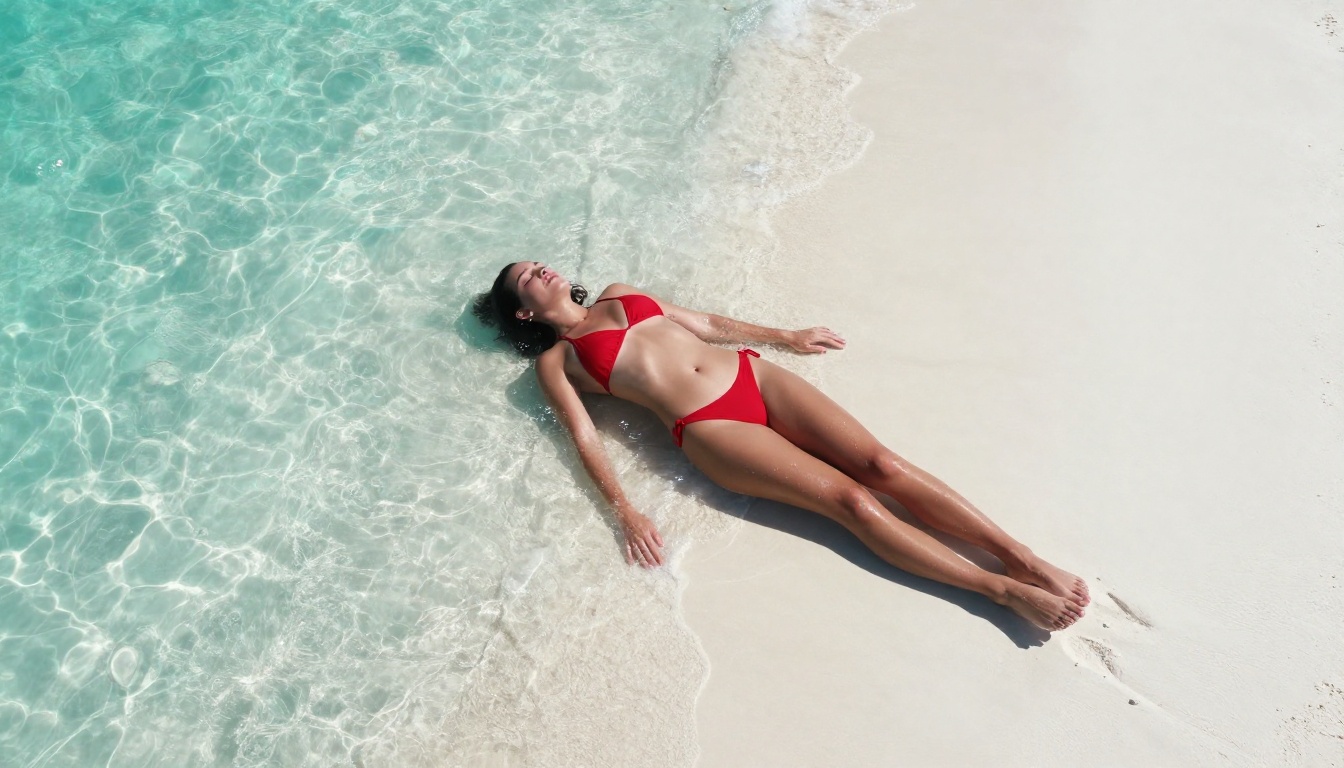
The most direct access point for Wan 2.7 Pro is PicassoIA. No installation. No API keys. No subscription required to start generating.
How PicassoIA Credits Work
PicassoIA runs on a tiered credit system:
- Free daily credits: Refresh every 24 hours, sufficient for several Wan 2.7 T2V runs
- Standard credits: Purchased as needed, unlock I2V and R2V with faster queue priority
- No subscription lock-in: You pay per generation, not per month
For users who want unlimited image generation as source frames, PicassoIA Image Editor Pro gives you unrestricted still image output. This is the most efficient way to iterate on source images without burning video credits on bad inputs.
PicassoIA Video, the platform's own native generator, is also available completely free for basic video generation. It does not apply blanket NSFW content filters, making it a practical starting point for adult content workflows.
What Free Access Actually Gets You
On the free tier, you can run:
- Wan 2.7 T2V for text-based adult scenes
- Wan 2.7 I2V with standard queue priority
- Image generation via Seedream 4.5 for source frames
- Post-processing through built-in video editing tools
The paid tier primarily improves speed and queue position. Quality is identical between free and paid runs on the same model.

The Best Image Model for Adult Source Frames
Wan 2.7 I2V is only as good as the image you give it. A poorly constructed source frame produces a poorly animated video. This is where the right image model makes the difference.
Seedream 4.5: Start Here
Seedream 4.5 is the recommended model for generating adult still images on PicassoIA. It handles skin tone gradients, sheer fabric, and body anatomy with photorealistic precision that survives animation.
What it does well:
- Uncensored generation: No automatic NSFW filtering applied to adult prompts
- Skin texture: Subsurface scattering effect makes skin look real under varied lighting
- Pose accuracy: Complex poses render without anatomical artifacts
- Output speed: 8-12 seconds per image at full 1024px resolution
- Consistency: Running the same seed twice produces the same character, which helps when you need multiple frames of the same person
💡 Generate 5-6 Seedream 4.5 variants with slightly different poses. Pick the best single frame as your Wan 2.7 I2V source. This 10-minute image prep phase dramatically improves final video quality.
What to Avoid for Source Frames
Not every image model works as an I2V starting point:
- Seedream 5 Lite: Applies content filters that block explicit adult prompts. Do not use it for NSFW content.
- Illustration or anime-style models: Produce stylized outputs that look wrong when Wan 2.7 applies realistic motion physics
- Low-resolution models: 512px outputs become blurry at 720p video resolution even with upscaling applied
Explore all available image models at picassoia.com/en/all-models.
Writing Prompts That Actually Work
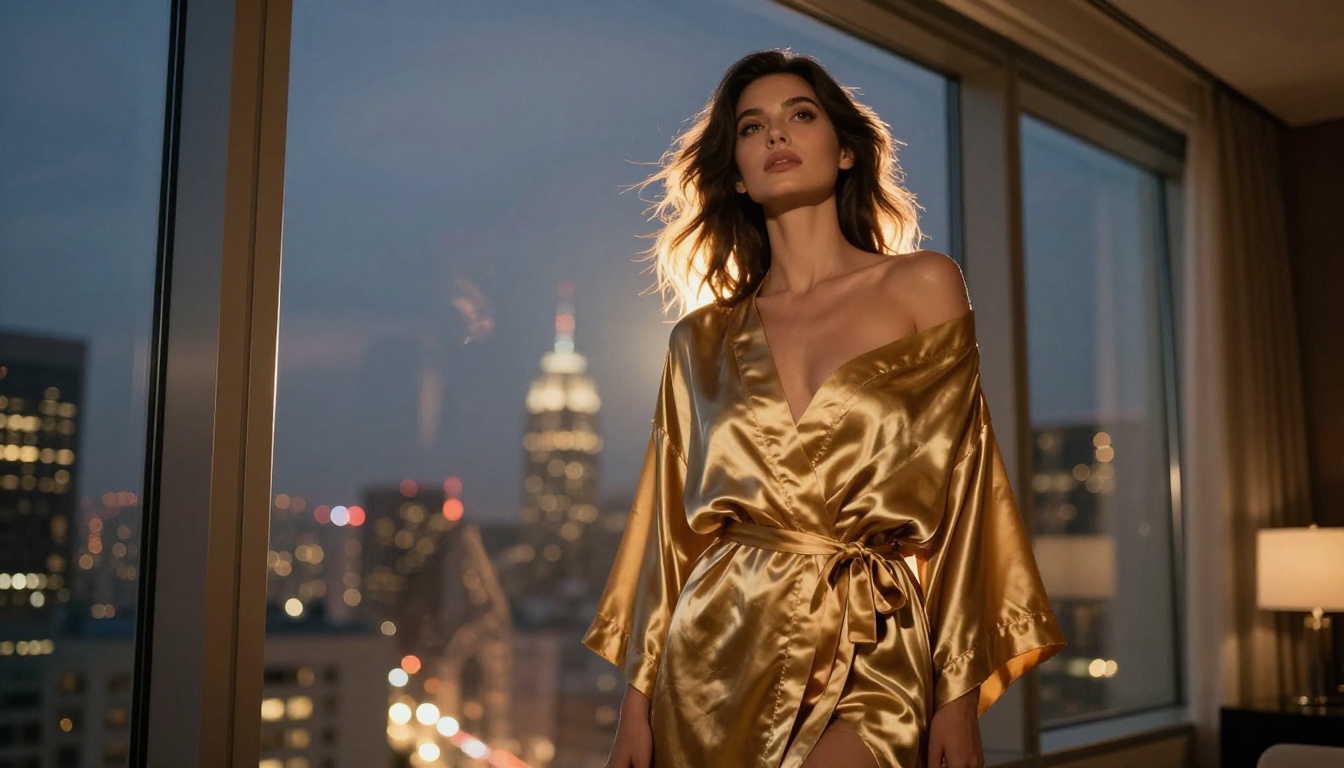
Prompt engineering for adult AI video is its own skill set. Generic inputs produce generic outputs. The models respond to specificity.
The Four Layers of a Strong Adult Prompt
Every effective adult video prompt contains:
- Subject: Physical description, clothing, body position
- Environment: Setting, background details, time of day
- Motion: What moves, how it moves, direction and speed
- Camera: Angle, movement style, focal length feel
Weak prompt: "beautiful woman, bedroom, sexy"
Strong prompt: "Slender brunette woman in black satin lingerie lying on white linen sheets, soft morning light from left through sheer curtains, slowly turning toward the camera with a half-smile, gentle push-in at eye level, 85mm portrait framing, natural skin texture, photorealistic"
The output difference between these two prompts is dramatic.
Three Mistakes That Kill Output Quality
1. Stacking quality modifiers instead of scene details
"Ultra 8K hyperrealistic cinematic photorealistic" does not improve output. The model already knows what photorealism looks like. Describe the scene instead of demanding quality.
2. Leaving motion undefined
An undefined motion prompt lets Wan 2.7 invent random movement. This often results in background elements shifting while the subject stays rigid, or unnatural floating effects. Always specify a motion verb.
3. Writing only negative prompts
Long negative prompt lists with minimal positive description produce inconsistent results. Put 80% of your effort into the positive description and let negative prompts handle the edge cases.
Sample Prompts by Scene Type
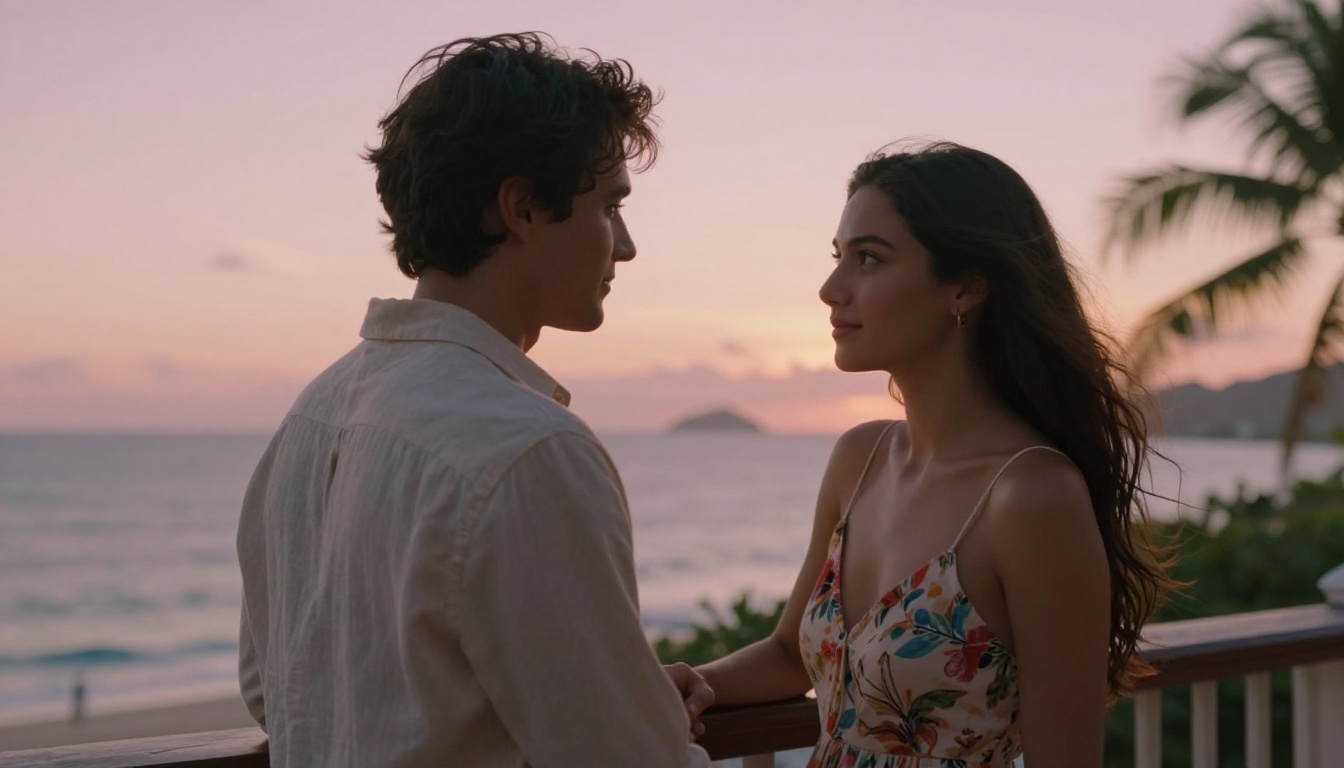
Boudoir / Glamour:
Brunette woman in red lace lingerie seated on a velvet chair, amber lamp light from the right, slowly crossing and uncrossing her legs, camera at mid-distance portrait framing, photorealistic
Beach / Outdoor:
Athletic blonde in white bikini standing at shoreline, ocean waves over her feet, she tilts her head back to the sun, steady cam medium shot, warm afternoon light
Urban / Night:
Dark-haired woman in silver slip dress on a rooftop terrace at night, city lights behind her, leans against the railing and looks back at camera, slow dolly forward, mixed tungsten and ambient light
Intimate Interior:
Woman in sheer camisole reclining against headboard in a softly lit bedroom, morning light streaming from the side, she stretches arms above her head slowly, static camera at mid-range
Step-by-Step: Your First Adult Video
This is the exact workflow that produces the highest-quality results using Wan 2.7 Pro on PicassoIA.
Step 1: Generate the Source Image
Open PicassoIA and load Seedream 4.5. Write a detailed still image prompt covering appearance, clothing, pose, and lighting. Generate 4-6 variants. Choose the frame that has:
- A pose that will animate naturally (avoid extreme or contorted positions)
- Clean face rendering with no visible artifacts
- Lighting that will survive motion blur and slight compression
Step 2: Animate with Wan 2.7 I2V
Open Wan 2.7 I2V. Upload your chosen image. Write a motion-focused prompt describing what moves and how. Set resolution to 720p for fast iteration, 1080p for final output.
Start with medium motion strength. High motion strength on subtle subjects (lingerie, lying down, minimal movement) introduces distortion around clothing edges and hair.
Step 3: Review and Refine
Watch the result three times before deciding to keep or regenerate. Check for:
- Face consistency: Does the face look the same in frame 1 and frame 120?
- Motion logic: Does the movement make physical sense?
- Clothing physics: Does fabric move realistically with the body?
If any of these fail, adjust the motion prompt before regenerating. The motion description is the primary quality lever in I2V workflows.
Top Video Models for Adult Content on PicassoIA
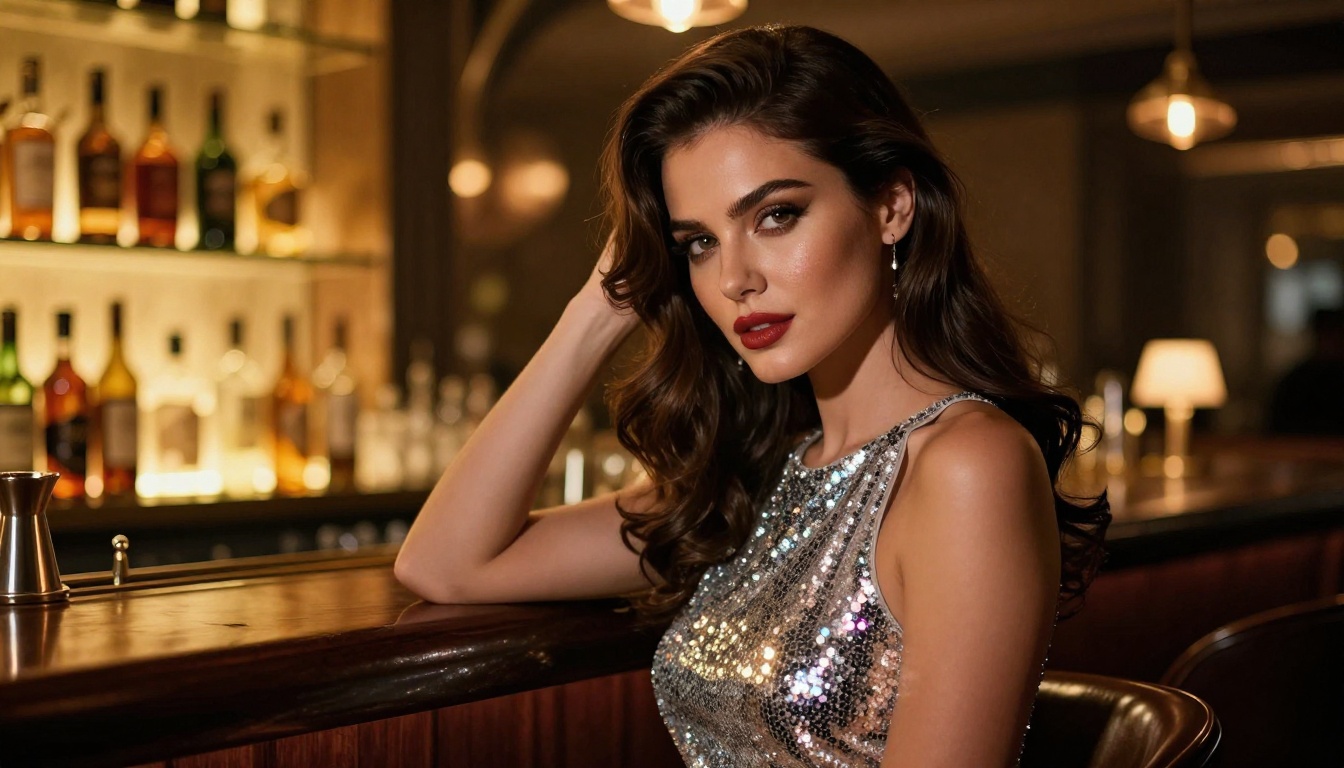
Wan 2.7 Pro is the flagship recommendation, but several other models in the PicassoIA catalog handle adult content effectively.
Seedance 2.0 is the strongest alternative to Wan 2.7 Pro for adult content. Its built-in audio generation adds ambient sound automatically, making clips feel more immersive without any post-processing step.
LTX 2.3 Pro produces 4K output with sub-frame motion detail that no other model at this tier can match. The trade-off is generation time, which runs significantly longer than Wan 2.7.
Kling v3 Video offers cinematic camera motion options that Wan 2.7 does not expose directly in its prompt interface, making it better for specific camera choreography and controlled crane or dolly movements.
Refining and Editing Output
A first generation is a starting point, not a finished product. These post-processing steps improve results significantly with minimal extra effort.
Face Swap for Character Consistency
AI video models generate different-looking characters each run, even with the same seed. PicassoIA's Face Swap AI lets you apply a reference face to any generated video, maintaining consistent character identity across multiple clips generated separately. This is important if you are building a series of clips that should all feature the same person.
Upscaling with Super Resolution
Wan 2.7 T2V at 720p looks clean on standard screens. For large displays or distribution at higher quality, PicassoIA's Super Resolution upscales 720p video to 4K by reconstructing pixel-level detail. Skin texture, fabric weave, and hair strands all become sharper and more defined. For adult content where visual detail is part of the appeal, this step is worth the additional generation time.
Built-In Video Editing Tools
After generation, PicassoIA's video editing tools let you:
- Trim: Remove the first or last second to cut ramp-up artifacts from the beginning of clips
- Color grade: Apply warm, cool, or cinematic looks without re-generating from scratch
- Stabilize: Fix minor camera shake introduced by high motion-strength settings
- Sharpen: AI video sharpening for crisper output on close-up or detailed scenes
Motion Transfer with Wan 2.7 R2V
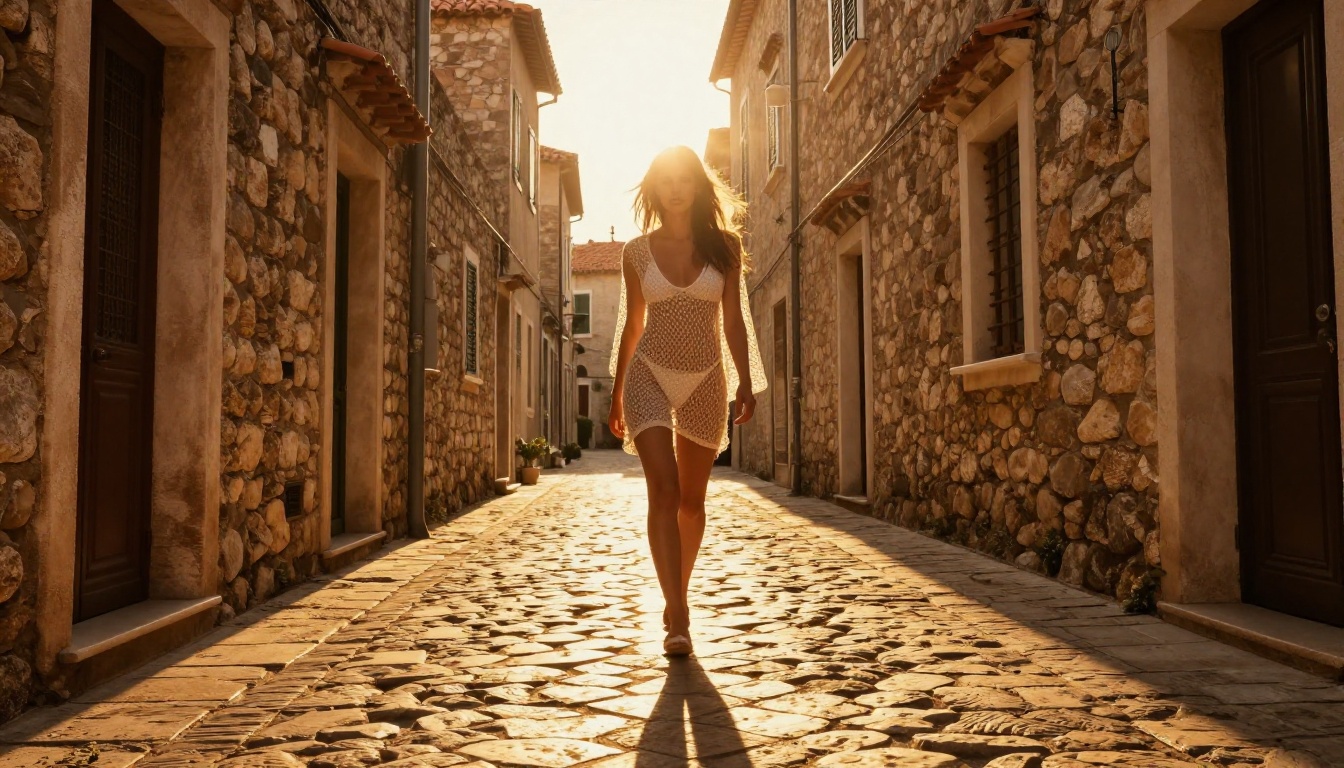
Wan 2.7 R2V solves the randomness problem in adult video generation. Instead of describing motion in text and hoping the model interprets it correctly, you provide a reference clip showing the specific movement you want applied.
Upload a reference video showing the motion pattern, pair it with your character image, and R2V transfers that exact motion to your character. Walking cycles, slow turns, stretch movements, any motion with defined physical logic becomes reproducible at will.
This is the most reliable path to consistent, repeatable motion without relying on prompt luck. For adult content where specific body movement matters to the final output, R2V eliminates the guesswork entirely.
💡 Pro technique: Pair R2V with Kling v3 Motion Control if you need per-limb precision rather than full-body motion transfer. Both solve the consistency problem using different technical approaches, and they complement each other for complex scenes.
Adding Audio to Silent Clips
Wan 2.7 Pro generates video without audio. For production-ready output, you have two practical options:
Option 1: Generate with native audio from the start
Use Seedance 2.0 or Veo 3.1 Fast instead of Wan 2.7 if audio is essential to your output. Both generate video with synchronized ambient sound natively built into every clip.
Option 2: Add audio in post using Wan 2.2 S2V
Wan 2.2 S2V syncs audio to existing silent video clips. Upload your Wan 2.7 output, describe the audio you want, and the model generates and synchronizes ambient sound to the visual content.
For adult content where audio realism contributes significantly to the overall feel of a clip, the S2V post-processing step is worth including in your workflow.
Everything Available at PicassoIA
Every model covered in this article is accessible from a single dashboard at picassoia.com/en/all-models. The full platform includes:
- 91+ text-to-image models including Seedream 4.5 for uncensored adult source frames
- 87+ text-to-video models covering the full Wan 2.7 family, Seedance 2.0, Kling v3, LTX 2.3 Pro, and more
- Video editing: Trim, color grade, stabilize, and sharpen clips after generation
- Super Resolution: Upscale 720p to 4K with reconstructed pixel-level detail
- Face Swap AI: Apply consistent character faces across multiple separate clips
- Lipsync: Sync lip movement to any audio track realistically
- Text to Speech: Generate voice-overs for scene narration
- 500+ video effects: Post-generation visual treatment options for any style
The combination of free access, uncensored model availability, and the breadth of post-processing tools makes PicassoIA the most complete platform for adult AI video generation available right now.
Create Your First Video Today
The fastest path from zero to finished adult AI video is straightforward: generate a Seedream 4.5 source image, animate it with Wan 2.7 I2V, and run it through Super Resolution. The full workflow takes about 15 minutes from first prompt to final output.
Open picassoia.com/en/all-models and load Wan 2.7 I2V from the text-to-video section. Generate a test clip with a simple motion prompt to calibrate your settings. Then iterate from there, adjusting motion strength, camera direction, and subject detail until you get results that match your vision.
The models are free to start. The quality is production-ready. The only variable left is the prompt.


