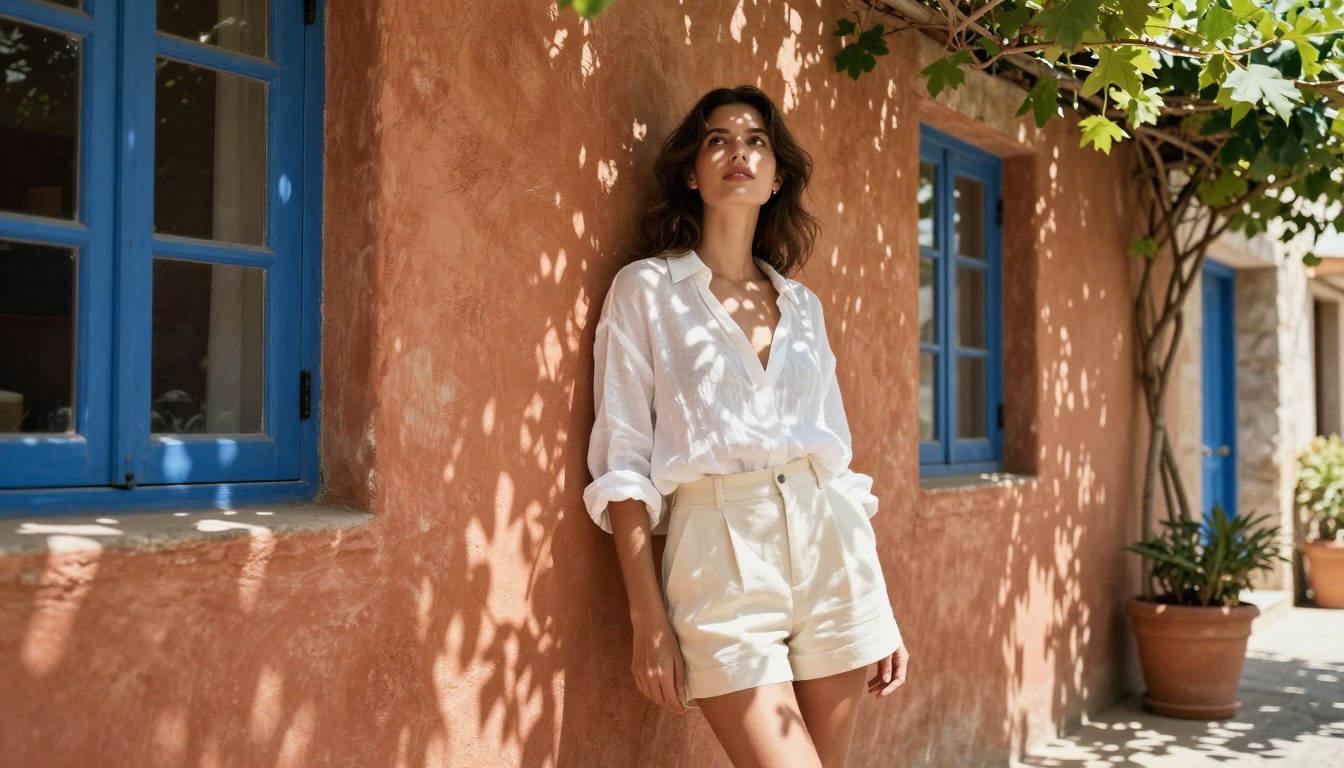
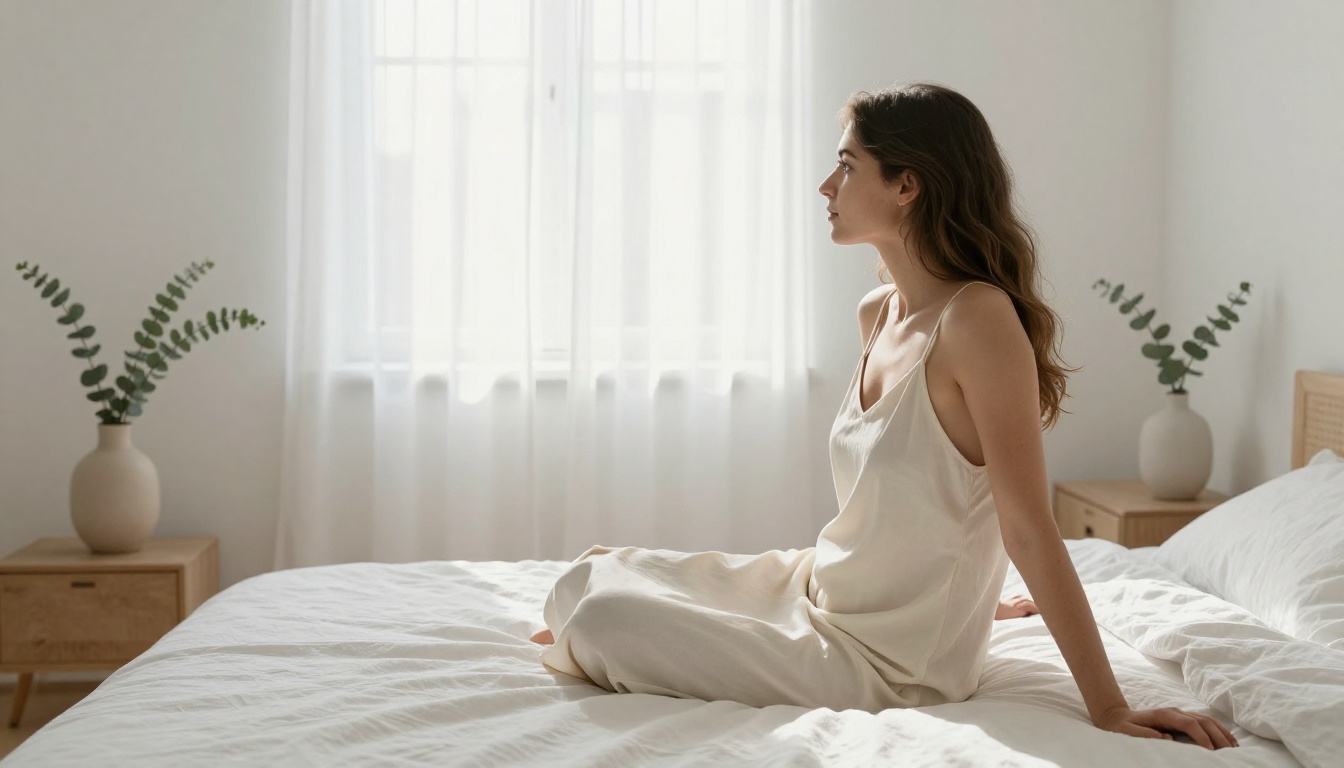
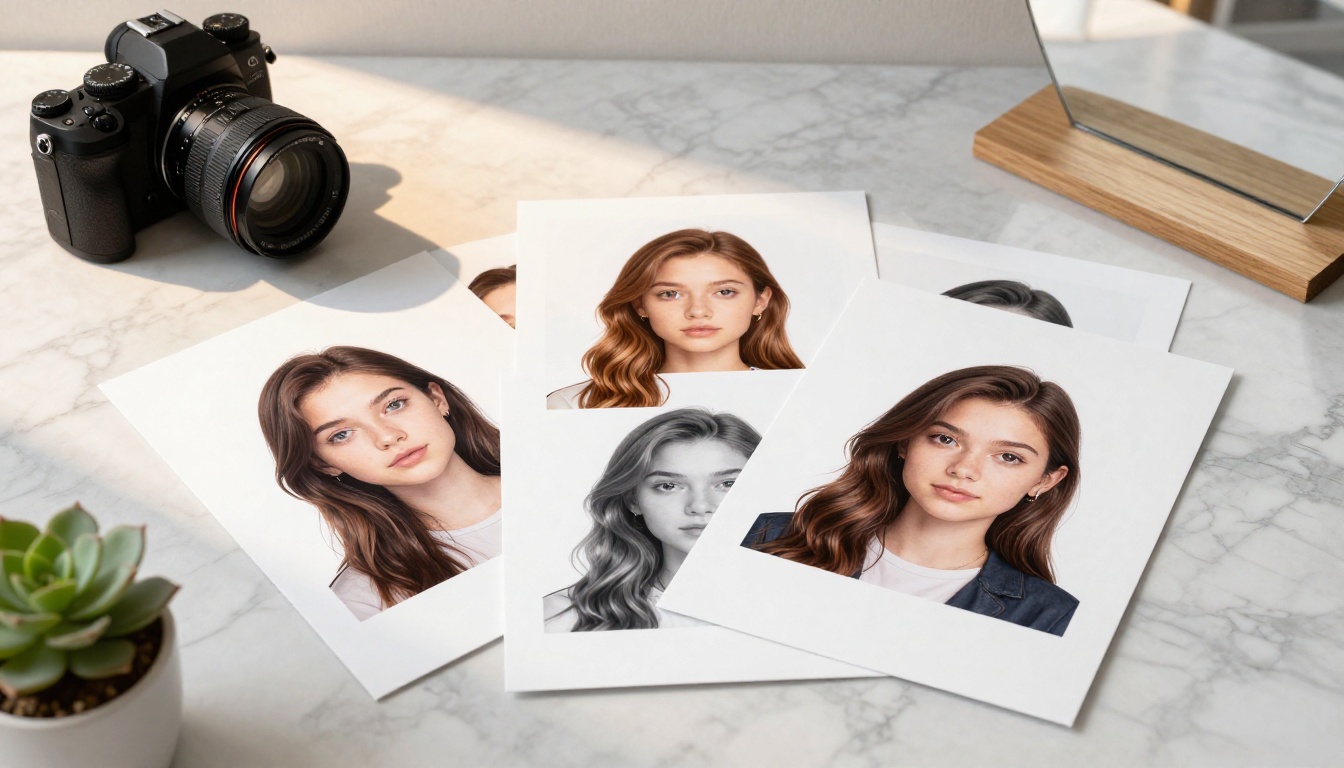
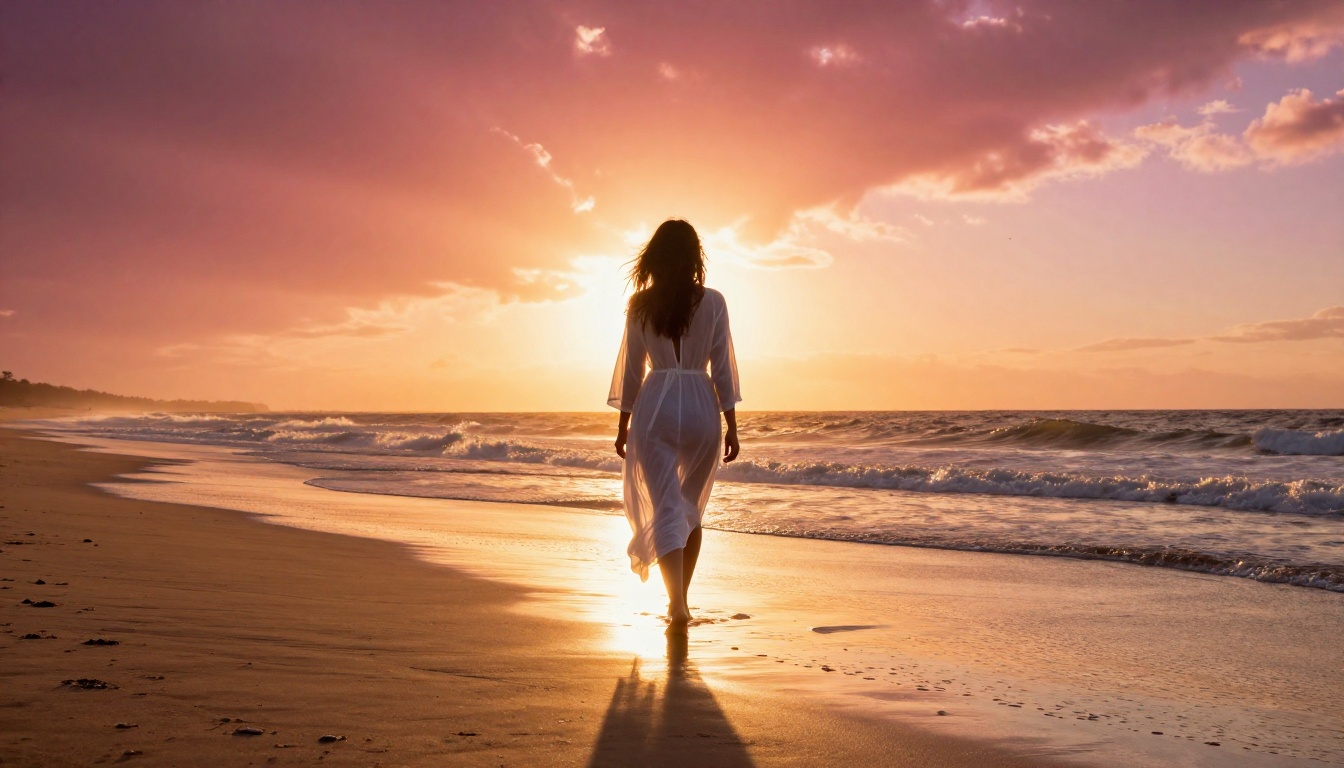
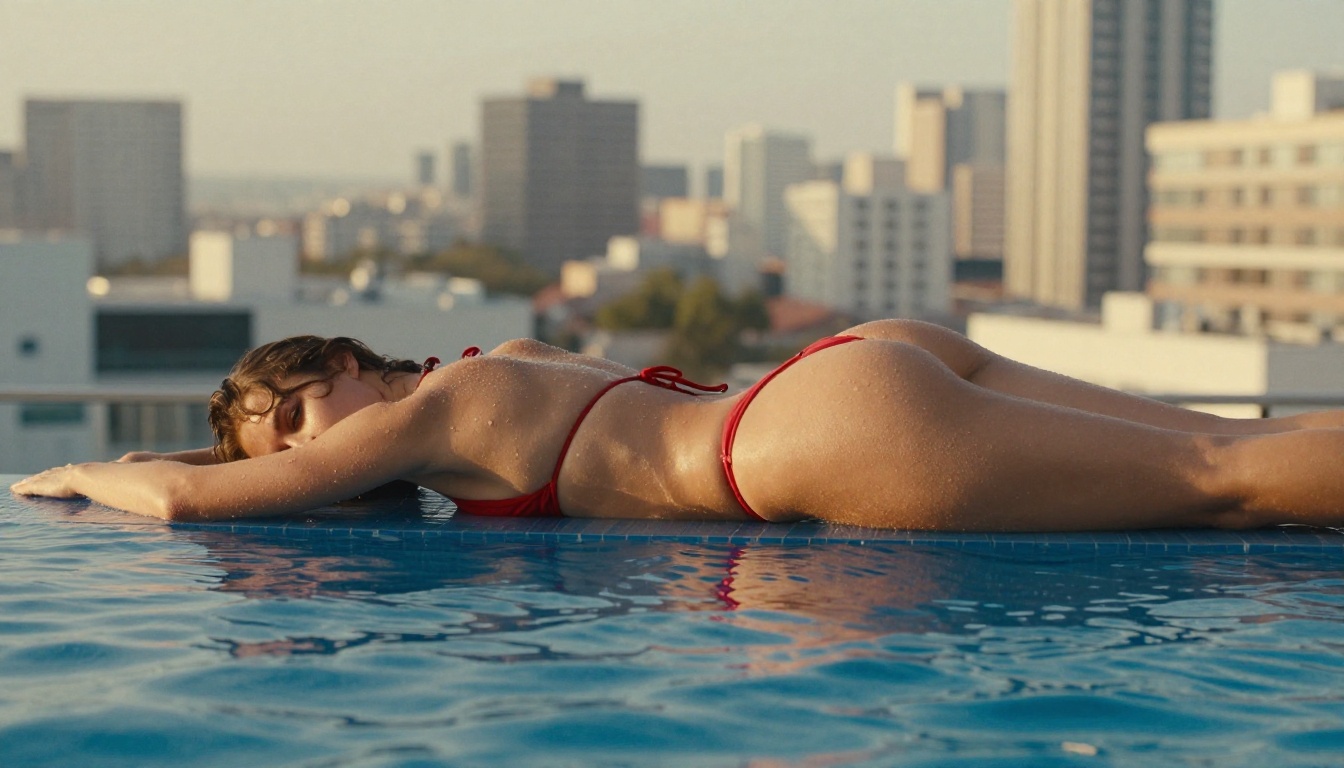
A no-fluff breakdown of the best free AI tools and models for generating NSFW images in 2027. From choosing the right platform to writing prompts that actually work, this article walks you through everything needed to create stunning, suggestive, and artistic AI-generated content without spending a dollar.
The question comes up constantly in AI communities: how do you actually generate NSFW images with AI for free? Not the vague, hedged answer. The real one. This article gives you exactly that. Whether you want glamour photography, artistic nudity, suggestive fashion, or anything in between, you are going to find out which tools work, which models to choose, and how to write prompts that produce results worth keeping.
The AI image generation space has exploded. There are now dozens of platforms and hundreds of models available, many of them free. But not all of them handle NSFW content the same way, and knowing the difference saves you hours of trial and error.
What "NSFW" Actually Means for AI
Before anything else, it is worth defining the territory. "NSFW" is not a single category. It is a broad spectrum that ranges from tasteful glamour to fully explicit adult content. AI platforms treat these very differently, and conflating them is the number one reason people get frustrated.
Here is how most platforms categorize it:
Content Level
Description
Free Availability
Suggestive
Bikinis, lingerie, implied skin
Widely available
Glamour
Fashion-forward, artistic, sensual
Available on most platforms
Artistic Nudity
Non-explicit, fine-art style
Available with model selection
Explicit
Pornographic content
Restricted, usually paid/gated
For the purposes of this article, the focus is on suggestive through artistic nudity. That covers 90% of what people search for, and it is genuinely achievable with free tools using the right models and prompts.
💡 The key insight: Most platforms are not blocking "NSFW" broadly. They are blocking explicit sexual content. Glamour, sensual, and artistic content is a completely different category and requires different models, not workarounds.
Free NSFW AI Tools: What Actually Exists
The landscape of free AI image generation has matured significantly. A handful of platforms now offer meaningful free tiers with access to powerful models. The trick is knowing which platforms allow what.
PicassoIA: The Most Versatile Free Option
PicassoIA offers access to over 91 text-to-image models without requiring a subscription to get started. The platform aggregates models from Black Forest Labs, Stability AI, ByteDance, Google, and others. This matters because the model you choose determines more about your output than any other single factor.
The free tier gives you enough credits to experiment seriously, not just take a single test shot. And because the model library is so extensive, you can dial in exactly the right style for what you are creating.
Why Model Choice Matters More Than Platform
Most people try one or two models, get mediocre results, and assume AI is not good enough for the kind of content they want. That is almost always a model selection problem.
The same prompt fed to different models produces wildly different outputs. A photorealism-focused model renders skin texture, fabric, lighting, and composition completely differently than a general-purpose creative model. For NSFW-adjacent content especially, you need a model that prioritizes human anatomy accuracy and photographic realism.
Best Models for Glamour and Artistic Content
These are the models that actually produce quality results for suggestive and glamour content. Each is available on PicassoIA.
Currently one of the best models available for photorealistic human figures. Flux 1.1 Pro Ultra from Black Forest Labs produces images with exceptional skin texture, natural lighting response, and anatomically accurate human forms. It handles complex poses, fabric behavior, and environmental lighting better than most alternatives.
Best for: High-quality glamour, editorial fashion, skin texture accuracy.
Prompt style: Describe like you are writing a photography brief. Specify lens, aperture, lighting direction, and film stock.
A community-developed model purpose-built for photorealistic human imagery. Realistic Vision v5.1 was specifically trained on photographic datasets to improve skin tones, hair rendering, and overall figure realism. It is one of the most used models for glamour content among experienced AI creators.
Best for: Realistic portraits, close-up beauty shots, skin detail.
The XL version of Realistic Vision with substantially higher output resolution and improved body proportions. RealVisXL v3.0 Turbo runs faster than the standard version while maintaining output quality that rivals paid-only models.
Best for: Full-body shots, multiple subjects, complex compositions.
A hybrid model that blends photorealism with artistic flexibility. DreamShaper XL Turbo handles both editorial-style portraits and more stylized glamour content. Its speed is a significant advantage when iterating through multiple prompt variations.
Best for: Mixed editorial and artistic styles, fast iteration.
The latest major release from Stability AI. Stable Diffusion 3.5 Large introduced significant improvements to human figure generation, fixing many of the anatomical distortion issues that plagued earlier SD versions. It is a strong all-rounder.
Best for: Consistent quality across different styles, reliable output.
The SDXL base model remains a workhorse for glamour content generation. Its 1024x1024 native resolution and strong community LoRA ecosystem means you can fine-tune it extensively. Pair it with photorealism LoRAs for significantly better results.
💡 Pro tip: When using SDXL, the aspect ratio you choose affects composition more than you might expect. Use 16:9 for full-body environmental shots and 4:5 for portrait-focused close-ups.
How to Generate on PicassoIA: Step by Step
Here is the exact workflow for generating high-quality suggestive and glamour content on PicassoIA using Flux Dev:
Step 1: Select your model
Go to PicassoIA and navigate to the text-to-image collection. For photorealistic glamour, start with Flux Dev or Realistic Vision v5.1. Both handle human figures exceptionally well.
Step 2: Write your prompt using the photography brief format
Structure your prompt in layers:
Subject: Who is in the frame, what are they wearing, what is their pose?
Environment: Where is the scene? Indoor/outdoor, specific location details.
Lighting: Direction, quality (hard/soft), color temperature, time of day.
Camera specs: Lens focal length, aperture, shooting angle.
Film/Style tags: "Kodak Portra 400, RAW 8K photography, photorealistic."
Example prompt:
Confident woman in white satin bikini on a sun-drenched Santorini terrace,
golden afternoon light at 45 degrees from the left, natural skin texture visible,
85mm f/1.4 lens, shallow depth of field, Kodak Portra 400 film grain,
RAW 8K photography, cinematic composition
Step 3: Set your parameters
Aspect ratio: 16:9 for wide/editorial, 9:16 for vertical/portrait.
Steps: 25-35 for quality output (higher steps = more detail but slower).
For Flux Schnell, 4 steps is sufficient due to its architecture.
Step 4: Use negative prompts
Add what you do not want. For photorealistic output, always include:
When you get a composition you like, note the seed number. You can re-run with the same seed and slight prompt modifications to iterate toward your ideal result without losing the core composition.
💡 Seed tip: Changing just one element in your prompt with the same seed often gives you a controlled variation, like adjusting clothing, lighting, or pose while keeping the overall composition intact.
Writing Prompts That Actually Work
This is where most people fail. The difference between a mediocre output and a stunning one is almost always in prompt quality, not the model.
The Anatomy of a High-Quality Glamour Prompt
A weak prompt gives the model too much creative freedom. AI models fill in gaps with average, generic interpretations. A strong prompt directs every visual variable.
Weak:beautiful woman in bikini on beach
Strong:
A 25-year-old woman with olive skin and dark wavy hair, wearing a minimal
ivory string bikini, standing waist-deep in calm turquoise Mediterranean water,
late afternoon golden hour light from the right casting warm shadows across
her collarbone, visible water droplets on her skin, shot with 85mm f/1.8,
Kodak Portra 400 film grain, editorial travel photography style, 16:9 ratio
The strong version specifies age, complexion, hair, clothing details, exact location, water state, precise lighting direction and color temperature, body detail (water droplets), camera specs, film stock, style reference, and aspect ratio. Every one of those elements reduces ambiguity.
LSI Keywords to Weave Into Prompts
These descriptors consistently improve output quality for human figure photography:
volumetric lighting, Rembrandt lighting, golden hour
85mm prime lens, f/1.4, shallow depth of field
photojournalistic, editorial photography, high fashion
RAW photography, 8K resolution, photorealistic
What to Avoid in Prompts
Certain words trigger safety filters or produce poor results. Beyond the obvious explicit terms, avoid:
Abstract concepts ("sensual", "erotic") in favor of concrete visual descriptions
Vague style tags ("beautiful", "stunning") instead of specific photography terms
Multiple conflicting styles in one prompt (photorealistic AND artistic)
Common Mistakes That Ruin Results
Even with the right model and a solid prompt, these mistakes consistently produce poor output:
1. Ignoring aspect ratio
The model's default is usually square (1:1). For human figures, 9:16 or 16:9 gives you proportionally correct results. Square crops force the model to either truncate or awkwardly compress a figure.
2. Skipping negative prompts
Negative prompts are not optional. Without them, models default to their training biases which for many models includes digital art styles, exaggerated proportions, and artificial lighting. Your negative prompt actively steers the model away from its defaults.
3. Using the wrong model for the content type
A pixel art generator (RD-Plus) is not going to produce photorealistic skin texture no matter how good your prompt is. Match your model to your content category. General-purpose models like GPT Image 1.5 work well for many things but dedicated photorealism models outperform them specifically for human figure photography.
4. Too many subjects or scene elements
AI models handle single-subject compositions much better than crowded scenes. The more subjects and background elements you add, the more likely you are to get anatomical errors, merged figures, or compositional chaos.
5. Prompt contradiction
"Natural no-makeup look with full glam editorial lighting" is a contradiction. The model will try to satisfy both directives and produce something that satisfies neither. Keep your visual direction consistent.
💡 Workflow tip: Use Flux Schnell for rapid prompt testing (4-step generation is nearly instant), then switch to Flux 1.1 Pro Ultra once you have a prompt direction you are happy with for the final high-resolution output.
Quality vs. Speed: The Real Trade-off
There is a direct relationship between generation speed and output quality. Fast models achieve their speed by taking fewer sampling steps, which means less iterative refinement of the image. The tradeoff is visible: faster models produce slightly softer skin texture, less accurate anatomy on complex poses, and lower coherence between prompt and output.
For a creative workflow, this trade-off is actually an advantage. Use a fast model like Flux Schnell or DreamShaper XL Turbo to find your composition and overall aesthetic direction, spending minimal credits on each iteration. Once you have something that works, spend the generation credits on a quality model for the final output.
The Flux 2 Pro and Seedream 4 both produce outputs at the top end of the quality spectrum. Seedream 4 in particular has exceptionally strong ultra-high-resolution output that holds up well at large print sizes.
When to Use LoRA Models
LoRA (Low-Rank Adaptation) models are fine-tuned versions of base models trained on specific styles or subjects. For glamour content, LoRA models trained on fashion photography datasets dramatically improve:
Clothing fabric behavior and texture
Specific body type representation
Consistent face/identity across multiple generations
PicassoIA's Flux Dev LoRA support lets you apply custom LoRAs to Flux Dev generations, giving you significant control over style while keeping the base model's photorealism.
Beyond Static Images
Once you have mastered text-to-image generation, the next step is bringing those images to life. PicassoIA's platform extends beyond static generation into video, face manipulation, and image enhancement.
Super Resolution: After generating an image, run it through a Super Resolution model to upscale 2x or 4x without quality loss. This is especially useful when you want to print outputs or use them in high-resolution projects.
Inpainting: Use inpainting to fix specific areas of a generated image, like correcting an awkward hand position or adjusting clothing detail in a specific region, without regenerating the entire image.
Face Swap: For creating consistent character images across multiple scenes, PicassoIA's Face Swap capability lets you maintain identity consistency across different compositions.
Start Creating Your Own Images
You now have everything needed to generate high-quality suggestive and glamour AI images for free. The workflow is straightforward: pick the right model, write a detailed photography-style prompt, set your aspect ratio and negative prompts, iterate fast with a speed model, and finish with a quality model.
The only thing left is to open the platform and type your first prompt. Start with the photography brief format, reference one of the models above, and see what comes back. The first result almost never the best one, but it gives you something concrete to iterate from.
That is how every good image gets made: one iteration at a time.