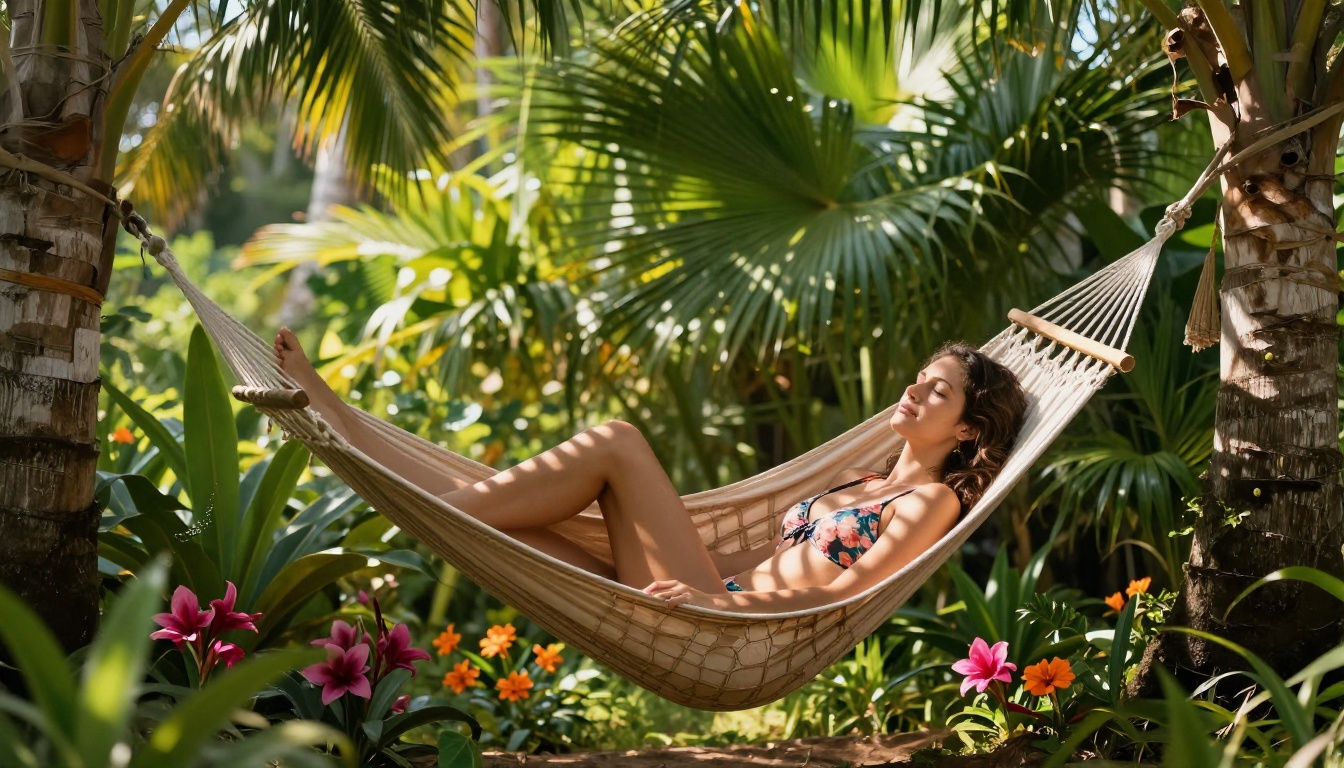
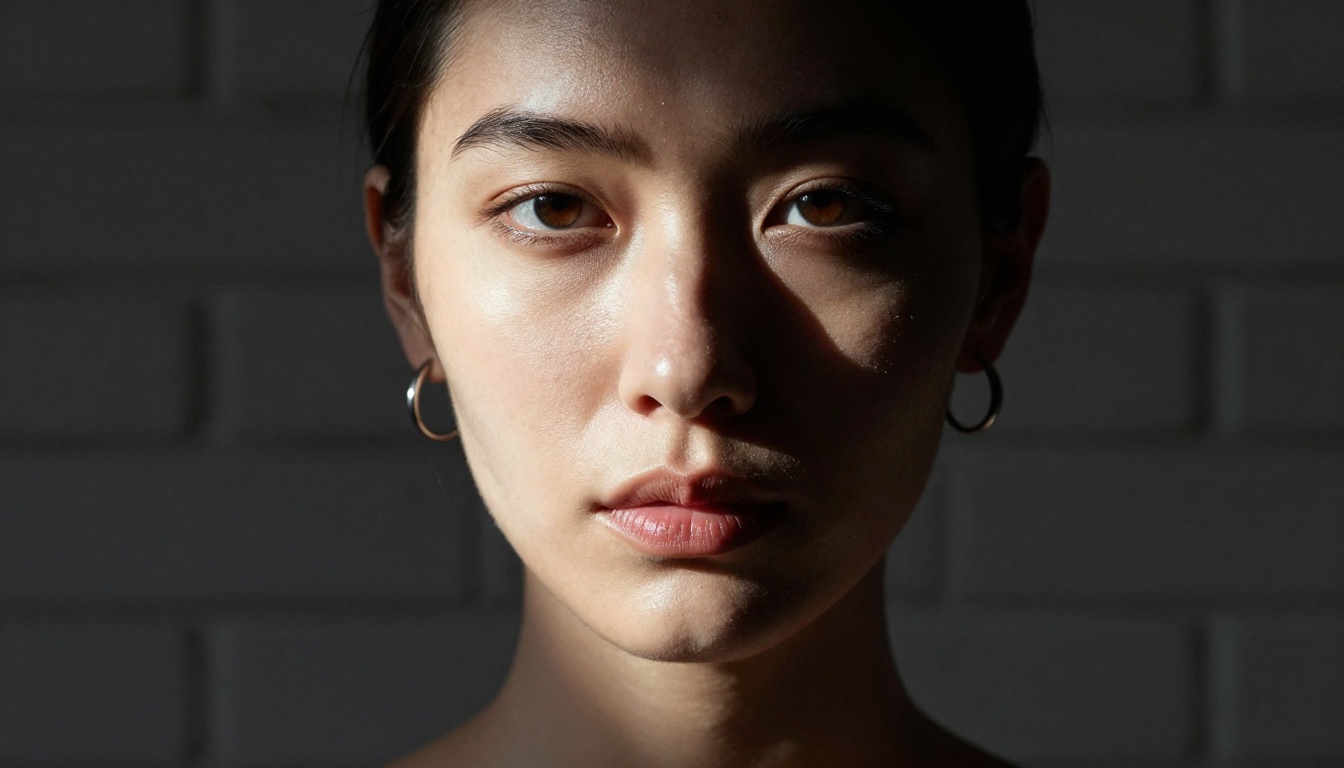
The landscape of AI image generation changed dramatically in 2026. What used to require jailbreaks, VPNs, and shady workarounds is now available through legitimate platforms with purpose-built NSFW models that actually perform. If you have been frustrated by content filters killing your prompts or blurring outputs right at the finish line, this article shows you exactly which models work, how to write prompts that get results without fighting the tool, and how to produce professional-quality uncensored AI images at scale.
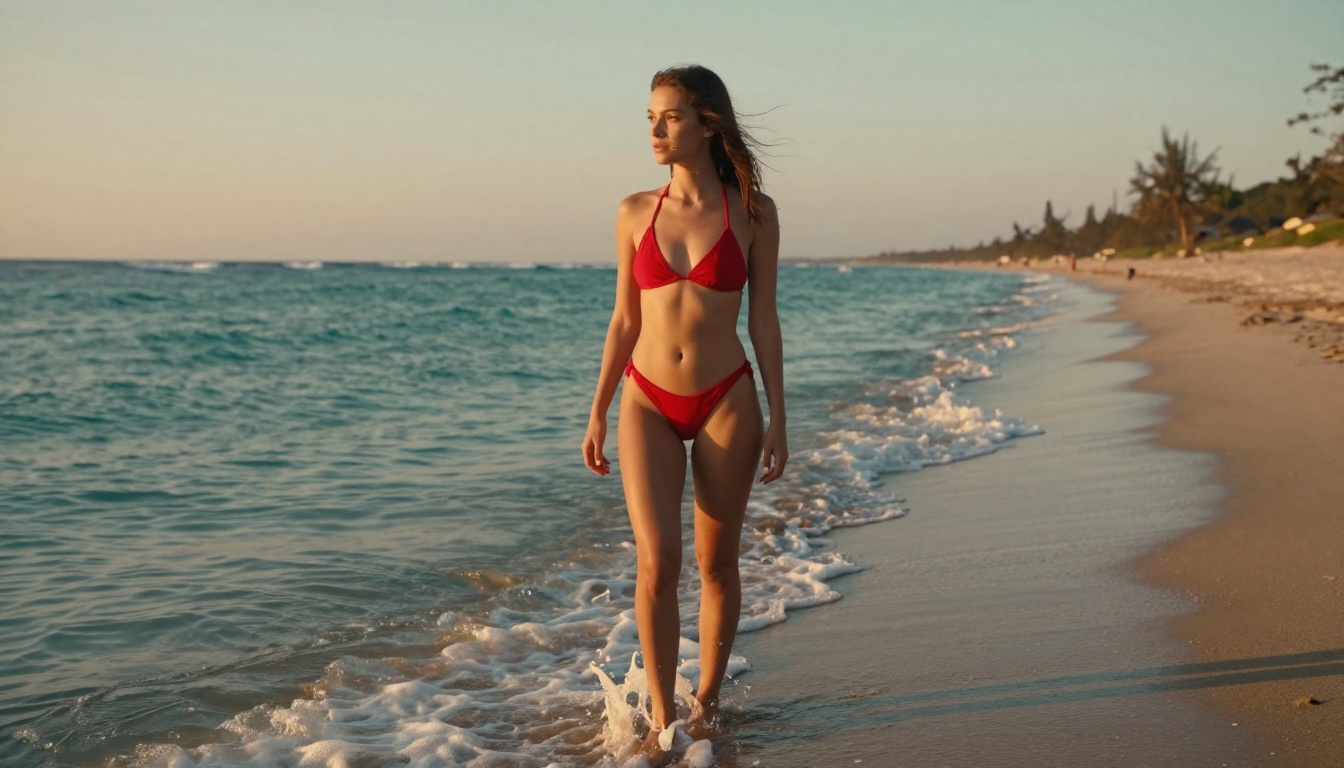
The Models That Actually Work in 2027
Not every AI image generator produces NSFW content. The big consumer platforms, Google's Imagen, OpenAI's DALL-E integrations in major apps, and most free-tier tools have content policies that block or blur adult content at the inference layer. What works is using platforms that run uncensored model weights or explicitly allow adult content toggles.
The models themselves do not "want" to block anything. The restrictions are added by the platforms running them. Use the right platform with the right model weights, and you get clean, high-fidelity output every time.
Seedream 4.5: The Best NSFW Model Right Now
Seedream 4.5 by ByteDance is the standout model for NSFW and suggestive content in 2027. It produces 4K-resolution photorealistic images with exceptional skin texture, natural lighting response, and accurate anatomy. The model handles human figures better than most alternatives at this resolution tier.
What makes Seedream 4.5 worth leading with:
- Native 4K output without upscaling artifacts
- Skin rendering that captures pore detail, natural blemishes, and subsurface scattering light effects
- Prompt adherence that controls pose, clothing, and lighting simultaneously
- Speed: outputs in under 15 seconds on standard hardware
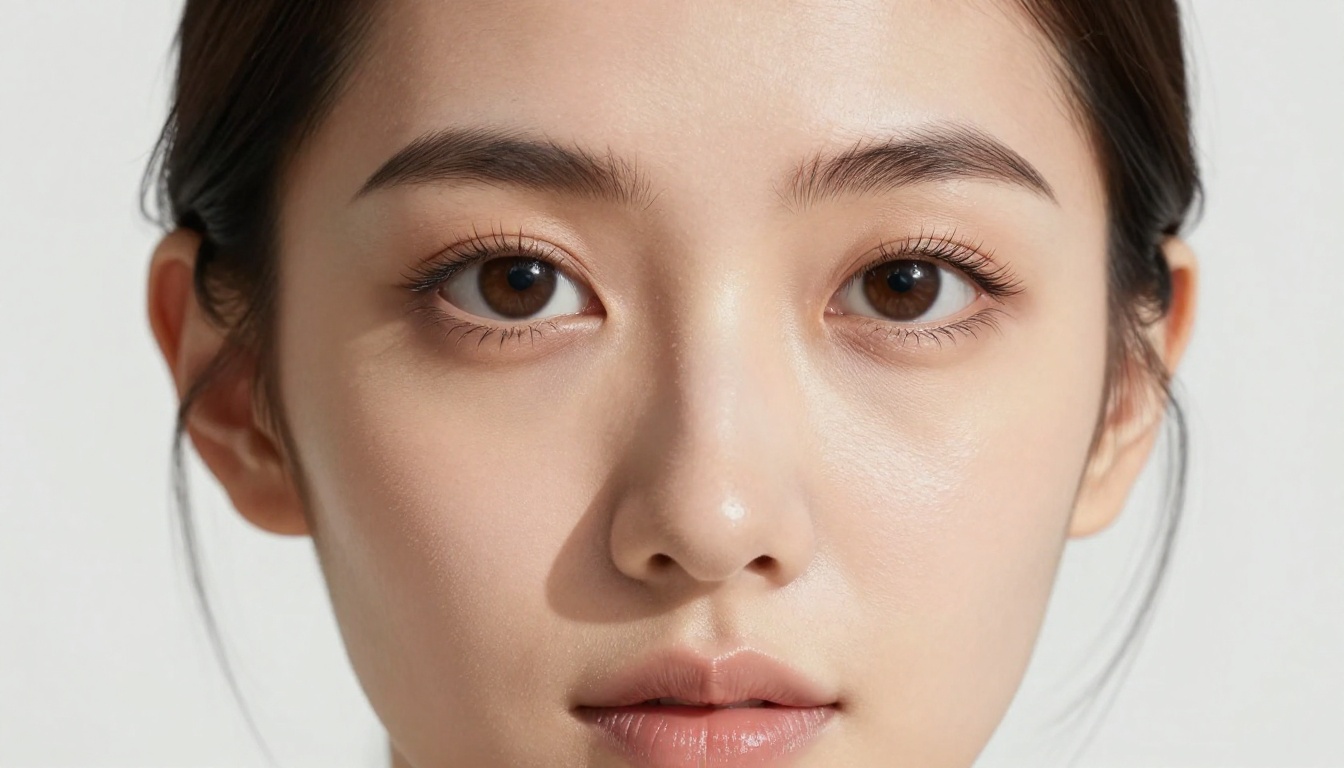
💡 On PicassoIA, Seedream 4.5 runs without content restrictions in unrestricted generation mode. The platform lets you toggle between standard and unrestricted output depending on your use case.
Flux Models for Unrestricted Output
The Flux Kontext Fast model from PrunaAI is built for rapid, high-quality image generation. It responds well to direct, descriptive prompts and produces excellent realistic output when given detailed descriptions. Its near-instant generation speed makes it ideal for iterating quickly on compositions before committing to a full-quality render.
Flux Schnell LoRA adds custom LoRA fine-tuning capability on top of the fast Flux base, meaning you can load style-specific or character-specific weights for targeted results. If you are building a consistent visual identity around a specific aesthetic or recurring character, Flux Schnell LoRA with the right weights outperforms most alternatives.
Flux Pro Finetuned is the quality ceiling in the Flux family, offering custom fine-tuned generation with the highest detail fidelity. Use this when maximum quality matters more than generation speed.
Wan 2.7 Image Pro and Hunyuan Image 3
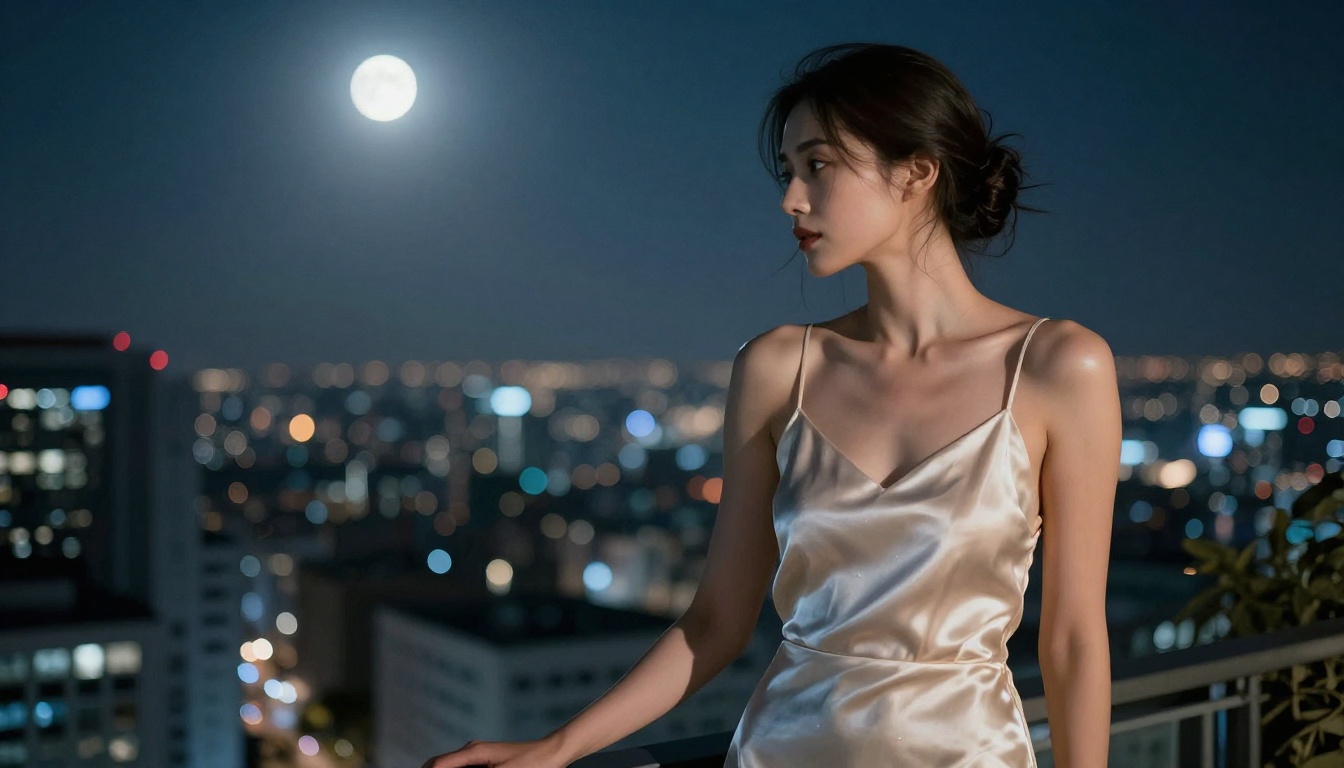
Wan 2.7 Image Pro outputs at 4K resolution with a strong emphasis on photorealistic composition. It handles complex lighting setups and multi-element scenes particularly well. Its training included a large proportion of fashion and beauty photography, which carries over directly to how it renders human subjects in varied environments.
Hunyuan Image 3 from Tencent is a strong secondary option, particularly for diverse facial features and aesthetics. It produces sharp, well-composed portraits and handles glamour photography prompts with high fidelity across a wide range of skin tones and lighting conditions.
Why Most Free Tools Block Your Content
The frustrating reality of NSFW AI generation is that most platforms run filtered versions of models that would otherwise produce exactly what you want. The filters are applied at three levels:
- Prompt filtering: The platform scans your input for flagged keywords before the model even runs
- Post-generation filtering: The output image is analyzed by a classifier and blurred or deleted if flagged
- Model-level restrictions: The platform serves a fine-tuned version of the model with NSFW content suppressed in the weights themselves
Free tiers almost universally apply all three. Paid tiers on mainstream platforms often still apply the first two. The only real solution is a platform that runs uncensored model weights and skips the post-generation classifier.
What Gets Blocked vs. What Passes Through
| Content Type | Mainstream Platforms | NSFW-Enabled Platforms |
|---|
| Bikini / swimwear | Usually allowed | Always allowed |
| Lingerie / boudoir | Often blocked | Allowed |
| Artistic nudity (implied) | Usually blocked | Allowed |
| Explicit nudity | Always blocked | Allowed with toggle |
| Suggestive poses | Sometimes blocked | Always allowed |
| Glamour photography | Usually allowed | Always allowed |
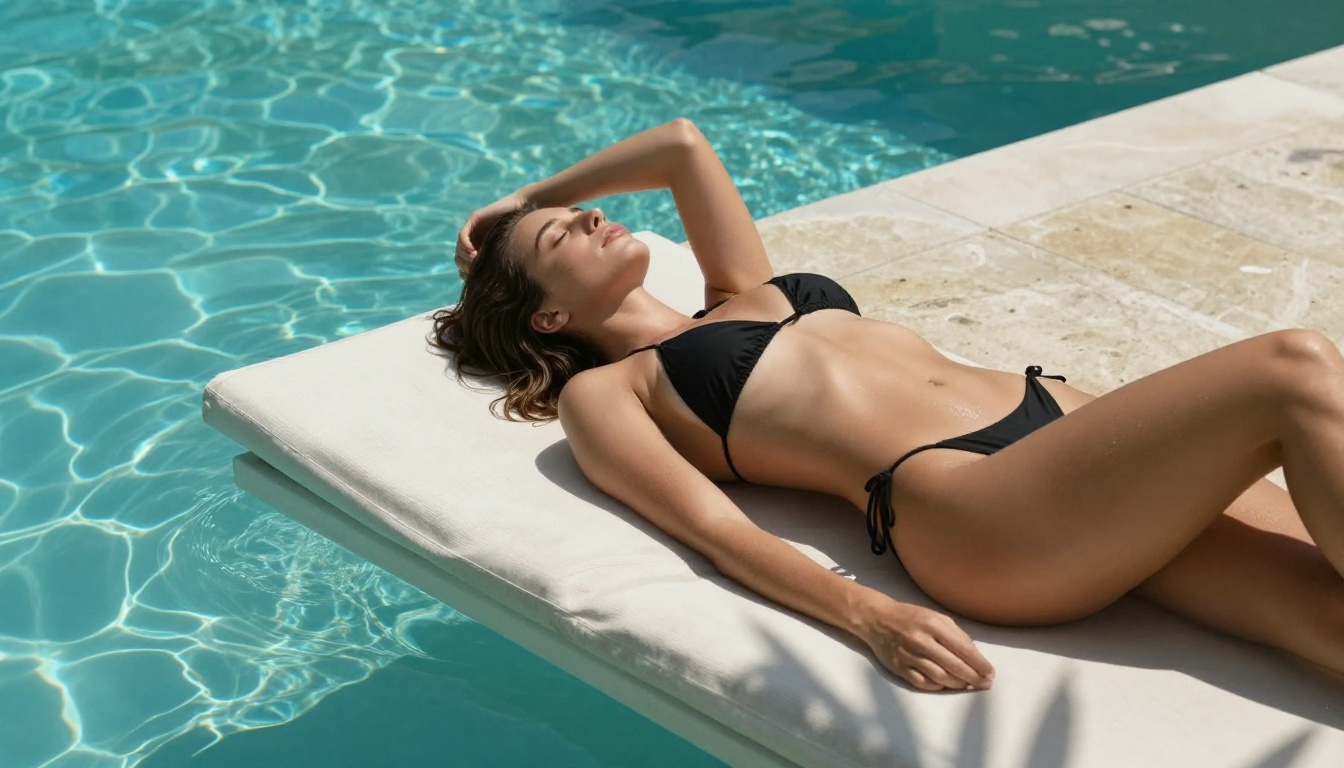
💡 The key phrase for 2027 is "unrestricted generation." A platform can run a powerful model and still serve filtered output. Always check whether the platform explicitly states uncensored or unrestricted generation, not just "advanced AI" or "next-generation."
How to Use Seedream 4.5 on PicassoIA
This is where theory meets action. PicassoIA gives you direct access to Seedream 4.5 running without content filtering in unrestricted mode. Here is the exact workflow:
Step 1: Open the Model
Go to Seedream 4.5 on PicassoIA. You will see the prompt input field and generation settings panel on the right side.
Step 2: Write Your Prompt
Write descriptively and specifically. The model responds to:
- Subject description: apparent age, hair color and style, body type, expression, pose
- Clothing: exact fabric, color, cut, coverage level, style
- Environment: specific location, time of day, weather conditions, props
- Lighting: direction, color temperature, quality (hard vs. soft, diffused vs. direct)
- Camera: lens focal length, aperture, distance from subject
Avoid generic terms like "beautiful woman" or "attractive pose." The model needs specifics to produce high-quality results rather than an averaged, generic output.
Step 3: Set Your Parameters
- Aspect ratio: 16:9 for landscape and cinematic shots, 9:16 for vertical portrait shots
- Quality steps: 30 or higher for photorealistic output, lower settings for fast composition previews
- CFG scale: 7 to 9 for a balance of prompt adherence and natural-looking variation
- Seed: Set a specific seed number to reproduce a result you want to refine further
Step 4: Iterate Fast
Generate at lower quality first to check composition and pose, then re-run at full quality with parameters locked. The fast generation speed of Seedream 4.5 makes this two-pass workflow practical without wasting time or credits.
Writing Prompts That Produce Results
Prompt quality is the single biggest variable in NSFW AI generation. A weak prompt with a powerful model still produces mediocre output. A strong, specific prompt consistently produces professional-quality results regardless of which model you use.
The Structure That Works
Think of your prompt as a photography brief handed to a professional photographer:
[Subject] + [Pose/Action] + [Clothing/State] + [Environment] + [Lighting] + [Camera Specs] + [Film Stock/Style]
Weak prompt:
Beautiful woman on beach
Strong prompt:
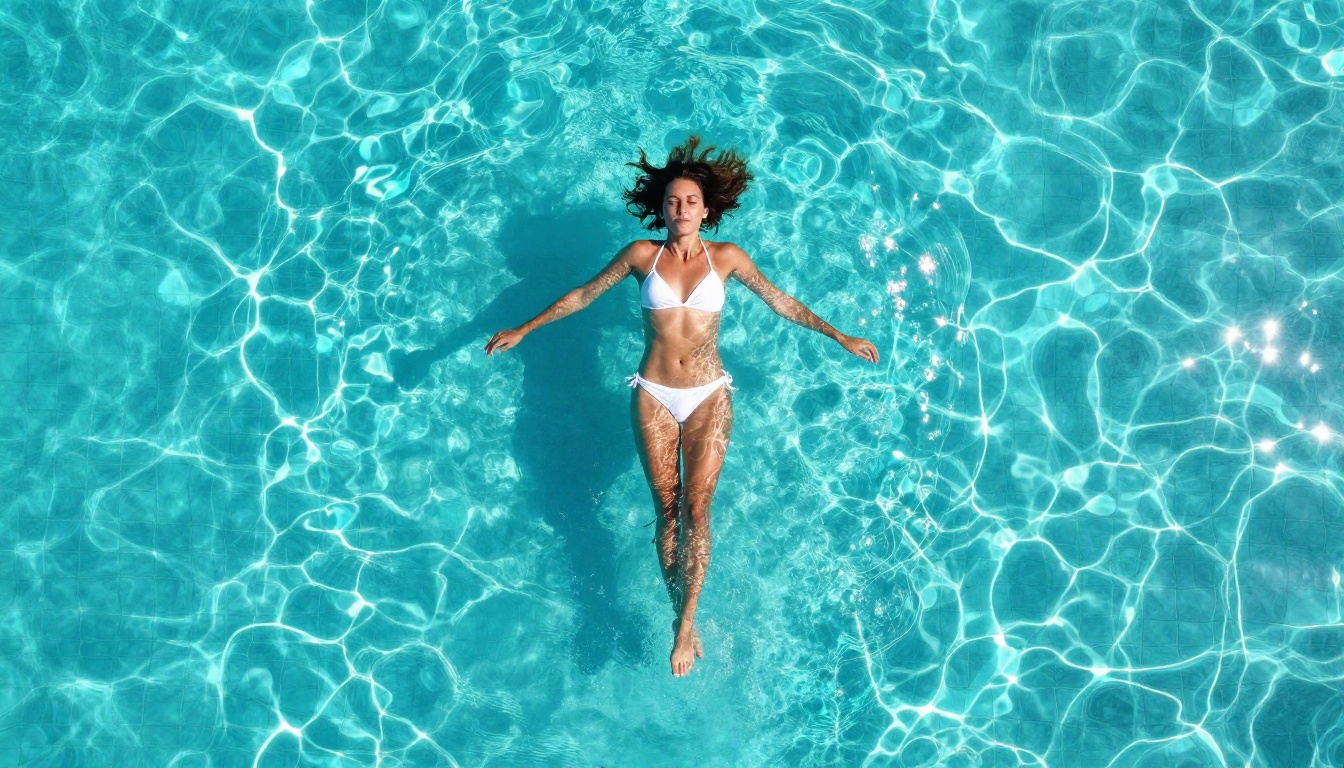
Young woman in her mid-twenties in a minimal white bikini standing at the water's edge on a deserted tropical beach, warm ankle-deep waves washing over her feet, looking toward the camera with relaxed confidence, windswept hair, golden hour light from the right casting long warm shadows on wet sand, shot at 35mm f/2.0 on Kodak Portra 800, photorealistic, 8K
The difference in output quality between these two prompts is not subtle.
5 Prompt Templates That Work
Template 1 — Beach/Outdoor:
[Subject + clothing] at [specific beach location], [wave or water detail], [lighting time of day], [camera angle], [focal length and f/stop], [film stock] --ar 16:9
Template 2 — Studio/Indoor:
[Subject] in [specific interior], [clothing], [lighting setup: key/fill/rim description], [background detail], shot with [camera] at [lens specs], [mood descriptor], photorealistic 8K
Template 3 — Glamour Portrait:
Close-up portrait of [subject], [expression], [lighting style: Rembrandt/butterfly/split], [skin detail: freckles/tan/pore texture], [hair detail], [background: color/texture], [lens and aperture for depth of field]
Template 4 — Boudoir:
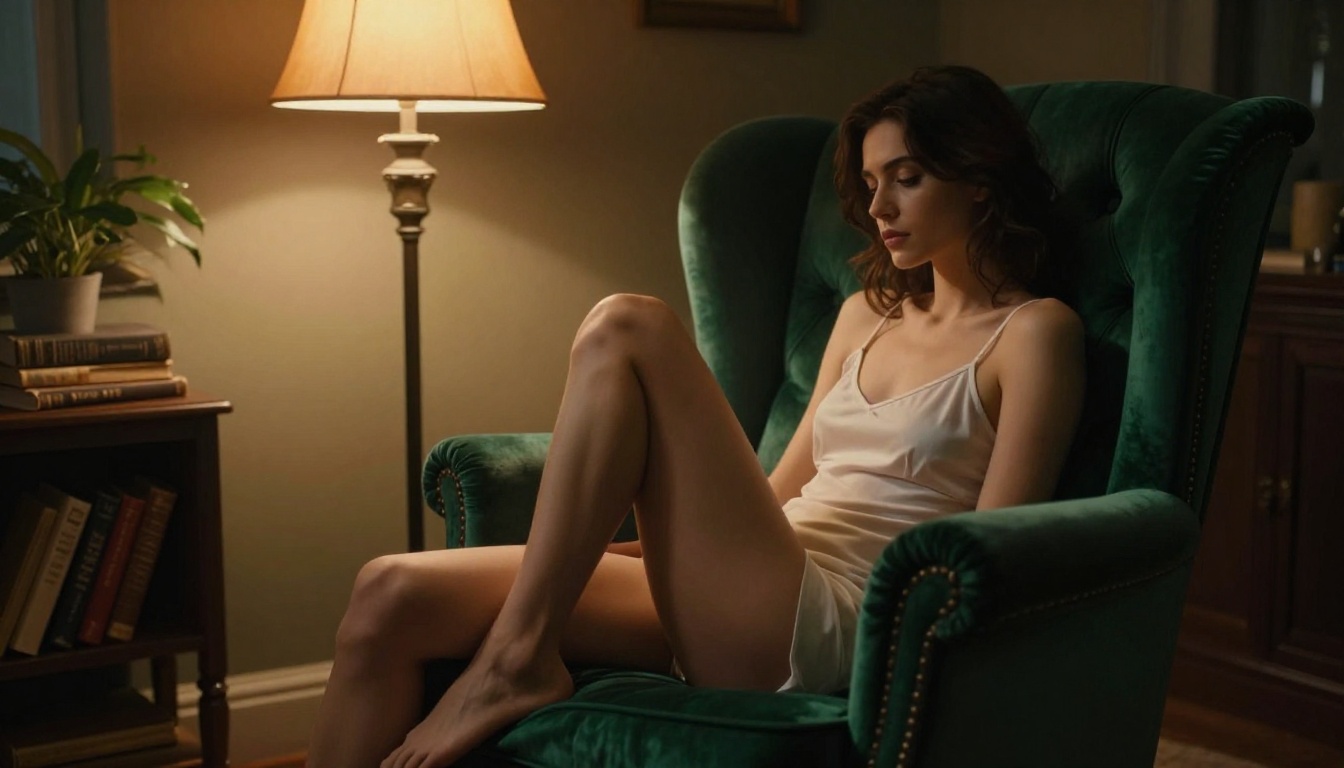
[Subject] in [specific lingerie or minimal clothing] on [specific furniture: bed/chaise/velvet chair], [fabric and texture detail of surface], [ambient lighting source: window/lamp/candle], [body position and pose], [camera angle and distance from subject], photorealistic, film grain
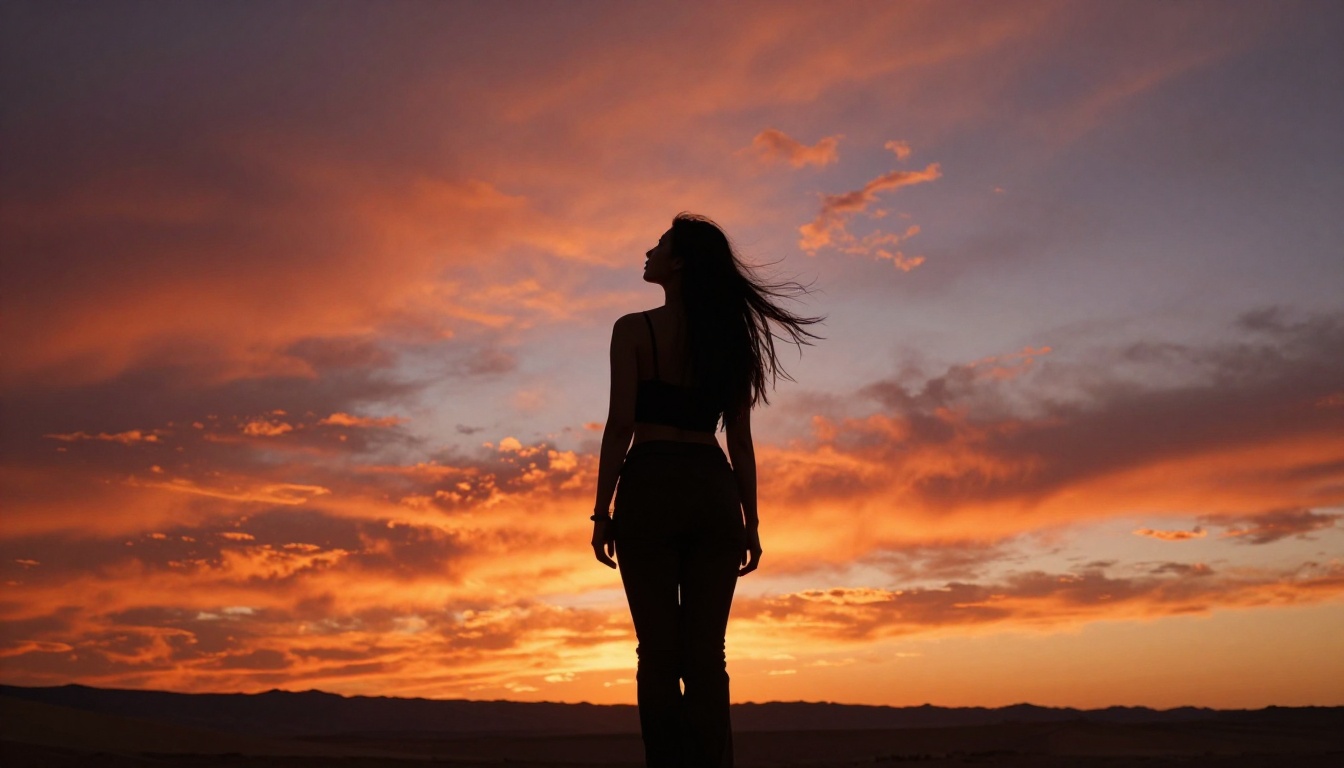
Template 5 — Artistic Silhouette:
[Subject] in silhouette against [dramatic sky or light source], facing [direction], [hair or clothing movement detail], [specific location], [camera specs], high contrast, [color palette of sky]
3 Common Mistakes That Kill Quality
Mistake 1: Stacking adjectives without specifics
"Beautiful, gorgeous, stunning, perfect" gives the model nothing concrete to work with. Replace stacked adjectives with measurable descriptions: specific proportions, features, exact clothing items, named locations.
Mistake 2: Forgetting lighting
Lighting is half the image. "Good lighting" is useless as a prompt term. Specify: "volumetric afternoon light from the upper left, casting a long shadow to the right, warm 5500K color temperature, slight lens flare at frame edge."
Mistake 3: No camera context
Adding camera specifications (lens focal length, aperture, film stock) dramatically changes how the model renders the scene. An 85mm f/1.4 portrait looks completely different from a 24mm f/8 landscape shot of the same subject. This context shifts the entire visual language of the output.
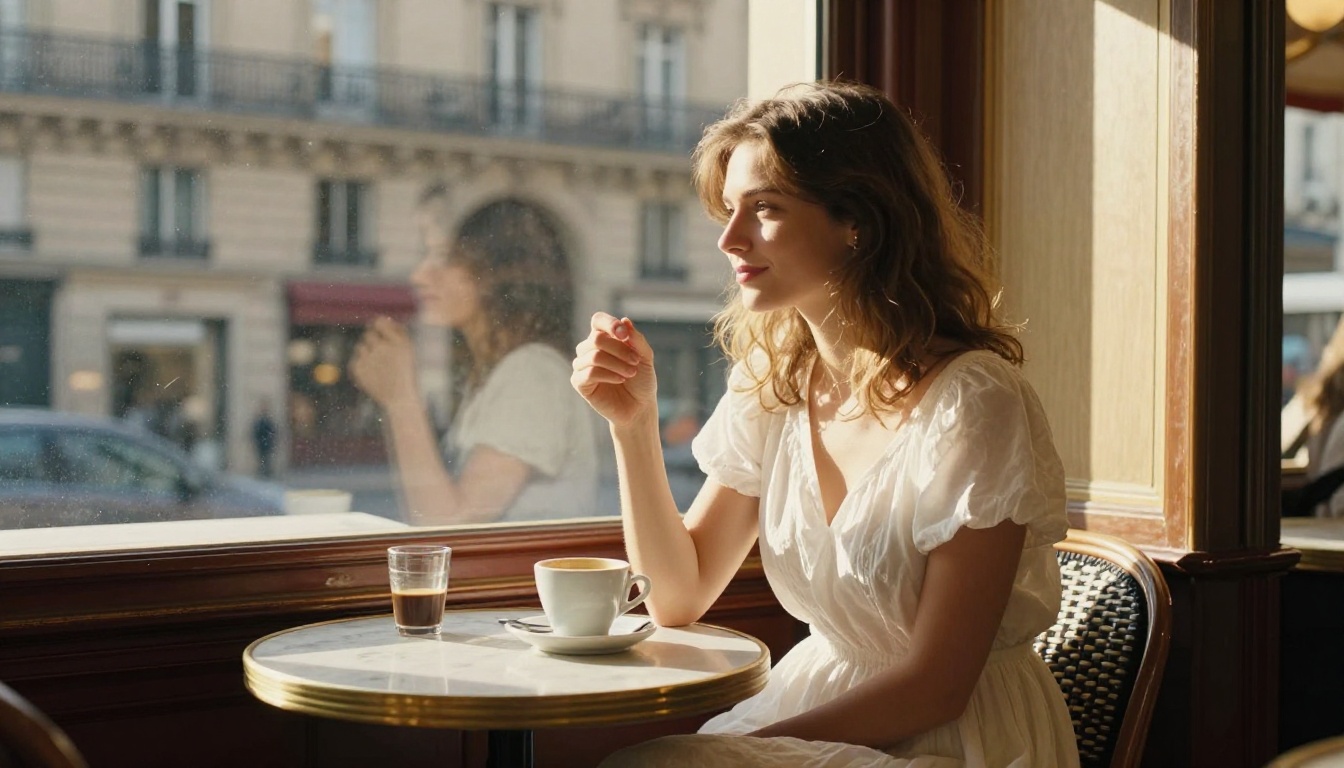
Image Quality and Resolution in 2027
The resolution race in AI image generation is largely settled. Most serious models in 2027 output at 4K or above. The more important variable now is perceptual realism: the combination of resolution with accurate anatomy, natural lighting response, and believable skin and fabric texture.
Model Comparison for NSFW Output
When Upscaling Makes Sense
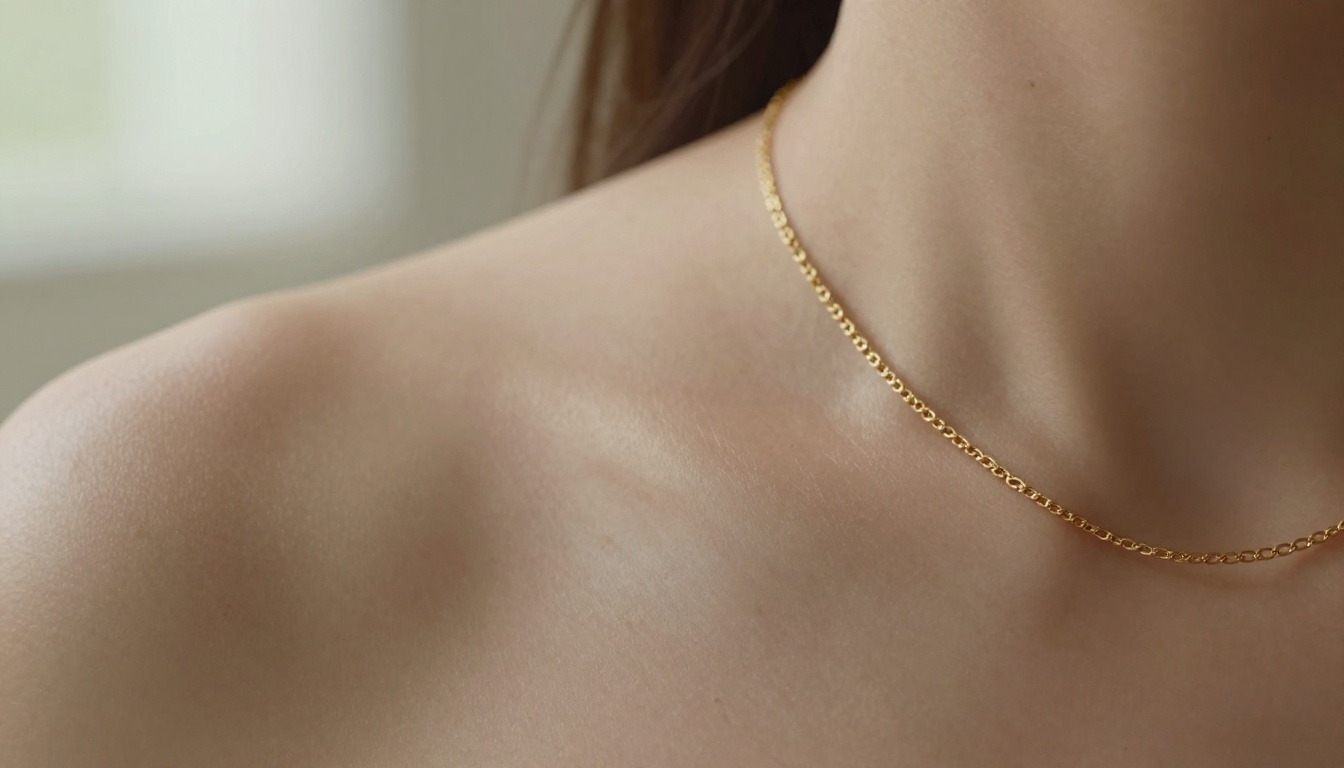
Even 4K outputs benefit from super-resolution upscaling when you need print-quality resolution or need to crop heavily into the image without losing detail. PicassoIA includes super-resolution tools that apply AI upscaling at 2x or 4x without the blurring artifacts you get from standard bicubic scaling.
For NSFW content specifically, upscaling after generation preserves the original output intact while adding resolved detail to skin texture, fabric weave, and individual hair strands that were not fully rendered at base resolution. This is particularly visible in close-up and macro compositions.
From Images to Video: The Next Step
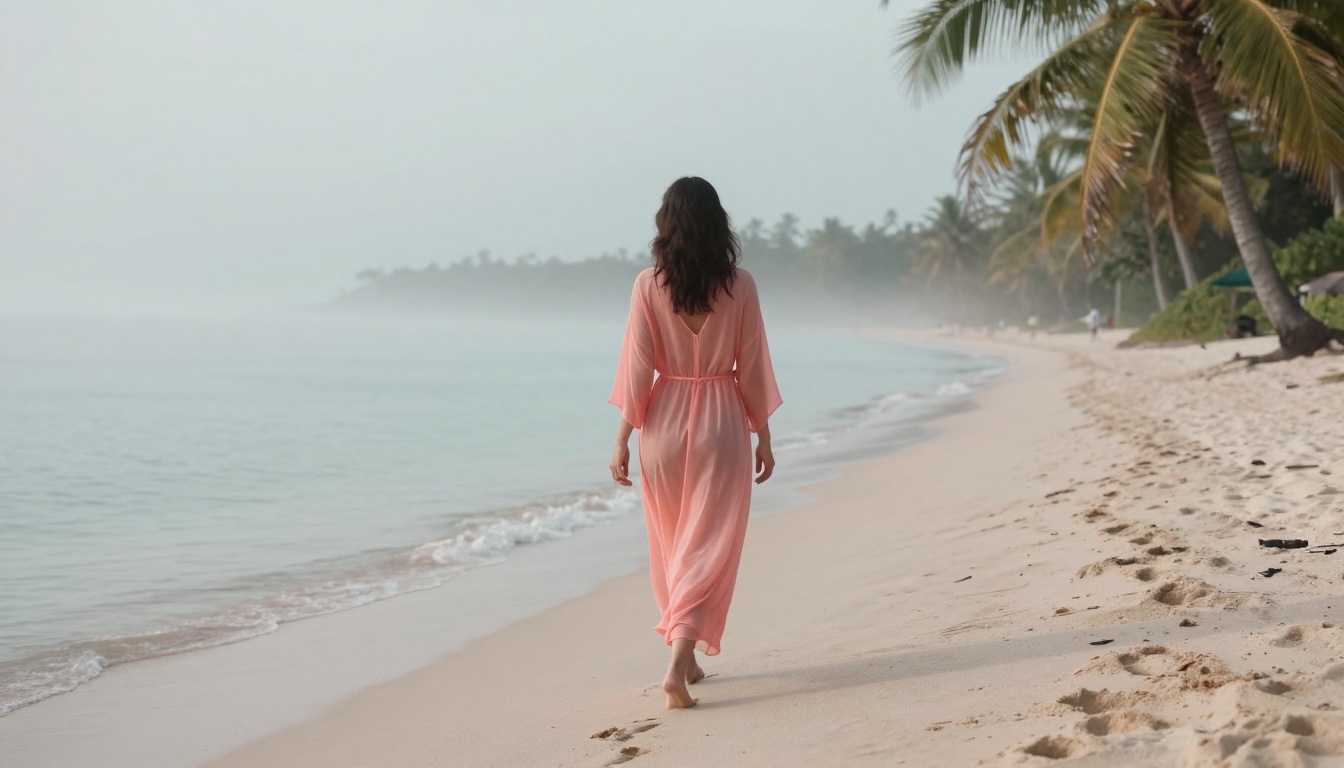
Static images are one thing. AI-generated video brings NSFW content to an entirely different level of realism. In 2027, image-to-video models take your best generated image and animate it over 5 seconds with realistic motion physics including water, fabric, and hair dynamics.
The workflow is direct:
- Generate your best source image with Seedream 4.5 or another model
- Feed that image to the image-to-video tool as the first frame anchor
- Write a motion prompt describing what moves, how the camera moves, and what unfolds over 5 seconds
- Output at 720p, 24fps for a clean cinematic result
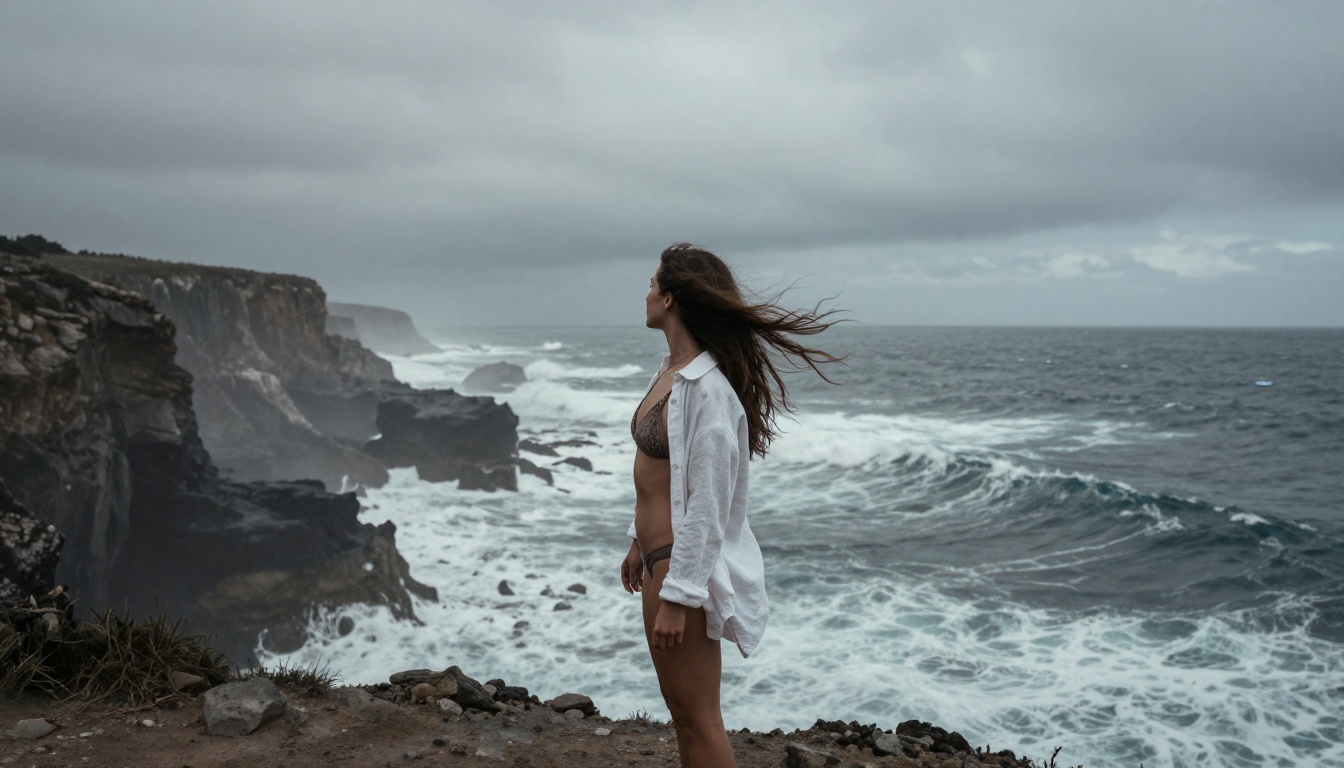
The output is a 5-second clip with realistic hair movement, wave physics, fabric dynamics, and smooth camera motion. Combined with a high-quality source image, the result is indistinguishable from filmed content at casual viewing distances.
Motion Prompt Tips
Getting good video output requires a different approach from image prompting. These are the rules that produce consistent cinematic results:
- Be chronological: describe what happens at the beginning, middle, and end of the 5-second clip as a sequence
- Specify camera movement precisely: "slow dolly-in," "gentle pan from left to right," "static hold with subtle natural push-in"
- Include physics details: "hair lifts and shifts in the breeze," "fabric ripples from left side," "water foam swirls around ankles and retreats"
- Match the source image's lighting: reference the same light source and time of day so the video rendering stays visually consistent with the first frame
What PicassoIA Offers Over Standalone Models
Running these models locally requires significant hardware (24GB or more VRAM for 4K generation at acceptable speed), technical setup, and ongoing maintenance as model weights update every few months. Most users do not have this setup and do not want to maintain it.
PicassoIA removes all of that friction:
- 91 text-to-image models in the cloud, including Seedream 4.5, Wan 2.7 Image Pro, and Hunyuan Image 3
- No installation, no GPU required: runs entirely in your browser on any device
- Unrestricted generation mode for adult and NSFW content without post-generation blurring
- Image-to-video at cinematic 720p quality with realistic physics
- Unlimited generation on the Image Editor Pro tier
- Super-resolution upscaling for print-ready output at 2x or 4x
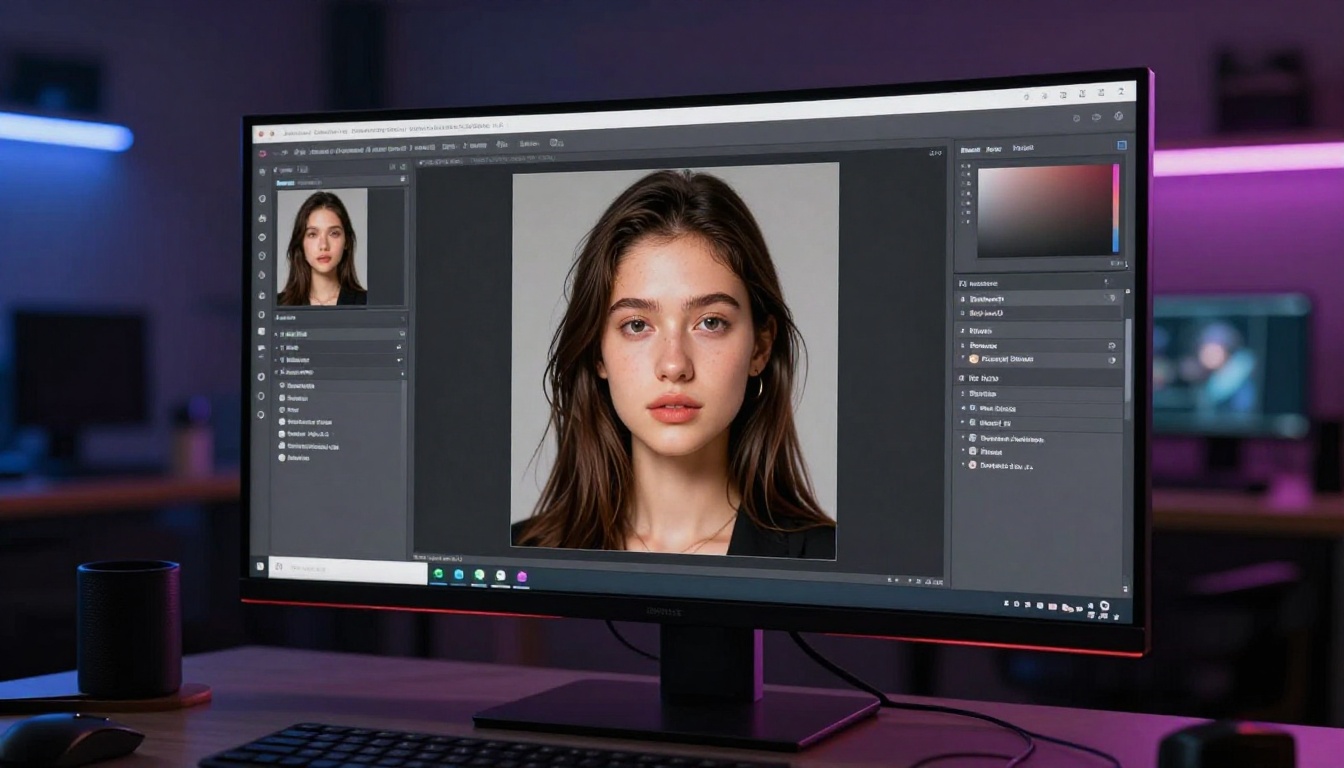
- Image editing tools: inpainting to fill details, outpainting to expand the canvas, object replacement, face swap
💡 The Image Editor Pro plan on PicassoIA includes unlimited generations. For high-volume NSFW image creation, this is significantly more cost-effective than pay-per-image platforms where costs compound quickly at scale.
2026 brought a clearer regulatory landscape for AI-generated adult content. Several jurisdictions now have explicit rules that apply to this type of content:
- Age representation: Generated subjects must not appear to be under 18 years old. Platforms enforce this with both prompt filters and output classifiers that flag apparent age.
- Disclosure requirements: In some regions, AI-generated explicit content must be labeled as synthetic when published or distributed to others.
- Platform terms of service: Even unrestricted platforms prohibit specific content categories. Read the terms before generating, since violations can result in account removal.
PicassoIA enforces a strict minimum apparent age of 18 on all generated human subjects and applies detection systems to flag outputs that appear younger, regardless of prompt content.
💡 Legal compliance is your responsibility as the creator. Always check the applicable laws in your jurisdiction before distributing AI-generated adult content, even when the generation itself is permitted on the platform you are using.
The Quality Gap Is Closing Fast
In 2024, you could spot AI-generated images quickly. Hands were anatomically wrong, backgrounds were incoherent, and skin looked flat and waxy. In 2026, that gap has nearly closed for the best models.
Seedream 4.5 produces correct hands in the vast majority of prompts. Skin texture is photorealistic down to a macro level with visible pore structure and subsurface light scattering. Lighting behaves according to actual physics. The remaining artifacts are subtle: occasional background inconsistency, slight anatomical proportion issues at extreme or unusual poses, and compression artifacts at the render boundary in very densely detailed scenes.
For practical use, these are minor issues. For NSFW content specifically, where the subject is typically the dominant visual element in a shallow depth-of-field composition, these issues rarely appear at all.
Start Generating Your Own Images Now
Everything in this article points to one practical conclusion: the best way to generate NSFW images with AI in 2027 is through a platform that runs uncensored model weights with no post-processing filter applied to the output.
PicassoIA gives you direct access to Seedream 4.5, Wan 2.7 Image Pro, Hunyuan Image 3, Flux Kontext Fast, and over 87 other text-to-image models in a single browser-based interface with no GPU requirements on your end.
The prompt templates in this article work from the first attempt when applied correctly. Start with Seedream 4.5, use Template 2 or Template 4 from the section above, and generate at low quality first to lock in your composition before committing to the full-resolution render.
Browse the full model library at picassoia.com/en/all-models and run your first prompt today. The gap between reading about this and seeing your first generated image is about 30 seconds.